Does Sales Navigator Provide Email Addresses? No
Sales Navigator identifies the person and stops there. No tier supplies a work email address, and the CRM export carries the record with that field empty.
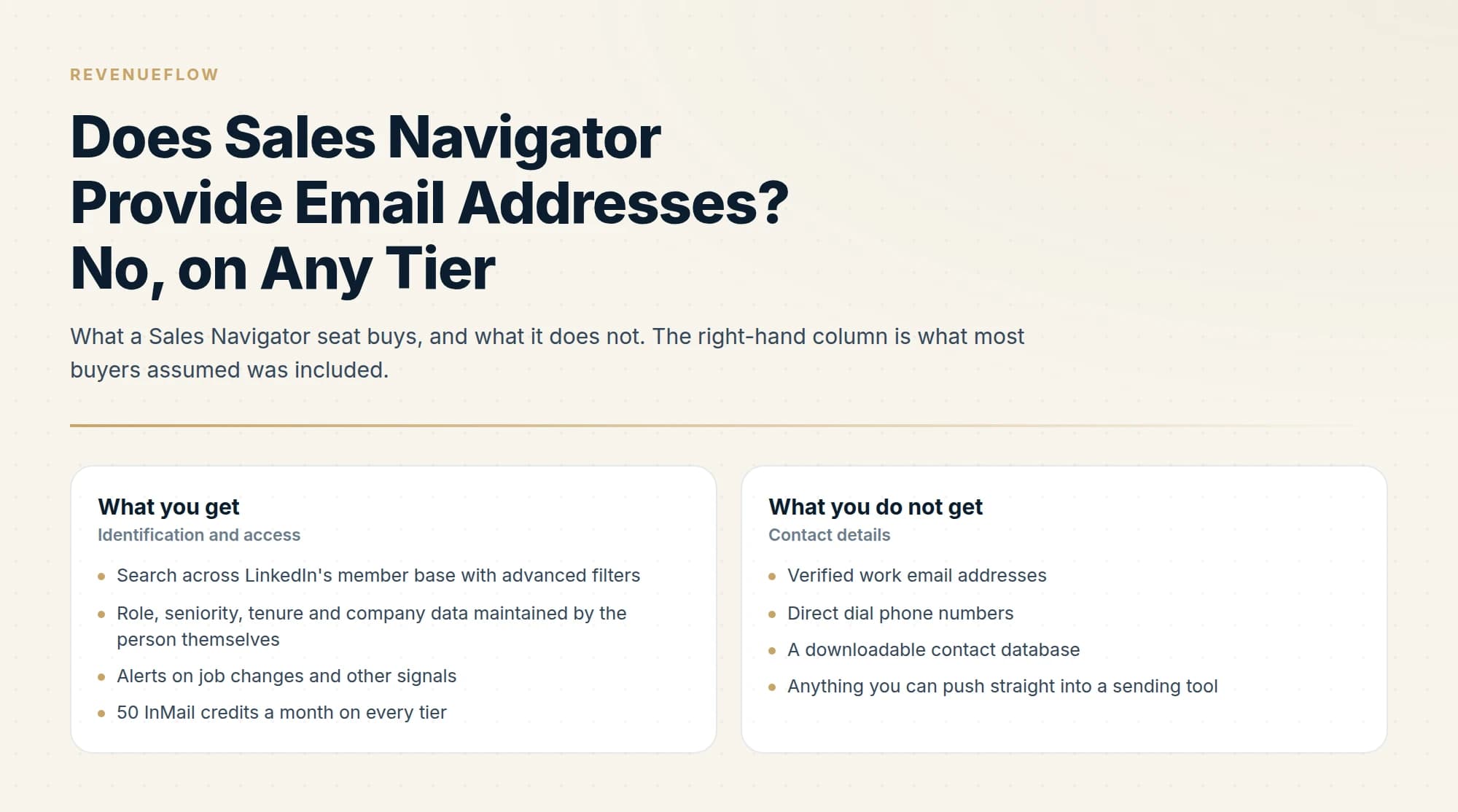
No. Sales Navigator provides no verified work email addresses on any tier, including the custom-priced one, and its CRM export carries name, title, company and profile linkage with the email field empty. It is a search and research product, and LinkedIn sells InMail as the route to people whose address you do not hold.
Key takeaways
- The absence is deliberate rather than a gap, since LinkedIn sells InMail as the paid route to someone whose email address you do not hold.
- Sales Navigator's CRM export pushes name, title, company and the profile linkage into Salesforce, HubSpot, Microsoft Dynamics or Oracle, and the email field arrives empty.
- No tier changes this, so a Core seat plus a separate finding budget often beats the expensive tier for a team whose real problem is contact data.
- Many extraction tools guess an address from name and company rather than reading one, which is the same waterfall approach behind a LinkedIn-shaped interface.
Reviewed and updated September 1, 2026
No. Sales Navigator does not give you work email addresses, and it is not a gap LinkedIn intends to close, because handing out member contact details is the opposite of what the platform is for.
That answer disappoints a lot of people who have just paid US$119.99 a month expecting a prospecting database. It is also the most useful thing to understand early, because the workaround is straightforward once you stop looking for the feature.
The category term for this second step is LinkedIn data enrichment: taking a profile you can see and resolving it against providers that hold contact data, which is a different operation from reading something LinkedIn declined to show you.
What Sales Navigator actually gives you
Sales Navigator is a search and research product. It is very good at telling you who to contact and says almost nothing about how to reach them outside LinkedIn itself.
- Search across LinkedIn's member base with advanced filters
- Role, seniority, tenure and company data maintained by the person themselves
- Alerts on job changes and other signals
- 50 InMail credits a month on every tier
- A messaging route to people you are not connected to
- Verified work email addresses
- Direct dial phone numbers
- A downloadable contact database
- Anything you can push straight into a sending tool
The distinction matters because it changes what you are comparing Sales Navigator against. Against a contact database it looks expensive and incomplete. Against a research surface it is the best one available for B2B, because the underlying data is maintained by the people it describes rather than by a vendor scraping and guessing. That self-maintenance is the quiet advantage: a job title on LinkedIn is usually current because the person updating it wants it to be, which is not true of any purchased database.
Why LinkedIn will not provide them
Two reasons, and both are structural rather than temporary.
The obvious one is that member email addresses are member data, and LinkedIn's entire value proposition to the 1.1 billion people on the platform depends on not handing their contact details to whoever pays for a seat. A LinkedIn that exported emails would be a LinkedIn people used less.
The less obvious one is that LinkedIn already sells you the messaging route. InMail exists precisely so you can reach someone without their email address, priced per credit and refunded when they reply. Providing emails would undercut the product LinkedIn charges for. What InMail is and how the credits work covers that mechanism.
This is also why the surrounding rules exist. LinkedIn's User Agreement prohibits using software or scripts to scrape or copy profiles and data, and prohibits obtaining that data through third parties including aggregators and brokers. Extracting contact details in bulk is not an unaddressed gap, it is a named prohibition, and what LinkedIn's terms say about scraping covers the clauses and the enforcement.
What to do instead

The working pattern separates identification from contact resolution, and it is better than an all-in-one would be.
- Step 1Identify in Sales Navigator
Build the target list on role, company, seniority and signals, where LinkedIn's data is strongest because members maintain it.
- Step 2Export the identifiers, not the contacts
Name, company and domain are what you need. LinkedIn was never going to supply the address anyway.
- Step 3Resolve the address in a waterfall
A dedicated email-finding chain returns an address from name and company domain, at a known cost per hit.
- Step 4Verify before sending
An address found is a claim. Verification close to the send is what keeps bounce rates down.
We run exactly this: MillionVerifier, Prospeo and Findymail in sequence for finding and verification, with LinkedIn used for identification only. It keeps the contact-data supply chain entirely outside the User Agreement question, and it produces a better address than any bundled feature would, because the providers doing it compete on that one job.
The step people skip is the last one. An address returned by a finder is a claim that a mailbox exists, not confirmation that it accepts mail, and addresses decay continuously as people change roles. Verifying at the moment the record was created tells you about a mailbox that may have closed since. Our cold email deliverability guide covers why bounce rate is the signal that matters here.
How the waterfall actually resolves an address
Worth explaining, because "use an email finder" sounds like a single step and the mechanics determine both your cost and your match rate.
A waterfall is a sequence of providers tried in order, cheapest and most reliable first, stopping as soon as one returns a usable answer. The input is almost always a name plus a company domain, which is exactly what a Sales Navigator list gives you. The providers work in different ways: some hold databases of previously observed addresses, some infer the pattern a company uses and test candidates against the mail server, and some combine both.
That mechanism gets noticeably thinner at the top of an org chart, which is why CEO email addresses need the seat confirmed and the result verified before anything is sent.
Two consequences follow, and they explain why this approach beats a bundled feature.
Coverage is additive. No single provider has every address, and their gaps are not the same gaps. Running three in sequence resolves substantially more of a list than running the best one alone, which is a structural advantage a single built-in feature could never have.
Cost tracks success rather than attempts, mostly. A well-built waterfall charges you when it finds something, so a list that resolves poorly costs less than one that resolves well. Watch for providers that charge per lookup regardless, because on a low-match list those bill you for absence.
The failure mode to plan around is the accept-all domain. Some mail servers accept every address, so verification returns neither valid nor invalid and you cannot confirm the mailbox exists. On enterprise-heavy lists that ambiguous tier can be large, and how you treat it determines your bounce rate.
What about the export features
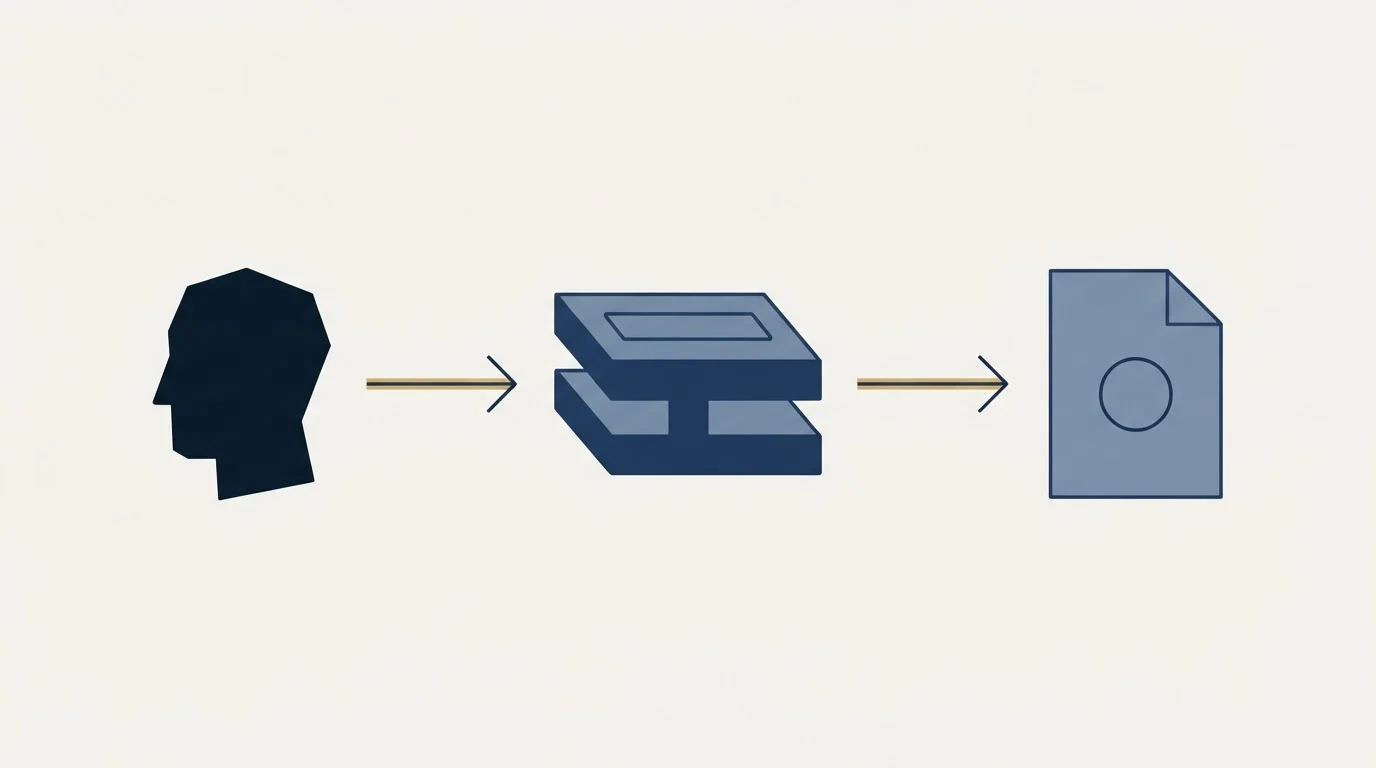
Sales Navigator does have export capabilities and they are worth understanding precisely, because they do not do what the question is really asking.
You can save leads and accounts to lists, and on the CRM-integrated tier you can push leads and accounts into Salesforce, HubSpot, Microsoft Dynamics or Oracle directly. What travels is the LinkedIn-held data: name, title, company, and the profile linkage. The email field arrives empty, which is exactly the duplicate-generating problem covered in LinkedIn and CRM integration, since most CRMs deduplicate contacts on email address.
So even the sanctioned export route confirms the answer. The field is not withheld from the export; it is not there in the first place, which is a different and more final thing.
What this means for choosing a Sales Navigator tier
If contact data was your reason for considering the upgrade path, the tier decision changes shape entirely.
None of the three tiers provides email addresses, so no amount of spending on Sales Navigator solves the problem the question is really about. What the higher tiers buy is research depth, team features and CRM integration, and that is worth paying for or not on its own merits.
The practical consequence is that a lot of teams are better served by the cheaper tier plus a separate finding budget than by the expensive tier alone. A Core seat identifies people perfectly well. The money that would have gone to the top tier buys a great many resolved and verified addresses, which is the thing actually missing. Our Sales Navigator pricing guide sets out what each tier does change.
The exception is a team whose reps genuinely live inside a CRM all day, where the integration removes real friction. That is a workflow argument rather than a data argument, and it should be made on those terms.
Because CRM integration often means HubSpot in practice, how HubSpot Enterprise pricing actually works is worth reading before treating that workflow argument as settled.
The tools that claim otherwise
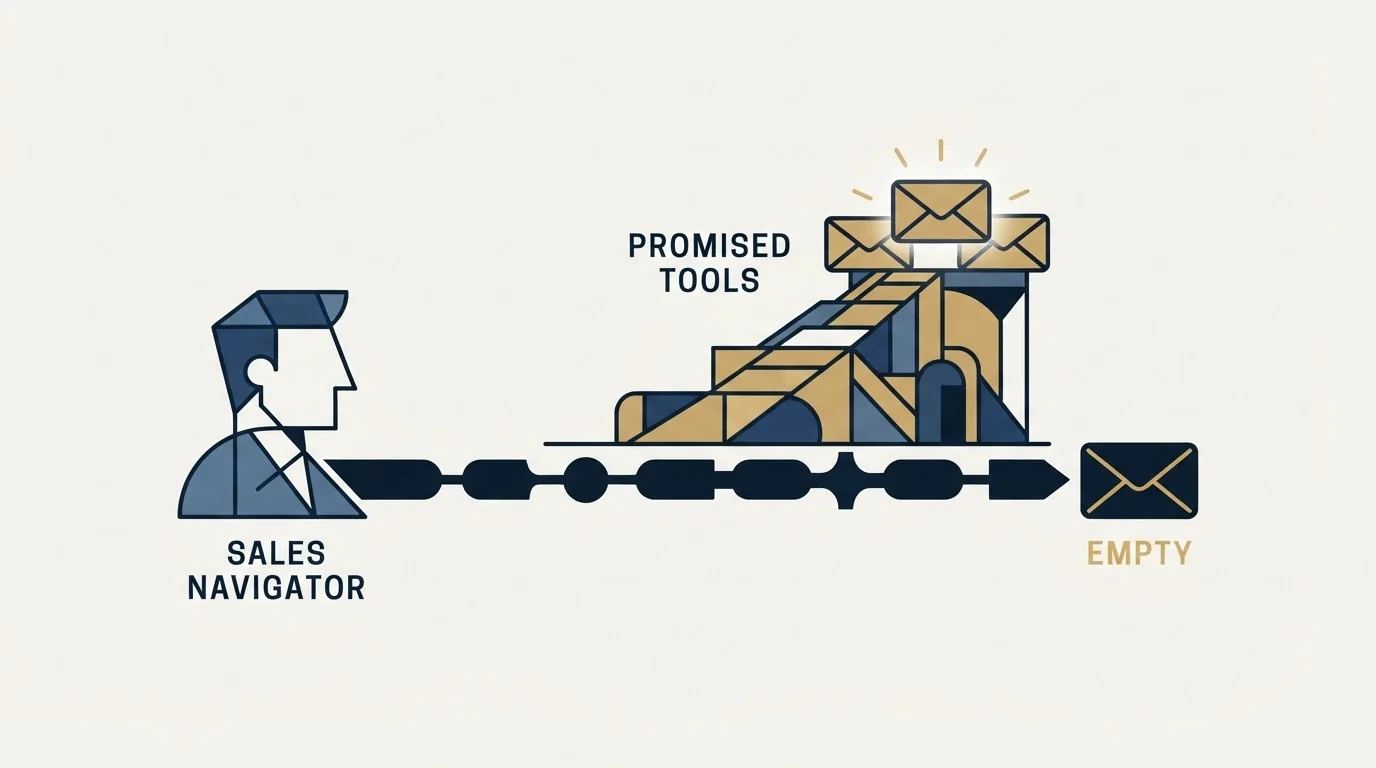
A category of browser extensions and services advertises Sales Navigator email extraction, and the honest framing is a risk statement rather than a recommendation.
- Yes: Ask whether it reads data from LinkedIn pages, because that is the prohibited action
- Yes: Ask whose account bears the restriction if LinkedIn notices
- Yes: Check whether it actually guesses addresses from patterns rather than reading them
- No: Assume a tool is safe because it runs in the cloud rather than the browser
- No: Assume public data means permitted data
The third line is the one that surprises people. Many extraction tools are not reading an email from LinkedIn at all, because there is none to read. They take the name and company from the profile and run a pattern guess or a third-party lookup, which is the same waterfall approach described above with a LinkedIn-shaped interface on top. If that is what a tool does, you can do it without touching LinkedIn's terms, from a list you exported legitimately.
The ones genuinely reading page data are the ones that put the account at risk, and LinkedIn states plainly that members using such tools risk having accounts restricted or shut down.
The short version
Sales Navigator does not provide email addresses, on any tier, including the custom-priced one. It provides identification: who holds which role at which company, maintained by the person themselves, with search filters and signals on top. That is a genuinely strong input and a deliberately incomplete one, because LinkedIn sells InMail as the way to reach people without their address. The working pattern is to identify in Sales Navigator, export the identifiers rather than the contacts, resolve the address through a dedicated finding waterfall, and verify close to the send. Tools promising extraction are either guessing the address anyway or reading page data in a way LinkedIn prohibits.
We run that split for clients and are paid on attended qualified meetings, so the addresses have to work. You can see what a campaign would look like for your market.
Sales Navigator capabilities, tier structure, InMail allowances and CRM export behaviour are per LinkedIn's own compare-plans page and Help Center, re-fetched with cache-busting and verified as of mid-2026. Scraping prohibitions are per the LinkedIn User Agreement section 8.2 and LinkedIn's prohibited-software page. Verify current terms with LinkedIn.
Frequently asked questions.
Frequently asked questions- Does Sales Navigator give you email addresses?
- No. It provides identification rather than contact details: search across LinkedIn's member base, role and seniority and tenure data maintained by the person themselves, alerts on signals, and 50 InMail credits a month on every tier. Verified work email addresses, direct dial numbers and a downloadable contact database are all outside what a seat buys.
- Why does LinkedIn withhold member email addresses?
- Two structural reasons. Member contact details are member data, and a platform that exported them would be one people used less. LinkedIn also already sells the messaging route: InMail exists so you can reach someone without their address, priced per credit and refunded when they reply. Supplying emails would undercut the product LinkedIn charges for.
- How do you get email addresses from a Sales Navigator list?
- Separate identification from contact resolution. Build the list in Sales Navigator, export the identifiers rather than the contacts, then resolve the address from name and company domain through a finding waterfall and verify it close to the send. We run MillionVerifier, Prospeo and Findymail in sequence, because provider coverage is additive and their gaps differ.
- Are Sales Navigator email extractor tools safe?
- Ask what the tool actually does. LinkedIn's User Agreement prohibits software that scrapes or copies profile data, and LinkedIn states that members using such tools risk having accounts restricted or shut down. Many extractors are not reading an address at all, since none is there, and instead guess the pattern, which you can do without touching LinkedIn's terms.
About the author.

B2B cold email experts helping companies generate qualified leads through done-for-you outreach campaigns.
RevenueFlow Team
Explore more.
Ready to scale your outreach?
We build GTM engines that book real meetings. See the receipts.
Related articles.
LinkedIn Web Scraping: What Section 8.2 Prohibits
Section 8.2 reaches past running a scraper yourself. It also covers data obtained through aggregators and brokers, which catches buyers as well as builders.
LinkedIn CRM: What Sales Navigator Integrates With
LinkedIn sells no CRM. It sells integrations into the one you already run, and the tier built for that work is the only one it will not price.
LinkedIn Voice Notes: 60 Seconds, 1st Degree Only
LinkedIn publishes three limits on voice messaging and they decide the play before the script does. What they rule out, and the one slot that survives.
The LinkedIn Green Dot: What Active Status Shows
LinkedIn's green dot and white-centred ring, as LinkedIn's own pages define them, who can see them, and why a cold list shows presence for only some prospects.
LinkedIn Message Types: Five Routes and What Silence Costs
Five ways to put a message in front of someone on LinkedIn, priced differently on the way out and priced very differently when nobody replies.
LinkedIn Invitations: The Rules LinkedIn Publishes
What an invitation actually buys, why the note allowance depends on which LinkedIn page you read, and what withdrawing one costs you.