HubSpot Sales Hub Enterprise: The Seat Model Decides
HubSpot's Sales Hub pricing page serves no prices to a plain fetch. The rate card, the seat taxonomy and the per-tier limits, read from the catalog that does.
HubSpot's Product and Services Catalog publishes Sales Hub Enterprise at $150 per month per seat, billed annually, with a required one-time onboarding fee of $3,500. Enterprise includes 5,000 monthly credits that do not roll over, and raises limits on reports, playbooks, pipelines and calling minutes over Professional.
Key takeaways
- The catalog publishes Sales Hub Enterprise at $150 per seat per month billed annually, and states that onboarding is required for a one-time fee of $3,500.
- Seats are types rather than headcount: a Core Seat and a Sales Seat grant different access, and email click tracking requires a Sales Seat.
- Mixing hubs prices every Core Seat at the highest subscription level you hold, so Enterprise becomes a property of the account rather than of one team.
- Included credits are 500, 3,000 and 5,000 per month by tier, they do not roll over, and additional credits are published at $0.010 each.
Reviewed and updated September 2, 2026
HubSpot's Sales Hub pricing page returns no prices at all to a plain fetch. The document that comes back is a 73KB JavaScript shell with the plan cards rendered in the browser afterwards, so a reader who saves the page, or a tool that reads it, gets a page with the numbers missing. The numbers are published, just not there. They sit in HubSpot's Product and Services Catalog on legal.hubspot.com, which serves the whole rate card and the per-tier feature limits as plain text.
That is worth knowing before anything else, because most of what circulates about Sales Hub Enterprise pricing is a third party's reading of a page that does not carry the figures. This walks the catalog instead, and reads the three things that decide what an Enterprise subscription costs and what it actually gives an outbound team.
The seat price is one of three numbers on the invoice
The catalog publishes the Sales Hub ladder in one place. Sales Hub Starter starts at $20 per month per seat. Sales Hub Professional starts at $100 per month per seat. Sales Hub Enterprise starts at $150 per month per seat, and the catalog states plainly that it is billed annually.
Two further figures come attached and are easy to miss, because they are one-time rather than recurring. The catalog states that onboarding is required for a one-time fee of $1,500 on Professional and a one-time fee of $3,500 on Enterprise. Required is the operative word: this is not an optional professional-services line a buyer can decline in the first year. The catalog also gives the Enterprise onboarding a delivery period of 90 days from purchase, against 60 days for Professional, which tells you how HubSpot itself scopes the work.
So the first-year cost of an Enterprise subscription is the seat rate multiplied by seats multiplied by twelve, plus $3,500. The following arithmetic is ours rather than HubSpot's, performed on the catalog's published figures: a ten-seat Enterprise subscription lists at $1,500 a month, $18,000 for the year, and $21,500 once the required onboarding fee is added. That final number is 19 percent above the figure a buyer gets by multiplying the seat rate alone, and it lands in year one only.
Catalog states billed annually
90 day delivery period
Invented example, published rates
Seats are a taxonomy, and the taxonomy has a pricing rule inside it
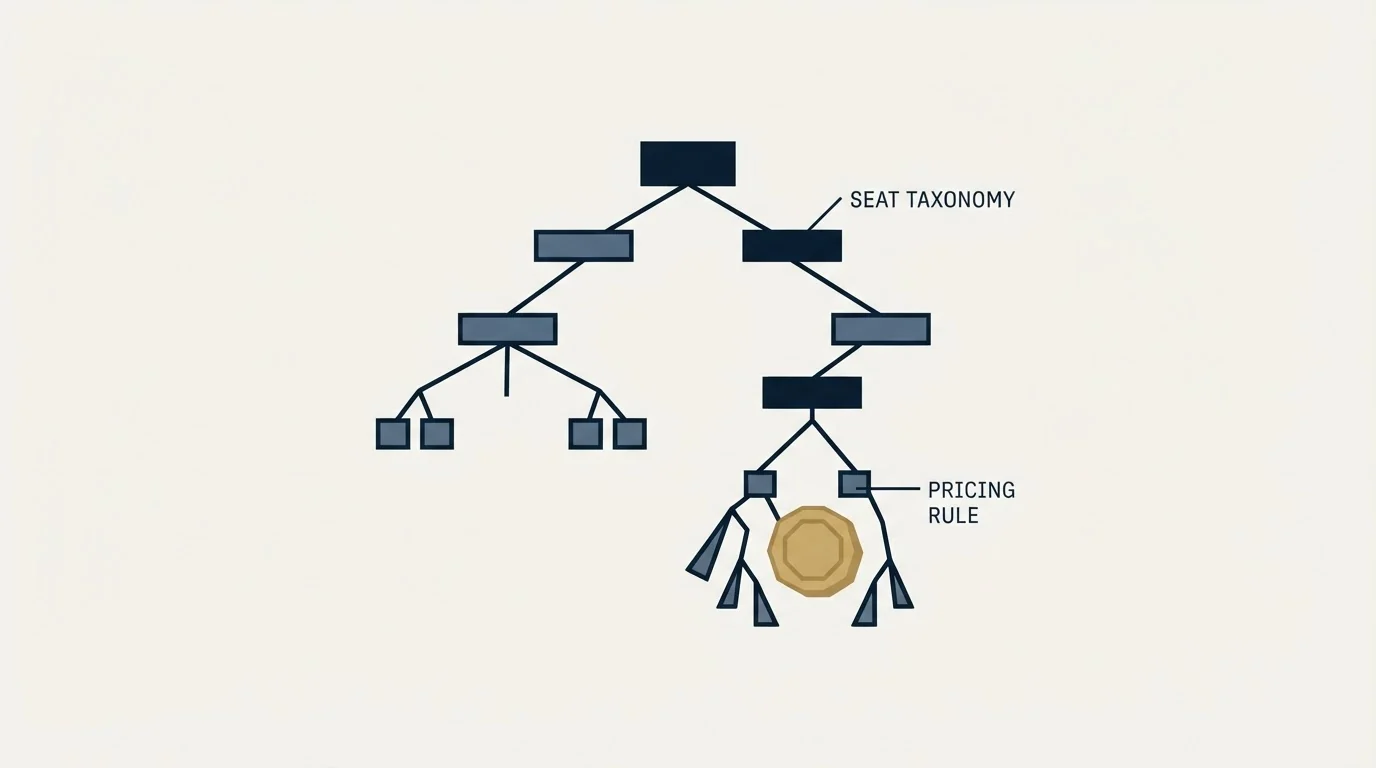
The part of the catalog that surprises most buyers is not the rate. It is that a seat is a type rather than a headcount. HubSpot publishes several seat types, and they do different jobs.
Seat definitions carry the same kind of surprise elsewhere, where a self-serve seat with no team layer turns out to be a single workspace rather than a starting point.
A Core Seat grants core access to all purchased products, built-in AI with Breeze Assistant, enriched data and Smart CRM. A Sales Seat grants complete access to Sales Hub Professional or Enterprise, including the advanced features built for sellers, and includes Core Seat access on top. Service and Revenue Seats do the same for their own hubs. A View-Only Seat is available at no additional cost, which matters for managers and finance who need to read the pipeline without touching it.
Inside that model sits a rule with real billing consequences. The catalog states that if you have a mix of Starter, Professional and Enterprise products, all your Core Seats will have the highest level of access across your purchased subscription services and will be priced based on the highest level of your subscription services. HubSpot's own worked example is a customer subscribed to both Marketing Hub Professional and Sales Hub Enterprise, whose highest-level subscription is therefore Enterprise.
Read that in the direction a buyer actually travels. A team that adds Sales Hub Enterprise for six sellers, on top of a Marketing Hub Professional subscription that twelve people log into, has not bought six Enterprise seats sitting beside twelve cheaper ones. Every Core Seat in the account is now priced at the Enterprise level. Enterprise is a property of the account rather than of a department, and the seat audit belongs before the negotiation rather than after it.
Teams that also sync these seats through automation will find the Zapier duplicate-prevention breakdown useful for understanding which HubSpot actions actually match existing records before creating new ones.
Credits reset monthly and nothing carries forward
The third meter is credits, which fund the AI features across the platform. The catalog publishes the included allotments as 500 credits at Starter, 3,000 at Professional and 5,000 at Enterprise for a purchase of Smart CRM, Marketing Hub, Sales Hub, Service Hub, Content Hub or Revenue Hub. It also states that included credits are not additive across products, so a customer with several products receives the highest available allotment rather than the sum.
HubSpot's data enrichment guide explains why enrichment itself skips the credit meter even though smart properties still draw from it.
Two sentences in the catalog decide whether that allowance is generous or tight. Credits reset monthly during the subscription term, and unused credits do not roll over into the following month. That is a use-it-or-lose-it meter, so a team that runs a heavy enrichment month and a quiet one does not average out. Additional credits are published at $0.010 per credit, either as a capacity pack that raises the limit in blocks of 1,000 credits per month for the remainder of the commitment term, or pay-as-you-go.
The catalog also prices individual AI actions in credits, which is where the meter becomes concrete. Executing one Breeze action in a workflow is listed at 10 credits. Enabling intent signals to create or monitor one company for one month is listed at 10 credits. A dataset used in a workflow, segment, CRM sync or export is listed at 25 credits under 500,000 rows in the primary source, and 75 credits between 500,000 and 5 million rows. Dividing the Enterprise allotment of 5,000 credits by that 10 credit action price gives 500 Breeze workflow actions a month, which is our arithmetic on the catalog's two published figures rather than a HubSpot statement, and it is a useful ceiling to hold in mind before assuming the AI layer is included.
What Enterprise adds over Professional, in the catalog's own numbers
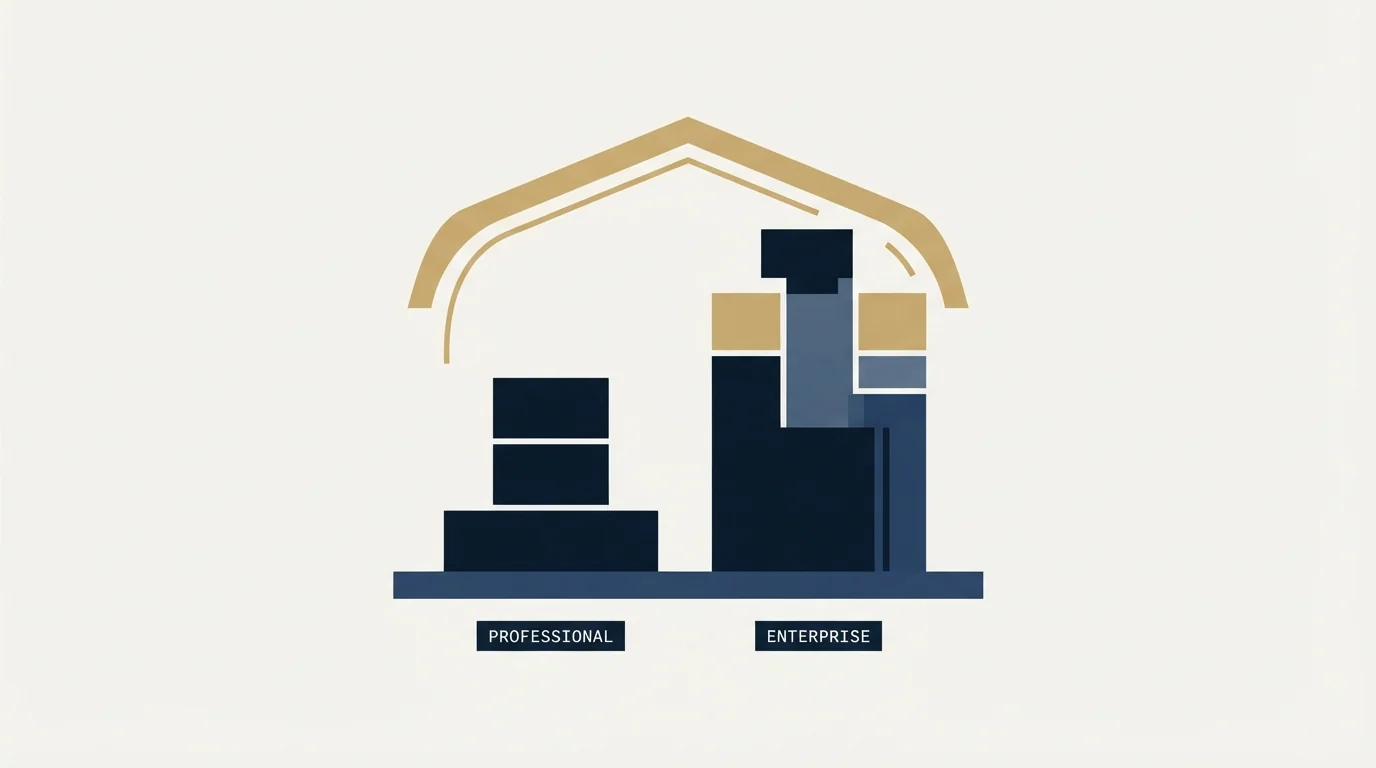
The catalog publishes per-tier limits feature by feature. These are the ones an outbound team should read before deciding the tier is worth 50 percent more per seat.
- 5,000 sequences per account, up to 500 email sends per user per day
- Up to 3,000 minutes of calling per account per month
- Up to 15 deal pipelines per account
- Up to 100 custom reports, 10 million events per query
- Create up to 5 playbooks
- Default and custom forecasting
- 5,000 sequences per account, up to 1,000 email sends per user per day, and sequences can be triggered by workflows
- Up to 12,000 minutes of calling per account per month
- Up to 100 deal pipelines per account
- Up to 500 custom reports, 100 million events per query
- Create up to 5,000 playbooks
- Forecasting across team hierarchies
Custom objects are the other Enterprise gate, and the catalog gives them a hard ceiling rather than an unlimited: up to 10 object definitions, 1,000,000 total custom object records, and 50 custom object pipelines. Custom properties are published at 1,000 per object on both tiers, so the object model is where Enterprise buys room and the property model is not.
HubSpot Sales email tracking is the row most worth reading closely, because it is gated twice. The catalog gives unlimited email tracking notifications on every paid tier, and then states that email click tracking requires a Sales Seat. So a team that buys Enterprise and leaves half its people on Core Seats has bought a click-tracking capability those people cannot use, and the open and click data it reports back will be missing exactly the reps who were left on the cheaper seat.
The same row is worth reading for what an open actually proves, which is less than most dashboards imply. An open fires when an image loads, and image proxying and preview panes fire it without a human reading anything. Treat tracking as a coverage measure rather than as a trigger.
Reading the ladder as an outbound team
Most of the Enterprise gates above are management features rather than selling features. Playbooks going from 5 to 5,000, deal pipelines from 15 to 100, and forecasting across team hierarchies are all answers to organisational complexity. If your sales org is one team with one pipeline, the catalog is telling you that Professional already fits, and the honest read of the tier is that you are buying it for governance rather than for output.
Two of the gates look like outbound capacity and mostly are not. The sequence send ceiling doubles from 500 to 1,000 emails per user per day, and the calling allowance quadruples. Both are real numbers, and both assume the CRM is the sending system.
That assumption is where our own practice diverges, and it is a position rather than a measurement. We keep cold outbound off the domain and the infrastructure that carries a company's CRM and marketing mail, for the ordinary reason that reputation damage on a sending domain is not contained to the campaign that caused it. The same separation argument is set out at length in our piece on enterprise email marketing. A send ceiling inside the CRM therefore does not describe our sending capacity, and doubling it does not change what a campaign can do.
The sequence feature itself carries a further mismatch with how we run campaigns. HubSpot describes sequences as flows of timed personalised emails with follow-up reminders, which is the industry-standard shape. Our documented policy is one message per campaign, with no bumps and no thread replies, and re-engagement handled as a new campaign built on a new angle rather than as a longer sequence. A team that shares that policy should price the sequence ceilings at close to zero when comparing tiers, because the constraint they relieve is one it will never reach.
What does read across cleanly is the reporting gate. Custom reports rising from 100 to 500, and the event ceiling per query from 10 million to 100 million, is the difference between reporting on a pipeline and reporting on a pipeline plus every activity that touched it. If your reason for buying a CRM tier is measurement, that is the line to point at in the business case. Our comparison of CRM tools for SDR teams works through the same trade-off across vendors.
- Depends: Count every user who will need a Core Seat, including people whose day job is another hub, and price them at the Enterprise level
- Depends: Confirm which users need a Sales Seat specifically, since email click tracking requires one
- Yes: Add the required $3,500 one-time onboarding fee to the year-one budget
- Depends: Estimate monthly credit consumption against the 5,000 allotment, remembering nothing rolls over
- Depends: Check whether your object model needs more than 10 custom object definitions
- No: Decide whether the sequence and calling ceilings describe anything your team will actually do
Where to check, and what to check it against
Three surfaces carry the useful detail, and they are not equally readable. The Product and Services Catalog on legal.hubspot.com is the one that serves complete text to any reader, and it is the source for every figure above. The Sales Hub pricing page carries the same rate card in a rendered browser but not in the document itself. HubSpot's knowledge base carries the operating detail for individual features once you are inside the product.
Two habits are worth keeping when reading any of them. Attribute a figure to the page it appeared on rather than to the vendor, because a vendor's own surfaces contradict each other more often than they should. And check the billing state a figure belongs to, since the catalog states Enterprise is billed annually while the monthly figure is what the eye lands on.
If the reason you are reading a CRM rate card is that outbound needs somewhere to put its pipeline, the tier question is downstream of a bigger one about where sending lives. We run cold campaigns on separate infrastructure and hand the CRM the outcomes. If you want that run for you rather than configured by you, we will build and run the campaign and the CRM keeps doing the job it is good at. For the comparison one level up from tiers, our HubSpot CRM alternatives piece and the HubSpot CRM against Pipedrive comparison both start from what each platform gates rather than from what it markets.
Pricing and features verified as of mid-2026. Verify current terms with the vendor before relying on them.
Frequently asked questions.
Frequently asked questions- How much does HubSpot Sales Hub Enterprise cost?
- HubSpot's Product and Services Catalog publishes Sales Hub Enterprise starting at $150 per month per seat, billed annually, against $100 for Professional and $20 for Starter. The catalog also states that onboarding is required for a one-time fee of $3,500 on Enterprise and $1,500 on Professional, with delivery periods of 90 and 60 days from purchase.
- Why does HubSpot's pricing page show no prices when I save it?
- The Sales Hub pricing page is rendered in the browser rather than served complete, so the saved document is a JavaScript shell carrying no currency figures at all. The same rate card is published as plain text in HubSpot's Product and Services Catalog on legal.hubspot.com, which is the surface to read or cite when you need the numbers to be checkable.
- What is the difference between a Core Seat and a Sales Seat?
- The catalog states a Core Seat grants core access to purchased products, built-in AI with Breeze Assistant, enriched data and Smart CRM. A Sales Seat grants complete access to Sales Hub Professional or Enterprise including the seller features, and includes Core Seat access as well. View-Only Seats are available at no additional cost.
- What does Enterprise actually add over Professional?
- Per the catalog: daily sequence sends per user rise from 500 to 1,000, calling minutes per account from 3,000 to 12,000, deal pipelines from 15 to 100, custom reports from 100 to 500, playbooks from 5 to 5,000, and forecasting extends across team hierarchies. Custom objects are capped at 10 definitions and one million records.
About the author.

B2B cold email experts helping companies generate qualified leads through done-for-you outreach campaigns.
RevenueFlow Team
Explore more.
Ready to scale your outreach?
We build GTM engines that book real meetings. See the receipts.
Related articles.
Sales Automation Software for Small Business: Four Buys
One search returns four unrelated products, and on at least one vendor's published plan list the automation is gated above the tier a small team buys.
Sybill: The Credit Meter Is the Number to Model
Sybill meters by credits per week rather than by seat, and its pricing page carries three different figures for the same two plans. Both facts change the model.
HubSpot and Zapier: The Search Step That Decides Duplicates
Zapier's HubSpot app has one action that matches on email address and a search family that does the rest. Which you pick decides your duplicate rate.
Pipedrive Calling: Native Surfaces, Marketplace Dialers
Pipedrive's knowledge base says it has no built-in calling integration. What ships natively is a set of shortcuts to your phone, and the dialer is a second subscription.
HubSpot Power Dialers: Pooled Minutes Are the Real Cap
HubSpot's calling minutes are pooled across the whole account rather than granted per seat. That changes the arithmetic of a calling programme more than the dialer does.
Salesforce Einstein AI for Sales: The Agentforce Rename
Four products still carry the Einstein name on Salesforce's rate card. The pricing page's own data says which editions include them, and contradicts its footnote.