The LinkedIn Green Dot: What Active Status Shows
LinkedIn's green dot and white-centred ring, as LinkedIn's own pages define them, who can see them, and why a cold list shows presence for only some prospects.
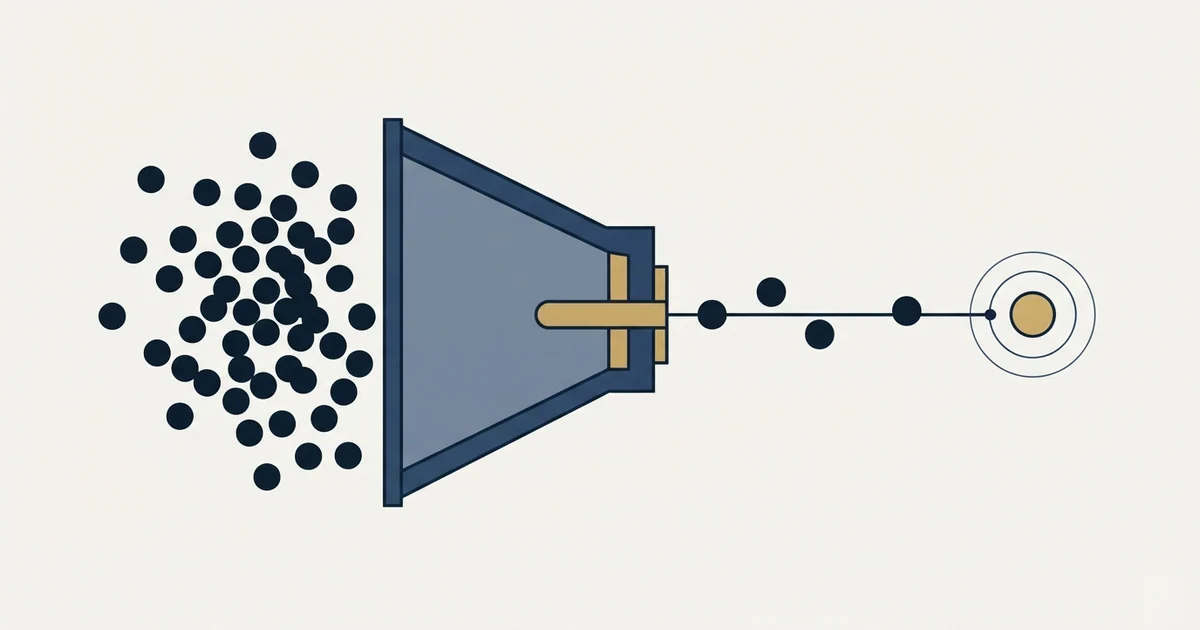
The green circle on LinkedIn is the active status indicator. A solid green dot means the person is on LinkedIn and active on desktop, so a message notifies them instantly. A green dot with a white centre means they are not using LinkedIn but will be notified on mobile. Each member chooses who sees it.
Key takeaways
- LinkedIn's own pages define a solid green dot as active on desktop and a green dot with a white centre as a mobile notification rather than as availability.
- Each member sets who sees their active status, choosing Your Connections only, All LinkedIn members or No one, so a cold list shows dots only for people who share with everyone.
- The feature is reciprocal: turning your own active status off also removes your ability to see when your connections are active.
- LinkedIn's message status indicators run Sending, Sent and Read, and a message stays at Sent when the recipient has turned read receipts off.
Reviewed and updated September 19, 2026
Somebody on the team notices that a target account's VP is showing the green circle LinkedIn uses for active status, sends a message inside the minute, and gets a reply before lunch. The story spreads, and by the end of the week the plan is to watch presence across the whole target list and time every message to the moment somebody comes online. It is an appealing plan and it collides with a property of the feature that settles the question for a cold list: each member chooses who sees their presence, so on a cold list a dot shows only for the people who share it with everyone, and a missing dot tells you nothing.
That constraint is worth understanding properly rather than working around, because the workarounds are where the account risk lives, and because the version of the tactic that does survive is genuinely useful in a narrower place than people expect.
What does the green circle mean on LinkedIn?
The green circle on LinkedIn is the active status indicator. A solid green dot beside someone's profile photo means they are currently on LinkedIn and active on desktop, and a message notifies them instantly. A green dot with a white circle in the middle means they are not actively using LinkedIn but will be notified on their mobile device. Who sees either depends on a setting each member controls.
What the two indicators actually mean
Two LinkedIn pages define the indicators, and they agree with each other.
The 2017 announcement on LinkedIn's own blog introduced the feature by saying that "you can now see who in your network is online and available on LinkedIn", and described two states. A green status dot next to a profile photo means the person is online. A green status dot with a white circle in the middle means the connection is "available only on mobile and will be notified of your message".
LinkedIn's sales blog restated the same split a few months later in more operational language. A solid dot means the person is "currently on LinkedIn and active on their desktop", and that page adds the mechanical consequence: "Send a message and your contact will be notified instantly". The ring version means the person is "not actively using LinkedIn but will be notified on their mobile device if you send a message".
Read those two definitions side by side and the second one carries a distinction that is easy to miss. The hollow ring is a statement about notification delivery rather than a weaker version of presence, and it says almost nothing about attention.
LinkedIn message status indicators
The dots sit beside a second set of symbols that LinkedIn's help centre documents separately. A message you send shows as Sending message, then Message sent, then Message read, and a read message is marked by a small profile photo appearing next to it. If the recipient has turned off read receipts and typing indicators, the status stays at Sent, and those receipts do not appear to senders of InMail messages at all. For message requests, read receipts appear only after the recipient accepts the request. On the receiving side, a red badge on the Messaging icon counts unseen messages and a blue badge next to a conversation counts unread ones.
The constraint that decides the tactic
Presence on LinkedIn is an audience setting and a reciprocal one. Both halves matter.
The audience half is set by each member. LinkedIn's help page on active status says "You can choose to share your active status with your connections, all LinkedIn members, or no one", and spells out the three options: Your Connections only, All LinkedIn members, and No one. The 2017 announcement framed the feature around who "in your network" is online, and the sales blog's guidance is written throughout about connections, but a stranger can see the dot of any member who chose All LinkedIn members.
| Member's setting | A connection sees it | A stranger sees it |
|---|---|---|
| Your Connections only | Yes | No |
| All LinkedIn members | Yes | Yes |
| No one | No | No |
That changes the plan of monitoring a cold target list without rescuing it. On a cold list you see presence only for the members who share it with everyone, and a prospect with no dot may be offline or may simply share with connections only. The list cannot tell you which, so the tactic is partial exactly where people most want to apply it.
The reciprocal half is the one teams discover after they have already turned their own status off. LinkedIn's sales blog states it plainly: with active status off, you cannot "see the status of your LinkedIn connections". The feature is on by default, and the page says so, but a seller who quietly hid their own presence for privacy has also blinded themselves to everyone else's. LinkedIn's help page says the same today: "If you turn off your active status, you'll also lose the ability to see when your connections are active on LinkedIn."
There is a third limitation that neither page addresses and that anyone using the signal should assume: an indicator like this reports that a session is open, and a person with a tab open in a browser they are not looking at is indistinguishable from a person reading their inbox. Treating the dot as proof that somebody is at their desk right now overstates what any presence system can deliver.
What LinkedIn itself says about using it for prospecting
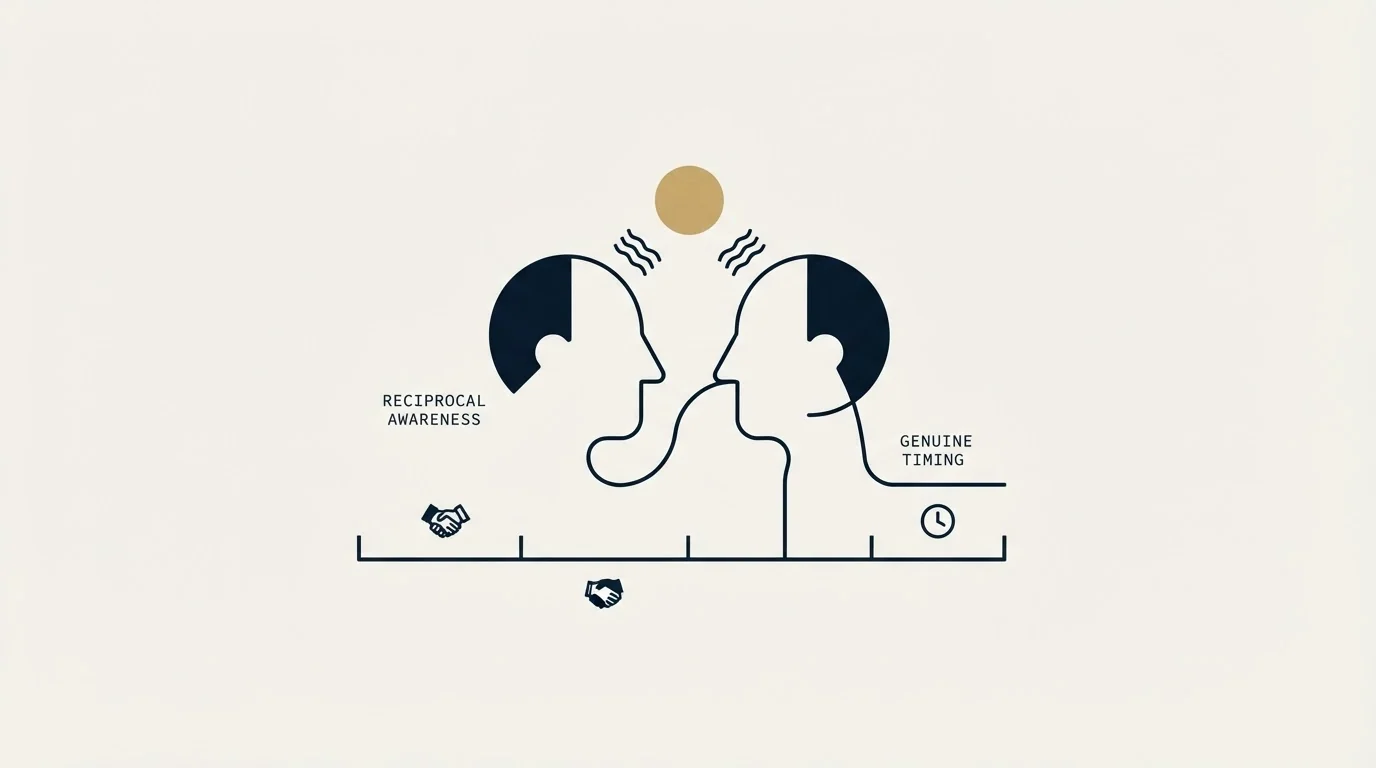
The most useful sentence on either page is the one that gives the tactic a boundary. LinkedIn's own sales blog, writing for sales professionals about exactly this feature, advises that "it may be best to reserve chat for engaging established connections vs. brand-new prospects".
That is the vendor whose feature it is, telling sellers that the live chat framing belongs with people who already know them. It matches the audience constraint above rather than contradicting it, and it is a reasonable position independent of who published it: an unexpected real time message from a stranger asks for attention on the sender's schedule, which is a larger ask than an email that waits.
The same page does make a performance claim, and it is worth quoting precisely because of how it is constructed. It states that "some companies have seen their one-minute reply-rates rise by 10%" alongside a five minute figure of roughly nine percent. Read the sentence rather than the number. It names no company, no population, no baseline and no measurement period, and it is a vendor page arguing for its own feature. That is a reason to treat the direction as plausible and the magnitude as unusable, which is the honest reading of most figures published in this shape.
Why we do not build a motion on it
Our own LinkedIn outreach runs on a constraint that removes most of the reason to watch presence at all. One message per campaign, sent once, with no second message and no thread replies. A later approach exists as a separate campaign with its own reason to exist. That is documented policy rather than a claim about results.
The rule is stricter here than it is on email, for a structural reason. A second message on this channel lands in the same thread, directly beneath the one the person chose not to answer, so it reads as a bump whatever the campaign structure implies. We do not run no reply retargets there. The reasoning behind the equivalent rule on email, and the campaign data behind it, is in why we stopped using follow ups.
That constraint changes what timing can buy. A programme allowed several attempts per person can treat presence as a scheduling optimisation, because a badly timed message can be retried. With one message, the timing decision is a single bet on a signal that is reliably available only for people you are already connected to, and the return is small next to the two decisions that actually move a LinkedIn programme: who is on the list, and whether the connection request was plausible in the first place. Both are covered in LinkedIn prospecting.
There is also an automation question, and it deserves a direct answer. Polling presence across a list at scale means driving LinkedIn's interface with software, and LinkedIn's User Agreement governs what may be automated against the platform: its list of things members may not do includes "Use bots or other unauthorized automated methods to access the Services". We do not advise readers to build against it, and the account level consequence of getting that wrong is carried by the seller rather than by the tool vendor who sold them the idea.
Where the signal is genuinely worth using

None of this makes the dot useless. It makes it useful in a place most outbound teams are not looking.
The population where presence applies is your existing first degree network: past buyers, people who accepted a connection months ago and never got a message, former colleagues, and prospects who connected and then went quiet. For that population anyone sharing their status with connections or with everyone is visible to you, and a message that arrives while somebody is actually on the platform has a real chance of becoming a short exchange rather than an item in a queue.
The conditions worth meeting before using it that way are the ones LinkedIn's own guidance implies. Three checks decide it, in order: the person is already a first-degree connection, there is a reason to write that would stand up if they were offline, and the message is short enough to read on a phone. With your own active status on, since the feature is reciprocal, timing to the dot on top of those is a reasonable habit. On a cold list the first check fails, and a dot shows only if the prospect shares it with all members.
The second line is the one that separates a useful habit from an irritating one. Presence tells you when a message will be seen. It supplies no reason for the message to exist, and a real time interruption with no reason attached is a worse experience than the same message arriving in a quiet inbox.
The timing that actually matters instead
For cold outreach, where the dot is unavailable, timing still exists as a decision and it is made at a coarser grain: the sending window, the day, and the sequencing between channels. Those are set once per campaign rather than per person, they apply to an audience you have not connected with, and they cost nothing to get right.
The more consequential choice is which route the message takes at all, since a bare connection request, a request carrying a personal line, an InMail and a message to an existing connection behave as four different products with four different costs when they fail. That comparison is in LinkedIn message types, and the specific economics of the paid route are in the LinkedIn InMail guide.
Where a genuine sequence is appropriate, which is warm inbound and existing relationships rather than cold outbound, the variables that define one are set out in sales cadence.
The short version
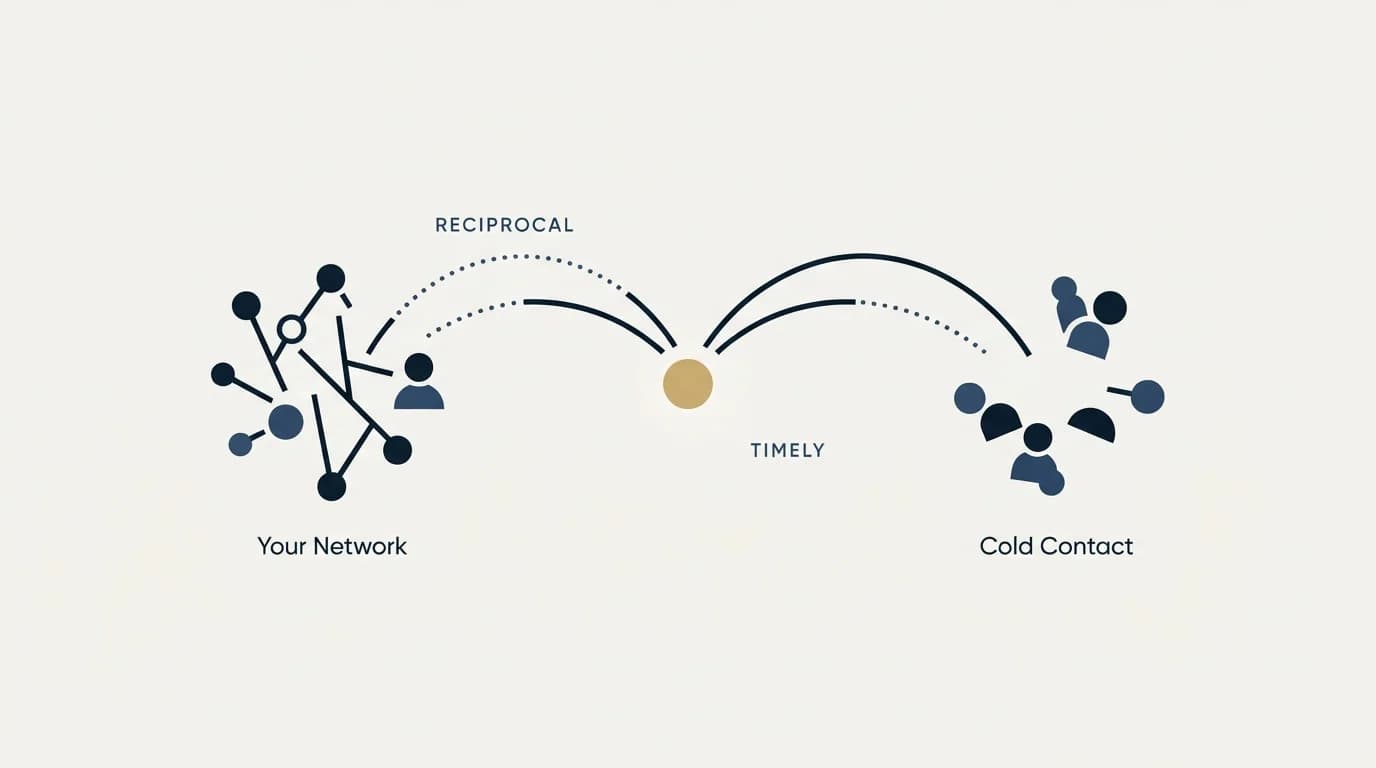
Active status shows two states, both defined on LinkedIn's own pages: a solid dot for somebody "currently on LinkedIn and active on their desktop", and a dot with a white centre for somebody "not actively using LinkedIn but will be notified on their mobile device if you send a message". Each member chooses who sees it, connections only, all LinkedIn members or no one, and it is reciprocal, so a cold target list shows dots only for people who share with everyone, and a seller who hid their own status has hidden everyone else's from themselves.
LinkedIn's own sales guidance advises that "it may be best to reserve chat for engaging established connections vs. brand-new prospects", which matches the constraint rather than working around it. The performance figure on that page names neither a company nor a baseline, and should be read as a direction rather than as a number.
Used on your existing first degree network, with a reason that would survive the person being offline, timing to presence is a reasonable habit. Used as the basis for a cold outbound motion it is partial at best, since a missing dot proves nothing, and the software promising to supply it anyway is asking you to carry an account risk on somebody else's platform.
If the constraint you are actually hitting is that the list is wrong rather than the timing, we will build one against your market and show you the rows.
Feature definitions and statements attributed to LinkedIn are taken from LinkedIn's own pages. Confirm current behaviour with LinkedIn before relying on it.
Sources: LinkedIn Official Blog, Introducing Active Status on LinkedIn Messaging, 16 August 2017, LinkedIn Sales Blog, How Sales Pros Can Incorporate LinkedIn's Active Status into Their Prospecting Outreach, 25 January 2018, LinkedIn Help, Change active status on LinkedIn Messaging, LinkedIn Help, Understand message indicators in LinkedIn Messaging, LinkedIn Help, Delivery and typing indicators
Frequently asked questions.
Frequently asked questions- What does the green dot with a white centre mean on LinkedIn?
- It means the person is not actively using LinkedIn but will be notified on their mobile device if you send a message. LinkedIn's 2017 announcement described it as a green status dot with a white circle in the middle. It says how a message reaches them and nothing about whether they are free to talk.
- Can I see whether a cold prospect is online on LinkedIn?
- Only if that prospect has chosen to share active status with all LinkedIn members. LinkedIn's help page lets each member pick Your Connections only, All LinkedIn members or No one. A prospect with no dot may be offline or may share with connections only, and the list cannot tell you which, so presence is a partial signal on a cold list.
- What are LinkedIn's message status indicators?
- A message you send shows as Sending message, then Message sent, then Message read, marked by a small profile photo next to it. If the recipient turned off read receipts and typing indicators it stays at Sent, and InMail senders never see read receipts. A red badge counts unseen messages and a blue badge counts unread ones.
- Does hiding my own active status affect what I can see?
- Yes. LinkedIn's help page states that if you turn off your active status, you will also lose the ability to see when your connections are active on LinkedIn. The feature is on by default, so a seller who quietly turned it off for privacy has blinded themselves to everyone else's presence without necessarily realising it.
About the author.

B2B cold email experts helping companies generate qualified leads through done-for-you outreach campaigns.
RevenueFlow Team
Explore more.
Ready to scale your outreach?
We build GTM engines that book real meetings. See the receipts.
Related articles.
LinkedIn Invitations: The Rules LinkedIn Publishes
What an invitation actually buys, why the note allowance depends on which LinkedIn page you read, and what withdrawing one costs you.
LinkedIn Prospecting: Three Routes and What Each Costs
Connection requests, InMail and content each reach a prospect differently. How to pick a route, build a list that gets accepted, and stay inside the limits.
LinkedIn Voice Notes: 60 Seconds, 1st Degree Only
LinkedIn publishes three limits on voice messaging and they decide the play before the script does. What they rule out, and the one slot that survives.
Appointment Setting for Business Brokers: The Seller Meeting
What a bought meeting with a business owner has to be for a brokerage: the three-part qualification, the confidentiality rules, the licence line and the owner's reasons.
LinkedIn Outreach for Banks: A Regulated Message
How a bank's relationship managers use LinkedIn to reach business owners: what the FFIEC guidance, FINRA's notices and LinkedIn's own rules require, and where to stop.
SDR Outsourcing for Logistics Companies: The Brokerage Line
What an outside sales development team may do in a freight company's name, the calling and email rules it inherits, and which arrangement survives a bid-shaped market.