Hunter Email Finder: What It Takes, What It Costs in Credits
Hunter sells four products that sound alike, and the Email Finder is the one that takes a name and a domain. The credit ratio decides where it belongs in a stack.
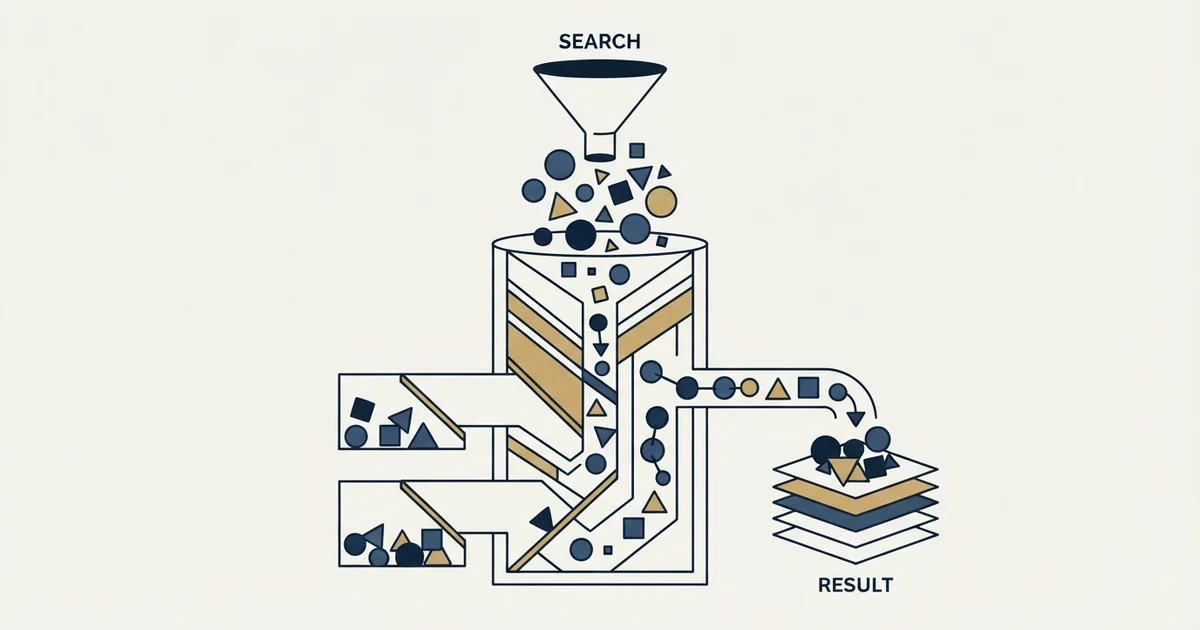
Hunter's Email Finder takes a full name and a company domain and returns one address, combining known company email formats, addresses found on the web, and verification status. Hunter publishes the ratio that matters for stack design: a search costs one credit and a verification costs half of one, on a free tier of fifty credits a month.
Key takeaways
- Hunter's own instruction file states that a search uses one credit and a verification uses half of one, which is the ratio that decides tool ordering.
- The Email Finder takes a person and a domain, while Domain Search takes a domain alone and returns the people known behind it.
- The pricing page localises tier prices by visitor location, so they differ by market, while the credit allowances and the half-credit verification cost are the same everywhere.
- Test a finder on the rows a cheap verification pass could not resolve, because that is the workload it will actually receive and what the invoice will reflect.
Reviewed and updated September 2, 2026
Hunter sells four things that all sound like the same thing, and picking the wrong one is the most common way to spend credits on an answer you did not need. The Email Finder takes a person and a company and returns one address. Domain Search takes a company and returns everybody it knows about there. The Email Verifier takes an address you already have and checks it. Discover finds companies rather than people. Buying the wrong one is not a pricing mistake so much as a workflow mistake, and it shows up as a credit balance that empties faster than the list shrinks.
Trying to find an email address from a website is the Domain Search question rather than the Email Finder one, because the input you hold is a company domain and the output you want is whoever the tool knows about behind it.
What follows is what the Email Finder does, what the credit accounting looks like on Hunter's own surfaces, and where it earns a place in a list build that is trying to keep cost per usable row down.
What the Email Finder actually takes and returns
Hunter's own machine-readable instruction file describes the product in one line: it exists to "find a professional's email from their name and company". The product page states the inputs plainly, listing "The full name of the person you would like to contact" alongside the domain, and describes the page's promise as "Find the verified email address of any professional".
The interesting part is what sits behind that. The product page says the finder "puts all our data together", naming three inputs: "email formats, email addresses found on the web, and verification status".
Read that as a description of the method rather than marketing copy, because it is unusually specific and it explains the results you get. Hunter is combining a known company email pattern, addresses observed on public pages, and its own verification layer. A hit on a company where the pattern is well established and the person is publicly listed is close to a lookup. A hit on a company where only the pattern is known is a pattern application that has then been verified, which is a different kind of answer with a different failure mode.
- Input is a full name and a domain
- Returns one address for one person
- The right tool when you already know who you want
- Costs a search
- Input is a domain
- Returns the people and addresses known at that company
- The right tool when you want the pattern or a shortlist
- Hunter describes it as listing the people and emails behind a company domain
- Input is an address
- Returns a deliverability verdict
- The right tool for a list you did not build
- Costs half a credit rather than a full one
The credit accounting, from Hunter's own pages
Two facts about cost are published and checkable, and they matter more than the headline tier price for anybody running a waterfall.
Comparable vendors define the billable unit differently, and Anymail Finder's unit is a verified result rather than a lookup, which changes the arithmetic on a hard list.
Hunter's instruction file states that the "Free plan includes 50 credits a month" and that "a search uses 1 credit, a verification 0.5". So a verification costs half what a find costs, which is the asymmetry every stack design turns on.
The pricing page itself carries credit allowances beside a price table whose currency follows the visitor's location. It publishes monthly and annual figures side by side for the same tiers, "2,000 credits per month" against "24,000 credits per year" for one of them, and repeats "Verify email: 0.5 credit" against every tier. It also caps sequence size, publishing "500 recipients per sequence" on the tier where that limit appears.
One honest gap: the tier prices the page serves depend on the visitor's location. A plain fetch from a UK address on 2 September 2026 returned the whole ladder in pounds sterling with the document carrying country=GB, so the figures a US visitor sees are not what this fetch received, and no tier price appears here. Hunter's own instruction file anticipates this and tells automated readers to "Prefer these files over scraping hunter.io HTML", which is a rare and genuinely useful thing for a vendor to publish. Check the live pricing page in a browser for the current rate; the credit ratios above are the part that is stable and the part that changes how you sequence tools.
Whether a vendor publishes a rate at all is itself a comparison axis, and Kixie's own pricing page carries no figures while several of its alternatives publish complete ladders.
Where a finder like this belongs in a stack

The ratio published above is the whole argument for ordering. If verification costs half of a find, and a company's email pattern can be inferred and then tested, then a large share of an ordinary B2B list resolves without ever paying for a find.
That is the logic behind the sequence we run: brute-force pattern candidates through a cheap verifier first, then pay a finder only for the rows that did not resolve. It is the same reasoning that governs any enrichment waterfall, and it means a finder's value is measured on the rows that reach it rather than on its headline coverage.
The practical consequence for evaluating Hunter specifically: run it at the position it will actually occupy. A finder tested first against a full list will look expensive and effective. The same finder tested against the residue of a cheap verification pass will look cheaper and less effective, and that second number is the one your invoice will reflect.
- Step 1Infer the company pattern
A domain search or a handful of known addresses establishes the shape
- Step 2Generate and verify candidates
Verification is the cheaper unit, so testing several guesses can cost less than one find
- Step 3Send unresolved rows to a finder
This is where Hunter's Email Finder earns its credit, on rows a pattern could not reach
- Step 4Bank what nothing resolves
Past the second or third provider the marginal cost per address climbs while quality falls
What to test before committing budget
Coverage claims are not comparable between lists, so the only number worth having is the one your own list produces. Three controls make that test mean something.
Run it at its real position. Feed it the rows your cheaper stage failed on, not a fresh sample. Otherwise you are measuring a workload it will never see.
Verify results with something other than the provider's own verdict. A provider marking its own homework tells you about its confidence, not about deliverability. The trade-offs across the verifier market are set out in the email verification tools comparison.
Audit identity, not just deliverability. A valid mailbox belonging to the wrong person passes every check and costs a prospect rather than a credit. Check the resolved domain against the company on the row and read the mismatches by hand. The full protocol for a provider bake-off is in how to compare email finder tools on your own list.
- Yes: You already know the specific person you want to reach
- No: You have a domain and want the pattern or a shortlist
- No: You are checking addresses you already hold
- Depends: You have measured how many rows a cheap verification pass leaves behind
- Depends: Your list is mostly non-US, where coverage varies most
The confidence score, and how to read one
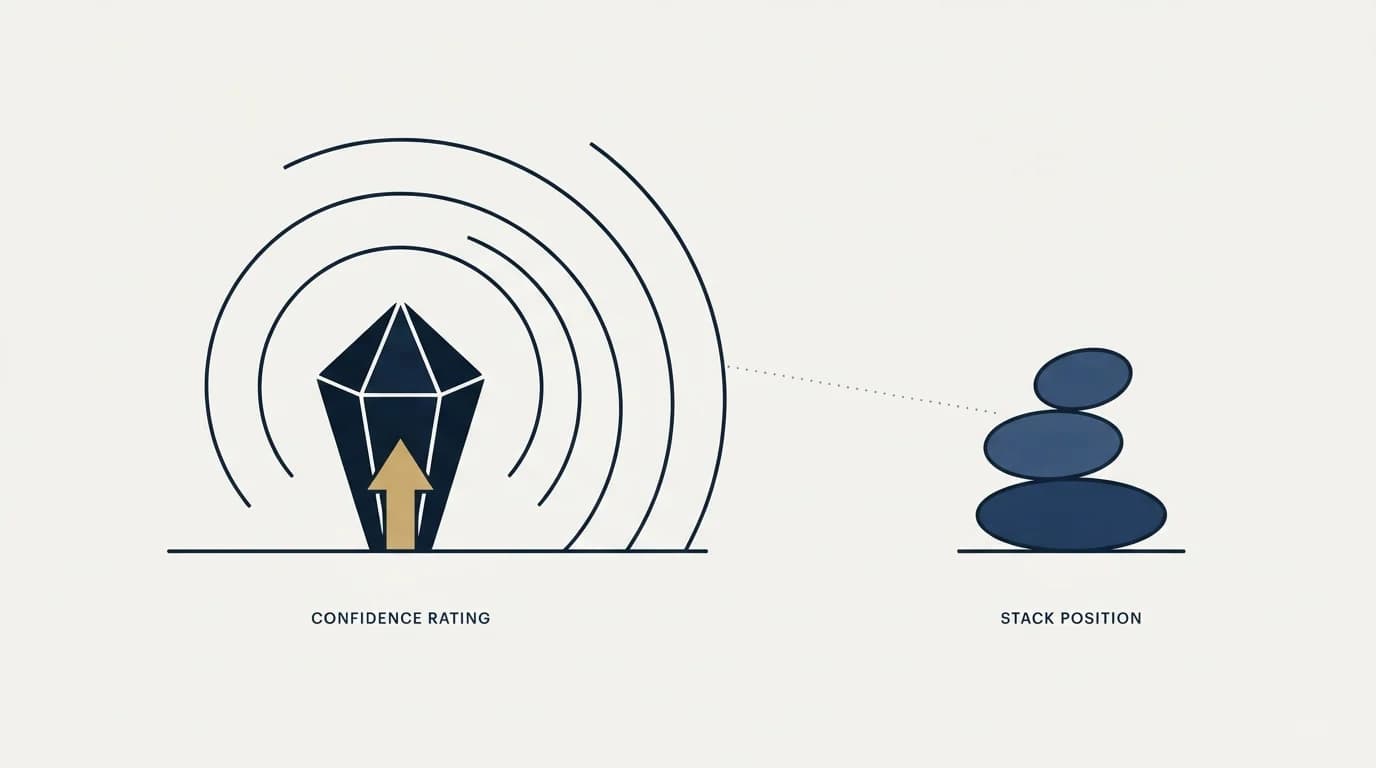
Finders in this class return a confidence figure alongside an address, and it is the most misread number in the category. It is worth being precise about what a score of that kind can and cannot be.
A confidence score is a statement about the provider's own belief, formed from how many independent signals agreed. It is not a probability that mail will be delivered, and it is not a probability that the person still works there. Two addresses returned at the same score can differ enormously in risk if one was observed on a public page last month and the other was inferred from a pattern and nothing else.
The practical handling is to treat the score as a sorting key rather than a threshold. Sorting by it and reading the bottom of the list by hand tells you what the weakest end of your results looks like, which is information. Cutting at a round number tells you nothing, because the number was never calibrated against your list.
Where a provider also cites its sources for an address, that is worth more than the score itself. A source URL is checkable in seconds and a score is not, and on the rows where the two disagree the source is the one that settles it.
The limits worth knowing before you rely on it
Three constraints apply to this product class generally and to Hunter as an instance of it.
Accept-all domains are the hard boundary. Where a receiving server accepts every address whether the mailbox exists or not, no verification layer can confirm a specific person, and a returned address on such a domain is an inference. That is a property of the receiving server rather than of the tool, and every vendor in this category faces it.
Pattern inference degrades with company size and region. A pattern is a generalisation, and generalisations hold best where a company is large enough to be consistent and public enough to be observed. Smaller companies, non-US companies and recent job changers are where any finder gets weaker, and they are also the segments least likely to appear in a casual internal test.
A hit is not an identity check. The finder returns an address for a name at a domain. Whether the person still works there is a separate question, and it is the question that produces wrong-surface sends: a live mailbox at a previous employer verifies cleanly and reaches the wrong company.
For how the verification half of the same vendor behaves, and what its checks do and do not prove, see the Hunter email verifier. For the free end of this market and what unlimited actually covers, see free email finders.
The short version
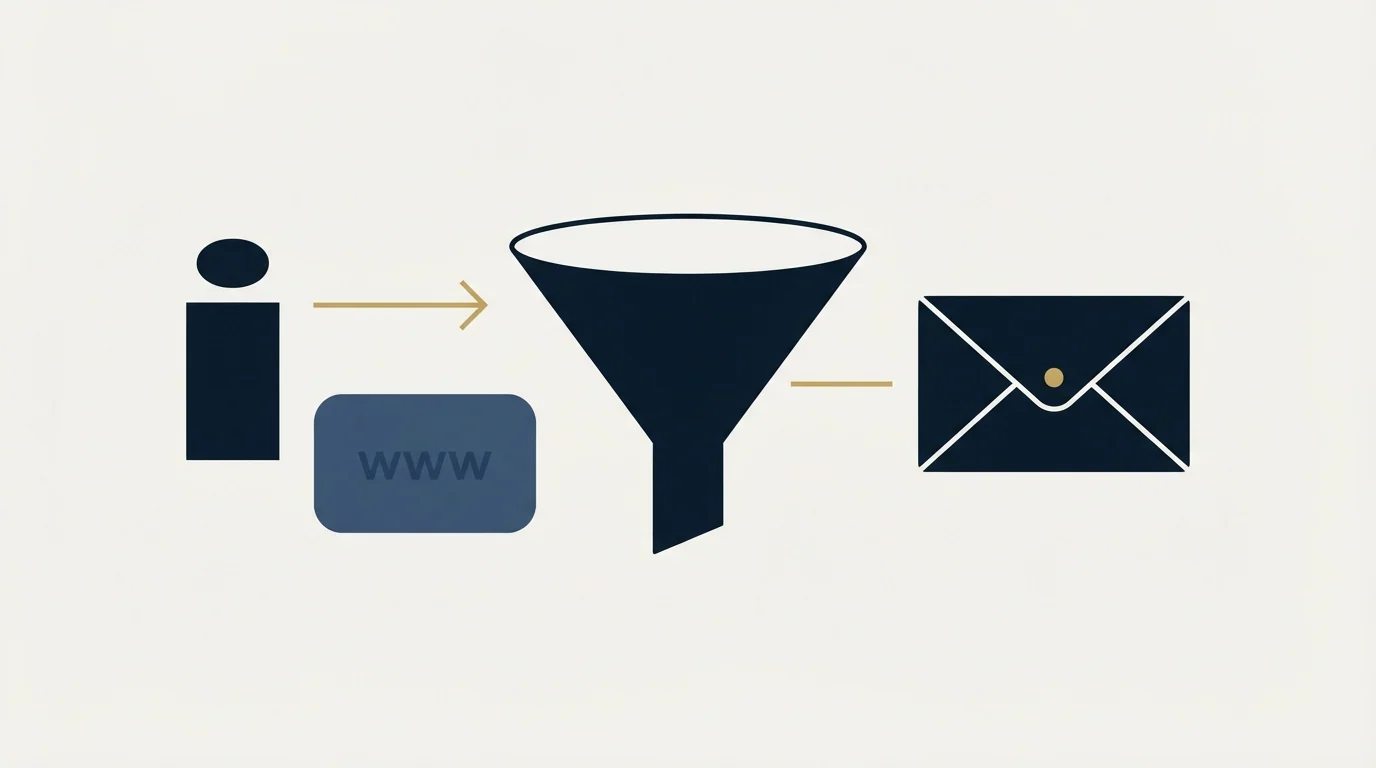
Hunter's Email Finder takes a full name and a domain and returns one address, combining a known company pattern, addresses observed on the web, and its own verification status. Hunter publishes the credit ratio that matters most for stack design, stating that "a search uses 1 credit, a verification 0.5", on a free tier of fifty credits a month. That ratio is the argument for verifying pattern guesses before paying for a find, and for testing any finder on the residue of that pass rather than on a clean sample. The pricing page localises its tier prices by visitor location, so check it in a browser from your own market before budgeting.
To have a verified list built and a campaign run against it rather than assembling the stack yourself, see what a campaign would look like for your market.
Hunter product and credit facts verified against three of Hunter's own pages, fetched mid-2026: hunter.io/llms.txt, hunter.io/email-finder and hunter.io/pricing. The pricing page localises its tier prices by visitor location and served pounds sterling to this lane's UK fetch on 2 September 2026, so no tier price appears here. Verify current terms with the vendor before relying on them.
Sources: Hunter llms.txt, Hunter Email Finder, Hunter pricing
Frequently asked questions.
Frequently asked questions- What does Hunter's Email Finder need to find an address?
- A full name and a company domain. Hunter's product page names the first input directly, and its machine-readable instruction file describes the product as finding a professional's email from their name and company. Domain Search is the sibling product that works from a domain alone when you do not yet know who you want to reach.
- How many credits does a Hunter search cost?
- Hunter's own instruction file states that a search uses one credit and a verification uses half a credit, and that the free plan includes fifty credits a month. The pricing page repeats the half-credit verification cost against each tier. Tier prices are localised by visitor location, so check them in a browser from your own market.
- Should a finder run before or after email verification?
- After, when verification is the cheaper unit. If a verification costs half of a find, inferring a company's email pattern and testing several candidates can resolve a row for less than one find would cost. The finder then only sees rows the pattern could not reach, which is a smaller and harder set than a full list.
- What does a confidence score from an email finder actually mean?
- It expresses the provider's own belief, based on how many signals agreed, rather than a probability of delivery or a guarantee the person still works there. Treat it as a sorting key and read the weakest results by hand rather than cutting at a round number, since the number was never calibrated against your list.
About the author.

B2B cold email experts helping companies generate qualified leads through done-for-you outreach campaigns.
RevenueFlow Team
Explore more.
Ready to scale your outreach?
We build GTM engines that book real meetings. See the receipts.
Related articles.
Seamless.AI Email Finder: How It Works, What a Credit Buys
How Seamless.AI's email finder resolves a contact in real time, what one Universal Credit buys, the Total AI score on every address, and what the Chrome extension reads.
SalesQL Pricing: Four Plans, Priced Per Credit
SalesQL publishes four plans on a monthly-first pricing page. Here is the dated ladder, the per-profile credit meter, the seat limits, and what the page leaves out.
LeadGibbon Pricing: Three Monthly Plans, No Annual Tab
LeadGibbon publishes three monthly plans and no annual rate. The dated ladder, the verified-emails-only meter, the rollover rule, and what the page does not publish.
Enrow Pricing: Three Billing States, Two Currencies
Enrow prices per verified result across monthly, annual and pay-as-you-go tabs in euros and dollars. The ladder, the credit meter and the currency clause.
Is Clay Free? The Free Plan, the Trial and Where Each Stops
Clay's free plan, its 14-day trial and the no-charge-on-a-miss rule are three different things. What each holds and where it stops, from clay.com on 19 September 2026.
Video Prospecting Tools by Job: What Each One Is For
Ten video prospecting tools sorted by the job each vendor's own page describes: record and share, personalise at volume, avatars, hosting and interactive demos.