Instantly vs Reply.io: Which Cold Email Platform Fits You?
A comprehensive comparison of two popular cold outreach platforms. Instantly focuses on high-volume email with a built-in lead database, while Reply.io offers multichannel capabilities including LinkedIn, calls, and SMS. Here's how to decide.
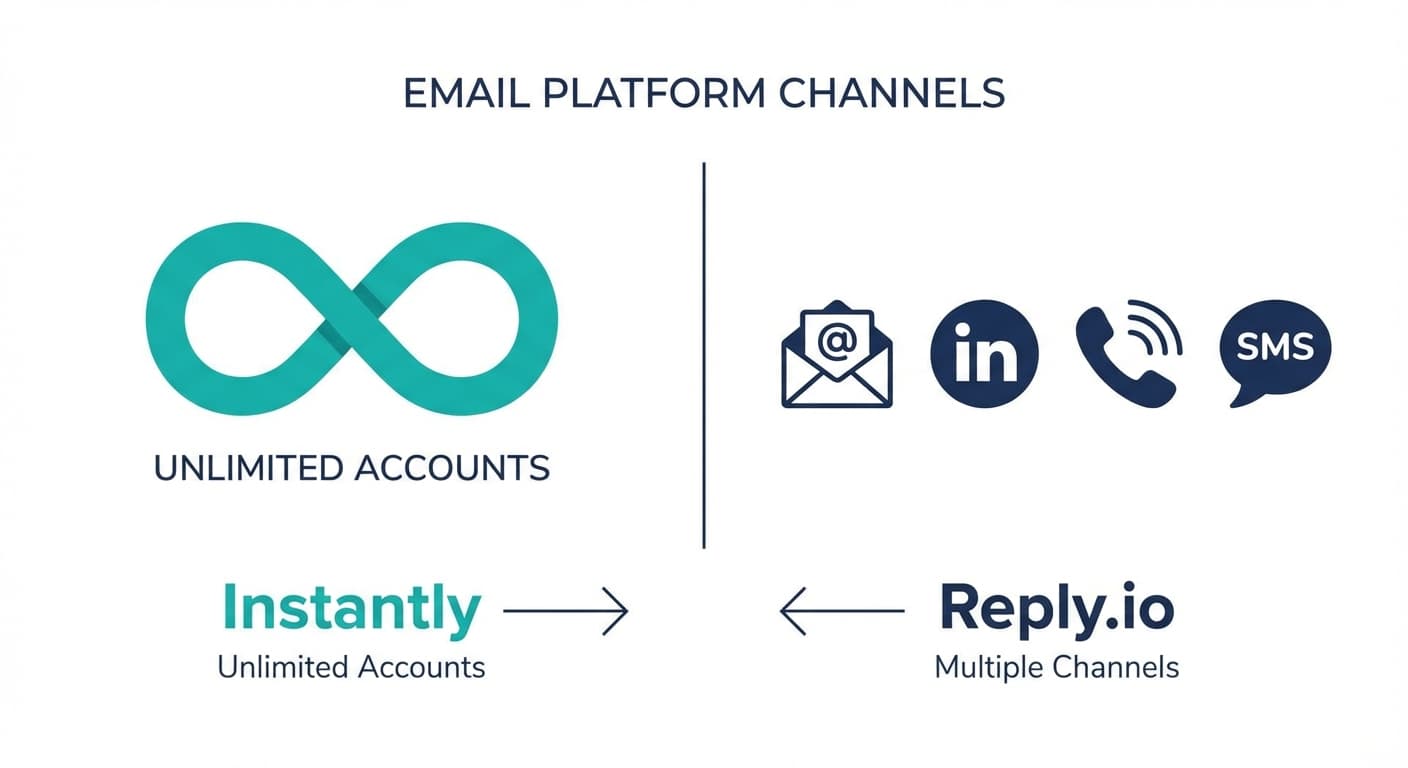
Instantly suits email-only programmes at volume, with unlimited warmed accounts from $47 a month and a 450M+ lead database on Credits plans. Reply.io suits multichannel outreach and meters active contacts from $59 a month. Reply.io also connects Outlook and Microsoft 365 mailboxes through documented single-click options.
Key takeaways
- Instantly's Growth plan is $47 a month, or $37.60 yearly, for 5,000 emails and 1,000 uploaded contacts, with unlimited email accounts and warmup.
- Reply.io's Email Volume plan is $59 a month, or $49 annually, for 1,000 active contacts with unlimited emails to them and unlimited mailboxes under fair use.
- Reply.io connects Office 365 mailboxes through an Outlook single-click option that needs IMAP enabled, and Microsoft caps each mailbox at 30 messages a minute.
- Only Reply.io lists LinkedIn, calls and SMS; both now sell lead data inside the platform, Instantly through Credits plans and Reply.io through live data credits.
Reviewed and updated September 18, 2026
Instantly and Reply.io both run cold email from mailboxes you connect, and for a team on Microsoft 365 the first practical question is the Reply.io Outlook and Microsoft 365 integration: whether the mailbox connects for cold email sequencing at all. It does, and this comparison starts there before it reaches price, channels and lead data. Instantly is built around email volume with an integrated lead database; Reply.io sells email beside LinkedIn, calls and SMS.
The Quick Answer
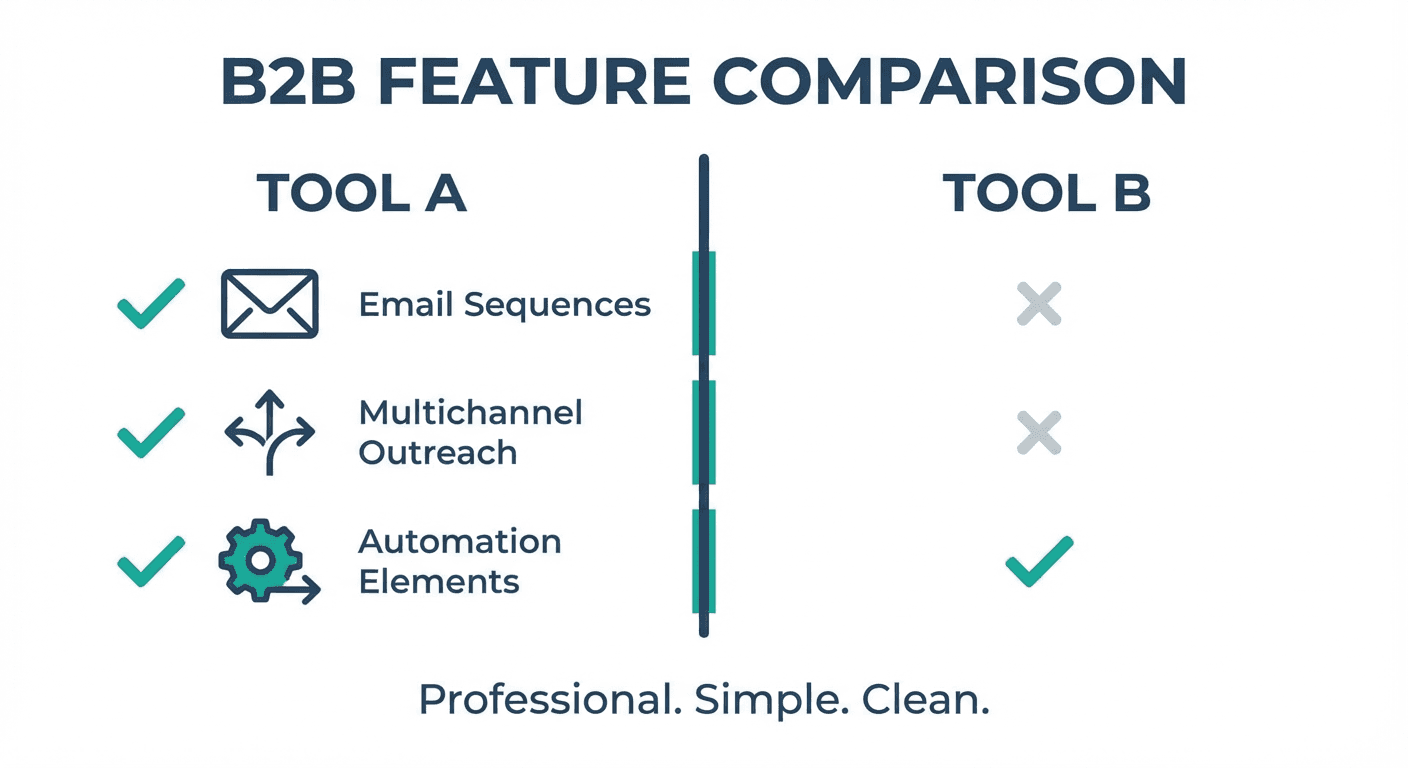
If email is the channel and you want to source leads in the same tool, Instantly is the more direct fit. Every outreach plan on its pricing page lists unlimited email accounts and unlimited email warmup, and its Credits plans add a database of 450M+ B2B leads. It meters emails and uploaded contacts per month.
If the outreach runs across LinkedIn, calls and SMS as well as email, Reply.io's Multichannel plan puts those channels in one sequence builder, with WhatsApp listed as semi-automation. Its Email Volume plan meters active contacts rather than emails, and lists unlimited emails to them.
Does Reply.io Work With Outlook And Microsoft 365 For Cold Email?
Yes. Reply's help centre offers an Outlook single-click connection for Office 365 mailboxes with IMAP enabled, and an Exchange connection for EWS mailboxes that receives through an API. Microsoft's Exchange Online limits page then caps each mailbox at 30 messages per minute and 10,000 recipients a day, whichever platform does the sending, so the cap applies to Instantly on the same mailbox too.
The IMAP requirement, the private-server option and a per-mailbox delay setting are set out step by step in the walkthrough of the Reply.io Outlook and Microsoft 365 integration.
Understanding Instantly
Instantly's product menu lists outreach, a lead database, verification, a CRM, website visitors and inbox placement, and its plans are built around one idea: connect as many sending accounts as you need and warm all of them. Every outreach plan lists unlimited email accounts and unlimited email warmup, and the feature table adds advanced sequences, A/Z testing, a global block list, reputation protection with bounce detection, API and webhook access, and Unibox, the shared inbox for replies across accounts.
The lead data sits in separate Credits plans. The entry Credits plan is $47 a month for 1,500 Instantly credits and lists a database of 450M+ B2B leads, 13 filters including keywords and lookalikes, and waterfall work-email enrichment with five or more providers.
Understanding Reply.io
Reply.io structures its product around sequences that can run across several channels. Its pricing page lists email automation on every plan, and Multichannel adds LinkedIn automation, calls and SMS, WhatsApp as semi-automation and "Any Channel via Zapier Step". Email warmup is included with every mailbox.
Since deliverability preparation and campaign execution are separate concerns, teams weighing Reply.io's sequences may also want to see how it stacks up against a dedicated warmup tool in the Mailreach vs Reply.io comparison.
Reply.io also sells data now. Its Email Volume plan includes 50 live data credits a month for "live data from 1 billion B2B contacts", and its AI SDR plans, sold as Jason AI, start from $500 a month billed annually.
Pricing Comparison
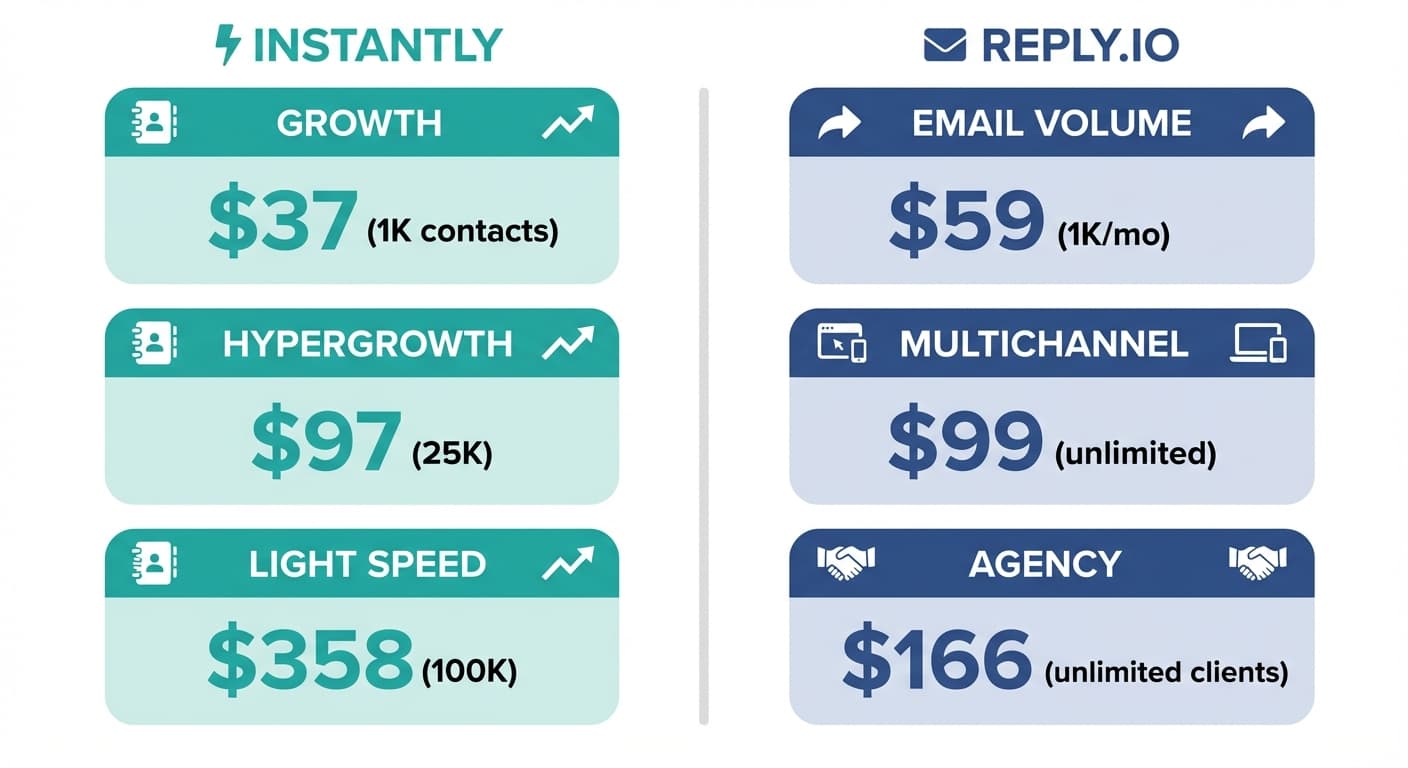
Instantly Pricing
| Plan | Monthly | Yearly, per month | Uploaded contacts | Emails a month |
|---|---|---|---|---|
| Growth | $47 | $37.60 | 1,000 | 5,000 |
| Hypergrowth | $97 | $77.60 | 25,000 | 125,000 on the monthly card, 100,000 on the yearly |
| Light Speed | $358 | $286.30 | 100,000 | 500,000 |
| Enterprise | Custom | Custom | 100,000+ | 500,000+ |
Source: Instantly Pricing
Instantly's page states two different email allowances for Hypergrowth, 125,000 on the monthly card and 100,000 on the yearly one; confirm the figure in writing before relying on it.
Reply.io Pricing
| Plan | Monthly | Billed annually | What it meters |
|---|---|---|---|
| Email Volume | $59 | $49 | 1,000 active contacts, unlimited emails, unlimited mailboxes under fair use |
| Multichannel | $99 per user | $89 per user | Unlimited active contacts; 5 mailboxes monthly, 10 annual |
| Agency Core | from $210 a month | Multiple client workspaces, unlimited mailboxes |
Source: Reply.io Pricing
Instantly Growth
$47 a month, $37.60 yearly
- 5,000 emails a month
- 1,000 uploaded contacts
- Unlimited email accounts and warmup
Meters emails
Reply.io Email Volume
$59 a month, $49 annually
- 1,000 active contacts
- Unlimited emails to them
- Unlimited mailboxes, fair usage policy
Meters contacts
Pricing Analysis
The two entry plans meter different things, which is why the headline prices mislead. Instantly's Growth plan at $47 caps sending at 5,000 emails a month to 1,000 uploaded contacts. Reply.io's Email Volume plan at $59 caps the number of contacts that get a first-step email in a month at 1,000 and leaves the email count open. Yearly billing takes about 20% off each Instantly plan. For a one-message campaign, where each contact receives one email, the two caps land close together: 1,000 contacts is 1,000 emails on either tool, and Instantly's allowance only binds a multi-step sequence.
For multichannel work only Reply.io lists the channels: Instantly's pricing page lists no LinkedIn, calling or SMS channel. For agencies, Reply.io's Agency Core starts from $210 a month with multiple client workspaces and unlimited mailboxes. For lead data, both now sell it inside the platform: Instantly through Credits plans with its 450M+ lead database, Reply.io through live data credits on its plans.
Email Warmup and Deliverability
Instantly Warmup
Every Instantly outreach plan lists unlimited email warmup across unlimited email accounts; its feature table also lists advanced warmup capabilities, and Light Speed adds the SISR system, which the page describes as server and IP sharding and rotation.
Reply.io Warmup
Reply.io's pricing page says email warmup is included with every mailbox, on each plan, beside an anti-spam and deliverability suite.
Deliverability Comparison
Both platforms cover the fundamentals: many mailboxes to spread sending across, and warmup on each. On Microsoft 365, neither changes Microsoft's per-mailbox caps of 30 messages a minute and 10,000 recipients a day, which is why the volume goes across mailboxes rather than up.
A different angle worth considering is how warmup tools and outreach platforms complement rather than compete, as explored in this comparison of email warmup and outreach tools.
Both also sell list checking: Instantly lists verification among its products, and a list checked before import protects the same mailboxes either tool sends from.
Lead Database and Sourcing
Instantly Lead Database
Instantly's Credits plans carry the lead database: 450M+ B2B leads with 13 filters including keywords and lookalikes, and waterfall work-email enrichment across five or more providers. The entry Credits plan is $47 a month for 1,500 credits, and leads go straight into campaigns without an export and import step.
Reply.io Lead Sourcing
Reply.io's plans include live data credits, 50 a month on Email Volume, drawn from what its page calls live data from 1 billion B2B contacts. Teams with an established data provider can still bring their own lists.
The enrichment tools comparison guide examines how standalone data providers differ in coverage and integrations, useful context for teams managing separate lead sourcing subscriptions.
Lead Data Comparison
For a team without a data source, both tools now offer one inside the platform, so the choice turns on volume and filters rather than on whether data exists. For a team already paying for a provider, either tool imports cleanly and the bundled data becomes a top-up.
Since choosing a data provider matters just as much as picking an outreach platform, teams evaluating options may find this data enrichment tool comparison useful.
Multichannel Capabilities
Instantly concentrates on email: its pricing page lists no LinkedIn, calling or SMS channel, so a team that needs those runs a second tool beside it. Reply.io's Multichannel plan lists LinkedIn automation, calls and SMS, WhatsApp as semi-automation and a Zapier step for any other channel, inside the same sequence.
That is the largest difference between the two. If the outreach is email alone, both work, and the deciding factors are the metering and the data. If LinkedIn or phone is part of the motion, Reply.io carries it natively and Instantly does not list it.
Integrations
Instantly's feature table lists API, webhooks and integrations, and its product menu includes a CRM of its own. Reply.io's pricing page lists a Zapier step for any channel, and it has integration pages for Office 365, Outlook and Microsoft Exchange. Check the specific CRM connector you rely on against each vendor's current integration page before buying, because those catalogues change more often than pricing pages do.
Use Case Recommendations
Best Fit for Instantly
- Email-only programmes that want many sending accounts, all warmed, on one plan
- Teams that want to pull leads from a 450M+ database into campaigns in the same tool
- Programmes that fit Growth's 5,000 emails a month or step up to Light Speed's 500,000
Best Fit for Reply.io
- Teams whose motion includes LinkedIn, calls or SMS alongside email
- One-message campaigns, where metering contacts rather than emails costs nothing extra
- Agencies that need separate client workspaces under one account
- Teams on Microsoft 365 that want documented Outlook and Exchange connections
Feature Comparison Summary
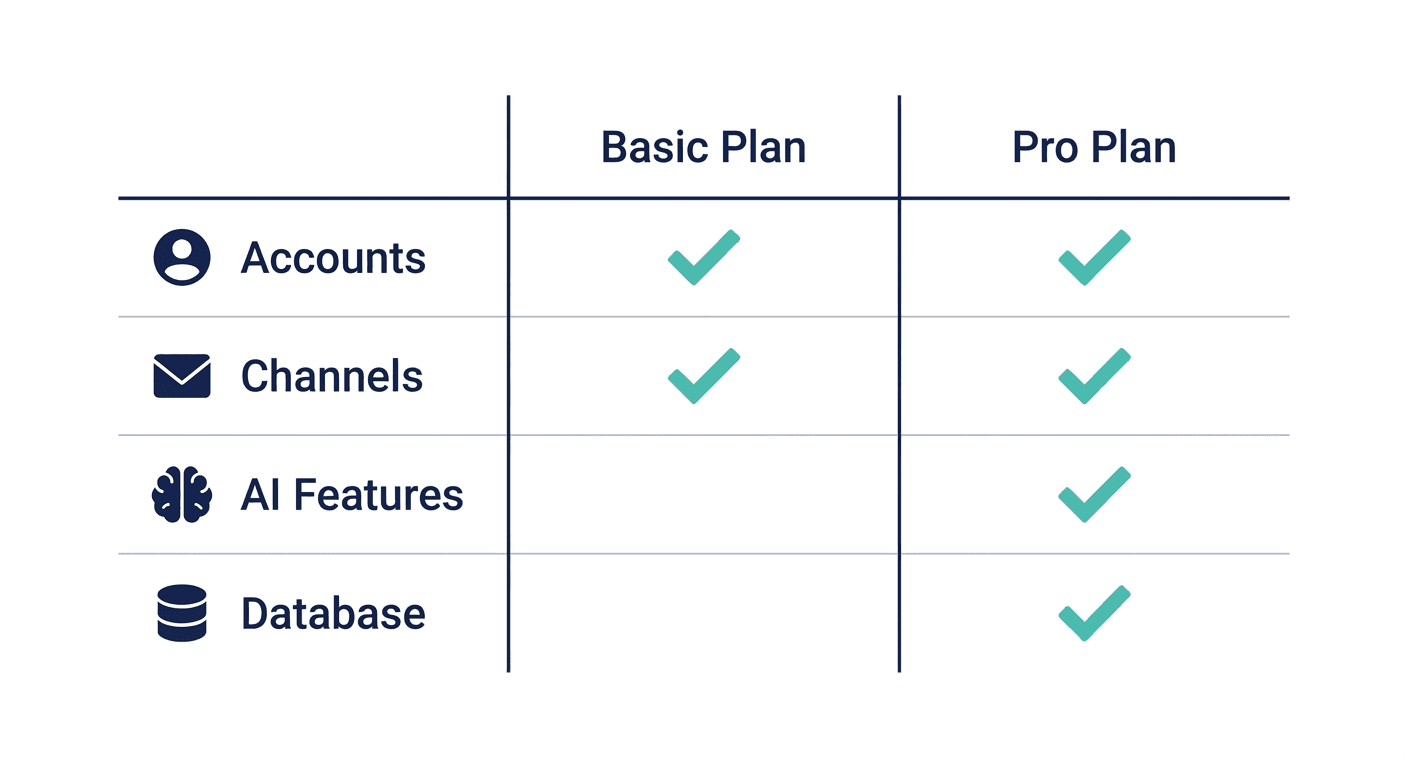
| Feature | Instantly | Reply.io |
|---|---|---|
| Email accounts | Unlimited on every outreach plan | Unlimited on Email Volume, fair usage; 5 or 10 on Multichannel |
| Email warmup | Unlimited on every outreach plan | Included with every mailbox |
| Lead data | 450M+ leads through Credits plans | 50 live data credits a month on Email Volume |
| LinkedIn, calls, SMS | Not listed | Multichannel |
| Metered on | Emails and uploaded contacts | Active contacts |
| Entry price | $47 a month, $37.60 yearly | $59 a month, $49 annually |
Setting Either Tool Up For One-Message Campaigns
Whichever platform sends, the result depends more on the list and the message than on the tool. A relevant list and one message worth answering do more for reply rates than any sequencing feature, and they keep every mailbox's reputation where the warmup put it.
Final Thoughts
Instantly is the tighter fit for email at volume, with every account warmed and a large lead database a Credits plan away. Reply.io is the fit for a motion that spans LinkedIn, calls and SMS, and its contact-based metering suits one-message campaigns. On Microsoft 365, both send from the same mailbox under the same Microsoft caps, and Reply.io documents its Outlook and Exchange connections step by step.
Related Reading
- Reply.io vs Smartlead: Which Cold Email Platform Fits Your Outreach Strategy?
- Mailshake vs Reply.io: Which Cold Email Platform Fits Your Sales Process?
- Instantly vs Mailshake: Which Cold Email Platform Fits Your Sales Process?
If you would rather have this run for you, RevenueFlow books qualified meetings on a pay-per-meeting basis and publishes client results.
Pricing and features are taken from the vendors' own pages. Verify current terms with the vendor before relying on them.
Frequently asked questions.
Frequently asked questions- Is Instantly or Reply.io better for cold email?
- For email alone at volume, Instantly's plans list unlimited email accounts and warmup from $47 a month and a 450M+ lead database on Credits plans. For outreach that also runs on LinkedIn, calls or SMS, Reply.io's Multichannel plan puts those channels in one sequence. For one-message campaigns, Reply.io's contact-based metering means the email count never limits you.
- Does Reply.io work with Outlook and Microsoft 365?
- Yes. Reply's help centre describes an Outlook single-click connection for Office 365 mailboxes with IMAP enabled, and an Exchange connection for EWS mailboxes that receives through an API. Mailboxes on private Exchange servers use an Autodiscover option. Whichever tool sends, Microsoft caps each mailbox at 30 messages per minute and 10,000 recipients a day.
- How much does Instantly cost compared with Reply.io?
- Instantly's outreach plans are $47, $97 and $358 a month for Growth, Hypergrowth and Light Speed, or $37.60, $77.60 and $286.30 on yearly billing. Reply.io's Email Volume plan is $59 a month or $49 billed annually for 1,000 active contacts, and Multichannel is $99 per user a month or $89 billed annually.
- Does Reply.io have a lead database like Instantly?
- Both now sell data inside the platform. Instantly's Credits plans carry a database of 450M+ B2B leads, from $47 a month for 1,500 credits. Reply.io's pricing page lists live data from 1 billion B2B contacts, with 50 live data credits a month included on its Email Volume plan. Teams with an existing provider can import lists into either.
About the author.

Tim Carden is CMO / CTO at RevenueFlow, which builds and operates outbound revenue engines for B2B companies. Studied at McGill University.
Tim Carden · CMO / CTO
Connect on LinkedIn →Explore more.
Ready to scale your outreach?
We build GTM engines that book real meetings. See the receipts.
Related articles.
Mailshake vs Pipedrive: A Sender and a CRM, Side by Side
Mailshake sells per-user sending with a two-way Pipedrive sync from its middle tier; Pipedrive is a per-seat CRM with sequences from Growth. Both read 18 September 2026.
Chili Piper vs LeanData: Form-First Against CRM-First
Chili Piper publishes a seat floor and bundles scheduling and chat; LeanData prices by Salesforce object and sells scheduling separately. Both read 18 September 2026.
Zoom Revenue Accelerator vs Gong: An Add-On vs a Platform
Zoom's support centre documents Revenue Accelerator as a licence on a Zoom account in two classes; Gong sells a platform per user plus a platform fee. Neither has a rate.
Cognism vs Upcell: A Data Provider Against a Data Layer
Cognism sells compliance-first contact data by quote and credit; Upcell sells a layer that runs your providers, Cognism included, through one record. Read 18 Sep 2026.
PromptLoop vs ZoomInfo: Web Research Against a Database
PromptLoop builds a dataset from the live web in credits it publishes; ZoomInfo sells access to a maintained database by quote. Both pages read 18 September 2026.
Metadata vs 6sense: Paid Media Execution vs Intent
Metadata runs paid B2B campaigns through seven AI agents; 6sense ranks accounts on intent and sells contact data by credit. Neither publishes a rate. Read 18 Sep 2026.