RudderStack Pricing: The Event Count Is the Cheap Axis
Free at 250,000 events a month, and for a B2B programme the volume is never what binds. Sync latency, connection counts and the Enterprise-only apps decide the tier.

RudderStack pricing has three plans: Free at $0 with 250K events a month, Growth at $265 a month for 1 million events or $225 billed annually, and a custom Enterprise tier. For B2B teams the event count rarely binds; sync speed, connection limits and the Enterprise-only data apps, attribution included, decide the tier.
Key takeaways
- RudderStack's pricing page lists Free at $0 with 250K events a month, Growth at $265 a month for 1 million events, or $225 billed annually, and a custom Enterprise tier.
- Warehouse sync runs every 3 hours on Free, 30 minutes on Growth and 5 minutes on Enterprise, and Reverse ETL connections run 10, 25 and unlimited.
- The Profiles and data apps section, including identity resolution and attribution, is marked available only on the quoted Enterprise tier.
- On Free, data processing stops after a second consecutive overage; on a paid plan the overage fee is the difference to the next tier's price.
Reviewed and updated September 21, 2026
A revenue operations team prices RudderStack against its monthly event volume, finds the number comfortably inside a free tier billed at "$0 free forever", and concludes the platform costs nothing. Three weeks later the attribution work it was bought for turns out to sit on the quoted tier, and the conversation restarts from the top.
The event count is the axis the pricing page leads with, and for a B2B programme it is usually the least binding one. Three other axes decide the tier, and none of them is a volume.
Some categories give a buyer no axis at all, and what a webinar vendor is actually selling becomes the useful question once the price turns out to be unpublished.
Here is the ladder as it stands, what each of the four axes actually gates, and one contradiction worth knowing about before quoting anything from it.
RudderStack pricing: the published ladder
RudderStack pricing runs on three plans. Free costs nothing and includes 250K events a month. Growth is listed at $265 a month for 1 million events, or $225 a month with the page's annual billing switched on. Enterprise is custom. The event allowance leads the page, but sync speed, connection counts and the Enterprise-only data apps decide the tier.
| RudderStack plan | Rate as listed | Event allowance | Warehouse sync | Team members |
|---|---|---|---|---|
| Free, per the pricing page | $0, described as free forever | 250K events a month | 3 hours | 10 |
| Growth, per the pricing page | $265 a month at the entry volume, $225 billed annually | 1 million events a month, selectable upward | 30 minutes | Unlimited |
| Enterprise, per the pricing page | Custom, contact sales | Enterprise-grade volume | 5 minutes | Unlimited |
Growth carries a volume selector on the card itself, opening at "1 million events/month" and stepping to 3, 5, 7, 10 and 25 million, with anything above that directed to sales. The pricing page also offers "Save 15% with annual billing" and "Try 30 days free" on that card. Switching the pricing page's annual option on moves the displayed Growth price from $265 to $225 a month. Choosing the higher volumes from here did not change the displayed price in either billing state, so this page gives no rate above the entry volume.
Other vendors band the ladder on a number the buyer brings rather than one the product meters, and tiers banded by advertising spend qualify the account before the conversation starts.
The free tier is not a stub. It includes the 16 SDK sources, more than 200 cloud destinations, warehouse destinations and Reverse ETL, which is a genuinely working pipeline rather than a demo.
What an event is, and why 250,000 is a lot for outbound
The pricing FAQ defines the unit without ambiguity: "An event is a data point generated by a website, app, server, or cloud application. For example, let's say you're browsing a website. When the page loads, that generates a page call that counts as 1 event."
So the meter counts page loads, clicks, server calls and cloud application records, not people and not sessions. That is the right way round for anyone who has been billed per monthly tracked user, because a chatty product no longer pays for the same person repeatedly.
It also means the volume you generate depends on what you instrument rather than on how big your audience is. A consumer product with a signed-in application produces events in the hundreds of millions. A B2B outbound programme produces a page load on a campaign landing page, a form submission, a reply, a meeting booked. Even instrumented enthusiastically, that is unlikely to trouble a quarter of a million events a month.
Which is the point. For this reader, the free tier's allowance is not the constraint, so pricing the platform on volume answers the wrong question.
| Axis | Free, Growth, Enterprise |
|---|---|
| Events a month | 250K, 1 million and up, enterprise-grade |
| Warehouse sync | 3 hours, 30 minutes, 5 minutes |
| Reverse ETL connections | 10, 25, unlimited |
| Transformation limit | 5, 25, unlimited |
| Tracking plans | 1, unlimited, unlimited |
| Tracking plan events | 5, 75, unlimited |
| Workspaces | Prod only, Dev + Prod, custom |
| Profiles and data apps | Enterprise only, attribution included |
The axis that actually moves teams up: latency and connection count
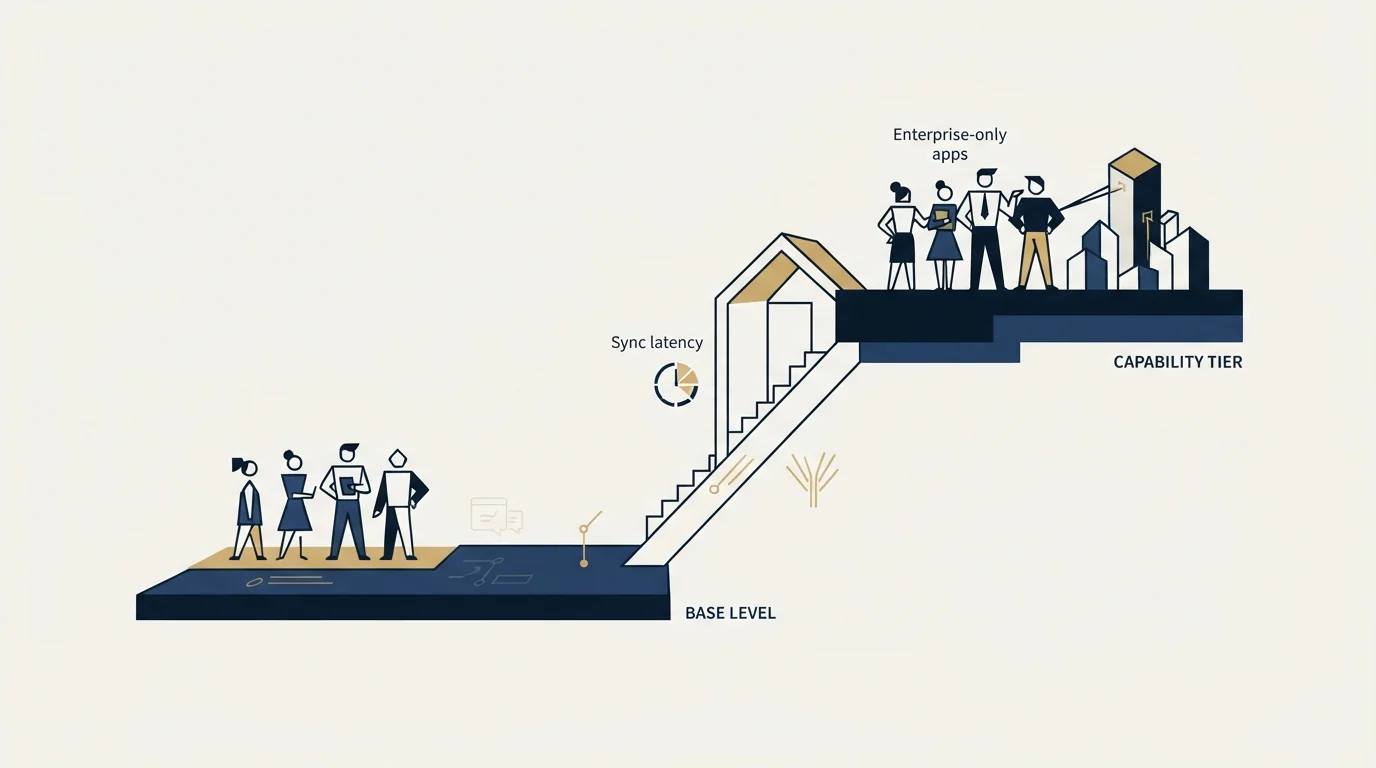
Read across the comparison table and the interesting steps are not the event numbers.
Warehouse sync runs three hours on Free, 30 minutes on Growth and five minutes on Enterprise. Reverse ETL connections run 10, 25 and unlimited. The transformation limit runs 5, 25 and unlimited. Tracking plans run one, then unlimited, and tracking plan events run 5, then 75, then unlimited. Team members run 10, then unlimited. Workspaces run production only, then development plus production, then custom.
For a team with modest volume, the first of those to bind is usually the sync interval or the connection count. A three-hour warehouse sync is fine for reporting and awkward for anything that triggers a workflow, and ten Reverse ETL connections runs out faster than it sounds once each destination tool wants its own.
The development workspace is the other quiet one. On the free tier there is production only, which means changes to pipelines are tested in the place they run.
Where attribution sits, and it is worth checking early
The comparison table lists a Profiles and Data Apps section containing identity resolution, a feature builder, a customer 360 table, an audience builder, activations, attribution, propensity scores, a real-time activation API and an activation API Redis cache. Every one of those rows is marked available against Enterprise.
That matters disproportionately for a GTM buyer, because attribution and identity resolution are frequently the reason the platform is being evaluated at all. Whichever model a team has settled on, and the tradeoffs are set out in last-touch attribution, position-based attribution and time decay attribution, the packaged application that computes it here sits on the quoted tier rather than on a published one.
The underlying data is still yours either way, which is the architectural point covered in what RudderStack is: the platform stores nothing, so the events land in your warehouse on any tier and a data team can model attribution there directly. The Enterprise rows buy the packaged version of that work, not access to the data.
Two things on the page that need care
The overage formula is unusual, and worth reading twice. The FAQ states that on a paid plan "the overage fee is calculated as the difference between the next tier's pricing and your current plan's pricing." That is not a per-unit rate. It means exceeding an allowance effectively charges the step up to the next volume band, so a small overshoot and a large one inside the same band cost the same, and the sensible response to a sustained overage is to move bands rather than to absorb the fee.
On the free tier, exceeding the allowance stops the pipeline. The same FAQ says data processing "will stop after your second consecutive overage". Not throttled, not billed. Stopped. For anyone running production instrumentation on the free tier, that is the single most important line on the page, because the failure mode is missing data rather than an unexpected invoice.
And a plan is named that is not on the ladder. The cards read Free, Growth and Enterprise. The overage answer in the FAQ underneath opens "If you're on the Starter plan", and "the Starter plan" appears nowhere above it. The most likely explanation is a renamed tier and a stale FAQ, and the safe course is to confirm the overage terms in writing rather than quote them from here.
Where the security and compliance rows land
Three rows in the comparison table decide whether a published tier is available to a regulated or security-reviewed buyer at all, and all three sit above Growth.
Single sign on is listed on the Enterprise card. VPC deployment is marked talk to sales. HIPAA and a business associate agreement, the SSH tunnel and a custom master service agreement are ticked only in the Enterprise column. Enterprise access management appears as three groups on Growth.
Data retention settings are the one control in this group ticked from Growth upward. The practical shape is familiar from other categories: the volume ladder and the procurement ladder are different ladders, and a small team with a security review to pass reaches the quoted tier long before its event count suggests it should.
Support follows the same line. The FAQ states there is no dedicated support on the free tier, only a community Slack, that paid plans carry some level of team support, and that Enterprise adds an account manager and a dedicated Slack channel. Onboarding support is listed as up to six months on Enterprise.
The self-hosted route, and what it does and does not include
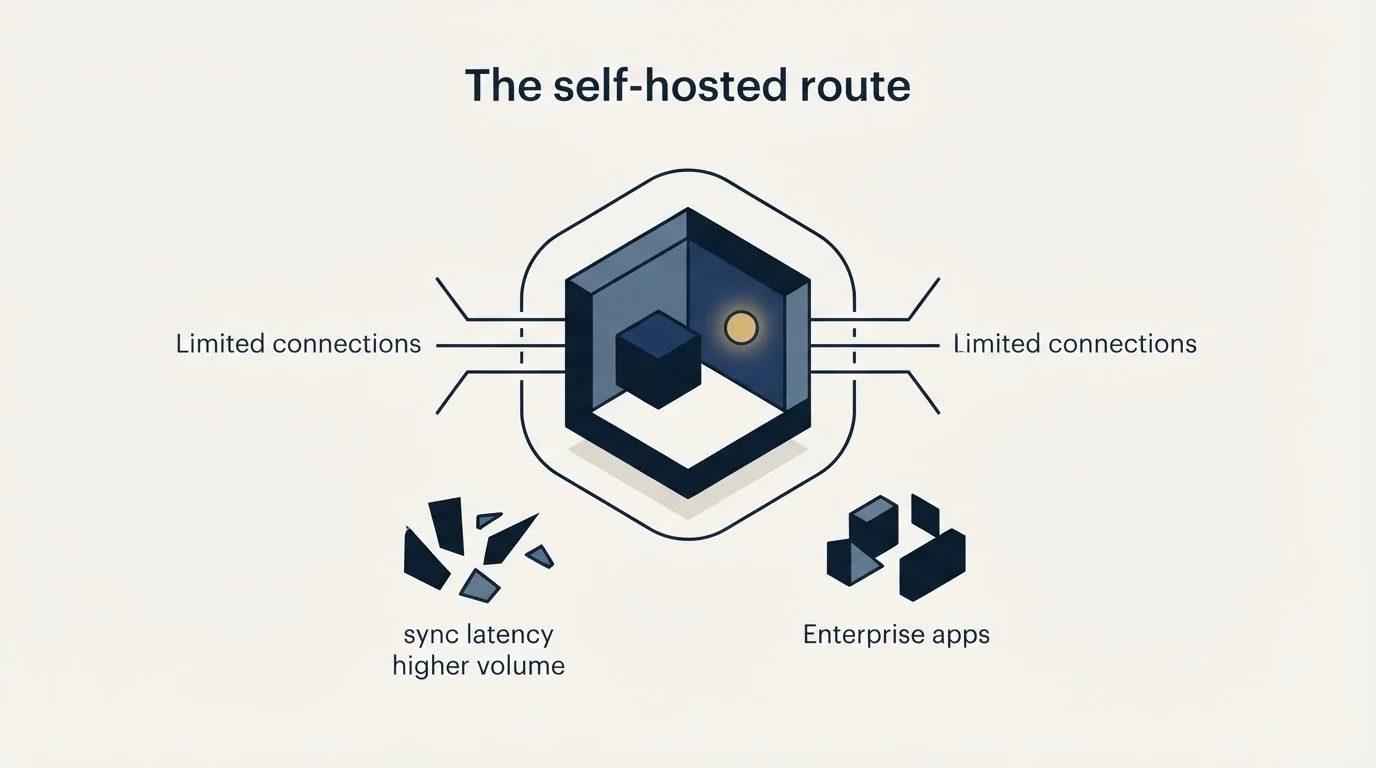
The FAQ answers the self-hosting question directly. The project is released under Elastic 2.0, the core data processing layer is described as the same for the Community and Enterprise editions, and the Enterprise edition adds reporting and clustering features built on top of the data plane. Running open source for event streaming means standing up and operating your own data plane, which in practice suits highly technical data teams with platform engineering resources.
That is a genuine option and it is not a cheaper version of the managed product. It trades a subscription for engineering time, and the calculation only works for a team that already has the second thing.
The short version
There is a free tier at "250K Events/month" that includes a working pipeline, a Growth tier from $265 a month at "1 million events/month" with a selector up to 25 million, and a quoted Enterprise tier. Events are counted as data points, with a page load equal to one.
For a B2B outbound programme the event allowance is rarely what binds. Warehouse sync latency, Reverse ETL connection count, transformation limits and the absence of a development workspace bind first, and the Profiles and data applications, including attribution and identity resolution, sit on the quoted tier. The free tier stops processing after a second consecutive overage, and the FAQ describes overage terms for a plan the ladder no longer lists.
Price it on latency and capability rather than on volume, and confirm the overage terms in writing. When the missing piece is the flow of qualified conversations rather than the infrastructure to measure it, see what a first campaign produces against your own market.
Plan names, rates, allowances and comparison table rows above were read from rudderstack.com/pricing, in both billing states and from its rendered comparison table. Vendor pricing moves. Verify current terms with the vendor before relying on them.
Frequently asked questions.
Frequently asked questions- How much does RudderStack cost?
- RudderStack's pricing page lists three plans. Free costs nothing and includes 250K events a month. Growth is $265 a month at 1 million events, or $225 a month with annual billing, with a 30-day free trial. Enterprise is priced by sales. The page did not show a rate for Growth's higher volume options when they were selected.
- What counts as an event in RudderStack pricing?
- The pricing FAQ defines an event as a data point generated by a website, app, server or cloud application, and gives a page load as an example of one event. The meter counts page loads, clicks, server calls and cloud records rather than people, so the volume depends on what you instrument.
- What happens if you go over RudderStack's event limit?
- It depends on the plan. On Free, the FAQ says data processing stops after your second consecutive overage. On a paid plan, the overage fee is calculated as the difference between the next tier's pricing and your current plan's pricing. The FAQ names that paid plan Starter, a name the pricing cards no longer use.
- Which RudderStack plan includes attribution?
- Enterprise. The comparison table on RudderStack's pricing page marks the whole Profiles and data apps section, including identity resolution, attribution, audience builder and propensity scores, as available only on the Enterprise tier. The underlying events still land in your own warehouse on every tier, so a data team can model attribution there directly.
About the author.

Ben Carden is CRO at RevenueFlow, which builds and operates outbound revenue engines for B2B companies. Previously at Gartner Enterprise. Studied at London School of Economics.
Ben Carden · CRO
Connect on LinkedIn →Explore more.
Ready to scale your outreach?
We build GTM engines that book real meetings. See the receipts.
Related articles.
What RudderStack Is: A Customer Data Platform
RudderStack is warehouse-native, which its own docs define as storing and persisting nothing. What that changes about ownership, attribution and the exit cost.
Northbeam Pricing: Banded by Your Ad Spend
Four tiers banded by your own ad spend, all four asking you to contact sales. Two print a figure anyway, and only one of those states a period.
ABM Reporting: Three Readers, Three Cadences
ABM reporting built around who reads it: a weekly operating page, a monthly allocation page and a one-page quarterly board report, each computed from CRM fields.
Crunchbase Pricing: The Annual Rate Is Introductory
The annual figure Crunchbase shows a new visitor is a first year rate, and its own help centre says so. Where the price lives, and why the export cap decides it.
FullEnrich Pricing: You Pay Only for Found Data
FullEnrich spends credits only on data it finds and verifies, and a mobile number costs ten times a work email. The bands, and the mix that decides the bill.
Typeform Alternatives: Read the Response Meter First
Typeform meters responses with a hard ceiling and counts seats inside the plan. What Tally, Fillout, Formbricks and Jotform count instead, from their own pricing pages.