Best CRM Tools for Consultants (2026)
The five CRM tools worth comparing for Consultants in 2026, with every price attributed to the page it came from and the unverifiable ones marked.
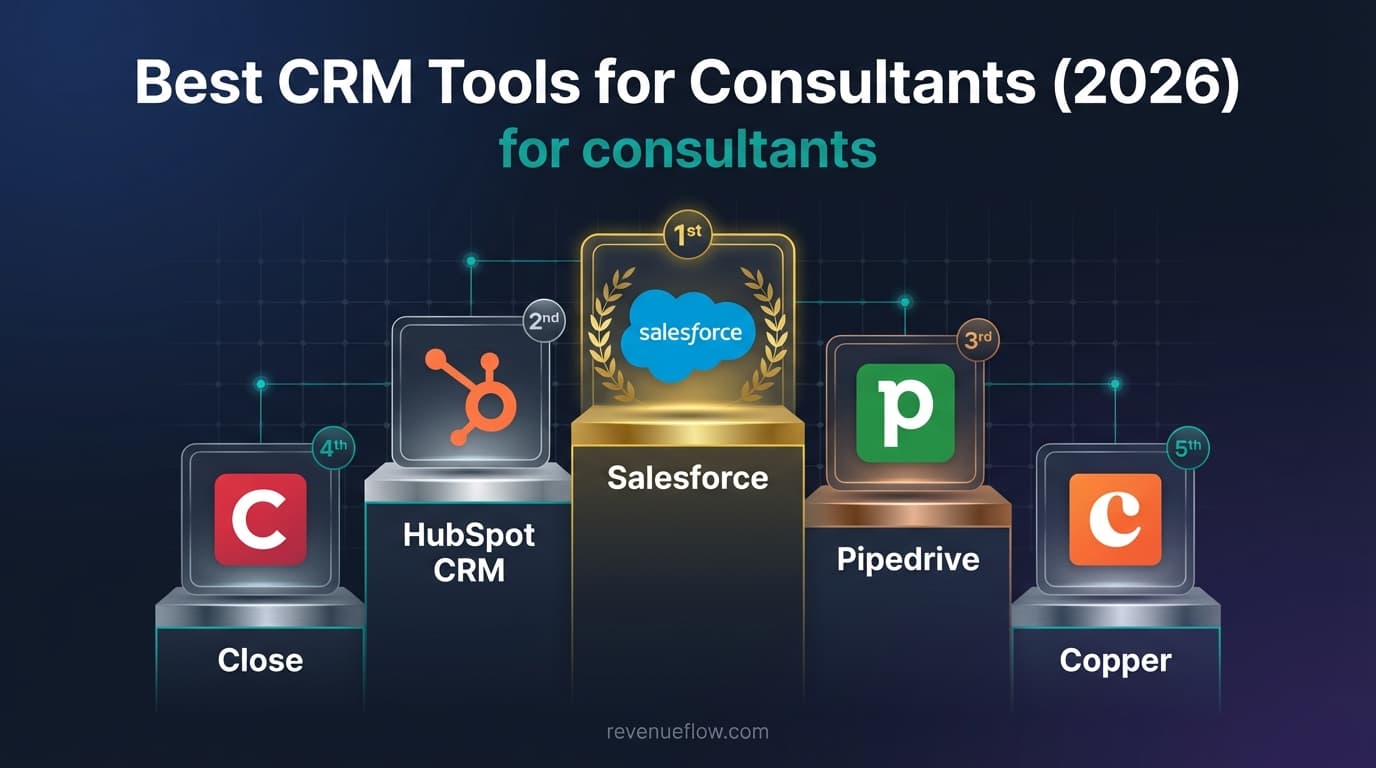
The best CRM tools for Consultants in 2026 are HubSpot, Zoho CRM, Freshsales, Salesforce and Pipedrive. Freshsales publishes $9 per user a month billed annually and Salesforce $25 per user a month. HubSpot and Zoho offer free tiers whose paid ladders could not be verified. For consultants, it is whether you will keep it updated.
Key takeaways
- A consulting practice tracking thirty live conversations needs the simplest CRM it will keep current, not the most capable one.
- Three of the five vendor pricing pages could be read for this update: HubSpot renders its ladder in JavaScript and Zoho geo-serves its currency, so those two are carried forward unverified, while Pipedrive, which refuses this network with a 403, was read from a United States egress on 1 September 2026.
- Freshsales publishes $9 /user/month, billed annually on Growth and has no free tier, only a 21-day trial, which is easy to miss when comparing it against the two free CRMs on the list.
- Salesforce publishes its full ladder from $ 25 USD/User/Month to $ 550 USD/User/Month, and only the entry tier is offered billed monthly or annually rather than annually only.
Reviewed and updated September 2, 2026
Best CRM Tools for Consultants (2026)
Consulting pipelines are short, slow and made almost entirely of relationships, which means the CRM's real job is not forecasting. It is making sure the person who referred you two years ago hears from you before you need something.
Choosing a CRM for professional services firms, meaning consultancies, accounting practices and legal advisers, is this same shortlist read against one extra question: whether the tool has to carry billable time and delivery alongside the pipeline, or only the pipeline.
What Consultants Need From a CRM Tool
- Personalization
- CRM tracking
- Low volume, high quality
- Somewhere to keep referral relationships warm
Low volume changes what to buy. A practice tracking thirty live conversations does not need pipeline analytics, and the effort of configuring a platform is a genuine cost against a small number of deals. The right tool here is usually the simplest one that will actually get updated, and two vendors on this list publish a free tier that covers this scale outright.
A practice that lives in Gmail can narrow the field further, since what a Gmail-native CRM actually installs shows most of the category ships as a browser extension.
Relationship maintenance is the requirement that gets under-specified. What a consultant needs is a reliable way to resurface dormant contacts on a schedule, which is a task-automation feature rather than a sales feature, and it is worth checking specifically because it is not what CRM marketing leads with.
Personalisation and tracking are both field problems at this end of the market, and the fields are unusually rich: what the client's problem was, who else was in the room, what was promised. That argues for a CRM with generous custom fields and free-text capture over one optimised for structured pipeline reporting.
How This Guide Was Put Together
Every price here was read off the vendor's own pricing page from a dated snapshot, and each figure is attributed to the page it came from rather than to the vendor. On this list that produced a result worth stating plainly: only two of the five pages could be read.
Freshsales and Salesforce both served a full ladder, so their figures below are verified. HubSpot returned a page whose pricing is rendered by JavaScript, leaving a couple of dozen characters of readable text. Zoho served its pricing in rupees, so its dollar ladder is not in the page that arrived. Pipedrive refused the request with a 403.
For those three, the pricing shown is carried forward unchanged and is not verified as current, which is repeated beside each one. Nothing in the prose reuses those numbers, and the budget section names only figures that were actually read.
No lab test sits behind this either. Nobody here ran five CRM implementations side by side, so the guide makes no claim about which is fastest to deploy. What it does judge is what each pricing model rewards, where each sits relative to an outbound motion, and which shape of team the published plans were drawn for.
Top 5 CRM Tools for Consultants

- Contact and company management
- Deal pipeline and tracking
- Email tracking and notifications
- and 5 more listed below
- Lead, contact, and deal management
- Sales automation and workflow rules
- Zia AI assistant with predictions and suggestions
- and 5 more listed below
- Contact, account, and deal management
- Built-in email and phone with call recording
- Freddy AI lead scoring and deal insights
- and 5 more listed below
1. HubSpot CRM
An all-in-one CRM platform with a free tier covering contact management, deal tracking and email, plus separate Hubs for marketing, sales, service and content.
Pricing below is CARRIED FORWARD and UNVERIFIED. The HubSpot pricing page renders its ladder in JavaScript, so no figure on it could be read for this update. Check the page before budgeting.
Starting price on that page, carried forward: Free, with a top tier of $150/mo.
Key Features:
- Contact and company management
- Deal pipeline and tracking
- Email tracking and notifications
- Meeting scheduling
| Plan (HubSpot, carried forward from the previous version, UNVERIFIED) | Price |
|---|---|
| Free | Free |
| Sales Hub Starter | $20/mo |
| Sales Hub Professional | $100/mo |
| Sales Hub Enterprise | $150/mo |
Integrations: Gmail, Microsoft Outlook, Slack, Salesforce, Zapier, Shopify, WordPress, Zoom
Comfortable for a practice that wants light CRM plus occasional marketing, with a free tier that genuinely covers this scale. Its paid ladder could not be read for this update, which matters little if you stay on free.
2. Zoho CRM
A broad, low-cost CRM from the Zoho ecosystem, with sales automation, multichannel communication, analytics and the Zia AI assistant, integrated across the rest of the Zoho suite.
Pricing below is CARRIED FORWARD and UNVERIFIED. The Zoho CRM pricing page geo-serves its currency and returned rupee pricing rather than the dollar ladder quoted here. Check it in your own currency before budgeting.
Starting price on that page, carried forward: Free, with a top tier of $52/mo.
Key Features:
- Lead, contact, and deal management
- Sales automation and workflow rules
- Zia AI assistant with predictions and suggestions
- Multichannel communication (email, phone, social, live chat)
| Plan (Zoho CRM, carried forward from the previous version, UNVERIFIED) | Price |
|---|---|
| Free | Free |
| Standard | $14/mo |
| Professional | $23/mo |
| Enterprise | $40/mo |
| Ultimate | $52/mo |
Integrations: Zoho Suite (45+ apps), Google Workspace, Microsoft 365, Slack, Zapier, Mailchimp, Shopify, QuickBooks
A free tier plus strong automation for the price, which suits a consultant who wants scheduled reminders without a platform. Dollar pricing is unverified from this location.
3. Freshsales
An AI-assisted CRM from Freshworks combining contact and deal management with built-in email and phone, and Freddy AI for lead scoring and deal insights.
From the Freshsales pricing page, read for this update: $9 /user/month, billed annually on Growth, up to $59 /user/month, billed annually on Enterprise.
| Plan (Freshsales pricing page) | Price | Billing basis |
|---|---|---|
| Growth | $9 /user/month | billed annually |
| Pro | $39 /user/month | billed annually |
| Enterprise | $59 /user/month | billed annually |
Three details from that page change the arithmetic. Those are the page's ANNUAL prices, shown with a Monthly and an Annually toggle at Save 20%, so a monthly commitment costs more. There is no free tier, only a 21-day trial. And the page prices two add-ons separately: Branded documents at $19/user/month, and the Freddy AI Agent at $49 /100 sessions.
Key Features:
- Contact, account, and deal management
- Built-in email and phone with call recording
- Freddy AI lead scoring and deal insights
- Visual sales pipeline management
Integrations: Freshworks Suite, Gmail, Microsoft Outlook, Slack, Zoom, Zapier, Segment, Shopify
Published on that page at $9 /user/month, billed annually, with built-in phone and email. It has no free tier, only a 21-day trial, which for a one or two person practice makes it a deliberate paid choice against two free alternatives.
4. Salesforce
The largest CRM platform, with sales, service, marketing and commerce products, deep customisation, Einstein AI and the AppExchange ecosystem.
From the Salesforce pricing page, read for this update: $ 25 USD/User/Month on Starter Suite, up to $ 550 USD/User/Month on Agentforce 1 Sales.
| Plan (Salesforce pricing page) | Price | Billing basis |
|---|---|---|
| Starter Suite | $ 25 USD/User/Month | Billed monthly or annually |
| Pro Suite | $ 100 USD/User/Month | Billed annually |
| Enterprise | $ 175 USD/User/Month | Billed annually |
| Unlimited | $ 350 USD/User/Month | Billed annually |
| Agentforce 1 Sales | $ 550 USD/User/Month | Billed annually |
Two things there are worth carrying into a plan. Only Starter Suite is offered billed monthly or annually; every tier above is billed annually, so the entry tier is the only one not asking for a year up front. And the page runs a currency converter rather than geo-forcing one, publishing GBP beside USD at £ 20, £ 80, £ 140, £ 280 and £ 440, the cleanest currency disclosure on this list.
Key Features:
- Lead, account, and contact management
- Opportunity and pipeline tracking
- Einstein AI-powered analytics and predictions
- Sales forecasting and territory management
Integrations: Slack, Google Workspace, Microsoft Outlook, Mailchimp, DocuSign, Zapier, Tableau, MuleSoft
Far more platform than a consulting practice needs, and the configuration time is the real cost rather than the $ 25 USD/User/Month entry price.
5. Pipedrive
A sales-first CRM built around a visual deal pipeline and activity-based selling, with workflow automation and an AI sales assistant.
Pricing below was read from Pipedrive's own pricing page on 1 September 2026. Every direct route from our network is still refused with a 403, so the page was read from a United States egress, and the document it returned names its own state: "country":"us", prices in US dollars, and a billing toggle whose accessibility label reads "Currently selected is Billed annually". That also retires the five-tier ladder the previous version carried. Pipedrive renamed and merged its plans, so Essential is now Lite, Advanced is Growth, Professional and Power are both Premium, and Enterprise is Ultimate.
Starting price on that page: US$14 per seat per month, billed annually.
Key Features:
- Visual deal pipeline management
- Activity-based selling methodology
- Email sync with templates and tracking
- Workflow automation builder
| Plan (Pipedrive's own pricing page, read 1 September 2026) | Per seat per month | Billed annually |
|---|---|---|
| Lite | US$14 | US$168 per seat per year |
| Growth | US$39 | US$468 per seat per year |
| Premium | US$59 | US$708 per seat per year |
| Ultimate | US$79 | US$948 per seat per year |
Integrations: Google Workspace, Microsoft Outlook, Slack, Zoom, Zapier, Mailchimp, Trello, Asana
Suits a consultant who thinks in deals and wants a short setup. Its pricing page refuses our network, so the figures above were read from a United States egress on 1 September 2026.
What the CRM Actually Has to Do With Outbound
A CRM does not send cold email and does not improve deliverability, so the reason it belongs in an outbound stack is narrower than a feature list suggests: it is the record of truth that outlives every other tool in that stack.
Sending platforms get replaced, warmup subscriptions lapse, sequences get rebuilt. What survives is who was contacted, when, and what they said, because that record stops the same person being pitched twice and settles a dispute about whether a meeting counted. So the practical test of a CRM in an outbound context is whether activity arrives intact and attributable, which is a question about the write-back path rather than about features.
Two consequences follow, both cheap now and expensive later. Decide which system is the record of truth before integrating anything, because a team treating both as authoritative reconciles them monthly. And agree the qualification criteria in writing before the first campaign, in the CRM's own fields, so a meeting is judged against a definition rather than a memory. Budget, timing and authority are never among those criteria.
The house rule follows: one message per campaign, no bumps and no thread replies. A CRM will happily record a five-touch sequence, and recording it does not make it a good idea.
Comparison Table
| Tool | Entry price | Verified for this update? |
|---|---|---|
| HubSpot CRM | Free tier, paid ladder carried forward | No, the pricing page is JS-rendered |
| Zoho CRM | Free tier, paid ladder carried forward | No, the pricing page geo-serves currency |
| Freshsales | $9 /user/month, billed annually | Yes, read from the pricing page |
| Salesforce | $ 25 USD/User/Month | Yes, read from the pricing page |
| Pipedrive | Carried forward | No, the pricing page returned 403 |
Recommendation by Budget
The verified entry point. Freshsales publishes $9 /user/month, billed annually on Growth, the lowest verified per-seat price here. Note the unit and basis: per user, at the annual rate, with that page offering Save 20% on annual against monthly.
The verified enterprise ladder. Salesforce publishes $ 25 USD/User/Month for Starter Suite billed monthly or annually, then $ 100, $ 175, $ 350 and $ 550 USD/User/Month billed annually. It is the only page here showing a whole ladder in one place and in your own currency.
The free tiers. HubSpot and Zoho both offer a free CRM tier, and neither page could be read, so treat the paid steps above them as unconfirmed. Freshsales has none at all, only a 21-day trial, which is easy to miss when comparing entry prices.
Before budgeting, open the three unread pages yourself. A CRM is a multi-year commitment with migration costs at both ends, and the last place to plan against a number nobody verified this week.
How to Choose
Will you actually update it? At thirty live conversations this is the only question that matters. Pick the simplest tool you will keep current.
Can it resurface dormant relationships on a schedule? This is the consulting use case, and it is task automation rather than pipeline management. Check it specifically.
How rich can a record be? The useful context is free text and custom fields: the problem, the room, the promise. Structured pipeline fields matter less here.
Is a free tier enough? Two vendors here publish one, and at this scale it usually is.
Does it separate the practice domain from prospecting? Not a CRM feature, but the CRM should hold the record of both so a referral is never cold-pitched.
Getting It Adopted
- Step 1Define first
Write the stage definitions and the qualified-meeting criteria before configuring anything
- Step 2Model the account
Decide what an account is and how contacts hang beneath it, before the first import
- Step 3Set permissions
Agree who sees what while the CRM is still empty, because retrofitting means auditing every record
- Step 4Then integrate
Test write-back with real records and real owners, and name one system as the record of truth
Start on a free tier and keep the configuration minimal, with a handful of stages and the fields you would genuinely fill in after a call.
Then build one automation: resurface any contact untouched for a set period. For a consulting practice that single workflow carries much of the value of owning a CRM, and it is the thing a calendar will not do for you.
Let outbound write into the same record, keep prospecting off the domain that carries client work, and send one message per campaign. A senior buyer who did not reply made a decision, and the CRM's job is to remember it and resurface them later on your terms.
Where the Tool Stops Mattering
The tool stops mattering at who you know and what you can prove. Consulting is referral-led, and a CRM organises that; it does not generate it.
The second limit is honesty about the pipeline. Thirty conversations logged optimistically produce a forecast that feels good and predicts nothing.
Final Thoughts

Free and enough for the scale: HubSpot or Zoho. Scheduled reminders without a platform: Zoho's automation. Phone and email built in and worth paying for: Freshsales at $9 /user/month, billed annually, with no free tier. Thinking in deals with a short setup: Pipedrive. Salesforce is more than this practice needs.
Related Reading
- Best HubSpot CRM Alternatives in 2026
- Best Zoho CRM Alternatives in 2026
- Best Salesforce Alternatives in 2026
- Best Pipedrive Alternatives in 2026
- Best Freshsales Alternatives in 2026
- Email sending tools for consultants
If you would rather have this run for you, RevenueFlow books qualified meetings on a pay-per-meeting basis and publishes client results.
Pricing and features are taken from the vendors' own pages where those pages could be read, and are carried forward unverified where they could not. Verify current terms with the vendor before relying on them.
Frequently asked questions.
Frequently asked questions- Does a small consulting practice need a CRM?
- If you rely on referrals and repeat work, yes, and it can be free: two vendors here publish a tier that covers this scale. The single most valuable feature is not pipeline reporting but the ability to resurface dormant contacts on a schedule, which is task automation and worth checking specifically.
- What should a consultant track in a CRM?
- Context rather than stages. What the client's problem was, who else was in the room, what was promised, and when you last spoke. That argues for generous custom fields and free-text capture over a tool optimised for structured pipeline reporting at volume.
- Why can't you verify the prices for some of these CRMs?
- Two of the five pages could not be read. HubSpot renders its pricing in JavaScript, so the fetched document carried a couple of dozen characters of text. Zoho geo-serves its currency and returned rupee pricing rather than dollars. Their figures here are carried from the previous version and marked unverified. Pipedrive refuses this network with a 403 as well, but it was read from a United States egress on 1 September 2026, so its figures are current.
- Does a CRM help with cold email deliverability?
- No. A CRM does not send cold email and has no effect on inbox placement, which is decided by your sending domains, warmup, list quality and volume. What the CRM does is hold the record that outlives your sending platform: who was contacted, when, what they said, and whether they asked not to be contacted again.
About the author.

B2B cold email experts helping companies generate qualified leads through done-for-you outreach campaigns.
RevenueFlow Team
Explore more.
Ready to scale your outreach?
We build GTM engines that book real meetings. See the receipts.
Related articles.
CRM Report Template: Four Reports, Field by Field
A CRM report template is four saved queries: pipeline by stage, activity by owner, conversion by source and stale deals, each with its filter, fields and formulas.
Which CRMs and Tools the Outbound Stack Connects To: Integration Data From 342 Sales Tools
HubSpot is named as an integration by 52.3% of 342 verified sales tools, Zapier by 50.3% and Salesforce by 43.3%. Here is the full map by category.
Sales Data: The Classes, and Which Ones You Can Buy
Sales data covers two collections with almost nothing in common: the account attributes a provider sells you, and the outcomes only your own sending produces.
Best CRM for Google Workspace: What Lives in Gmail
Working with Google Workspace covers four separate integrations, and most of the category ships as a browser extension. What five vendors publish about theirs.
Best Time to Cold Call: What the Studies Counted
The best time to cold call figures traced to their originals: one inbound study from six companies, three vendor call datasets, and what survives the read.
Best Time to Send a Sales Email: What Was Measured
The send time studies behind the midweek morning answer, what each one actually counted, and why a broadcast finding does not transfer to a sales email.