Fake Email Bounce Messages: Bounces for Mail You Never Sent
Non-delivery reports arriving for messages nobody wrote look like a breach and usually are not. The ten-minute test that separates the two, and what actually helps.
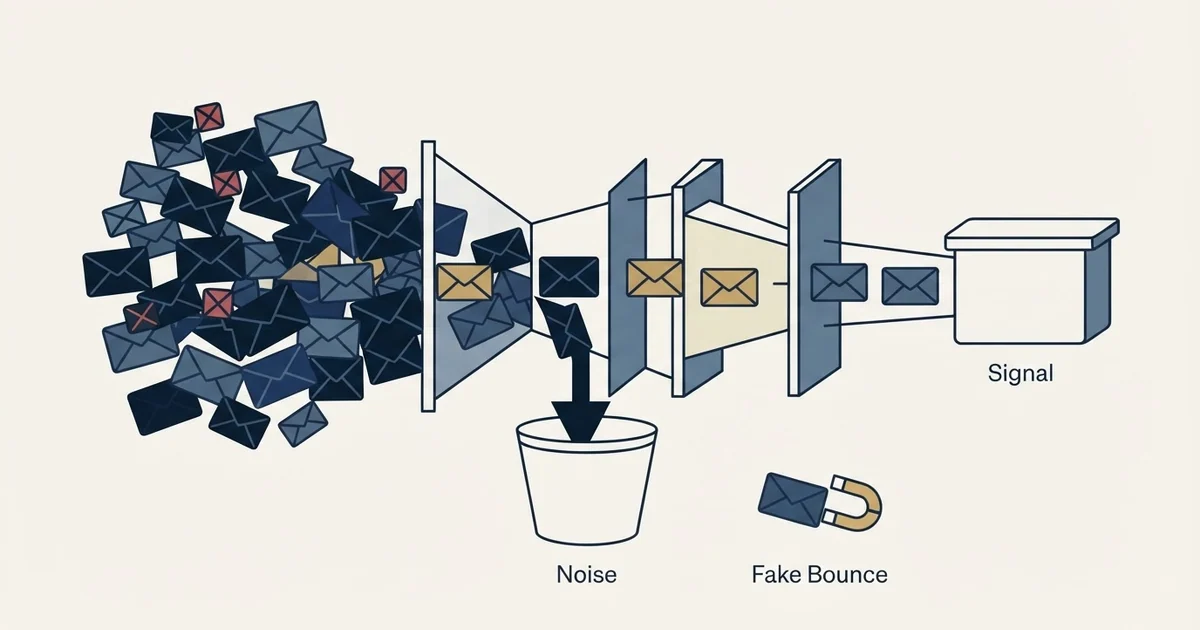
Bounce reports for messages you never sent are backscatter. Microsoft documents the cause: spammers forge real addresses as the sender, so failed deliveries return to the forged address. The test that separates it from a compromise is your own outbound log, and a strict DMARC policy is the substantive mitigation.
Key takeaways
- Microsoft's own definition is that backscatter is non-delivery reports received for messages you did not send, caused by spammers forging real addresses to lend their messages credibility.
- The diagnosis is your outbound log: backscatter produces reports with no matching sent volume, while a compromise produces messages you did not write in the sending record.
- A Backscatterer.org listing means a server generated bounce reports rather than that anyone sent spam, and Microsoft notes its own servers might appear on that list.
- A strict DMARC policy prevents most forged runs from being delivered, but protects only the exact domain it is published for and does nothing about lookalike domains or display-name forgery.
Reviewed and updated August 28, 2026
Fake Email Bounce Messages: Bounces for Mail You Never Sent
A sending inbox fills overnight with non-delivery reports. The recipients are strangers, the subject lines belong to a pharmacy promotion nobody on the team wrote, and the reports keep arriving for two days. The first assumption is always the same one: somebody got in.
Usually nobody did. The phenomenon has a name, the largest mail provider in the enterprise market documents it under that name, and the diagnosis takes about ten minutes. It also has consequences for a cold email programme that are worth understanding before the panic response makes things worse.
Microsoft's definition, and the mechanism underneath it
Microsoft documents the case directly in its backscatter reference for Microsoft 365. Its definition is that backscatter is non-delivery reports, also known as NDRs or bounce messages, that you receive for messages you did not send. Its explanation of the cause is that spammers often use real email addresses as the From address to lend credibility to their messages, so when a nonexistent recipient receives spam, the destination email server unwittingly sends the NDR to the forged sender in the From address.
The mechanism is a design property of email rather than a bug in anyone's product. A sending system declares the address that failures should be returned to, and receiving systems take that declaration at face value because nothing in the original specification required them to verify it. Anyone can therefore declare your address and let the world's mail servers deliver the consequences to you.
Microsoft is candid about the limits of filtering it. Its documentation says Microsoft 365 makes every effort to identify and silently drop messages from dubious sources without generating an NDR, and then concedes that it is almost impossible for Microsoft 365 to send absolutely no backscatter given the volume of mail flowing through the service. Every large provider is in the same position, which is why the volume never reaches zero.
- Step 1A spam run is sent
By someone unconnected to you, from infrastructure you have never touched
- Step 2Your address is declared as the sender
Chosen because a real address lends the message credibility
- Step 3A recipient does not exist
The destination server accepts the message, then finds no mailbox
- Step 4The report is returned to the declared address
Which is yours, and which no server verified
Telling it apart from an actual compromise
The two look identical in the inbox and differ completely in your own logs. That is the whole test.
Backscatter produces reports without matching outbound activity. Nothing left your sending infrastructure, so the platform's sent-message record for the period is normal and the volume you are receiving has no counterpart in it. The reports themselves also tend to reference recipients and content with no relationship to anything your team writes.
A compromised account produces outbound volume you can find. Messages you did not write appear in the sending record, the sent-items folder, or the provider's audit log, and the volume arrives in a burst. Microsoft publishes the refusal that follows, 5.1.8 Access denied, bad outbound sender, and describes it as an account blocked for sending too much spam, noting that this typically occurs because the account was compromised through phishing or malware. If you are seeing that code on your own outbound, the diagnosis is settled and the reports in your inbox are a symptom rather than the story.
Unlike backscatter, a genuine delivery failure carries its own refusal code, and bounce message refusals sorted by owner shows who is responsible for each one.
- Yes: Reports for mail you never sent, no matching outbound volume in your logs: backscatter, and your systems are intact
- No: Reports plus outbound volume nobody can account for: a compromised account, and credentials come first
- No: A delivery-failure notice carrying an attachment or a button asking you to act: a phishing lure using the format as cover
- Depends: Reports naming your own recipients from a campaign you did send: an ordinary bounce, read it as one
The blocklist twist that catches people mid-diagnosis

There is a list for this, and it does not mean what a sender assumes when it appears on a checker report.
Microsoft's documentation notes that Backscatterer.org maintains a blocklist of email servers responsible for sending backscatter, that this blocklist is not a list of spammers, and that Microsoft 365 servers might appear on it. Microsoft also relays Backscatterer.org's own recommendation to use the service in safe mode, because large email services almost always send some backscatter.
Two things follow. A hit on that list, seen in a multi-list report, is a statement about a server generating bounce reports rather than about anyone sending spam, and it carries none of the weight of a hit on a list that receiving infrastructure consults for spam. And if you send through a large provider, the server named is very likely not yours in any actionable sense. Reading a multi-list result carefully enough to separate these is covered in email blacklist check and recovery.
Read from the sending side the same list is a different question, and what actually puts an address on the Backscatterer blacklist, including the sender callouts most senders never consider, is in what gets listed and how it clears.
What actually reduces it
The honest answer is that you cannot stop other people declaring your address, and the mitigations work on making the declaration less useful rather than impossible.
Publishing a strict DMARC policy is the substantive move. It tells receiving systems what to do with mail that claims to be from your domain and cannot prove it, and a policy of reject asks them to refuse it outright, which prevents most of the spam runs that generate the reports from being delivered anywhere. The choice between quarantine and reject while running cold email has trade-offs in both directions, and which DMARC policy to run works through them. Getting to the point where a strict policy is safe to publish requires SPF and DKIM aligned first, which is the alignment problem.
Two limits are worth stating plainly rather than discovering later. A strict policy protects the exact domain it is published for, so it does nothing about a lookalike domain registered to resemble yours, and nothing about a display name carrying your company's name over an unrelated address. And the aggregate reports DMARC generates are the reason to run it even when nothing is wrong, because they are what make a spoofing attempt visible while it is happening. Spamhaus's published best practices for maintaining domain reputation name exactly that, monitoring DMARC reports for attempts to spoof your domain, alongside registrar-level protections such as registry lock and DNS change monitoring.
The other thing "fake bounce message" means

Two adjacent searches land on this phrase, and both deserve a straight answer.
The first is a delivery-failure notice that is itself the attack. A message styled as a bounce, carrying an attachment to open or a button to click, uses the format because people react to a failed delivery without reading it. A genuine delivery status notification is a defined machine format rather than a marketing layout, so the tells are structural: a real report quotes the receiving server's verbatim response and carries the original message's headers, while a lure carries a call to action and an attachment and quotes nothing. Reading the machine part is covered in how to read a bounce back email.
The second is the wish to fabricate a bounce so that a sender concludes your address is dead. It does not work the way people hope. A forged report is a message you send, so it comes from a live mailbox and proves the opposite of what it claims, and any sender whose platform reads the enhanced status code rather than the summary line will see a report that did not come from the receiving server in the original transaction. The reliable way to stop mail is the unsubscribe link, which a legitimate sender is obliged to honour.
Handling the flood without breaking anything
While it is running, the practical problem is that the reports arrive in the same mailbox as everything else, including the bounces from campaigns you did send and the replies you are actually waiting for.
Three responses make it worse. Replying to the report reaches a receiving server that has no interest in you and confirms the mailbox is live. Forwarding it onward, or configuring anything that generates a further automated message in response, adds your own infrastructure to the population of systems producing unwanted machine mail. And a filter that silently deletes anything shaped like a delivery failure will, on the day it matters, delete the genuine refusal that would have told you a campaign was being blocked.
The usable version is a filter that sorts rather than deletes, keyed on the recipients and subjects that have nothing to do with your campaigns, moving them to a folder that stays readable. The volume subsides on its own once the spam run ends, typically within days, because the runs are short and the address gets reused elsewhere. Nothing about that timeline is a reason to leave the underlying authentication unpublished, and nothing about it requires changing your sending domain, which is a costly move that does not address the cause.
One case does justify moving faster: reports arriving for a domain you send campaigns from, at volume, while a campaign is live. The reports themselves are harmless, and the spam run generating them is teaching several large providers something about a domain you depend on at exactly the wrong moment.
What it means for an outbound programme
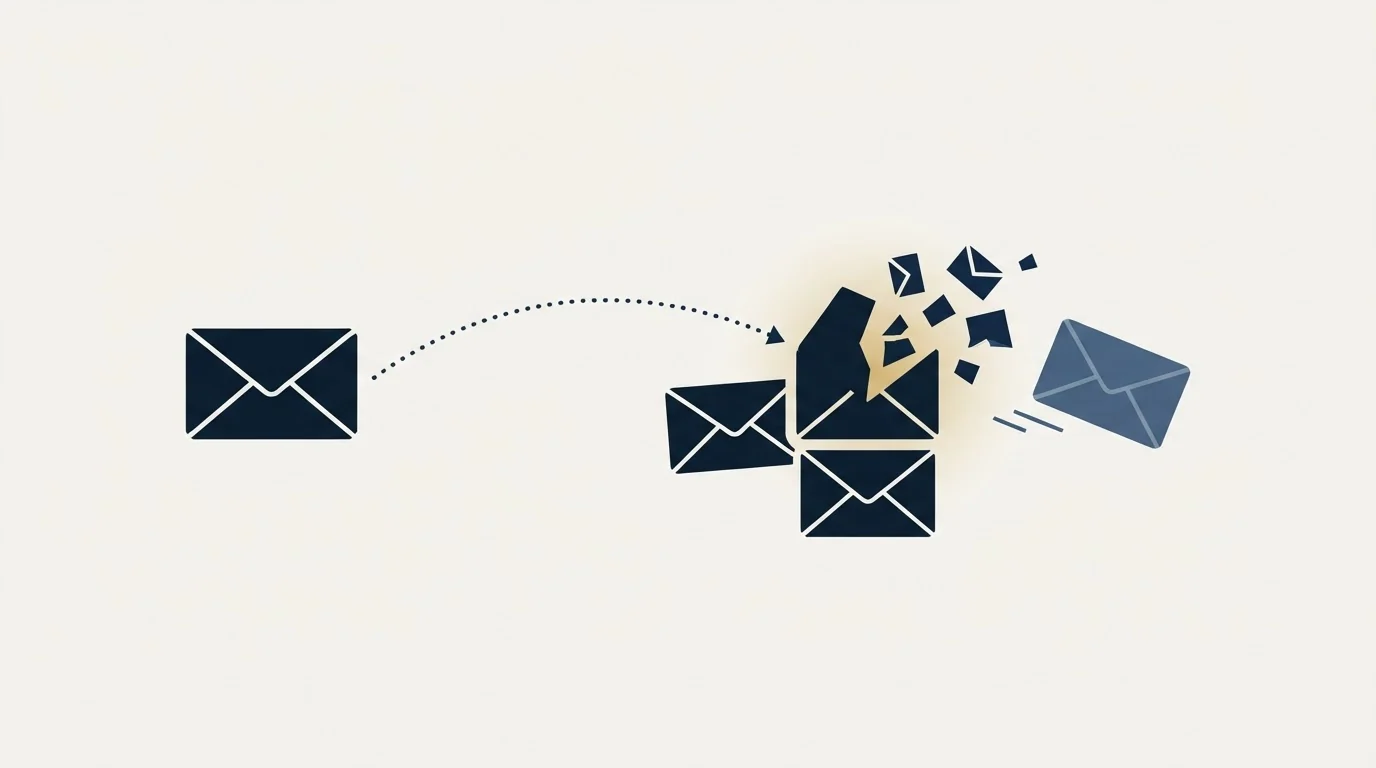
Backscatter volume is not your bounce rate. It arrives at your address, it has nothing to do with any campaign you ran, and folding it into a campaign figure produces a number that describes a stranger's list quality. Keep the two accounting streams separate before drawing any conclusion about list health, and calibrate the real figure against published bounce rate benchmarks.
What it is worth treating as, is an early signal about your domain. A domain being forged at volume is a domain somebody found worth forging, and the standing that accrues to it is described in our entry on domain reputation: it attaches to the name, it survives a change of sending infrastructure, and it takes far longer to rebuild than to damage. That is the case for publishing the strict policy before the reports start rather than after.
If you would rather have sending infrastructure set up with the authentication and the monitoring already in place, we plan the first campaign for free.
Vendor documentation references verified as of mid-2026. Verify current terms with the vendor before relying on them.
Frequently asked questions.
Frequently asked questions- Why am I getting bounce messages for emails I did not send?
- Because someone declared your address as the sender of their own mail. Receiving systems return failures to the address the sender declared, and nothing in the original design required them to verify it. Microsoft documents the pattern as backscatter and explains that spammers use real addresses to lend their messages credibility.
- Does backscatter mean my email account was hacked?
- Usually not, and your own logs settle it. Backscatter produces inbound reports with no matching outbound activity, so the sending record for the period looks normal. A compromised account produces messages you did not write in the sent record or audit log, and Microsoft publishes the refusal that follows as 5.1.8, an account blocked for sending too much spam.
- How do I stop backscatter?
- You cannot stop other people declaring your address, so the mitigations make the declaration less useful. Publishing a strict DMARC policy asks receiving systems to refuse mail that claims your domain and cannot prove it, which stops most forged runs from being delivered. Its aggregate reports also make a spoofing attempt visible while it is happening.
- How do I tell a real bounce from a phishing email disguised as one?
- By structure rather than by wording. A genuine delivery status notification quotes the receiving server's verbatim response and carries the original message headers, because it is a defined machine format. A lure carries a call to action, usually an attachment or a button, and quotes no server response at all. Read the machine part before clicking anything.
About the author.

Tim Carden is CMO / CTO at RevenueFlow, which builds and operates outbound revenue engines for B2B companies. Studied at McGill University.
Tim Carden · CMO / CTO
Connect on LinkedIn →Explore more.
Ready to scale your outreach?
We build GTM engines that book real meetings. See the receipts.
Related articles.
Why Your DMARC Is Failing: The Six Causes
Six causes of DMARC failure, ordered by how often they occur, with the symptom in reports and the fix for each. Alignment accounts for most of them.
Graymail vs Spam: What the Difference Costs a Sender
Graymail is a claim about a sending pattern. Spam is a claim about intent. They respond to different repairs, and confusing them sends teams to rewrite copy.
SPF Softfail vs Hardfail: Which One to Publish
Google recommends the soft fail qualifier and Microsoft recommends the hard one for the same two characters. What each claims, and what a hard fail hides.
Email Address Capitalization: What It Changes for Senders
Capitalization in an email address does not decide delivery. It decides whether two rows are one person, and that is where a suppression list quietly fails.
Kickbox Pricing: The Ladder and the Opt-In Rule
Kickbox publishes a complete thirteen-step verification ladder, and an anti-spam policy that rules out purchased and harvested lists entirely.
The ZeroBounce API: Auth, Rate Limits and What to Store
ZeroBounce publishes three different answers to its own rate-limit question. Here is which one to build against, plus the statuses no API can decide for you.