Email Bounce Message Examples: Eight Refusals
Eight rejections a B2B sender actually meets, each quoted as Google or Microsoft publishes it, sorted by who owns the problem rather than by what the code means.
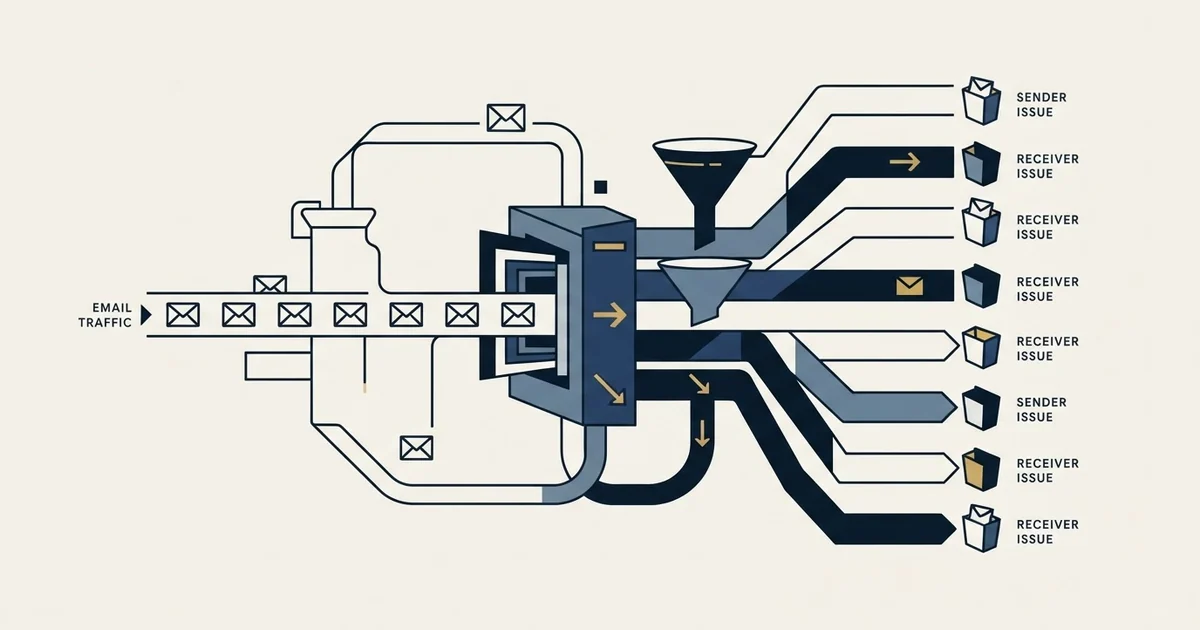
A bounce message names the receiving system's reason for refusing you, and the useful sorting is by who owns the problem. Some refusals point at the recipient, some at your DNS configuration, and some at your sending behaviour or a compromised account. The platform label collapses all three into one category.
Key takeaways
- Microsoft publishes 5.7.513 as a block by the recipient domain's own custom block list, which reads exactly like a public blocklist hit and has no delisting form, only a conversation with the recipient.
- Two Microsoft ban codes take different routes: 5.7.606-649 goes through the self-service delist portal while 5.7.511 requires emailing delist@microsoft.com with the full code and address.
- Google states its authentication requirement inside the refusal at 5.7.26 and reports the SPF and DKIM results inline, so the diagnosis is finished before you start.
- Most exports discard the verbatim response and keep only a classification, which is what makes four genuinely different refusals look identical a month later.
Reviewed and updated September 1, 2026
Email Bounce Message Examples: Eight Refusals, and Who Owns Each One
Eight rejections from one morning's send get pasted into a spreadsheet. Seven are filed as bad addresses and deleted, because the platform labelled them all the same way. Two of the seven were a receiving organisation's private rule, one was a rate limit that would have cleared by lunchtime, and one was a sending account that had been compromised the previous week and was quietly refused by every recipient after that.
The examples below are the refusals a B2B sender actually meets, each shown as its provider publishes it. The organising question is not what the code means in the abstract. It is who owns the problem, because that decides whether the answer is a list fix, a configuration change, a conversation with the recipient, or nothing at all.
Two notes before the examples. Every string quoted here is taken from Google's or Microsoft's own published error reference, cited beside it, rather than reconstructed from a message. And the taxonomy underneath them, what the three-digit code and the dotted code each mean, is set out in how to read a bounce back email; this page assumes it and works through cases.
1. The address does not exist
Google publishes this in its Workspace SMTP error reference:
550 5.1.1 The email account that you tried to reach does not exist.
Microsoft's equivalent in its Exchange Online non-delivery report reference is 5.1.1 Bad destination mailbox address, and Microsoft lists several conditions that produce it, including a mistyped address, an address that does not exist in the destination system, and a mailbox that was moved while the sender's cache went stale.
Owner: your list. This is the only example on the page where deleting the address is the whole answer. It is also the one every platform's dashboard is optimised to report, which is why the other seven get filed alongside it. Worth noting that Microsoft's own list of causes includes two that are not about a dead mailbox at all, so a single instance is weaker evidence than a pattern of them.
2. The recipient's organisation blocked you specifically
Microsoft publishes this one with the block list named in the string:
5.7.513 Service unavailable, Client host [$ConnectingIP] blocked by $recipientDomain using Customer Block list (AS16012607)
Microsoft's explanation is that the recipient domain added your sending IP address to its custom block list, and its remedy is to contact the recipient directly and ask them to remove it.
Owner: one receiving organisation. This is the most misread refusal in the set, because it contains the words "block list" and looks exactly like a public blocklist hit. No public list is involved and no delisting form exists. Continuing to send at that organisation buys nothing.
3. Your sending address is banned by the provider

5.7.606-649 Access denied, banned sending IP [IP1.IP2.IP3.IP4]
Microsoft prints the address inside the error and directs senders to its self-service delist portal, alongside checking that the address's reputation has not degraded through compromise or malicious traffic.
Owner: your infrastructure, if the address is yours. The address in the brackets is the one to act on, and whether you can act on it depends on whether you own it. A team sending through a provider's shared egress is reading a statement about the provider's estate. Where the address is genuinely yours, a blacklist check and the delisting path is the next step.
4. A ban that needs a mailbox rather than a portal
5.7.511 Access denied, banned sender
Microsoft's instruction here differs from the previous case: email delist@microsoft.com and provide the full NDR code and IP address.
Owner: your infrastructure, through a different door. The reason to hold these two apart is purely operational. Sending the portal case to the mailbox, or the mailbox case to the portal, produces a wait and no result, and the only thing that distinguishes them is the digits.
5. Authentication, refused in plain language
550 5.7.26 This email has been blocked because the sender is unauthenticated. Gmail requires all senders to authenticate with either SPF or DKIM.
Google's published text goes on to report the authentication results inline, naming whether DKIM passed and which domain and address SPF was evaluated against.
Owner: your DNS, and it is the cheapest fix on the page. Gmail states the requirement in the refusal itself and hands back the evaluation, so the diagnosis is done before you start. A related one worth recognising is 550 5.7.25, which Google publishes for a sending IP with no PTR record or a forward DNS entry that does not point back to it. Both are configuration, both are fixable the same day, and getting SPF, DKIM and DMARC aligned is where they get closed permanently.
6. A rate limit wearing a bounce's clothing

421 4.7.28 Gmail has detected an unusual rate of email. To protect our users from spam, email has been temporarily rate limited.
Owner: your volume, right now. The leading digit is the whole story. A 4 is a transient condition, and this message is Gmail describing a throttle rather than a refusal. Platforms that summarise 4 and 5 together into one bounce figure make this invisible, and the response it deserves, easing volume, is the opposite of the response a hard bounce deserves.
- Dead address, 5.1.1
- One organisation's custom block list, 5.7.513
- Action is list hygiene, or nothing at all
- Unauthenticated sender, 5.7.26
- Missing PTR record, 5.7.25
- Action is a DNS change, not a list change
- Rate limited, 4.7.28
- Banned address, 5.7.606-649 and 5.7.511
- Compromised account, 5.1.8
- Action is to stop and diagnose
7. A tenant-wide ban
5.7.708 Access denied, traffic not accepted from this IP
Microsoft's explanation is that most of the traffic from the tenant has been detected as suspicious, so a ban has been placed on the tenant's sending ability, and its guidance is to resolve any compromises or open relays and then contact support.
Owner: the whole account, not the campaign. This one arrives after several other signals have been ignored, and it stops every mailbox under the tenant rather than the campaign that triggered it. It is the outcome that makes separating outbound sending domains from corporate mail worth the setup cost.
8. A compromised mailbox, described as a bounce
5.1.8 Access denied, bad outbound sender
Microsoft's published note is that the account was blocked for sending too much spam, and that this typically occurs because the account was compromised through phishing or malware.
Owner: your security, immediately. Nothing about this refusal is a deliverability problem in the ordinary sense. It reaches the sending inbox looking like every other rejection, and the correct first action is to check outbound logs for volume nobody can account for and force a credential reset.
- Yes: The rejecting server, which tells you whether the refusal came from the destination or from your own provider
- Yes: The enhanced status code, class first: a 4 is a delay and a 5 is a decision
- Yes: The verbatim response, which is the receiving system's own words and outranks your platform's summary
- Yes: The recipient and their mail vendor, because clustering by vendor is what exposes a gateway refusal
The field most exports throw away

The examples above are readable because the verbatim string survived. In a lot of tooling it does not.
Sending platforms parse a rejection, classify it into their own two or three categories, and store the classification. The export then carries a recipient, a timestamp and the word "hard", which is enough to remove an address and not enough to tell examples two, three, seven and eight apart from each other or from example one. Every distinction on this page lives in text the platform read and discarded.
Where the platform allows it, keep the enhanced status code and the receiving server's verbatim response per recipient, alongside the recipient's mail vendor. Three fields make refusals searchable, and the value is in the second month rather than the first: a code appearing across unrelated recipients is a statement about your sending, and the same code concentrated behind one security vendor is a statement about that vendor, and neither pattern is visible without the history.
The class digit deserves the same treatment over time. A single transient result is noise. The same transient result from one provider, holding steady for several days, is a permanent decision wearing a temporary label, and the only way to see that is to have kept the earlier ones.
Reading the set instead of the message
One rejection is an anecdote. The distribution across a send is the finding, and it takes a sort by recipient domain and a sort by code.
Refusals concentrated on one recipient domain or one security vendor, carrying policy codes, are that organisation deciding about you, and example two is the shape they take. Refusals spread thinly across unrelated recipients and almost all reporting a missing mailbox are a list problem, answered upstream by verification before the send rather than in the inbox. Refusals spread widely and carrying policy codes are about your sending, and examples five through eight are where that leads.
Two things that arrive in the same folder are not refusals at all. An out-of-office reply is a successful delivery, and a catch-all domain that accepted the message produces no report of any kind, which is why an unusually low bounce figure on a list heavy with accept-all domains is a measurement artefact. The definitional split underneath all of this is worked through in hard bounce versus soft bounce, and what the resulting rate should look like sits in the bounce rate benchmarks.
One structural note. We run one message per campaign and never write into the same thread, so a permanent refusal ends that campaign for that person rather than becoming a retry schedule. That is what makes reading these worth the time: the refusal is the only information that send will ever produce about that address, and it is free.
If you would rather have that read against a live campaign, we plan the first one for free.
Vendor documentation references verified as of mid-2026. Verify current terms with the vendor before relying on them.
Frequently asked questions.
Frequently asked questions- What does a bounce message actually tell you?
- It carries the receiving system's own reason for refusing the message, quoted rather than paraphrased. The three-digit code says whether the refusal is permanent, the dotted enhanced status code says what kind of problem it was, and the text beside them is what disambiguates codes that a provider reuses for more than one meaning.
- What is the difference between 5.7.511 and 5.7.606 in Exchange Online?
- Both mean the sending address was banned, and Microsoft publishes different remedies for each. For 5.7.606 through 5.7.649, which prints the address inside the error, Microsoft directs senders to its self-service delist portal. For 5.7.511 it asks you to email delist@microsoft.com and supply the full non-delivery report code and the address.
- Does a 4xx bounce need to be removed from the list?
- No. A leading 4 marks a transient condition, and Google's 4.7.28 is explicitly a temporary rate limit rather than a refusal of the address. The response it calls for is easing volume. Where the same transient result repeats from one provider over several days, treat it as a permanent decision wearing a temporary label.
- Why do all my bounces look the same in my sending platform?
- Because most platforms parse the rejection, classify it into two or three buckets, and store only the classification. The receiving server's verbatim response, which is where every meaningful distinction lives, is read and discarded. Keeping the enhanced status code and the raw response per recipient is what makes patterns visible in the second month.
About the author.

Tim Carden is CMO / CTO at RevenueFlow, which builds and operates outbound revenue engines for B2B companies. Studied at McGill University.
Tim Carden · CMO / CTO
Connect on LinkedIn →Explore more.
Ready to scale your outreach?
We build GTM engines that book real meetings. See the receipts.
Related articles.
Graymail vs Spam: What the Difference Costs a Sender
Graymail is a claim about a sending pattern. Spam is a claim about intent. They respond to different repairs, and confusing them sends teams to rewrite copy.
SMTP Ports: What 25, 465, 587 and 2525 Are Registered For
Three of the four ports in circulation are registered to mail and one is not. What the IANA registry and the RFCs say, and why none of it moves placement.
Email Warmup Tools: What Actually Moves Placement
Warmup pools are now free in every major sending tool. What the mechanism actually is, why nobody publishes controlled placement data, and the levers that do work.
Instantly.ai Review: What the Plans Include and Who It Suits
Instantly gives unlimited inboxes on every paid plan and meters contacts and send volume instead. What that changes, where each tier runs out, and who it fits.
Migrating Cold Email Tools Without Losing Domain Reputation
Domain reputation survives a platform switch. Warmup schedules, sending caps and suppression lists do not. How to sequence a migration so mailboxes come through intact.
Smartlead Review: Unlimited Mailboxes and What the Plans Cap
Smartlead includes unlimited mailboxes on every plan and bundles verification on the upper tiers. What rotation does, what it cannot do, and where the ceilings bite.