Hard Bounce vs Soft Bounce, Compared on What They Do
The hard and soft labels are your platform's translation of a digit somebody else chose. Four cases where acting on the label alone costs you a good address or a domain.
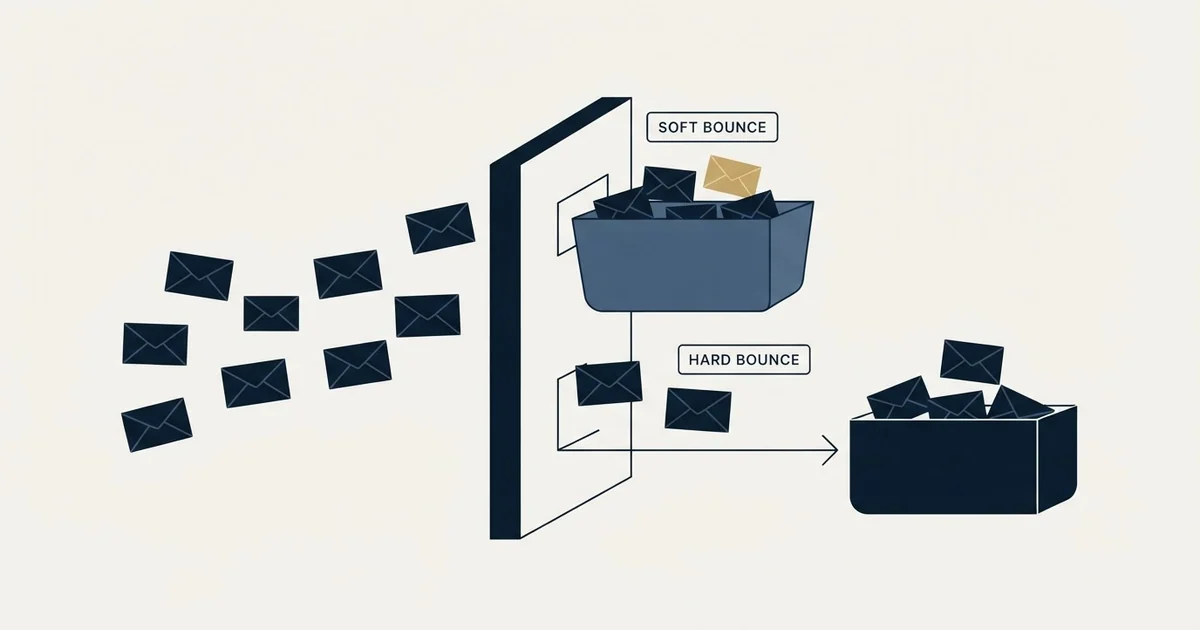
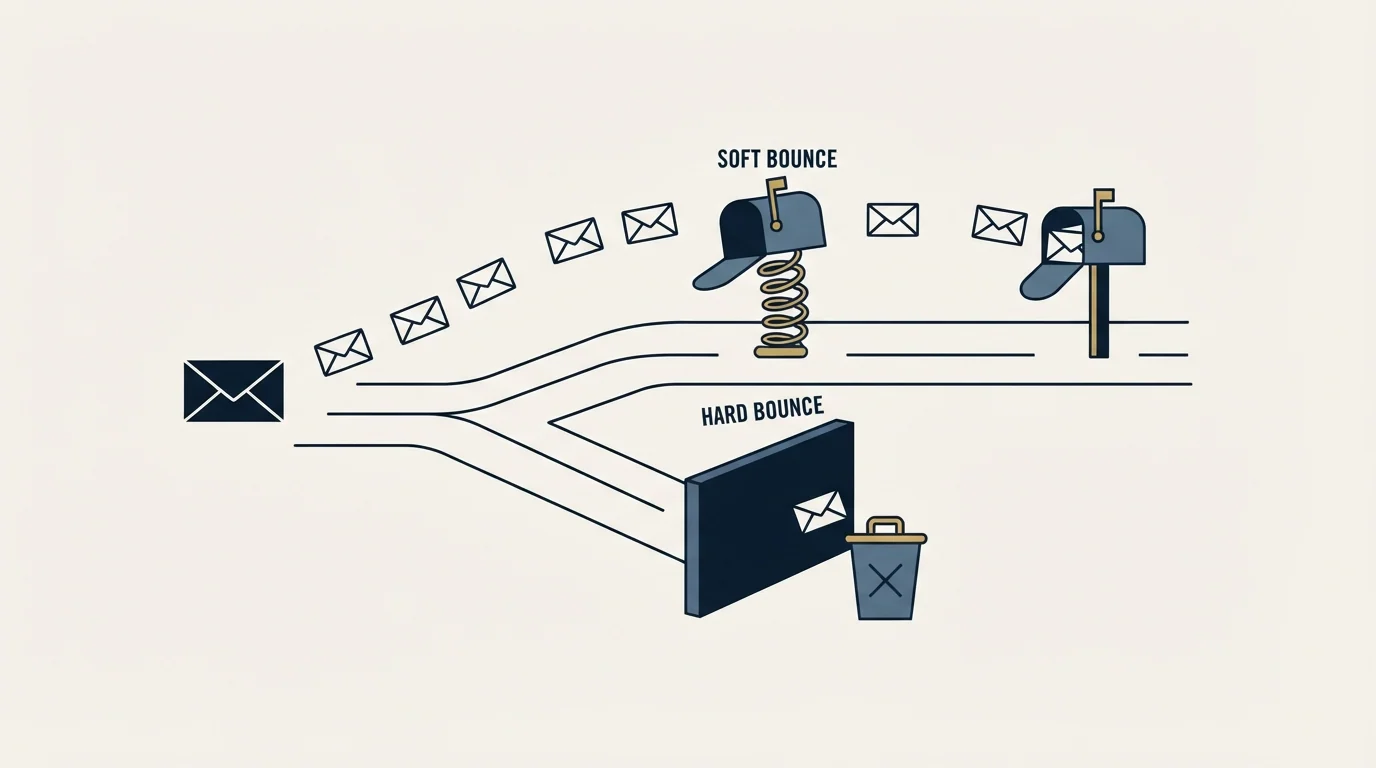
A hard bounce is a permanent delivery failure and a soft bounce a temporary one, but the label is your platform's reading of a class digit the receiving server chose. Permanence is a judgment made at the far end, so the useful split for outbound is the middle digit: recipient, infrastructure, or a verdict on you.
Key takeaways
- No server sends a hard bounce. It sends a reply code, and your sending platform maps the leading digit of the enhanced status code onto a hard or soft label.
- Google publishes 452 4.2.2 and 552 5.2.2 for the same condition, a full mailbox, differing only on whether the account was also judged inactive, which shows permanence is a judgment rather than a property of the address.
- A class 5 refusal in the X.7 policy family removes a valid address from the list and leaves the real cause running, because the verdict was about the sender rather than the recipient.
- A class 4 refusal concentrated on one recipient vendor is retried automatically for days, turning one send in your statistics into many refused connections in theirs.
Reviewed and updated September 1, 2026
Hard Bounce vs Soft Bounce, Compared on What They Actually Do
Two rejections come back from the same organisation inside the same run. The sending platform files one as a hard bounce and removes the address permanently. It files the other as a soft bounce and keeps trying for the rest of the week. Both were produced by the same security appliance making the same decision about the same sender, and the only thing that differed was which digit that appliance chose to put at the front of its reply.
The definitions are settled and uninteresting. A hard bounce is a permanent failure and a soft bounce is a temporary one. What is worth an article is the gap between the label and the action, because for cold outbound the label is a derived guess, it is wrong in four recurring cases, and the wrong action costs a sending domain.
Every email marketing platform sorts a bounce into one of two types before you see it, and those two email marketing bounce types are a derived guess rather than something the receiving server told it.
The label is a mapping your own tool performed
No mail server ever sends you a hard bounce. It sends a reply code, and the leading digit of the enhanced status code is what your platform reads.
RFC 3463 sets out the two classes a sender meets. Class 4 is a "persistent transient failure", where "the message as sent is valid, but persistence of some temporary condition has caused abandonment or delay". Class 5 is a "permanent failure", one "not likely to be resolved by resending the message in the current form".
Two things follow, and both are the whole argument of this piece.
The permanence is a judgment made by the receiving system, not a fact about the address. Something at the far end weighed a condition and picked a digit.
And the standard's own wording for a permanent failure is broader than the way the industry uses it. It says a change is required to "the message or the destination" for delivery to succeed. Half of that sentence is about you.
- The standard says a later attempt may succeed
- Your mail server retries automatically for hours or days
- The address stays in the campaign
- Nothing is removed and nothing is escalated
- The standard says the message in its current form will not be accepted
- No retry is attempted
- The address is usually removed from the list on the spot
- The failure is counted against your list quality
Case one: a class 4 that was never going to succeed
A receiving gateway that has decided against your sending IP does not always say so permanently. It can defer, and keep deferring, and your mail server will keep trying.
Google publishes the shape of this directly. Its 421 4.7.28 response reads "Gmail has detected an unusual rate of email... email has been temporarily rate limited", and 421 4.7.0 covers "IP not in whitelist for RCPT domain, closing connection" (Google Workspace Admin Help). Both are class 4. Both will be retried. Neither is going to clear because time passed, because the condition being complained about is your sending rather than a queue at their end.
What that costs is invisible in a bounce report. Every retry is a fresh connection attempt from your infrastructure to a system that has already refused you, and it is logged at their end each time. One send in your statistics can be many refusals in theirs.
The tell is concentration. A soft bounce rate that is spread thinly across unrelated recipients is ordinary. A soft bounce rate concentrated on one recipient domain or one mail vendor, holding steady over days, is a refusal wearing a temporary label.
Case two: a class 5 that says nothing about the address
This is the expensive one, because the default action is both wrong and irreversible in most tooling.
Google's 550 5.7.26 reads "This email has been blocked because the sender is unauthenticated. Gmail requires all senders to authenticate with either SPF or DKIM." Its 550 5.7.25 blocks a send because the sending IP has no PTR record. Its 550 5.7.1 covers a recipient domain whose "policy... prohibits the email that you sent". Microsoft's 5.1.8 is "Access denied, bad outbound sender", attributed to an account "blocked for sending too much spam" (Microsoft Learn).
Every one of those is a class 5. Every one is filed as a hard bounce. Not one of them is a statement that the address is wrong, and three of the four are statements about the sender.
So the platform removes a perfectly good address from the list, records a hard bounce against list quality, and leaves the actual cause running. The next campaign hits the same wall with different addresses and the same conclusion gets drawn again.
The subject digit is what separates these in bulk. Anything in the X.7 family is the security and policy classification, and RFC 3463 puts addressing at X.1 and mailbox status at X.2. Splitting a bounce export on that middle digit takes one spreadsheet formula and answers the only question that matters here: was this about them or about us.
Case three: the same condition, classed both ways, by the same provider
The clearest demonstration that permanence is a judgment sits in Google's own published table, two rows apart.
452 4.2.2 reads "The recipient's inbox is out of storage space." 552 5.2.2 reads "The recipient's inbox is out of storage space and inactive."
Identical physical condition. One is retried for days and costs you nothing. The other permanently removes the contact from your database. The variable is not the address, the mailbox, or anything you did. It is whether Google separately concluded the account was dormant.
Bounce reports for mail you never sent are a separate puzzle entirely, and backscatter from forged sender addresses explains why they arrive at all.
Treating the hard label as ground truth means accepting another company's dormancy heuristic as your list-management policy.
Case four: the failure that never bounces at all
An accept-all domain takes delivery of everything addressed to it and sorts out validity afterwards, which frequently means discarding the message with no report to anyone. Our entry on the catch-all domain works through why a verifier cannot see past this either.
The consequence for this comparison is a measurement one. On a list weighted towards accept-all domains, a low bounce rate of either class is partly an artefact. Nothing bounced because nothing was refused out loud, and some proportion of those sends went nowhere. Reading that number as delivery is the most common way a cold programme convinces itself its data is clean.
What each one actually obliges you to do
- Yes: Class 5 at X.1 or X.2: the address is genuinely dead. Remove it, and treat a rising rate as a sourcing and verification problem
- No: Class 5 at X.7: keep the address, stop the campaign, and fix authentication, reputation or a listing before sending again
- Depends: Class 4 spread thinly across unrelated recipients: background noise, no action
- No: Class 4 concentrated on one recipient domain or vendor: hold those recipients out and diagnose, rather than letting the retry loop run
- Depends: An unusually low rate of either class on an accept-all-heavy list: verify the denominator before believing the number
The second row is the one that changes behaviour most. When a recipient-side security vendor is refusing an entire organisation's mail, our practice is to hold those recipients out of the campaign, confirm the sending inventory is clean by comparing it against other campaigns running on the same senders, and resume only after that. The addresses were never the problem and they stay usable.
The fourth row is the same instinct applied to the temporary class, and it exists because the retry loop hides the cost. Nobody chose to keep hitting that gateway. The transport layer did it automatically, which is exactly why it goes unnoticed.
Doing the split, in practice
None of this needs tooling. Export the failures from a run with the recipient address and the raw server response, and add two columns.
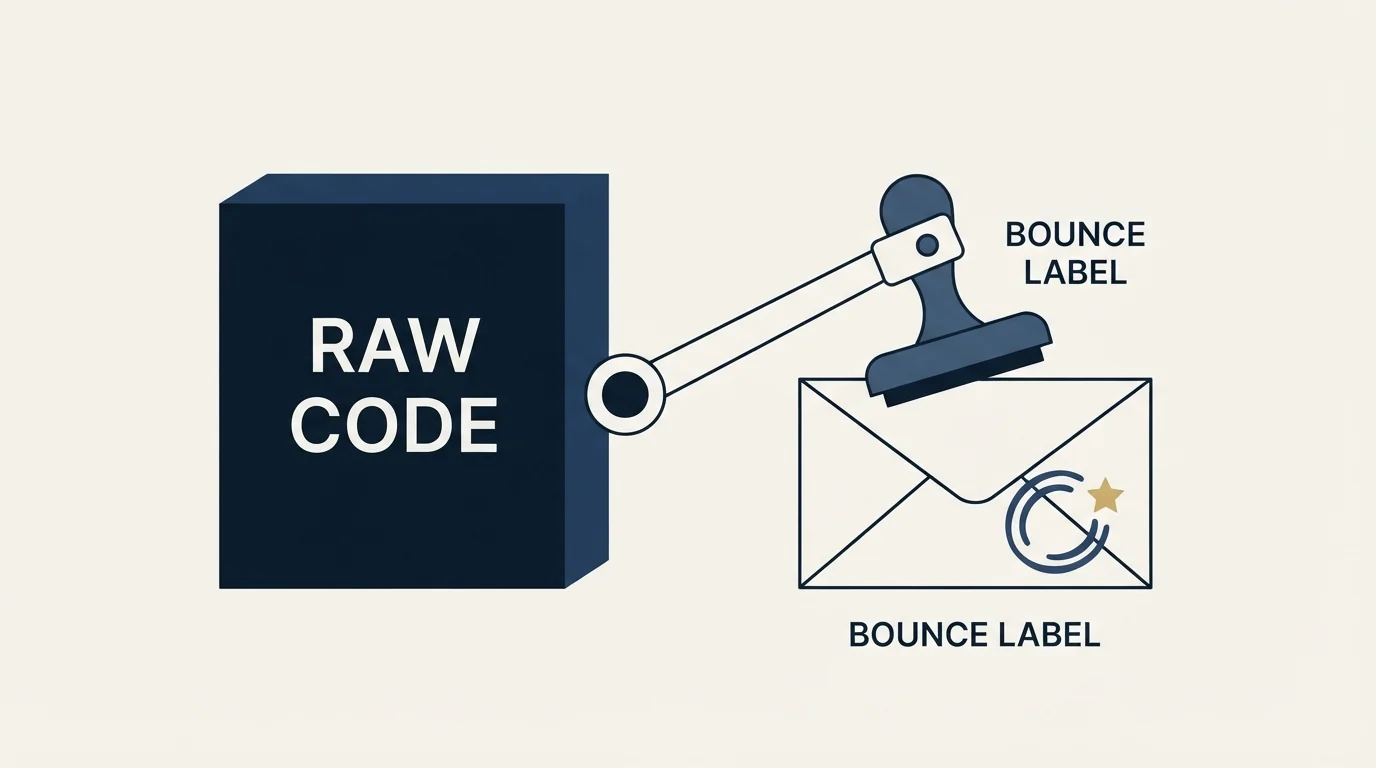
Once the raw response text is captured, eight bounce messages sorted by who owns them show why recipient, DNS and sender problems get collapsed into one label.
The first is the dotted status code, pulled out of the response text. Most providers put it early in the quoted line and it is the only thing on that line shaped like a number with two dots in it. Where a provider gives you only the three-digit reply code, the leading digit still separates class 4 from class 5, and the response text usually says the rest in words.
The second is the recipient's mail vendor, derived from the address domain. Grouping by that column is what surfaces the concentration that neither class label shows.
Then read three counts: permanent failures at X.1 and X.2, permanent failures at X.7, and everything in class 4 grouped by vendor. Those three numbers answer different questions and almost never move together, which is the whole reason a single blended figure is a poor instrument. Keeping the raw response text in the export matters more than it looks, because the code alone is ambiguous at exactly the points where the stakes are highest.
Measure them separately or you will misread both
A single blended bounce rate mixes a data-quality signal with a sender-reputation signal, and the two demand opposite responses. Split it three ways and each number means one thing: class 5 at X.1 and X.2 grades the list, class 5 at X.7 grades the sender, and class 4 grades the moment.
For what a healthy total looks like before you split it, our bounce rate benchmarks are the calibration, and the upstream half of the list number is answered by verification tooling and its honest limits. If the X.7 line is the one moving, an end-to-end deliverability audit is the faster route than another round of list cleaning.
Both numbers feed the same underlying thing. Delivery failures are one of the inputs mailbox providers weigh into sender reputation, which is why a hard bounce rate left alone for a month is a more expensive problem than the campaign that produced it.
Where we differ from standard practice
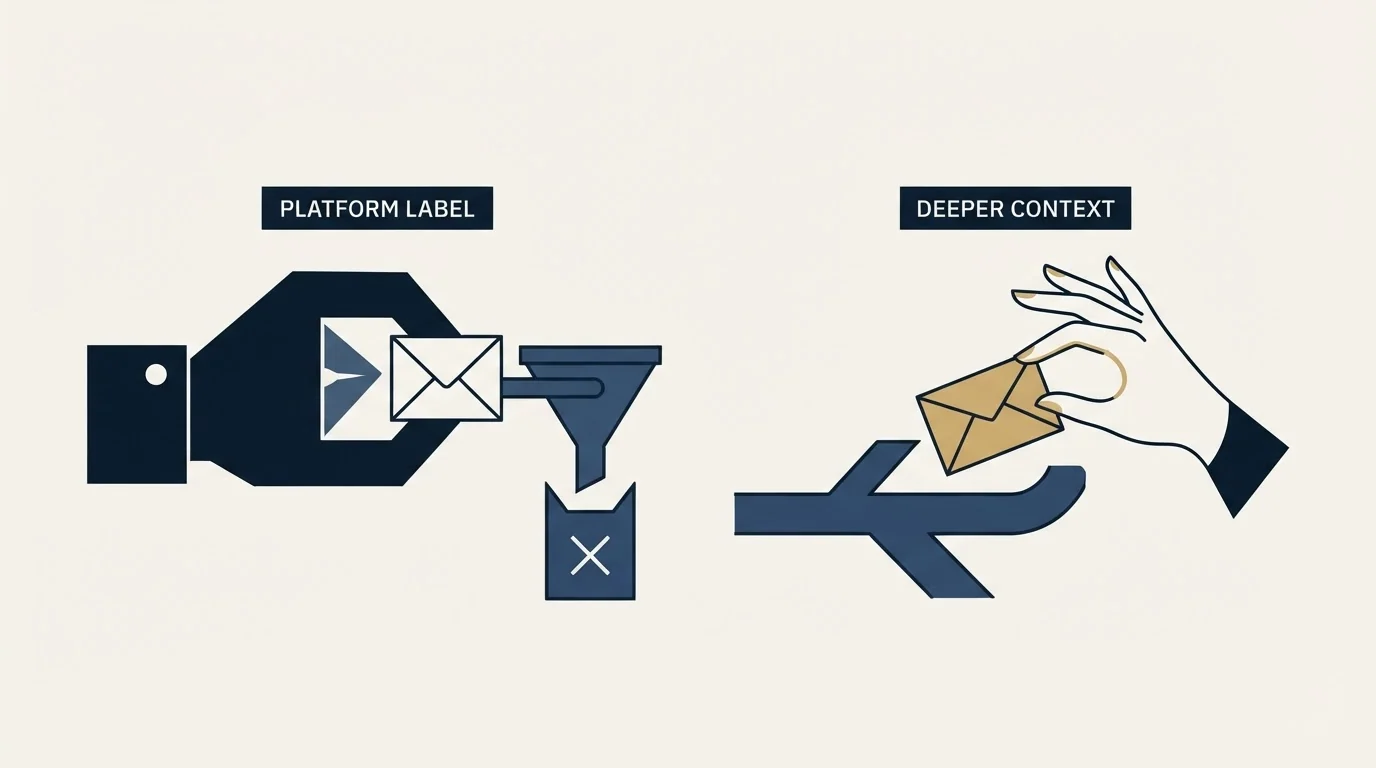
Standard advice on this comparison ends by telling you to try the soft-bounced address again later and to keep the contact warm. We run one message per campaign and never write a second time into a conversation nobody had, so that ending is not available to us.
The practical effect is that this classification carries more weight here, not less. A permanent refusal closes the matter for that person and that campaign, so getting the disposition right is the whole game: an address wrongly discarded is gone, and a sender-side cause wrongly filed as list quality goes unfixed. Where an organisation is still worth reaching, that is a fresh campaign to a different person written on its own premise. The reasoning behind the general position is in why we stopped using follow-ups.
The short version
The hard and soft labels are your platform's translation of a digit somebody else chose, and the translation is lossy in both directions. A class 4 concentrated on one vendor is a refusal being retried pointlessly. A class 5 in the X.7 family is a verdict on your sending that gets filed as a bad address. The middle digit resolves both in seconds, and it is already sitting in the bounce export.
If you would rather have that read against a live campaign before it costs a domain, we run the first one.
Vendor documentation and standards references verified as of mid-2026. Verify current terms with the vendor before relying on them.
Frequently asked questions.
Frequently asked questions- Should I remove an address after a single hard bounce?
- Only once you know the middle digit. A permanent failure at X.1 or X.2 is genuinely about the address or the mailbox and should come out. A permanent failure at X.7 is a policy or authentication verdict on your sending, so removing the address discards a valid record and leaves the actual cause in place for the next campaign to hit.
- How long does a mail server keep retrying a soft bounce?
- It varies by provider and is typically a matter of hours through to several days of decreasing attempts. The important point is that this retry is automatic transport behaviour rather than anything you sent. If the underlying refusal is about your sending rather than a queue at the far end, every one of those attempts is another refused connection logged against you.
- Why does my bounce rate look excellent on a list that produces no replies?
- Accept-all domains take delivery of everything and decide validity afterwards, frequently discarding mail with no report. Neither bounce class fires, so both numbers look healthy while some share of the send went nowhere. Establish what proportion of the list sits on accept-all domains before treating a low bounce rate as evidence of clean data.
- Is a soft bounce ever more serious than a hard bounce?
- Yes, when it is concentrated. A thin spread of temporary failures across unrelated recipients is background noise. The same volume clustered on one recipient domain or gateway vendor, holding steady across days, is a refusal wearing a temporary label, and it is the more damaging of the two because the retry loop keeps running unnoticed.
About the author.

Tim Carden is CMO / CTO at RevenueFlow, which builds and operates outbound revenue engines for B2B companies. Studied at McGill University.
Tim Carden · CMO / CTO
Connect on LinkedIn →Explore more.
Ready to scale your outreach?
We build GTM engines that book real meetings. See the receipts.
Related articles.
Email Warmup Pricing in 2026: What 20 Tools Charge, and What 10 Mailboxes Cost
Email warmup tools start at a median of $29 a month, but warming ten mailboxes costs from $7.50 to $1,190 depending on how the vendor prices a mailbox.
MailReach Pricing: The Headline Rate Is the Second Band
MailReach prices warmup on a slider with four mailbox bands and two billing states. Every band at both states, and why the printed rate is not the entry rate.
Warmup Inbox Pricing: Per Inbox, Annual Loads First
Warmup Inbox prices per inbox and its page opens on the annual switch. Both states for all three plans, the reply ceiling meter, the trial and how a fleet bill is built.
Mailwarm Pricing: The Page Opens on Its Yearly Tab
Mailwarm's pricing tabs open on yearly and the plans meter daily volume rather than mailboxes. Both tabs, the overage rate, the no-trial rule and the per-mailbox cost.
Email Address Capitalization: What It Changes for Senders
Capitalization in an email address does not decide delivery. It decides whether two rows are one person, and that is where a suppression list quietly fails.
Sending Cold Email From the CRM You Already Pay For
A CRM sequence tool sends from your primary domain and your own mailbox, and vendor terms usually require documented consent. What a separate cold stack buys.