LeadIQ Review: What Eleven Credits for One Contact Tells You
LeadIQ charges 1 credit for an email and 10 for a phone number. That ratio, plus what sits behind the Enterprise gate, decides whether the tool fits your team.
LeadIQ prices an email at 1 credit and a phone number at 10, so calling teams spend far faster than emailing teams. Full database search, Salesforce duplicate detection, governance controls and CSV enrichment sit on the annual Enterprise plan, which makes the tier decision about CRM hygiene rather than credits.
Key takeaways
- LeadIQ's pricing page, fetched 16 August 2026, charges 1 credit for an email, 10 for a phone number, 11 for both and 3 for an account enrichment under a single Universal Credits pool.
- Prospecting through the Chrome extension is available on every tier, while database search is marked Limited Access on Free and Pro, so the product behaves as a capture layer rather than a bulk list source.
- Governance controls, Salesforce duplicate detection, CSV file enrichment, custom field mappings and single sign-on are Enterprise features on an annual plan, which is what decides the tier for any shared CRM.
- The customer outcomes published on the pricing page are vendor-selected and unaudited, so they evidence that the product works for someone rather than forecasting anything for you.
Reviewed and updated September 1, 2026
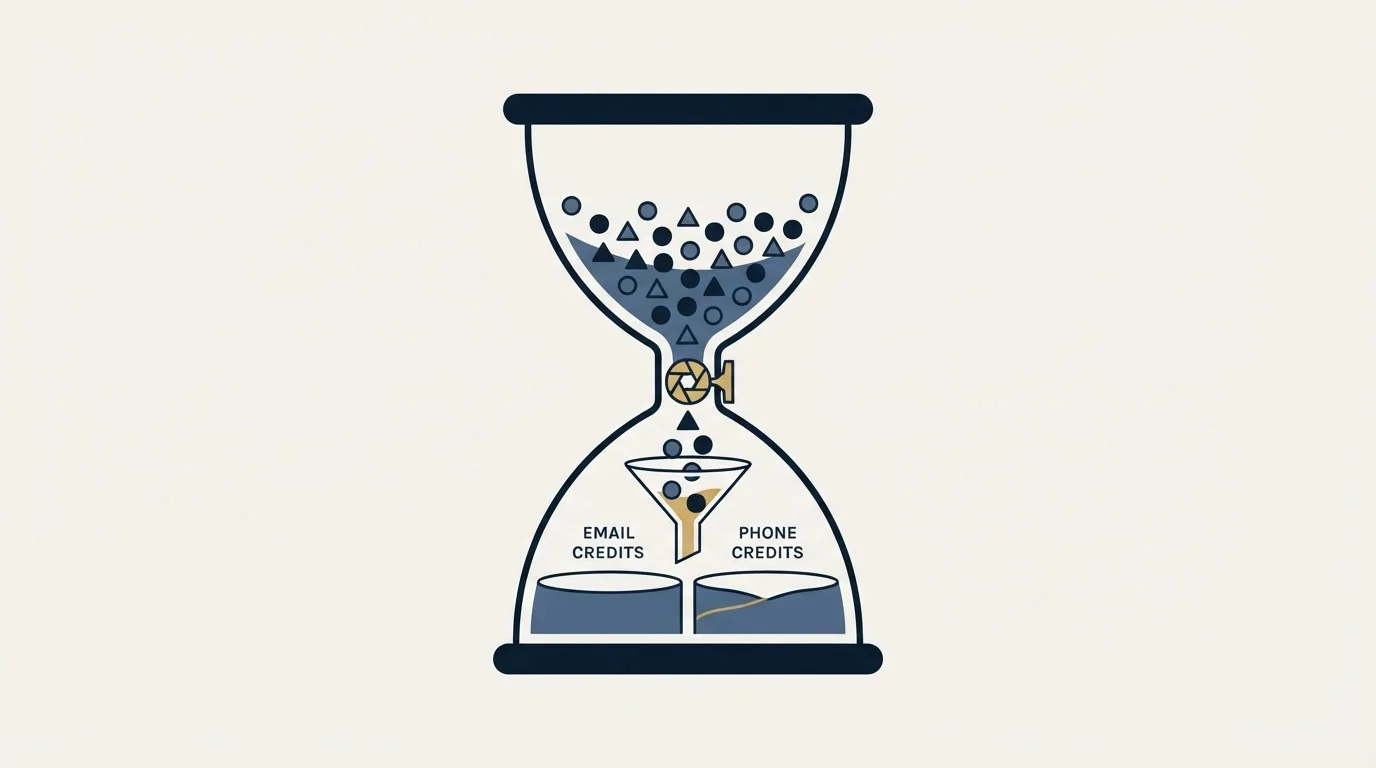
LeadIQ's pricing page publishes a four-line table that tells you more about fit than any star rating: an email costs 1 credit, a phone number costs 10, both together cost 11, and an account enrichment costs 3. Fetched 16 August 2026, under a banner introducing Universal Credits as one pool powering every LeadIQ workflow.
A ten-to-one ratio between a mobile number and an email address is not a detail. It is the product telling you who it was built for. Teams that dial will spend their allowance ten times faster than teams that only send, and any review that skips that table is reviewing a product nobody actually buys.
The shape of the tool, which is not a database subscription
Most reviews in this category assume the thing being bought is a database you search and export. LeadIQ is closer to a capture layer that sits between where you find people and where you work them.
Where the question turns on raw contact volume versus workflow depth, Adapt.io's database scale against LeadIQ's prospecting workflow lays out that tradeoff directly.
The feature matrix on the pricing page makes this visible in one row. Prospecting via the Chrome extension is on every tier including Free. Prospecting via LeadIQ database search is marked Limited Access on both Free and Pro, and only opens fully on Enterprise. The workflow the product is optimised for is a rep on a LinkedIn profile or a company page, capturing a contact and pushing it into a CRM or sequencer with the fields mapped correctly.
That framing explains a lot of the mixed sentiment in the review threads. Someone evaluating it as a list-building database on a Pro plan is using a limited version of the feature they came for, while someone evaluating it as a rep-workflow tool is using the whole product. Both write honest reviews and they disagree completely. The extension, rather than the plan name, is the surface that decides which of those two experiences you get, and it is worth reading what LinkedIn's terms permit before rolling one out across a team.
Another angle worth separating out is category confusion, and the CRM versus enrichment tool breakdown explains why teams often need both rather than either.
The cheapest data point on the table
Ten times the cost of an email
Company-level rather than contact-level
The phone multiplier decides your real cost
Work the ratio through and the picture is stark. Take a hypothetical thousand-contact quarter, entirely invented here for illustration rather than measured on any account. Email only, that is 1,000 credits. Add a mobile for every contact and the same thousand people cost 11,000 credits, eleven times the spend for a channel plenty of teams never use.
Split the difference, which is what most teams actually do, and pull a phone for the top 20 percent: 800 emails at 1 credit, plus 200 contacts at 11 credits each, is 3,000 credits for the same thousand people. The phone numbers are a fifth of the contacts and two thirds of the spend. That arithmetic is illustrative, not measured, and the ratio driving it is the vendor's own published table.
Our own motion is email and LinkedIn rather than phone, so on our stack the ten-credit line item never gets touched, and a tool priced this way is being judged on the one-credit column alone. A team building an SDR calling floor should read the same table in the opposite direction: it is the phone reveal you are buying, and the email is nearly free beside it. What the plan ladder does with those credits is the other half of the cost question, and it is worth checking before quoting any figure, because the number printed beside the Pro tier is overwritten by the page's own credit slider. Apollo's credit model is the closest published comparison for how these ladders behave.
The gate list is the real tier chart

Feature matrices are usually marketing. This one is unusually informative because of what sits on the Enterprise side of the line, which the pricing page marks as annual plan only: governance controls for prospect data, Salesforce duplicate detection, file enrichment by CSV upload, custom field mappings for CRM and engagement integrations, advanced admin settings for integrations, team analytics and reporting, and single sign-on.
Read that list as a group and it names one thing: everything an operations team needs to run the tool across a team without creating a data mess. Duplicate detection, field mappings and governance are not luxuries when eight reps are pushing records into the same Salesforce instance, they are the difference between enrichment and contamination.
So the practical tier decision is not about credits at all. A single rep or a small pod can run on Pro, which the page caps at five users. The moment the CRM is shared and someone owns data quality, the features that protect it are on the annual Enterprise plan, and that is a different conversation with a different budget.
That credit-based tier structure looks different next to a database-first rival, and the side-by-side comparison with ContactOut breaks down how the two pricing models and workflows diverge.
- Chrome extension prospecting, full
- Database search marked Limited Access
- CRM and webform enrichment, API access, exporting
- Job change tracking and signals
- Governance controls for prospect data
- Salesforce duplicate detection and custom field mappings
- File enrichment by CSV upload
- Team analytics, advanced admin settings and single sign-on
The signal features are the part worth taking seriously
Sitting on every tier, including Free, are two features that get less attention in reviews than the credit table and deserve more: job change tracking for tracked contacts, and a signals feed the page describes as covering 10-K filings, podcast mentions and hiring. There is also an MCP integration and an agent product for connecting the data to an AI tool.
Job change tracking is the one that changes how a list behaves. A contact who moves companies is simultaneously a dead record in your CRM and the warmest new opportunity you have, and knowing about the move is the difference between the two. That is also the only kind of re-contact we consider legitimate: we send one message per campaign and never bump, so a person who did not reply is not messaged again inside that campaign. A role change is a genuinely new reason to write, which makes it a new campaign with a new angle rather than a follow-up.
Read the signals feed the same way. It is useful in proportion to how specifically it lets you write a first line that could only have been written this month, and useless as a volume multiplier.
The results on the pricing page belong to the vendor
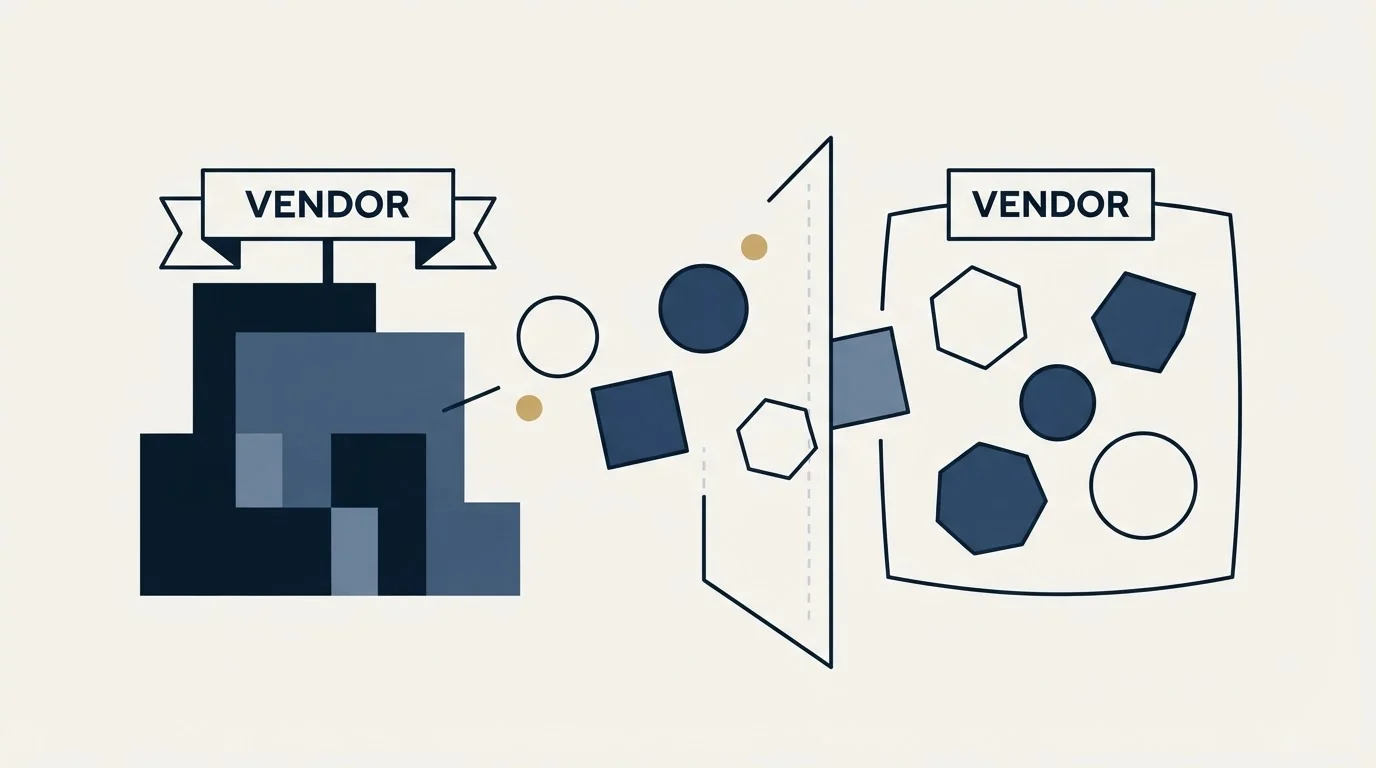
The same page carries a run of customer outcomes: a BDR team saving 1,000 hours a quarter and lifting discovery calls by 19 percent, another customer generating two million dollars of pipeline in a year, another saving 600 hours a quarter alongside a 70 percent better fit between solution and target accounts, and 90 percent of one company's reps endorsing the tool during a trial.
Those are real claims from named companies, published by LeadIQ. They are also selected by LeadIQ, unaudited, and stripped of the baseline that would make them mean anything. A 19 percent lift in discovery calls says nothing without knowing what changed in the same quarter, and hours saved is a self-reported estimate everywhere it appears. Treat them as evidence that the product works for someone rather than as a forecast for you.
What the review platforms can and cannot settle
The ratings on G2, Trustpilot, Capterra and SoftwareAdvice all return a 403 to a plain fetch, so no rating is quoted here. That is the same treatment every vendor gets in this series, and it is deliberate: a number copied from a page nobody fetched is not a verified number.
The pattern in the organic results is worth naming instead. Several of the detailed LeadIQ reviews on page one are published by companies that sell competing prospecting or sending tools, and one of the highest-ranking is published by a competitor's content operation outright. The Reddit thread that ranks alongside them is specifically about data quality, which is the honest signal in the set: it is the question buyers keep asking and the one no vendor page answers.
Testing it inside the 30 days
The pricing page offers any plan free for 30 days. That is a generous window by category standards and long enough to answer the two questions that matter, provided the test is designed rather than browsed.
- Yes: Capture 100 contacts in one segment through the extension, the way a rep actually would
- Yes: Verify every email independently, outside LeadIQ, before trusting any fill rate
- Yes: Pull phones for 20 of the 100 and record what that did to the credit balance
- Yes: Push all 100 into your CRM and count the duplicates created without dedupe
- Yes: Try the database search and confirm what Limited Access means on your plan
- No: Assume the Enterprise governance features behave like the Pro ones
The duplicate count is the one most teams skip and the one that most often decides the tier. If a hundred captures create meaningful duplication in a shared CRM, the Enterprise line item is not optional and the real price is the annual one.
Who it fits
LeadIQ fits a team whose prospecting genuinely happens in the browser, on LinkedIn and company sites, and whose bottleneck is getting clean records into a CRM and a sequencer without retyping. It fits calling teams better than emailing teams on pure economics, because the ten-credit reveal is where the value concentrates, and it fits organisations with real CRM governance requirements only on the annual Enterprise plan.
It fits poorly as a bulk list source, since database search is limited below Enterprise, and it is an expensive way to buy email addresses alone. Teams in that position usually end up comparing it against the alternatives that lead with database access, or building a provider waterfall where a capture tool is one step rather than the whole stack.
Either way the tool stops at the record. The sending still needs infrastructure that is not your primary domain, the campaign is still one message rather than a sequence, and the list still needs verifying at send time. If assembling that is not how you want to spend the quarter, we run the whole motion on a pay-per-qualified-meeting basis.
Pricing and features verified as of mid-2026. Verify current terms with the vendor before relying on them.
Sources: LeadIQ pricing, LeadIQ homepage
Frequently asked questions.
Frequently asked questions- How much does LeadIQ cost per contact?
- It depends entirely on whether you pull a phone number. The published table charges 1 credit for an email and 10 for a mobile, so the same contact costs either 1 or 11 credits depending on what you reveal. The number printed beside the Pro tier is overwritten by the page's own credit slider, so treat any quoted monthly figure carefully.
- Is LeadIQ a database or a Chrome extension?
- Both, with the balance tilted. Extension prospecting is on every tier, while database search is marked Limited Access on Free and Pro and opens fully on Enterprise. The product is built around a rep capturing contacts from a profile and pushing them into a CRM or sequencer, not around bulk list exports.
- Do I need the Enterprise plan?
- If the CRM is shared, probably. Salesforce duplicate detection, governance controls for prospect data, custom field mappings, CSV file enrichment and single sign-on are all Enterprise features on an annual plan. Those are the controls that stop several reps enriching the same records into a mess, so the decision is about hygiene rather than volume.
- How good is LeadIQ data quality?
- No published figure settles it, and the review platforms return a 403 to a plain fetch so none is quoted here. The 30-day trial answers it directly: capture 100 contacts in one segment, verify every address independently outside the tool, and count how many carry a current job title rather than a stale one.
About the author.

B2B cold email experts helping companies generate qualified leads through done-for-you outreach campaigns.
RevenueFlow Team
Explore more.
Ready to scale your outreach?
We build GTM engines that book real meetings. See the receipts.
Related articles.
Video Prospecting Tools by Job: What Each One Is For
Ten video prospecting tools sorted by the job each vendor's own page describes: record and share, personalise at volume, avatars, hosting and interactive demos.
Firmographic Data Providers: What Six of Them Publish
Six firmographic data providers read from their own pages: the fields each sells, the coverage each states, how the data is delivered, and who prints a price.
LeadIQ Salesforce Integration: What Syncs, What Blocks It
How LeadIQ's Salesforce integration works, from LeadIQ's own help centre: per-user OAuth, Lead or Contact, domain matching, duplicates, API calls and plan gates.
Which CRMs and Tools the Outbound Stack Connects To: Integration Data From 342 Sales Tools
HubSpot is named as an integration by 52.3% of 342 verified sales tools, Zapier by 50.3% and Salesforce by 43.3%. Here is the full map by category.
Salesgear Pricing: Two Ladders Under One Plan Title
Salesgear's page is titled as one plan and carries a Data ladder and an Outreach ladder. Both at both billing states, what each meters, and the two vendor-side conflicts.
Bookyourdata Pricing: 25 Packs, Priced Per Contact
Bookyourdata sells credits in twenty-five packs with no subscription. The dated ladder, the per-contact rates rendered in the browser, the guarantee rule and BeSpoke.