Linked Helper: The Desktop Architecture, Described
Most write-ups file Linked Helper under browser extensions. It is a desktop application with its own embedded browser, and its pricing reflects that.
Linked Helper is a standalone desktop application driving its own embedded browser rather than a browser extension or a cloud platform. Its pricing page published Standard and Pro at $15 and $45 a month on local storage, and $29.90 and $59.90 on cloud storage, with a 14-day trial.
Key takeaways
- Published rates on 16 August 2026 were $15 and $45 a month on the local-storage version and $29.90 and $59.90 on the cloud-storage version.
- Both versions run the application on your own machine; the difference is only where campaign data is held, not where the automation executes.
- The tier boundary is a daily cap: Standard limits advanced actions to 20 a day and webhooks to 20 profiles a day, and Pro removes both.
- Plans publish separate data and AI credit allowances, 620 and 250 a month on Standard against 3,100 and 500 on Pro.
Reviewed and updated September 2, 2026
Most write-ups file Linked Helper under browser extensions. It is not one. It is a standalone desktop application with its own embedded browser, which is a third architecture in a category usually described as having two, and it is the reason its pricing looks nothing like anyone else's.
Its pricing page publishes four figures rather than the usual three tiers: Standard at $15 a month and Pro at $45 a month on the local-storage version, and Standard at $29.90 and Pro at $59.90 on the cloud-storage version. Fetched 16 August 2026.
A different unit governs the layer that other tools build on, where Unipile counts each linked account as one, whether that is a LinkedIn profile, a WhatsApp number or a mailbox.
The architecture nobody describes correctly
A browser extension injects scripts into LinkedIn inside your everyday Chrome session. A cloud tool runs the session on vendor infrastructure behind a proxy. Linked Helper does neither. It installs on your machine and drives its own browser instance, using your connection and your address.
Browser extensions that add a cloud layer for sequencing follow a different logic, and a hybrid tool priced by invitation limits shows how that combination works in practice.
That places it closer to the extension end on the properties that matter. Actions originate from your own IP, with no proxy to configure and no third-party infrastructure holding your session. It shares the extension's core limitation too: the application has to be running, so a closed laptop is a stopped campaign.
Where it differs from an extension is scope. Because it controls its own browser rather than borrowing yours, it can run longer sequences, hold larger queues and do more data handling without competing with your actual browsing. That is what the extra price over an extension buys, and it is also why the tool has lasted in a category where lighter extensions come and go with each platform change.
What local and cloud storage actually means here
The four-figure pricing grid confuses people because both columns say cloud somewhere, and neither means the campaigns run in the cloud.
Unlike Linked Helper's transparent four-figure grid, some vendors simply vanish and redirect elsewhere, a shift covered in the Zopto to Zeekeo redirect.
- Campaign data held on your machine
- Standard: unlimited campaigns, CSV export, CRM with tags and notes
- Standard: advanced actions limited to 20 a day
- Standard: webhook integrations for 20 profiles a day
- Standard: 620 data credits and 250 AI credits a month
- Pro: unlimited daily actions and unlimited webhooks
- Pro: 3,100 data credits and 500 AI credits a month
- Same feature sets as the local versions at each tier
- Campaign data held on vendor infrastructure
- Survives a machine failure or a rebuild
- Accessible from more than one device
- Roughly double the local price at both tiers
- 14-day free trial on both versions
The decision is about where your data lives, not about where the automation runs. Both versions execute on your computer. Cloud storage means the campaign state, lists and message history are held remotely so a dead laptop does not take the work with it.
Roughly doubling the price for that is a real question at Standard, where $15 becomes $29.90. At Pro it is $45 against $59.90, which is a smaller relative step for the same protection.
The daily-action cap is the real tier boundary
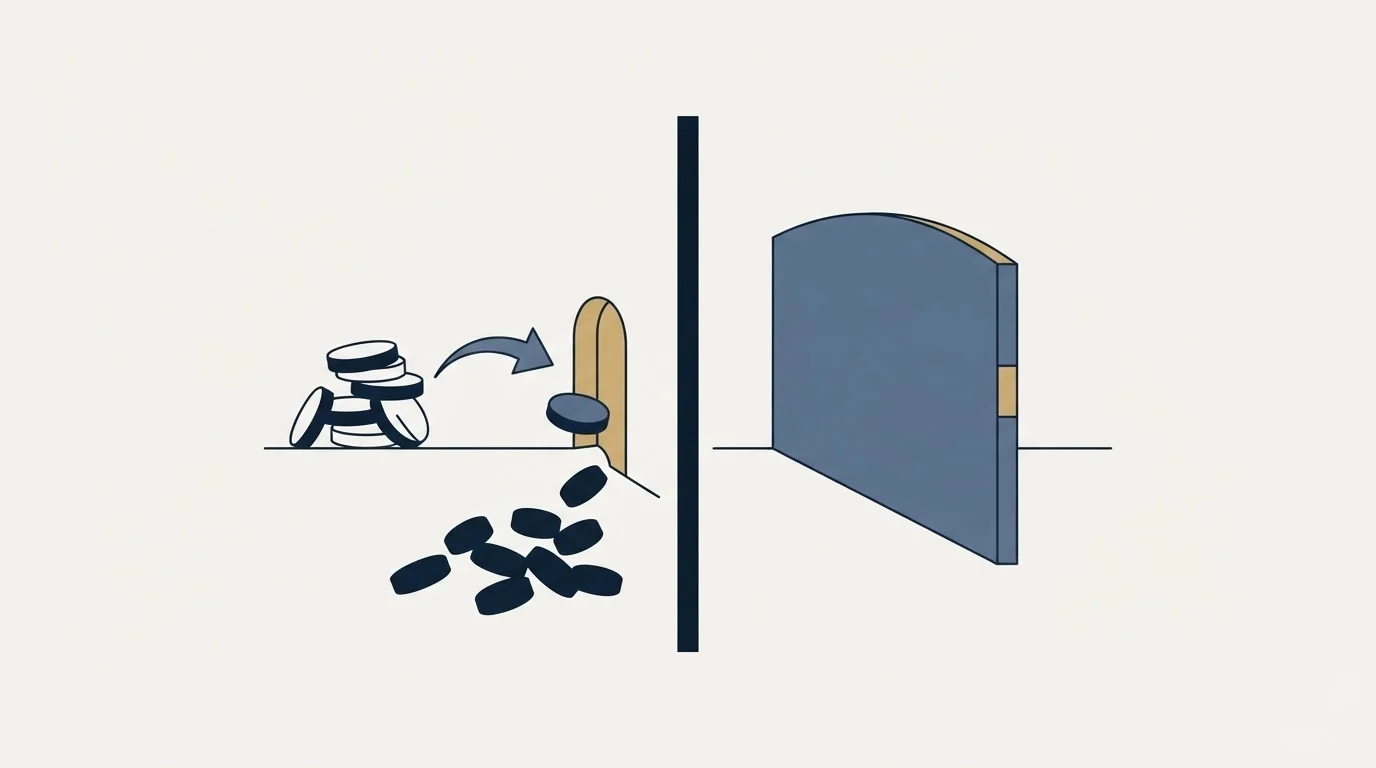
Standard limits advanced actions to 20 a day and webhook integrations to 20 profiles a day. Pro removes both caps.
That single line is what separates the tiers more than any feature does, and it is the vendor metering throughput, exactly as the cloud tools do. It also means the entry tier is genuinely usable for a low-volume seller rather than being crippled, which is unusual at $15.
Two things follow. First, if your intended rate is inside 20 advanced actions a day, Standard is the correct plan and the upgrade buys nothing. Second, if you are reaching for Pro to send more per account, that is the decision worth examining rather than the price, because more volume from one account is the trade that costs accounts.
What LinkedIn's own documentation says
Being a desktop application rather than an extension does not move this tool outside LinkedIn's rules.
The User Agreement, effective 3 November 2025, prohibits developing, supporting or using "software, devices, scripts, robots or any other means or processes (such as crawlers, browser plugins and add-ons or any other technology) to scrape or copy the Services", and using bots "or other unauthorized automated methods to access the Services, add or download contacts, send or redirect messages". Software and scripts are named first in that list, before plugins and add-ons.
LinkedIn's help page on prohibited software and extensions states that it does not permit third-party software that "scrape, modify the appearance of, or automate activity on LinkedIn's website", that members using such tools are in violation of the User Agreement, and that they risk having accounts "restricted or shut down" as well as the tools becoming non-functional without notice.
- Yes: Desktop applications are covered by the same User Agreement clauses as extensions
- Yes: Running on your own machine preserves IP and fingerprint consistency
- Yes: Scraping profile data at volume is a separate violation from messaging
- No: LinkedIn publishes a numeric daily action ceiling to check a plan against
- No: A vendor's daily cap tells you what LinkedIn tolerates
- Yes: A vendor's daily cap tells you what the software will permit
The one place the architecture genuinely helps is IP consistency, which the cloud vendors spend their engineering budget reconstructing with country-matched proxies. Running from your own connection gets that property for nothing. It does not get you permission.
The data-scraping half
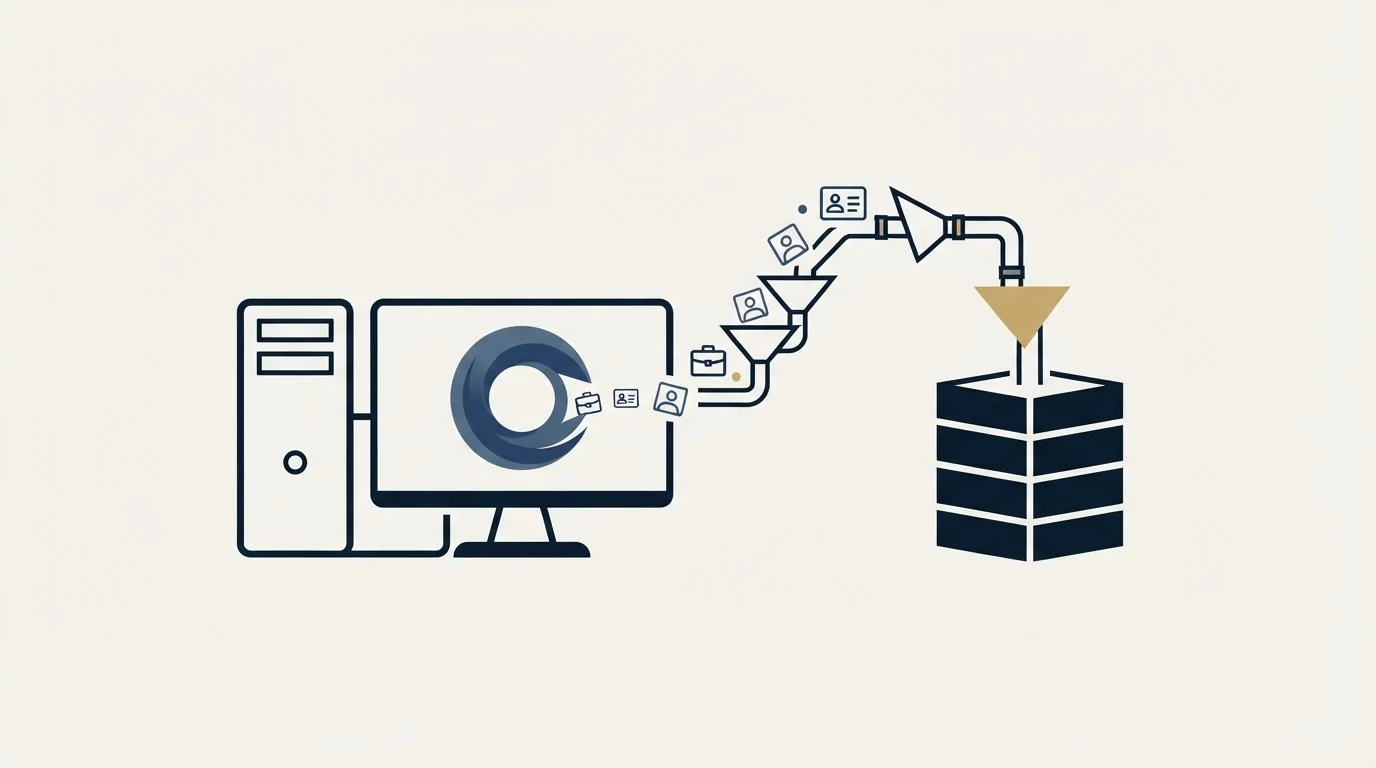
Linked Helper's published feature list includes data export to CSV, scraping of messaging history with reply detection, and data credits metered per month. That is a materially different activity from sending, and it is worth separating.
Bulk profile extraction is named in the User Agreement independently of the messaging prohibitions, and it is detected differently. The standing hygiene rule is not to run extraction volume from an account you also send from, because a restriction earned by scraping takes the sending account with it.
The data-credit allowances make that concrete: 620 a month on Standard and 3,100 on Pro. Anyone planning list-building at that scale should be doing it from an account whose loss would not stop the campaigns.
There is a cheaper answer that avoids the trade entirely. Build lists from a source that is not LinkedIn, then use LinkedIn only for the sending, which is the shape described in LinkedIn prospecting. Company and contact data that arrives from a data provider carries no platform risk at all, and the account you send from never has to do anything except send. The reason people extract from LinkedIn instead is convenience rather than data quality, and it is the single most common way an otherwise careful sending operation loses an account.
The AI credits, and what they are for
Both tiers publish an AI credit allowance alongside the data credits: 250 a month on Standard and 500 on Pro. Those are two separate meters and confusing them produces a nasty surprise in week three.
Data credits are consumed by enrichment and extraction, which is the tool going and getting information about a person. AI credits are consumed by generation, which is the tool writing something. A campaign that personalises every opening line draws on the second pool at roughly one credit per message, so 250 a month is a few hundred messages of generated copy and no more.
Whether that is a constraint depends entirely on an editorial decision rather than a technical one. Generated openers at volume tend toward the same three observations about someone's job title, and a recipient who has received four of them that month recognises the shape immediately. The variable that moves reply rates is whether the message names something specific and true about that company, and that is usually a targeting and research problem rather than a generation problem.
The house position here is worth stating because it cuts against how these credits are sold. We write copy per campaign against a defined segment rather than per lead against a template, and we send one message per campaign with no bumps and no thread replies. On that model a few hundred AI credits a month is ample, because the generation is not doing the work. On a per-lead personalisation model the allowance becomes the binding constraint quickly, and the cost of the tool stops being the subscription.
Who it suits

A solo seller or small team who wants more capability than a cheap extension, will keep a machine running during working hours, and would rather not hand a LinkedIn session to a third party. That last preference is a legitimate reason to choose this shape and it rarely gets stated.
It suits a security-conscious buyer for the same reason. Local storage means campaign data never leaves the machine, which is an answer to a question some organisations will actually ask.
It suits agency multi-account work poorly. Every account needs its own installation on its own machine, which does not scale to sender rotation across clients, and there is no shared inbox across accounts. That shape belongs to the multi-sender model described in our HeyReach review, and the full architecture comparison is in LinkedIn automation tools.
What to settle before buying
Decide local against cloud storage on the value of the campaign history, not on the price difference. If losing a laptop would cost a quarter of list state and message history, the premium is small.
Decide Standard against Pro on your intended daily rate rather than on the feature list, because the 20-action cap is the difference and everything else is close.
Check the data-credit allowance against your list-building plan separately from the sending plan, since they draw on different things and only one of them is the reason you bought the tool.
And keep extraction and sending on different accounts. That is the cheapest risk control in this category and it costs nothing but discipline. If you would rather not run the account risk in-house, get a free campaign plan and we will map the channel to your ICP before anything sends.
Pricing and features verified as of mid-2026. Verify current terms with the vendor before relying on them.
Frequently asked questions.
Frequently asked questions- Is Linked Helper a Chrome extension?
- No. It is a standalone desktop application that drives its own embedded browser instance, which is a third architecture in a category usually described as having two. Actions originate from your own connection and address like an extension, but it controls its own browser rather than borrowing your everyday session.
- What does local versus cloud storage mean?
- Both versions execute the automation on your own computer. Cloud storage means campaign state, lists and message history are held on vendor infrastructure so a dead laptop does not take the work with it, and it costs roughly double at Standard and less than half again at Pro.
- Which tier do I need?
- The difference is the daily cap rather than the features. Standard limits advanced actions to 20 a day and webhook integrations to 20 profiles a day; Pro removes both. If your intended rate fits inside 20 advanced actions a day, Standard is correct and the upgrade buys capacity you will not use.
- Can I use it for scraping and sending together?
- You can, and the standing hygiene rule is not to. Bulk profile extraction is prohibited separately from messaging in LinkedIn's terms and detected differently, so a restriction earned by scraping takes the sending account with it. Keep extraction on an account whose loss would not stop the campaigns.
About the author.

B2B cold email experts helping companies generate qualified leads through done-for-you outreach campaigns.
RevenueFlow Team
Explore more.
Ready to scale your outreach?
We build GTM engines that book real meetings. See the receipts.
Related articles.
SalesRobot Pricing: Two Tabs, Yearly Opens First
SalesRobot prices LinkedIn per account and email per user on two tabs, with the LinkedIn tab opening on yearly. Both ladders at both states, quotas and credits.
Humanlinker Pricing: Euros First, Two Users for One
Humanlinker's Pro plan is priced in euros on a user slider where two users cost the same as one. Every slider step, the annual factor, and how the dollar figure is made.
La Growth Machine Pricing: Per Identity, Euros First
La Growth Machine prices per identity and loads in euros on annual billing. The full matrix from the page's own script: four periods, three currencies, three plans.
Snitcher Pricing: The $49 Table Is the Annual Rate
Snitcher's visible price table is the annual-billing ladder. The ten bands at both billing states, the unique-company meter, and the rules on a help page.
TexAu Pricing: Four Tiers, Billed Only on a Match
TexAu charges credits only when a lookup succeeds. The four tiers at both billing states, the rollover cap, and three places the page disagrees with itself.
Airscale Pricing: Three Plans, One Credit, Four Rates
Airscale prints a different credit cost on every plan, and its advertised per-email price belongs to the custom one. The dated ladder and the rollover rules.