Revenue Intelligence Software: Where the Evidence Comes From
Two vendors define this category on their own pages and disagree about where it starts. That disagreement decides what a given product can know.
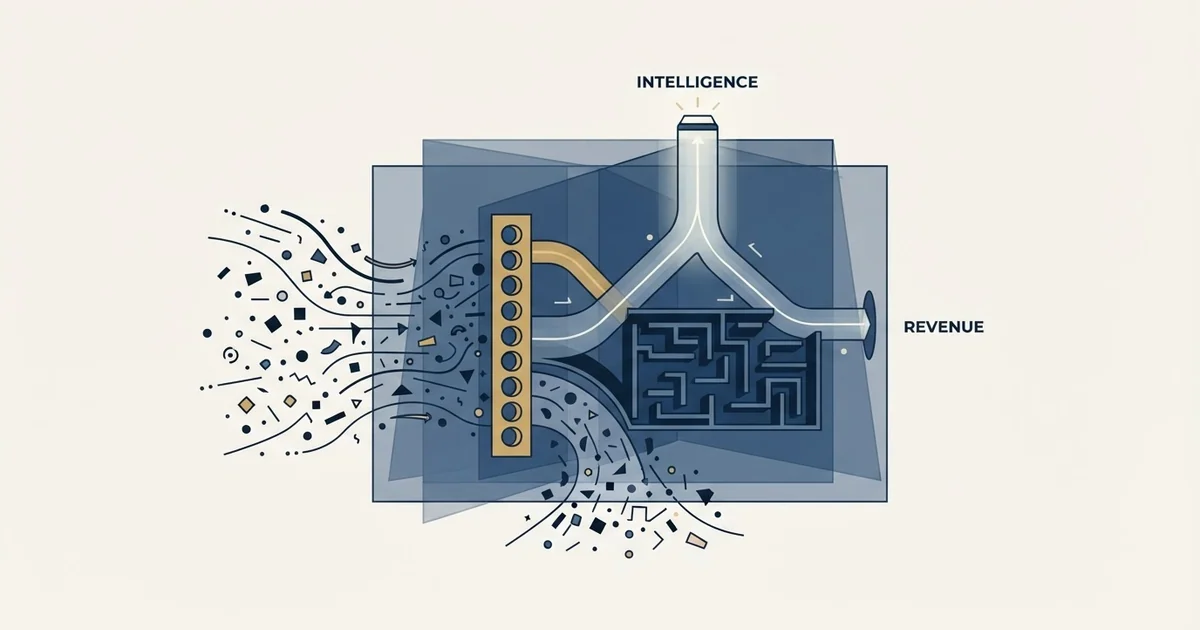
Revenue intelligence software reads the evidence a sales team leaves behind and reports what it implies about deals and the forecast. It draws on up to three sources: CRM records and their history, activity captured automatically from mailboxes and calendars, and recorded conversation content. What a product can know is bounded by which sources it ingests.
Key takeaways
- Revenue intelligence software can read three evidence sources: CRM records and their history, automatically captured activity, and the content of recorded conversations.
- Gong defines the category from the buyer interaction and Salesforce from the CRM record, and that difference decides what a given product is able to know.
- Decide which evidence source you are missing before comparing tools, because an analysis layer bought on top of missing capture produces confident wrong answers.
- Expect no published price: the Gong and Revenue Grid pages read here carry no rate, and Clari's pricing address now redirects to a Salesloft Talk to Sales page.
Reviewed and updated October 1, 2026
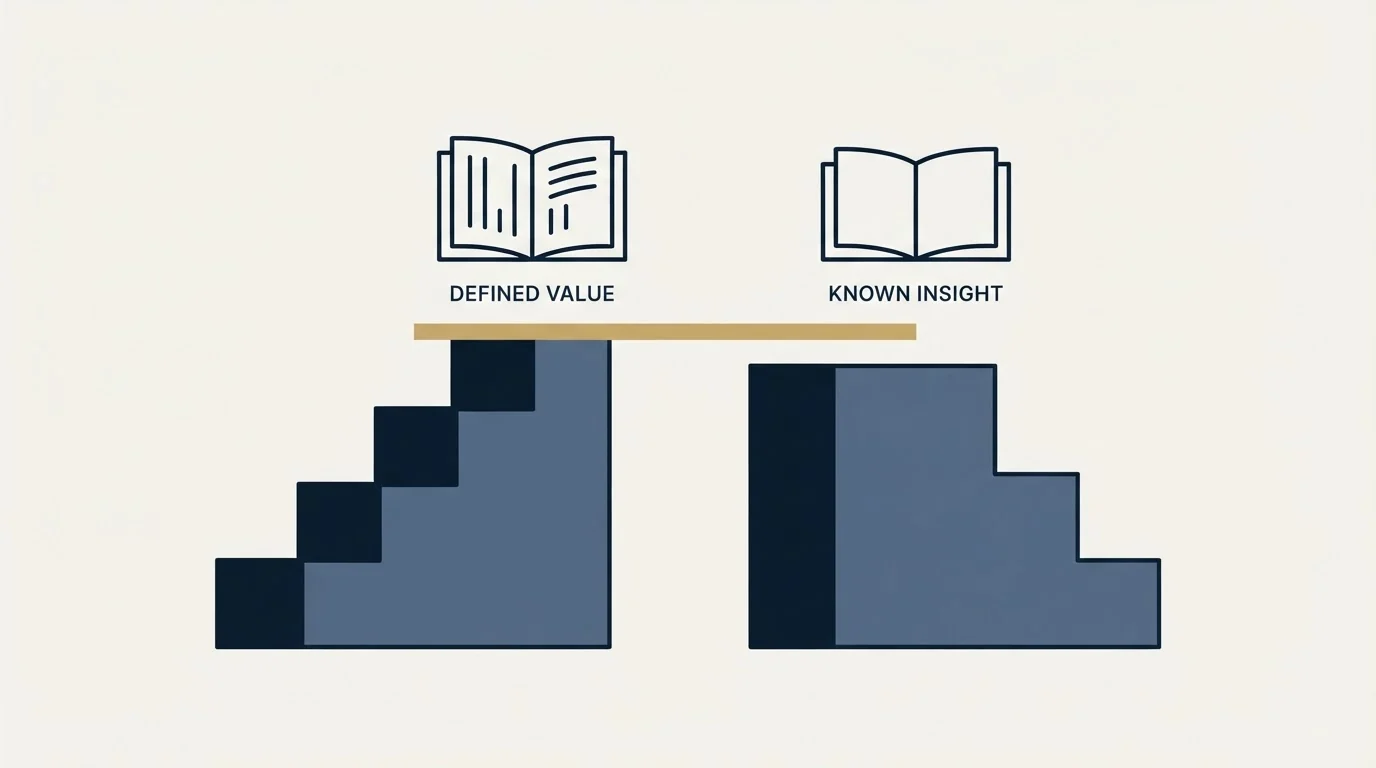
Two vendors define revenue intelligence software on their own pages, and the definitions disagree about the thing that matters. Gong's revenue intelligence page says these platforms "provide comprehensive visibility into buyer relationships and engagement activity across all touchpoints". Salesforce's page says revenue intelligence "uses data and AI to uncover risks and opportunities in deals throughout the sales pipeline", and that the resulting insights are "served up in the same CRM where the sales team works".
One definition starts at the buyer interaction. The other starts at the CRM record. That is the actual fault line in the category: it decides what a given revenue intelligence tool can know, and it is the only question worth settling before a demo.
What is revenue intelligence software?
Revenue intelligence software reads the evidence a sales team leaves behind and reports what it implies about deals and the forecast. It can draw on three sources: CRM records and their history, activity captured automatically from mailboxes and calendars, and the content of recorded conversations. What any product can claim to know is bounded by which of those three it actually ingests.
What the products are made of, read off their own menus
A vendor's navigation menu is often a more honest description of the product than the category writing about it.
Revenue Grid's home page organises itself into four groups: Capture, holding Activity Capture, an inbox sidebar, Salesforce and email integration, calendar sync and scheduling; Inspect, holding what it calls True Pipeline and team analytics; Engage, holding sales sequences, deal guidance and meetings assistance; and Direct, holding an in-CRM guidance product called Mentor.
Capture also happens further upstream in the browser, where extensions that push a profile into a record sit beside those that reveal an address or export a search result.
That menu starts with capture and inspect, in that order, using those words. It is the useful finding on this page, because it says the category is not a single product at all. It is a pipeline: collect evidence, then read the pipeline against it, then act.
At the lightest end of that capture layer sits open tracking, and what an open event still proves shrank once Apple began loading remote content whether or not anyone looked.
The three evidence sources, and what each can tell you
CRM records and their history are present in every product here: stage, amount, owner, close date, and how each has changed. A product reading them sees a deal pushed three times, which is genuinely predictive, and the data costs nothing extra to read because it is already there. It is blind to anything a person did not type in, and it inherits every hygiene problem the CRM already has.
Activity captured automatically is the layer that menu calls Capture: emails, meetings and calls attached to the record without a rep logging them. It answers whether contact happened and with whom, and it makes pipeline reporting believable because nobody is self-reporting it. It measures contact rather than progress, and it misses everything done outside a connected mailbox or calendar.
Conversation content means recording, transcription and analysis: what was actually said, across every call rather than a sample. It can surface a named objection or a competitor by name. It is the richest evidence and the heaviest rollout, it needs recording coverage close to complete to mean anything, and it carries a consent obligation that belongs to you rather than to the vendor.
A product reading only the bottom layer is doing arithmetic over fields your reps filled in. That is not worthless, because nobody reviews every deal every week and a machine will. It does set a ceiling: it cannot know a single thing a careful analyst with the same export could not derive.
The question that sorts the category
Before comparing products, answer the question no product can answer for you: which of those three sources is the one you are missing.
If reps are diligent and the pipeline is still unreadable, the gap is inspection, and a product that reads CRM history is enough. If the CRM is a fiction because logging is optional, the gap is capture, and buying an inspection layer on top of missing data produces confident wrong answers faster. If the pipeline is accurate and the problem is that nobody knows why deals are lost, the gap is conversation content, which is the most expensive source and the only one that reaches inside the call.
Getting that order wrong is the standard expensive mistake here, and it has a specific shape: buying the analysis layer to avoid doing the recording work. The layered version of that same trap in the neighbouring forecasting category is worked through in sales forecasting software, and what the recording layer can and cannot extract once you have it is in conversation intelligence.
On price, and what the pricing pages actually publish
The Gong page quoted above publishes no price, and states "Trusted by 5,000+ customers", which is the vendor's own claim, quoted here rather than endorsed. Revenue Grid's home page publishes no rate either. Clari's pricing address no longer serves a Clari page at all: it redirects to a Salesloft page headed Talk to Sales, which carries no rate, and whose menu offers separate logins for Salesloft, Clari Forecast, Conversations, Drift and Groove.
That is the pricing answer for this category, and it is worth setting out plainly rather than treating as a gap. Any per-seat number you find in a comparison article came from somewhere other than the vendor, which means it came from a buyer whose seat count, module mix and negotiating position are not yours. Budget for the evaluation to end in a real quote, and expect that quote to move with seat count and with which modules get bundled. What a Gong quote tends to contain is set out in Gong as a sales tool.
Outcome claims deserve the same treatment as any accuracy figure. A return on investment percentage with no stated population, no period and no counterfactual is a number that cannot be compared against your current process. A vendor willing to name all three is telling you something real, and the request costs you nothing.
Before a demo of any product in this category, establish five things and avoid two. Name which of the three evidence sources you are actually missing. Check what fraction of rep activity currently reaches the CRM without anyone typing it. Ask the vendor to run its analysis over your last two closed quarters and show what it would have said. Settle who obtains recording consent, in which jurisdictions, before any call is captured. Ask what the product does when its read disagrees with the rep's. Then avoid judging the product on whether its numbers match what leadership already believes, and avoid buying the analysis layer to skip fixing stage definitions.
- Name which of the three evidence sources you are actually missing
- Check what fraction of rep activity reaches the CRM without anyone typing it
- Ask the vendor to run its analysis over your last two closed quarters
- Settle who obtains recording consent, in which jurisdictions
- Ask what the product does when its read disagrees with the rep's
- Judging the product on whether its numbers match what leadership already believes
- Buying the analysis layer to skip fixing stage definitions
What it cannot tell you, however much it records
Two limits survive every product in the category, and both get discovered after the contract is signed.
It cannot see a decision made where your systems are not. Every source above is a record of something that touched software you own. The buying group's internal meeting, the conversation in a private channel, the recommendation from a former colleague: none of it is captured by anything here, and the deal is frequently decided there. A product that reports high confidence is reporting confidence about the evidence it holds, which is a different claim from confidence about the outcome.
It cannot repair an ambiguous stage definition. If two reps mean different things by Proposal, every number computed over that stage is an average of two populations. The instrument learns the ambiguity and presents it with a chart. The fix is free and unglamorous: an exit criterion per stage that names something the buyer did, checkable by somebody outside the deal.
There is a third limit that is not about the software at all. Nothing in this category creates pipeline. A risk surfaced eight weeks from period end is reporting a targeting decision made a full cycle earlier, and no amount of visibility changes what is already in the funnel. Where the function sits relative to the rest of the operating model is covered in revenue operations.
The boundary with the CRM's own reporting
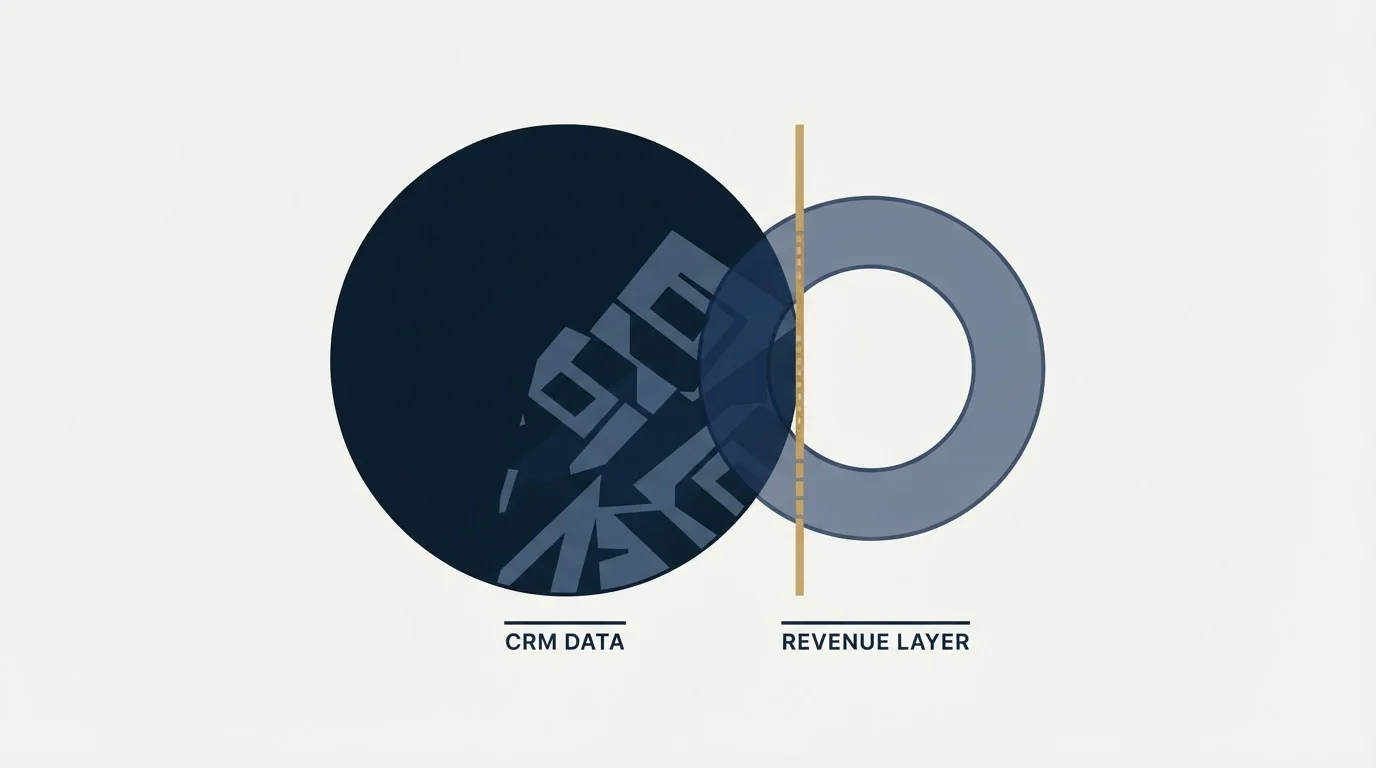
The question that comes up in every one of these evaluations is what the CRM already does, and the honest answer is the whole of the first source and none of the third.
A CRM surfaces what is in its fields. It can show pipeline by stage, deals by owner, and a close-date distribution, and if that is the reporting gap then the purchase to make is a configuration project rather than a platform. What it does not do natively is attach activity to an opportunity without a person typing it in, which is why the vendor menu above starts with a capture product rather than a reporting one. The value being sold is the data underneath the chart, which arrived without passing through the judgment of the person whose performance it measures.
That distinction also explains why the category is consolidating into larger platforms rather than standing alone. Once activity capture is running, forecasting, coaching and deal inspection are all readings of the same corpus, and a vendor holding the corpus is well positioned to sell each of them. The Salesloft menu described above, with Clari Forecast, Drift and Groove sitting behind one vendor's login list, is what that looks like from the outside. What it means for a buyer is that a long module menu is not padding, and that the module you want may not be separable from the ones you do not.
Compensation sits just outside that corpus, and the four jobs commission software does sorts five vendors by the problem each was designed around.
Where this sits against what we do
Since this page sits on our site, it is worth naming where our own practice differs from the assumptions in this category and what that costs us.
These products are built around a rep-owned motion: named sellers, recorded calls, a CRM as the system of record, and coaching as the lever. We run outbound as campaigns rather than as rep activity. One message per campaign, no bumps and no thread replies. Meetings are qualified against criteria agreed in writing before launch.
The consequence for this category is specific and cuts both ways. Much of what a revenue intelligence platform is built to capture, we do not generate: there is no long tail of rep-by-rep call behaviour to analyse at the origination stage, because the origination stage is a list and a message rather than a set of conversations. What we give up is the coaching signal these products are best at. What the shape gains is that the thing being measured at the top of the funnel is the premise itself, which either earns replies or does not, and reads without an instrument.
The place these products genuinely earn their price is downstream of that, once conversations exist and are being lost for reasons nobody can name.
The short version
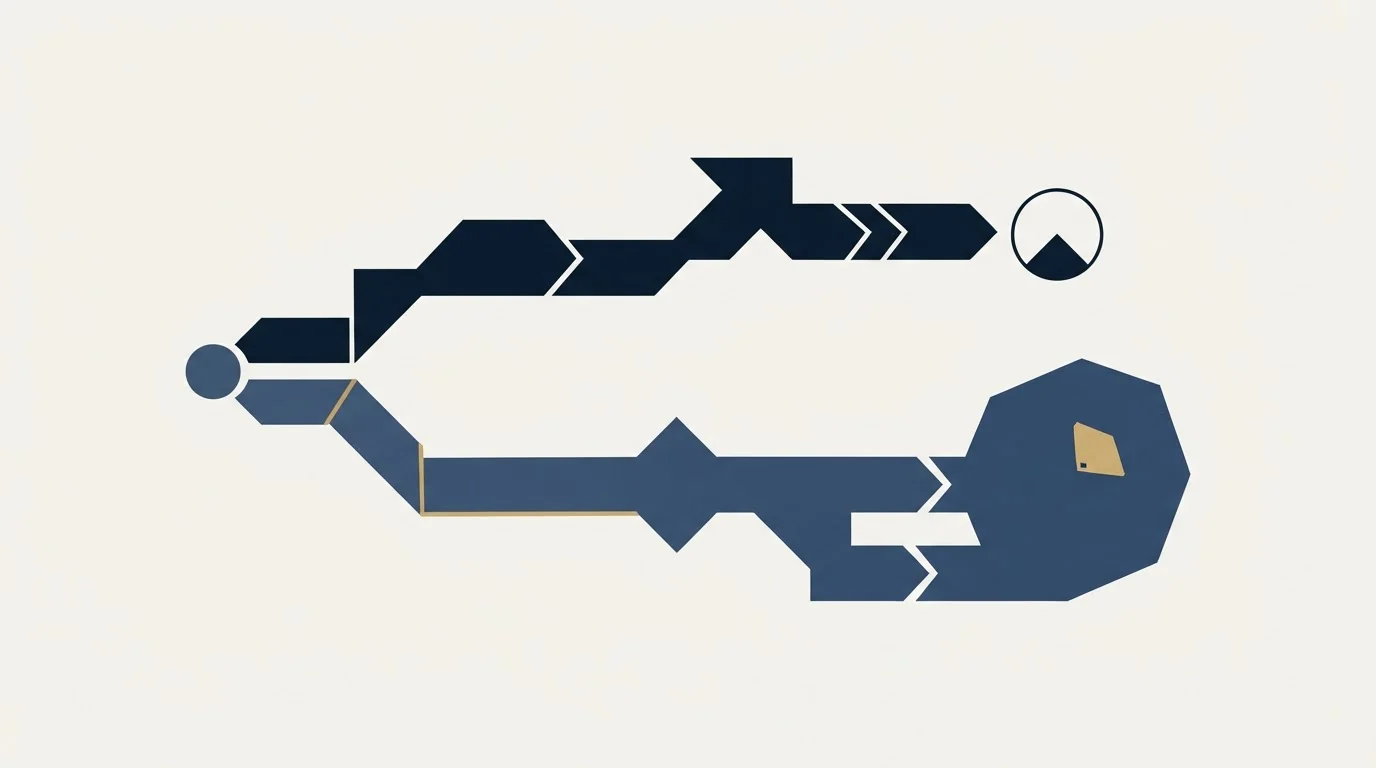
Revenue intelligence software reads three possible evidence sources: CRM records and their history, activity captured automatically from mailboxes and calendars, and the content of recorded conversations. What a product can claim to know is bounded by which of the three it ingests, and two vendors' own definitions of the category disagree about which one it starts from.
Decide which evidence source you are missing before comparing products, because buying the analysis layer on top of missing capture produces confident wrong answers rather than insight.
Expect no published price. The vendor pages read for this guide carry claims and a contact form instead, so plan the evaluation around a real quote and ask any published percentage for its population, its period and its counterfactual.
None of it creates pipeline or fixes a stage definition. Where the constraint is that too few of the right conversations are starting at all, see what a first campaign produces against your market.
Pricing and features are taken from the vendors' own pages. Verify current terms with the vendor before relying on them.
Sources: Gong revenue intelligence, Salesforce, what is revenue intelligence, Revenue Grid
Frequently asked questions.
Frequently asked questions- What is revenue intelligence?
- Revenue intelligence is the practice of reading the evidence a sales team generates, such as CRM history, captured emails and meetings, and recorded calls, to see which deals are at risk and how reliable the forecast is. Salesforce's own page describes it as using data and AI to uncover risks and opportunities in deals throughout the sales pipeline.
- What do revenue intelligence tools actually do?
- They follow a pipeline rather than doing one job. First they capture activity, attaching emails, meetings and calls to the record without a rep logging them. Then they inspect, reading the pipeline against that evidence. Then they act, through guidance or engagement features. Revenue Grid's own menu is organised in exactly that order: Capture, Inspect, Engage and Direct.
- How much does revenue intelligence software cost?
- Vendors in this category rarely publish a rate. The Gong and Revenue Grid pages read for this guide carry no price, and Clari's pricing address now redirects to a Salesloft page that asks you to talk to sales. Any per-seat figure in a comparison article came from a buyer rather than the vendor, so plan the evaluation around a real quote.
- Do I need a revenue intelligence tool if I already have a CRM?
- Only if the gap is something the CRM cannot see. A CRM already reports what is in its fields, so if pipeline by stage is the need, that is a configuration project. A revenue intelligence tool earns its place when activity has to reach the record without anyone typing it, or when nobody can say why deals are being lost.
About the author.

B2B cold email experts helping companies generate qualified leads through done-for-you outreach campaigns.
RevenueFlow Team
Explore more.
Ready to scale your outreach?
We build GTM engines that book real meetings. See the receipts.
Related articles.
Is Clay Free? The Free Plan, the Trial and Where Each Stops
Clay's free plan, its 14-day trial and the no-charge-on-a-miss rule are three different things. What each holds and where it stops, from clay.com on 19 September 2026.
Seamless.AI Email Finder: How It Works, What a Credit Buys
How Seamless.AI's email finder resolves a contact in real time, what one Universal Credit buys, the Total AI score on every address, and what the Chrome extension reads.
Video Prospecting Tools by Job: What Each One Is For
Ten video prospecting tools sorted by the job each vendor's own page describes: record and share, personalise at volume, avatars, hosting and interactive demos.
Social Selling Tools by Job, and the Account-Risk Line
Fourteen social selling tools sorted into six jobs, split by whether each acts through your LinkedIn account or beside it, from the vendors' own pages.
Gong Engage vs Salesloft Cadence: How They Differ
Gong Engage and Salesloft Cadence compared from each vendor's own pages: where each starts, six jobs side by side, and what the pricing pages disclose.
Airscale Pricing: Three Plans, One Credit, Four Rates
Airscale prints a different credit cost on every plan, and its advertised per-email price belongs to the custom one. The dated ladder and the rollover rules.