Salesforce Lead Scoring and Grading: Two Numbers by Edition
Account Engagement keeps behaviour and fit in separate fields, as a score and a letter grade. What each one does, what Einstein adds, and where the edition ladder sits.
Salesforce keeps behaviour and fit in separate fields. In Marketing Cloud Account Engagement a prospect carries a score, driven by their activity, and a letter grade, driven by a profile of who they are. Einstein Behavior Scoring adds a machine-learned 0 to 100 alternative with decay built in.
Key takeaways
- Account Engagement scoring rules can have their point values edited, but rule names and criteria cannot be changed or added to.
- Grades are letters adjusted in thirds, driven by a prospect profile that is applied to every prospect on creation.
- Einstein Behavior Scoring needs a year of engagement data and at least 20 prospects linked to opportunities before it scores reliably.
- Salesforce lists Sales Cloud at $25, $100, $175, $350 and $550 USD per user per month across its five published tiers.
Reviewed and updated September 1, 2026
Salesforce Lead Scoring and Grading: Two Numbers, and What Each Edition Gives You
Most scoring debates are about how to weight a webinar attendance against a pricing page visit. Salesforce settled a more useful argument years ago and then buried the answer in a product name almost nobody says out loud. In Marketing Cloud Account Engagement, the platform formerly called Pardot, a prospect carries a score and a grade, and they are separate fields measuring separate things. The score moves on what someone did. The grade moves on who they are.
That is the fit-and-intent separation set out in lead scoring, shipped as product. Teams that add the two back together, or that route on the score alone because it is the number on the list view, are undoing an architecture decision Salesforce already made correctly.
The score is behaviour, and its rules are narrower than you expect
Salesforce's Trailhead module on lead scoring and grading in Account Engagement describes the score as a measure of implicit interest, assigning a point value to activities such as opening an email, attending a webinar or submitting a form. Every account arrives with baseline scoring rules already populated, so a score exists before anyone configures anything.
The constraint worth knowing before you plan a model is documented plainly in that module: you can only modify the scoring rules. There are no options to add or modify the rules outside of the point values, and the name and criteria of a rule cannot be changed. In other words, the catalogue of scored activities is fixed and you are adjusting the weights on it. Teams arriving from a platform where scoring criteria are freely authored plan for a flexibility Account Engagement does not offer.
Adjusting the weights lives at Account Engagement Settings, then Automation Settings, then Scoring, then Edit Scoring Rules. Trailhead notes a small piece of feedback in that interface that is more useful than it sounds: after a rule is adjusted, Account Engagement displays how many prospects' scores may change as a result. That number is a blast radius. A weight change that moves four prospects and a weight change that moves eleven thousand are different decisions, and the interface tells you which one you are making before you save.
Scoring categories are the escape hatch when one number genuinely cannot serve the business. Trailhead describes them as categories used to score prospects on more than one product or business unit, so a prospect can carry separate scores for separate lines rather than one blended figure that means nothing to either team. Where a company sells two products to two buyers, this is the feature that stops the model from averaging them into a shrug.
The grade is fit, and it is a letter that moves in thirds
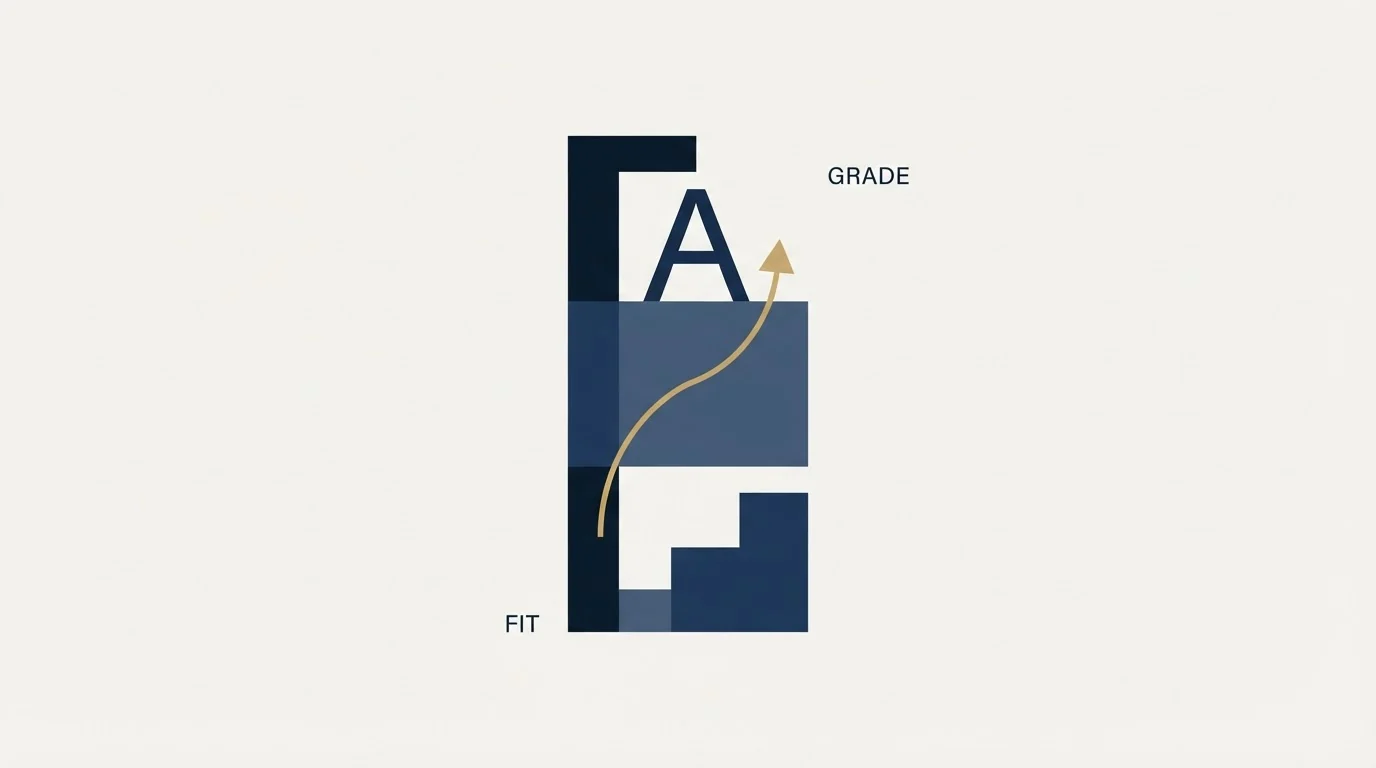
Grading works on a different mechanism entirely, which is why it survives as independent information rather than collapsing into the score.
Every prospect is assigned a profile on creation, and the default profile applies to everyone until someone edits it. Trailhead's guidance is direct about the implication: since the default profile is already applied to every prospect, edit the default profile to match your ideal prospect profile. Criteria sit on firmographic and demographic properties, with Trailhead's worked example naming company size, location, job title, department and industry. Profiles live at Prospects, then Segmentation, then Profiles.
The unit of adjustment is a fraction of a letter grade, weighted at one third, two thirds or a full letter. Trailhead's example criteria show the shape: a match on a target vertical increases the letter grade by one third, a target job title increases it by one third, and a competitor email address decreases it by two thirds. A second stakeholder in the same example adds product interest and C-level seniority at one third each, and penalises companies under twenty people by two thirds.
Two things follow from grading being a letter rather than a number. It cannot be silently added to the behavioural score, because the types do not mix, and it resists the false precision of a 0 to 100 fit figure that nobody can justify to three digits. A B-minus company that visited twice reads differently from a D company that visited twelve times, and both read differently from an A company that has never visited at all. That last group is the one outbound exists for, and it is visible here because the grade does not need any behaviour to exist.
- Points on prospect-initiated activity
- Baseline rules ship pre-populated
- Point values are editable, rule names and criteria are not
- Scoring categories split it by product or business unit
- A letter, adjusted in thirds of a grade
- Driven by the prospect profile, applied by default to everyone
- Firmographic criteria: size, industry, title, department
- Exists with zero behaviour on the record
- Machine-learned, 0 to 100
- Ranked against other prospects in the database
- Score decay built in
- Surfaces top positive and negative predictive factors
Einstein Behavior Scoring, and the data it needs before it says anything
Salesforce's third scoring mechanism replaces the rules rather than tuning them. Trailhead describes Einstein Behavior Scoring as using machine learning to analyse prospect behaviour and identify which prospects are ready to buy, scoring each prospect against Einstein's engagement model and against how they measure up to other prospects in the database. The output is a 0 to 100 score, prospects are ranked, and the component surfaces top positive and top negative predictive factors so a rep can see which behaviours moved the number.
The single most useful documented detail is that score decay is built into this model, which Trailhead notes replaces the manual reset of a prospect's score to zero that the rules-based approach requires. Score inflation is the failure mode that makes an aging database route stale records to salespeople, and the machine-learned model handles it as a property of the model rather than as an administrative chore somebody forgets.
The prerequisites are specific enough to check before promising anyone a rollout date. Trailhead's considerations section states that Behavior Scoring works best in orgs containing a certain amount of data, and recommends a year of engagement data for connected prospects to be scored, at least twenty prospects linked to opportunities associated with accounts (determined by lifecycle stage or opportunity contact role), and up to forty eight hours after enabling before scores become available. A young org, or one that has not been tying contacts to opportunities, does not clear that bar, and enabling the feature there produces a model trained on almost nothing.
Scores live in two places: a Behavior Scoring Lightning component available on lead and contact pages, and an Einstein Behavior Scoring dashboard in the B2B Marketing Analytics app. Enabling runs through Setup, the Quick Find box for Einstein Account Engagement, and a toggle per feature.
- Depends: The default prospect profile has been edited to match the actual ideal customer profile
- Depends: Routing reads the grade and the score as a pair rather than the score alone
- Depends: Scoring categories are in use if the business sells more than one product to different buyers
- Depends: Someone checked the prospects-affected count before saving a scoring rule change
- Depends: For Einstein: a year of engagement data and at least 20 prospects linked to opportunities exist
- Depends: For rules-based scoring: a documented plan for resetting scores, since decay is not automatic
What the edition ladder costs, and where Sales Engagement sits
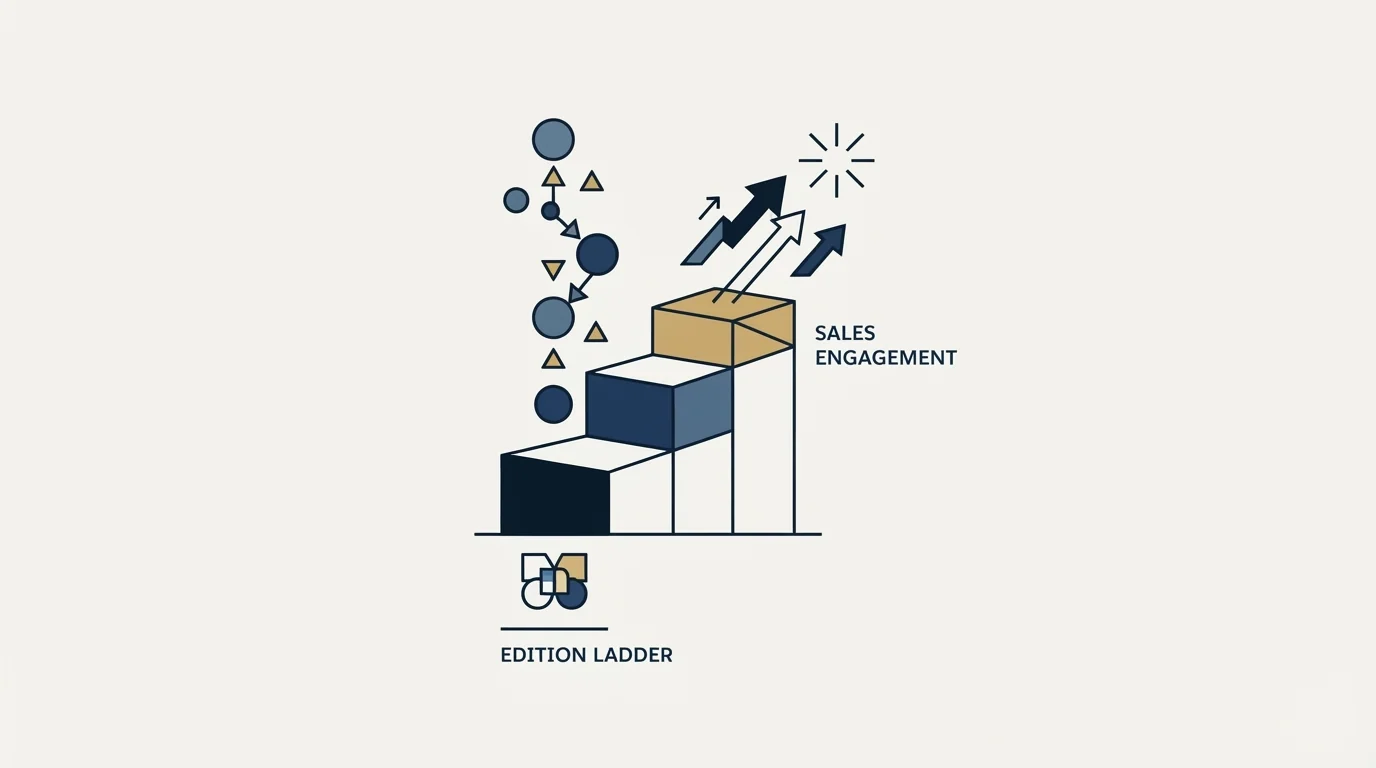
Salesforce publishes Sales Cloud pricing in the served HTML of its own pricing page, which makes the ladder checkable rather than folkloric. As fetched on 15 August 2026, the page lists Starter Suite at $25 USD per user per month billed monthly or annually, Pro Suite at $100 USD per user per month billed annually, Enterprise at $175, Unlimited at $350 and Agentforce 1 Sales at $550, all per user per month billed annually. The page carries its own caveat, that it is provided for information purposes only and is subject to change, and it adds that AI can be added to Enterprise and above.
One structural note that matters when a scoring project turns into a platform project: the same page describes Unlimited as everything in Enterprise plus predictive AI, conversation intelligence and Sales Engagement. Sales Engagement, the cadence and activity-capture layer, sits at the $350 rung or is bought separately, which is a long way above where most teams assume it lives when they start planning sequences.
That page renders six currencies into one document behind a currency selector, so a figure read out of the raw source can belong to a currency nobody in your company pays in. The figures above are the USD ones. Account Engagement, which is where scoring and grading actually live, is licensed separately from the Sales Cloud ladder, so a Sales Cloud edition alone does not tell you whether you have the scoring tool.
Since Account Engagement is licensed apart from Sales Cloud, it helps to see how a data enrichment tool like Lead411 fits alongside the CRM in a cross-category comparison of Lead411 and Salesforce.
Where scoring stops and outbound starts
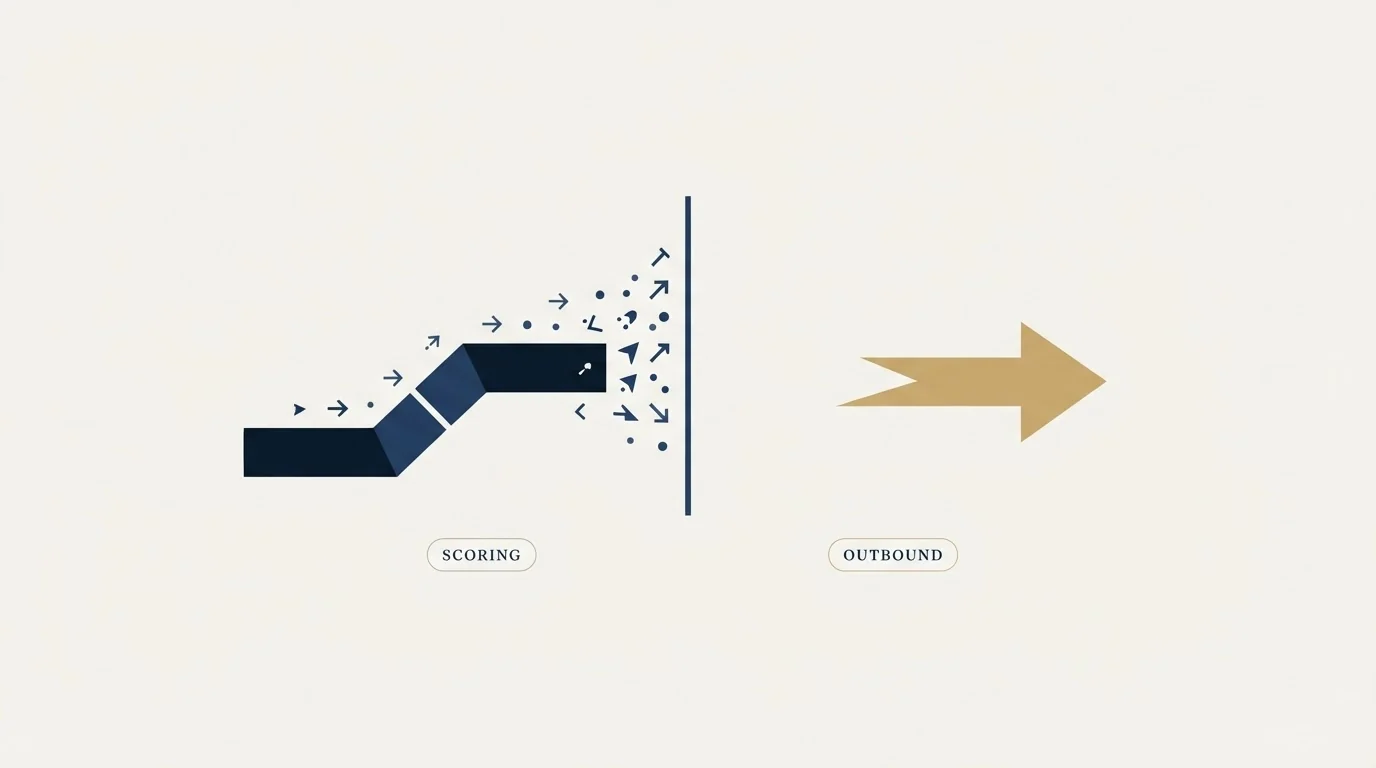
Both mechanisms score people already in the database. Neither ranks a market. A perfect-fit account that has never interacted scores zero behaviourally and grades well, and the grade is the only reason it is visible at all. That is the population a fit-first read exists to surface, and the correct treatment is a single researched message about their business, not a nurture track waiting for a behavioural score to appear.
If the fit half of your model is scoring everyone the same, the problem is empty firmographic fields rather than bad weights, and it is solved before scoring rather than inside it. CRM enrichment covers the shape of that problem and Clay enrichment covers building the waterfall that fills it. For the account-level version of the same targeting work inside Salesforce, account-based marketing in Salesforce covers the setup. If the platform question is still open, Pipedrive vs Salesforce and best Salesforce alternatives cover it, and best CRM tools for SDR teams covers it from the outbound seat specifically. The definitional argument about what a threshold means once it exists is in MQL vs SQL.
The well-graded prospects with no behaviour on file are a list, not a dead end: see what that list produces.
Pricing and features verified as of mid-2026. Verify current terms with the vendor before relying on them.
Frequently asked questions.
Frequently asked questions- What is the difference between a score and a grade in Salesforce?
- The score measures behaviour. Account Engagement assigns points for prospect-initiated activities such as opening an email, attending a webinar or submitting a form. The grade measures fit, expressed as a letter adjusted in thirds against a prospect profile built from firmographic criteria like industry, company size and job title. They answer different questions and are kept as separate fields.
- Can I create my own scoring rules in Account Engagement?
- Not new ones. Salesforce's Trailhead module states that you can only modify the scoring rules, that there are no options to add or modify rules outside of the point values, and that you cannot change a rule's name or criteria. The catalogue of scored activities is fixed and you are adjusting weights on it.
- What does Einstein Behavior Scoring need before it works?
- Salesforce recommends a year of engagement data for connected prospects to be scored, and at least 20 prospects linked to opportunities associated with accounts, determined by lifecycle stage or opportunity contact role. After enabling the feature it can take up to 48 hours for scores to appear. A young org does not clear that bar.
- Which Salesforce edition includes Sales Engagement?
- Salesforce's pricing page describes Unlimited, listed at $350 USD per user per month billed annually, as everything in Enterprise plus predictive AI, conversation intelligence and Sales Engagement. It can also be bought separately. The page renders six currencies behind a selector, so confirm which currency a quoted figure belongs to before relying on it.
About the author.

B2B cold email experts helping companies generate qualified leads through done-for-you outreach campaigns.
RevenueFlow Team
Explore more.
Ready to scale your outreach?
We build GTM engines that book real meetings. See the receipts.
Related articles.
Salesforce Einstein AI for Sales: The Agentforce Rename
Four products still carry the Einstein name on Salesforce's rate card. The pricing page's own data says which editions include them, and contradicts its footnote.
Reply.io Salesforce Integration: The Sixteen Sync Steps
Reply's support article lists sixteen sync steps, two profiles, required field mappings and a two-hour cadence. What the native Salesforce integration moves.
CRM Setup: The Objects, Stages and Write-Back Loop
A vendor neutral CRM setup for an outbound team: the object model, stage exit criteria, the required field set, ownership rules and the campaign write-back loop.
Sales Automation Software for Small Business: Four Buys
One search returns four unrelated products, and on at least one vendor's published plan list the automation is gated above the tier a small team buys.
Salesforce API Integration: Pick the Interface, Then Code
Salesforce sells programmatic access as a line item and publishes four interfaces. Which one each job belongs on, and what breaks in production but never in a sandbox.
Sybill: The Credit Meter Is the Number to Model
Sybill meters by credits per week rather than by seat, and its pricing page carries three different figures for the same two plans. Both facts change the model.