Salesforce Inbox: Where It Went and What It Costs Now
SFDC Inbox and SalesforceIQ Inbox are search terms that outlived their packaging. Where the mailbox features are sold today, and the licensing question that follows.
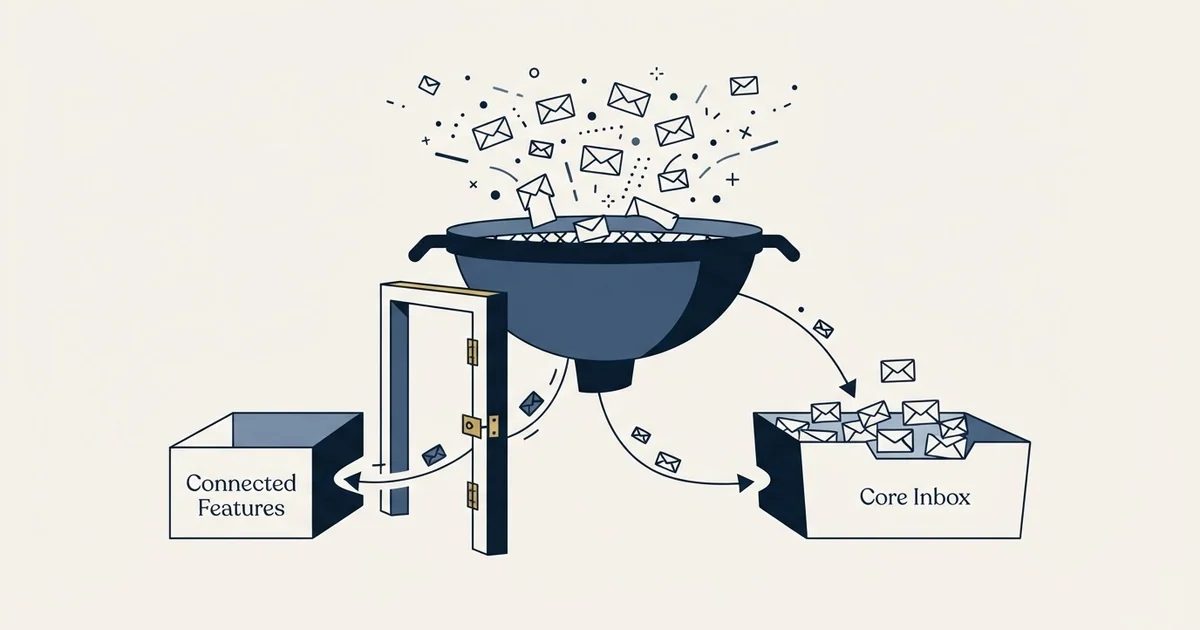
Salesforce Inbox is the set of features that puts CRM context inside a seller's mailbox. Salesforce now lists those capabilities inside Sales Engagement, priced from $50 USD per user per month and included with Unlimited Edition and Agentforce 1 Sales Edition. The buying decision is a licensing one rather than a product one.
Key takeaways
- Salesforce's Sales Engagement pricing page lists Inbox Mobile App, Email Productivity Tools and Meeting Booking as features of that SKU rather than as a separate product.
- The page states pricing starts at $50 USD per user per month, and that Sales Engagement is included in Unlimited Edition and Agentforce 1 Sales Edition.
- Check your Salesforce edition before evaluating features, because an org that already includes Sales Engagement may be paying separately for a third-party mailbox tool.
- Every supported currency is rendered into the same pricing document, so a figure copied from the page source can be one no visitor in your market is shown.
Reviewed and updated October 1, 2026
A rep asks for Salesforce Inbox by name, an admin goes looking for it in the org, and what comes back is a settings page that does not match the blog post the rep read. Somewhere between those two moments the thing changed shape. It used to be bought as a line item with its own price and its own managed package. Today the capabilities people mean when they say SFDC Inbox sit inside a larger licence, and the search term has outlived the product page.
That gap is worth closing before a renewal conversation, because the question "how much is Inbox" now has a different answer than it had when most of the material about it was written.
What the name refers to
Salesforce Inbox is the set of features that puts CRM context inside a seller's mailbox. The recognisable parts are a sidebar that shows the Salesforce record for whoever sent the email, activity written back to that record without anyone retyping it, a scheduling link so a meeting can be booked from the thread, and a mobile app that carries the same context onto a phone.
Two older names attach to the same idea and both still get typed into search boxes. SalesforceIQ was a separate company Salesforce acquired, and its relationship-intelligence product became the Inbox line. For a period the functionality arrived through a managed package that an admin installed into the org. Salesforce's own help centre is where to confirm the current status of that package for a given org, because package requirements have changed and a third-party blog post is not a reliable record of what your org needs today (Salesforce Help).
The practical consequence for a buyer is that three search terms, SFDC Inbox, Salesforce Inbox and SalesforceIQ Inbox, all land on material written at different points in that history. Sorting the current answer from the archived one is the work this page is doing.
Naming confusion of this kind is not unique to Salesforce, since account-based marketing saw a similar shift when the RollWorks to AdRoll rebrand changed how that product is packaged and priced.
Where the features live now, and what they cost
Salesforce publishes the current arrangement on its Sales Engagement pricing page, and reading it settles the question directly. That page states in its own FAQ that "Pricing starts at $50 USD per user per month", and that the figure "varies depending on the edition and number of users". The same page states how it is sold: "Sales Engagement is included in Unlimited Edition and Agentforce 1 Sales Edition or it can be purchased as an individual add-on for $50 per user per month" (Salesforce Sales Engagement pricing).
The feature list on that page is where the Inbox lineage becomes visible. Under Sales Engagement, Salesforce lists Email Productivity Tools, Meeting Booking, Inbox Mobile App, Automated Actions, Quick Cadences, Sales Console and To Do List, alongside Sales Cadences, Work Queue, Lead Scoring, Einstein Conversation Insights, Buyer Assistant, Einstein Activity Capture and Prospecting Center.
Read that list for what it does to a buying decision. The mailbox-side features a rep asks for arrive bundled with a cadence engine, a work queue, lead scoring and conversation intelligence. There is no smaller SKU on that page carrying only the mailbox half.
- Email Productivity Tools
- Meeting Booking
- Inbox Mobile App
- To Do List
- Einstein Activity Capture, which writes the activity back
- Sales Cadences and Quick Cadences
- Work Queue
- Lead Scoring
- Einstein Conversation Insights
- Buyer Assistant
- Prospecting Center
The currency trap on that page
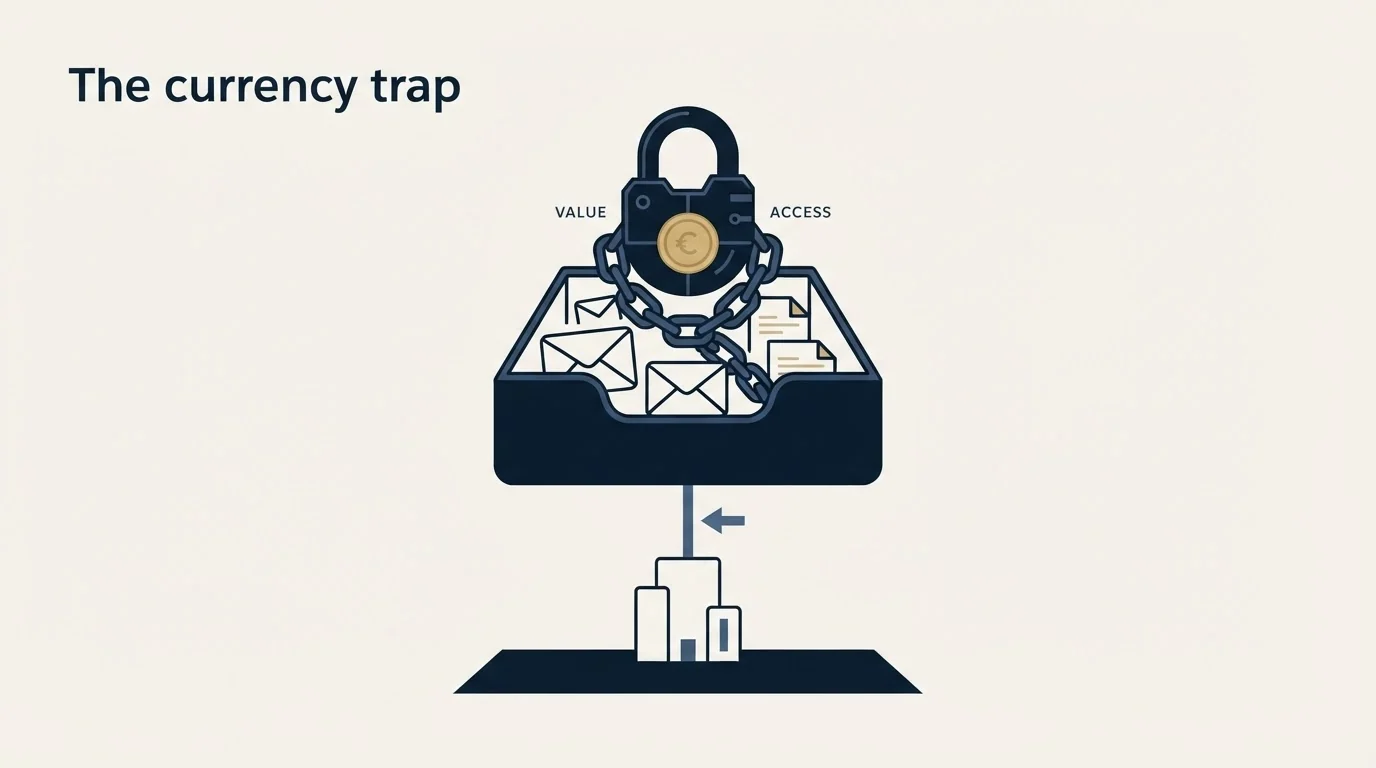
One detail matters for anyone quoting the number in a business case. Every currency Salesforce supports is rendered into that same document, each one marked billed annually. A reader in the United States is shown 50 USD per user per month, and sitting in the same markup are 50 EUR, AU$70, 6,000 JPY, 500 SEK and £40 GBP.
Both facts follow from that. A figure copied out of the page source rather than off the rendered page can easily be a currency no visitor in your market is shown. And the annual billing label is attached to the tier figures, so a monthly comparison against a competitor billed monthly is not comparing the same commitment.
What you are actually deciding
Once the price is a bundle price, the decision stops being about the mailbox sidebar and becomes a licensing question. Three shapes cover most orgs.
- Step 1Check the edition first
Sales Engagement is included with Unlimited Edition and Agentforce 1 Sales Edition, so some orgs already own it and are paying for a third-party tool beside it.
- Step 2Count the seats that need it
The add-on is priced per user, so the cost scales with how many people genuinely live in the mailbox rather than with team size.
- Step 3Decide whether the rest of the bundle is wanted
Cadences, lead scoring and conversation intelligence arrive in the same SKU. If they duplicate tools you already run, you are buying them twice.
The first step catches a recurring and expensive mistake. An org on an edition that already includes Sales Engagement, running a separate mailbox-productivity tool on top, is paying twice for the sidebar and the activity capture. That is a licence audit rather than a product evaluation, and it is usually a short one.
The second step matters because the mailbox features earn their keep only for people who work deals from the inbox. An account executive running six live opportunities is in the mailbox all day and gets real value from the record sitting beside the thread. An SDR sending outbound at volume is working from a sending tool rather than from a mailbox, and the sidebar rarely enters their day. A manager reviewing pipeline is in dashboards. A solutions engineer copied on threads needs to read them, not to log them.
Priced per seat, that spread is the whole decision. A licence bought for a whole team because a handful of people asked for it is a scoping failure rather than a product failure, and it is the version of this purchase that quietly renews for years without anyone re-opening the question.
How it compares to the third-party tools in the same slot
The mailbox-sidebar category is not Salesforce-only, and the alternatives are worth naming because they change the arithmetic. Yesware sits in this slot and its own plan structure puts the Salesforce sidebar and bi-directional sync behind its higher tier, which is the same bundling logic arriving from the other direction. Our breakdown of the Yesware plugin covers where the sync features sit in that product, and email tracking with Yesware covers what the tracking events do and do not prove.
Teams comparing sidebar tools beyond Salesforce's own line will also want the breakdown of the Surfe extension, which covers how it surfaces CRM context and pushes contacts into outbound cadences.
Two structural differences decide most of these comparisons rather than feature counts.
Where the data lands. A native Salesforce feature writes to the object model without an integration to maintain. A third-party tool writes through an API and can drift, break on a permissions change, or fall behind a Salesforce release. The failure is rarely loud when it happens: activity stops appearing on records, nobody notices for a fortnight, and the gap in the timeline is discovered during a pipeline review. Against that, a third-party tool can be removed without touching a licence, and its cost is visible on a separate invoice rather than buried in an edition.
Granting any connected app that level of access carries risk, and the OAuth token breach affecting Salesforce tenants shows what an attacker can reach through one compromised integration.
What the bundle drags along. The Salesforce answer arrives with a cadence engine attached. If a team already runs a sales engagement platform, the overlap is real and the second copy is not free. Our comparison of sales engagement platforms sets out what that category actually covers.
The part a mailbox tool cannot fix
A sidebar improves the record. It does not decide whether the message should be sent, and it has nothing to say about whether it arrives.
Activity capture is a logging feature. It records that an email went out and that a reply came back, and a team reading those counts as a health signal will miss the failure mode that matters most in outbound, which is mail that is accepted and filed away from the inbox. Placement is a property of the sending domain, the authentication and the recipient's own gateway, and none of those are visible from inside the seller's mailbox. That diagnosis is in inbox placement, and the sending-side view of the same problem is in running outbound from a Gmail mailbox.
There is a doctrine point here too, and it is ours rather than Salesforce's. Cadence tooling of the kind bundled into this SKU is built to send a sequence of messages to one person over time. We run one message per campaign, no bumps and no thread replies. A cadence engine is described here because it is what the product ships, not because it is the motion we recommend.
- Yes: Your Salesforce edition, and whether Sales Engagement is already included in it
- Yes: The number of seats that genuinely work deals from the mailbox
- Yes: Whether a third-party mailbox tool is already installed and paid for
- Yes: Whether the cadence and scoring features duplicate a platform you run
- Yes: The currency and billing period on the figure in your business case
- No: Whether anyone is treating activity-capture counts as a deliverability signal
The short version
SFDC Inbox and SalesforceIQ Inbox are search terms that outlived the packaging they were named for. The mailbox features they describe are listed today inside Sales Engagement, which Salesforce prices from 50 USD per user per month and includes with Unlimited Edition and Agentforce 1 Sales Edition. The buying decision that follows is a licensing one: check the edition before the feature list, count the seats that live in the mailbox, and treat the cadence and scoring features bundled beside them as a cost rather than a bonus.
If the underlying problem is that outbound is not producing conversations, a mailbox sidebar is not the lever. That is a targeting, message and deliverability question, and a free campaign review is where we look at it against live sending rather than in the abstract.
Pricing and features verified as of mid-2026. Verify current terms with the vendor before relying on them.
Frequently asked questions.
Frequently asked questions- Is Salesforce Inbox still a separate product I can buy?
- Salesforce's Sales Engagement pricing page lists the Inbox capabilities as features of Sales Engagement rather than as a standalone line item. That page prices Sales Engagement from $50 USD per user per month and states it is included in Unlimited Edition and Agentforce 1 Sales Edition, or available as an add-on. Confirm what your own edition includes before buying anything.
- What is the difference between SalesforceIQ Inbox and Salesforce Inbox?
- They name the same lineage. SalesforceIQ was an acquired product whose relationship-intelligence features became the Inbox line, and for a period the functionality arrived through a managed package an admin installed. Package requirements have changed since, so check Salesforce's own help centre for your org rather than relying on a third-party post written years ago.
- How much does Salesforce Inbox cost per user?
- There is no separate Inbox price on Salesforce's current Sales Engagement pricing page. That page states pricing starts at $50 USD per user per month for Sales Engagement, billed annually, with the Inbox features listed inside it. The page renders several currencies into one document, so confirm which one your market is actually shown before quoting a figure.
- Do I need it if we already run a sales engagement platform?
- Probably not without checking the overlap first. Sales Engagement bundles cadences, work queue, lead scoring and conversation intelligence alongside the mailbox features, and most of that duplicates what a dedicated platform already does. The honest test is how many people genuinely work deals from the mailbox, because the licence is priced per seat.
About the author.

B2B cold email experts helping companies generate qualified leads through done-for-you outreach campaigns.
RevenueFlow Team
Explore more.
Ready to scale your outreach?
We build GTM engines that book real meetings. See the receipts.
Related articles.
Which CRMs and Tools the Outbound Stack Connects To: Integration Data From 342 Sales Tools
HubSpot is named as an integration by 52.3% of 342 verified sales tools, Zapier by 50.3% and Salesforce by 43.3%. Here is the full map by category.
LeadIQ Salesforce Integration: What Syncs, What Blocks It
How LeadIQ's Salesforce integration works, from LeadIQ's own help centre: per-user OAuth, Lead or Contact, domain matching, duplicates, API calls and plan gates.
Sales Engagement Platform Pricing in 2026: What 61 Tools Charge and Which Hide It
Sales engagement platforms start at a median of $75 a month, 70.5% carry a quote-only tier, and AI SDR platforms start at $204.50. Data from 61 verified tools.
Best CRM for Google Workspace: What Lives in Gmail
Working with Google Workspace covers four separate integrations, and most of the category ships as a browser extension. What five vendors publish about theirs.
RevOps Tools: Nine Products and the Job Each Does
Nine revenue operations products sorted by the six jobs the category covers, with every product fact and price read off the vendor's own pages and dated.
Video Prospecting Tools by Job: What Each One Is For
Ten video prospecting tools sorted by the job each vendor's own page describes: record and share, personalise at volume, avatars, hosting and interactive demos.