Third-party Spam Filter: Diagnosing Placement
A filter your recipient bought sits between you and their mailbox. It can break your DKIM signature, substitute its own address for yours, and quarantine in silence.

A third-party spam filter is a service a receiving organisation buys and places between the internet and its mailbox provider, so its MX record points at the filter rather than at Microsoft or Google. For a sender it can invalidate a valid DKIM signature, replace the connecting address being judged, and quarantine messages silently.
Key takeaways
- Microsoft documents the arrangement directly: the receiving domain's MX record points at the third-party provider, which is why a public MX lookup identifies it before you send.
- A service that modifies a message in transit and does not support ARC sealing invalidates the DKIM signature, so an authentication failure at those domains is not evidence your records are wrong.
- Without Enhanced Filtering configured by the recipient, the mailbox provider evaluates the filtering vendor's shared address rather than yours, so your own infrastructure quality is invisible in that transaction.
- Quarantine produces an acceptance and then silence, so a domain group can report perfect delivery metrics while generating no replies at all.
Reviewed and updated September 1, 2026
Third-party Spam Filter: Diagnosing Placement Without Guesswork
A campaign runs clean everywhere except one set of recipient domains, where messages are refused with a product name nobody on your team recognises. The sending infrastructure is the same infrastructure that is working fine for every other domain in the list. Nothing on your side changed. What changed is that those companies bought a filter and put it in front of their mailboxes.
That unfamiliar product name is often Barracuda, and diagnosing Barracuda's dual blocking layers explains why quarantine can happen without any bounce at all.
That arrangement has a name in the receiving organisation's documentation, and it is worth knowing precisely, because it changes three things about your mail that no amount of copy editing will address.
What the phrase actually describes
A third-party spam filter is a service the recipient's organisation buys and places between the internet and its mailbox provider. Mail arrives at the filter first. The filter inspects it, decides, and passes the survivors along to Microsoft 365 or Google Workspace behind it.
Microsoft documents this as a supported architecture in its own mail flow guidance, under the heading MX record points to third-party spam filtering. The instruction to the receiving administrator is explicit: "Your domain's MX record must point to your third-party service provider." That single configuration line is what puts a second organisation between you and your recipient, and it is also the thing you can look up.
There is a variant that matters more than it looks. Microsoft's same page describes a third arrangement in which the MX record points at Microsoft 365 and the third-party service operates afterwards, with messages leaving the Microsoft environment for filtering and returning. In that shape the MX lookup tells you nothing, because the filter is downstream of the record you can see.
- A public MX lookup names the product
- Refusals happen before Microsoft ever sees the message
- A rejection is returned to your sending platform
- This is the case you can diagnose from outside
- The MX record names Microsoft and nothing else
- Mail is routed out for filtering and returns
- No external lookup reveals the third party
- Behaviour looks like ordinary provider filtering
- MX names the mailbox provider directly
- One filtering system rather than two
- Rejections carry the provider's own wording
- The common case for smaller organisations
The three things it changes for you
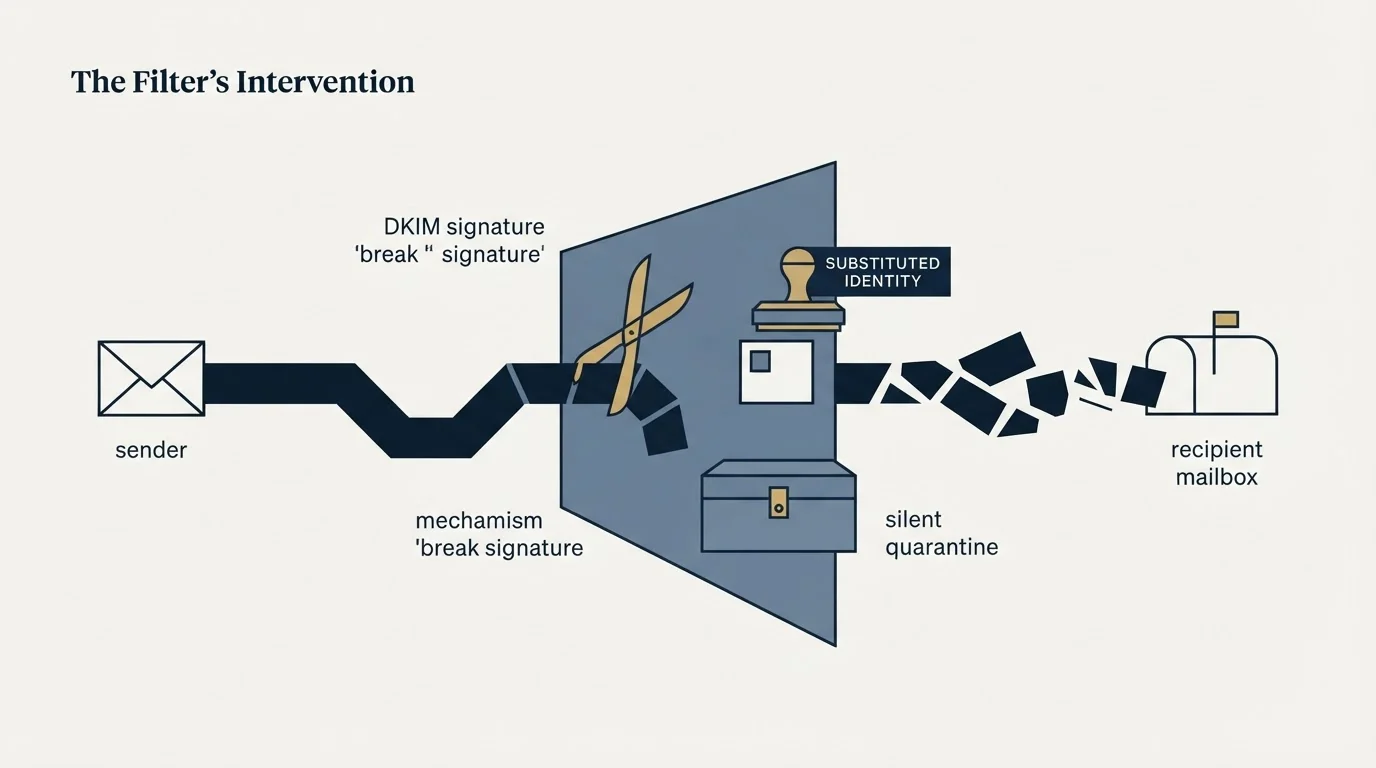
Your DKIM signature can be invalidated by a system you do not control
This is the consequence most senders never learn, and Microsoft states it plainly on the page above: "Third-party services that modify messages and don't support ARC sealing will invalidate the DKIM signatures of those messages."
Read that from the sending side. Your message leaves with a valid signature. A service in the middle alters it, perhaps by injecting a warning banner or rewriting links, and the signature no longer matches the content it signed. What arrives at the mailbox provider is a message that fails authentication, and the failure is attributed to you.
Microsoft's remedy is a configuration the recipient performs, adding the service as a trusted ARC sealer, which lets the original authentication result survive the modification. Nothing in that remedy is available to a sender. If you see authentication failures concentrated at domains that route through an intermediary, the honest reading is that the intermediary broke the signature, and your records are fine. Verify them anyway at the published DNS, using the method in SPF, DKIM and DMARC for cold email, so that you are ruling your own setup out rather than assuming it.
The address being judged may not be yours
Microsoft's guidance warns the receiving administrator that without a specific setting, mail from all internet senders "appears to originate from the third-party service, not from the true sources on the internet."
That is a sentence about attribution. When the receiving organisation has not configured the feature that preserves the original source, the connecting address the mailbox provider evaluates belongs to the filtering vendor rather than to you. Every consideration you gave to IP reputation and infrastructure quality is invisible in that transaction. The judgement is being made about somebody else's address.
The corollary runs the other way too. Microsoft notes that "Most third-party cloud anti-spam providers share IP addresses among many customers," so the reputation in play is a shared one, formed by traffic that has nothing to do with your programme.
The refusal you get back is a policy statement
A gateway that refuses at SMTP time hands your platform an explicit rejection, usually naming the product. That is the most useful artifact in this whole topic, and it is routinely skimmed rather than read.
The text distinguishes a permanent refusal from a temporary one, and the pattern across recipients distinguishes a recipient-side policy from a problem of yours. Rejections concentrated at one vendor across otherwise unrelated companies is a recipient-side pattern. Rejections spread evenly across every receiving platform is your problem. The spam filter entry sets out the two-layer model this sits inside, and the practical work of reading bounce text belongs with the rest of a deliverability audit.
The outcome that produces no artifact at all
Refusal is the visible case. Quarantine is the one that teaches senders the wrong lesson, and most bought filters prefer it.
In contrast, whether that quarantine can ever be skipped is a separate question, and who actually controls spam filter bypass explains why the answer sits with the recipient, not the sender.
A quarantining filter accepts the message, answers your platform with a success code, and files the message in a holding area the recipient may review on a digest, may never open, and may not know exists. The administrator can release it. Nobody usually does. From your side the transaction is indistinguishable from a message that landed in a primary inbox and was ignored, because both produce an acceptance and then silence.
The practical consequence is that a domain group can look healthy on every metric a sending platform reports while producing no replies at all. Acceptance rate is fine, bounce rate is fine, and the campaign is landing in a room nobody walks into. This is why acceptance is a poor proxy for arrival, and why reply rate split by receiving domain group is the instrument worth building. A segment behind one gateway product replying at a fraction of the rate of everything else, with identical copy and identical infrastructure, has told you what the filter did without ever sending you a message about it.
Finding out before you send
The whole diagnosis is available in public DNS, and it costs nothing.
- Step 1Look up the MX record
The hostnames in a domain's MX record name whoever receives its mail. A vendor hostname there means mail is filtered before the mailbox provider sees it.
- Step 2Group your list by what you find
Filtering products cluster by company size and industry. A list aimed at one segment often shares two or three products across a large share of its domains.
- Step 3Read the refusals you already have
Past rejection text names products. That record is a description of the audience you are sending to, and it is free.
- Step 4Hold the domains that have already refused you
Repeated attempts into a system that has decided against you accumulate failures against your sending reputation and change nothing.
Reading MX records at volume is a standard lookup, and reading MXToolbox like a deliverability engineer covers the tooling for doing it one domain at a time. At list scale it is a DNS query per domain and a lookup table of vendor hostnames.
The value of doing this before a launch rather than after is that it converts a mid-campaign surprise into a list-building decision. A segment where most target companies sit behind aggressive gateways is a segment with a lower expected reply rate, known in advance rather than discovered from a bounce report.
It also gives the eventual result a denominator worth having. When a campaign underperforms, the first question asked is usually about the message, and the message is the hardest variable to test cleanly. Knowing that a third of the target domains route through two products, before anything is sent, means the underperformance can be attributed rather than guessed at, and the attribution is available from a DNS query rather than from an argument about subject lines.
What you can influence, and what you cannot
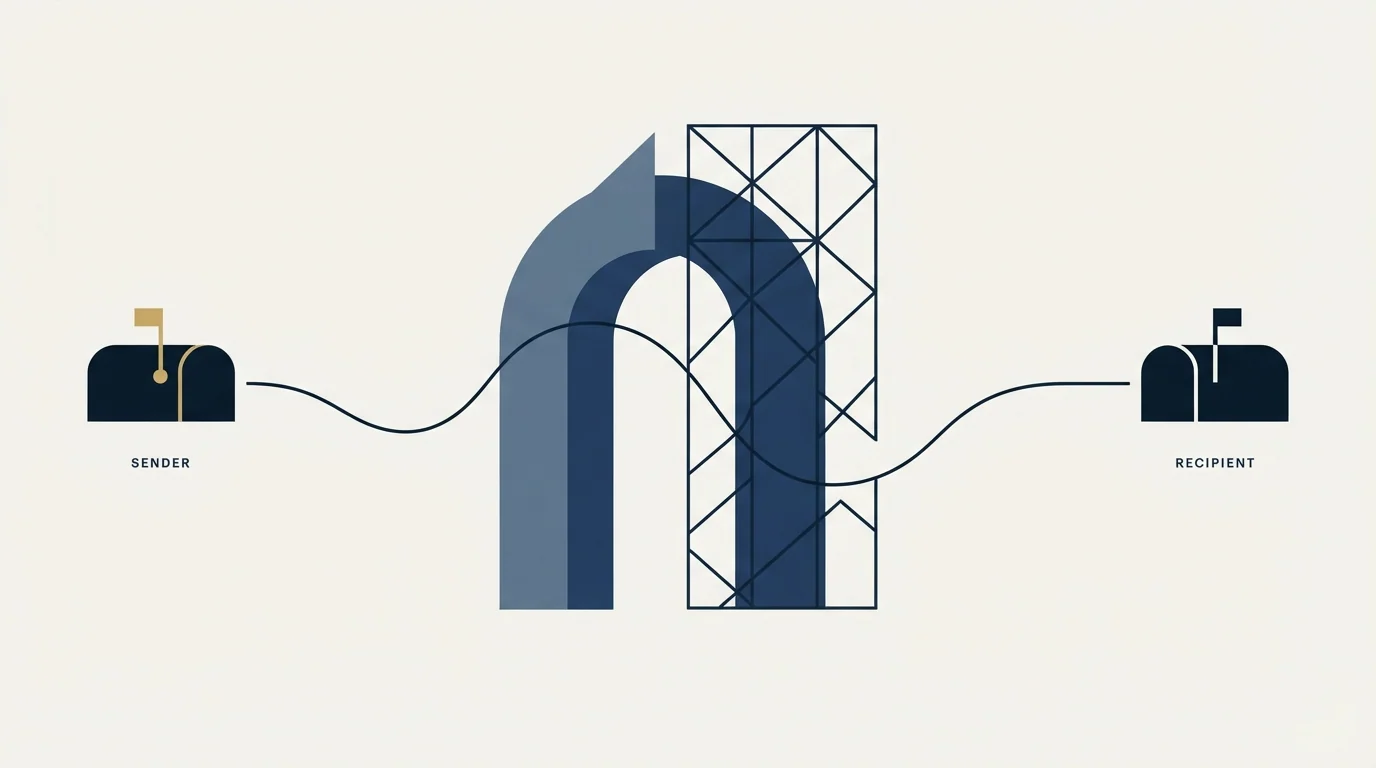
Sorting these two piles honestly is the difference between useful work and expensive superstition.
- Yes: Authentication resolving correctly at the published DNS records
- Yes: Verified list, so bounces are not feeding a reputation the filter reads
- Yes: Sending domains with real history rather than a recent registration
- Yes: Domains that have already refused you held rather than retried
- Yes: Refusal text read and grouped by product before anything is changed
- No: Rewriting copy to avoid supposed trigger words as the first response
- No: Asking the recipient organisation to allowlist you as a routine step
The last item deserves a sentence, because it is often proposed. An allowlist entry is a change to somebody else's security configuration, requested by a stranger, and the person who would make it is the same administrator who bought the filter to stop mail like yours. It is a reasonable thing to accept from a customer who asked for your mail. It is not a channel strategy.
What genuinely moves the outcome at these recipients is relevance, and that is a targeting decision made before a single message is written. A filter tuned to refuse unfamiliar senders is a much smaller obstacle when the message that reaches the mailbox is one the recipient is glad to have.
One structural note about the sending shape, because it interacts with this layer directly. We send one message per campaign, sent once, and any later approach to the same person is a separate campaign built on a different premise. Repeated arrivals from an unfamiliar sender into an organisation whose gateway has already expressed a view is the pattern these products are built to detect, and sending once removes it from the evidence entirely.
The short version
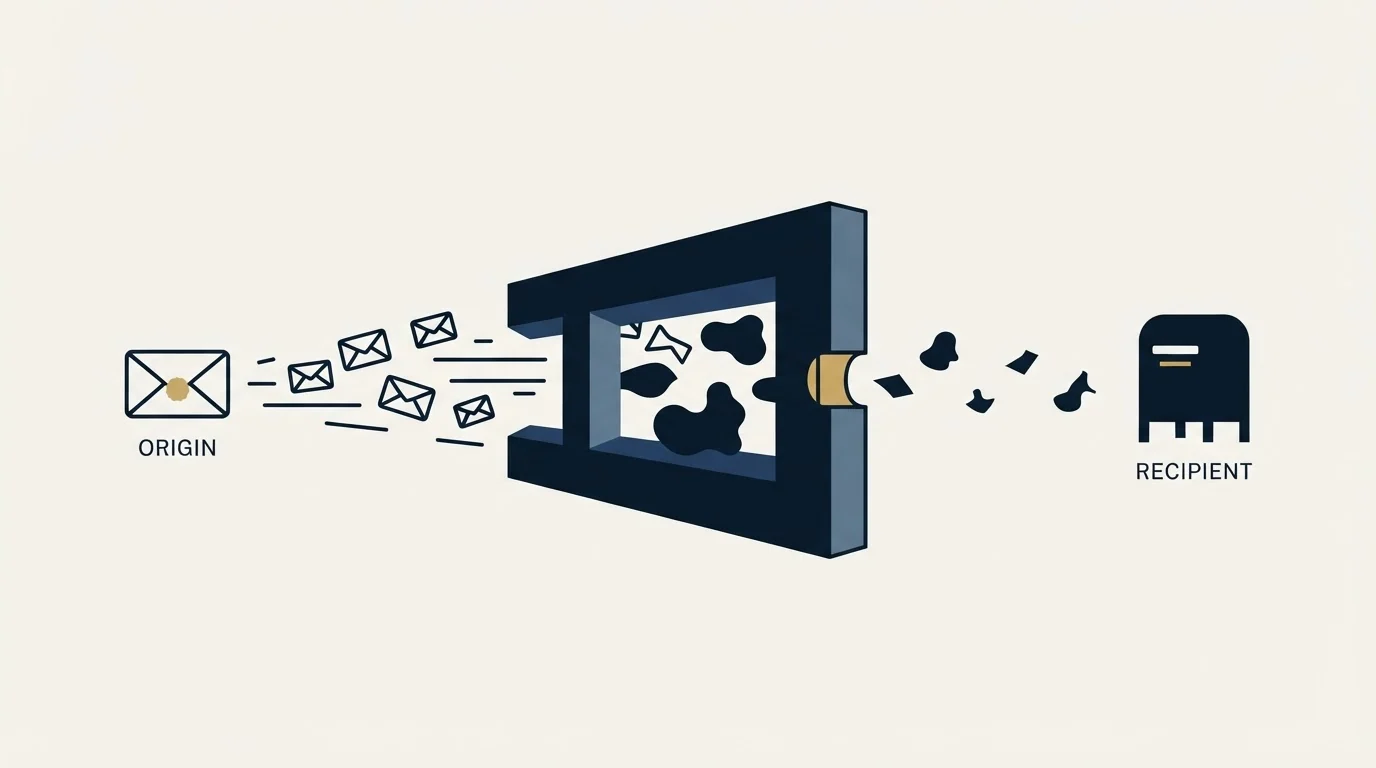
A third-party spam filter is a second organisation in the delivery path, put there by your recipient. It can invalidate a valid DKIM signature by modifying your message, it can substitute its own shared connecting address for yours in the eyes of the mailbox provider, and it will tell you when it refuses something. Your MX lookup finds it in advance for free, your bounce text names it after the fact, and neither costs anything to read. The full diagnostic path for everything downstream of that is in the cold email deliverability guide.
RevenueFlow runs cold email and LinkedIn outreach for B2B teams, one message per campaign, on infrastructure we monitor ourselves, and this layer is on our side of the line. See how the campaigns work.
Platform guidance verified against Microsoft's published Exchange Online mail flow documentation as of mid-2026. Verify current guidance with the source before relying on it.
Frequently asked questions.
Frequently asked questions- How do I tell if a company uses a third-party spam filter?
- Look up the domain's MX record. If the hostnames belong to a security vendor rather than to Microsoft or Google, mail is filtered before the mailbox provider sees it. Microsoft's own guidance instructs administrators to point the MX record at the provider, which is what makes the arrangement visible from outside for free.
- Can a third-party filter break my DKIM signature?
- Yes. Microsoft's mail flow documentation states that third-party services which modify messages and do not support ARC sealing will invalidate the DKIM signatures of those messages. The remedy is a configuration the receiving organisation performs. A sender cannot apply it, and cannot prevent the modification either.
- Should I ask a prospect's IT team to allowlist my domain?
- It works when a customer asks for it and rarely otherwise. The person who would make the change is the administrator who bought the filter to stop mail from unfamiliar senders. Treat an allowlist entry as something a warm relationship can produce, never as a step in a cold programme.
- Why do some domains accept my mail but never reply?
- Quarantine is the likely explanation. A quarantining filter answers your sending platform with a success code and files the message somewhere the recipient may never look. Acceptance and inbox arrival are different events, and only reply rate split by receiving domain distinguishes them.
About the author.

Tim Carden is CMO / CTO at RevenueFlow, which builds and operates outbound revenue engines for B2B companies. Studied at McGill University.
Tim Carden · CMO / CTO
Connect on LinkedIn →Explore more.
Ready to scale your outreach?
We build GTM engines that book real meetings. See the receipts.
Related articles.
SMTP for Yahoo: The Settings and the Sender Requirements
Yahoo publishes its outgoing settings in six lines. It also publishes sender requirements enforced since February 2024, and refuses to name the volume that triggers them.
GMass Inbox Tester: The Public Seed List Cuts Both Ways
GMass publishes the fifteen seed addresses behind its free placement tester. That makes the test repeatable, and it also makes the absolute result pessimistic.
GMass SMTP Test: What a Passing Connection Cannot Prove
GMass publishes a free SMTP connection tester that anyone can use. What its four stages separate, why the last one gets misdiagnosed, and where the tool's boundary is.
Proofpoint Spam Filter: Diagnosing Placement
Two different Proofpoint systems can stop a cold email, and the remedies have nothing in common. Telling them apart takes a minute and saves a month.
Office 365 Spam Filter: What Actually Triggers It
The same message lands in the inbox at one Microsoft tenant and in quarantine at the next. A setting the recipient chose decides which, and the headers say so.
Email Warmup Pricing in 2026: What 20 Tools Charge, and What 10 Mailboxes Cost
Email warmup tools start at a median of $29 a month, but warming ten mailboxes costs from $7.50 to $1,190 depending on how the vendor prices a mailbox.