How to Bypass a Spam Filter: Who Holds the Only Method
One reliable bypass exists and the recipient's administrator holds it. What the admin controls actually do, and why sender-side bypass tactics make placement worse.

A spam filter is bypassed by the receiving organisation, not by the sender. Administrators use mail flow rules or allowlists inside their own tenant to skip filtering for a named sender. Senders have no equivalent control, so sender-side bypass tactics are either ordinary deliverability work or evasion that damages a domain.
Key takeaways
- The real bypass is a mail flow rule or allowlist held by the recipient's IT department, scoped to their organisation only. There is no sender-side equivalent and no way to add yourself.
- Microsoft documents that even an administrator's requested bypass is not absolute: the spam confidence level no longer determines the verdict on its own, and filtering decides using categorisation and other signals.
- Asking a prospect to allowlist you often cannot work, because mail quarantined by an organisational gateway may never surface for them, and the request has to arrive before it can be acted on.
- Evasion tactics such as character substitution, text hidden in images, shared link shorteners and buying a fresh domain each time all attack the measurement rather than the thing measured.
Reviewed and updated September 2, 2026
There is exactly one reliable way to bypass a spam filter, and it is not available to you. The receiving organisation configures a rule that skips filtering for a named sender, and mail from that sender is waved through. Every other technique sold as a bypass is either a way of not looking like the thing the filter is built to catch, or a way of getting your domain blocked faster.
That distinction is worth taking seriously, because the search term covers two genuinely different jobs. Half the people asking are administrators trying to let a legitimate sender through their own filter. The other half are senders trying to reach an inbox. This page covers both, and explains why the first one is the reason the second one cannot work the way people hope.
The real bypass, and who holds it
On the Microsoft side, the mechanism is documented. Spam filtering stamps a spam confidence level, or SCL, on messages, and Microsoft's own documentation describes the primary use of SCL in cloud organisations as mail flow rules "to request a bypass from most spam filtering (SCL -1), treat messages as spam (SCL 5 or 6), or treat messages as high confidence spam (SCL 9) based on specific criteria" (Microsoft Learn).
Google Workspace has an equivalent surface. Administrators manage allowlists, denylists and approved senders, including adding IP addresses to allowlists, from the Admin console (Google Workspace Admin Help).
Both of those are controls held by the recipient's IT department. There is no sender-side equivalent, no self-service, and no way to place yourself on a list you do not administer.
Two further details from the Microsoft documentation are worth carrying, because they undercut the idea of a bypass even for the person who holds the control. Microsoft notes that the SCL value "no longer holds the same meaning in cloud organizations", that it "doesn't determine whether spam filtering identifies a message as Spam or High confidence spam", and that filtering makes those decisions "using categorization and other signals". It adds that even when a rule requests a bypass, the value stamped on the message might not be -1.
So the strongest available bypass, granted deliberately by an administrator inside their own tenant, is a request rather than a guarantee, and the vendor says so on its own page.
- Mail flow rule requesting a bypass of most spam filtering
- Allowlists by domain, address or IP
- Approved-sender lists inside their own tenant
- Applies only to their organisation
- Still subject to other signals, per Microsoft's own documentation
- Authentication that resolves and aligns
- A sending domain with real history
- A list of addresses that exist and belong to plausible recipients
- A complaint rate kept well below the published wall
- A message that does not read like bulk promotional mail
Why an individual recipient asking is not the shortcut it appears
A common suggestion is to ask your prospect to add you to their contacts or drag the message out of spam. In a consumer mailbox this genuinely helps, and it feeds a signal the provider uses.
For B2B outbound it usually solves the wrong problem, for a structural reason. If your mail is being filtered by the receiving organisation's gateway rather than by the mailbox, an individual recipient may have no control over it, and a message quarantined upstream may never surface for them to rescue. The two-layer split our spam filter definition draws is exactly this: only one of the two layers belongs to the mailbox provider, and only one of them is visible to the person you are writing to.
Since some security layers inspect mail through an API after the mailbox provider has already accepted it, the practical remedies for Avanan spam filter issues differ from a simple allowlist rule.
There is also an ordering problem. Asking someone to allowlist you requires that they receive the request, which requires that the request reached them, which is the thing you are trying to fix.
What the sender-side advice is really describing
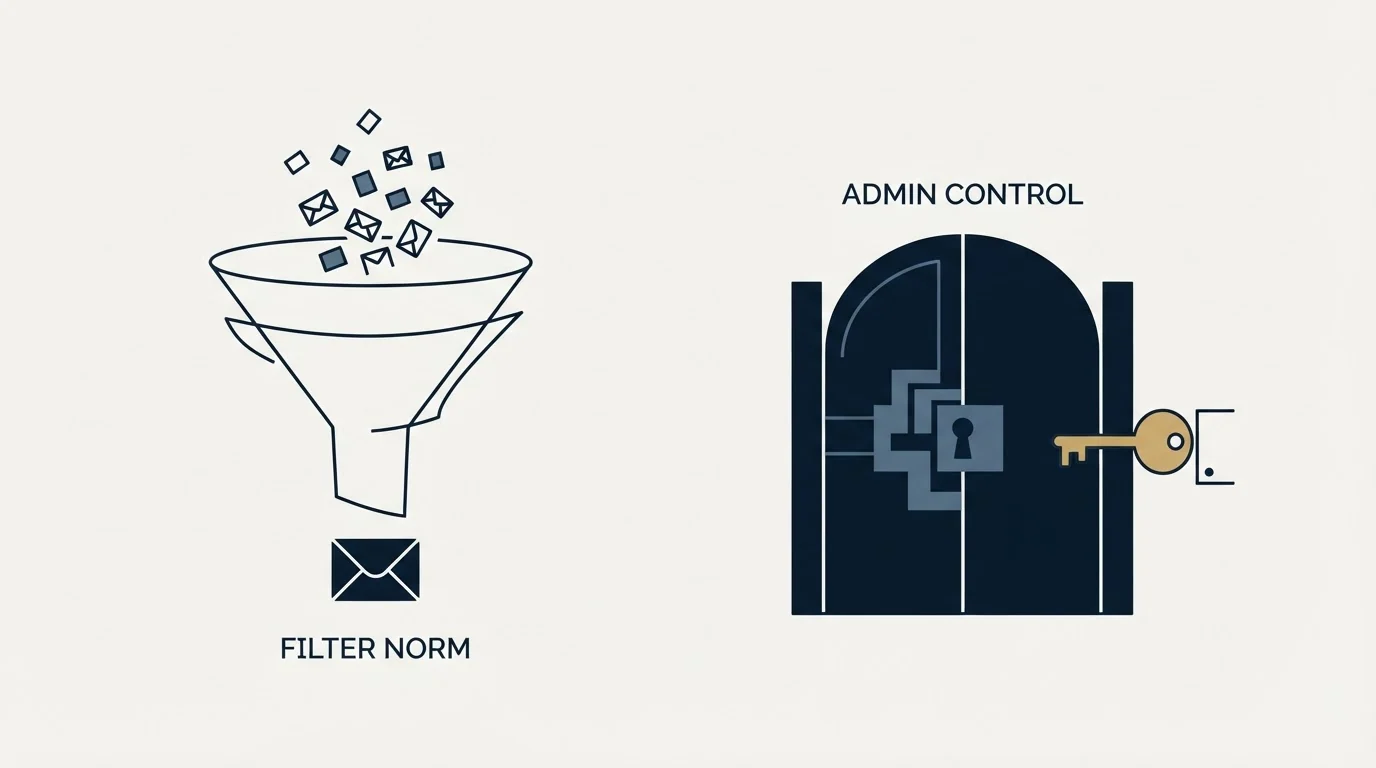
Search results for bypassing spam filters are mostly deliverability advice under a more exciting name. The advice itself is usually sound. The framing invites a misreading, because it implies a trick rather than a state.
A related misreading puts every placement problem in one bucket, and a bulk verdict against a spam verdict matches each one to the repair it answers.
The state is this. A filter is trying to distinguish wanted mail from unwanted bulk. It reads who you are, verified by authentication; what your domain has done before, accumulated as sender reputation; how people have responded to you; and, with much less weight once the first three are established, what the message looks like. Nothing on that list is a gate you slip past. Each is a fact about you that you can change slowly.
Framing it as a bypass causes two specific mistakes. It leads teams to rank content tactics above configuration, which inverts the actual order of impact. And it makes evasion sound like a strategy, when obfuscation is itself a signal: disguising a word, hiding text in an image, or splitting a link to defeat text analysis are all patterns filters were built to notice.
- Step 1Prove who you are
SPF, DKIM and DMARC resolving and aligning for the sending domain, with valid forward and reverse DNS for the host.
- Step 2Check you are not blocked
Confirm the domain and sending host are absent from public blocklists before assuming a content problem.
- Step 3Build history
A new domain has no record for a provider to read, so give it one before it carries volume.
- Step 4Fix the list
Verified addresses, no purchased data, and nothing that looks like it was harvested.
- Step 5Then the message
Write to one person about their situation. The register does more than the vocabulary.
The techniques that actively backfire
Some of the advice circulating under this heading is not merely ineffective. It carries a cost, and the cost is usually paid by infrastructure that other campaigns are also using.
Deciding whether a block is fixable often depends on which system flagged you, and diagnosing a Barracuda block explains why one type is appealable and the other is not.
Character substitution and lookalike unicode. Writing a flagged term with spaced letters, zeroes for letters, or Cyrillic characters that render identically is a recognised evasion pattern. The original word contributed a small amount to a content score. The evasion contributes evidence of intent, which is a worse trade.
Text hidden in images. Putting the message body into a single image to avoid text analysis produces an email with almost no text, which is itself unusual, and it fails for every recipient who blocks images by default. It also destroys the accessibility of the message entirely.
Link shorteners and redirect chains. Shorteners are shared infrastructure. You inherit the reputation of everyone else using the same service, including whoever used it for phishing last week. A link on your own domain, or a custom tracking domain you control, keeps the reputation yours.
Buying a fresh domain each time placement drops. This treats reputation as something to escape rather than build. It works briefly, costs money continuously, and guarantees you are permanently sending from domains with no history, which is the condition in which content signals carry the most weight against you. It also raises the odds of eventually mailing a spam trap, because the underlying list problem was never addressed.
Aggressive volume from a new domain. A domain with no record that suddenly sends at scale is the exact pattern bulk senders produce. Ramping is not superstition; it is how a provider gets enough evidence to judge you as something other than an unknown.
The common thread is that each of these tries to defeat a measurement rather than change the thing being measured. Filters are built by people who have seen all of them.
The published requirements are the closest thing to a key
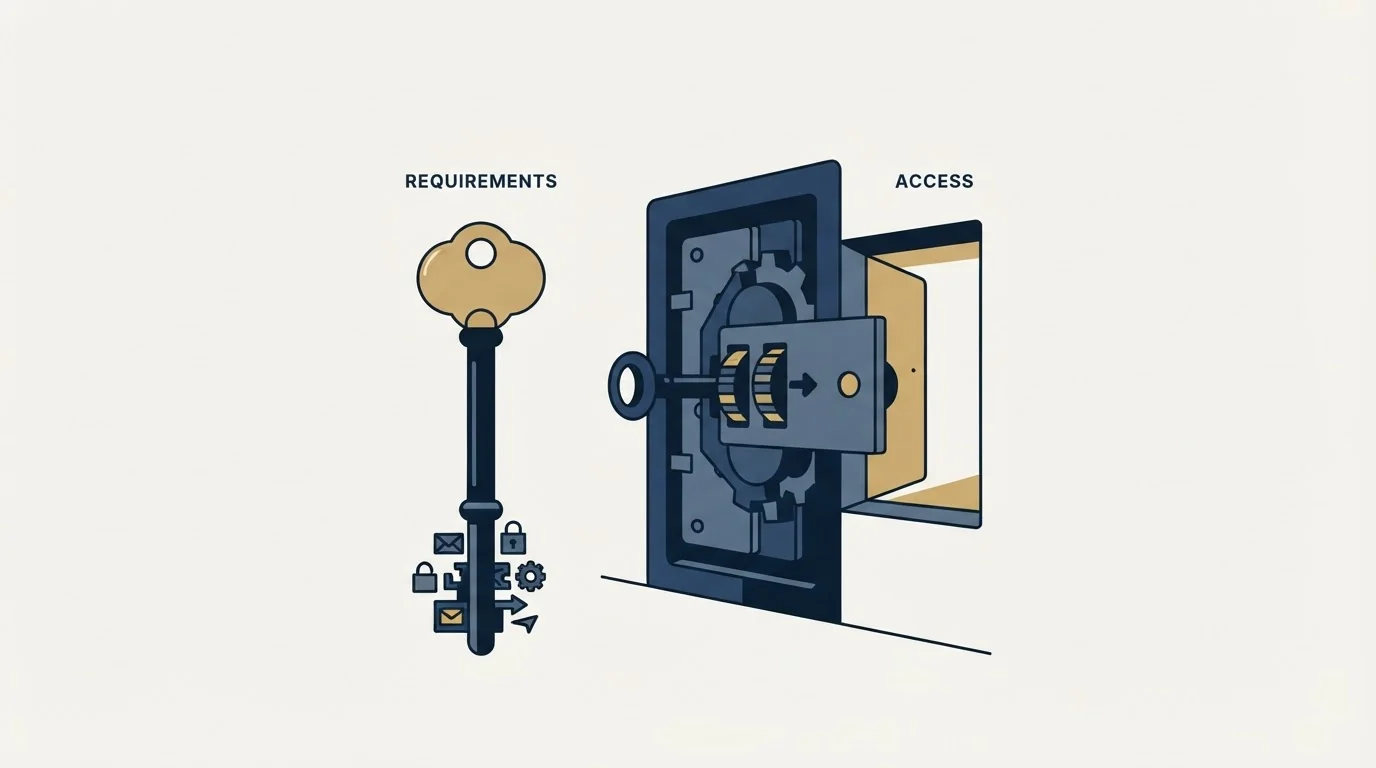
If a bypass existed, it would look like a published list of conditions that get you delivered. Google comes closest to publishing one. Its sender guidelines require SPF or DKIM on sending domains, valid forward and reverse DNS records, a TLS connection, a spam rate in Postmaster Tools below 0.3%, message formatting per RFC 5322, and no impersonation of Gmail From: headers (Google Workspace Admin Help).
Meeting those does not guarantee the inbox. Failing them makes the inbox much harder to reach, and unlike everything in the folklore, each one is verifiable from your own side before you send. Our authentication guide covers the records, the Postmaster Tools guide covers reading your own spam rate and reputation, and blacklist check and recovery covers the blocklist branch.
When you are the administrator
If you arrived here trying to let a supplier, a customer or an internal system through your own filter, the answer is the mail flow rule or the allowlist named above, and the sensible scope is the narrowest one that works.
Allowlist a specific sending domain or address rather than a broad IP range. A wide allowlist is a durable hole: it survives long after the reason for it, and it applies to anyone who can send as that source. Prefer a rule scoped to the sender you actually need, review the entries periodically, and remember Microsoft's caveat that a requested bypass is not an absolute one.
If the sender you are letting through is failing authentication, the better fix is usually on their side. An allowlist that exists to paper over a broken SPF record hides a real problem and keeps hiding it.
The short version
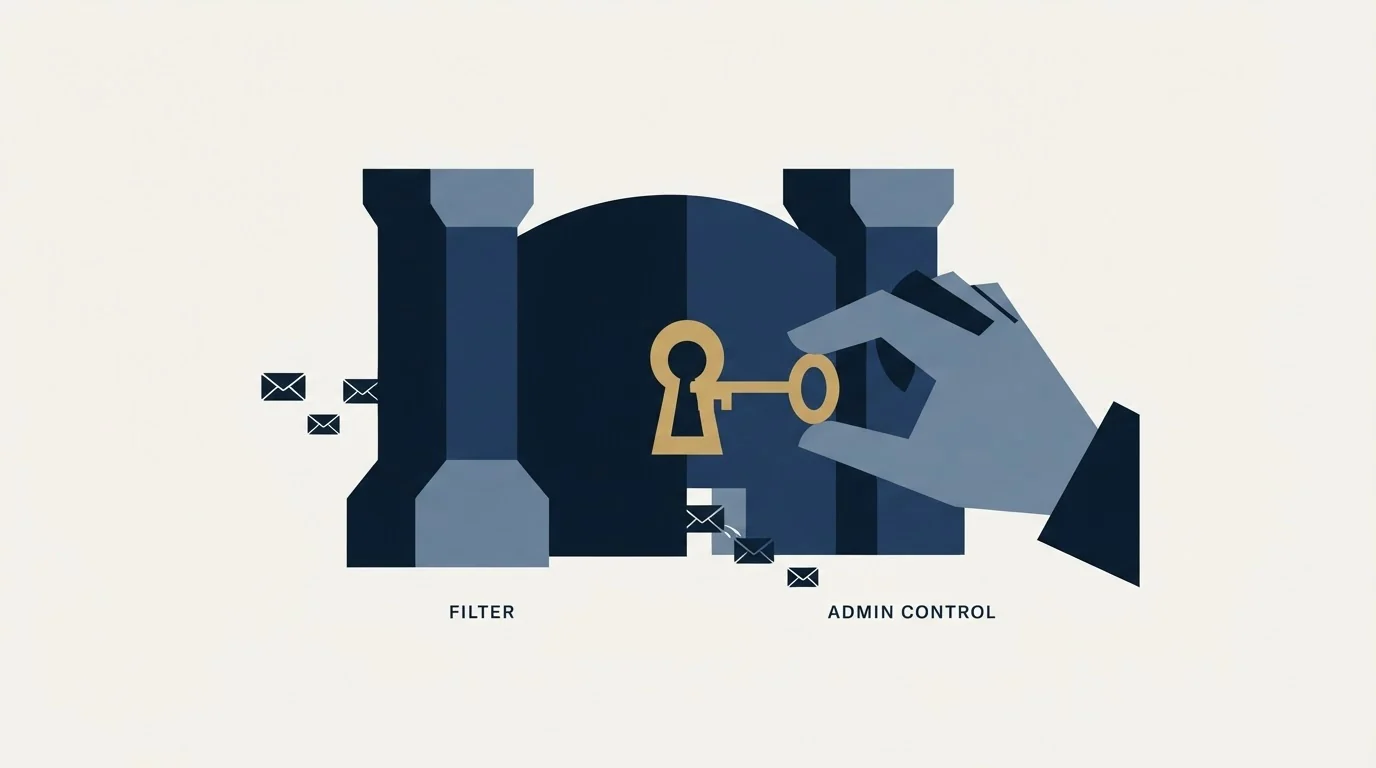
The only true bypass is a rule inside the recipient's own tenant, held by their administrator, and even that is documented as a request rather than a guarantee. As a sender you have no equivalent lever, and the tactics sold as one are either ordinary deliverability work or active evasion that makes matters worse. Prove who you are, build history on the domain, mail people who exist, keep complaints low, and write like a person. Our deliverability guide covers the repair path in detail, and if you would rather see it diagnosed against live sending, our free campaign build is where we do that.
Vendor documentation verified as of mid-2026. Verify current behaviour with the vendor before relying on it.
Frequently asked questions.
Frequently asked questions- Can I get my emails to bypass spam filters?
- Not by any action of your own. The controls that genuinely skip filtering are mail flow rules and allowlists inside the recipient organisation's tenant, administered by their IT team. What you can change is everything the filter reads about you: authentication that aligns, a domain with history, a list of real addresses, and a low complaint rate.
- Should I ask prospects to add me to their contacts?
- It helps in a consumer mailbox and often cannot help in a corporate one. If an organisational gateway quarantined the message upstream, the recipient may have no control over it and may never see it to rescue. There is also an ordering problem: the request has to reach them, which is the thing you are trying to fix.
- Does a mail flow rule guarantee delivery to the inbox?
- No, and Microsoft says so directly. Its documentation notes that the spam confidence level no longer holds the same meaning in cloud organisations, that it does not determine the verdict, and that even when a rule requests a bypass the value stamped on the message might not be the bypass value. It is a request, not a guarantee.
- Why do link shorteners hurt deliverability?
- A shortener is shared infrastructure, so you inherit the reputation of everyone else using the same service, including whoever used it for phishing recently. Filters evaluate the destination and the intermediary. A link on your own domain, or a tracking domain you control, keeps the reputation attached to you rather than to strangers.
About the author.

Tim Carden is CMO / CTO at RevenueFlow, which builds and operates outbound revenue engines for B2B companies. Studied at McGill University.
Tim Carden · CMO / CTO
Connect on LinkedIn →Explore more.
Ready to scale your outreach?
We build GTM engines that book real meetings. See the receipts.
Related articles.
SMTP Ports: What 25, 465, 587 and 2525 Are Registered For
Three of the four ports in circulation are registered to mail and one is not. What the IANA registry and the RFCs say, and why none of it moves placement.
Email Warmup Pricing in 2026: What 20 Tools Charge, and What 10 Mailboxes Cost
Email warmup tools start at a median of $29 a month, but warming ten mailboxes costs from $7.50 to $1,190 depending on how the vendor prices a mailbox.
MailReach Pricing: The Headline Rate Is the Second Band
MailReach prices warmup on a slider with four mailbox bands and two billing states. Every band at both states, and why the printed rate is not the entry rate.
Warmup Inbox Pricing: Per Inbox, Annual Loads First
Warmup Inbox prices per inbox and its page opens on the annual switch. Both states for all three plans, the reply ceiling meter, the trial and how a fleet bill is built.
Mailwarm Pricing: The Page Opens on Its Yearly Tab
Mailwarm's pricing tabs open on yearly and the plans meter daily volume rather than mailboxes. Both tabs, the overage rate, the no-trial rule and the per-mailbox cost.
Graymail vs Spam: What the Difference Costs a Sender
Graymail is a claim about a sending pattern. Spam is a claim about intent. They respond to different repairs, and confusing them sends teams to rewrite copy.