Vidyard Pricing: One Published Tier, Two Quoted Ones
Vidyard sells four tiers and puts a number on one of them. Here is the published ladder, the monthly rates hidden in the markup, and how four rivals charge instead.

Vidyard pricing has four plans: Free at $0, Starter at $59 USD per seat per month billed annually or $89 billed monthly, and Teams and Enterprise at custom pricing. The Video Agent add-on for unlimited AI video is $24 per seat per month billed annually or $29 monthly on Starter.
Key takeaways
- Of Vidyard's four plans, Free and Starter carry published rates, while Teams and Enterprise both read custom pricing with a Talk to Sales button.
- The page loads on annual billing; its Monthly button shows Starter at $89 a seat and the add-on at $29, so the annual $59 saves about 34% against the Save 30% label.
- The CRM and marketing automation integrations start on Teams, the plan with no published price, so a revenue team needing them is buying a quoted plan.
- Rivals price on different units: five users billed monthly cost $445 on Vidyard Starter against $90 on Loom Business and $189 on Sendspark Growth, as illustrative arithmetic.
Reviewed and updated September 21, 2026
Vidyard sells four tiers and puts a number on one of them. Free is free, Starter carries a seat rate, and Teams and Enterprise both read "Custom pricing" with a Talk to Sales button underneath. The Teams card names its audience as "Best for teams of 5+", so any team at or above that size finds the printed ladder ending before the plan it will actually buy.
Here is what Vidyard's pricing page does publish, first read on 2 September 2026 and re-read since, including the monthly rates, which the page shows only after its Monthly button is clicked.
Vidyard pricing: what each plan costs
Vidyard pricing has four plans. Free is $0, Starter is $59 USD per seat per month billed annually or $89 billed monthly, and Teams and Enterprise are custom pricing behind a Talk to Sales button. The Video Agent add-on for AI video is $24 per seat per month billed annually or $29 monthly on Starter, and custom on the two upper plans.
The ladder, in both billing states
Vidyard's pricing page carries an Annually and a Monthly toggle, with the annual state labelled "Save 30%", and it loads on Annual. As published on Vidyard's pricing page on 2 September 2026, Free is $0 USD, Starter is $59 USD per seat per month billed annually, and Teams and Enterprise are both custom pricing. The same page prices the Video Agent add on at $24 USD per seat per month billed annually.
The monthly figures are on the same page and no rendering of it shows them at once. The billing toggle on that page is an Alpine binding that resolves to one of two literals, and reading the served markup rather than the rendered text gives both sides of it: Starter is $59 billed annually and $89 billed monthly, and the Video Agent add on is $24 annually and $29 monthly. Both pairs are in the bytes Vidyard served on 2 September 2026, and they still are. Driven to Monthly in a browser, the Starter card displays $89 USD per seat per month and the add-on $29, so the monthly state is one click away rather than hidden. Against $89, the annual $59 is a saving of about 34%, a little more than the toggle's Save 30% label.
That gap between annual and monthly is the largest proportional difference on the page and it sits on the entry paid tier, which is the tier a team trials on. Committing for a year is a materially different decision here than it is on a plan whose annual saving is a few percent.
One more label belongs beside the Starter figure. The Starter card on that page carries a promotional line reading "Now 10% off" directly above the rate. A published price during a promotion is a fact about a moment as well as about a page, and nothing on the card says when the promotion ends or what the rate reverts to. The same card offers a 14-day trial beside its Buy now button.
What the tiers actually gate
The feature table is where the tier decision is really made, and three of its rows are the ones to read.
Recording volume is the first. As published on the same page on 2 September 2026, the tier that offers to let you "Stand out with video messages" allows five videos a month with recording length capped at 30 minutes, while Starter is unlimited on both. For an individual seller testing the format that ceiling is generous; for a team running video as a standing motion it is reached in a week.
AI video generation is the second and it is metered rather than tiered. Free carries a stated allowance of 15 AI videos and three custom AI avatars. Every paid tier's entry in that row reads "Upgrade for unlimited videos", and the add on card promises "Unlimited automated video creation and delivery", so unlimited AI video is a Video Agent capability rather than a plan capability. So on the plan cards the AI half of the product is a separate purchase at every level, which is worth knowing before an AI demo sells the plan. One line of the same page's feature table contradicts that for the top tier: it says unlimited custom-avatar video creation is available with the Video Agent add-on and included in Enterprise, while the Enterprise card still prices the add-on as custom. Ask which of the two the order form follows.
Metered AI video is priced very differently by an API vendor, and an access fee plus metered minutes is how Tavus bills conversational video.
Integration depth is the third and it is the one that selects Teams, the tier sold as a way to "Scale your impact across the funnel". The CRM and marketing automation integrations are listed as starting there rather than on Starter, and Vidyard describes the Video Agent as integrating with Salesloft, Salesforce, HubSpot, Marketo and Zapier. A revenue team that wants video events landing against records in the CRM is therefore in the custom pricing half of the page from the start, whatever the Starter rate says. Enterprise adds SSO user management, secure playback and unlimited integrations, as its card lists.
What the vendor publishes about outcomes, and how to read it

Vidyard's pricing page, which opens by offering to "Increase responses and accelerate deals with video messaging for your entire revenue team", carries a row of outcome figures: a doubling of response rates, a 1,103 percent increase in demo conversion rate, four times the meetings booked by sales, and five times response rates with video, each linked to a customer story. It also states that Vidyard is rated 4.5 based on more than 700 reviews on G2.
Those are the vendor's own published claims about its own best results, and they are quoted here as that. A figure a vendor selected for its pricing page is a marketing artefact rather than a benchmark, and the honest use of it is to identify which customer to ask for a reference call.
The page also links to what it calls machine readable pricing for AI agents; the figures above come from the page a visitor is served.
A note on reading this page at all
Vidyard's pricing page is worth a warning for anyone verifying it themselves, because it answers the same question two different ways depending on how you ask.
A plain fetch of the page on 2 September 2026 returned more than twenty one thousand characters of visible text containing not one currency token, and none of the tier labels down to "Make scaled video a seamless part of your revenue workflows" had a figure beside it. Read that way the page looks exactly like a vendor with no printed pricing, and several pages ranking on this query instead publish a Teams rate of $99 per user per month that appears nowhere on the vendor's page, as the search pull behind this article on 2 September 2026 recorded. A headless render of the same URL in the same minute returned the ladder. Re-read for this refresh, the served page still gives 21,271 characters of visible text and no currency token. The figures are real, the first read was our own failure, and the difference between the two is a rendering step rather than anything the vendor did.
The general form of that trap matters more than this one vendor. A response carrying a healthy volume of text and no figures is evidence about the fetch, never about the vendor, and the recovery is to render it rather than to conclude an absence.
Served markup, Starter card
x-text="activeButton === 'annually' ? '$59' : '$89'" 1
x-text="activeButton === 'annually' ? '$24' : '$29'" 2
On load in a browser: $59 USD /seat/month billed annually 3
- 1The seat price is a binding that resolves to one of two literals, so the served visible text carries no currency token at all.
- 2The Video Agent add-on works the same way: $24 billed annually, $29 billed monthly.
- 3A rendered read shows the annual state; clicking Monthly swaps in $89 and $29.
Where the alternatives sit, and how differently they charge
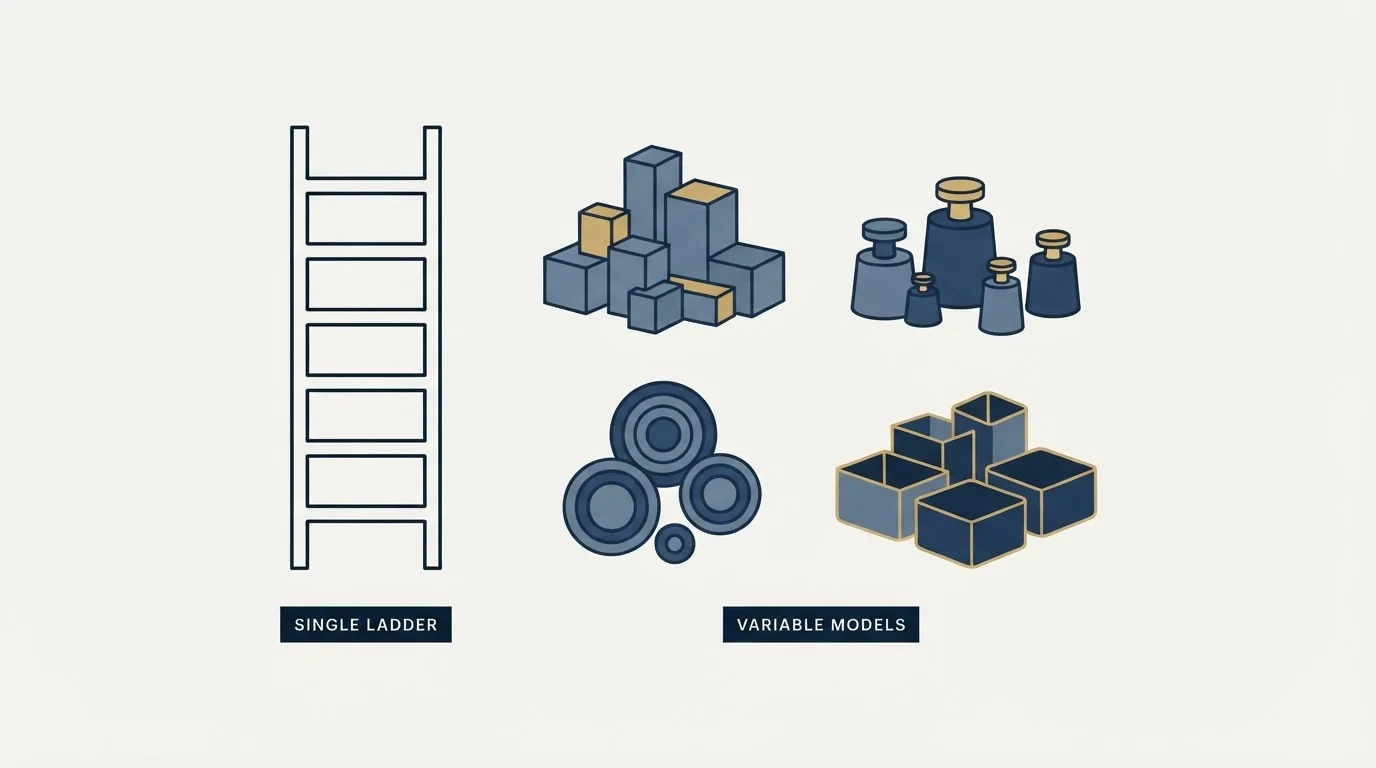
The alternatives roundups for this vendor mostly compare features. The more useful comparison is the billing unit, because the four closest options charge on four different things, and that decides the bill far more than the feature grid does.
Read on 2 September 2026 from each vendor's own pricing page, Loom lists Starter at $0 and Business, sold as a way to "Move work forward faster with unlimited videos and basic editing", at $18 per user per month billed monthly, or $180 per user a year on its Annually setting, which is $15 a month, with Business + AI above it at $24 a month or $240 a year and Enterprise quoted. Loom's annual price is set by team size: at 100 users the card reads a user tier of 91 to 100. Hippo Video, whose Pro card offers to "Level up your sales game with virtual background and interactive videos", lists Free at $0, Pro at $20 per user per month billed annually against $30 billed monthly, Teams at $60 against $75, and Enterprise at $80 per user per month billed annually with a stated "minimum 10 seats". Wistia charges a plan fee with users included rather than a seat rate: Business is $79 a month billed annually or $99 monthly for 3+ users and 250 GB+ of storage, with $25 per additional user and storage and bandwidth as separate meters, and the full picture of that structure is in Wistia pricing.
Sendspark is the outlier and the most instructive one, selling its middle tier as "AI video personalization at scale for growing sales teams". Its pricing page prices plans per account with seats included rather than per seat: Solo at $49 a month with one seat and additional seats at $49, Growth at $99 with three seats and additional seats at $45, Team at $299 with ten seats and additional seats at $39, and Business at $699 with twenty five seats and additional seats at $29. Each tier also carries a stated dynamic video minute allowance, from 100 minutes on Solo up to 3,000 on Business, so the second meter is minutes rather than seats.
The consequence for a comparison is that a per seat figure is not comparable across this category at all. A five seat team pays five times the seat rate on Vidyard, Loom and Hippo Video, one Business fee covering three users plus two additional users on Wistia, one Growth subscription plus two additional seats on Sendspark, and one Team plan plus two extra seats on StoryXpress. On monthly billing, as illustrative arithmetic on each page's displayed rates, that is $445 on Vidyard Starter, $90 on Loom Business, $150 on Hippo Video Pro, $189 on Sendspark Growth and $165 on StoryXpress Team. Wistia's page does not label the billing state of its $25 per additional user, so its total is left out. Those sums are not close to each other, and no roundup that ranks by entry price is computing them.
Seat arithmetic decides the tier in neighbouring categories too, where a per-seat overage rate against each tier can land a team on a cheaper plan than the page steers toward.
What StoryXpress charges for video analytics against Vidyard, per seat
StoryXpress sells seats in bundles, so its per-seat price is arithmetic on the bundle. Its Team plan, which lists basic video analytics, is $66 a month billed annually for three seats, $22 a seat, with extra users at $22; billed monthly it is $99, or $33 a seat, with extra users at $33. In-depth video analytics sit on Business at $267 a month annually for eight seats, about $33.4 a seat with extra users at $33, or $399 monthly, about $49.9 a seat with extra users at $50. Vidyard's full video analytics come with Starter at $59 a seat billed annually or $89 monthly, and its advanced team performance analytics sit on the custom-priced Teams plan.
| Plan and analytics | Billed yearly | Billed monthly |
|---|---|---|
| Vidyard Starter, full video analytics | $59 a seat | $89 a seat |
| Vidyard Teams, advanced team analytics | Custom | Custom |
| StoryXpress Team, basic video analytics | $66 for 3 seats, $22 each; extra seats $22 | $99 for 3, $33 each; extra seats $33 |
| StoryXpress Business, in-depth video analytics | $267 for 8 seats, about $33.4 each; extra seats $33 | $399 for 8, about $49.9 each; extra seats $50 |
Where video sits in an outbound motion
Video changes what a first message can carry, and it does not change who receives it. A recorded message to a badly chosen list is a slower way to be ignored, and the seat cost of the recording tool is small against the cost of the list it is sent to.
The part worth being clear about is which stage the tool serves. Vidyard's own headline on this page, "Increase responses and accelerate deals with video messaging for your entire revenue team", is squarely revenue team rather than creator, and its integration list is a sales stack.
RevenueFlow runs cold email and LinkedIn rather than video, so this article rests on Vidyard's own pages rather than on using the product. What we do have a view on is the half either side of the recording: the list, the offer, and the fact that one message per campaign with no bumps is the shape we send in. The pitch and production side of the same market is covered in cold email for video production, and the general question of which platform layer is doing the work sits in sales engagement platforms.
The short version

Vidyard publishes four tiers on 2 September 2026, the top one sold as a way to "Make scaled video a seamless part of your revenue workflows". On that page Free is $0, Starter is $59 USD per seat per month billed annually and $89 billed monthly, and Teams and Enterprise are both custom pricing. The same page prices the Video Agent add on at $24 per seat per month billed annually and $29 monthly, and on the plan cards unlimited AI video is that add on rather than any plan, though one line of the feature table says Enterprise includes it.
The printed rate is a floor rather than an estimate for most buyers, because the CRM and marketing automation integrations start on the tier with no figure beside it. The entry rate carries a promotional label, and the monthly figures appear only after the Monthly button is clicked.
If the constraint is that too few of the right people are being reached at all, the recording tool is not the decision. See what a first campaign produces and size the video investment against a known reply volume.
Pricing and features are taken from the vendors' own pages: vidyard.com/pricing, read plain and rendered with its billing toggle driven, a page that also links to "See machine-readable pricing (for AI agents)", and the pricing pages of Loom, Hippo Video, Wistia, Sendspark and StoryXpress. Verify current terms with each vendor before relying on them.
Frequently asked questions.
Frequently asked questions- How much does Vidyard cost per user?
- Vidyard's pricing page lists Free at $0 and Starter at $59 USD per seat per month billed annually. Clicking the Monthly button shows Starter at $89 per seat per month. Teams and Enterprise both read custom pricing with a Talk to Sales button, so no per seat rate for either is published on that page.
- What Vidyard plans are there?
- Four. Free allows five videos a month with recordings up to 30 minutes. Starter adds unlimited recording and full video analytics. Teams, which the page marks as best for teams of 5+, adds CRM and marketing automation integrations. Enterprise adds SSO user management, secure playback and unlimited integrations. Only Free and Starter carry a published price.
- What is the Vidyard Video Agent add-on and what does it cost?
- Video Agent is Vidyard's AI video product, which the page describes as automatically creating and delivering personalised video messages and integrating with Salesloft, Salesforce, HubSpot, Marketo and Zapier. It is priced at $24 per seat per month billed annually on Starter, or $29 monthly, and at custom pricing on Teams and Enterprise.
- What does StoryXpress charge for video analytics compared with Vidyard?
- StoryXpress bundles seats. Basic video analytics come on its Team plan at $66 a month billed annually for three seats, about $22 a seat, and in-depth analytics on Business at $267 for eight seats, about $33 a seat. Vidyard's full video analytics come with Starter at $59 a seat billed annually, with advanced team analytics on custom-priced Teams.
About the author.

B2B cold email experts helping companies generate qualified leads through done-for-you outreach campaigns.
RevenueFlow Team
Explore more.
Ready to scale your outreach?
We build GTM engines that book real meetings. See the receipts.
Related articles.
Video Prospecting Tools by Job: What Each One Is For
Ten video prospecting tools sorted by the job each vendor's own page describes: record and share, personalise at volume, avatars, hosting and interactive demos.
LinkedIn Chrome Extensions, Sorted by the Job They Do
The category holds four unrelated products. Which job each extension does, what six vendors publish about their own, and what none of them change.
Copper CRM Pricing: Per Seat and Per Contact Limit
Copper charges on two meters and only the seat rate is on the price card. The contact ceiling is what selects the tier for a team that builds its own lists.
Social Selling Tools by Job, and the Account-Risk Line
Fourteen social selling tools sorted into six jobs, split by whether each acts through your LinkedIn account or beside it, from the vendors' own pages.
Seamless.AI Email Finder: How It Works, What a Credit Buys
How Seamless.AI's email finder resolves a contact in real time, what one Universal Credit buys, the Total AI score on every address, and what the Chrome extension reads.
Is Clay Free? The Free Plan, the Trial and Where Each Stops
Clay's free plan, its 14-day trial and the no-charge-on-a-miss rule are three different things. What each holds and where it stops, from clay.com on 19 September 2026.