Storylane Pricing: The Seat Rate Decides Your Tier
Storylane publishes four tiers, two billing ladders and two per-seat overage rates. Which number applies to you depends on headcount, not tier.
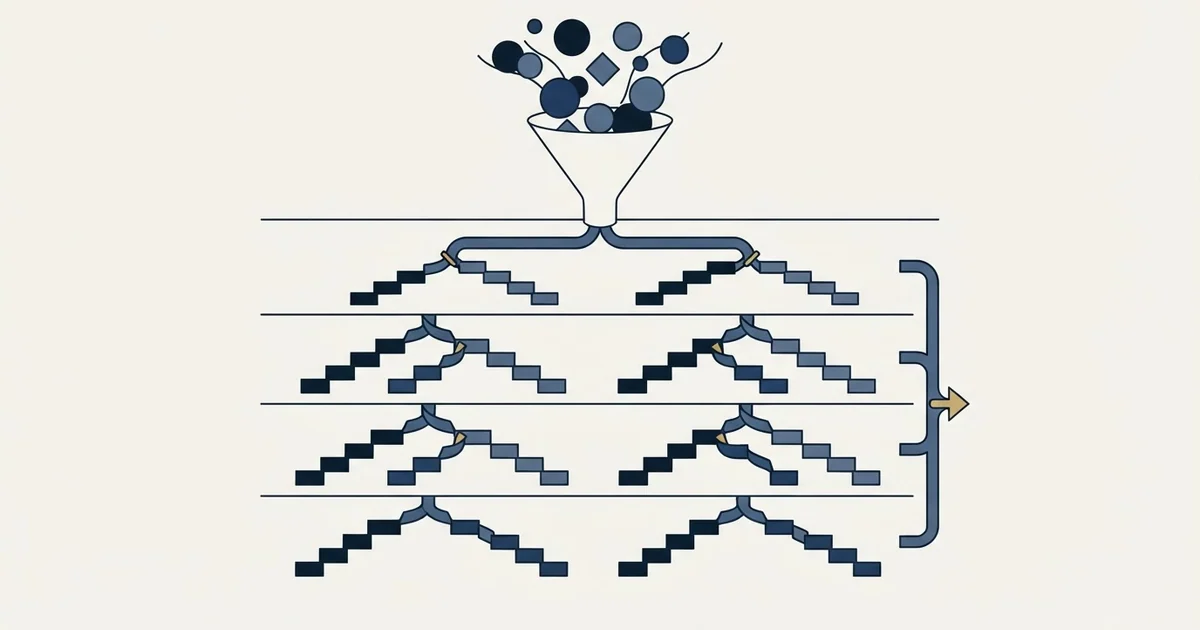
Storylane pricing runs Free at $0, Starter at $50, Growth at $625 and Premium at $1,500 a month on monthly billing, in US dollars, and the plans page opens on its yearly tab at $40, $500 and $1,200. Extra seats cost $40 on Starter and $100 on Growth. Rep X, its AI SDR product, starts at $2K a month.
Key takeaways
- Storylane's plans page now opens on the yearly tab, $40, $500 and $1,200 a month, while its structured data carries the monthly $50, $625 and $1,500.
- Additional seats cost $40 a month on Starter and $100 on Growth, so a six-seat team on Starter pays $250 a month on monthly billing, still well under Growth.
- Account Reveal is a second usage meter inside the tier price, published at 250 visitors a month on Starter, 2,500 on Growth and 10,000 on Premium.
- Rep X is priced on monthly website visitors, up to 20,000 from $2K a month and up to 60,000 from $3K, forty times the monthly Starter price.
Reviewed and updated September 22, 2026
Storylane pricing runs Free at $0, Starter at $50, Growth at $625 and Premium at $1,500 a month on monthly billing, in US dollars, with Enterprise priced on request. The plans page now opens on its yearly tab, where the same tiers read $40, $500 and $1,200 a month. Each tier bundles seats and charges for more: $40 a month per additional seat on Starter and $100 on Growth.
A team of six evaluating Storylane will read the plans page, see the Growth tier, and budget for it. The arithmetic that actually applies to them sits two lines below the headline number, in the seat overage rate, and it can land them on a cheaper tier than the one the page steers toward. That is the whole difficulty with this pricing page: the tier prices are easy to read and they are not the number most teams end up paying.
Storylane's plans page gives real figures on both billing tabs, and so do its two nearest competitors. Supademo's page prices plans per creator, adds $50 a month for each extra creator on its Growth plan and sells credits for its demo agent, while Navattic's page shows Base at $500 and Growth at $1,000 a month billed annually, or $600 and $1,200 billed monthly. Storylane prints a per-seat overage rate against its two lower tiers, which turns out to be the number that matters most.
Vendor pages are the source in every direction here, and two CRM vendors disagreeing on one countable fact shows how little a grid assembled from marketing copy settles.
Everything below comes from Storylane's own plans page and home page, each figure attributed to the surface it appears on. Prices move, so check the page before relying on a figure.
Which page a figure came from matters as much as when, and two different starting prices on one Heymarket domain show a pricing page and a trial page disagreeing.
Storylane pricing: the four paid tiers
Under a heading that reads "Plans for teams of all sizes", Storylane's plans page shows the Demo Suite ladder: Free at $0, Starter at $50 per month, Growth at $625 per month and Premium at $1,500 per month on monthly billing, with Enterprise priced on request. The prices are in US dollars and each tier bundles a set number of seats.
The page now loads on its yearly tab, which applies a discount the page labels as 20 percent: Starter reads $40 per month, Growth $500 and Premium $1,200. Its embedded structured data carries the monthly figures, $50, $625 and $1,500, with a currency of USD and a unit of MONTH. So the number a first visitor sees is the yearly rate labelled per month, and the structured data is the cross-check. Both ladders ship inside one page, so a figure taken from it without the billing tab it came from is ambiguous by construction.
The Free plan is a real evaluation tier rather than a trial clock. The page lists "1 Published Demo" against it alongside one seat, unlimited demo views, lead capture, basic analytics, the AI Content Assistant and AI Voiceovers. That single-demo limit, rather than the seat count, is what ends the free plan once a second demo has to be live.
What Storylane actually is, since the page sells two things
The plans page prices two products, and a reader who has not used the tool will struggle to budget without knowing which is which.
Demo Suite is the original product: interactive demos built by capturing your own product screens, which a prospect then clicks through on their own. Storylane's own site groups it as interactive demos, sandbox demos and Hubs, describing the last of those as a way to "Build buyer deal rooms with demos, PDFs, videos, and embeds". The Storylane home page claims a G2 rating of "4.7" across "1600+ Reviews" and describes the company as "Trusted by 5,000+" teams. Those are the vendor's own claims about itself, and they are the kind of figure to check on G2 directly rather than take from a marketing page.
Rep X is the newer product: a conversational sales agent that talks to website visitors. The plans page describes it as "AI SDRs trained on your product and playbooks to run discovery, handle objections and convert inbound visitors to sales-ready meetings".
The reason this matters for a pricing question is that both live on the same page under the same brand, and they are priced on entirely different meters. Reading the page as one ladder is the most common way to get the budget wrong.
The seat rate is the second meter

Each paid tier bundles seats and then charges for more of them, and the two rates sit beside the tier prices on the same page. Against Starter's one seat the page reads "+ $40 per additional seat"; against Growth's five seats it reads "+ $100 per additional seat". Premium's ten seats carry no overage rate beside them at all.
Seat counts do not drive every bill in software, and a CRM priced on hosting, setup and support charges nothing per user at any team size.
Work that through and the tiers stop behaving like a ladder. On those monthly rates a two-seat team on Starter pays the tier price plus one additional seat, $90 a month, and a six-seat team pays the tier price plus five of them, $250 a month, which is 5 times the Starter headline and still well under the Growth tier price. On seats alone Starter stays cheaper than Growth at every team size up to ten, $410 against $1,125, so seats never force the upgrade; the features gated to Growth do. That is arithmetic on the rates given above rather than a claim from Storylane, and it is worth doing before you assume the tier boundary is where the decision sits.
The seat rate is also where the tier you choose stops being about seats at all. Custom branding on Starter, which the page describes as the way to "Remove the Storylane logo from demos and use your own branding", carries the note "Minimum 2 Seats" beside it. So the cheapest configuration that gets your own branding on a demo is the tier price plus one additional seat, $90 a month on monthly billing. Features that read as included can carry a seat floor underneath them.
What each tier actually unlocks
The feature gates matter more than the price gaps here, because they decide whether the cheap tier can do the job at all.
Demo format is the first gate. Free and Starter cover guided demos built from screenshots and videos. HTML demos, where the editor changes text and elements on a cloned interface, start at Growth. Sandbox demos appear only at Enterprise. A team that needs a demo to reflect a live-looking product rather than a stitched screenshot sequence is on Growth or above regardless of headcount.
The AI allowance is metered by minutes of AI video avatar usage, published as 20 minutes on Starter, 125 on Growth, 250 on Premium and unlimited on Enterprise. The AI content assistant and voiceovers are on every tier including Free, and translations start at Starter.
Then there is Account Reveal. The page describes the Starter allowance as "De-anonymize 250/m demo visitors with company and enriched firmographic data", and the same line reappears against Growth at 2,500 a month and Premium at 10,000. This is a second usage meter riding inside the tier price, and it is the one most likely to force an upgrade for a marketing team putting a demo on a high-traffic page. If you are treating the demo as a lead-generation surface rather than a sales leave-behind, read this line before the seat line.
Integrations follow the same shape. HubSpot and Zapier appear at Starter, alerts and a wider set at Growth, and the Salesforce integration and app at Premium alongside single sign-on and a whitelabel demo URL. Hubs appears as a paid add-on at Growth and as an included feature at Premium.
Premium also carries the features the page groups as built for sales: presenter demos, deal intelligence, offline demos and custom presenter seats. Starter now lists Storylane MCP, which the page describes as a way to connect Storylane to Claude and ChatGPT to build and edit demos from an LLM.
| Tier | Seats | What it unlocks |
|---|---|---|
| Free $0 | 1 | 1 published demo, screenshots and video |
| Starter $50 or $40 | 1, then $40 each | Unlimited demos, Account Reveal 250 a month, branding from 2 seats |
| Growth $625 or $500 | 5, then $100 each | HTML demo editor, Account Reveal 2,500 a month |
| Premium $1,500 or $1,200 | 10 | Salesforce, SSO, Hubs, Account Reveal 10,000 a month |
| Enterprise Custom | Custom | Sandbox demos |
The second product line, and why it changes the budget
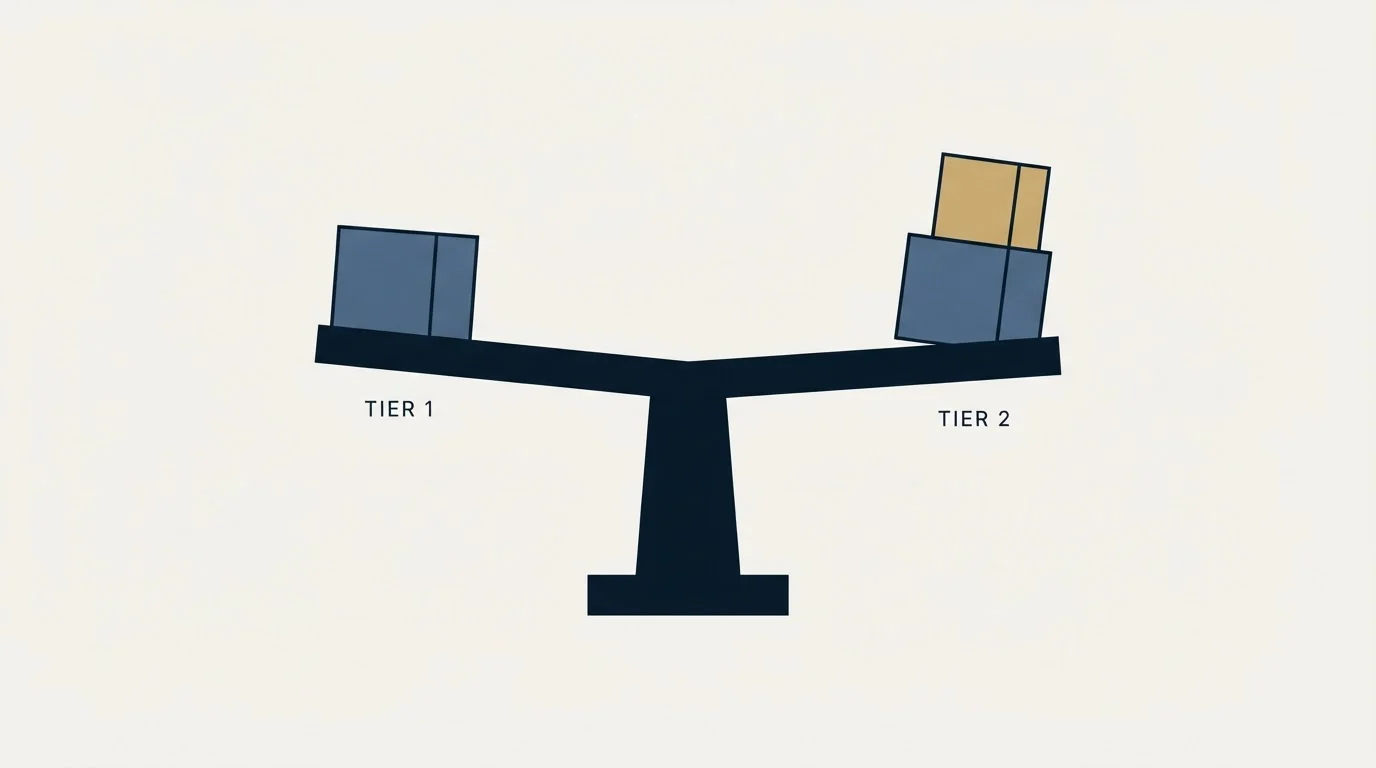
Rep X is priced on monthly website visitors rather than seats, which is the only meter on the page that ignores headcount entirely. Its tab shows the Growth tier as "Up to 20,000 monthly visitors" starting at $2K a month and the Premium tier as up to 60,000 starting at $3K a month, with Enterprise custom priced above 60,000. The tab offers a 30-day free trial, and both priced tiers include Demo Suite, with screenshot and video demos on Growth and HTML demos on Premium. The page sets the phrase "Starting at" beside those two figures, which is the vendor signalling a floor rather than a quote.
The practical consequence is that the two entry points to Storylane are an order of magnitude apart. Interactive demos start at the Starter tier price above; a conversational agent that qualifies website visitors starts at forty times the monthly Starter price. Those are different purchases with different buyers, and a budget built from the wrong part of the page will be wrong by that factor.
Demo Suite
Metered by seats
- Starter $50 a month, 1 seat, $40 per extra seat
- Growth $625, 5 seats, $100 per extra seat
- Premium $1,500, 10 seats
- Free tier with one published demo
Rep X
Metered by monthly visitors
- Growth up to 20,000 visitors, from $2K a month
- Premium up to 60,000, from $3K a month
- Enterprise above 60,000, custom
- 30-day free trial, Demo Suite included
Where this sits against the rest of the category
Storylane is not the cheapest way into interactive demos and it is not the most expensive. Read on each vendor's own pricing page: Supademo's Scale plan is $50 a month per creator, or $38 on yearly billing, within a few dollars of Storylane's Starter tier, while Walnut's first plan is $575 a month billed annually and Demoboost's plans start at $375 a month billed annually. Consensus prints no price at all; its page says pricing is based on per-user licenses and optional usage-based capabilities, and asks for a form. Navattic sits between those groups, with Base at $500 a month billed annually. The alternatives comparison sets them out side by side with each vendor's own page as the source, including the per-creator model that makes a headline rate hard to compare.
What that spread tells you is that the category has not settled on a meter. Some vendors sell seats, some sell creators, some sell visitors, and the ones selling to enterprise sell a contract. Comparing headline prices across them answers almost nothing, which is the same problem that shows up whenever per-seat pricing meets usage-based pricing in one market.
What to ask before you sign

Three questions settle most of the uncertainty, and none of them are answered on the page.
Ask which billing term the quote assumes. The yearly discount is published at 20 percent, so a monthly quote and an annual quote for the same configuration differ by a fifth before anyone negotiates.
Ask what happens when the Account Reveal allowance runs out mid-month. The allowance is on the page and the overage behaviour is not, and the difference between a hard stop and a metered charge is a budget question.
Ask whether the seats you are buying are creator seats or viewer seats. Storylane's plans page gives single seat counts on Starter and Growth and lists custom presenter seats only on Premium, while Supademo's page separates creators from view-only collaborators and Walnut's lists editor and presenter seats. A team where two people build demos and eight people send them has a very different bill under a single-seat-type model than under a split one.
That last question is the one that most often changes the tier. It is also the question a proof-of-concept process should answer before the contract rather than after, because seat sprawl inside a demo tool follows the same pattern as seat sprawl anywhere else: the second team adopts it, nobody re-reads the rate, and the invoice arrives.
The short version
Storylane's plans page gives real numbers, which makes it checkable, and the numbers are more layered than the four tier prices suggest. The tier price buys a seat allowance and a demo format. The seat rate above that allowance is a second meter and is the one that decides where a growing team lands. Account Reveal is a third meter for anyone using demos as a lead surface. And the Rep X line on the same page starts at forty times the monthly Demo Suite entry price, so read which product a quote is for before you read the number.
If demos are meant to feed a pipeline rather than sit on a website, the licence is the easy part. Getting the right accounts to open the demo in the first place is the hard part, and that is where an outbound programme earns its budget.
Pricing and features are taken from the vendors' own pages. Verify current terms with the vendor before relying on them.
Frequently asked questions.
Frequently asked questions- What is Storylane pricing per month?
- Storylane's plans page lists Free at $0, Starter at $50 a month, Growth at $625 and Premium at $1,500 on monthly billing, with Enterprise priced on request. The page opens on its yearly tab, which applies a discount it labels as 20 percent: $40, $500 and $1,200 a month. Rep X, the AI SDR product on the same page, starts at $2K a month.
- What does an extra Storylane seat cost?
- The plans page prints the overage rate beside each lower tier. Starter includes one seat and adds more at $40 a month each. Growth includes five seats and adds them at $100 a month each. Premium includes ten seats with no overage rate beside it. Custom branding on Starter carries a two-seat minimum, so it costs at least $90 a month on monthly billing.
- Does Storylane have a free plan?
- Yes, and it is a plan rather than a trial clock. The free tier carries one seat, one published demo at a time, unlimited demo views, lead capture, basic analytics, the AI Content Assistant and AI Voiceovers. The binding limit for most teams is the single published demo rather than the seat, because a second live demo requires the Starter tier.
- How is Storylane Rep X priced?
- Rep X is priced on monthly website visitors rather than seats. The plans page shows Growth for up to 20,000 monthly visitors starting at $2K a month and Premium for up to 60,000 starting at $3K a month, with Enterprise custom above that. The tab offers a 30-day free trial, and both priced tiers include Demo Suite.
About the author.

B2B cold email experts helping companies generate qualified leads through done-for-you outreach campaigns.
RevenueFlow Team
Explore more.
Ready to scale your outreach?
We build GTM engines that book real meetings. See the receipts.
Related articles.
Twain Pricing: Credits per Lead, Three Research Modes
Twain sells credits, not seats, and a lead costs 1 to 14 of them depending on the research mode. The two ladders, the four expiry clocks and the cap.
What Cold Email and Sales Tools Actually Cost in 2026: Pricing Data From 386 Vendors
RevenueFlow's verified dataset of 386 sales tools puts the median starting price at $39.98 a month. Here is the spread by category, tier and billing model.
The Real Cost per 1,000 Emails, Verifications and Data Credits in 2026
Unit prices computed from verified vendor plans: $1.00 per 1,000 emails sent, $2.00 per 1,000 verifications and $19.60 per 1,000 enrichment credits.
Airscale Pricing: Three Plans, One Credit, Four Rates
Airscale prints a different credit cost on every plan, and its advertised per-email price belongs to the custom one. The dated ladder and the rollover rules.
Lavender Pricing: Two Products, No Pricing Page
Lavender has no pricing page. The Email Coach ladder per seat at both billing states, the free routes, and the separate per-agent price for Ora.
TexAu Pricing: Four Tiers, Billed Only on a Match
TexAu charges credits only when a lookup succeeds. The four tiers at both billing states, the rollover cap, and three places the page disagrees with itself.