Wiza Review: What the Unlimited Plans Cap and Who It Fits
Wiza markets unlimited reveals and publishes a 2,500 export credit monthly cap. Both are true, and the gap between them is the whole buying decision.

Wiza's annual plans include unlimited email reveals with a published hard cap of 2,500 export credits per month on bulk lists, billed per row returned. Monthly plans bill per valid email found with published overage rates. Unlimited accounts carry reveal limits of 500 per 24 hours and 50 per 5 minutes.
Key takeaways
- Annual is the default state of Wiza's pricing toggle, and it lists Email at $83 per month per user billed at $990 per year, and Email plus Phone at $166 per month per user billed at $1,990 per year.
- Wiza's help center caps annual bulk exports at 2,500 export credits per month, with one credit per person in a list, deducted regardless of whether an address was found.
- Unlimited accounts are rate limited to 500 contact reveals per 24 hours and 50 within any 5-minute window, and Wiza states those thresholds cannot be adjusted manually.
- The pay-only-for-valid-emails claim describes the email credit meter, not the export credit meter, so sparse bulk lists cost the same as dense ones on an annual plan.
Reviewed and updated September 1, 2026
Wiza's annual plans are marketed on unlimited reveals, and Wiza's own help center puts a hard cap of 2,500 export credits per month on the bulk exports most teams actually run. Both statements are true at the same time, and the gap between them is the single most useful thing to understand before you buy.
This review covers what the plans include, how the credit model behaves at the boundaries, which claims deserve a careful reading, and who the product genuinely fits. For how the export mechanically works, see our Wiza walkthrough. For the switching decision, see Wiza alternatives.
What the pricing page actually shows
Wiza's pricing page carries a billing toggle, and the two states publish different plan sets. The toggle's active marker sits on the annual option, so annual is what a visitor sees first.
In the default annual view, the pricing page lists a Free plan at $0 with 20 valid emails and 5 phone numbers, an Email plan at "$83 per month, per user" billed at $990 per year, and an Email + Phone plan at "$166 per month, per user" billed at $1,990 per year. The Email plan lists unlimited email reveals, $0.35 per phone number and 2,500 exports per month. Email + Phone adds unlimited phone reveals.
Switching to monthly changes the lineup rather than just the price. The monthly view lists the same Free plan, then a Starter plan at "$49 per month, per user" with 100 valid emails per month at $0.15 per extra and 100 phone numbers per month at $0.35 per extra, an Email plan at "$99 per month, per user" with 500 valid emails per month, and an Email + Phone plan at "$199 per month, per user" with 500 valid emails and 500 phone numbers per month. Starter appears only in the monthly view.
A Team Plan sits below both, listed as custom pricing, billed annually, for 3+ users, and it is the tier where the pricing page puts API access, CSV import, advanced fields and a dedicated success manager.
- Free: $0, 20 valid emails, 5 phone numbers
- Email: $83 per month per user, billed at $990 per year
- Email + Phone: $166 per month per user, billed at $1,990 per year
- Unlimited email reveals, 2,500 exports per month
- Email tier charges $0.35 per phone number
- Free: $0, 20 valid emails, 5 phone numbers
- Starter: $49 per month per user, 100 valid emails, 100 phone numbers
- Email: $99 per month per user, 500 valid emails per month
- Email + Phone: $199 per month per user, 500 valid emails and 500 phone numbers
- Extras at $0.15 per email and $0.35 per phone number
The three ceilings on unlimited
Wiza's help center is unusually direct about the limits, which is to its credit. There are three, and they govern different motions.
Hard cap on annual plans for list exports from Sales Navigator, Recruiter, Wiza Prospect or a CSV upload
Applies to all unlimited accounts and cannot be adjusted or increased manually
A second, shorter window on the same reveal limit
The export credit cap is the one that decides throughput. Wiza's plan-limits article describes annual plans as offering "unlimited exports when done individually", then applies "a hard cap of 2,500 export credits per month" to list exports from a Sales Navigator list, a Recruiter project, a Wiza Prospect list or a CSV upload. The unit is simple: "Each person in a bulk list consumes 1 export credit."
The reveal rate limits govern the one-by-one motion that the plans call unlimited. Two separate Wiza help articles publish the same pair of thresholds: 500 contact reveals per 24 hours, and 50 contact reveals within any 5-minute period. The rate-limits article states these are enforced automatically across all unlimited accounts and "cannot be adjusted or increased manually". Exceeding either one pauses reveals until the window resets.
Overages are the third. Wiza's overages article publishes $0.15 per valid email and $0.35 per contact with a phone number, applied only once subscription credits are exhausted, with in-app notifications near the limit and a cost estimate before each scan launches. On annual plans the article on plan limits is more conditional: export-credit overages may be allowed when overages are enabled and a card is on file, and otherwise you upgrade or contact support before exporting more.
The claim that deserves the closest reading

Wiza's homepage says you "only pay for valid emails". Read against the credit documentation, that holds for one meter and not the other, and the distinction is worth several hundred dollars a year to a team running bulk lists.
Email credits on the monthly plans do behave that way. Export credits do not. Wiza's export-credits article states that "Each prospect that appears in the list will deduct an export credit", and that this "applies to all returned leads or companies, regardless of the verification process". The same article confirms that export credits are consumed by No Email exports too, and that "This limit applies to all plans".
So on an annual plan, a bulk list bills by rows returned rather than by addresses found. A segment that comes back thin on contactable people still spends its export credits.
Since export credits get spent on rows regardless of contact quality, it is worth comparing how Lead411 prices its own export unit against direct dials and emails alike.
There is one genuine credit protection in the other direction, and it is a good one. Wiza's export-credits article states that "export credits are NOT deducted for people who have already been exported or saved to your Wiza account", which means re-running an overlapping segment does not double-charge you. Combined with folder-scoped duplicate skipping, that makes the documented segmentation workflow cheaper than it first appears.
Two different 2,500s, and the confusion they cause
Anyone reading Wiza's documentation for the first time meets the number 2,500 twice, attached to two unrelated things, and conflating them produces a planning error that only surfaces mid-month.
The first 2,500 is LinkedIn's. Wiza's export article states that a standard Sales Navigator people search exposes up to 100 pages, "which is normally 2,500 people", and that Wiza "cannot retrieve results beyond LinkedIn's limit". That is a ceiling on a single search, it resets the moment you change the filters, and it is the reason the documented workflow is to segment a large search into smaller non-overlapping pieces. We cover that mechanic in the Wiza walkthrough.
The second 2,500 is Wiza's, it is a monthly allowance, and segmenting does nothing to relieve it. Splitting a 5,000-person search into four segments still costs one export credit per person returned, so the segmentation that solves the LinkedIn ceiling spends against the account ceiling at exactly the same rate.
The practical consequence: a plan that looks like it covers a 2,500-person search covers roughly one such search per month on bulk export, not one per session.
A worked example of the bill
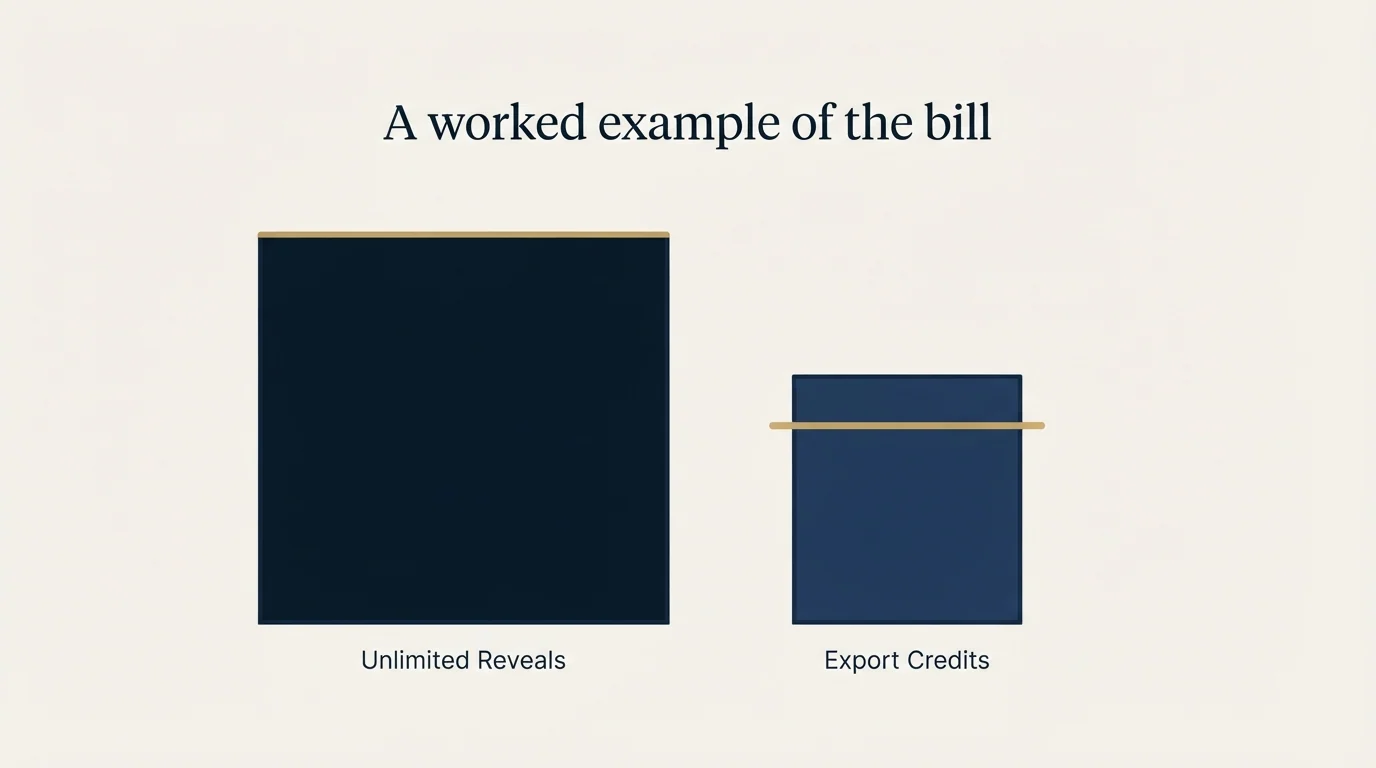
The quantities below are invented to show the shape of the bill. They are not measured, and they are not a coverage claim about Wiza or anyone else. Only the prices are taken from Wiza's published pages.
Take one seat on the monthly Email plan, which the pricing page lists at $99 per month per user with 500 valid emails per month included and $0.15 per extra. Suppose that seat works through 1,400 rows in a month and 900 of them return a valid email. The first 500 are included, the remaining 400 bill at $0.15, and the month costs $159 for that seat.
Now put the same invented month on the annual Email plan at $83 per month per user billed at $990 per year. Email reveals are unlimited, so the 900 addresses cost nothing extra. The 1,400 rows in the bulk list consume 1,400 export credits against the 2,500 monthly cap, and they consume them whether or not an address came back. The binding constraint moved from addresses found to rows processed, and a second heavy month in the same billing period is what runs you into the ceiling.
That inversion is the whole buying decision in one paragraph. Teams whose lists resolve well are better served by the meter that counts addresses. Teams processing large, sparse lists hit the meter that counts rows.
What the public review surfaces say
Buyers researching this product land on G2, Capterra, Trustpilot and TechRepublic. We are not going to quote a rating from any of them, because our fetches of those pages returned HTTP 403 and a figure we could not retrieve from the source is a figure we will not publish. Read them yourself; they are the right places to look for operator complaints about support responsiveness, billing surprises and coverage on specific geographies.
One number does deserve a caveat rather than a citation. Wiza's own pricing page displays a 4.6 out of 5 rating attributed to G2 users and 4.8 out of 5 attributed to the Chrome Web Store. Those are vendor-displayed figures on a vendor page, and we did not confirm either one at its source. Treat them as marketing until you have opened the listing.
The pattern worth carrying into those reviews is the one above: check whether a complaint about running out of credits is about email credits or export credits, because the two have different causes and different fixes.
Who it fits

- Yes: Sales Navigator is already central to how your team builds lists
- Yes: You work in the tens to low hundreds of contacts per rep per day
- Yes: You value freshness at request time over a large cached database
- Yes: You need direct dials as well as email addresses
- No: You want to process large, sparse lists where most rows return no address
- No: You need self-serve API pricing published before you commit
- No: You want a single provider to replace a multi-stage waterfall
The strongest case for it is a small sales team living inside Sales Navigator, working in bursts that sit comfortably under 500 reveals a day, who would rather pay for freshness than maintain a data pipeline. The Chrome extension workflow is genuinely fast and the published limits are honestly documented, which is more than most of this category manages.
The weakest case is high-volume list processing. Once you are pushing thousands of rows a month through bulk exports, the export credit meter charges you for rows rather than results, and the economics start favouring a waterfall that only pays each provider for the rows the previous one missed. The reasoning behind that ordering is in our waterfall enrichment guide, and the per-credit economics of a general database sit in our Apollo pricing breakdown for comparison.
The UpLead credit accuracy testing guide explains how to sample its own claimed accuracy against a verified list before committing to a similar high-volume workflow.
Whichever way you go, run the test on your own rows before committing to an annual term. Coverage claims are not comparable between lists, and the method that produces a real answer in an afternoon is in our guide to email finder tools.
The short version
Wiza publishes clear pricing and unusually clear limits. The annual plans, which are what the pricing page shows by default, trade unlimited email reveals for a 2,500 export credit monthly cap that bills per row returned. The monthly plans bill per valid email found, with published overage rates. Unlimited accounts carry reveal rate limits of 500 per 24 hours and 50 per 5 minutes that cannot be raised. Match the meter to your motion and the product is fairly priced. Mismatch it and you pay for rows that never produced a contact.
If you would rather see a full outbound motion running on your own ICP before you commit to any data vendor, start a free campaign and we will build the list, the copy and the sending infrastructure around it.
Pricing and features verified as of mid-2026. Verify current terms with the vendor before relying on them.
Frequently asked questions.
Frequently asked questions- How much does Wiza cost?
- Wiza's pricing page shows annual by default: Free at $0, Email at $83 per month per user billed at $990 per year, and Email plus Phone at $166 per month per user billed at $1,990 per year. Toggling to monthly shows Starter at $49, Email at $99 and Email plus Phone at $199 per month per user. A Team Plan is listed as custom pricing.
- Is Wiza really unlimited?
- Unlimited describes the email and phone reveals on annual plans, and it sits inside two published limits. Wiza's help center applies a hard cap of 2,500 export credits per month to bulk list exports, and enforces reveal thresholds of 500 per 24 hours and 50 per 5 minutes on unlimited accounts. Wiza states those reveal limits cannot be raised manually.
- What happens if I go over my Wiza credits?
- Wiza's overages article publishes $0.15 per valid email and $0.35 per contact with a phone number once subscription credits are exhausted, with in-app warnings and a cost estimate before each scan. On annual plans, export credit overages are conditional: they may be allowed when overages are enabled with a card on file, otherwise you upgrade or contact support.
- Does Wiza charge for contacts it cannot find an email for?
- On bulk exports, yes. Wiza's export credits article states that each prospect appearing in a list deducts an export credit regardless of the verification process, and that credits are consumed by No Email exports too. It also states that credits are not deducted for people already exported or saved to your account, so overlapping segments do not double charge.
About the author.

B2B cold email experts helping companies generate qualified leads through done-for-you outreach campaigns.
RevenueFlow Team
Explore more.
Ready to scale your outreach?
We build GTM engines that book real meetings. See the receipts.
Related articles.
Evaboot Pricing: One Slider, Nine Stops, Two Credits a Lead
Evaboot prices one plan on a nine-stop slider from 100 to 200,000 credits a month. Every stop at both billing states, the credit rules, and the yearly plan's terms.
Seamless.AI Email Finder: How It Works, What a Credit Buys
How Seamless.AI's email finder resolves a contact in real time, what one Universal Credit buys, the Total AI score on every address, and what the Chrome extension reads.
Clearout Pricing: Never-Expiring Credits, Three Ways to Buy
Clearout renders its prices in the browser only. The three purchase routes, the three priced cards, the add-on rate card, and what a credit buys on each product.
LeadGibbon Pricing: Three Monthly Plans, No Annual Tab
LeadGibbon publishes three monthly plans and no annual rate. The dated ladder, the verified-emails-only meter, the rollover rule, and what the page does not publish.
PersistIQ Pricing: A Demo Form Where the Ladder Was
PersistIQ's pricing address serves a demo form and no platform price. What the site does publish, the Luka add-on ladder at both billing states, and how to read a quote.
Enrow Pricing: Three Billing States, Two Currencies
Enrow prices per verified result across monthly, annual and pay-as-you-go tabs in euros and dollars. The ladder, the credit meter and the currency clause.