ZoomInfo API: What You Can Automate and What You Can't
Two API generations are documented on two hosts, and the older one carries a deprecation notice. What the current API automates, and the three ceilings above it.
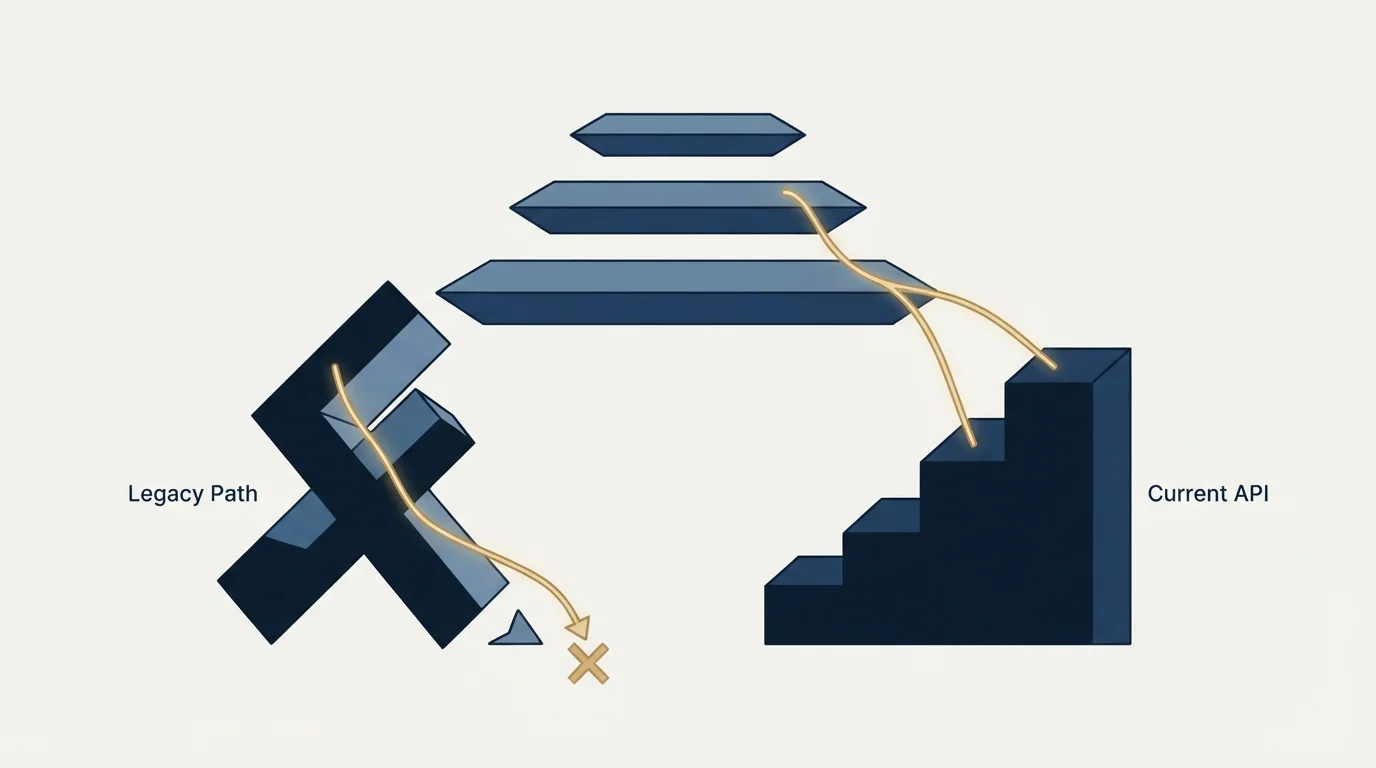
ZoomInfo documents two API generations. The current one uses OAuth 2.0 with Client Credentials and PKCE flows, exposes REST endpoints under /data/v1/, and publishes rate limits by package. The legacy Enterprise API states it is being deprecated. Subscription scope, field-level entitlement and per-record credits gate what you can actually pull.
Key takeaways
- The legacy Enterprise API documentation states the API is in the process of being deprecated and directs new development to the current docs host.
- Rate limits are published by package: Builder at 5 requests per second, Standard at 25, Scaling at 35, each enforced against per-second, per-hour and per-day windows simultaneously.
- There is no sandbox. ZoomInfo's testing page states that tokens generated in the developer portal make real production requests that consume credits.
- Each record returned by contact enrich charges a credit unless already under management, and no credit is charged on a No match or an error, but the linked credit rate card returns a 404.
Reviewed and updated August 28, 2026
ZoomInfo's legacy API documentation opens by telling you not to build against it. The exact sentence, still live on the old documentation host, states that the API is currently in the process of being deprecated and that all new development should be done on the new API, with a link to where that lives. The collection itself is titled "ZoomInfo API - Legacy".
That is the first thing anyone integrating with ZoomInfo needs to know, and it is the reason so much of the third-party material about this API is wrong. Two generations are documented on two different hosts, and a lot of the guidance circulating describes the older one.
This page covers what the current API lets you automate, what the documentation is unusually clear about, and where it goes quiet. Every fact here comes from ZoomInfo's own documentation, read from the raw bytes of those pages.
Two generations, and which one you are looking at
The split matters most at the authentication layer, because that is where the two generations differ completely.
- OAuth 2.0, with a token endpoint at api.zoominfo.com/gtm/oauth/v1/token
- Two documented flows: Authorization Code with PKCE, and Client Credentials
- REST endpoints under /data/v1/
- Rate limits published as a package-tier table
- Documentation index enumerates 110 pages
- Documentation states the API is in the process of being deprecated
- JWT obtained by posting username and password to /authenticate
- Token valid for 60 minutes
- Vendor guidance is to refresh every 55 minutes rather than per request
- Collection is titled ZoomInfo API - Legacy
The legacy guidance to refresh the token every 55 minutes rather than generating a new one on every call is worth reading as a signal about the old design: token generation was expensive enough that the vendor had to warn people off doing it per request. The documentation also references authentication libraries for Java, Python and Node, though the collection does not document that flow in full, so treat anything you read describing those mechanics in detail with caution.
If you are starting now, start on the current API. If you are inheriting an integration, find out which host its documentation came from before you change anything, because the deprecation notice is the clock you are working against.
Authentication on the current API

The current API uses OAuth 2.0, with a token endpoint at https://api.zoominfo.com/gtm/oauth/v1/token and an authorization endpoint at https://api.zoominfo.com/gtm/oauth/v1/authorize.
Two flows are documented, and which one applies depends on what you are building rather than on preference. Client Credentials Flow is for server-to-server integrations where no individual user signs in. Authorization Code Flow with PKCE, using the S256 code challenge method, is for calls made on behalf of a signed-in user.
ZoomInfo also splits applications into two types, and this is the part most integration write-ups miss entirely.
A Standard App, created in the ZoomInfo Developer Portal, may use either flow. A Partner App, built by approved ZoomInfo partners for distribution to customers across multiple organizations, must use the Authorization Code Flow with PKCE, and it goes through a review process before it becomes available for customer installation.
The practical read: if you are automating your own company's workflows, you are building a Standard App and Client Credentials is the shorter road. If you are building something you intend to sell or distribute to other ZoomInfo customers, the review process is a project milestone, not a formality, and it belongs on your timeline from day one.
There is no test environment, and the documentation says so plainly
This is the single most useful line in the whole reference for anyone planning a build.
ZoomInfo's page on testing API access carries a warning stating that all API calls made with tokens generated in the developer portal are treated as real production requests. They consume credits, and they are subject to rate limits based on your account. ZoomInfo's own 110-page documentation index contains no sandbox page at all.
There is a convenience path, and it is worth using. Rather than implementing a full OAuth flow before you can make your first call, a "Generate Access Token" option in the app portal issues a bearer token directly, which the documentation positions for exploration, development and testing.
Both facts together set the shape of your development plan. You can get moving in minutes, and every minute of that movement spends real budget out of the same pool your production integration will use. Practical consequences worth planning for.
Cap your development spend structurally. Build against a fixed, small set of test records rather than iterating on live queries, and cache aggressively during development. A retry loop written carelessly against a metered API is the classic way to discover your credit allocation.
Do your error-path testing on the parts that do not charge. Authentication failures, malformed requests and rate-limit handling can all be exercised without successful record returns, and the credit rule below is what makes that distinction meaningful.
Do not let a shared credential wander. With no sandbox to point people at, developer access and production access are the same access.
Rate limits, published in unusual detail
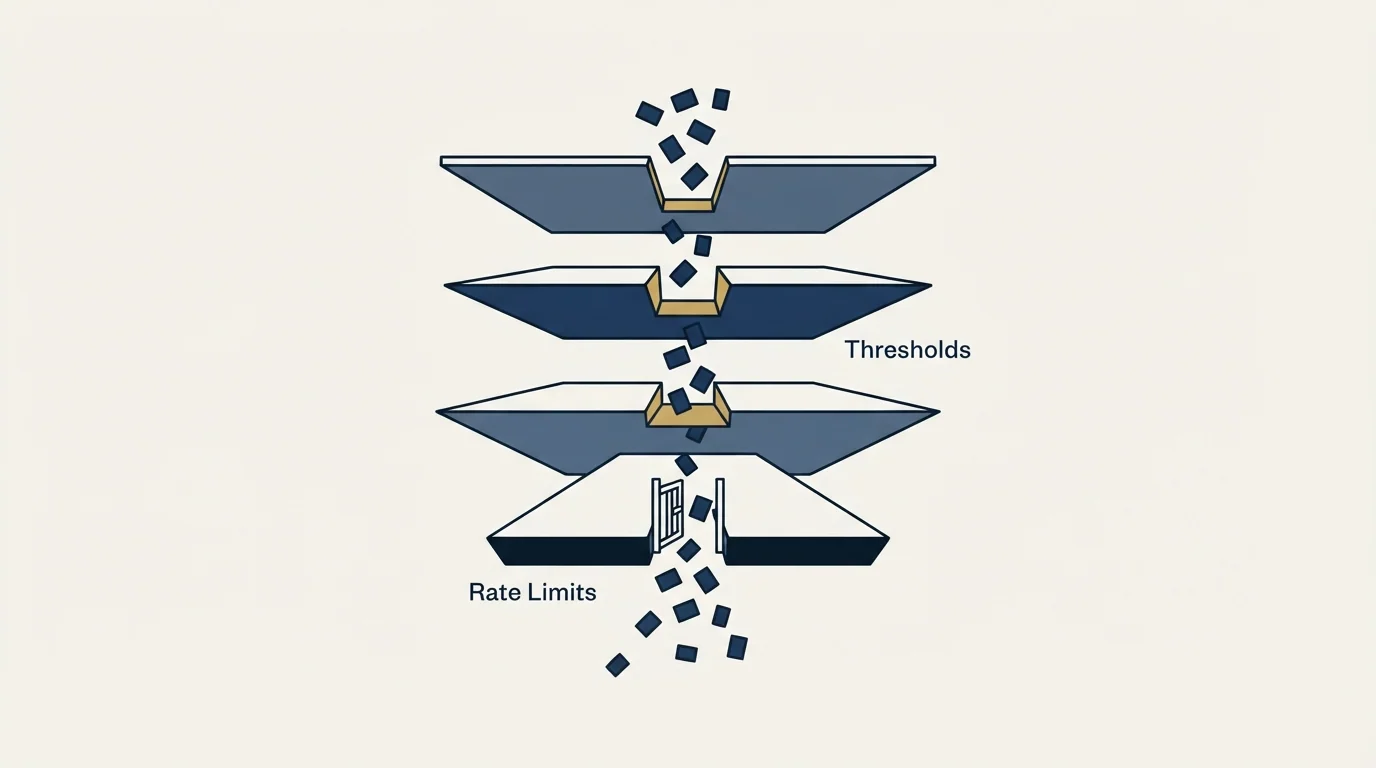
Most data vendors leave rate limits to a support conversation. ZoomInfo publishes a package-tier table, and the transparency deserves saying out loud, because it means you can size an integration honestly before you sign anything.
10,800 per hour, 129,600 per day
54,000 per hour, 648,000 per day
75,600 per hour, 907,200 per day
The mechanics around those numbers are documented as carefully as the numbers themselves.
Every request is evaluated against three independent windows at once, per second, per hour and per day. If any one of the three is exhausted, the request is rejected with a 429. Sizing your integration on the per-second figure alone is therefore a mistake: a job that respects 35 requests per second and runs continuously will hit the hourly ceiling long before the day is out.
Rejected requests do not consume quota. Retrying while rate-limited does not burn remaining budget, which is a genuinely helpful design decision and it means a well-behaved backoff costs you nothing.
The hourly and daily limits use a sliding window counter algorithm, so quota reopens gradually rather than snapping back at a boundary. Do not build a scheduler that assumes a clean reset at the top of the hour.
Quota state is returned on every response. Headers report the limit and remaining count for each of the second, hour and day windows. A 429 additionally carries Retry-After, an X-RateLimit-Rejected-Bucket header naming which of the three windows you breached, and a reset value. Read the rejected-bucket header rather than guessing, because the correct backoff for a per-second breach and a per-day breach are not remotely the same.
Two operational details worth writing into your integration now. The older X-RateLimit-Limit and X-RateLimit-Remaining headers are documented as deprecated and scheduled for removal on 2027-01-01, so use the window-specific versions. And a -1 value in any remaining-count header means the quota service was temporarily unavailable and your request was allowed through with quota state unknown, which the documentation is explicit is not an error condition for your integration. Handle it, do not alert on it.
Higher limits are requested through the account team or a named support address, quoting a tenant ID and the per-second value you want, and the documentation states new limits take effect within 24 hours.
What the API actually exposes
The current Data API exposes REST endpoints under /data/v1/, including contact enrichment, company enrichment, and search and enrichment of Scoops. The documentation index enumerates 110 pages covering search, enrich, lookup, audiences, folders, columns, rows, buyer personas, competitors, ideal company segments and organization offerings.
Enrichment is batched: the contact enrich endpoint accepts up to 25 individual contact records per call. That number is the single most important input into any throughput estimate you make, because it converts a rate limit expressed in requests into a ceiling expressed in records.
ZoomInfo also publishes an MCP server for connecting AI agents and MCP-compatible clients, and a command-line interface for command-line and agent-ready workflows, alongside the REST API. Webhooks are documented as the alternative to polling, notifying your application when long-running jobs complete, records change, credit thresholds are reached, or new signals become available.
The credit-threshold webhook is the one to wire up first. Given everything below about the credit model, an alert when consumption crosses a line you set is the cheapest control available to you.
What you cannot automate, and what gates it
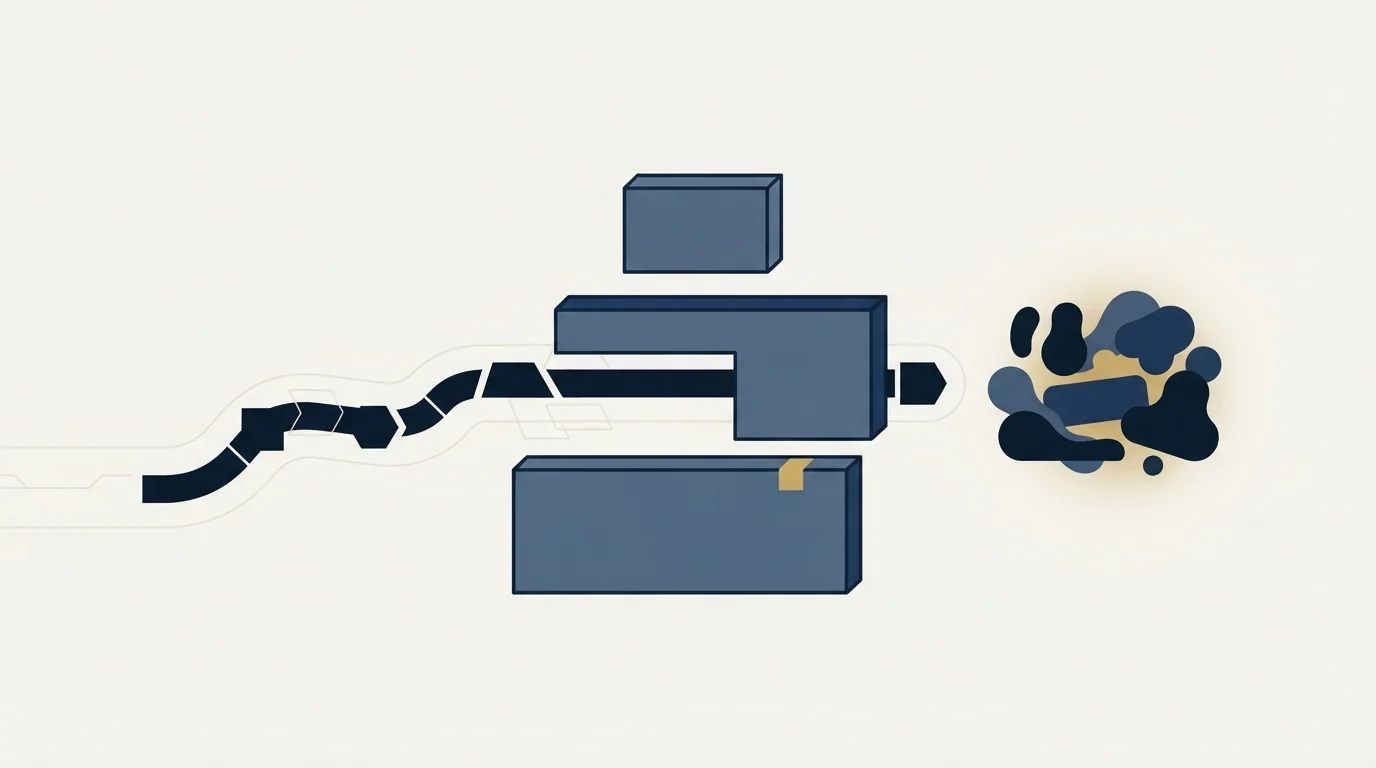
Three separate ceilings sit above the technical ones, and none of them are solved by writing better code.
Your subscription decides which scopes and endpoints you can reach at all. ZoomInfo publishes 17 OAuth scopes across categories including context, data, entitlements and audiences, covering company, contact, intent, news and Scoops data. The documentation states plainly that your subscription determines which scopes and endpoints you can access. An endpoint documented in the reference is not an endpoint your key can call.
Individual output fields are gated too. The lookup endpoint reports, per field, whether your account has access to it, and the documentation directs anyone without access to contact their account manager for purchasing options. That granularity is worth checking before you design a schema around a field you have never actually received.
Records are metered per record returned. The contact enrich reference states that each record returned charges a credit from your account, unless that record is already under management, and that no credit is charged when the API returns "No match" or an error code.
The Lusha API rate limit breakdown shows how another vendor structures per-key throughput caps alongside its own double metering by data point and result.
That last rule is better than it first appears. Because misses and errors are free, the expensive failure mode is not a query that finds nothing. It is a query that finds the wrong thing successfully, which you pay for and then have to detect downstream. Design your matching inputs to be precise rather than permissive, and validate what comes back rather than assuming a returned record is a correct one.
What is not published anywhere first-party is the rate card. The API reference links repeatedly to a "Credit Usage and Limits" guide, and that page returns a 404 on both the standard and enterprise documentation paths. So ZoomInfo publishes the rate limits in unusual detail and does not publish what a credit costs. No dollar figures appear in this article for that reason, and the numbers circulating on third-party comparison pages come from parties with a commercial interest in them.
Teams weighing that same pricing opacity elsewhere in ZoomInfo's catalog will recognize it in Copilot, where the three-part Copilot bundle breakdown explains why no list price appears there either.
The fourth ceiling is contractual and it is the one that catches teams late. What you may do with records after you have retrieved them, how long you may retain them, and whether they may be used to build a derived dataset are questions answered in your agreement rather than in any API reference. Ask them before you architect a data warehouse around this feed, because the documentation is silent by design and the answer arrives at renewal if you do not ask it earlier.
Before you build
- Yes: Confirm which API generation your documentation describes, since the legacy one carries a deprecation notice.
- Yes: Decide Standard App or Partner App, and budget for the partner review process if it applies.
- Yes: Verify which scopes and endpoints your subscription actually reaches, rather than which ones are documented.
- Yes: Check field-level entitlement for every output field your schema depends on.
- Yes: Size throughput against all three rate-limit windows, and against 25 records per enrich call.
- Yes: Plan development against a fixed test set, since portal tokens spend real credits.
- Yes: Wire the credit-threshold webhook before the first production run, not after.
- Depends: Get retention and derived-use rights answered in writing from your agreement.
Where this sits against the alternatives
The evaluation most teams are actually running is whether to build against this API at all, or to buy the same outcome somewhere cheaper. The honest framing is that the API is the right choice when you already hold the subscription and the coverage genuinely fits your market, because at that point the marginal cost of automating is engineering time rather than a new contract.
The CRM and data enrichment comparison explains why teams typically pair a pipeline platform with ZoomInfo rather than treating them as substitutes.
If you are comparing before committing, our Apollo API guide walks the same evaluation on a vendor that publishes more of its commercial terms, and the ZoomInfo alternatives comparison covers the wider field. If the job is orchestrating several data sources rather than calling one, the Clay enrichment guide covers that layer, and verification APIs are the piece people forget to budget for, since an enriched address that bounces has cost you a credit and a sender reputation hit.
One general point from all of this. A metered enrichment API rewards precision and punishes breadth, because you pay for every record you successfully pull whether or not it was the right one. The discipline that makes it economical is narrowing the input list before the first call rather than filtering the output after it.
If the constraint you are actually solving is not enough qualified conversations rather than not enough contact records, RevenueFlow books meetings on a pay-per-meeting basis, with the qualification criteria agreed in writing before launch.
Pricing and features verified as of mid-2026. Verify current terms with the vendor before relying on them.
Frequently asked questions.
Frequently asked questions- Which ZoomInfo API should I build against?
- The current one, documented on the vendor's docs host. The older Enterprise API collection is titled ZoomInfo API - Legacy and its own documentation states that the API is in the process of being deprecated, directing all new development elsewhere. Much of the third-party guidance online describes the legacy JWT authentication, which is the fastest way to spot a stale write-up.
- What are the ZoomInfo API rate limits?
- The documentation publishes a package-tier table. Builder allows 5 requests per second, 10,800 per hour and 129,600 per day. Standard allows 25 per second, 54,000 per hour and 648,000 per day. Scaling allows 35 per second, 75,600 per hour and 907,200 per day. All three windows are evaluated at once, and rejected requests do not consume quota.
- Does ZoomInfo offer a sandbox for API development?
- Its documentation index of 110 pages contains no sandbox page, and the page on testing API access warns that all calls made with tokens generated in the developer portal are treated as real production requests that consume credits and count against your rate limits. A Generate Access Token option does let you skip implementing full OAuth during development.
- How does ZoomInfo charge credits through the API?
- The contact enrich reference states that each record returned charges a credit from your account, unless that record is already under management, and that no credit is charged when the API returns No match or an error code. The linked Credit Usage and Limits guide returns a 404 on both documentation paths, so the rate itself is not published.
About the author.

B2B cold email experts helping companies generate qualified leads through done-for-you outreach campaigns.
RevenueFlow Team
Explore more.
Ready to scale your outreach?
We build GTM engines that book real meetings. See the receipts.
Related articles.
Firmographic Data Providers: What Six of Them Publish
Six firmographic data providers read from their own pages: the fields each sells, the coverage each states, how the data is delivered, and who prints a price.
Bookyourdata Pricing: 25 Packs, Priced Per Contact
Bookyourdata sells credits in twenty-five packs with no subscription. The dated ladder, the per-contact rates rendered in the browser, the guarantee rule and BeSpoke.
Is Clay Free? The Free Plan, the Trial and Where Each Stops
Clay's free plan, its 14-day trial and the no-charge-on-a-miss rule are three different things. What each holds and where it stops, from clay.com on 19 September 2026.
Seamless.AI Email Finder: How It Works, What a Credit Buys
How Seamless.AI's email finder resolves a contact in real time, what one Universal Credit buys, the Total AI score on every address, and what the Chrome extension reads.
Autobound Pricing: One-Time Credit Packs, Not Seats
Autobound's pricing page sells one-time credit packs for a signal data API, not seats. The six packs, the per-endpoint meter, and what a company costs.
Snitcher Pricing: The $49 Table Is the Annual Rate
Snitcher's visible price table is the annual-billing ladder. The ten bands at both billing states, the unique-company meter, and the rules on a help page.