The LinkedIn API: Three Open Permissions
LinkedIn publishes seven API product families and lets any developer use three permissions, all of which read only the member who just signed in.

LinkedIn publishes an API programme across seven product families, but only three permissions are open to all developers without approval, and each is scoped to the member who authenticated. Marketing needs Advertising API approval, Sales needs SNAP partner approval, and compliance access is closed to new applicants.
Key takeaways
- LinkedIn states that Open Permissions are the only permissions available to all developers without special approval, and all three read or write the signed-in member alone.
- Sales integrations require approval as a Sales Navigator Application Platform partner, and the four permissions behind it describe CRM-embedded context rather than data export.
- Compliance permissions are listed for reference only, with LinkedIn documenting that access is closed and may not be requested.
- Member search, bulk profile export, programmatic connection requests and third-party contact details are not products in the published developer catalog.
Reviewed and updated September 1, 2026
A team plans an integration around "the LinkedIn API", creates an app in the Developer Portal without difficulty, and then discovers that the only permissions available without an approval process read the profile of the person who just signed in. Nothing about anybody else. Not their connections, not a search, not a list.
That gap between what the phrase suggests and what the platform hands out is the whole subject here. LinkedIn genuinely does publish a large API programme, organised into business lines, with real documentation and real capability behind it. Almost all of it sits behind a partner application, one line of it is closed to new applicants entirely, and the self-service tier is deliberately narrow.
Here is what is actually available, what each tier requires, and what to do when your use case is not on the list.
There is no company search API in the published catalog either: the products offering one are third-party scrapers presenting a LinkedIn-shaped endpoint over an ordinary member session.' If the lead does not ship ll1
What LinkedIn publishes as its API programme
LinkedIn's developer product catalog groups its products into seven families, and reading the list is the fastest way to calibrate expectations.
The Consumer family covers sign-in and sharing: Sign in with LinkedIn, Share on LinkedIn, Verified on LinkedIn, Live Events and Add to Profile. Marketing Tools covers advertising, community management, data integrations and events. Sales contains a single product, Sales Display, described on the catalog page as letting an application "view profiles and accounts, and send messages to leads". Talent covers the recruiting stack: Apply Connect, Apply with LinkedIn, Job Posting, Recruiter System Connect and Talent Hub. Learning adds LinkedIn Learning content and reporting. Plugins offer LinkedIn functionality inside somebody else's website. The seventh family, Regulatory Developer Products, covers Pages Data Portability and Member Data Portability, which exist to satisfy data-access regulation rather than to serve integrations.
LinkedIn's own developer documentation, hosted on Microsoft Learn, states the same shape in one sentence: the documentation is organised by business lines covering Consumer, Compliance, Learning, Marketing, Sales and Talent Solutions.
Read those two lists together and the pattern is clear. Every family is built around a relationship LinkedIn already has with you: your members signing in, your ads, your job postings, your Recruiter or Sales Navigator licence. None of them is a general-purpose read of the member graph.
The three permissions anyone can have
LinkedIn's access documentation is unusually direct about the tiering. It states that most permissions and partner programmes require explicit approval from LinkedIn, and that Open Permissions are the only permissions available to all developers without special approval.
There are three of them, and all three are scoped to the member who authenticated.
- profile: the authenticated member's name, headline and photo
- email: the authenticated member's primary email address
- w_member_social: post, comment and like on that member's behalf
- Every one of them reads or writes the signed-in person only
- Marketing: Advertising API access must be approved
- Audiences permissions come only after Advertising partner approval
- Sales: approval as a SNAP partner
- Talent: application through the partner programmes
- Compliance: closed, and may not be requested
The practical reading is that the open tier is an authentication and publishing surface. It answers "let this person sign in with LinkedIn" and "let this person post from our product". It does not answer any question about a third party, which is the question most outbound teams arrive with.
What each approval path actually is
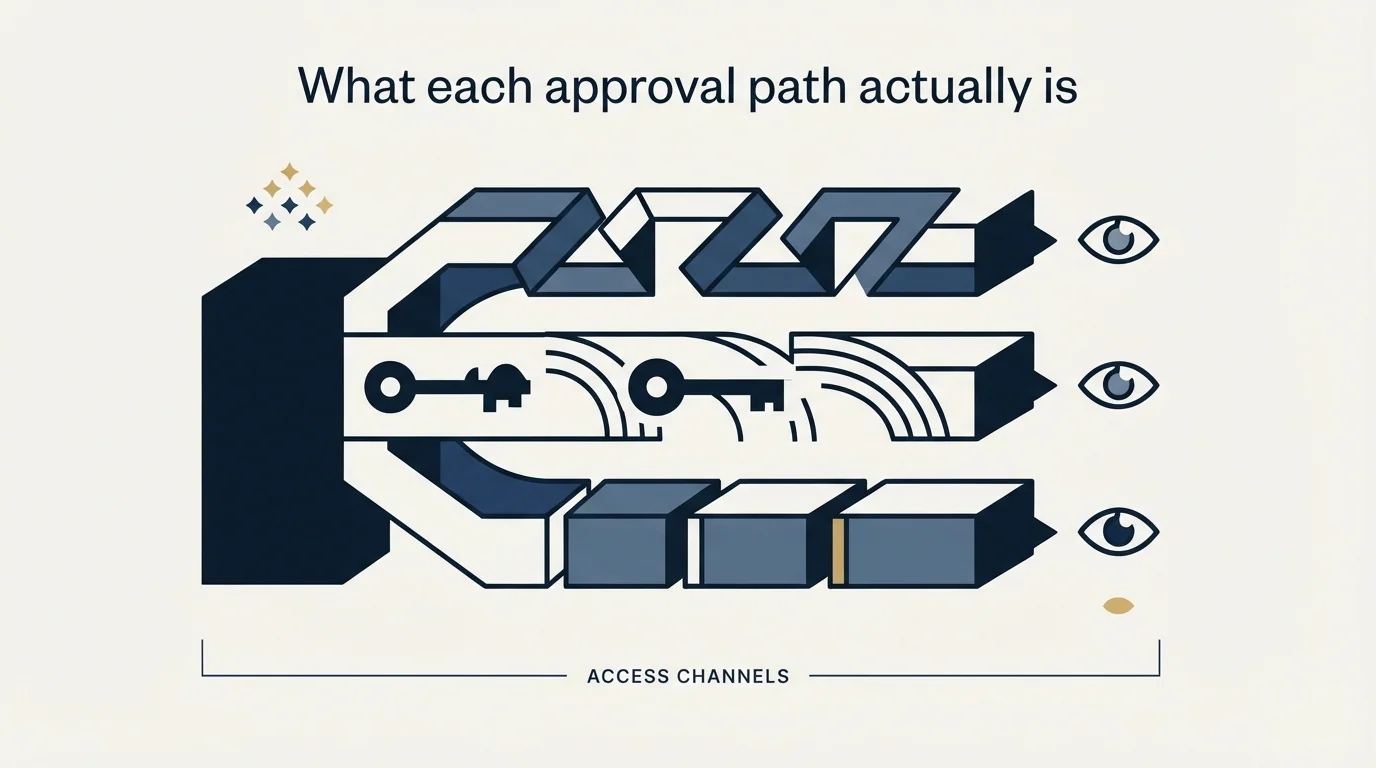
The gate is different for each business line, and the differences matter when you are estimating how long a build will take.
Marketing. Developers building an advertising integration must be approved for the Advertising API, applied for through the Developer Portal by adding the product to an app. Audiences permissions are a second step, available only after the Advertising API approval has landed.
Sales. Every sales permission requires approval as a Sales Navigator Application Platform partner, the programme usually written as SNAP. Four permissions sit behind it: Sales Navigator analytics retrieval, Display Services, an application-authenticated permission for CRM data validation, and one that accesses endpoints presenting matched, publicly available member profile information. The shape of that list is worth noticing, because it describes a product that decorates your CRM with LinkedIn context rather than one that exports LinkedIn into your CRM. Our page on the Sales Navigator API and SNAP covers that programme in detail.
Talent. Recruiter System Connect, Apply Connect, Apply with LinkedIn and Premium Job Posting each have an application route, with LinkedIn recommending you read the partner integration types before applying.
Compliance. This one is worth stating plainly because it is the only closed door on the page. The compliance permissions, which retrieve member activity for monitoring and archiving, are listed for reference only, and LinkedIn's documentation says access is closed and may not be requested. If you are building an archiving product and assumed you could apply, that assumption is the one to test first.
What is not in the catalogue
Absence claims deserve care, so this one is scoped precisely: the following are not products in LinkedIn's published developer catalog, and no permission on its Getting Access page grants them.
- Yes: Sign a member in and read their own name, headline and photo
- Yes: Post to a member's feed with their authorisation
- Yes: Manage ad campaigns, once approved for the Advertising API
- Yes: Show Sales Navigator context inside a CRM, once a SNAP partner
- No: Search the member base by title, company or seniority
- No: Export a list of profiles in bulk
- No: Send connection requests programmatically
- No: Read a third party's contact details
The last four are the ones that send people looking for an alternative, and they are absent by design rather than by oversight. Sales Navigator itself has no bulk export either, which is covered in building lists in Sales Navigator, and it holds no work email addresses to export in the first place, covered in what Sales Navigator does and does not supply.
The unofficial APIs, and the clause that governs them
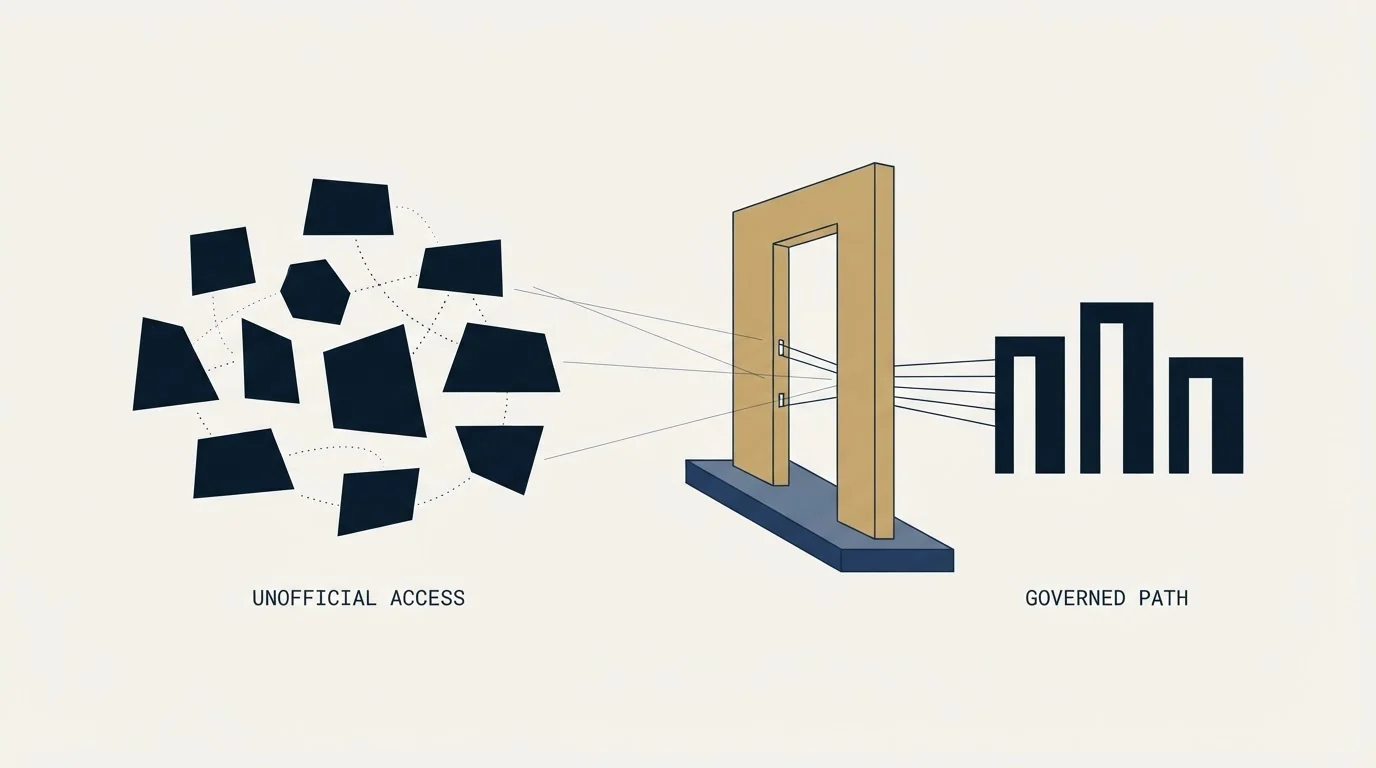
A second category of product also markets itself as a LinkedIn API. These are not LinkedIn products. They typically ask for a member's credentials or session and then drive the ordinary LinkedIn interface behind an HTTP endpoint, which is how they offer search, profile retrieval, connection requests and messaging that the official programme does not.
The vendors in this category make safety claims about that approach. Those claims are theirs, and the useful thing is to set them beside what LinkedIn's own documents say rather than to argue with them.
LinkedIn's User Agreement prohibits members from using bots or other unauthorized automated methods to access the Services, add or download contacts, send or redirect messages, or otherwise drive inauthentic engagement. It separately prohibits using software, devices, scripts, robots or any other means or processes to scrape or copy the Services, including profiles and other data from the Services. A third clause prohibits copying, using, displaying or distributing information obtained from the Services, whether directly or through third parties such as search tools or data aggregators or brokers. A fourth prohibits renting, leasing, trading, selling or otherwise monetizing the Services or related data without LinkedIn's consent.
LinkedIn's prohibited-software help page then states the consequence: members using such tools risk having their accounts restricted or shut down, and risk the tools themselves becoming non-operational without notice.
That second consequence is the one to plan around even if the first does not worry you, because it lands on your product rather than on your judgement. An integration whose data supply depends on an unsanctioned route can stop working in the middle of a quarter, with no support path and no notice. The terms question in full, including the frequently mangled hiQ outcome, is set out in what LinkedIn's User Agreement says about scraping.
Where this leaves an outbound programme
The honest summary is that LinkedIn's API is not the data source an outbound team is usually looking for, and the sanctioned routes that do exist are worth more than they first appear.
Where LinkedIn gates access by business line, ZoomInfo gates it by subscription scope and credits, a contrast explored in the ZoomInfo API access guide.
- Step 1Check the catalogue against the actual job
Advertising, job posting, sign-in and CRM display are genuinely served. Prospect data is not.
- Step 2Apply where a programme fits
SNAP for CRM-embedded sales context, the Advertising API for paid media. Both are applications with lead times, not switches.
- Step 3Move contact data off LinkedIn entirely
Identify people on LinkedIn, then resolve and verify addresses through providers built for that job.
- Step 4Keep the sending outside the platform's automation surface
Licensed products used through their own interfaces, rather than an endpoint driving a member session.
We run LinkedIn outreach for clients through HeyReach alongside email, and our contact data comes from a MillionVerifier, Prospeo and Findymail waterfall rather than from LinkedIn profiles. That keeps the data supply chain outside the User Agreement question entirely, which is a commercial decision as much as a compliance one: the accounts carrying a programme usually belong to a client's founders and senior sellers, and those are not replaceable.
On the sending side we run one message per campaign, with no thread replies and no bumps, and on LinkedIn specifically we do not run no-reply retargets at all, because a second message lands directly beneath the one that was ignored and reads as a nudge whatever the campaign structure calls it. LinkedIn prospecting covers how that motion works in practice, and the connection limit page covers the account-safety side that automation pressure makes worse.
The short version
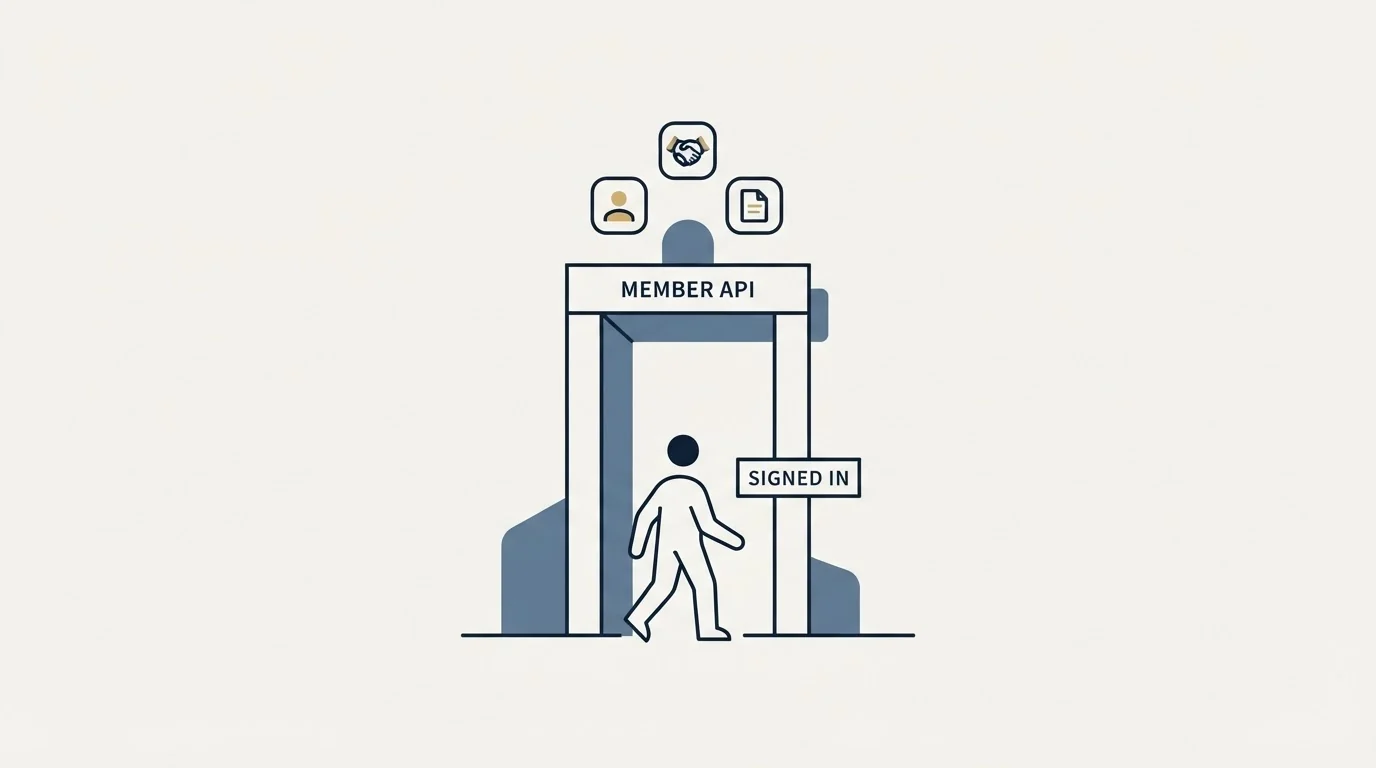
LinkedIn's developer product catalog publishes seven product families, and its documentation is organised by Consumer, Compliance, Learning, Marketing, Sales and Talent business lines. Only three permissions are open to all developers without approval, and all three are scoped to the member who signed in: their name, headline and photo, their primary email address, and posting on their behalf. Marketing needs Advertising API approval, Sales needs SNAP partner approval, Talent has its own application routes, and Compliance access is closed and may not be requested. Member search, bulk profile export, programmatic connection requests and third-party contact details are not products on the catalogue. Products marketed as unofficial LinkedIn APIs generally drive a member session, which is the activity the User Agreement addresses directly, with account restriction and sudden tool failure as the published consequences.
You can also see what a campaign would look like for your market, run entirely inside the terms.
Product families are from LinkedIn's developer product catalog, and permissions, approval requirements and the closed compliance tier are from LinkedIn's Getting Access to LinkedIn APIs documentation, both fetched with cache-busting and verified as of mid-2026. User Agreement clauses are quoted from section 8.2, and the enforcement consequences from LinkedIn's prohibited software and extensions help page, both fetched the same way. Verify current terms and programme availability with LinkedIn before relying on them.
Sources: LinkedIn API Products catalog, Getting Access to LinkedIn APIs, LinkedIn API Documentation overview, LinkedIn User Agreement, Prohibited software and extensions
Frequently asked questions.
Frequently asked questions- Is there a LinkedIn API for finding leads?
- Not in the published catalog. The Sales family contains one product, Sales Display, which shows profiles and accounts and sends messages to leads inside an approved partner integration. There is no product that searches the member base by title or seniority, and no bulk profile export, so a prospecting database is not something the official programme supplies.
- What can I build without applying for anything?
- Three things. You can let someone sign in with LinkedIn and read their own name, headline and photo, you can read their primary email address, and you can post, comment and like on their behalf. Every open permission is scoped to the authenticated member, so none of them tells you anything about a third party.
- How do I get access to the Sales Navigator API?
- By being approved as a SNAP partner, which is an application rather than a setting. The permissions behind it cover Sales Navigator analytics, display services, CRM data validation and endpoints presenting matched public profile information. The programme is built for products that add LinkedIn context to a CRM, not for moving records out of LinkedIn.
- Are third-party LinkedIn APIs safe to use?
- They are not LinkedIn products, and most drive an ordinary member session behind an endpoint. LinkedIn prohibits bots and unauthorized automated methods used to access the Services, add or download contacts or send messages, and its help centre says members using such tools risk having accounts restricted or shut down and the tools failing without notice.
About the author.

Ben Carden is CRO at RevenueFlow, which builds and operates outbound revenue engines for B2B companies. Previously at Gartner Enterprise. Studied at London School of Economics.
Ben Carden · CRO
Connect on LinkedIn →Explore more.
Ready to scale your outreach?
We build GTM engines that book real meetings. See the receipts.
Related articles.
Typeform Alternatives: Read the Response Meter First
Typeform meters responses with a hard ceiling and counts seats inside the plan. What Tally, Fillout, Formbricks and Jotform count instead, from their own pricing pages.
Drift Competitors: What Replaced It and What Each Costs
Drift is retired and drift.com now serves a Salesloft page. What the successors publish about price, who owns them now, and which one fits which job.
Lead Verification: What Each Check Actually Proves
Lead verification covers two different jobs. One asks whether a mailbox will accept mail, the other asks whether the person behind the row is real and lawful to contact.
B2B Database: What to Test Before You Pay
Total record count is the number every vendor leads with and the one that predicts least. The test that replaces it takes a day and settles the purchase.
BrightTALK Pricing: What the Vendor Does Not Publish
Six BrightTALK surfaces carry no price at all. The $500 figure filling that gap is a 2022 scrape on a listing the vendor says it does not manage.
Foleon Pricing: No Published Price, a 24-Month Term
Foleon publishes no rate on its plans page and publishes the whole commitment behind it. The term, the notice window and what happens to the Docs after.