The Sales Navigator API Is Partner-Only: What SNAP Covers
SNAP is LinkedIn's Sales Navigator partner platform. What it covers, what the sources disagree about, and the sanctioned routes for everyone who is not a partner.
A Sales Navigator API exists as SNAP, the Sales Navigator Application Platform, which LinkedIn runs as a partner programme. There is no public self-serve API, so for most teams the sanctioned routes to data are a CRM integration or an existing partner's product.
Key takeaways
- SNAP is a partner programme, not a public API, and LinkedIn's own help page describes an application process with a response usually within 30 days.
- Several third-party sources claim SNAP is closed to new partners, which contradicts LinkedIn's own documentation, so check the live LinkedIn page rather than trusting either.
- There is no self-serve endpoint for exporting searches or lists, and there never has been.
- Scraping the interface violates LinkedIn's terms of service and risks the account, so it is not an alternative route.
Reviewed and updated September 1, 2026
Search for the Sales Navigator API and you will find two answers, both carrying LinkedIn's name. One is a help centre page inviting companies to apply to the partner programme and promising a reply inside 30 days. The other is a note at the top of LinkedIn's own developer documentation saying new partners are not being accepted. Both are live. Neither mentions the other.
An API for Sales Navigator does exist, and it is not something a team can sign up for on a Tuesday afternoon. It is a partner platform called SNAP, and the honest answer to "how do I get Sales Navigator data out programmatically" depends entirely on whether you are building a product that integrates with Sales Navigator or running a sales team that wants its records in a spreadsheet. Those two questions have completely different answers, and most of the confusion online comes from treating them as one.
What SNAP is
LinkedIn describes it in one sentence: "The LinkedIn Sales Navigator Application Platform (SNAP) is a partner program providing integrations that allow you to access key Sales Navigator features across your sales stack."
The word doing the work there is partner. SNAP exists so that software vendors can embed Sales Navigator into their own products, which is why LinkedIn organises it into integration categories rather than endpoints: Business Intelligence, CRM, eSignature, Marketing Automation, Sales Acceleration, Web Conference, and Other. A published partner directory lists the applications available inside the programme, filterable by those categories.
The intended participant is a company with a product and a customer base who would benefit from Sales Navigator inside it. A sales team wanting to pull its own lists is not the audience, and no amount of reading the documentation changes that.
What the API actually covers
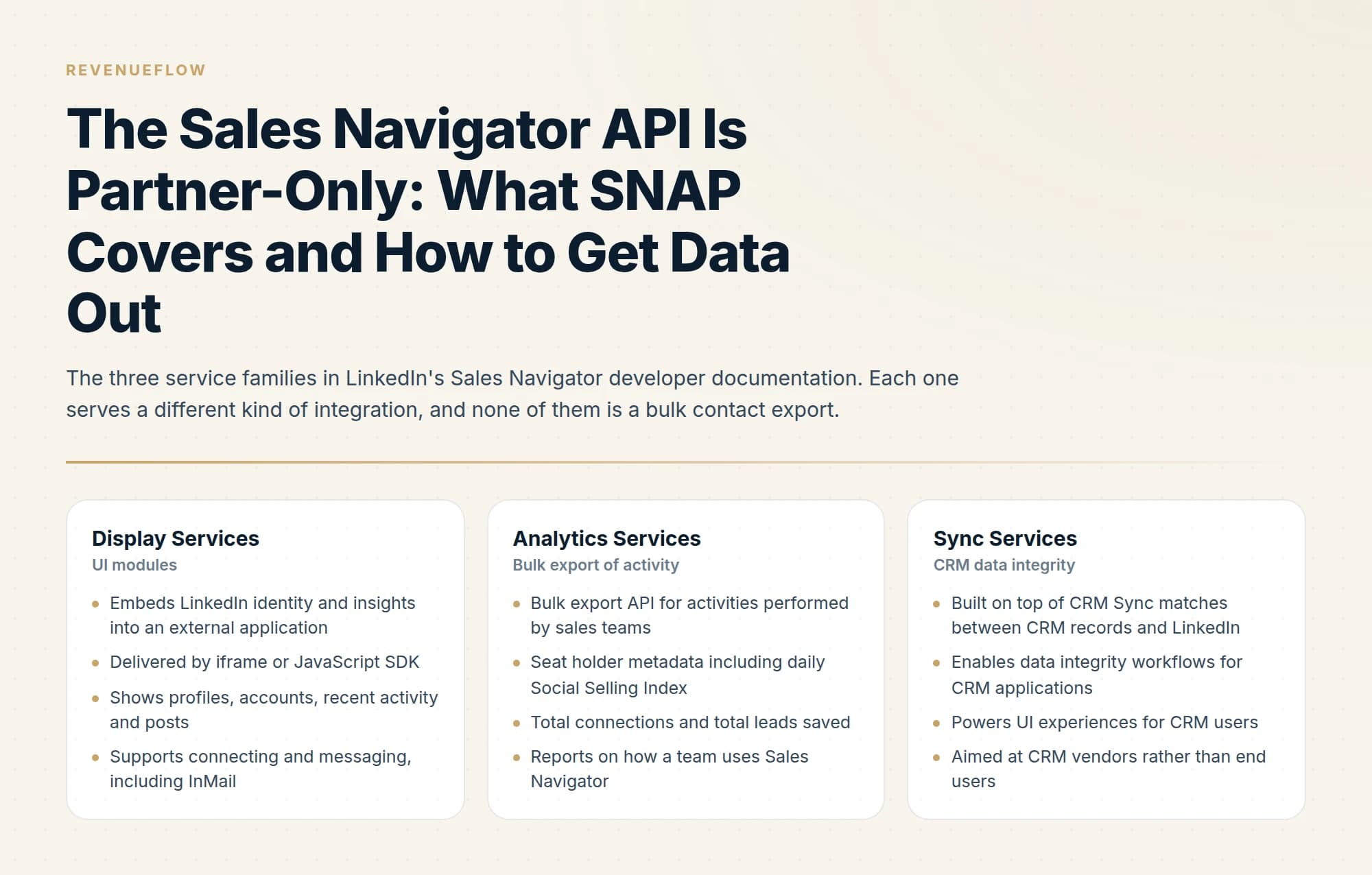
LinkedIn publishes its Sales Navigator developer documentation on Microsoft Learn, and it splits the platform into three service families. This is worth knowing even if you never become a partner, because it tells you what a partner product can and cannot do on your behalf.
- Embeds LinkedIn identity and insights into an external application
- Delivered by iframe or JavaScript SDK
- Shows profiles, accounts, recent activity and posts
- Supports connecting and messaging, including InMail
- Profile Associations API links records to Sales Navigator profiles
- Bulk export API for activities performed by sales teams
- Seat holder metadata including daily Social Selling Index
- Total connections and total leads saved
- Reports on how a team uses Sales Navigator
- Covers usage data rather than prospect records
- Built on top of CRM Sync matches between CRM records and LinkedIn
- Enables data integrity workflows for CRM applications
- Powers UI experiences for CRM users
- Aimed at CRM vendors rather than end users
- Requires the CRM Sync relationship to exist first
Read those three together and the shape of the platform is clear. SNAP is built to put LinkedIn inside other software and to report on how sales teams use Sales Navigator. A bulk feed of prospect records is absent from all three families, which is consistent with everything else LinkedIn does in this area.
Use of these APIs is governed by the LinkedIn SNAP Terms of Use unless a partner has executed a separate signed partnership agreement, which the developer documentation states explicitly.
The part the internet gets wrong
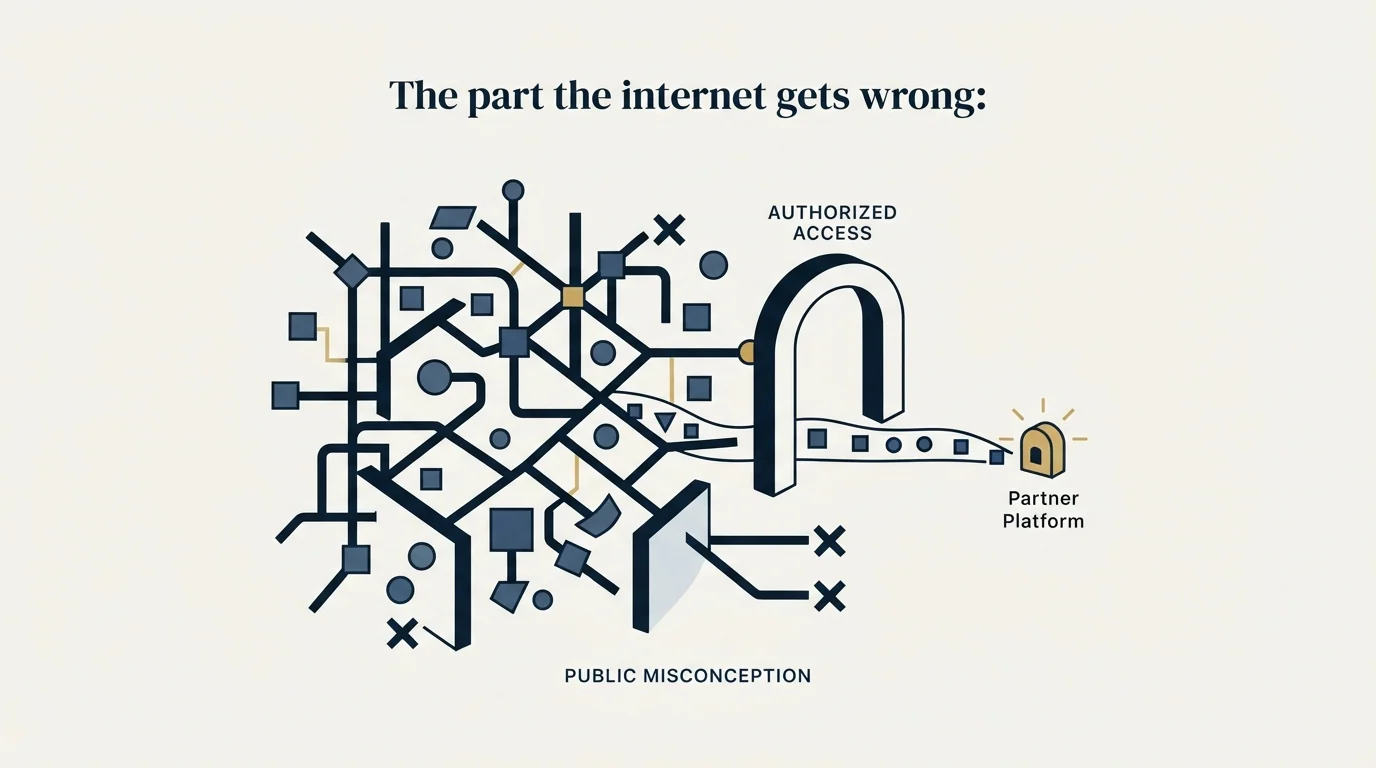
Several third-party articles state that SNAP is closed to new partners and attribute the statement to LinkedIn. That attribution is genuine, and it is worth saying so, because the usual response to those posts is to dismiss them as unsourced repetition.
The note appears at the top of LinkedIn's Sales Navigator developer documentation, and it reads in full: "We are not currently accepting new partners for access to the LinkedIn Sales Navigator API. We periodically review our onboarding capacity and will update this page if availability changes. Thank you for your understanding." That page carries a last-updated date of May 2025.
At the same time, LinkedIn's Sales Navigator help centre describes an open application. Organisations interested in joining can apply to the SNAP programme in one of the supported integration areas, and the SNAP team typically responds to applications within 30 days of submission. That page presents the process as available, with no closure notice on it.
- Describes SNAP as a partner program for integrations
- Says organisations can apply in a supported integration area
- States the SNAP team typically responds within 30 days
- Carries no closure notice
- Frames the programme as currently open to applications
- Carries a note at the top of the overview page
- States new partners are not currently being accepted for API access
- Says onboarding capacity is periodically reviewed
- Promises the page will be updated if availability changes
- Last updated May 2025
So the accurate statement is that LinkedIn's own sources disagree, and any confident claim in either direction is overstating what is publicly knowable. One reading that fits both texts is that the closure note is scoped specifically to API access while the help centre describes joining the partner programme in an integration area, and those may be separate gates with separate queues. That is a reading rather than a fact, and LinkedIn has not published anything reconciling the two.
The practical instruction follows from that. Before planning anything around SNAP, open both pages yourself and see what they say on the day you read them. The developer documentation page is the one that would carry a change in availability, since it promises to be updated when capacity changes. Treat any blog post on this topic, including this one, as a snapshot with a date on it.
If you have a real product and a real integration case, applying costs a form submission. The downside of a slow reply is a few weeks, and it is the only route to the platform that exists.
What everyone else should do instead
Assume for the moment that you are a sales team rather than a software vendor. There are three sanctioned routes to Sales Navigator data, and it is worth being precise about the limits of each.
CRM integration. This is the supported path for moving records out, and it lives on Advanced Plus. LinkedIn offers CRM Sync for Salesforce, Microsoft Dynamics and HubSpot, embedded Sales Navigator profiles inside those CRMs, and lead creation that writes a record from a Sales Navigator lead page into the CRM. Advanced Plus is quoted rather than list-priced, customised to team size, CRM integration and onboarding needs, and the tier differences are broken down in Core versus Advanced with current published prices in Sales Navigator pricing.
Choosing a CRM sync path also means living within that vendor's rate limits, and Pipedrive's API token budget explains how one popular CRM meters access and prices out a sync.
An existing SNAP partner's product. If a tool you already license appears in the partner directory, the integration you want may already be built and paid for. This is the route most teams overlook, and it costs nothing to check the directory against your current stack before assuming you need to build anything.
Manual workflows. LinkedIn's help centre states that it "currently doesn't offer the option to export account and lead information from Sales Navigator into a CSV or XLS file." With no bulk export and no self-serve API, a person moving qualifying records by hand remains a legitimate route, and for the volumes most teams actually work it is a smaller job than the alternative of solving it structurally. The list-building workflow that keeps that manual step small is covered in Sales Navigator for lead generation.
- Yes: CRM Sync into Salesforce, Microsoft Dynamics or HubSpot on Advanced Plus
- Yes: Lead creation writing records from Sales Navigator into your CRM
- Yes: An integration in a product you already license that appears in the SNAP partner directory
- Depends: Applying to SNAP because you have a product and a genuine integration case
- Depends: A person moving qualifying records by hand at your real working volume
- No: A public self-serve API you can get a key for
- No: Bulk CSV or XLS export from the Sales Navigator interface
- No: Scripts, crawlers or browser extensions that extract records
Why the unsanctioned route stays off the list
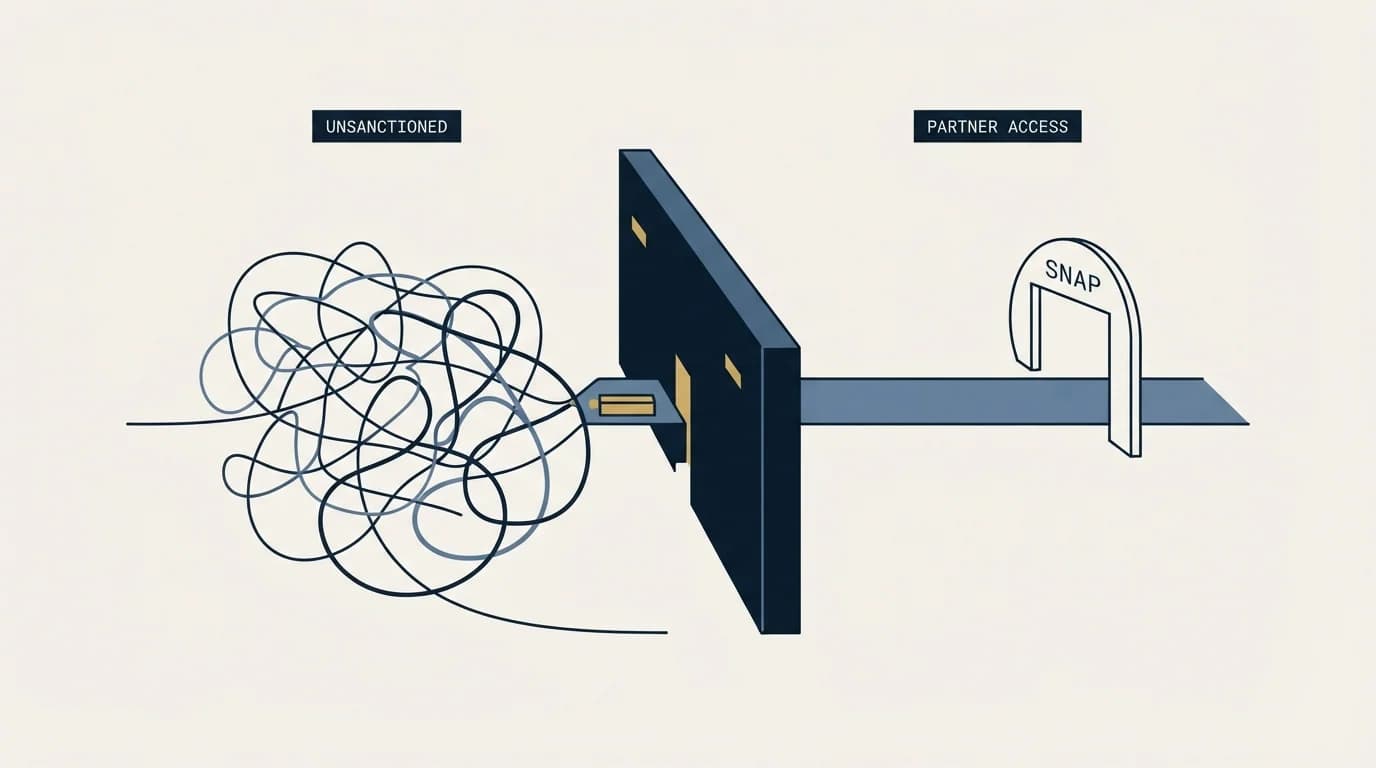
The gap between what teams want and what LinkedIn provides is filled by a large market of extraction tooling, and it is worth being direct about where that sits.
LinkedIn's User Agreement prohibits members from developing, supporting or using "software, devices, scripts, robots or any other means or processes (such as crawlers, browser plugins and add-ons or any other technology) to scrape or copy the Services", and separately from using "bots or other unauthorized automated methods to access the Services, add or download contacts". That language covers the entire category regardless of how a given product describes itself, and a tool being widely used does not change the terms it operates against.
The exposure lands on the LinkedIn account performing the extraction, which in practice is a seller's or a founder's own profile along with the network and message history attached to it. Weigh that against a list that still needs email discovery and verification before it can be used. The broader automation category, including the parts that operate inside LinkedIn's terms, is covered in LinkedIn automation tools.
What to do when you genuinely need data at volume
If your requirement is a large volume of contact records for outbound, Sales Navigator was never going to be the source of them, with or without API access. It holds no email addresses, and its records are self-reported by the people they describe.
The workflow that holds up separates the two jobs. Sales Navigator defines and monitors the market, using saved searches and their alerts to keep a current view of who qualifies. Contact data comes from providers whose terms permit programmatic access, and every address goes through verification before anything is sent, which is the step that protects the sending domain and is compared in email verification tools.
That split is more work than a single export button. It is also the only version of this that does not depend on a partner application, a policy reversal, or a terms violation.
RevenueFlow runs that whole chain as part of an engagement, from list definition through contact discovery, verification and sending infrastructure, with one message per campaign and no follow-up bumps. You can see what a campaign would look like for your market.
The short version
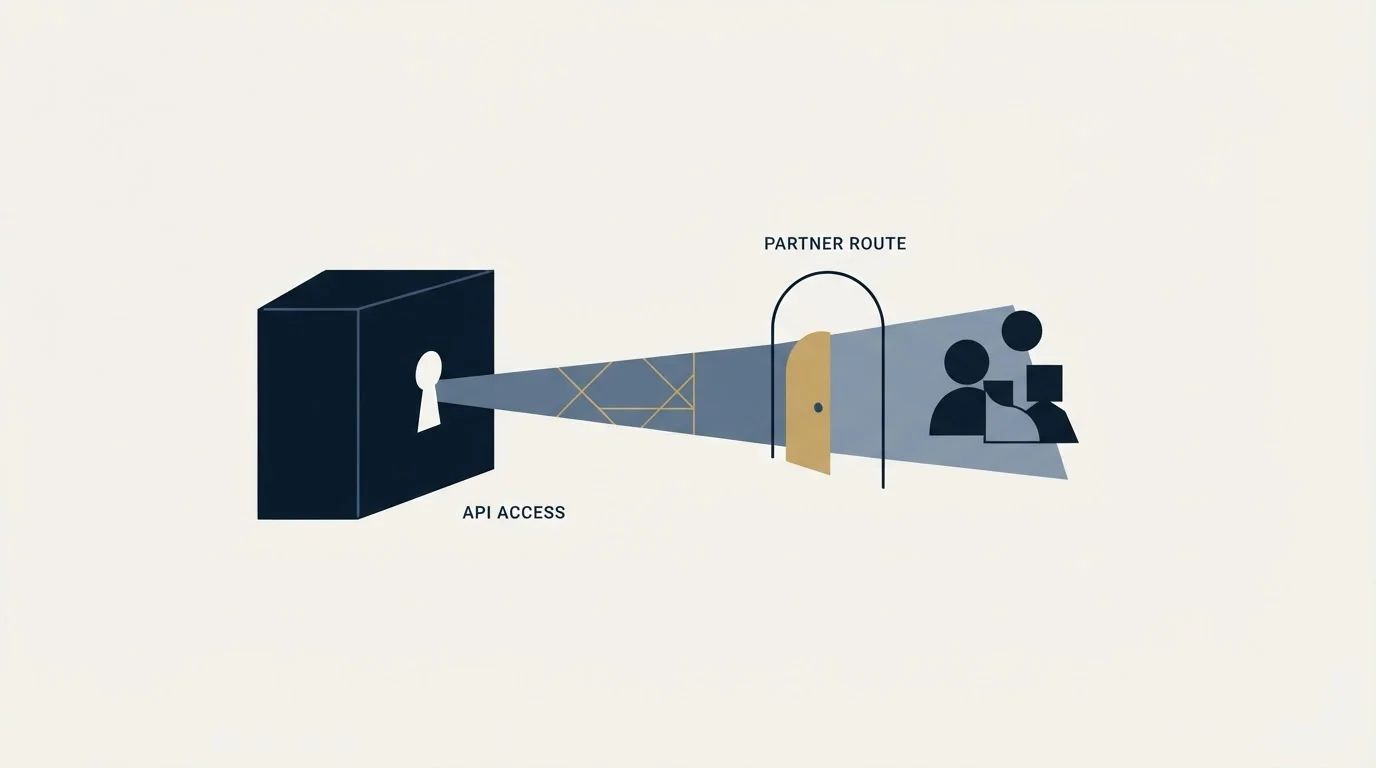
A Sales Navigator API exists. It is SNAP, the Sales Navigator Application Platform, which LinkedIn describes as a partner program providing integrations across your sales stack, organised into seven integration categories. Its three service families are Display Services for embedded UI modules, Analytics Services for bulk export of sales team activity and usage metadata, and Sync Services for CRM data integrity. None of them is a bulk feed of prospect records.
On whether you can join, LinkedIn's own sources disagree. The help centre says organisations can apply and that the SNAP team typically responds within 30 days. The developer documentation carries a note saying new partners are not currently being accepted for API access, with onboarding capacity reviewed periodically and a promise to update that page if availability changes. It was last updated in May 2025. Third-party posts asserting the closure are quoting a real LinkedIn source, and they generally fail to mention that a second LinkedIn page says something different. Check both yourself before planning around either.
For everyone who is not a partner, the sanctioned routes are CRM Sync on Advanced Plus into Salesforce, Microsoft Dynamics or HubSpot, an integration inside a SNAP partner product you may already license, and manual work. There is no CSV or XLS export and no self-serve API. Extraction tooling breaches the User Agreement and risks the account running it, so contact data for outbound belongs with providers whose terms permit programmatic access, verified before use.
SNAP programme details, API service descriptions and plan features verified against LinkedIn's own help centre and developer documentation as of mid-2026. Both LinkedIn pages cited below should be re-read before acting on them, since they currently disagree and one of them promises to be updated when availability changes.
Sources: Sales Navigator Application Platform (SNAP) overview, LinkedIn Help, Sales Navigator Application Platform documentation, LinkedIn developer docs, Export account and lead information from Sales Navigator, Sales Navigator plan comparison, LinkedIn User Agreement
Frequently asked questions.
Frequently asked questions- Is there a LinkedIn Sales Navigator API?
- Yes, as SNAP, the Sales Navigator Application Platform, which LinkedIn describes as a partner programme providing integrations across a sales stack. It is not a public self-serve API, so access depends on being an approved partner rather than on signing up for credentials.
- Can I apply to the SNAP programme?
- LinkedIn's own help page describes an application process and states that the SNAP team usually responds within 30 days. Some third-party sources claim the programme is closed to new partners, which contradicts that. Check the current LinkedIn page directly rather than relying on either account.
- How do I get Sales Navigator data into my CRM?
- Through the CRM integrations available on Advanced plans, which cover Salesforce, HubSpot, Microsoft Dynamics and Oracle. That is the sanctioned route for most teams and avoids needing API access at all, since the integration handles the synchronisation on LinkedIn's terms.
- Can I scrape Sales Navigator instead?
- No. Scraping violates LinkedIn's terms of service and puts the account at risk of restriction. Whatever data you obtain also arrives without the guarantees an integration provides. The sanctioned routes are the CRM integrations, an existing partner product, or manual capture.
About the author.

B2B cold email experts helping companies generate qualified leads through done-for-you outreach campaigns.
RevenueFlow Team
Explore more.
Ready to scale your outreach?
We build GTM engines that book real meetings. See the receipts.
Related articles.
What Is LinkedIn InMail? Not a Connection Request
LinkedIn InMail explained: how credits work, why replies refund them, the 200 and 1,900 character limits, and when a connection request is the better move.
LinkedIn Sales Navigator Free Trial: Real Value in 30 Days
A plan for a Sales Navigator trial: what to build in the first session, what only a trial can tell you, and what to capture before access ends.
Sales Navigator Lead Generation: Lists That Export Cleanly
Building searches that map to a real ICP, why saved searches are the actual product, and the export constraint that shapes every workflow around the tool.
Sales Navigator Core vs Advanced: What Justifies the Upgrade
Advanced adds team management, CRM integration, ROI reporting and Buyer Intent over Core. Who genuinely needs each, and why a solo seller usually should not upgrade.
LinkedIn InMail: A Guide to Credits, Limits and Spending One
The full InMail system in one place: credit allowances by plan, the refund rule, character limits, the rules nobody tells you, and how to decide on a send.
LinkedIn InMail Credits: How They Roll Over and Expire
How the InMail credit system behaves: monthly allocation, rollover ceilings, the 90-day clock, exactly what refunds a credit, and why you cannot buy more.