Clay vs Lusha: Which B2B Data Enrichment Tool to Use?
Both platforms help you enrich prospect data for outreach. An objective breakdown of pricing, features, and use cases to help you choose the right B2B data tool.
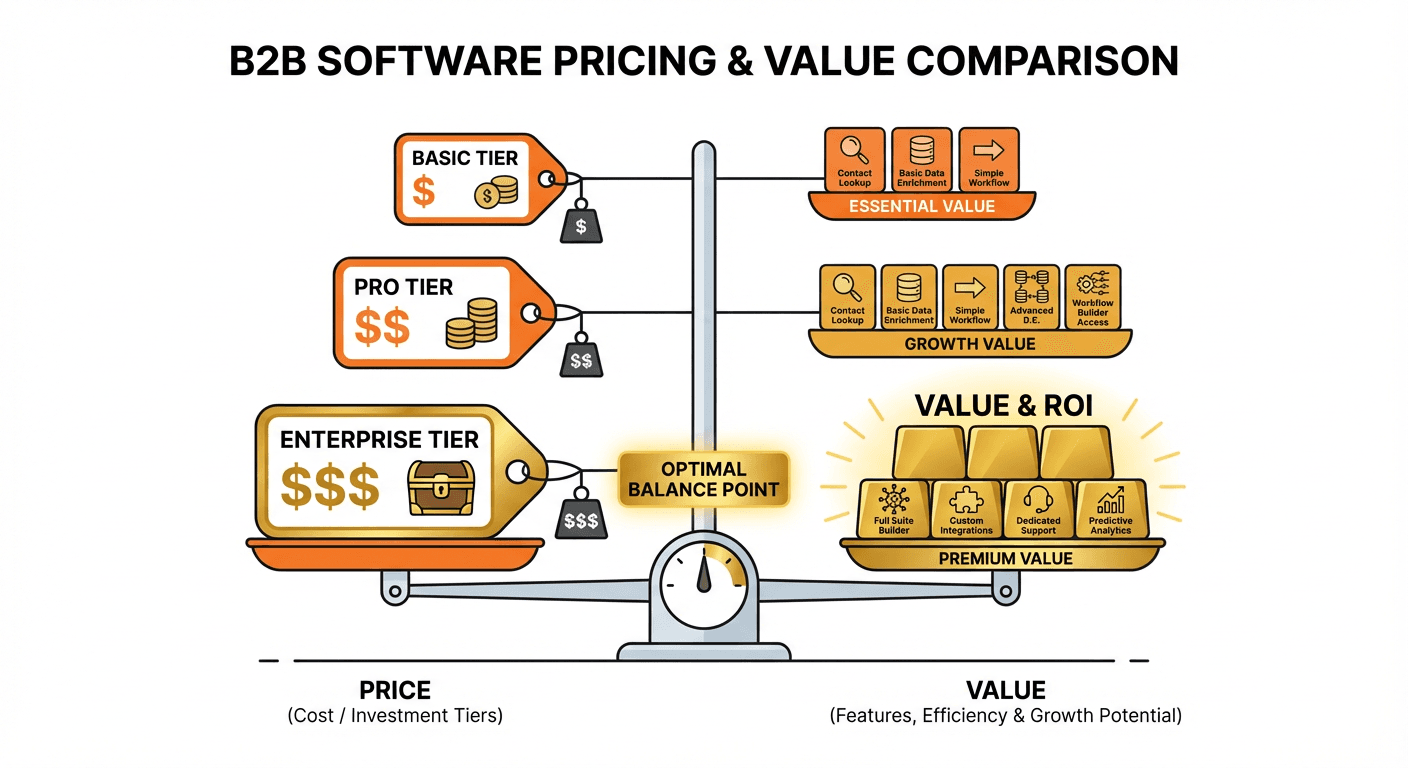
Clay vs Lusha comes down to what each one meters. Lusha charges credits per reveal, 1 for an email and 5 for a phone number, with Pro at $52.45 a month billed yearly and 2 free seats. Clay charges data credits plus actions, from $185 a month on Launch, with unlimited seats on every plan.
Key takeaways
- Lusha's pricing page charges 1 credit for a verified email and 5 credits for a phone number, and lists Starter at $37.45, Pro at $52.45 and Premium at $299.95 a month billed yearly.
- Lusha does not sell seats one at a time: Starter includes 1 seat, Pro lists 2 free seats and Premium 5, and its FAQ sends teams larger than 5 users to sales.
- Clay's Launch plan lists at $185 a month, built from 15,000 actions at $60 and 2,500 data credits at $125, and every Clay plan, Free included, has unlimited seats.
- Clay charges nothing when an enrichment finds no result, lets you bring your own API keys to skip data credits, and rolls unused data credits over up to twice the monthly amount on Launch and Growth.
Reviewed and updated September 18, 2026
Lusha's pricing page lists its Pro plan at $52.45 a month billed yearly, with 2 free seats. Clay's pricing page lists its Launch plan at $185 a month, and every Clay plan with unlimited seats. Those two lines hide most of the Clay vs Lusha decision, because the two tools meter different things: Lusha counts the contacts a rep reveals, and Clay counts the data it buys plus the work it does to get it. This comparison reads both pricing pages as they are served now and works out who should pick which.
Clay vs Lusha: the short answer
Pick Lusha when reps find prospects one at a time on LinkedIn, in a CRM or on a company website, and want a price per reveal they can predict: its pricing page charges 1 credit for an email and 5 for a phone number. Pick Clay when someone will build enrichment workflows that try several data providers in turn, research accounts with AI and push the result into a CRM or sequencer.
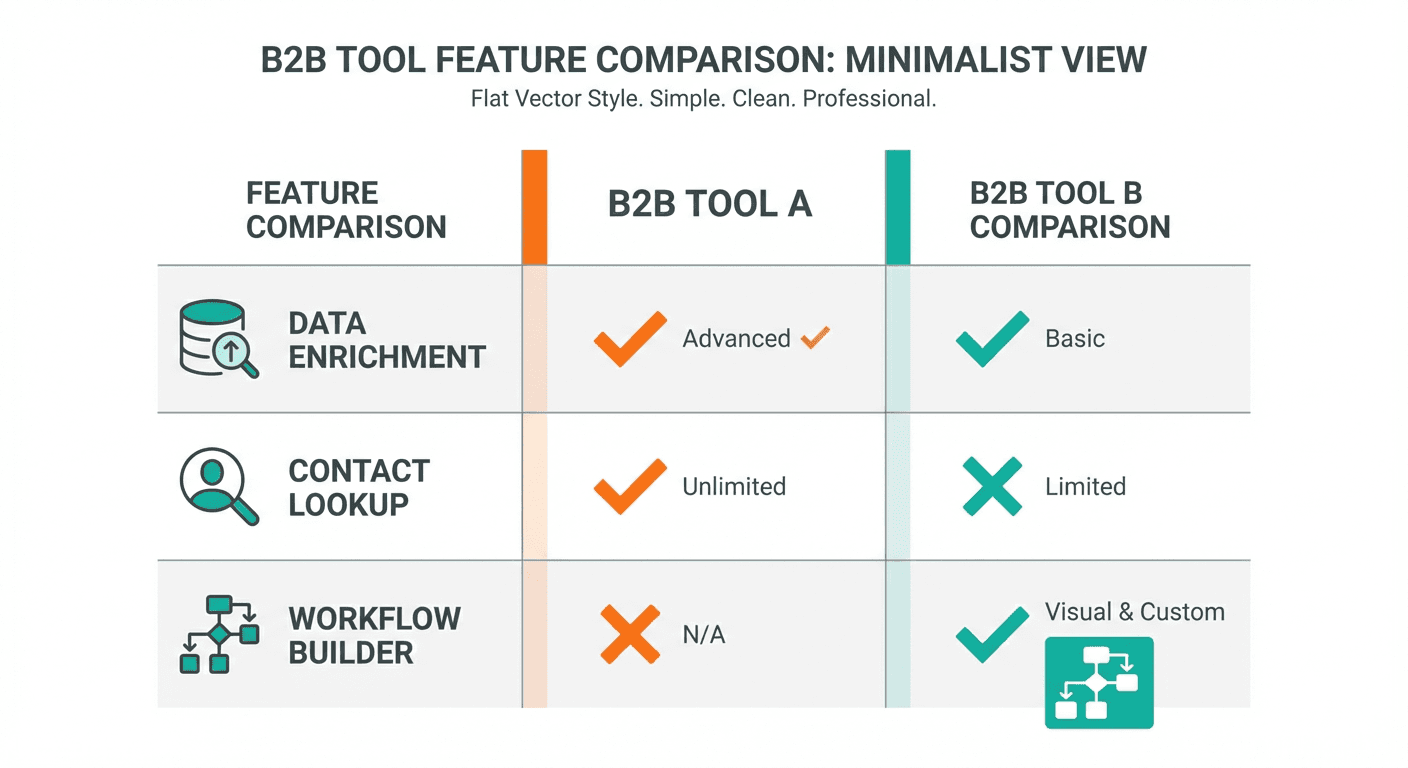
The two can sit in one stack, and the useful question is which job you are buying for first. A rep who needs a phone number before a call is buying a lookup. An operations lead who needs thousands of accounts enriched, scored and routed every week is buying a workflow, and a lookup tool will not do that job at any price.
Understanding the Core Difference
Both platforms help you get contact data. Both integrate with major CRMs. Both serve sales and marketing teams. On paper, they look like competitors solving the same problem.
Where Clay and Lusha diverge on workflow depth versus quick lookups, a similar contrast plays out in the comparison of LeadIQ and Seamless.AI, which weighs email personalization and champion tracking against real-time contact search.
The difference is in the scope.
Lusha is a contact data provider. You find a prospect on LinkedIn, click the extension, and get their email and phone number. The platform also offers bulk enrichment through CSV uploads and intent signals for identifying prospects.
Since Lusha focuses purely on contact discovery, it pairs naturally with a pipeline tool rather than replacing one, as explored in the comparison of a CRM against Lusha.
Clay is a data orchestration platform. Its pricing page describes a marketplace of 150+ data partners, AI research through its agent Claygent, and what it calls "multi-provider waterfalls": a column that asks one provider for an email and, when that provider finds nothing, asks the next. The same page sells a native email sequencer and sends audiences to ad platforms, so a Clay table can end in a send or a campaign rather than a spreadsheet.
Since Clay pulls from a wide provider network, it is worth seeing how another enrichment platform compares after losing its standalone offering in the Clearbit and LeadIQ comparison.
How Clay and Lusha charge
Clay pricing
| Plan | Billed monthly | Billed annually | Included each month | What the plan adds |
|---|---|---|---|---|
| Free | $0 | $0 | 100 data credits, 500 actions | Unlimited seats and tables, multi-provider waterfalls, Claygent, 200 rows per table |
| Launch | $185/mo | $167/mo | 2,500 data credits, 15,000 actions | Phone number enrichment, job change signals, email campaigns, 50,000 rows per table |
| Growth | $495/mo | $446/mo | 6,000 data credits, 40,000 actions | CRM auto-sync, HTTP API integrations, webhooks, web intent signals, priority support |
| Enterprise | Custom | Annual commitment | 100,000+ data credits, 200,000+ actions | Clay API access, SSO, role-based access control |
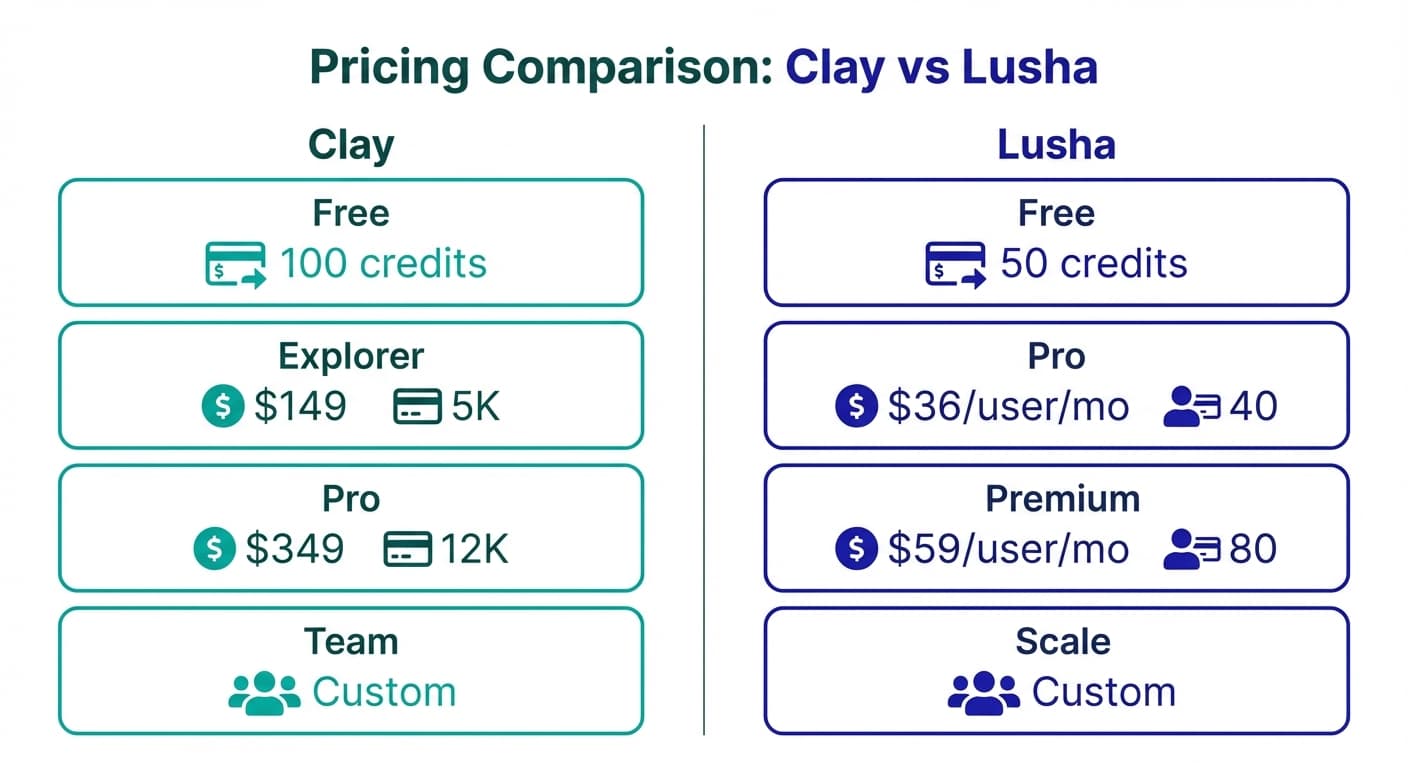
Clay's price is two meters added together, and the pricing page says which is which. Data credits pay for data: an email, a phone number or a company record bought from one of its 150+ data partners, at a starting price of $0.05 a credit. Actions pay for the work: enriching a row, running a table, calling an AI model, exporting. On monthly billing the Launch card builds its $185 from 15,000 actions at $60 and 2,500 data credits at $125, and Growth builds its $495 from 40,000 actions at $205 and 6,000 data credits at $290. The page opens on annual billing, which shows the same two plans at $167 and $446 a month.
Three rules on the same page change what a Clay bill looks like. Bring your own API key for a provider and you pay actions only, with no data credits. An enrichment that returns no result costs neither. And unused data credits roll over on Launch and Growth, up to twice the monthly amount, while actions reset every billing cycle.
Source: clay.com/pricing
Lusha pricing
| Plan | Billed yearly | Billed monthly | Credits | Seats |
|---|---|---|---|---|
| Free | $0 | $0 | 40 a month | 1 seat included |
| Starter | $37.45/mo | $49.90/mo | 4,800 a year, or 400 a month | 1 seat included |
| Pro | $52.45/mo | $69.90/mo | 7,200 a year, or 600 a month | 2 free seats |
| Premium | $299.95/mo | $399.90/mo | 40,800 a year, or 3,400 a month | 5 free seats |
| Scale | Contact sales | Contact sales | Custom | Custom seats |
Lusha's pricing page opens on yearly billing, labelled 25% off, and shows the monthly prices only when the toggle is switched to Pay monthly. The unit is the reveal: 1 credit for a verified email and 5 credits for a phone number, so a contact with both costs 6. On monthly billing the Pro and Premium cards say credits roll over up to 2x, while annual plans grant every credit up front and reset what is unused at the end of the year.
Seats are the line to read twice. Lusha does not sell them one at a time: the plans list 1 seat on Starter, 2 free seats on Pro and 5 free seats on Premium, the FAQ says a team that needs more seats upgrades to a higher tier, and it asks teams larger than 5 users to talk to sales.
Source: lusha.com/pricing
A worked example: three reps, 300 contacts a month
The arithmetic here is illustrative. The team and the volume are invented; the prices are the list prices above.
Three reps each want 100 new contacts a month. On Lusha the seat line decides before the credit line does. Starter includes 1 seat and Pro lists 2 free seats, so the smallest listed plan for three people is Premium, at $399.90 a month or $299.95 billed yearly. Its allowance, 3,400 credits a month on monthly billing, then covers the volume either way: 300 credits if the reps take emails only, 1,800 if every contact also gets a phone number at 5 credits.
On Clay the three reps fit on any plan, because every plan lists unlimited seats. What 300 contacts cost there depends on which providers the waterfall calls and how often the first one comes back empty, and the pricing page does not publish a credit price per provider. The honest statement is the allowance: Launch includes 2,500 data credits a month for $185, and a lookup that finds nothing costs nothing.
So at three seats Lusha's bill is set by headcount and Clay's by the data. A solo rep inverts the picture: Lusha Starter at $49.90 a month, or $37.45 billed yearly, is a much smaller commitment than any paid Clay plan.
Where the data comes from
Clay: a marketplace plus your own keys
Clay's pricing page counts its sources two ways: the FAQ and the plan table say 150+ data partners, while the navigation menu on the same page advertises buying data from 200+ providers. Either way the model is aggregation. A waterfall column asks providers in the order you set, and Clay's own description of it is combining multiple data providers for the best coverage. A team that already holds a contract with a provider can bring that provider's API key and pay Clay only for the actions.
Lusha: one database, one interface
Lusha sells its own data through its own surfaces: the web platform, a browser extension that works on LinkedIn, CRMs, any website and Google Calendar and Gmail, an API listed on the Pro card, and an MCP server that puts its data inside AI assistants. There is no provider to choose and no waterfall to design, which is the point for a rep who wants a number now.
What that means for coverage
Clay's multi-provider approach can fall back to another source when the first finds nothing, which is why its page talks about coverage. Lusha's coverage is whatever its database holds for that person. Neither pricing page publishes a match rate, so the only comparable number is the one you measure: run the same 40 contacts through both free plans and verify the results outside either tool.
What each one lists
Clay lists
- Multi-provider waterfalls and Claygent research
- Unlimited seats and tables on every plan
- Launch Phone number enrichment
- Launch Job change, company news and social signals
- Launch Clay's own email sequencer
- Growth CRM auto-sync, HTTP API integrations, webhooks
- Enterprise Clay API access, SSO, role-based access
Lusha lists
- Verified emails and phones, browser extension
- Free Automated email sequences, call recordings and AI insights
- Starter Lookalikes, bulk enrichment, AI assistant
- Starter 5 buying intent topics
- Pro API, CSV enrichment, signals, webhooks
- Premium Team management and credit allocation
- Scale SSO and 25 buying intent topics
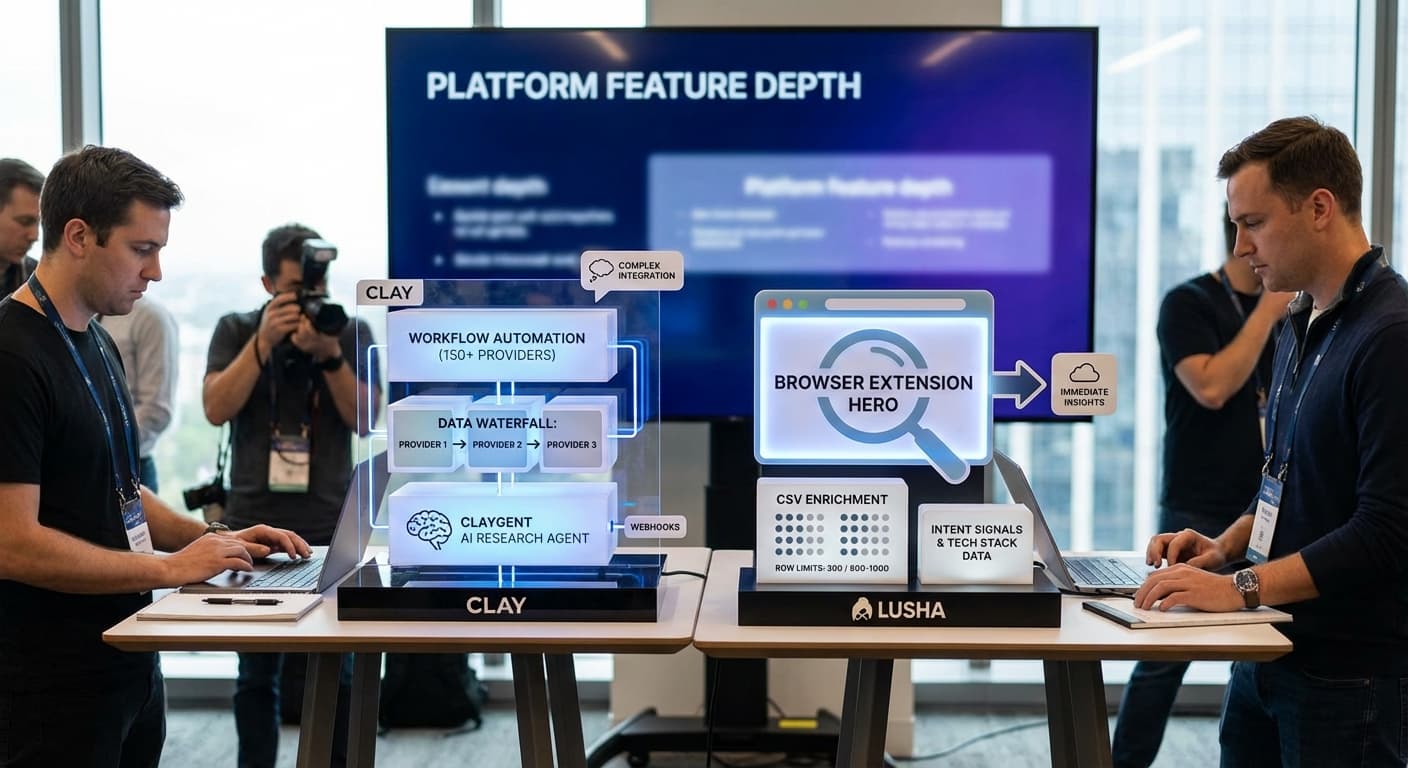
Both lists are taken from the two pricing pages, and two lines in them correct a common reading of this pair. Lusha is more than a lookup tool: its Free plan lists automated email sequences and its Starter plan an AI assistant and 5 buying intent topics. And Clay is more than a spreadsheet: it sends email through its own sequencer from Launch upward. The overlap is real at the edges, while the centre of each product is still a different job.
Integration Ecosystem
Clay Integrations
Clay's integrations are gated by plan. Launch adds email campaign integrations and Clay's own sequencer. Growth adds CRM integrations, HTTP API integrations, webhooks, native connections to Snowflake, Fivetran, Postgres, Databricks and BigQuery, and ad audiences sent to LinkedIn and Meta. Enterprise adds the Clay API itself.
Lusha Integrations
Lusha's pricing page puts the browser extension and CRM integrations on every plan, Free included, with direct export to a CRM costing 1 credit per result. The API, webhooks and CSV enrichment start on Pro, and an MCP server connects its data to AI assistants.
Integration Comparison
The practical difference is where the data lands. Lusha pushes a revealed contact into the CRM a rep already works in. Clay pulls from many places, reshapes the data and pushes the result wherever the workflow points, and below Growth that list does not include a native CRM sync.
Who should pick which
Lusha fits
- Reps prospecting by hand on LinkedIn, in a CRM or on a company website, who want the email or phone number inside the page they are already on.
- A solo seller or a team of up to five, where the 1, 2 or 5 seats on Starter, Pro or Premium cover everyone.
- Teams that call, because a phone number is a fixed 5 credits on every plan.
Clay fits
- An operator who will design the workflow: waterfalls, AI research columns, scoring and routing.
- Larger teams, because seats cost nothing on any Clay plan.
- Teams that already pay data providers and can bring their own API keys. Clay's FAQ calls Launch the best way to start building in Clay, and Growth is where CRM sync arrives.
The two workflows look different on a Tuesday afternoon. On Lusha a rep finds a prospect, opens the extension, reveals the contact, saves it to the CRM and repeats. On Clay someone imports a list, adds enrichment columns, sets the waterfall order, adds a Claygent research column, filters on the result and pushes the survivors to a CRM or a sequencer.
Clay vs Lusha at a glance
| Clay | Lusha | |
|---|---|---|
| What you pay for | Data credits plus actions | Credits per reveal |
| Cheapest paid plan, monthly | Launch, $185 | Starter, $49.90 |
| Same plan billed yearly | $167 a month | $37.45 a month |
| Seats | Unlimited on every plan | 1, 2 or 5 by plan; sales above 5 users |
| Free plan | 100 data credits and 500 actions a month | 40 credits a month |
| Phone numbers | From Launch | 5 credits each, every plan |
| Unused allowance | Data credits roll over up to 2x; actions reset | Monthly Pro and Premium roll over up to 2x; annual credits reset yearly |
| API | HTTP API integrations on Growth; Clay API on Enterprise | API from Pro |
Final Thoughts
Clay and Lusha serve different needs in the B2B data stack:
Choose Lusha for: reveals by hand from LinkedIn, CRMs and company websites, a fixed credit price per email and phone number, and teams of up to five on a listed plan.
Choose Clay for: multi-provider enrichment, AI research at scale, workflows that end in a CRM, a sequencer or an ad audience, and teams of any size on one bill.
The two can run side by side: Lusha for quick lookups during manual prospecting, Clay for automated enrichment pipelines. At the edges they overlap; at the centre they do different jobs.
Deciding which enrichment pairing fits your stack gets easier after seeing how another pair stacks up in the comparison of data volume versus prospecting workflow.
The best choice depends on your workflow complexity, team size, and budget. For simple contact lookup needs, Lusha delivers value quickly. For building scalable, automated prospecting systems, Clay provides the infrastructure to make that happen.
Related Reading
- Lusha vs Clearbit: Sales Prospecting Tool vs Marketing Enrichment Platform
- Clay vs Clearbit: Which B2B Data Enrichment Tool Fits Your Stack?
- ZoomInfo vs Lusha: Enterprise Data Platform vs Lightweight Prospecting Tool
If you would rather have this run for you, RevenueFlow books qualified meetings on a pay-per-meeting basis and publishes client results.
Pricing and features are taken from the vendors' own pages. Verify current terms with the vendor before relying on them.
Frequently asked questions.
Frequently asked questions- Is Clay or Lusha better for B2B data enrichment?
- They do different jobs. Lusha is better when each rep reveals contacts by hand on LinkedIn, in a CRM or on a company website and wants a fixed price per reveal. Clay is better when an operator builds enrichment workflows that try several data providers in turn, research accounts with AI and push the result into a CRM or sequencer. Seat count and volume usually settle it.
- How much does Lusha cost compared with Clay?
- Lusha's pricing page lists Starter at $49.90 a month, Pro at $69.90 and Premium at $399.90 on monthly billing, or $37.45, $52.45 and $299.95 billed yearly. Clay lists Launch at $185 a month and Growth at $495, or $167 and $446 billed annually. Lusha's cheapest paid plan is smaller, but its seats are capped by plan while Clay's are unlimited.
- Does Lusha charge per user?
- Not one seat at a time. Lusha's pricing page includes 1 seat on Starter, lists 2 free seats on Pro and 5 free seats on Premium, and its FAQ says a team that needs more seats upgrades to a higher tier. Teams larger than 5 users are asked to contact sales about the Scale plan, which has custom seats and custom credits.
- Does Clay charge when an enrichment finds nothing?
- No. Clay's pricing page says an enrichment that returns no result costs neither data credits nor actions. Data credits pay for data bought from its 150+ data partners, starting at $0.05 each, and actions pay for the platform work. Bringing your own API key for a provider removes the data credit charge for that provider entirely.
About the author.

Tim Carden is CMO / CTO at RevenueFlow, which builds and operates outbound revenue engines for B2B companies. Studied at McGill University.
Tim Carden · CMO / CTO
Connect on LinkedIn →Explore more.
Ready to scale your outreach?
We build GTM engines that book real meetings. See the receipts.
Related articles.
Cognism vs Upcell: A Data Provider Against a Data Layer
Cognism sells compliance-first contact data by quote and credit; Upcell sells a layer that runs your providers, Cognism included, through one record. Read 18 Sep 2026.
PromptLoop vs ZoomInfo: Web Research Against a Database
PromptLoop builds a dataset from the live web in credits it publishes; ZoomInfo sells access to a maintained database by quote. Both pages read 18 September 2026.
Chili Piper vs LeanData: Form-First Against CRM-First
Chili Piper publishes a seat floor and bundles scheduling and chat; LeanData prices by Salesforce object and sells scheduling separately. Both read 18 September 2026.
Zoom Revenue Accelerator vs Gong: An Add-On vs a Platform
Zoom's support centre documents Revenue Accelerator as a licence on a Zoom account in two classes; Gong sells a platform per user plus a platform fee. Neither has a rate.
Mailshake vs Pipedrive: A Sender and a CRM, Side by Side
Mailshake sells per-user sending with a two-way Pipedrive sync from its middle tier; Pipedrive is a per-seat CRM with sequences from Growth. Both read 18 September 2026.
Metadata vs 6sense: Paid Media Execution vs Intent
Metadata runs paid B2B campaigns through seven AI agents; 6sense ranks accounts on intent and sells contact data by credit. Neither publishes a rate. Read 18 Sep 2026.