Inbox Placement Test for B2B Teams: Diagnosing Placement
A placement test is a comparison instrument, not a score. Set it up so the reading is attributable, and know which layer it is structurally unable to see.

An inbox placement test sends your message to a set of mailboxes a measurement vendor owns, spread across receiving providers, and reports which folder each copy reached. It is an inference from a proxy population rather than an observation of real recipients, so it is evidence about direction and about provider-to-provider differences.
Key takeaways
- Every product uses the same seed-mailbox mechanism, so vendors differ on three axes rather than on quality: what they test through, whether you can send via your own campaign, and how finely they split the outcome.
- Test the rendered campaign message through the real sending platform and domains, because a stripped test message and a vendor-interface send describe something you are not sending.
- Read direction and provider-to-provider difference, never the absolute percentage, since the figure is produced by a population with no relationship to your sender.
- Seed sets sit at public mailbox providers, so the recipient-side security gateway layer that decides a large share of B2B outcomes is invisible to the method.
Reviewed and updated September 1, 2026
Inbox Placement Test for B2B Teams: Diagnosing Placement Without Guesswork
A placement test comes back at 82 percent and nobody knows what to do with it. It is not obviously bad. It is not obviously good. There is no threshold anyone can point to, the number moved four points since the last run, and the team spends the afternoon arguing about whether four points means anything.
That afternoon is avoidable, and avoiding it has almost nothing to do with which product you buy. It has to do with how the test is set up and what question it was asked.
What a test actually does
The mechanism is the same across every product in the category. You send your message to a set of mailboxes the vendor controls, spread across receiving providers, and software checks each one to see which folder the message reached.
The vendors describe it in those terms themselves. GlockApps asks you to send to "a collection of mailboxes meticulously managed by GlockApps". Mailgun's page says its seed lists let you "proactively test where your emails will land at major mailbox service providers before you send". MXToolbox offers a "simple, detailed report of where your email goes" and asks you to "Proactively send emails to our test inboxes". ZeroBounce puts it most directly: "Just send your campaign to our list of generated testing email addresses."
Note what all four have in common. The mailboxes are theirs. Nothing in this method observes what happened to a real recipient, because as the placement definition explains, no mechanism exists by which a receiving provider reports that to a sender. Every placement figure in existence is an inference from a proxy population.
That is a limitation rather than a disqualification, and knowing which limitation you are working with is what makes the number usable.
The setup decisions that decide whether the answer means anything
Test the message you are actually going to send
The most common way a test is wasted is by testing a simplified version. A draft with the tracking domain removed, the links stripped, the signature shortened, or the merge fields left unrendered is a different message from the one your campaign sends, and its result describes that different message.
Send the rendered article: real links, real tracking domain, real signature, real merge output for a real row. If your campaign personalises, the rendered variant a real recipient would receive is the thing to test, since the personalisation is part of what gets scored.
Send it the way the campaign sends it
A test fired from the vendor's own interface travels a different path from a campaign sent through your sending platform on your own domains and mailboxes. The connecting address differs, the authentication alignment may differ, and the sending reputation being consulted is a different reputation.
Where the product allows it, add the seed addresses to the campaign itself and let the campaign send to them alongside everyone else. That is what MXToolbox suggests when it offers adding its test inboxes to a normal send. The result then describes your infrastructure, which is the thing you were trying to measure.
Change one thing at a time
A placement figure is a measuring instrument, and the value of an instrument is in the comparison. A single reading against no baseline supports no decision.
- Step 1Establish a baseline first
Run the current campaign, unchanged, through the current infrastructure. This reading is the reference every later one is read against.
- Step 2Change exactly one variable
The domain, the copy, the sending platform, or the authentication setup. Two changes in one run produces a number that cannot be attributed to either.
- Step 3Re-run under the same conditions
Same seed set, same time of day, same sending mailboxes. A comparison across different conditions is not a comparison.
- Step 4Read the direction, not the level
Whether the figure moved, and at which providers. The absolute percentage is an estimate produced by a proxy population and does not belong in a target.
What a B2B sender should expect the test to miss

This is where the generic advice stops being useful, because the seed populations are built for consumer-facing mail and B2B cold outbound is a different problem.
Seed sets cover the large public mailbox providers well. Business mail routinely passes through a security layer that no seed set replicates: a gateway the recipient's IT department bought, or an API-connected product inspecting mail after the provider accepted it. A seed mailbox at a public provider tells you nothing about either, and for a list of named business contacts that layer decides a meaningful share of outcomes. Both shapes, and how to spot the first from public DNS, are covered in third-party spam filter.
Some products do test against named enterprise filtering engines rather than only against mailbox providers. GlockApps names Barracuda and Microsoft Exchange Online Protection among the filters its testing runs through, which is a genuinely useful addition for a B2B sender and is closer to the population a business list meets.
The second thing a seed set cannot carry is relationship. A seed mailbox has never opened your mail, never replied, has no contact record and no history, which is precisely the evidence a provider weighs most heavily for an unfamiliar sender. For consumer newsletter mail to an opted-in list, that makes a seed result pessimistic. For cold outbound the gap is smaller, because a genuinely cold recipient also has no history with you, and this is one of the few places where cold email gets an easier measurement problem than everyone else.
- Whether authentication resolves correctly in flight
- Provider-to-provider differences on identical mail
- Direction of change after a single controlled change
- Catastrophic failure at one provider on one day
- The absolute percentage as a target to hit
- Anything about recipient security gateways
- How real recipients with history will be treated
- Whether the message is worth reading
Which product, and what separates them
A deliverability tester and an inbox placement test are the same instrument under two names, and the six products below are what the search returns.
Six vendors sell this, they all use the same seed mechanism, and their own pages describe three genuine differences. Those differences decide whether the result answers your question, and none of them shows up in a feature grid.
What the message is tested against. Most products test at public mailbox providers only. GlockApps is the exception worth knowing about for a B2B list: alongside the providers it runs the message through named filtering engines, its page listing SpamAssassin, "Barracuda, Microsoft Exchange Online Protection (EOP)", Proofpoint and a Google filter. Two of those are products a real business recipient may sit behind.
How you send the test. MXToolbox and ZeroBounce both describe the campaign route, which is the one that produces a reading about your infrastructure rather than about a special send from a vendor interface. Mailgun frames it as pre-send insurance inside its own sending platform.
What comes back. Saleshandy publishes the most specific output description, "ESP-level placement testing that shows if your emails land in the Inbox, Promotions, or Spam", and separating Promotions from spam is genuinely useful because they are different problems with different fixes. Instantly sells "unlimited and automated Inbox Placement tests for Gmail, Outlook and more", which is a different offer from a per-test allowance and moves the product toward monitoring.
- Public mailbox providers, in most cases
- GlockApps additionally names enterprise filtering engines
- The biggest single difference for a business list
- From the vendor interface, testing the vendor's path
- Through your own campaign, testing yours
- MXToolbox and ZeroBounce both describe the campaign route
- Inbox against spam, as a two-way split
- Saleshandy separates Promotions as a third outcome
- Some bundle authentication and content checks alongside
Almost none of them publishes a price, and the pattern is worth reading rather than complaining about. The capability is usually sold as test credits or bundled into a larger subscription, and the subscription is where the vendor wants the conversation. Work out your own sending-domain count, mailbox count, how many distinct messages you would test and how often, before asking. Those four figures are what make a per-test price and a per-mailbox price comparable, and they also settle which product you are shopping for: a test used once a quarter is a diagnostic and should be bought as credits, while a test used weekly is monitoring in all but name and buying it as credits is the most expensive route to it.
Testing once against watching continuously
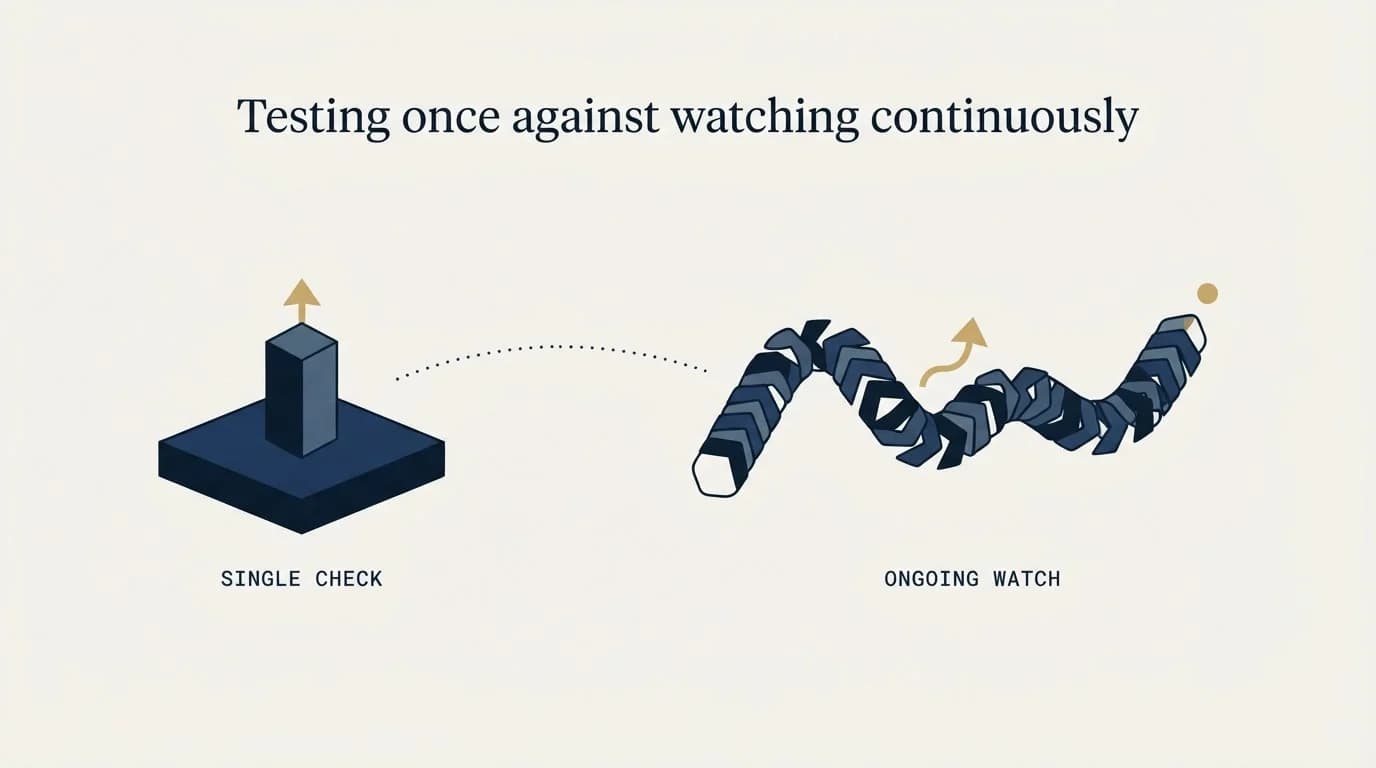
A test is a reading. Monitoring is a series of readings taken without being asked, which is a different product doing a different job.
The case for the series is entirely about timing. A domain that starts being filtered on a Tuesday is a cheap problem if you learn about it on Tuesday and an expensive one if you learn about it when a monthly report is compiled, because everything sent in between was sent into a condition you did not know about. Continuous placement monitoring, blacklist monitoring and DNS-change monitoring all buy the same thing, which is a shorter interval between a change and your knowledge of it.
The case against buying it early is that a monitor which has found nothing looks identical to a monitor that is not working, and it is the first subscription cancelled in a tools review. Two habits keep it honest: check the monitor has actually run recently, and read what it reports at the domain level rather than as a single blended figure. Where the boundary between testing, monitoring and warm-up sits, and which vendors bundle them, is compared in email deliverability platforms.
How often is often enough
There is no correct interval, and the products that publish free allowances effectively answer the question for you at the low end. ZeroBounce advertises "Get 1 test free monthly" and GlockApps opens with two free spam tests, which is enough to establish a baseline and check one change, and not enough to watch anything.
The useful way to decide is by what would trigger a decision. Run a test when something changed that could plausibly move placement: new sending domains, a new sending platform, an authentication edit, a substantially different message, or a jump in volume. Run one when a campaign is behaving oddly and you need to separate an infrastructure question from a message question. Running one on a fixed schedule while nothing changes produces a column of numbers that drift within their own noise and invite exactly the argument this article opened with.
Once a bounce report arrives for a message you never sent, the same authentication changes that trigger a placement check also decide whether it is backscatter or a real compromise.
The free evidence to read first
Before any of this is purchased, two first-party sources cost nothing and are stronger than an estimate.
Google Postmaster Tools reports what Google itself recorded about your domain, including its own spam-rate reading. That is the receiving provider's view rather than an inference about it, which makes it the highest-quality placement evidence a sender can obtain, for Gmail.
A Gmail inbox checker is that same seed mechanism pointed at one provider. The free tools answering whether a message reached Primary, Promotions or spam are sending to Gmail seed addresses and reading the folder, which makes them useful for the tab question and silent on everything else, and Postmaster Tools already reports Google's own view of the domain at no cost.
Reply rate split by receiving provider is the other one, and it is underused. A reply is proof that a human read the message. When the rate holds at three providers and collapses at a fourth while acceptance stays flat, you have found a placement problem without buying a placement number. Read alongside cold email deliverability benchmarks for shape, and never as a target.
- Yes: The rendered campaign message tested, links, tracking domain and signature intact
- Yes: Sent through the real sending platform, domains and mailboxes
- Yes: A baseline reading taken before any change
- Yes: Exactly one variable changed between runs
- Yes: Results read per receiving provider rather than as one blended figure
- No: A single absolute percentage adopted as a team target
- No: A stripped-down test message used because it was quicker to set up
The short version
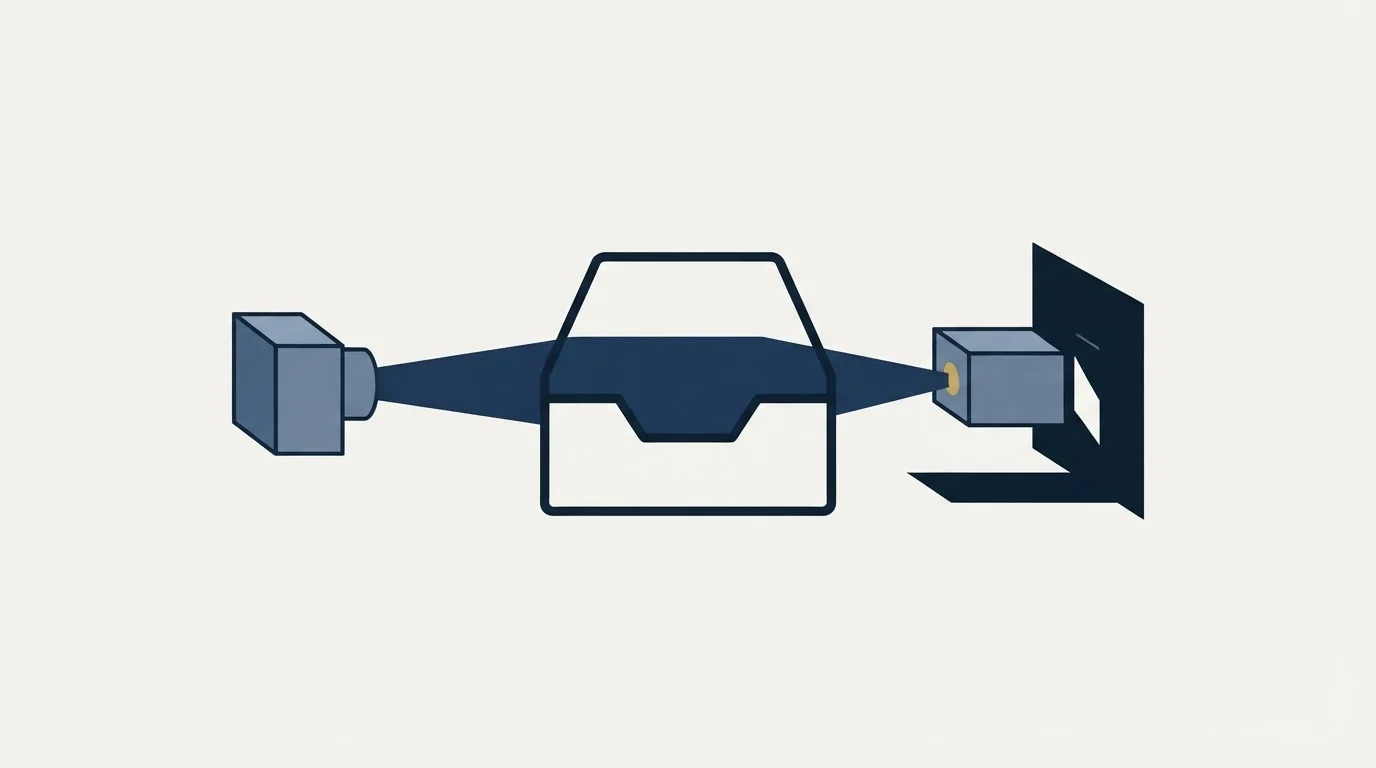
An inbox placement test sends your message to mailboxes a vendor owns and reports which folder each copy reached. It is an inference from a proxy population, which is fine as long as you use it as a comparison rather than as a score. Test the real rendered message through the real sending path, establish a baseline, change one thing, and read the result per provider. Expect it to be silent about recipient-side security gateways, which is the layer that decides a large share of B2B outcomes. Then check the free first-party evidence, because it is better than the estimate and costs nothing. Everything downstream of the diagnosis is in the cold email deliverability guide.
Setting the instrument up so its readings are attributable, and then acting on them, is work RevenueFlow carries as part of running B2B cold email and LinkedIn outreach, one message per campaign. See how the campaigns work.
Vendor descriptions verified against the vendors' own pages as of mid-2026. Verify current terms with the vendor before relying on them.
Frequently asked questions.
Frequently asked questions- How does an inbox placement test work?
- You send your message to a set of mailboxes the measurement vendor owns across the major receiving providers, and its software checks each one to see which folder the copy reached. GlockApps, Mailgun, MXToolbox and ZeroBounce all describe this same seed-mailbox mechanism on their own pages.
- What is a good inbox placement rate?
- The question does not have an answer worth acting on. The figure comes from mailboxes with no relationship to your sender, so its absolute level describes a proxy population rather than your recipients. Compare a reading against your own earlier reading under identical conditions instead.
- How often should I run one?
- When something changed that could plausibly move placement: new sending domains, a new platform, an authentication edit, a substantially different message, or a jump in volume. Also when a campaign is behaving oddly. Running one on a fixed schedule while nothing changes produces noise.
- Which inbox placement tool should I use?
- Choose on the question rather than the brand. For a one-off diagnosis a free allowance is enough. For repeated comparison, prefer a product that lets you add its addresses to a real campaign. For continuous watching, buy monitoring rather than a credit pack. For a B2B list, testing through named enterprise filtering engines is the capability that matters most.
About the author.

Tim Carden is CMO / CTO at RevenueFlow, which builds and operates outbound revenue engines for B2B companies. Studied at McGill University.
Tim Carden · CMO / CTO
Connect on LinkedIn →Explore more.
Ready to scale your outreach?
We build GTM engines that book real meetings. See the receipts.
Related articles.
GMass Inbox Tester: The Public Seed List Cuts Both Ways
GMass publishes the fifteen seed addresses behind its free placement tester. That makes the test repeatable, and it also makes the absolute result pessimistic.
Email Deliverability Platforms Compared
Deliverability platform means three products. Warmup builds reputation, seed lists show where mail lands, monitoring alerts on change. Buying wrong wastes money.
Proofpoint Spam Filter: Diagnosing Placement
Two different Proofpoint systems can stop a cold email, and the remedies have nothing in common. Telling them apart takes a minute and saves a month.
Office 365 Spam Filter: What Actually Triggers It
The same message lands in the inbox at one Microsoft tenant and in quarantine at the next. A setting the recipient chose decides which, and the headers say so.
Email Warmup Pricing in 2026: What 20 Tools Charge, and What 10 Mailboxes Cost
Email warmup tools start at a median of $29 a month, but warming ten mailboxes costs from $7.50 to $1,190 depending on how the vendor prices a mailbox.
Mailwarm Pricing: The Page Opens on Its Yearly Tab
Mailwarm's pricing tabs open on yearly and the plans meter daily volume rather than mailboxes. Both tabs, the overage rate, the no-trial rule and the per-mailbox cost.