LinkedIn and Cold Calling: What Research Changes
LinkedIn's own 2014 post declared cold calling dead. What the platform genuinely contributes before a dial, and the two warm-up moves that cost account health.
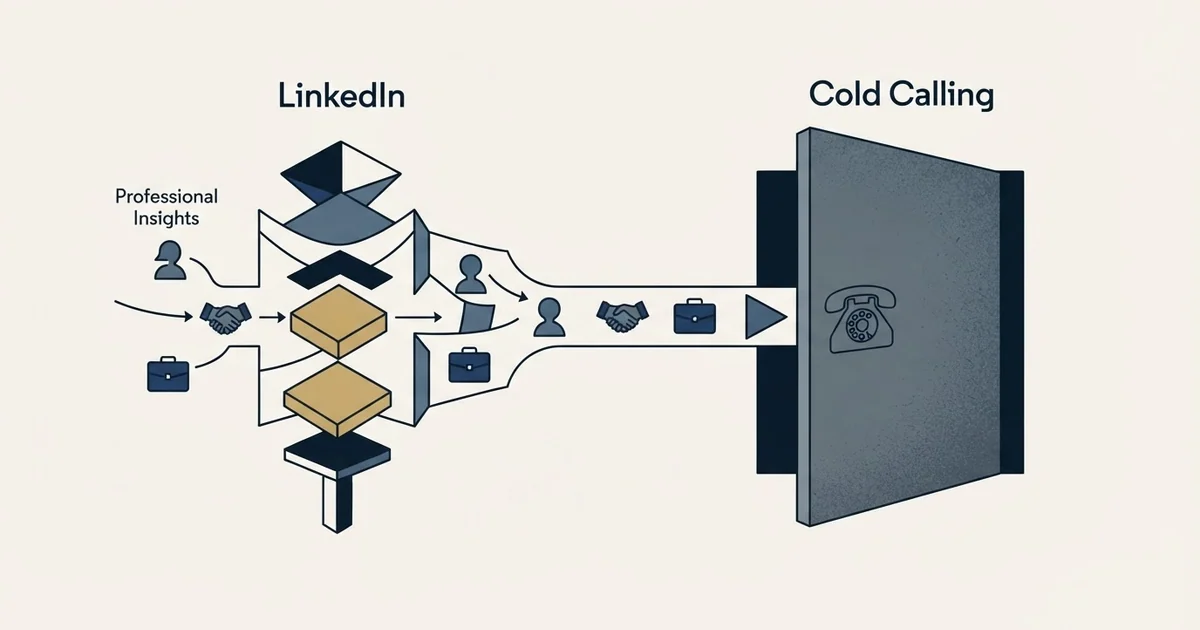
LinkedIn changes what you know before a call, not whether the call is cold. It supplies the current role as the member recorded it, recent company events and mutual connections. It does not supply a phone number unless the member published one, and profile views and pre-call invitations both carry a cost.
Key takeaways
- LinkedIn's own sales blog post declaring cold calling dead is dated April 8, 2014, and the figures on it belong to that page and the ebook it promotes rather than to any independent finding.
- A profile holds a phone number only where the member entered one in Contact Info, and LinkedIn notes some of that information is visible only to connections.
- Profile browsing has three modes, including a private mode where the person you viewed sees no information about you, so a pre-call view can leave nothing at all behind.
- Sending invitations as call preparation spends account health, because ignored and pending invitations are one of LinkedIn's three published restriction triggers.
Reviewed and updated September 2, 2026
LinkedIn's own sales blog publishes a post titled "Cold Calling is Dead, Thanks to LinkedIn". It is dated April 8, 2014, it says traditional cold calls have a "3% success rate", and it promises readers of the attached ebook that they can "Increase your appointment-setting rate by 16.7 percent using LinkedIn for pre-call research". The same page also cites a DiscoverOrg survey saying 75% of senior executives took an appointment or attended an event off an unexpected sales call or email, which is an odd fact to put next to an obituary.
Those numbers belong to that page and to the ebook behind it, and we are not going to repeat them as findings. They are worth reading anyway, because they describe the promise accurately: LinkedIn is being sold as the thing that makes the call land better, twelve years ago and still ranking for the query today.
Here is what the platform actually changes about a call, and what it leaves exactly where it was.
A call you did not ask for is a cold call
The framing question sorts itself quickly. If the person did not ask you to contact them, the contact is cold, whatever channel it arrives on and however much you read beforehand. Research changes the quality of the opening line. It does not change the consent position, and a prospect who has never heard of you does not experience your preparation as a relationship.
LinkedIn's own view of unsolicited contact is on record in a different part of its documentation. Its page on alternatives to inviting someone to connect opens by saying members have conveyed that they do not like receiving invitations from people they do not know, and that they will often ignore or mark those invitations as spam. That is the platform describing the reception of a stranger's approach on its own surface, and there is no reason to think a phone rings differently.
What research buys is narrower and more useful than "warm". It buys relevance, and relevance is what earns the next thirty seconds.
What LinkedIn genuinely supplies to a caller
Three things, and they are worth separating because only one of them is reliable.
Who holds the role, right now, as far as they have said. A profile is a self-maintained record. Someone who changed jobs eight months ago and has not edited their profile is still listed under the old title at the old company, and every filter you applied was satisfied by data that stopped being true last autumn. Reading the profile before dialling still beats not reading it, because it catches the changes people did record.
Finding who holds a role at scale is a separate skill, and the Boolean operators LinkedIn actually supports are fewer than most prospecting guides suggest.
Something specific and checkable to open with. A funding round, a product launch, a hiring pattern, a post they wrote last week. This is the part that actually changes call quality, and it is the part most pre-call research skips in favour of memorising a job title.
Who else you both know. Second-degree paths and shared history are visible without spending anything, and a genuine mutual connection is the strongest opener LinkedIn hands you.
What it does not supply is the thing you need to place the call.
- The current role, as the member last recorded it
- Tenure, history and visible recent activity
- Company events worth referencing
- Mutual connections and shared background
- A way to check the person still works there before dialling
- A direct phone number, unless the member entered one
- Any guarantee the profile is current
- Permission, warmth, or an expectation of your call
- A verified work email address
- Compliance cover for the call itself
On the phone number specifically, LinkedIn's help page on the Contact Info section describes what that section can hold: a direct link to the profile, an email address, a phone number, a website, instant messenger accounts and a birthday. It also notes that some of that information is only visible to your connections. So a number exists on LinkedIn when a member chose to publish one and chose to publish it to you, which is not a sourcing strategy. Dialling data comes from a data supplier, and the identification comes from LinkedIn.
The profile view is not a warm-up

A common preparatory move is to view the prospect's profile shortly before calling, on the theory that they will notice and the name will be familiar. It is worth knowing exactly what that does, because LinkedIn publishes the mechanics and they are less flattering than the theory.
Your browsing mode decides what the person sees. LinkedIn offers three options: your name and headline, private profile characteristics such as job title and industry, or private mode, where you appear as a LinkedIn Member viewing profiles in private mode and no other information about you is shared. A team browsing in private mode leaves nothing behind at all, and plenty of sellers have private mode switched on without connecting it to their prospecting.
Even at full visibility, a profile view is a notification in a list most people never open. It is free and it is fine. It is not a touch, and building a sequence around it is building on something the recipient has to go looking for.
The other version of this move deserves a harder answer. Bulk-viewing profiles with a tool, so that a list of prospects sees your name before the call, is automated activity on LinkedIn, and LinkedIn's prohibited-software page states it does not permit third-party software including crawlers, bots, browser plug-ins or browser extensions that scrape, modify the appearance of, or automate activity on the site. Members using such tools risk having their accounts restricted or shut down. That is a poor trade for a notification.
The LinkedIn API explains which permissions are open to any developer building on the platform and which ones, like advertising or sales access, stay locked behind separate approval.
The connection request before the call
The other standard warm-up is to send an invitation first, so the call arrives from a name already in their network. This one has a price that is documented rather than theoretical.
Invitations that get ignored or left pending are one of the three reasons LinkedIn publishes for restricting an account from sending invitations, alongside sending many in a short window and sending an excessive number with a suspected automation tool. So a batch of invitations sent as call preparation, to people with no particular reason to accept, spends account health on a step that was supposed to be free. The connection limit page covers what LinkedIn publishes about that and what it declines to publish.
A different limitation is worth noting: targeting members who accept every stranger's request, described in who accepts every connection request, avoids the restriction trigger but yields an acceptance with no signal of relevance.
The way to avoid the problem is to decide which channel is carrying the campaign before you touch either one. If the call is the campaign, make the call. If LinkedIn is the campaign, run it properly and let the phone stay out of it.
- Step 1Build the list on fit, not on reachability
Company attributes first, then the roles inside the accounts that qualify. Reachability is a later constraint, not a selection criterion.
- Step 2Verify the person is still there
The cheapest use of LinkedIn in a calling motion. A stale title is the most common reason a good call opens badly.
- Step 3Take one specific, checkable fact
Something that happened at their company or something they published. One line is enough, and it has to be true today.
- Step 4Source the number from a data supplier
LinkedIn holds a phone number only where a member published one, and only for the audience they chose.
- Step 5Open with the reason you called them specifically
Not the research, and not a compliment on their profile. The reason has to survive being said to a busy person.
Which rules apply once you dial
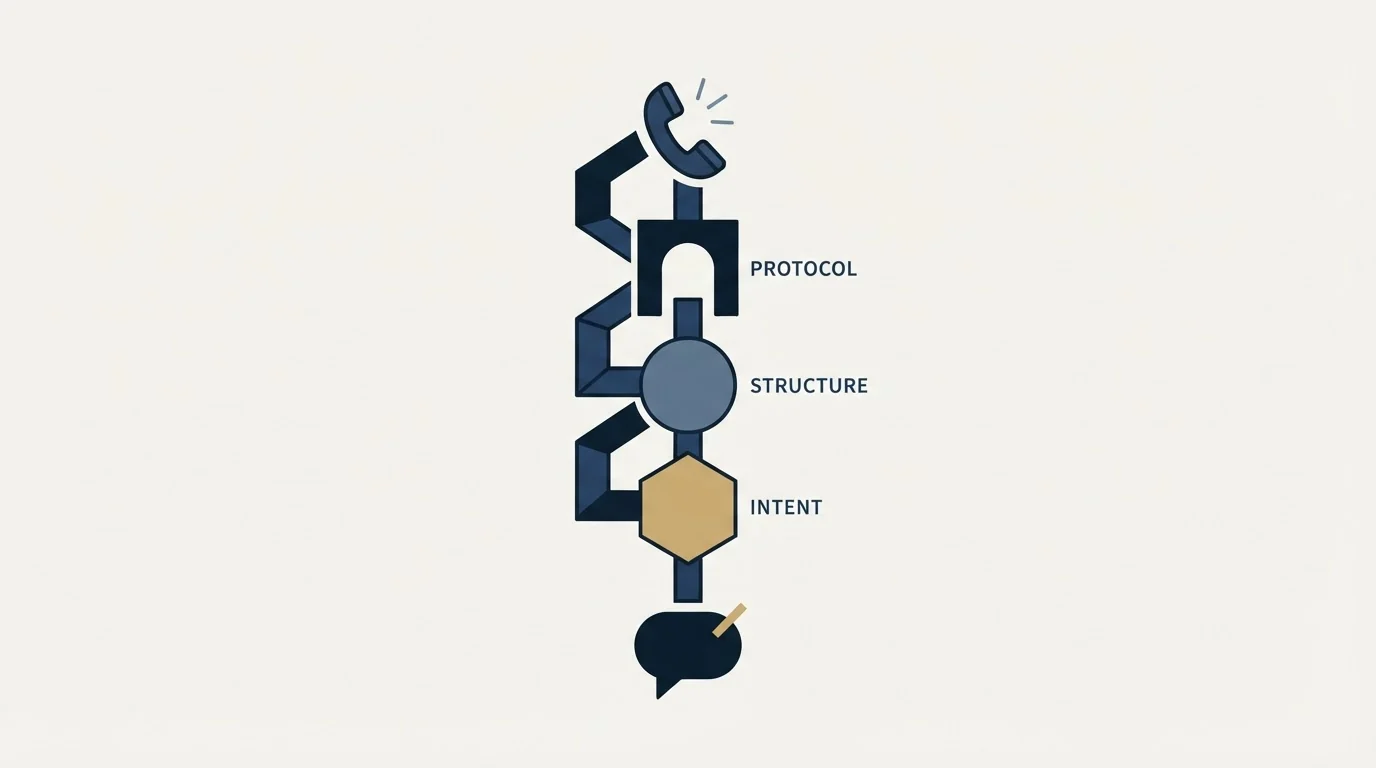
A B2B call sits under a different set of rules from a B2B email, and the exemptions people assume do not all exist. That is its own subject and we treat it separately in what cold calling is, and which rules apply to a B2B call, which covers the position properly rather than in a paragraph. Two practical notes belong here.
Nothing about researching someone on LinkedIn changes your obligations on the call. And a LinkedIn message is not a way around a call restriction: it is a separate channel with its own rules, its own limits and its own account consequences, which is the subject of LinkedIn prospecting.
- Yes: Current employer and title match the record you are calling from
- Yes: They have been in the role long enough to own the problem
- Yes: One specific, checkable thing to reference
- Yes: A genuine mutual connection, if there is one
- No: Sending an invitation first so the name looks familiar
- No: A tool that views profiles in bulk before the calling block
Where we stand on this
We run email and LinkedIn for clients, and we do not sell calling. That is worth stating plainly on a page about calling, because it means we have no reason to talk anybody into or out of the channel.
The honest read is that calling and LinkedIn fail differently, which is what makes them worth comparing rather than ranking. A call gets you an objection the same afternoon, which is the fastest learning any outbound channel offers. LinkedIn and email get you reach and a written record, and they cost account health or domain reputation rather than hours. Teams with high-value deals and few accounts usually should be calling. Teams working a large market usually cannot afford to. Our comparison of email against calling works through how each one fails rather than which one wins.
Where our practice is fixed is the messaging side. One message per campaign, no follow-ups in a LinkedIn thread, and no second message to someone who ignored the first, because on LinkedIn it lands directly under the message they already declined. If a calling motion is going to sit alongside LinkedIn, keep the channels separate and let each one carry its own campaign.
If what you actually want is qualified conversations without building the motion yourself, you can see what a campaign would look like for your market.
The short version
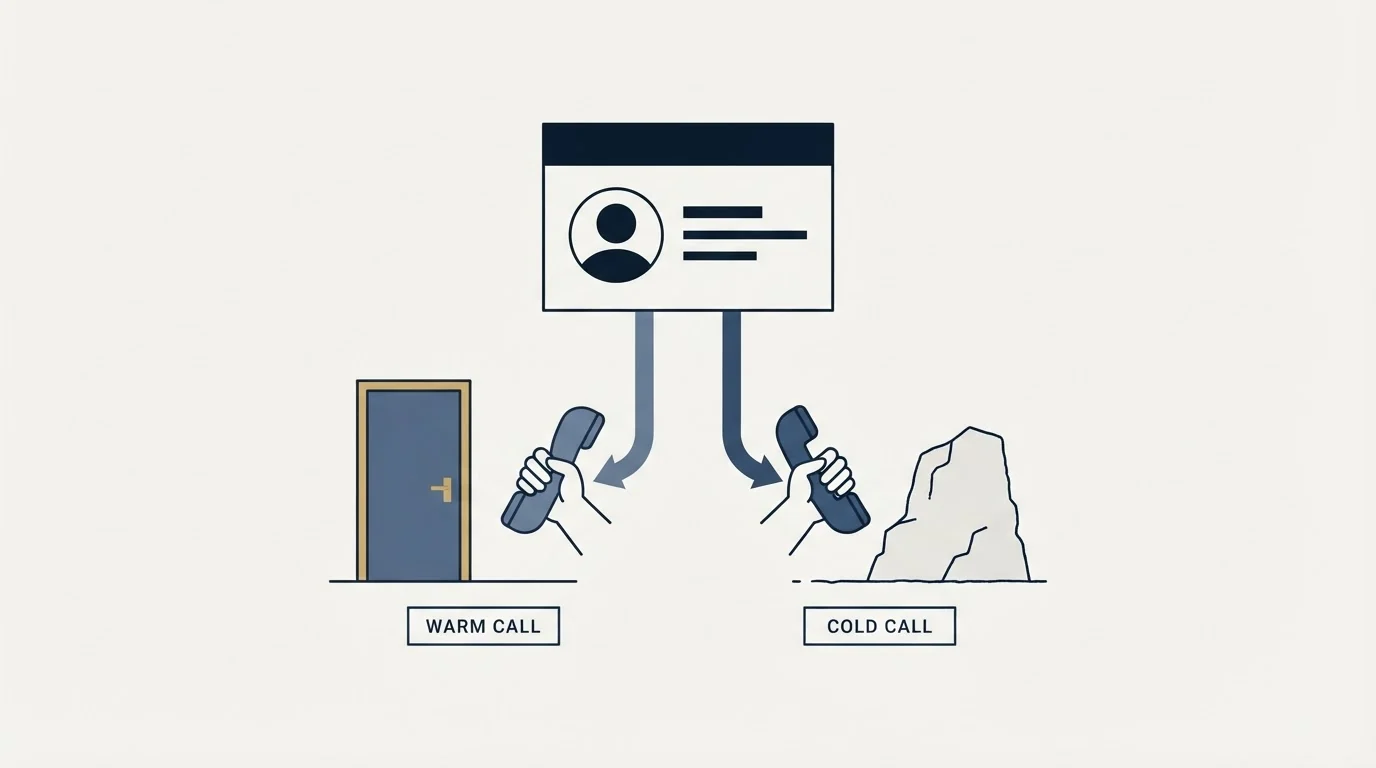
An unrequested call is a cold call whether or not you read the profile first, and LinkedIn's own 2014 post declaring cold calling dead is selling pre-call research rather than a different kind of call. What the platform genuinely contributes is identification and context: who holds the role as far as they have recorded it, what happened at the company recently, and who you both know. What it does not contribute is a phone number, since LinkedIn holds one only where a member published it and only for the audience they chose. A profile view is not a warm-up, and viewing profiles in bulk with a tool is the automated activity LinkedIn's prohibited-software page covers, with account restriction or shutdown as the stated risk. An invitation sent as call preparation is not free either, because ignored and pending invitations are a published restriction trigger. Verify the role, take one checkable fact, get the number from a data supplier, and open with the reason you called this person.
The 2014 publication date and the 3%, 16.7% and 75% figures quoted above are claims made on LinkedIn's own sales blog post "Cold Calling is Dead, Thanks to LinkedIn" and the ebook it promotes, cited here as that page's statements rather than as verified findings. LinkedIn's Contact Info fields, profile browsing modes, prohibited-software position and invitation restriction triggers are from LinkedIn's own Help Center pages, all re-fetched with cache-busting and verified as of mid-2026. Verify current terms with LinkedIn.
Frequently asked questions.
Frequently asked questions- Is messaging someone on LinkedIn still cold calling?
- If the person did not ask to be contacted, the contact is cold whatever channel carries it. What changes between a call and a LinkedIn message is the cost of getting it wrong. An ignored call costs you the minute you spent, while ignored invitations are a published trigger for restricting a LinkedIn account, so the free channel is the one that charges for silence.
- Can I get phone numbers from LinkedIn Sales Navigator?
- Not as a data field you can rely on. LinkedIn's help page on the Contact Info section lists a phone number among the fields a member may fill in, alongside email, website and instant messenger, and notes that some of that information is only visible to your connections. A number is there when someone published one, which is not a sourcing route.
- Should I view a prospect's profile before calling them?
- It is worth doing for your own preparation and worth nothing as a signal to them. LinkedIn offers three browsing modes, and in private mode the person sees only that a member viewed them in private mode. Even at full visibility, a view is a notification in a list most people never open, so treat it as research rather than as a first touch.
- Should I send a connection request before a cold call?
- Only if you would have sent it anyway. Invitations that are ignored or left pending are one of the three reasons LinkedIn publishes for restricting an account from sending invitations, so a batch sent purely as call preparation spends account health on a step that looked free. Decide which channel is carrying the campaign, then run that one properly.
About the author.

Ben Carden is CRO at RevenueFlow, which builds and operates outbound revenue engines for B2B companies. Previously at Gartner Enterprise. Studied at London School of Economics.
Ben Carden · CRO
Connect on LinkedIn →Explore more.
Ready to scale your outreach?
We build GTM engines that book real meetings. See the receipts.
Related articles.
B2B Database: What to Test Before You Pay
Total record count is the number every vendor leads with and the one that predicts least. The test that replaces it takes a day and settles the purchase.
Warm Lead: What Made It Warm, and When It Expires
Warmth is a property of evidence rather than of a person. Store the action and its date, because a temperature column cannot be turned back into the event behind it.
Two Agencies, One Target List: Who Owns Which Accounts
Two outbound suppliers on one market will contact the same companies unless the buyer splits it first. How to cut the list, run the exclusion feed and check the overlap.
IT Lead Generation: The Buyer Runs Your Playbook
Technology buyers evaluate outbound for a living, and their purchases carry a security review nobody in your meeting owns. Which triggers are real.
HR Lead Generation: The Renewal Clock and Who Signs
An HR buyer who agrees with every word still cannot act outside their own renewal window. Which triggers are observable, and who signs.
Booking Conference Meetings Before You Arrive
The meetings you hold at an event were booked weeks earlier. The attendee list is the part of the standard method most likely to waste that time.