Export LinkedIn Contacts: What the Archive Contains
LinkedIn documents the connection export field by field, and the email column is populated only where each connection authorised it in their privacy settings.
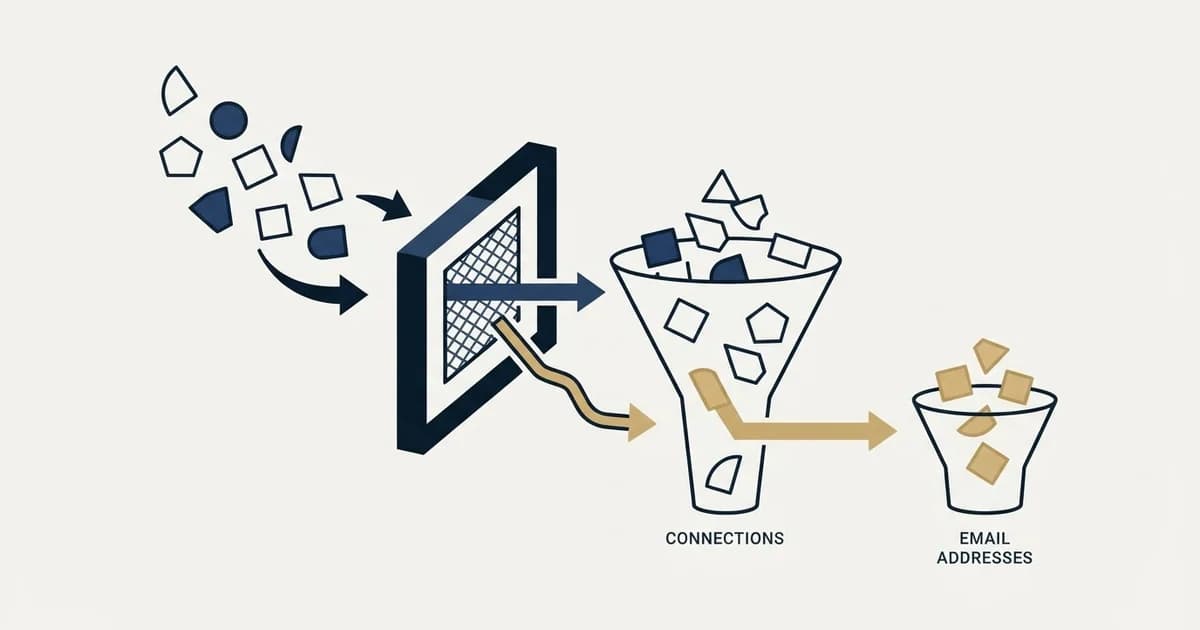
LinkedIn lets any member export their 1st-degree connections from Settings and Privacy. The Connections file carries name, public profile URL, company, position, connection date and an email address, and LinkedIn states that the address appears only where that connection authorised it in their own privacy settings.
Key takeaways
- LinkedIn documents two routes to the same archive: a single-category download that arrives within minutes, and a larger archive within 24 hours, with the link valid for 72 hours.
- The Connections file carries first and last name, public profile URL, email address, company, position and connection date for 1st-degree connections only.
- LinkedIn states an email address is included only when the connection has authorised it in their privacy settings, and publishes no figure for how often that is the case.
- Sales Navigator has no CSV or XLS export at all, per LinkedIn help; the documented alternatives are CRM Sync, embedded profiles and lead creation on the Advanced Plus plan.
Reviewed and updated September 1, 2026
A seller with several thousand connections decides to move that network into a CRM, requests the archive, opens the Connections file, and finds a column headed Email Address that is populated for some rows and blank for others. Nothing has gone wrong. LinkedIn documents that behaviour on both of the help pages that govern the export, and it is the single most important thing to understand before anyone plans a campaign around a connection list.
The export itself is sanctioned, free and takes a few minutes. What comes out of it is a relationship record rather than a prospect list, and the gap between those two things is where most plans built on this feature come apart.
The sanctioned path, exactly as LinkedIn documents it
There are two doors into the same archive, and they differ in speed rather than in kind.
LinkedIn's help page on exporting connections describes the fuller route: open the Me icon, choose Settings & Privacy, click Data privacy, and under "How LinkedIn uses your data" click "Get a copy of your data". From there the page instructs you to select "Download larger data archive, including connections, verifications, contacts, account history, and information we infer about you based on your profile and activity", then "Request archive". LinkedIn emails a download link to your primary address (Export connections from LinkedIn, which LinkedIn stamped as last updated a year earlier when it was fetched for this article).
The companion page on downloading account data describes the faster route and adds the timings. Selecting a specific category of data produces an email "within minutes"; the larger download produces one "within 24 hours". The link then expires: LinkedIn states the data "will be available for download for 72 hours". The same page notes the feature is not available on mobile and advises requesting the file only from a personal computer (Download your data, stamped as updated two weeks earlier at the same fetch).
- Step 1Settings and Privacy
Open the Me menu, then Data privacy
- Step 2Request the data
Choose a single category or the larger archive
- Step 3Wait for the email
Minutes for one category, up to 24 hours for the archive
- Step 4Download inside 72 hours
The link expires, and the request has to be repeated after that
One route is easy to miss because it appears in a single sentence. The same help page records that "LinkedIn provides an API program to enable EU/EEA/Switzerland members to access their LinkedIn data programmatically", pointing at its Member Portability APIs. That programme is scoped to members in those jurisdictions retrieving their own data, and it exists because of data-portability law rather than because LinkedIn wanted a bulk export product. It is the only programmatic route to this file that LinkedIn itself documents, and it is worth knowing about before evaluating any third-party tool that claims to offer one.
Worth noticing that the archive is far larger than a contact list. LinkedIn's category table runs to dozens of files covering invitations sent and received, messages with their subject lines and content, reactions, comments, company follows, saved jobs, inferences the platform has drawn about you, and registration details including the IP address the account was created from. Requesting the whole thing to get one CSV is a habit worth breaking, because the single-category route returns the file you actually want in minutes.
What the Connections file contains
LinkedIn publishes the field list for the Connections category directly. It "contains the first and last name, public profile URL, email address, company, position, and connection date for all 1st degree connections", and then states the qualification that governs everything downstream: "An email address for the connection will be included only when authorized by the connection in their privacy settings."
The export page repeats it in plainer language, saying that when exporting connection data "you may notice that some of the email addresses are missing", because "you will only see email addresses for connections who have allowed their connections to see or download their email address".
That setting sits with each member, not with you, and LinkedIn does not publish how many members leave it open. Any specific coverage figure quoted for this file comes from somebody's sample rather than from LinkedIn, so the honest planning assumption is that the email column is partial by design and that its size is a number you can only learn by requesting your own archive.
Three further limits are stated on the same pages, and each one closes a plan that otherwise looks reasonable:
- Contacts who are not 1st-degree connections cannot be exported at all.
- The CSV and vCard formats do not support extended character sets, so names in Chinese, Japanese or Hebrew do not survive the round trip.
- LinkedIn provides only your own personal data and not that of other members, and specifically excludes People You May Know and Who's Viewed Your Profile from the archive.
- Yes: Export first name, last name, profile URL, company, position and connection date for 1st-degree connections
- Depends: Include an email address where that member has authorised it in their privacy settings
- No: Export contacts who are not 1st-degree connections
- No: Preserve names in extended character sets through CSV or vCard
- No: Return People You May Know or Who's Viewed Your Profile data
- No: Run on mobile
Why this file is the wrong shape for a campaign
A connection list is ordered by who accepted a request, which is a fact about your networking history rather than about your market. It contains former colleagues, recruiters, competitors, people who connected at a conference in a previous role, and a long tail of accounts that were never a fit. The company and position fields are whatever each member last updated, which for a list built over years means some of those rows describe jobs the person has since left.
Set that against what a campaign list needs: a defined ICP, a current title, a company that matches the criteria, and a deliverable address verified at send time. The export supplies none of those things reliably, and the one field that would make it directly actionable is the one LinkedIn deliberately gates.
- Name and public profile URL
- Company and position as last updated by that member
- Connection date
- An email address only where the member authorised it
- Everyone you have ever connected with, in one undifferentiated list
- Membership of a defined ICP
- A title and company verified as current
- A deliverable address confirmed at send time
- Exclusions for existing relationships and customers
- A reason this person should hear from you now
There are two jobs this file does well, and both are worth doing.
The first is CRM seeding. Names, profile URLs and connection dates are exactly the fields a CRM wants for relationship records, and the LinkedIn CRM integration question covers what the platform will and will not sync on its own.
A CRM seeded this way still needs a layer to run daily outreach, and what Salesloft handles for revenue teams explains where that execution work sits above the records.
The second is exclusion. Our standing practice at client kickoff is to collect the existing-relationship and current-customer list up front and load it as a suppression list before anything sends, and a founder's connection export is one of the cleanest sources for that. Used this way the partial email column stops mattering, because a domain is enough to suppress on.
Sales Navigator is a different question with a firmer answer
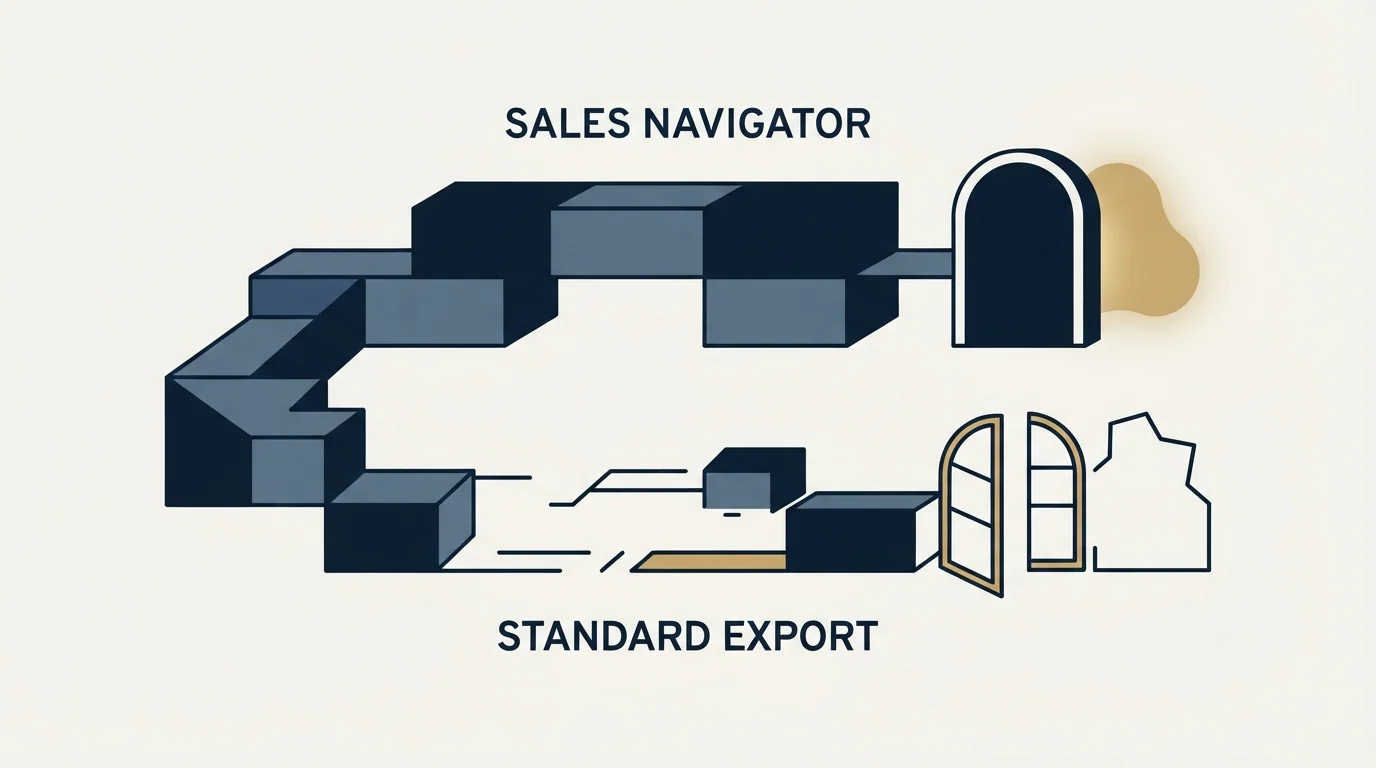
Teams who find the connection export too narrow usually look at Sales Navigator next, and the answer there is stated by LinkedIn without hedging. Its help centre says "LinkedIn currently doesn't offer the option to export account and lead information from Sales Navigator into a CSV or XLS file" (Export account and lead information from Sales Navigator). What the same page offers instead, on the Advanced Plus plan, is CRM Sync for Salesforce, Microsoft Dynamics and HubSpot, embedded profiles inside those CRMs, and lead creation that writes a record from a Sales Navigator lead page into the CRM.
So the data leaves through a CRM integration on a quoted tier, or a person moves it by hand. Building Sales Navigator lists that export cleanly works through the consequences for list design, and the related question of whether the tool supplies addresses at all is answered on the Sales Navigator email address page.
The third door, and what it costs
Search results for this topic are full of browser extensions and automations that promise a fuller export than LinkedIn's own, including email addresses for connections who never authorised one. They work by driving your logged-in session, and LinkedIn's position on them is published rather than inferred.
Browser extensions are not all built the same way; the Cognism Chrome extension walkthrough explains how one such tool surfaces contact details ranked by fit and seniority without scraping a connection graph.
Section 8.2 of the User Agreement says members will not "develop, support or use software, devices, scripts, robots or any other means or processes (such as crawlers, browser plugins and add-ons or any other technology) to scrape or copy the Services, including profiles and other data from the Services", and separately not "override any security feature or bypass or circumvent any access controls or use limits of the Services" (LinkedIn User Agreement).
LinkedIn's prohibited-software help page states the consequence in its own words: members using such tools "risk having their accounts restricted or shut down", and also "risk the possibility that any prohibited tools they're using may become non-operational without notice" (Prohibited software and extensions). The full terms position on LinkedIn scraping sets out the clauses and the case law that usually gets misquoted alongside them.
The exposure sits on the account running the extension, which in practice is a founder's or a seller's personal profile with years of network attached to it. That is a poor thing to risk for a column of email addresses.
Where we stand, and what to do with the file
We run LinkedIn outreach through HeyReach and we do not scrape. Campaign addresses come from a verification and lookup waterfall rather than from anybody's connection graph, which keeps contact data outside the User Agreement question entirely, and the provider order that waterfall follows is set by unit costs rather than by convenience.
Once the archive lands, three things are worth doing in order. Request the Connections category on its own rather than the full archive, because it arrives in minutes. Treat the file as two lists, one of relationships worth keeping in a CRM and one of domains to suppress. Re-verify any address before it is used, because an address collected when the connection was made decays quietly after it, and a bounced send costs sender reputation that took weeks to build.
If the underlying goal is a pipeline rather than a tidy contact list, the connection export was never going to supply it. See what a first campaign looks like covers the shape that does.
LinkedIn help centre and User Agreement content verified against pages fetched in mid-2026. Verify current terms with LinkedIn before relying on them.
Frequently asked questions.
Frequently asked questions- How do I export my LinkedIn contacts?
- Open the Me menu, choose Settings and Privacy, click Data privacy, then request a copy of your data under the section on how LinkedIn uses it. Choosing the Connections category alone returns a file within minutes, while the larger archive takes up to 24 hours. The download link stays valid for 72 hours.
- Why are email addresses missing from my LinkedIn export?
- Because each member controls whether their address can be seen or downloaded by connections. LinkedIn states the export includes an address only where that connection authorised it, so a partly empty email column is the documented behaviour rather than a failed export. LinkedIn does not publish how many members leave that setting open.
- Can I export leads from Sales Navigator?
- Not to a file. LinkedIn help says the product does not offer the option to export account and lead information into a CSV or XLS file. On Advanced Plus the documented routes out are CRM Sync with Salesforce, Microsoft Dynamics or HubSpot, embedded profiles inside those systems, and creating a CRM record from a lead page.
- Is it safe to use a browser extension to export more?
- The User Agreement prohibits using plugins, add-ons or scripts to scrape or copy data from the Services, and prohibits bypassing access controls or use limits. LinkedIn help states that members using such tools risk having their accounts restricted or shut down, and that the tools themselves may stop working without notice.
About the author.

B2B cold email experts helping companies generate qualified leads through done-for-you outreach campaigns.
RevenueFlow Team
Explore more.
Ready to scale your outreach?
We build GTM engines that book real meetings. See the receipts.
Related articles.
Social Selling Tools by Job, and the Account-Risk Line
Fourteen social selling tools sorted into six jobs, split by whether each acts through your LinkedIn account or beside it, from the vendors' own pages.
The Real Cost per 1,000 Emails, Verifications and Data Credits in 2026
Unit prices computed from verified vendor plans: $1.00 per 1,000 emails sent, $2.00 per 1,000 verifications and $19.60 per 1,000 enrichment credits.
Free Tiers and Trials in Sales Tools: What $0 Gets You Across 386 Vendors
37.0% of 386 verified sales tools have a permanent free plan. The median free data tier gives 50 credits and the median free sending plan 2,500 emails a month.
FindThatLead Pricing: Two Plans, Two Credit Definitions
FindThatLead prices Starter and Ultimate with yearly billing shown first. Every axis of both plans, the phone meter, and where the page contradicts itself.
Evaboot Pricing: One Slider, Nine Stops, Two Credits a Lead
Evaboot prices one plan on a nine-stop slider from 100 to 200,000 credits a month. Every stop at both billing states, the credit rules, and the yearly plan's terms.
Best Time to Cold Call: What the Studies Counted
The best time to cold call figures traced to their originals: one inbound study from six companies, three vendor call datasets, and what survives the read.