Meet Alfred: Multichannel LinkedIn Outreach, Priced Per Seat
Meet Alfred publishes its prices in three currencies at once and runs LinkedIn, email and X in one sequence. What that costs, and what it does not cover.
Meet Alfred is a cloud multichannel outreach platform combining LinkedIn, email and X in one campaign sequence. Its pricing page published Basic at $59, Pro at $99 and Team at $79 per user per month on monthly billing, in USD, EUR and GBP side by side, with quarterly and annual discounts.
Key takeaways
- Published rates on 16 August 2026 were Basic $59, Pro $99 and Team $79 per user per month on monthly billing, shown simultaneously in USD, EUR and GBP.
- Team is published at a lower per-user rate than Pro while including everything in Pro, so the tier decision inverts once several seats are involved.
- The page also offers quarterly billing at 20 percent off and annual billing at 50 percent off, with all states rendering into one document.
- LinkedIn's help page on prohibited software states that members using third-party tools that automate activity risk having accounts restricted or shut down.
Reviewed and updated August 28, 2026
Meet Alfred publishes its prices in three currencies side by side on the same line: $59 USD, €55 EUR, £49 GBP per user per month, billed monthly. That is worth noting before anything else, because most pricing pages in this category swap the currency symbol based on where the request comes from, and a figure read from one location is quietly wrong everywhere else. Meet Alfred renders all three, so there is nothing to reconcile. Fetched 16 August 2026.
What Meet Alfred is
Meet Alfred is a cloud multichannel outreach platform built around LinkedIn, with email and X (Twitter) as additional channels inside the same campaign sequence. Campaigns run on vendor infrastructure rather than in your browser, so sequences continue with your machine off.
Unlike this cloud approach, some competitors run as a standalone desktop application with its own embedded browser, an architecture explained in the desktop-based LinkedIn automation model.
Its published feature set covers LinkedIn automation, a LinkedIn CRM, a consolidated inbox, message templates, automated greetings, tagging and notes on the entry tier. Higher tiers add unlimited campaigns, Sales Navigator support, InMail automation, LinkedIn Groups and Events automation, content retargeting, CSV campaigns, social post scheduling, third-party integrations through Zapier and webhooks, and data export.
The multichannel framing is the product's centre of gravity. Combining LinkedIn, email and X in one sequence has been its positioning since it launched, and it is the reason to look at it rather than at a LinkedIn-only sequencer.
What it costs
- Cloud-based, positioned for LinkedIn outreach
- 3 active campaigns
- LinkedIn automation
- Basic LinkedIn CRM
- Smart LinkedIn inbox
- Message templates and automated greetings
- Custom tags and notes
- Unlimited campaigns
- Sales Navigator support
- Multichannel across LinkedIn, X and email
- Advanced LinkedIn CRM
- InMail automation
- Groups, Events and content retargeting automation
- Zapier and webhook integrations
- Campaign and CRM data export
- Everything in Pro
- Volume discounts
- Advanced team settings
- Team inbox management
- White label for 5+ users
- Dedicated account manager for 10+ users
- Migration, onboarding and priority support
The tier ordering on that page is worth reading twice. Team is published at a lower per-user rate than Pro while carrying everything Pro has plus team features, which is a volume structure rather than a mistake: the Team tier is where seats are bought in quantity. Anyone buying a single seat is choosing between Basic and Pro, and anyone buying several should be pricing Team.
The billing states multiply out quickly. At annual billing marked 50 percent off, the Pro figure moves a long way, and the page carries all three states in one document, so it pays to confirm which state a quoted number came from.
Read again on 4 September 2026, the page now opens on its Annual tab, and the annual figures it prints beside the monthly ones are $29 USD Basic, $49 USD Pro and $39 USD Team per user per month, with quarterly billing at $49, $79 and $59.
The Meet Alfred review, in one section
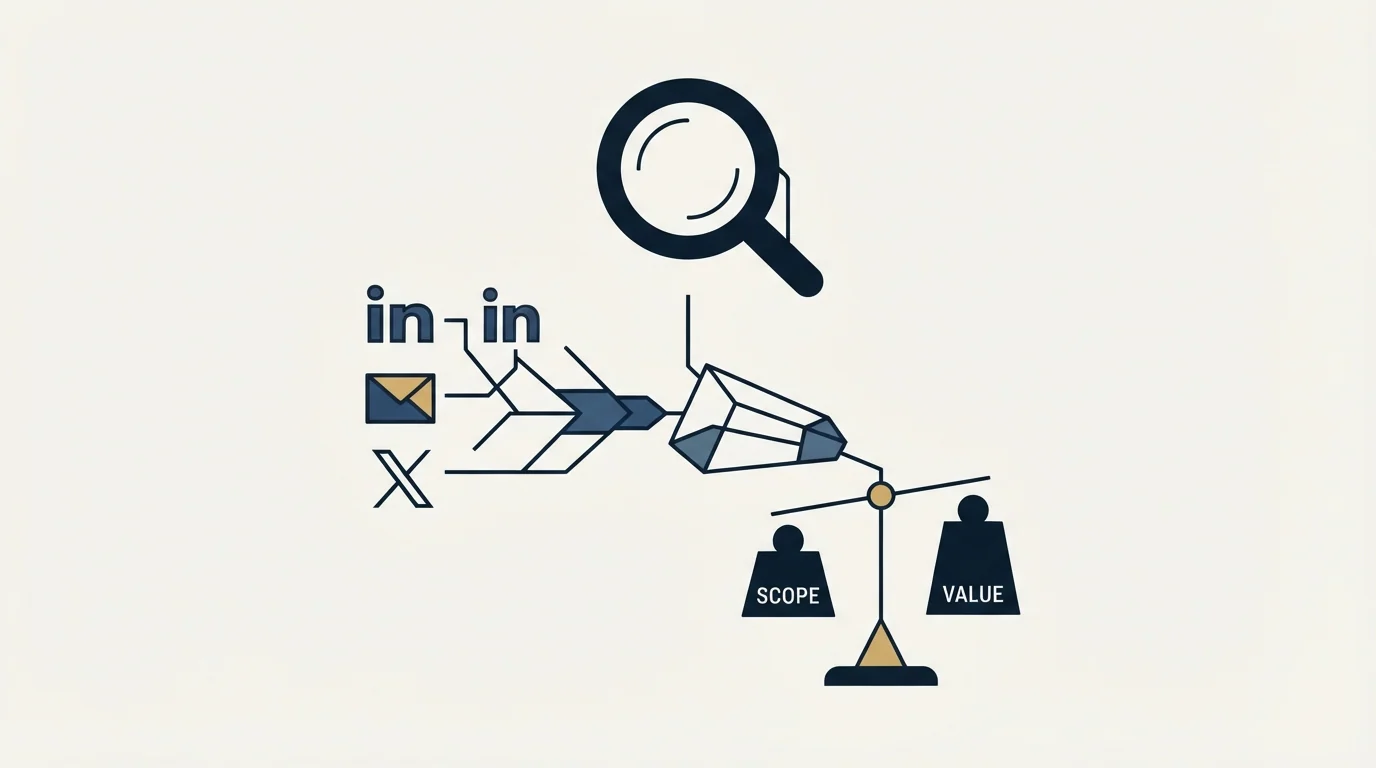
The recurring assessment of this tool across public review corpora is stable, and the parts that can be checked against the vendor's own surfaces hold.
The strength is genuine breadth. Very few tools at this price run LinkedIn, email and X inside one sequence with a shared inbox and a CRM behind it, and for a seller who wants one system rather than three, that is the reason to buy it. The white-label option and the agency positioning are real features rather than marketing.
The recurring criticism across review corpora is support responsiveness, which appears consistently enough to be worth raising in a trial rather than discovering later. It is a service complaint rather than a deliverability one, and it matters most to teams without in-house troubleshooting.
The structural criticism is the same one that applies to every per-seat tool in this category, and it is the important one. Safe LinkedIn sending means more accounts each doing less, and per-seat pricing charges most exactly where the safe operating model wants you to go. Ten sender accounts at a low daily rate is the shape that survives, and it is ten seats.
Choosing between per-seat and flat-fee pricing models comes down to who the tool is built for, which pricing unit versus buyer intent covers through a sales CRM against an agency platform.
The verdict from the published facts: Meet Alfred is a reasonable buy for a small team that genuinely wants three channels in one sequence and will use the CRM, and a poor fit for high-account-count agency sending unless the Team tier's volume discount closes the gap.
The account safety question, answered honestly
No LinkedIn automation tool is approved by LinkedIn, and Meet Alfred is not an exception.
LinkedIn's User Agreement, effective 3 November 2025, prohibits members from developing, supporting or using "software, devices, scripts, robots or any other means or processes (such as crawlers, browser plugins and add-ons or any other technology) to scrape or copy the Services", and from using bots "or other unauthorized automated methods to access the Services, add or download contacts, send or redirect messages".
LinkedIn's help page on prohibited software and extensions states that it does not permit third-party software "that scrape, modify the appearance of, or automate activity on LinkedIn's website", that members using such tools are "in violation of the User Agreement", and that they "risk having their accounts restricted or shut down" as well as the tools becoming non-functional without notice.
That applies uniformly across the category. What differs between vendors is architecture and operating rate, not permission.
- Yes: LinkedIn prohibits third-party automation in its User Agreement
- Yes: LinkedIn states accounts using such tools risk restriction or closure
- Yes: LinkedIn publishes that suspected automation tool use can trigger a restriction
- No: LinkedIn publishes numeric daily or weekly action ceilings
- No: A vendor can state what LinkedIn currently detects
- Yes: Spreading volume across more accounts at lower rates reduces exposure per account
The limits nobody publishes, and the two LinkedIn does

Most numbers quoted about LinkedIn activity ceilings come from third-party observation rather than from LinkedIn, and they are usually stated as fact without a source. The honest position is that LinkedIn does not publish most of them, so a specific figure belongs in a sentence as a reported number with its provenance attached, never as the current value.
Two figures do come from LinkedIn's own help pages. Basic and free members can attach a personalised note to five connection requests per month, while Premium members can attach one to every request. And an account restricted from sending invitations typically stays restricted for a week, with LinkedIn stating plainly that withdrawing pending invitations will not remove the restriction, that you cannot buy more invitations while restricted, and that support cannot disclose the reason or shorten the wait.
A third mechanic, from the same page family, breaks more plans than either: after withdrawing an invitation you cannot re-invite that person for up to three weeks. Withdrawal-and-retry is what many tools present as list hygiene, and it costs a three week lockout per contact.
Is three channels in one sequence worth paying for
The multichannel pitch is the reason to prefer this tool over a LinkedIn-only sequencer, so it deserves a harder look than the feature list gives it.
Two of the three channels do real work. LinkedIn and email are genuinely complementary: they reach the same person through different systems with different failure modes, so a bounced address does not cost you the contact and an ignored connection request does not either. Running them from one sequence rather than two tools removes the reconciliation problem, which is a real cost at any list size.
X is the third channel and it is the one to discount when pricing the plan. Business-to-business reply rates there depend almost entirely on whether your buyer actually uses the platform, and for most of the segments this tool is sold into they do not. It is a genuine feature and it should not be carrying weight in the buying decision.
What the combination does not remove is the discipline each channel needs on its own. An email step still needs sending infrastructure that is warmed and authenticated, and a sequencer does not supply that. Putting cold email through a tool bought for LinkedIn, on a domain that has never sent, produces deliverability problems the LinkedIn side cannot see and the reporting will not explain.
The house position on sequence shape applies here too and cuts against how these tools are usually configured. We run one message per campaign and never bump, on either channel, so a multichannel sequence for us means one LinkedIn touch and one email to a different framing rather than a five-step ladder that lands in the same thread. Tools in this category are built for the ladder, and the setting that matters is the one you choose not to use.
Where it fits against the category
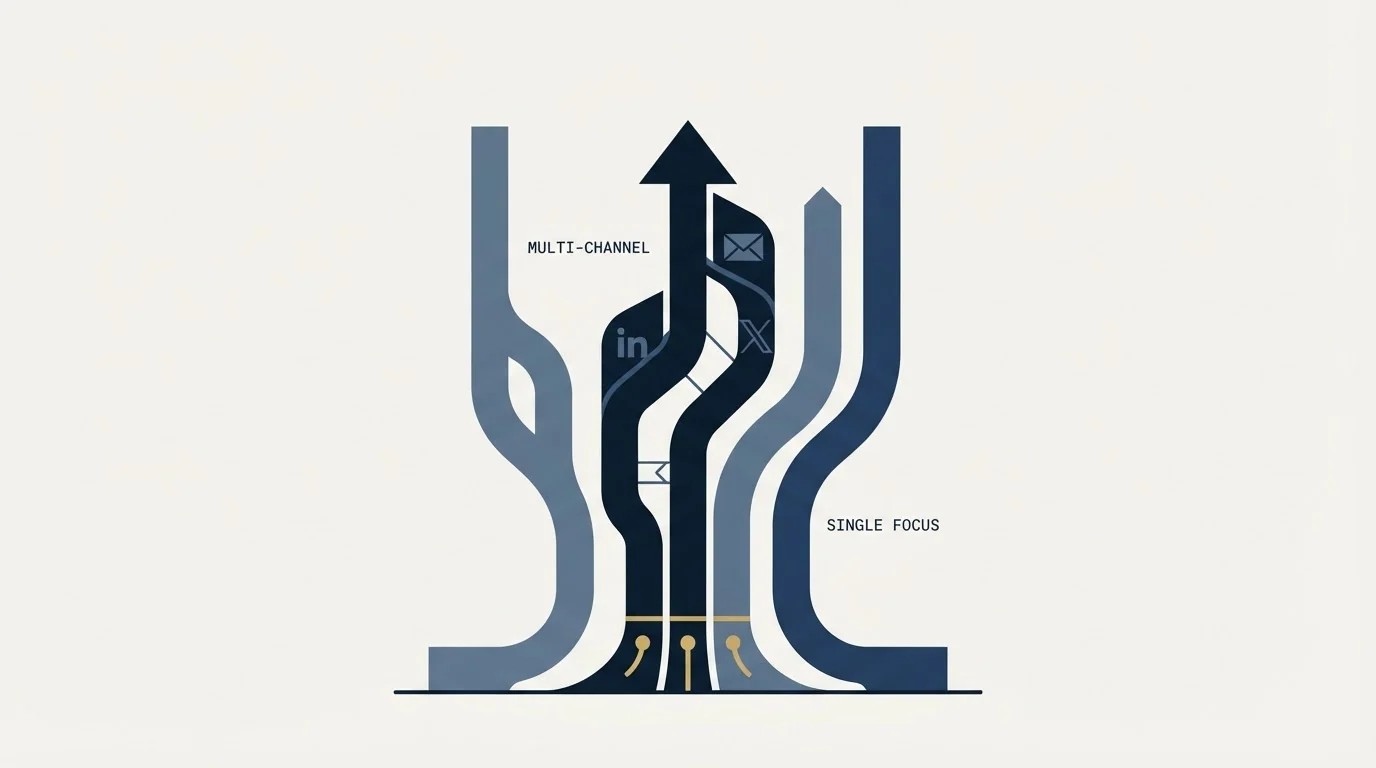
The category has split into tools for individuals and small teams, and tools for operators rotating many sender accounts across clients. Those need different things: sender rotation, per-client separation and a unified inbox come before clever sequence branching once account count rises.
Meet Alfred sits on the multichannel single-team side of that split. The multi-sender agency model is the one we run client LinkedIn outreach on, described in our HeyReach review. The architecture comparison across the whole category, browser extension against cloud with a dedicated address, is in LinkedIn automation tools. The alternatives worth weighing specifically against this tool are in Meet Alfred alternatives.
If Sales Navigator is going in the stack alongside it, and Pro requires it for the InMail features, Sales Navigator pricing is usually the second line item and the one most often over-bought.
What to settle before buying
Establish which billing state a quote refers to, because monthly, quarterly and annual all render into the same page and the annual discount is large.
Establish the seat count you actually need before choosing a tier, since Team is cheaper per user than Pro and the decision inverts around a few seats.
Establish what happens to a seat when its LinkedIn account is restricted, because the subscription and the usable account are independent and the invoice does not pause.
And decide the operating rate per account before the tool, not after. Volume that comes from sender count rather than per-account intensity is what survives on this channel. If you would rather not own that risk directly, get a free campaign plan and we will map the channel to your ICP before anything sends.
Pricing and features verified as of mid-2026. Verify current terms with the vendor before relying on them.
Frequently asked questions.
Frequently asked questions- How much does Meet Alfred cost?
- Its pricing page published Basic at $59, Pro at $99 and Team at $79 per user per month on monthly billing, quoted in USD, EUR and GBP together. Quarterly billing is marked 20 percent off and annual 50 percent off. Because all billing states render into one page, confirm which state any quoted figure came from.
- Why is the Team plan cheaper than Pro?
- Because it is the volume tier rather than a downgrade. Team includes everything in Pro plus team inbox management, advanced team settings and volume discounts, and it is priced for buying several seats at once. A single-seat buyer is choosing between Basic and Pro; anyone buying several should be pricing Team.
- Is Meet Alfred safe to use on LinkedIn?
- No LinkedIn automation tool is approved by LinkedIn. Its User Agreement prohibits using software, scripts, robots, crawlers, plugins or add-ons to scrape the service or automate activity, and its help page states that members using such tools risk restriction or closure. What differs between vendors is architecture and operating rate, not permission.
- Does the X channel actually produce replies?
- That depends entirely on whether your buyers use the platform, and in most business-to-business segments they do not. Treating X as a requirement narrows your shortlist for a channel that may contribute nothing. Check where your last ten replies came from by channel before letting it drive the decision.
About the author.

B2B cold email experts helping companies generate qualified leads through done-for-you outreach campaigns.
RevenueFlow Team
Explore more.
Ready to scale your outreach?
We build GTM engines that book real meetings. See the receipts.
Related articles.
SalesRobot Pricing: Two Tabs, Yearly Opens First
SalesRobot prices LinkedIn per account and email per user on two tabs, with the LinkedIn tab opening on yearly. Both ladders at both states, quotas and credits.
La Growth Machine Pricing: Per Identity, Euros First
La Growth Machine prices per identity and loads in euros on annual billing. The full matrix from the page's own script: four periods, three currencies, three plans.
Humanlinker Pricing: Euros First, Two Users for One
Humanlinker's Pro plan is priced in euros on a user slider where two users cost the same as one. Every slider step, the annual factor, and how the dollar figure is made.
Autobound Pricing: One-Time Credit Packs, Not Seats
Autobound's pricing page sells one-time credit packs for a signal data API, not seats. The six packs, the per-endpoint meter, and what a company costs.
Outbound Lead Generation Tools, Layer by Layer
Outbound tools do six jobs and price on different units: contacts, credits, seats, sends. Thirteen vendors read from their own pages on 18 September 2026, by layer.
Twain Pricing: Credits per Lead, Three Research Modes
Twain sells credits, not seats, and a lead costs 1 to 14 of them depending on the research mode. The two ladders, the four expiry clocks and the cap.