Unipile API: The Limits Documentation Is the Useful Part
Unipile publishes a per-provider limits page most vendors do not, labelled as conservative recommendations. What it says, and how it differs from LinkedIn.
Unipile is a REST API putting LinkedIn, WhatsApp, email and calendar providers behind roughly 150 unified endpoints. Its documentation publishes per-provider operating limits it labels as conservative recommendations it does not enforce, which is a different thing from what the platforms themselves publish.
Key takeaways
- The provider limits page, updated 22 July 2026, states its LinkedIn figures are conservative recommendations that the API does not enforce and that you may raise at your own risk.
- It documents the failure codes directly: HTTP 429 or 500 on exceeding platform limits, and 422 with cannot_resend_yet on hitting the invitation limit.
- The only figure it shares with LinkedIn's own help pages is around five personalised invitations a month on free accounts, which is the one LinkedIn actually publishes.
- For email it records Microsoft 365 at 1,000 daily non-relationship recipients, defined as people you have never emailed, which is the binding limit for cold sending.
Reviewed and updated August 28, 2026
Unipile's documentation contains a page most vendors in this category do not publish at all: a per-provider table of operational limits, with the caveat printed above it that "these limits are conservative recommendations. You may increase the values at your own risk." Last updated 22 July 2026, fetched 16 August 2026.
That page is the most useful thing in the product's documentation, and it is also where the honest reading of this API has to start. Everything it says about LinkedIn is the vendor's recommendation. None of it is LinkedIn's published position, because LinkedIn does not publish one.
What the API is
Unipile is a REST API that puts LinkedIn, WhatsApp, Instagram, Telegram, Gmail, Outlook, IMAP and calendar providers behind one schema. Its documentation describes roughly 150 unified endpoints standing in for the 500-plus provider-specific ones you would otherwise integrate against.
Authentication for your application is by access token against a DSN issued in the API dashboard. End-user accounts are connected either through a hosted authentication wizard or through a custom flow, which is the piece that matters architecturally: your users authorise their own accounts, and the API acts on their behalf from then on.
The documented surface covers retrieving conversation history across providers, sending messages, initiating new one-to-one chats, sending invitations, retrieving profile data, posts and comments, sending and retrieving email, and calendar events. Webhooks cover new messages, new email, email tracking, account status updates and new relations.
What you can automate
- Step 1Connect
The end user authorises their own account through a hosted or custom auth flow
- Step 2Search and retrieve
Run a search, export results, retrieve profiles and relation status
- Step 3Invite
Send connection requests, with or without a note
- Step 4Detect
A documented route for detecting accepted invitations
- Step 5Message
Send and retrieve messages in the resulting conversation
- Step 6React
Webhooks push new messages and account status changes back to your application
The documentation includes named guides for creating an outreach sequence, detecting accepted invitations, performing a LinkedIn search and exporting the result, and a raw-data route for cases the unified schema does not cover. There is also an n8n integration, a Node SDK and an MCP server.
Developers building LinkedIn search and export flows may find it useful to compare Unipile's raw endpoints against a credit-priced prospecting platform that turns contact enrichment into a straightforward credit calculation.
What you cannot automate, and what the limits actually are
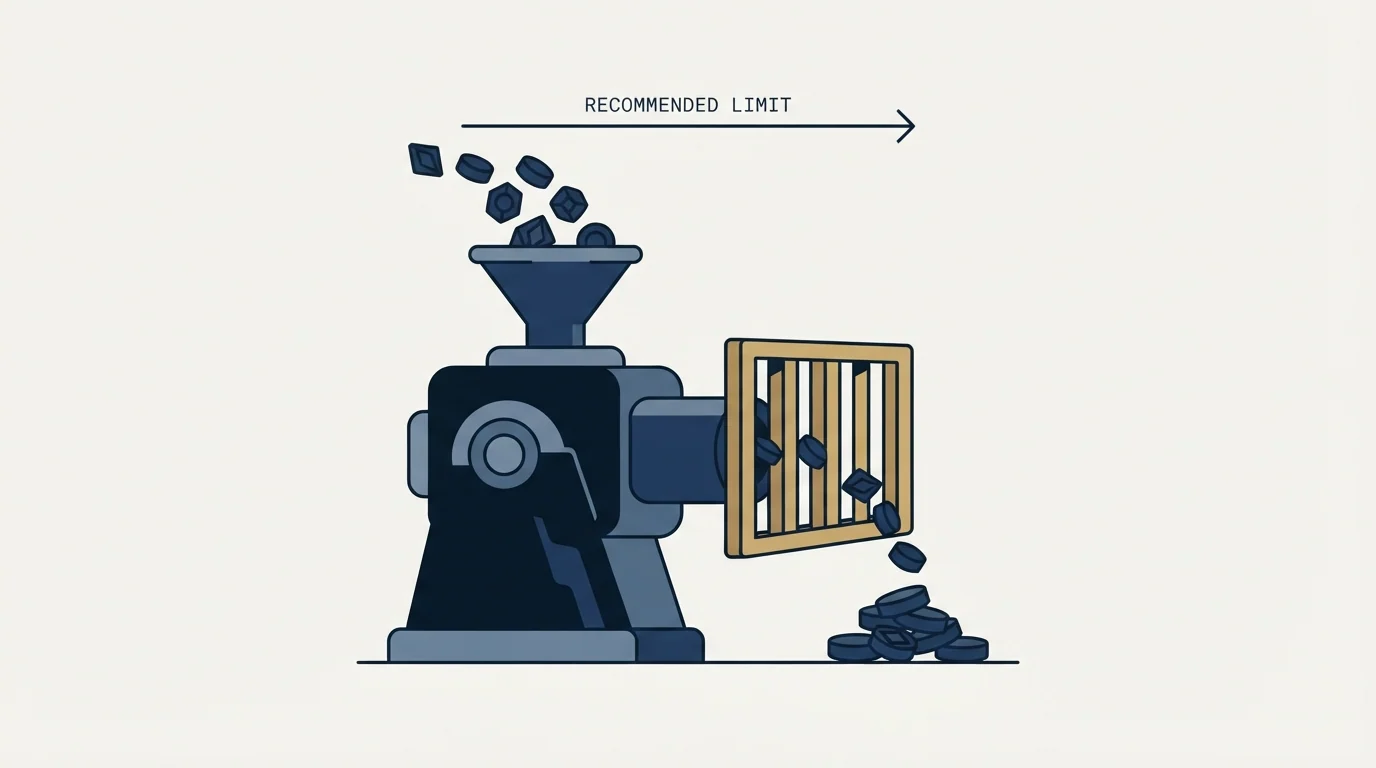
Here is where the documentation earns its place, and where a developer needs to read carefully.
- Paid active account: 80 to 100 invitations a day, roughly 200 a week, with a note up to 300 characters
- Free account: around 5 invitations a month with a 200-character note, 150 a week without a note
- Profile retrieval: around 100 profiles per account per day
- Limits stated as per account, independent of route, and not cumulative
- New or inactive accounts should start low and increase gradually
- Accounts under about 150 connections may see invitation delivery issues
- Basic and free members: a personalised note on five connection requests per month
- Premium members: unlimited personalised notes
- Restrictions from many invitations sent in a short time
- Restrictions from invitations ignored, left pending or marked as spam
- Suspected automation tool use can itself trigger a suspension
- An invitation restriction typically lasts one week and cannot be shortened
- No numeric daily or weekly invitation ceiling is published
The two columns agree on exactly one number, the five personalised notes a month on free accounts, and that agreement is the tell: it is the figure LinkedIn actually publishes. Every other figure in the left column is the vendor's observation, offered as guidance and explicitly not enforced.
The documentation is unusually direct about the failure mode. It states that exceeding LinkedIn's limits returns HTTP 429 or 500, that hitting the invitation limit specifically returns a 422 with cannot_resend_yet, and that Unipile enforces no limits of its own so you get exactly the same ceiling the LinkedIn interface would give you. It also warns that the LinkedIn error surfaces only at the final step, so a request can appear to be proceeding and fail at the end.
Its operational advice is worth quoting in substance because it describes what this class of integration actually requires: space calls out rather than chaining them at regular intervals, use random values, distribute across multiple launches during working hours, and start new accounts low.
The passage to read attributively and not follow
The same documentation, in its Instagram section, notes that the platform may warn a user that it suspects automated behaviour on their account, and then advises that you "can ignore this message and continue using automation", on the grounds that the vendor has not observed additional restrictions for users who did.
That is the vendor's stated observation about a different platform, and it is reproduced here because a developer evaluating this API will read it and should know it is there. It is not advice we would repeat or follow. A platform warning that names automated behaviour is the platform telling the account holder what it has detected, and continuing after it is a decision to spend someone else's account.
The general position, on LinkedIn specifically, comes from LinkedIn rather than from any vendor. Its User Agreement, effective 3 November 2025, prohibits using "software, devices, scripts, robots or any other means or processes" to scrape or copy the service, and using bots "or other unauthorized automated methods to access the Services, add or download contacts, send or redirect messages". Its help page on prohibited software states that members using such tools risk having accounts "restricted or shut down" and that the tools may become non-functional without notice.
- Yes: Treat vendor figures as the vendor's observations, dated
- Yes: Separate what the platform publishes from what the vendor recommends
- Yes: Handle 429, 422 and 500 as expected states rather than exceptions
- No: Quote a vendor's recommended rate as the platform's limit
- No: Follow advice to continue after a platform warning
- No: Assume an unenforced limit means the ceiling is not real
Why the invitation numbers disagree with each other
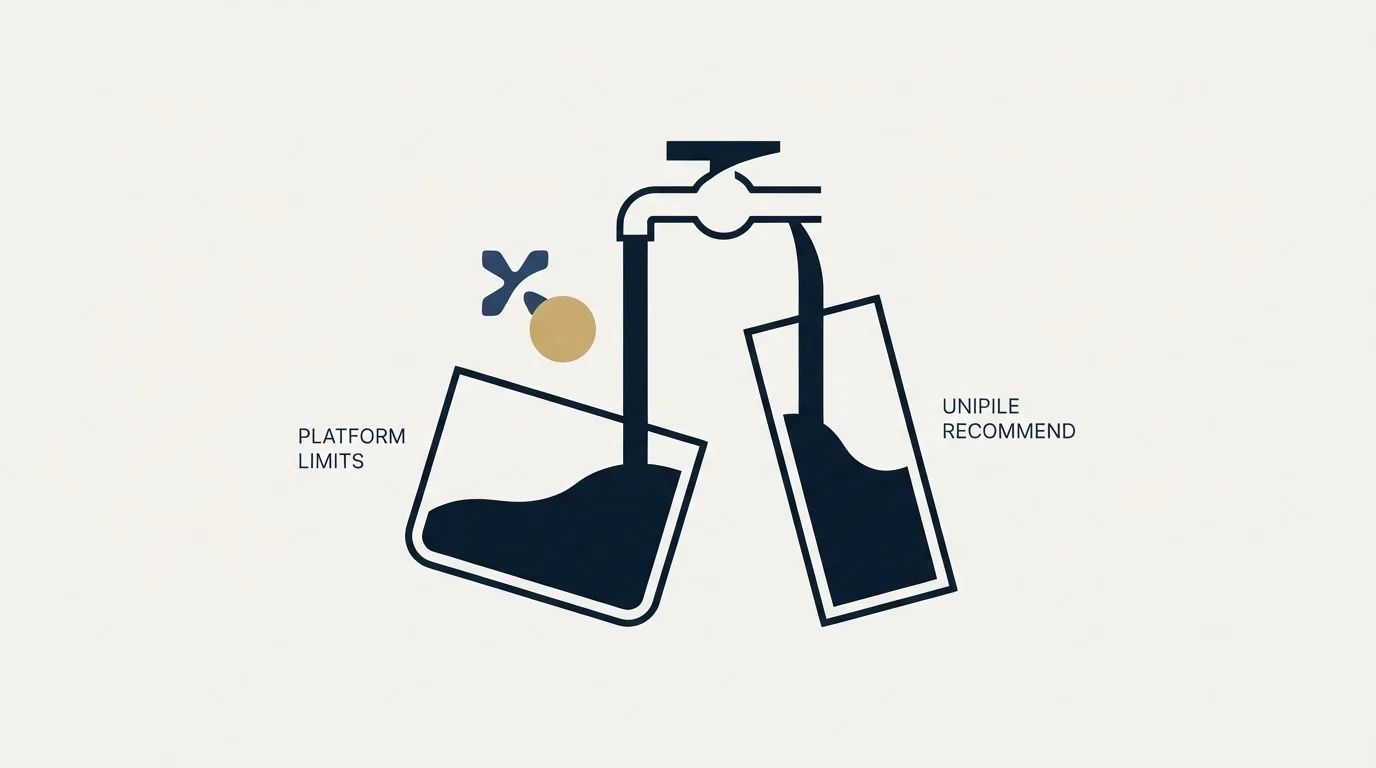
Two figures in the vendor's own LinkedIn guidance sit oddly together, and understanding why is more useful than picking one.
A paid active account is put at 80 to 100 invitations a day and roughly 200 a week. Those two do not multiply: five days at 80 is 400, which is double the weekly figure. That is not sloppiness. It reflects how the constraint actually behaves, which is that a daily rate can be sustained only until a separate weekly ceiling binds, and the weekly one is the real one.
The free-account line makes the same point from the other direction: around five invitations a month with a note, but 150 a week without one. The note is what carries the cost, which matches what LinkedIn publishes about personalised messages being the metered thing on free accounts rather than invitations themselves.
The practical construction that follows is to plan on the weekly figure, spread it across working days, and treat the daily number as a burst ceiling you do not use. Velocity is one of the triggers LinkedIn names on its own restrictions page, and a week's allowance spent in two days is a velocity pattern regardless of whether the total was inside a limit.
The other thing to take from those numbers is that they are dated. The page carries an update stamp, the figures move as the platform changes, and a number copied out of it into a comparison table a year from now will be wrong while looking authoritative. Re-read the source rather than the copy.
What the email side actually gives you
The same documentation covers Gmail, Workspace, Outlook and IMAP, and here the figures are more solid because the providers publish them.
Unlike Unipile's provider-scraped estimates, ZoomInfo's documented rate limits come straight from the vendor, gated instead by subscription scope and per-record credits.
It records Gmail accounts at up to 500 emails a day and Google Workspace at up to 2,000 officially, then recommends sending far below those: 50 to 100 a day on Gmail and 100 to 150 on Workspace, rising with good reply and bounce behaviour, and starting new accounts at 20 to 50. For Microsoft 365 it records 5,000 daily recipients, 500 recipients per message and 1,000 daily non-relationship recipients, defining a non-relationship recipient as someone you have never emailed before.
That last definition is the one that matters for cold email and is routinely missed. A daily allowance that looks generous shrinks sharply once the limit that applies to strangers is the binding one.
The documentation also records a workaround worth understanding before using it: creating additional domains in Google Workspace, linking them as aliases, and using the API to list aliases and set them as the from address, so reputation is spread across domains from one connected account. That is a real technique and it is also the point at which a messaging integration becomes sending infrastructure, with all the authentication and warming work that implies. Doing it casually, from a domain that carries your actual brand, is how a working domain stops working.
What to build against this, and what not to

It is a good fit for embedding messaging into a product your customers already use, where each user connects their own accounts and the value is in one conversation history rather than in volume.
It is a poor fit for running your own outbound at scale, where you would be building a sequencer from parts and inheriting the maintenance without the reply handling, inbox or deliverability tooling that finished products supply. The comparison across those products is in LinkedIn automation tools, and the multi-sender model we run client outreach on is in our HeyReach review.
The commercial model, pricing per linked identity, and the build-versus-buy question sit in Unipile.
What to settle before you integrate
Decide how your product surfaces a 422 or a 429 to the end user, because those are normal operating states here rather than incidents, and a user who sees a silent failure will blame your product.
Since rate caps and credit balances fail differently and demand separate handling, see how enrichment providers separate rate limits from credits for a comparable design problem.
Since credits rather than seats often decide what a plan can actually do, see how Unify's seat and credit pricing structures that same tradeoff.
Decide the sending rate your product permits, since the API enforces nothing and the ceiling is whatever the platform decides on the day.
Decide what you tell users about the platform relationship before they connect an account, rather than after one is restricted.
And keep search, extraction and messaging on separate accounts where the workflow allows it, because those activities are prohibited separately and detected differently. If what you need is the pipeline rather than the integration, get a free campaign plan and we will map the channel to your ICP before anything sends.
Pricing and features verified as of mid-2026. Verify current terms with the vendor before relying on them.
Frequently asked questions.
Frequently asked questions- What limits does Unipile document for LinkedIn?
- Its documentation recommends 80 to 100 invitations a day and roughly 200 a week for a paid active account, around 100 profile retrievals a day, and around five invitations a month with a note on free accounts. It labels these as conservative recommendations rather than enforced limits, and says exceeding them returns HTTP 429 or 500.
- Are those LinkedIn's official limits?
- No. LinkedIn publishes no numeric daily or weekly invitation ceiling on its own help pages. It describes triggers qualitatively: many invitations in a short time, many ignored or marked as spam, and suspected automation tool use. The only figure both sources share is the five personalised notes a month on free accounts.
- How does authentication work?
- Your application authenticates with an access token against a DSN issued in the API dashboard. End users connect their own accounts through a hosted authentication wizard or a custom flow, and the API then acts on their behalf. Account status changes are pushed back through webhooks rather than needing to be polled.
- What should I handle in my own code?
- Treat 422, 429 and 500 as normal operating states rather than incidents, because the API enforces no limits of its own and passes the platform ceiling straight through. Surface those states to the end user, since a silent failure gets blamed on your product rather than on the platform that caused it.
About the author.

B2B cold email experts helping companies generate qualified leads through done-for-you outreach campaigns.
RevenueFlow Team
Explore more.
Ready to scale your outreach?
We build GTM engines that book real meetings. See the receipts.
Related articles.
Best Time to Send a Sales Email: What Was Measured
The send time studies behind the midweek morning answer, what each one actually counted, and why a broadcast finding does not transfer to a sales email.
Best Time to Cold Call: What the Studies Counted
The best time to cold call figures traced to their originals: one inbound study from six companies, three vendor call datasets, and what survives the read.
Social Selling Tools by Job, and the Account-Risk Line
Fourteen social selling tools sorted into six jobs, split by whether each acts through your LinkedIn account or beside it, from the vendors' own pages.
Seamless.AI Email Finder: How It Works, What a Credit Buys
How Seamless.AI's email finder resolves a contact in real time, what one Universal Credit buys, the Total AI score on every address, and what the Chrome extension reads.
Is Clay Free? The Free Plan, the Trial and Where Each Stops
Clay's free plan, its 14-day trial and the no-charge-on-a-miss rule are three different things. What each holds and where it stops, from clay.com on 19 September 2026.
Video Prospecting Tools by Job: What Each One Is For
Ten video prospecting tools sorted by the job each vendor's own page describes: record and share, personalise at volume, avatars, hosting and interactive demos.