Is There Unlimited LinkedIn InMail? Open Profile Loophole
No LinkedIn plan offers unlimited InMail. What Open Profile actually does, the three ceilings on it, and the refund rule that gets you closer than any workaround.
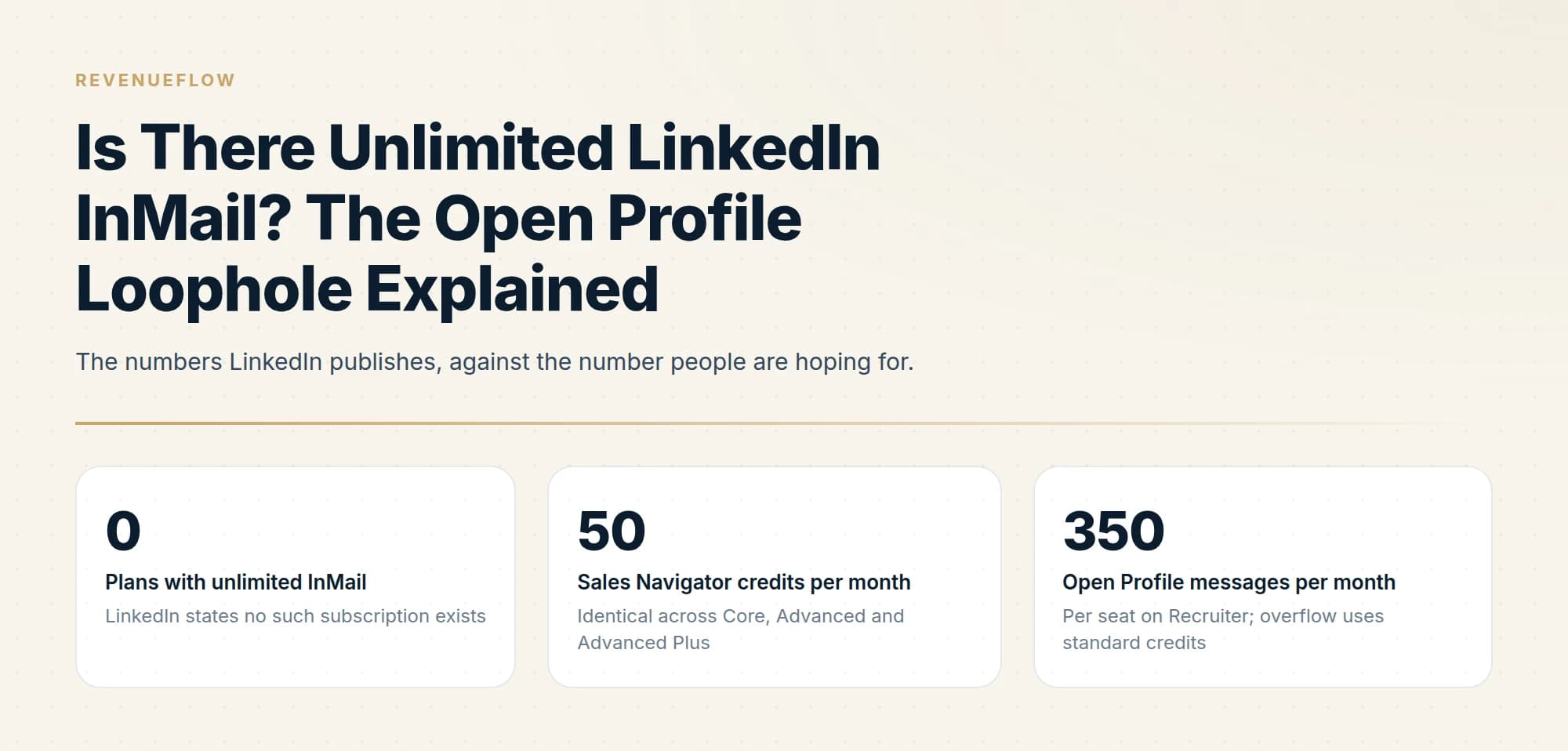
No LinkedIn subscription offers unlimited InMail credits, and LinkedIn states this directly across several Help Center pages. Open Profile lets you message some Premium members without a credit, but the recipient controls the setting and LinkedIn caps how many such messages you can send.
Key takeaways
- LinkedIn states in multiple Help Center articles that it does not offer a subscription plan with unlimited InMail credits.
- Open Profile is a setting the recipient enables on their own Premium account, so you cannot build a target list around it.
- LinkedIn caps Open Profile messaging, publishing a limit of 350 messages per calendar month per seat on Recruiter before standard credits are consumed.
- The response refund is the largest genuine lever on volume, because any reply within 90 days returns the credit immediately.
Reviewed and updated September 1, 2026
There is no unlimited InMail plan. LinkedIn says so in four separate Help Center articles, in nearly identical wording: it does not currently offer a subscription plan with unlimited InMail message credits. The highest published allowance on a sales product is 50 a month on Sales Navigator, and every Sales Navigator edition gets the same 50.
Premium subscribers, unlike Sales Navigator seats, work from smaller tier-based allowances, as the Premium InMail credit breakdown explains.
What does exist is Open Profile, which is where the "unlimited" claim comes from and which is genuinely useful once you understand what it is. It is a real mechanism for sending messages that consume no credit. It is also capped, uncontrollable, and nothing like unlimited.
What Open Profile actually is
Open Profile is a LinkedIn Premium setting. A Premium subscriber can switch it on, and doing so lets anyone on LinkedIn contact them for free, even if they are not in the sender's network. It also makes their full profile visible to all members.
The important word is "them". Open Profile is a setting the recipient controls, on their own profile, as a Premium subscriber. You cannot enable it for the people you want to reach, and there is no filter that reliably assembles a target list out of it.
- Step 1They subscribe to Premium
Open Profile requires a Premium subscription on the recipient's side. It is unavailable to basic accounts.
- Step 2They switch the setting on
A toggle in their profile intro section, which they can turn off again at any time.
- Step 3You see it on their profile
Visible before you send, which is why checking costs nothing and can save a credit.
- Step 4You message them for free
No credit is consumed, subject to LinkedIn's limits on how many such messages you can send.
Why it is not unlimited
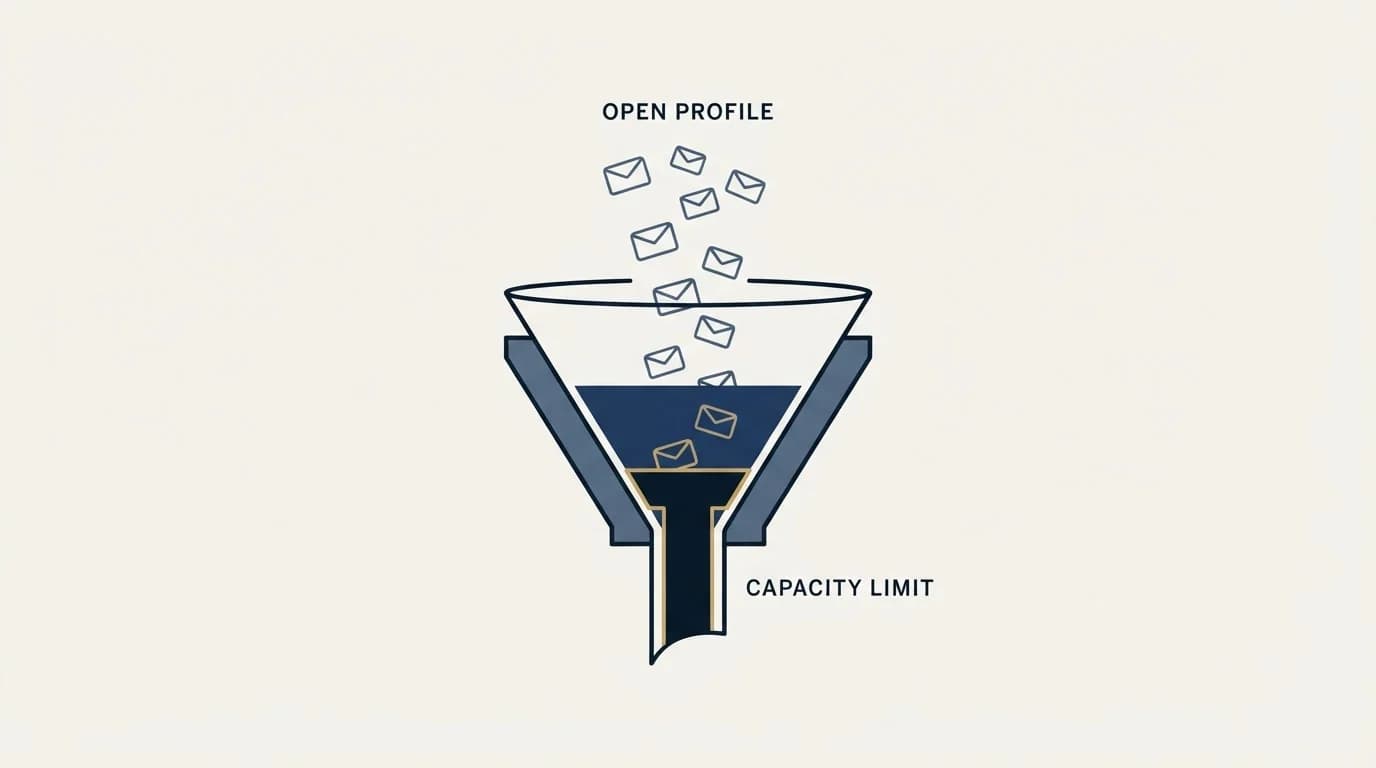
Three separate ceilings sit on top of it.
LinkedIn caps the sending side. LinkedIn states that it limits the number of Open Profile messages you can send in a given time period, in the interest of keeping the platform safe and professional. On the hiring products where the numbers are published, the shape is clear: Recruiter caps Open Profile messaging at 350 messages per calendar month per seat, and once that is reached, further Open Profile messages consume standard InMail credits instead. Basic accounts get a much smaller monthly allowance.
You do not control who has it on. The population of Open Profile members is whatever it happens to be inside your target list. It is not a segment you can build a campaign around, and it correlates with people who want inbound contact rather than with people who fit your ICP.
It requires them to be paying for Premium. That is a subset of LinkedIn, skewed toward job seekers, consultants, recruiters and salespeople. In many B2B target lists, the senior operational buyers you most want to reach are the members least likely to be running Open Profile.
LinkedIn states no such subscription exists
Identical across Core, Advanced and Advanced Plus
Per seat on Recruiter; overflow uses standard credits
Where LinkedIn publishes the real ceilings
The sales products keep their limits vague. The hiring products publish them in a table, and reading that table is the clearest way to understand what LinkedIn considers heavy use.
On Recruiter, each licence comes with 150 InMails a month and additional packs can be purchased. Sending is capped at 1,000 InMails per day per seat, with a lower ceiling of 200 for the first week on a newly created seat, and weeks running from Sunday at 00:00 UTC. Open Profile messaging is capped separately at 350 per calendar month per seat, after which further Open Profile messages start consuming standard credits. Recruiter Lite comes with 30 monthly credits and its own smaller Open Profile allowance.
Two things follow from that. First, even the product built for high-volume outreach has a hard daily number and a deliberate ramp for new seats, which is a reasonable model for what LinkedIn considers acceptable pacing anywhere on the platform. Second, exceeding it does not queue the work: LinkedIn disables sending until the following day, or the following week for a new seat that blows through its 200.
There is one more rule on Recruiter worth carrying across to any LinkedIn outreach thinking. After messaging a candidate, you must wait 24 hours before sending another unless they respond sooner, and to contact someone who has not responded you have to start a new thread, because LinkedIn will not let you continue one marked as awaiting reply. The platform is enforcing, in its own hiring product, roughly the discipline we apply by choice on the sales side.
- 50 credits a month, identical across Core, Advanced and Advanced Plus
- Additional credits cannot be purchased outside the monthly allotment
- Sending limits are not published in the same way
- On Premium you cannot send a second InMail until the recipient responds
- 150 InMails a month per Recruiter licence, with additional packs purchasable
- 1,000 InMails a day per seat, and 200 a day for the first week on a new seat
- Open Profile capped at 350 messages per calendar month per seat
- Recruiter Lite comes with 30 monthly credits and a smaller Open Profile allowance
The refund rule does more than Open Profile does
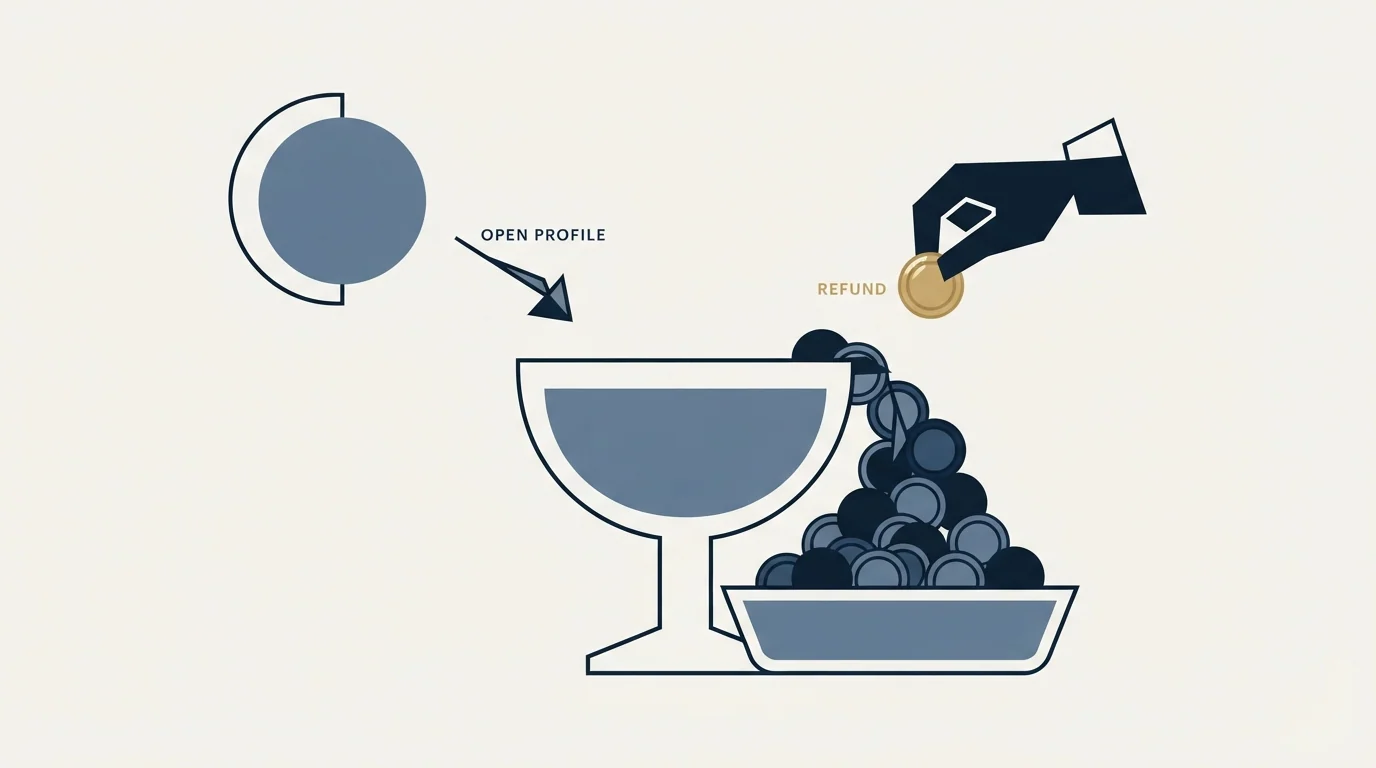
If the goal is more messages from the same subscription, the response refund is the bigger lever and it gets far less attention.
LinkedIn credits back every InMail that is accepted, declined, or responded to directly within 90 days of being sent, immediately when the recipient responds. Auto replies count. Quick replies count. A recipient clicking "Not interested" is recorded as declined and still returns the credit.
A seat getting responses on a quarter of its sends gets meaningfully more than 50 messages a month out of a 50-credit allowance. A seat getting responses on a twentieth of its sends gets 50 and an empty balance. Same subscription, same price, and the difference is entirely who was chosen and what was written. How the credit mechanics work covers the refund and rollover rules in full.
That is as close to unlimited as the platform gets, and it is available to everybody today without a plan change.
The same marketing pattern shows up with contact data tools, where what free email finders actually offer explains why unlimited searching still hides a capped export.
There is a second free channel most people overlook, and LinkedIn recommends it directly. Its own guidance on avoiding invitation restrictions is to invite only people you know and trust, and to use InMail and Groups to reach members you do not. Group membership costs nothing, creates legitimate shared context, and makes a later connection request considerably more likely to be accepted. A first-degree connection can then be messaged forever at no cost, which is the genuinely unlimited channel on LinkedIn and the one nobody searches for.
What does not work
Worth naming plainly, because these come up.
Upgrading Sales Navigator tiers. All Sales Navigator subscription types provide the same number of credits. Moving from Core to Advanced buys search and research capability, not messages. The Sales Navigator pricing guide covers what the tiers do change.
Buying credit top-ups. LinkedIn states that additional InMail credits cannot be purchased outside the monthly allotment on Premium and Sales Navigator. The hiring products are the exception, with Recruiter and Recruiter Lite permitting the purchase of additional packs.
Stacking subscriptions. Premium InMail credits cannot be used to send InMail on Sales Navigator or Recruiter. Holding both gives you two separate balances rather than one larger one, and credits do not transfer when you change subscription type.
Sending twice. On Premium you cannot send a second InMail until the recipient responds. On Sales Navigator, a second InMail to the same person before a response consumes another credit. Deleting the first one does not reset anything either, since a deleted InMail that never received a response returns no credit at all.
Running automation harder. Tooling does not raise any of these ceilings. It raises the rate at which you approach the account-level activity limits, and LinkedIn explicitly warns that an excessive volume of invitations combined with suspected automation can lead to a suspended or restricted account, with repeated suspensions risking permanent restriction.
That last one is the one we would decline to do even if it were free. A LinkedIn thread is permanent and visible, so the second message lands directly under the message they already chose not to answer, and it reads as a bump whatever the campaign structure calls it. Much of the market runs LinkedIn follow-up sequences regardless; we do not run no-reply retargets on LinkedIn at all, and we treat the first message as the whole campaign.
The honest answer to the volume question

Anyone searching for unlimited InMail is usually trying to solve a reach problem, and LinkedIn is a poor place to solve it. Fifty deliberate messages a month per seat is the design of the product, not a limitation to engineer around, and the account-level activity limits sitting above the credit system will bind before the credits do if you push hard. The LinkedIn automation tools guide covers those thresholds and what safe operation looks like.
Volume belongs in email, where the constraint is infrastructure rather than a per-seat quota, and where a fresh angle to a prior non-responder arrives as a genuinely new message rather than as a follow-up under an ignored one. LinkedIn earns its place as the precision layer on top: the accounts email is not reaching, approached one at a time, with the message that has to work first time. For the fundamentals, what InMail is and how it differs from a connection request is the primer.
We run that combination for clients on a pay-per-qualified-meeting basis, which means the seats, the credit budget and the targeting hours sit on our side. You can see what a campaign would look like for your market.
Open Profile behaviour, InMail allowances, purchase restrictions, refund rules and Recruiter Open Profile caps are per the LinkedIn Help Center as of mid-2026. LinkedIn's Recruiter limits page currently lists differing figures for the Recruiter Lite Open Profile cap in its prose and its table. Verify current terms with LinkedIn.
Sources: Open Profile and messages, Send an Open Profile message on LinkedIn, InMail sending limits in Recruiter and Recruiter Lite, InMail Messages FAQ
Frequently asked questions.
Frequently asked questions- Is there a LinkedIn plan with unlimited InMail?
- No. LinkedIn states across several Help Center pages that it does not currently offer a subscription plan with unlimited InMail message credits. The highest published allowance on a sales product is 50 a month on Sales Navigator, and every Sales Navigator edition receives the same number regardless of price.
- How does the Open Profile loophole work?
- Open Profile is a setting Premium subscribers can enable that lets anyone on LinkedIn message them for free, without consuming a credit, even outside their network. It is visible on the profile before you send. The recipient controls it, LinkedIn limits how many Open Profile messages you can send, and basic accounts get a small monthly allowance.
- Can I buy extra InMail credits to send more?
- Not on Premium or Sales Navigator, where LinkedIn states additional credits cannot be purchased outside the monthly allotment. Recruiter and Recruiter Lite allow purchasing additional packs, but they are hiring products with hiring pricing. Upgrading Sales Navigator tiers also does not help, since every edition includes the same 50 credits.
- What actually increases my InMail volume?
- Better targeting, because LinkedIn refunds the credit for any InMail answered within 90 days, including auto replies and declines. A seat getting responses on a quarter of its sends effectively gets well over 50 messages from a 50-credit allowance. Messaging Open Profile members costs no credit, and additional seats each carry their own allocation.
About the author.

B2B cold email experts helping companies generate qualified leads through done-for-you outreach campaigns.
RevenueFlow Team
Explore more.
Ready to scale your outreach?
We build GTM engines that book real meetings. See the receipts.
Related articles.
LinkedIn InMail Credits: How They Roll Over and Expire
How the InMail credit system behaves: monthly allocation, rollover ceilings, the 90-day clock, exactly what refunds a credit, and why you cannot buy more.
What Is LinkedIn InMail? Not a Connection Request
LinkedIn InMail explained: how credits work, why replies refund them, the 200 and 1,900 character limits, and when a connection request is the better move.
LinkedIn InMail: A Guide to Credits, Limits and Spending One
The full InMail system in one place: credit allowances by plan, the refund rule, character limits, the rules nobody tells you, and how to decide on a send.
How to Send a LinkedIn InMail That Gets Answered
The exact send flow on desktop and mobile, the composer limits, the checks worth running before you spend a credit, and the structure that gets a reply.
LinkedIn Sales Navigator Free Trial: Real Value in 30 Days
A plan for a Sales Navigator trial: what to build in the first session, what only a trial can tell you, and what to capture before access ends.
Sales Navigator Lead Generation: Lists That Export Cleanly
Building searches that map to a real ICP, why saved searches are the actual product, and the export constraint that shapes every workflow around the tool.