Best Sales Engagement Tools for Staffing & Recruiting (2026)
The five sales engagement tools worth comparing for Staffing and Recruiting Companies in 2026, with every price attributed to its source and every absence checked.
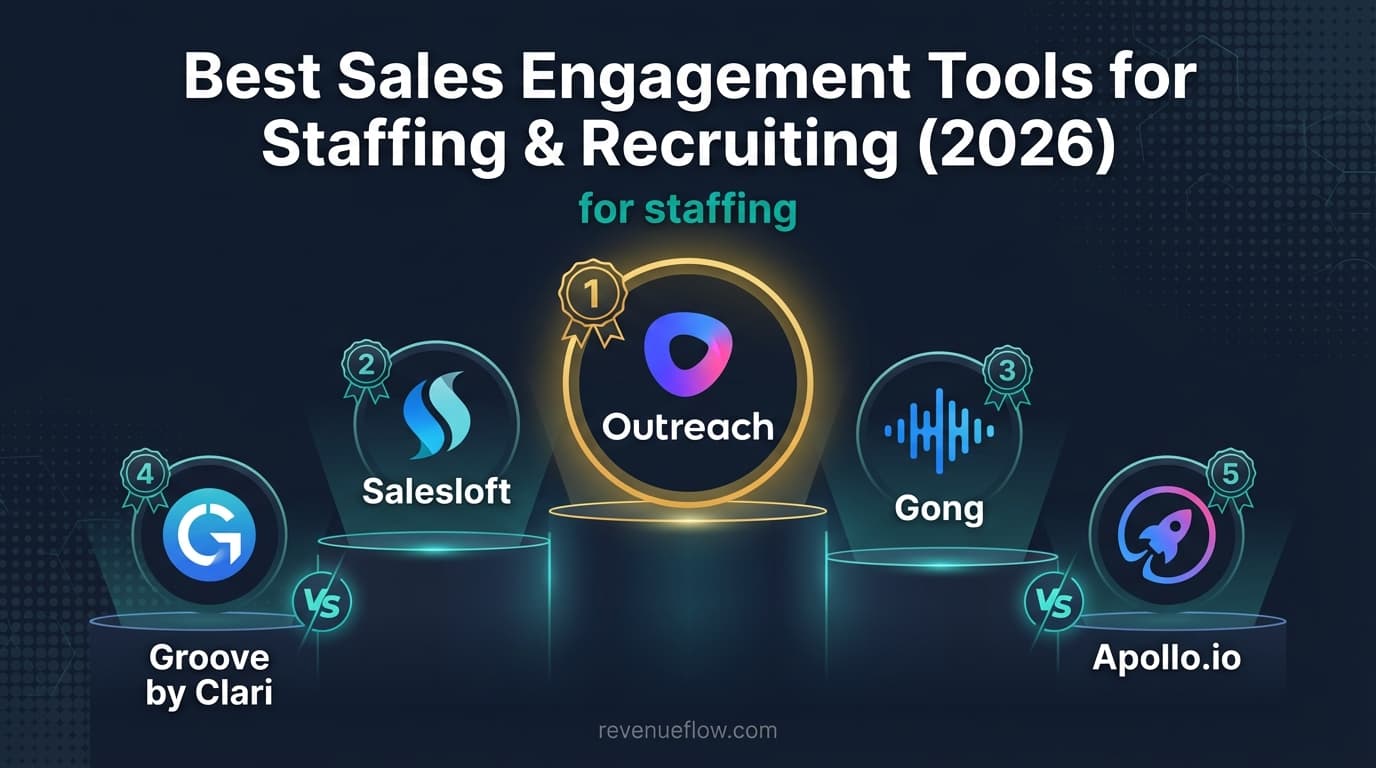
The best tools for staffing agency sales price a whole desk rather than each seat: Saleshandy's Pro plan covers ten users for $76 a month on annual billing, and Reply.io stops counting users from 10,000 active contacts at $159 a month. Apollo suits consultants who need data and sequencing in one seat, from $49 a seat.
Key takeaways
- For a desk of ten consultants, published floors run from $76 a month on Saleshandy Pro to $490 on Apollo Basic at $49 a seat, on annual billing.
- Reply.io charges $49 a user at 1,000 active contacts, but from the fourth user its 10,000 contact tier with unlimited users costs less, at $159.
- Keep client-side business development in the sales engagement tool and candidates in the ATS, with one do-not-contact list under both.
- Test suppression on an import before the first live send: a do-not-contact entry that does not survive the next upload is not a list.
Reviewed and updated September 19, 2026
The best tools for staffing agency sales are the ones built for the client side of the desk: reaching hiring managers with one well-timed message, logging it where every consultant can see it, and never touching a candidate by mistake. Staffing runs at high volume in a market where the same hiring manager hears from several agencies in one week, so restraint wins more briefs than volume. This guide prices the options from each vendor's own page, read 19 September 2026, and ranks them on what a staffing desk needs: seat costs across many consultants, client and candidate outreach kept apart, and a do-not-contact list that holds.
High volume puts the weight on the sending setup instead, and what a sequencer cannot fix about inbox placement is the limit worth knowing first.
What Are the Best Tools for Staffing Agency Sales?
For business development at a staffing or recruiting firm, the short answer depends on how many consultants sell:
- Saleshandy for a desk of many consultants on one budget. Its Pro plan covers a team of ten for $76 a month on annual billing, and Scale has no seat limit at $149.
- Reply.io for a desk that wants volume pricing without a seat count. From 10,000 active contacts its plans stop counting users, at $159 a month billed annually.
- Apollo.io for consultants who need hiring-manager data and sequencing in one seat, from $49 a seat a month on annual billing.
- Outreach for a large business development team already buying enterprise software, with a seat plus AI-credit model and no published price.
Salesloft and Gong suit enterprise teams buying for forecasting and call coaching, and neither publishes a price. Candidate outreach belongs in the ATS or a recruiting tool, not in any of these.
What a Staffing Desk Needs From the Tool
- CRM or ATS write-back. Every email and reply should land on the record the consultant already works from. Otherwise placement history and outreach history diverge, and two consultants chase the same hiring manager.
- Seat pricing that survives a growing team. A staffing firm adds billing consultants, and every one of them sells. A per-seat price multiplies with every hire; a team plan does not.
- Client side and candidate side kept apart. A candidate receiving what reads as a client sequence is a lost candidate.
- A do-not-contact list that holds. The test is whether an entry survives the next import, not whether the setting exists.
None of the pricing pages read for this guide names Bullhorn or any other staffing ATS, so ask each vendor for the integration by name, and ask whether it writes activity back or only reads contacts in.
The Options, Priced
Saleshandy
Saleshandy publishes three plans: Starter at $34 a month, Pro at $76 and Scale at $149, billed annually, or $41, $99 and $189 paid monthly. Its own summary is the part that matters for staffing: "Starter is a single seat, Pro covers a team of ten, and Scale has no seat limit". Pro includes 4,000 lead finder credits a month, where one credit reveals a verified email and six reveal a phone number.
Fit for staffing. The cheapest published way to put a whole desk on one tool. Check the send allowance against your volume: Pro allows 100,000 emails a month.
Reply.io
Reply.io prices by active contacts on a slider, billed annually. At the low end it counts users: $49 a user a month at 1,000 active contacts, rising to $89 at 5,000. From 10,000 active contacts it stops counting them, at $159 a month for unlimited users, and the tiers continue to $899 at 100,000 active contacts. For a staffing desk the threshold is the useful fact: from the fourth user, the 10,000 contact tier with unlimited users costs less than four seats on the entry tier.
Reply.io also publishes a recruiting page pitched at candidate outreach. Keep that use separate from the client-side desk, in its own workspace or its own tool.
Apollo.io
Apollo prints a full ladder, per seat per month: Basic $49, Professional $79 and Organization $119 billed annually, or $65, $99 and $149 billed monthly, with Organization needing three seats. Basic includes 30,000 credits per seat per year, granted upfront, which is the argument for staffing: consultants find hiring managers and sequence them in the same product.
Fit for staffing. Strong for a small desk; the per-seat price is the number to multiply before a larger team signs.
Outreach
Outreach publishes a model without a number: pricing is "a combination of seat-based pricing and consumption-based pricing powered by AI credits". Its four Amplify packages carry 10,000 to 100,000 AI credits, and each says "Request pricing". Suits a staffed business development team at volume, with the consumption component worth modelling before signature.
Salesloft, and What Happened to Groove
Salesloft's pricing page is a "Talk to Sales" form with no figure. Groove by Clari, the Salesforce-centred tool this guide used to list separately, is no longer a separate purchase: Clari and Salesloft completed their merger (the newsroom post is dated December 3, 2025), and the Groove product address now serves Salesloft's own sales engagement page.
Gong
Gong is bought for conversation intelligence: "Licenses are priced per user", and "There is a platform fee based on the number of users supported". Call coaching across a large consultant roster is the argument; the platform fee, which grows with users supported, is the number to check.
What a Per-User Price Leaves Out
A per-user price is where the bill starts, not where it ends, and each published model adds something different. Outreach adds consumption: AI credits are part of its price, so heavy use of its AI features moves the invoice. Gong adds a platform fee that grows with the number of users supported. Apollo's seats carry credits, and its pricing page charges 1 credit for an email and 8 for a phone number, so a desk that calls hiring managers spends its 30,000 Basic credits roughly eight times faster than one that only emails.
On the team-priced side, the ceiling is volume rather than people. Saleshandy's Pro plan allows 100,000 emails a month, and Reply.io's tiers are set by active contacts. For a staffing desk the useful comparison is the whole desk's month at the volume it actually sends, not the entry price of one seat.
Client Side and Candidate Side
A staffing firm talks to two audiences, and the tools marketed to it blur them. Reply.io and Saleshandy both publish recruiting pages built around candidate outreach, the same platforms they sell for business development. The two should not share sequences. A hiring manager and a candidate can be the same person a year apart, and a message written for one reads badly to the other.
The arrangement that holds is one record per person in the CRM or ATS, client-side outreach in the sales engagement tool, candidate contact in the ATS, and a single do-not-contact list under both. Agencies selling outbound as a service face the same separation per client, and how agency plans keep client workspaces apart covers that version.
Test the Do-Not-Contact List on an Import
Suppression usually fails at the import, not in the settings. A list arrives from a job board scrape or a consultant's spreadsheet, the import skips the check, and a person who asked not to be contacted receives a sequence. The fix is a test, not a policy.
How to Choose in Staffing

- Count the consultants who sell. Multiply the per-seat price by that number before comparing, then compare it with a team plan.
- Keep the two audiences in separate systems. Client-side business development in the sales engagement tool, candidates in the ATS.
- Run the import test. Before the first live send, and again after any change to the tool or the import route.
- Check the ATS write-back. Ask for the integration by name and watch one reply land on the record.
- Hold one message per campaign. In a market where four agencies contact the same hiring manager, the one that sends once and stops is the one remembered well.
Getting It Adopted
Start on the client side with one desk and one vertical. It gives a clean measure, it keeps candidate relationships out of the experiment, and it surfaces the suppression problem early, which is the thing most likely to cause visible damage later.
That client-side-first order rests on a split set out in why candidate outreach needs different sequence logic, where a bulk approach costs the relationship.
Where the Tool Stops Mattering
Staffing outcomes turn on the quality of the bench and the speed of the shortlist. Outbound gets a first briefing conversation; it does not fill a role. An agency losing on delivery will not win on sequencing.
Final Thoughts
Most staffing firms should run client-side business development on a team-priced tool such as Saleshandy or Reply.io once more than a few consultants sell, use Apollo where consultants need data in the same seat, keep candidate outreach in the ATS, and prove the do-not-contact list on an import before the first send.
Related Reading
- Best Apollo.io Alternatives in 2026
- Best Salesforce Alternatives in 2026
- Best Outreach Alternatives in 2026
- Best CRM Tools for Staffing in 2026
If you would rather have this run for you, RevenueFlow books qualified meetings on a pay-per-meeting basis and publishes client results.
Pricing and features are taken from the vendors' own pages. Verify current terms with the vendor before relying on them.
Frequently asked questions.
Frequently asked questions- What are the best tools for staffing agency sales?
- For client-side business development, a tool priced for the whole desk: Saleshandy's Pro plan covers ten users for $76 a month on annual billing, and Reply.io stops counting users from 10,000 active contacts at $159 a month. Apollo suits consultants who need hiring-manager data and sequencing in one seat, from $49 a seat a month.
- How much do sales engagement platforms cost per user?
- Apollo charges $49, $79 or $119 a seat a month on annual billing. Reply.io charges $49 to $89 a user at up to 5,000 active contacts, then drops the user count. Saleshandy prices plans, not seats: Pro covers ten users for $76 a month. Outreach, Salesloft and Gong publish no price.
- Should a staffing firm use the same tool for candidates and clients?
- No. Hiring managers belong in the sales engagement tool and candidates in the ATS or a recruiting tool, because a candidate who receives what reads as a client sequence is lost. Keep one record per person and one do-not-contact list checked on every import, across both sides.
- Do sales engagement tools integrate with a staffing ATS?
- None of the pricing pages read for this guide names Bullhorn or another staffing ATS, so ask each vendor for the integration by name. Then test it: send one sequence email, let a reply arrive, and confirm both land on the record your consultants work from.
About the author.

B2B cold email experts helping companies generate qualified leads through done-for-you outreach campaigns.
RevenueFlow Team
Explore more.
Ready to scale your outreach?
We build GTM engines that book real meetings. See the receipts.
Related articles.
Lavender Pricing: Two Products, No Pricing Page
Lavender has no pricing page. The Email Coach ladder per seat at both billing states, the free routes, and the separate per-agent price for Ora.
Gong Engage vs Salesloft Cadence: How They Differ
Gong Engage and Salesloft Cadence compared from each vendor's own pages: where each starts, six jobs side by side, and what the pricing pages disclose.
Twain Pricing: Credits per Lead, Three Research Modes
Twain sells credits, not seats, and a lead costs 1 to 14 of them depending on the research mode. The two ladders, the four expiry clocks and the cap.
Outbound Lead Generation Tools, Layer by Layer
Outbound tools do six jobs and price on different units: contacts, credits, seats, sends. Thirteen vendors read from their own pages on 18 September 2026, by layer.
Zeliq Pricing: One Seat Rate and a Credit Meter
Zeliq prices one self-serve seat in dollars with a credit meter that never expires. Both billing states, the three credit rates, the top-up ladder and the Custom floor.
Salesgear Pricing: Two Ladders Under One Plan Title
Salesgear's page is titled as one plan and carries a Data ladder and an Outreach ladder. Both at both billing states, what each meters, and the two vendor-side conflicts.