The Dux-Soup Chrome Extension: What Runs in Your Browser
The store listing says 50,000 users and the homepage says 300,000. Reading which figure sits on which page is the fastest way into how this extension works.

Dux-Soup is a browser extension that performs LinkedIn actions inside your own logged-in session rather than through an API, so no credential leaves your machine and every action is attributed to your account. Plans start at $14.99 a month, with a higher tier moving execution onto vendor infrastructure.
Key takeaways
- The extension works inside your logged-in Chrome session, so no password or connected application is involved and every action is attributed by LinkedIn to your own account.
- The store listing fetched on 16 August 2026 shows version 10.2.13, 50,000 users and 4.4 from 445 ratings, published by Supertec B.V.; the vendor homepage states 300,000 users on the same day.
- The real plan decision is browser execution versus the cloud tier, because moving to managed always-on infrastructure changes where the activity originates from.
- The knowledge-base article on other browsers names Opera, Yandex, Edge and Brave, and does not name Firefox, which settles the evaluation early for a Firefox-standardised team.
Reviewed and updated September 1, 2026
Dux-Soup's homepage says the product has 300,000 users. Its Chrome Web Store listing, fetched the same day, says 50,000. Both numbers are published by the same company about the same product, and the gap is the first useful thing to understand about the extension: what runs in your browser and what the company counts as a customer are two different populations, and the distinction turns out to matter for how the tool behaves.
This is a look at what the Chrome extension actually is, what it does to a LinkedIn account, and where the published facts sit as of mid-2026.
What it is, per the listing
The Chrome Web Store entry is published by Supertec B.V., a Netherlands company, and lists the extension under Social Networking. The listing fetched on 16 August 2026 shows version 10.2.13, updated 10 August 2026, at 2.21 MiB, available in nine languages, with a rating of 4.4 from 445 ratings and an install count of 50,000 users. The store also shows the badge "The publisher has a good record with no history of violations".
The listing describes what it does in plain terms: campaigns that "automatically send LinkedIn connection invitations, view, follow and endorse profiles, send InMails and messages", all "personalized and scheduled with custom delays". It states the extension "works on your regular LinkedIn, Sales Navigator or Recruiter account", and offers a two-week free trial on first install.
One sentence in that listing deserves close reading, because it is the whole security model in one line. The vendor writes that "with no third party access required, we guarantee optimal safety of your LinkedIn account, whilst keeping all activity in LinkedIn so you never lose any data."
No third-party access means the account doing it is yours
That sentence is accurate and it is worth understanding rather than being reassured by.
A browser extension operates inside your logged-in session. It does not need your LinkedIn password, it does not connect through an API, and no server of theirs authenticates as you. It clicks the same buttons you would click, in the browser you are already using, using the session cookie your own login created.
Where Dux-Soup automates LinkedIn actions inside your session, Surfe's browser extension breakdown examines a different extension that pulls profile data straight into your CRM.
The upside is real: there is no credential sitting on someone else's infrastructure, and there is no third-party application connected to your account that could be revoked or breached independently. That is a genuinely better posture than a tool that asks for your login.
The consequence runs the other way too. Every action the extension takes is, from LinkedIn's side, an action taken by your account from your browser. Whatever attribution, rate limiting or review LinkedIn applies to that activity applies to you, and there is no intermediary to absorb it. A guarantee of "optimal safety" in a store listing is a marketing statement rather than an indemnity, and the account risk stays with the account holder. Our own write-ups of LinkedIn connection limits and what actually gets an account restricted cover that side in detail, and they are the pages to read before choosing any tool in this category rather than after.
Browser or cloud, which is the real product decision
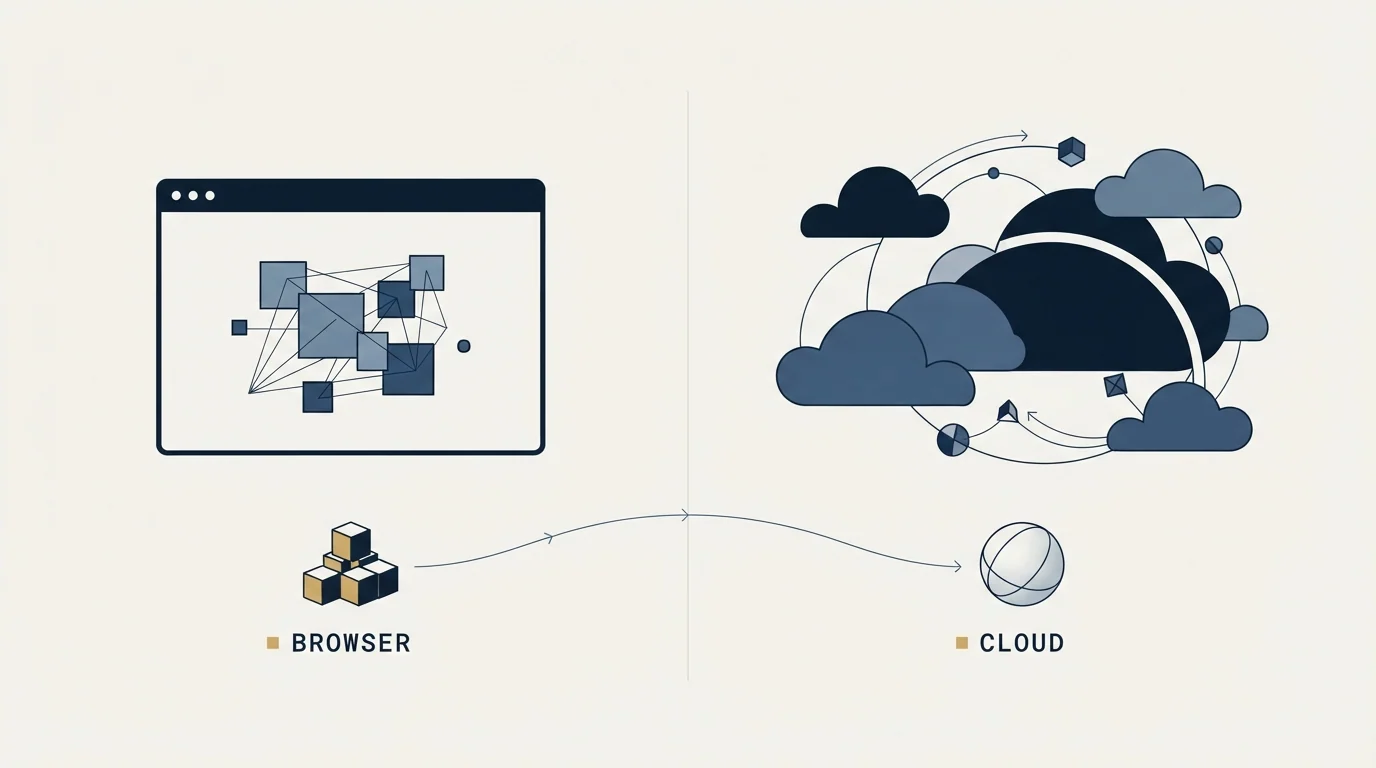
Dux-Soup's pricing page presents three plans, and the meaningful line is not between features but between where the automation runs.
The two lower plans run in your browser. That means the machine has to be awake, Chrome has to be open, and the session has to be live for anything to happen. The top plan moves execution to what the vendor's page describes as "stable, managed & monitored infrastructure", "always-on, allowing you to scale activity", with "additional security & managed account safety".
Moving to cloud execution changes the security model that the listing's sentence describes. Activity now originates somewhere other than the place you normally log in from, which is the specific change worth thinking about before choosing the top tier for convenience reasons.
- Runs inside your logged-in Chrome session
- Machine must be on and the browser open
- Activity originates from your usual location and device
- Nothing of yours is stored on vendor infrastructure to run it
- Throughput is bounded by how long you leave it running
- Vendor describes managed, monitored, always-on infrastructure
- Runs without your machine being awake
- Activity originates from vendor infrastructure rather than your device
- Vendor advertises additional security and managed account safety
- Higher sustained throughput is the point of the tier
What the plans cost
The pricing page fetched on 16 August 2026 shows a monthly and an annual figure side by side for each plan, with the annual saving labelled as twenty per cent, and separate tabs for Individual, Team and Agency licensing.
Pro Dux is listed at $14.99 a month, or $11.25 a month billed annually, and covers connection invitations, messages to first-degree connections, post likes, profile visits and tagging, an activity log, four safety features, and CSV export of data and email addresses.
Turbo Dux is listed at $55.00 a month, or $41.25 a month billed annually, adding campaign automation, campaign statistics, a lead management dashboard, a central inbox and integrations that push leads into a CRM.
Cloud Dux is listed at $99.00 a month, or $74.17 a month billed annually, adding the managed always-on infrastructure described above.
The pricing page also states the email economics directly: first-degree emails are free, while emails for second-degree and beyond consume the vendor's credit unit, which it calls Dux-points. That is the line that decides whether the CSV export is a data source or a convenience, and it is easy to miss on a first read of the plan table.
Where Dux-Soup ties email exports to its own credit unit, the LeadIQ Chrome extension shows how a similar tool prices each captured contact detail against a pooled credit balance.
Store listing fetched 16 August 2026, alongside 4.4 from 445 ratings
Homepage fetched the same day, alongside 'Since 2015'
Pro Dux, or $11.25 monthly on annual billing, per the pricing page
Updated 10 August 2026 per the store listing
The two user counts are not a contradiction to catch anyone out on. A store install count measures current Chrome installations; a homepage figure of that size is more plausibly cumulative accounts across the product's history since 2015, including cloud users who never install anything. Both can be true. What it demonstrates is the general rule for reading any vendor page: a figure belongs to the surface it appears on, and quoting the friendlier one without saying where it came from is how comparison articles end up wrong.
Browser coverage, which is narrower than "Chrome extension" suggests

Dux-Soup's knowledge base has an article on other browsers, last updated 14 March 2024, which states the extension can be installed on browsers other than Chrome and names four where the vendor has had success: Opera, Yandex Browser, Microsoft Edge and Brave. Installation still runs through the Chrome Web Store listing in each case. The article notes that Brave requires third-party cookies to be enabled, points users of unlisted browsers to a separate build it calls the freerange version, and states plainly that "we have only done basic testing with these browsers".
Firefox is not among the four named on that page. A team standardised on Firefox is therefore choosing a different tool or a different browser rather than a different setting, which is a small fact that decides the evaluation early and is worth establishing before a trial rather than during one.
What the store says about your data
The Chrome Web Store's data disclosure for this extension states that it "handles the following: User activity", and that the developer declares your data is "not being sold to third parties, outside of the approved use cases", "not being used or transferred for purposes that are unrelated to the item's core functionality", and "not being used or transferred to determine creditworthiness or for lending purposes".
Those are developer declarations rather than audit findings, which is true of every extension in the store. The reason to read them anyway is that the declaration set is standardised, so it is one of the few places where tools in this category can be compared on the same wording. The listing also carries the publisher's registered trader details, including a Netherlands address and a company identifier, which is more transparency than much of this category offers.
For the adjacent question of what can legitimately be collected from LinkedIn pages at all, LinkedIn web scraping covers the constraints that sit above any particular tool.
- Yes: Decided whether execution runs in your browser or on vendor infrastructure, and why
- Yes: Checked that everyone who will use it is on Chrome, Edge, Opera, Yandex or Brave
- Yes: Understood that second-degree email lookups consume credits while first-degree ones do not
- Yes: Read the account-limit and restriction material before setting any activity level
- Yes: Agreed internally who owns the account risk, since actions originate from a real person's account
- Yes: Agreed in writing what counts as a qualified reply before any campaign starts
How this fits a programme rather than a tool evaluation

Two things are worth saying about the category rather than the product.
The first is that a tool of this shape multiplies whatever list you point it at. Automating invitations to a poorly built list produces a larger volume of ignored invitations and a worse-looking account, which is the failure mode behind most stories of tools getting people restricted. LinkedIn prospecting covers the list side, and it is the half that decides the outcome.
The second is a practice note, since campaign features in this category are built for repeated touches. Our documented policy is one message per campaign, with no bumps and no thread replies, and on LinkedIn specifically we do not send a second message to someone who ignored the first, because it lands directly under the one they ignored and reads as a bump whatever the campaign structure calls it. The tooling will happily execute the other pattern. Deciding which one your team runs is a decision to make deliberately rather than inherit from a default. The wider comparison of what each tool in this space actually automates is in LinkedIn automation tools, and if you would rather see a single-message programme built against your own market before buying anything, look at what a first campaign would target.
The short version
Dux-Soup is a browser extension that performs LinkedIn actions inside your own logged-in session, with an optional cloud tier that moves execution off your machine. Its published price starts at $14.99 a month, its store listing shows 50,000 installs against a homepage claim of 300,000 users, it supports five named browsers and not Firefox on the page that lists them, and its email export is metered beyond first-degree connections. The account risk is not transferable, whatever the store listing guarantees.
Vendor and store figures verified against raw fetches of the Chrome Web Store listing, dux-soup.com, dux-soup.com/pricing and support.dux-soup.com on 16 August 2026. Verify current terms with the vendor before relying on them.
Frequently asked questions.
Frequently asked questions- Is Dux-Soup safe for my LinkedIn account?
- The store listing promises optimal safety, and that is a marketing statement rather than an indemnity. The architecture is genuinely better than tools that ask for your password, since it runs in your own session with no third-party access. The consequence is that LinkedIn attributes every automated action to your account, and the risk is not transferable to the vendor.
- How much does Dux-Soup cost?
- The pricing page fetched on 16 August 2026 lists Pro Dux at $14.99 a month or $11.25 monthly billed annually, Turbo Dux at $55.00 or $41.25, and Cloud Dux at $99.00 or $74.17, with the annual saving labelled twenty per cent. Individual, Team and Agency licensing sit on separate tabs.
- Does Dux-Soup work on Firefox?
- The vendor's knowledge-base article on other browsers, last updated 14 March 2024, names Opera, Yandex Browser, Microsoft Edge and Brave as browsers where installation has worked, all via the Chrome Web Store listing. Firefox does not appear on that page. It also points users of unlisted browsers to a separate build and says only basic testing was done.
- Are the exported email addresses free?
- Only some of them. The pricing page states that first-degree emails are free while emails for second-degree connections and beyond consume the vendor's credit unit, called Dux-points. That single line decides whether CSV export functions as a real data source for your programme or as a convenience for contacts you already have.
About the author.

B2B cold email experts helping companies generate qualified leads through done-for-you outreach campaigns.
RevenueFlow Team
Explore more.
Ready to scale your outreach?
We build GTM engines that book real meetings. See the receipts.
Related articles.
LinkedIn Chrome Extensions, Sorted by the Job They Do
The category holds four unrelated products. Which job each extension does, what six vendors publish about their own, and what none of them change.
Seamless.AI Email Finder: How It Works, What a Credit Buys
How Seamless.AI's email finder resolves a contact in real time, what one Universal Credit buys, the Total AI score on every address, and what the Chrome extension reads.
Video Prospecting Tools by Job: What Each One Is For
Ten video prospecting tools sorted by the job each vendor's own page describes: record and share, personalise at volume, avatars, hosting and interactive demos.
SalesRobot Pricing: Two Tabs, Yearly Opens First
SalesRobot prices LinkedIn per account and email per user on two tabs, with the LinkedIn tab opening on yearly. Both ladders at both states, quotas and credits.
Is Clay Free? The Free Plan, the Trial and Where Each Stops
Clay's free plan, its 14-day trial and the no-charge-on-a-miss rule are three different things. What each holds and where it stops, from clay.com on 19 September 2026.
Social Selling Tools by Job, and the Account-Risk Line
Fourteen social selling tools sorted into six jobs, split by whether each acts through your LinkedIn account or beside it, from the vendors' own pages.