Email Domain Reputation: The Architecture That Holds
Two teams send the same 3,000 emails a day. One spreads it across eight domains and is still sending six weeks later. Reputation is scored per domain.
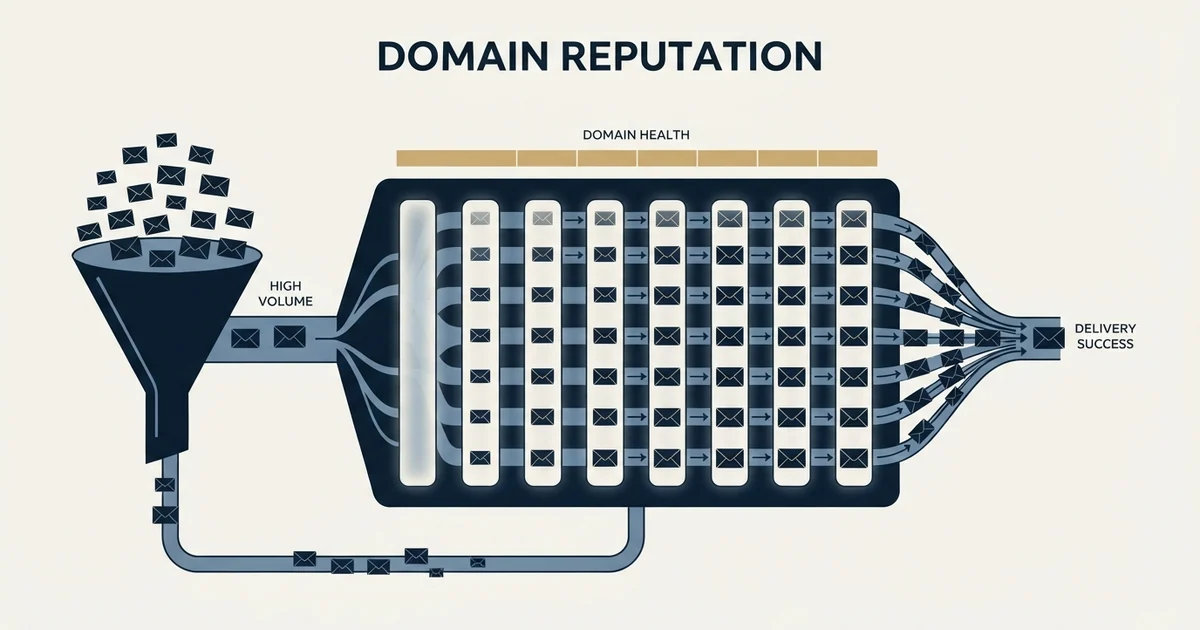
Domain reputation is a receiver's rating of a domain's sending behaviour, scoped to the exact domain used for DKIM and SPF authentication. That scoping makes the number of sending domains an architectural decision: a pool converts a total failure into a partial one, at the cost of noisier per-domain rates.
Key takeaways
- Google defines reputation as a rating determined by the sending behaviour of a domain or IP address, so it responds to conduct rather than to content.
- A domain sending 300 messages a day breaches Google's 0.30% spam rate ceiling on a single complaint, which makes small domains volatile day to day.
- In 1,413,405 measured sends the true hard bounce rate was 1.27% once every notification was classified, against a platform counter reading 3.04%.
- Sending more never repairs a rating, and moving an unverified list to fresh domains converts one damaged domain into several.
Reviewed and updated September 2, 2026
Two teams send 3,000 cold emails a day. The first sends all of it from one domain with a dozen mailboxes on it. The second spreads the same volume across eight domains. The messages are identical, the list is identical, and after six weeks the second team is still sending and the first is rebuilding.
The difference is not luck and it is not warmup. Domain reputation is scored per domain, which makes the number of domains you send from an architectural decision rather than a procurement one. Here is what that score is actually made of, why small numbers make it volatile, and what a sending architecture that survives volume looks like.
Adding domains has a short-lived side effect, because a reputation zone that lists domains by age catches every freshly registered name until it ages out.
What the score is, in the words of the people who assign it
Google defines it plainly in its Postmaster Tools documentation: reputation is a rating of the quality of domains and IP addresses used to send email, and is determined by the sending behavior of a domain or IP address. Messages from senders with a high reputation are more likely to be delivered to the inbox instead of to spam.
Two features of that definition do the work. It is a rating of behaviour rather than of content, so a well written email from a badly behaved domain still lands in spam. And it belongs to the domain, not the account, the campaign or the company.
The scoping is exact. Google's documentation states that the domain reputation dashboard only displays messages sent from the exact domain used for DKIM and SPF authentication. Reputation is therefore attached to the string in your DKIM signature, which means that as far as Gmail is concerned, eight sending domains are eight separate senders who happen to share an office. Our glossary entry on domain reputation covers the definitional ground, including how the scoping behaves across subdomains. This page is about what the scoping forces you to build.
The inputs, roughly in order of how much they matter
Complaints. Somebody pressing the spam button is the strongest negative signal available, because it is a human explicitly saying the mail was unwanted. Google's sender guidelines advise keeping spam rates in Postmaster Tools below 0.10% and never reaching 0.30%.
Invalid addresses. Hard bounces indicate a list that was not verified, and lists that were not verified are the ones that also hit traps. Our own cold email benchmark report, covering 1,413,405 sends, found a true hard bounce rate of 1.27% once every notification was classified individually, against a platform counter reading 3.04%. Both numbers matter here: the real rate is what receivers see, and the inflated one is what makes teams panic at the wrong moment.
Spam traps. A spam trap is an address that exists only to catch senders mailing lists they should not have. Hitting one is a strong signal precisely because a legitimate opt-in process cannot produce a hit.
Authentication. SPF, DKIM and DMARC are not reputation inputs so much as prerequisites. Unauthenticated mail from a domain is scored as suspicious before behaviour enters the calculation.
Volume shape. A domain that has never sent, then sends thousands in a day, is exhibiting the signature of a compromised account. This is what warmup is trying to avoid, and the duration question is covered in how long to warm up a cold email domain.
Engagement. Opens, replies and messages moved out of spam all read as recipients wanting the mail. This is the input a cold sender has least direct control over and the one that most rewards a well matched list.
- Step 1Unverified addresses go out
Hard bounces rise on the sending domain
- Step 2Poor match rate
Recipients who never fit the offer mark the message as spam
- Step 3Complaint rate crosses the line
A handful of complaints breaches 0.30% at cold email volumes
- Step 4Filtering tightens
More messages route to spam, so engagement falls further
- Step 5Rating drops
The domain is now the problem, and the list that caused it is still in the tool
Why the thresholds are brutal at cold email volumes
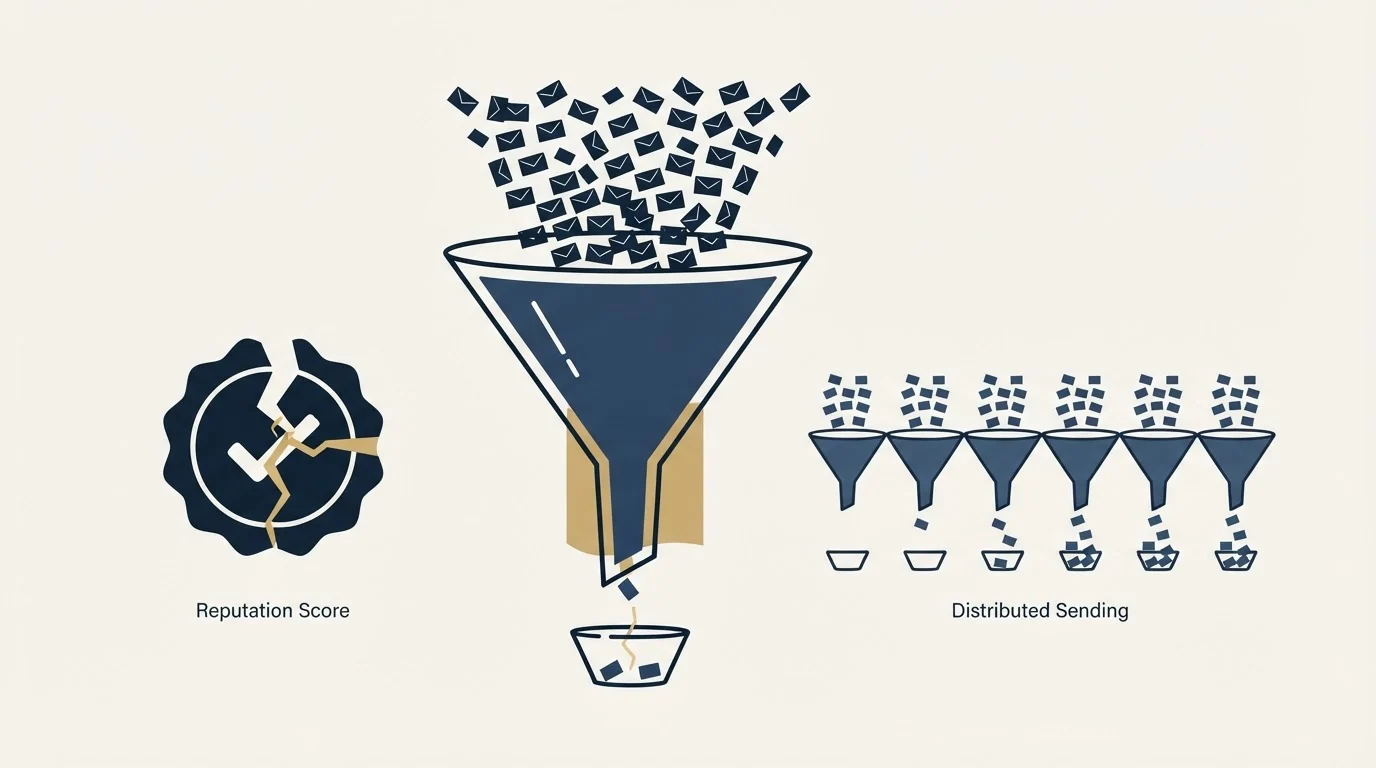
The percentages look generous until you convert them into people. A domain sending 300 messages a day is at Google's 0.30% ceiling with a single complaint. Two complaints in a day is double the ceiling. At 3,000 a day the same ceiling absorbs nine complaints, which feels like a different rule entirely.
This is the counterintuitive part of running a pool. Splitting volume across domains protects you from a single domain's failure taking down the whole programme, and it also means each domain's complaint rate is computed over a smaller denominator, so it is noisier. One bad day on a small domain reads as a serious breach.
The resolution is that the rate is not the thing to watch on a single day. Trend over a week, per domain, is the signal. A domain that produces one complaint in a week is fine. A domain that produces one every day is telling you the audience or the message is wrong, and no amount of sending architecture fixes an audience problem.
The architecture that holds
Separate sending domains from the domain your business runs on. Cold outbound damage should never be able to reach the domain your invoices and support mail leave from.
Several sending domains rather than one. Reputation is per domain, so a pool converts a total failure into a partial one. It also gives you somewhere to move volume while a damaged domain rests.
Building that pool of sending domains raises the practical question of inbox pricing, and flat rate unlimited inbox pricing explains what a single subscription actually covers.
A small number of mailboxes on each, each sending modestly. Provider limits are the ceiling and not the target, and a mailbox running at its ceiling is a stronger signal than one that never approaches it.
Domains bought early. Domain age is a real input, and a domain registered two months before launch costs the same as one registered the week before.
Capacity in reserve. Buying more sending capacity than the campaign needs is a deliberate strategy with a real rationale, set out in why we maintain 3x sending capacity. Reserve capacity is what makes resting a damaged domain possible rather than theoretical.
- One reputation carrying all the risk
- Complaint rate computed over the full volume, so it moves slowly
- A bad week stops the entire programme
- Nowhere to move volume during recovery
- Eight independent reputations
- A failure costs an eighth of capacity
- Rates are noisier per domain, so watch the weekly trend
- Damaged domains can rest while others carry the load
Reputation you cannot see, and how to work without it
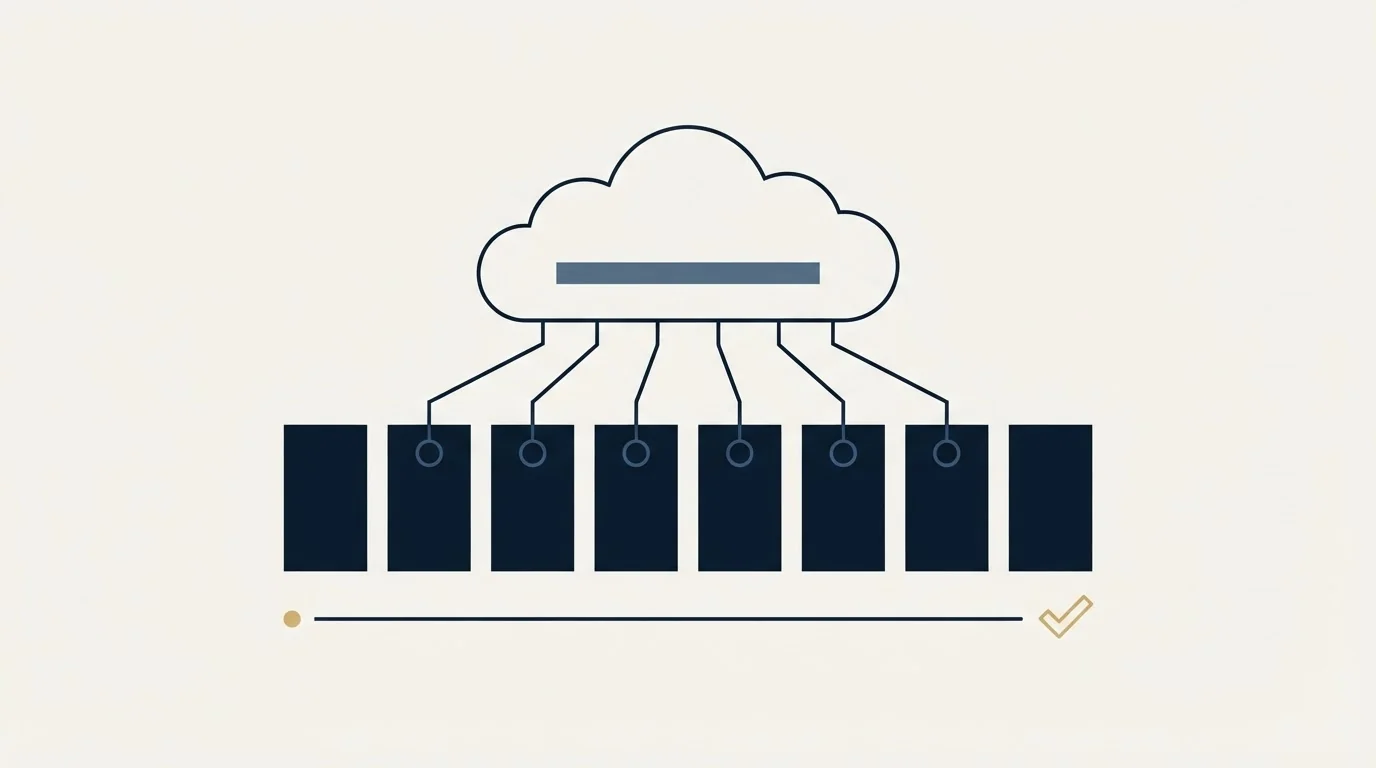
The uncomfortable part of running this architecture is that the measurement gets worse as the architecture gets better. Google's documentation notes that to protect the privacy of Gmail users, the Postmaster dashboard might not include all data on days when outgoing email volume is low. A pool built to keep per-domain volume modest is a pool built to sit under that threshold, so the dashboards frequently show nothing at all.
An empty dashboard reads like good news and carries no information. Working without it means falling back to the signals you own, which are better than they sound.
Bounce rate per domain, per week. You have every bounce notification, and classifying them is the difference between a real number and a counter. A rise concentrated on one domain is that domain's problem.
Reply rate per domain. Two domains sending the same campaign to comparably matched audiences should return comparable reply rates. When one falls behind, the usual explanation is that its mail is being filtered rather than that its recipients are less interested.
Seed addresses. A handful of real mailboxes at each major provider, included in each send, tells you where messages landed. It is a sample rather than a measurement of the whole campaign, and it is the only direct read of placement available to a small sender.
The rate of deferrals. Temporary failures are receivers slowing you down, and a domain collecting more of them than its siblings is being treated differently by somebody.
None of those is as good as the provider's own rating. All of them are available daily rather than whenever volume happens to clear a privacy threshold.
What does not move the number
Sending more does not repair a rating, and sending from a new domain does not repair the list that damaged the old one. The pattern worth naming is the team that responds to a reputation drop by buying more domains and moving the same unverified list onto them. That converts one damaged domain into several, on a schedule.
Content changes are similarly overrated as a reputation lever. Subject lines and spam words affect individual message scoring at the filter, and reputation is built from behaviour across many messages, so rewriting copy on a damaged domain changes very little in the short term.
The two things that actually move it are list quality and time. Verification before sending removes the bounce input. A genuinely well matched audience removes most of the complaint input. Everything after that is waiting, which is unsatisfying and is the honest answer.
Reading it, and fixing it
The surfaces that report on all of this, and which of them can see anything at cold email volumes, are covered in domain reputation checks. If a rating has already dropped, the recovery path is in how to improve domain reputation. The dashboard that most senders should be reading weekly and are not is Google Postmaster Tools, which is free.
We run one message per campaign rather than follow-up sequences, which is partly a doctrine about respecting the recipient and partly arithmetic: every additional message to somebody who did not answer the first is another chance to collect the complaint that costs the domain. If you want the list and the sending architecture built to that standard from the start, we will build the first campaign with you.
Provider documentation verified as of mid-2026. Verify current terms with the provider before relying on them.
Frequently asked questions.
Frequently asked questions- What affects email domain reputation the most?
- Complaints first, because a person pressed a button to say the mail was unwanted. Then invalid addresses, which signal an unverified list and correlate with spam trap hits. Authentication is a prerequisite rather than a score. Volume shape matters because a short-history domain sending heavily looks like a compromised account.
- How many sending domains should I use?
- Enough that losing one costs a fraction of capacity rather than all of it, and few enough that each has meaningful volume and can be monitored properly. Work back from a justified daily send target divided by a modest per-mailbox volume. The point of the pool is isolation, not a number.
- Does domain reputation transfer between domains?
- No, and that is the whole reason a pool works. Google's dashboard reports only on the exact DKIM and SPF authenticated domain, so each sending domain builds and loses standing separately. It also means a fresh domain starts with no history, which receivers treat as suspicious rather than neutral.
- Can I fix domain reputation by changing my email copy?
- Barely. Spam words and subject lines affect how one message is scored at the filter, while reputation is the accumulated verdict on behaviour across many messages. A domain with a complaint problem sends better-written mail to the same wrong people and collects the same complaints. Fix the audience instead.
About the author.

Tim Carden is CMO / CTO at RevenueFlow, which builds and operates outbound revenue engines for B2B companies. Studied at McGill University.
Tim Carden · CMO / CTO
Connect on LinkedIn →Explore more.
Ready to scale your outreach?
We build GTM engines that book real meetings. See the receipts.
Related articles.
Maildoso Review: Mailboxes Capped at 15 Sends a Day
Every Maildoso plan publishes the same ceiling of 15 emails per mailbox per day. That number turns a sending target into a mailbox count before price enters.
ivmURI Blacklist: The Domain List Behind the Links You Send
ivmURI lists domains found inside the clickable links of spam, not sending addresses. Which name in your email it read, who queries it, and what to change.
Sending Cold Email From the CRM You Already Pay For
A CRM sequence tool sends from your primary domain and your own mailbox, and vendor terms usually require documented consent. What a separate cold stack buys.
Mass Email From Outlook: The Limits Microsoft Publishes
Microsoft publishes the ceiling on one mailbox and, a few paragraphs later, recommends that bulk commercial mail go to a specialist provider instead.
IMAP or SMTP: One Sends, One Reads, and the Ports
A mail setup pane asks for two servers because the two protocols run in opposite directions. The RFCs define both jobs, and the ports are where providers disagree.
SMTP for Yahoo: The Settings and the Sender Requirements
Yahoo publishes its outgoing settings in six lines. It also publishes sender requirements enforced since February 2024, and refuses to name the volume that triggers them.