Findymail: How to Test It Against Your Own Verified List
Published accuracy figures average across a customer base that is not yours. The bake-off that answers the only useful question, and the catch-all trap that skews it.
Evaluate an email finder on a sample that matches your real targets rather than on a published accuracy figure. Record three counts separately: contacts that returned any address, those that returned a company-domain address, and those that survived verification by a tool other than the finder itself.
Key takeaways
- A published accuracy figure averages across a customer base selling something else to someone else, so the only decisive test is a sample drawn from your own target segments.
- Verify with a tool that is not the finder being tested, because asking a provider to grade its own output measures its confidence rather than its accuracy.
- Catch-all domains accept mail to any address, so scoring them as failures penalises a provider for the recipient's mail configuration and can pick the wrong winner.
- The cost of a bad address is the sending reputation it spends weeks later, not the credit it consumed, which is why the bounce is rarely attributed to the tool that caused it.
Reviewed and updated September 2, 2026
Every email-finding vendor publishes an accuracy figure, and none of those figures is about your list. They are averages across a customer base that mostly is not selling what you sell to the people you sell it to, which makes them true and unusable at the same time.
ZoomInfo reviews breakdown explains why star ratings answer support and renewal questions but stay silent on coverage in your segment.
The question worth answering is narrower and completely answerable in an afternoon: on a sample of contacts that look exactly like your real targets, how many addresses does this provider find, and how many of them survive verification. That number belongs to you, and running the test is cheaper than the first month of getting it wrong.
What Findymail is, from what can be verified
Findymail is a B2B email and phone finder distributed as a web application and a Chrome extension. Its Chrome Web Store listing, as served on 16 August 2026, shows version 1.0.42, updated 7 August 2026, a package size of 376KiB, a user count of 20,000, and a publisher operating as Peanuts SaaS Studio.
Two honest caveats belong here rather than in a footnote.
Findymail's own marketing and pricing pages return HTTP 403 to scripted fetches from our environment, on the apex, the pricing path and the help subdomain alike. That is a fact about our access rather than about the vendor, and it means no rate, credit allowance or accuracy claim is quoted in this article. Read those on the vendor's own pricing page.
Prices that cannot be read from a vendor's pricing page are common in this market, and HighLevel's meters documented in its help centre sit on a different host from the plan ladder.
The store listing's data-safety block is not evidence of anything comparative. It declares that data is "not being sold to third parties, outside of the approved use cases", "not being used or transferred for purposes that are unrelated to the item's core functionality", and "not being used or transferred to determine creditworthiness or for lending purposes". The identical three lines appear on the Lusha and GMass listings fetched the same day, because it is a checkbox set the developer self-certifies.
What that leaves is the only assessment that was ever going to be decisive, which is a bake-off against your own data.
The test, in the order that makes it cheap
The point of the order below is that each step can kill the evaluation before you spend on the next one.
Build a sample that looks like your real list, not a convenient one. Fifty to a hundred contacts, drawn from the same segments, seniorities, company sizes and countries you actually target. A sample skewed toward large well-documented companies flatters every provider in this category and predicts nothing about the mid-market list you will actually run.
Hold back a control. Keep a set of addresses you already know to be good, from replies or from your CRM, and include them in the sample without telling yourself which they are. A provider that misses addresses you know exist is telling you something a hit-rate percentage cannot.
Record three numbers, not one. How many contacts returned any address. How many returned an address at the company domain rather than a generic or personal one. How many survived verification. Only the third is the number that matters, and it is routinely half the first.
Verify with something that is not the finder. Asking a provider to grade its own output measures its confidence rather than its accuracy. Run the results through an email verification tool and treat that as the scoreboard.
Segment the result before you conclude. Coverage is rarely uniform. A provider can be strong on software companies and thin on manufacturers, strong in North America and weak in continental Europe. A single blended figure hides exactly the split that decides whether the tool suits your next campaign, and it is the same figure a vendor's published accuracy claim is made of.
- Step 1Sample honestly
Fifty to a hundred contacts drawn from your real segments, seniorities, company sizes and countries. Not the easy accounts.
- Step 2Seed a control
Include addresses you already know are good. A miss on a known-good address is more informative than any hit rate.
- Step 3Run and verify separately
Count found, count company-domain addresses, then verify with a tool that is not the finder. The verified count is the score.
- Step 4Segment the outcome
Split by sector, geography and company size before concluding. A blended average hides the split that decides your next campaign.
What the catch-all problem does to the score
One structural issue distorts this test more than any other, and it is worth understanding before you read your own results.
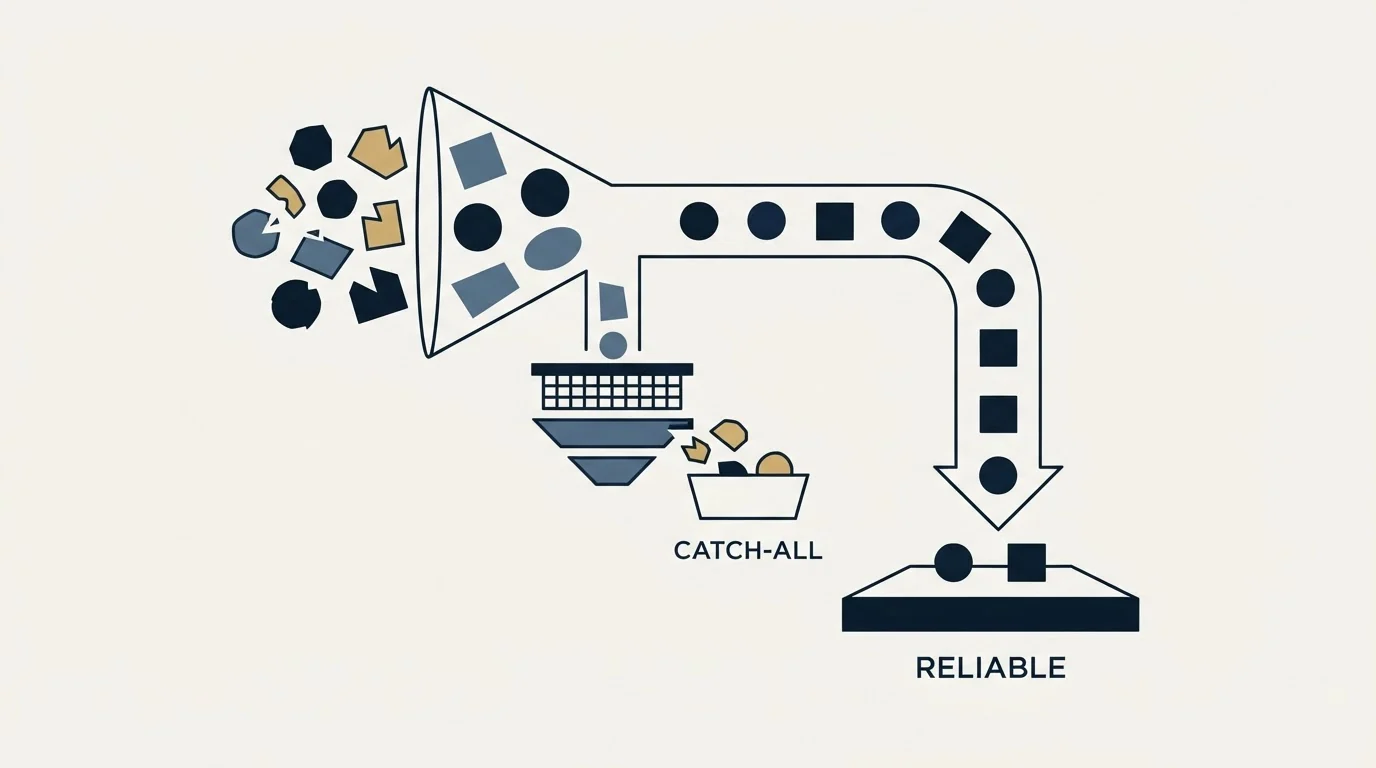
A large share of enterprise domains accept mail to any address rather than rejecting unknown mailboxes. Against those domains a verifier cannot confirm that a specific mailbox exists, because the server answers yes to everything. A catch-all domain is not a data-quality failure and it is not the finder's fault; it is a configuration choice at the receiving end.
The practical consequence is that a naive scoring rule marks every catch-all result as unverified and penalises a provider for the recipient's mail configuration. That is how a bake-off produces the wrong winner: the provider that guessed a plausible pattern and the provider that sourced a real address score identically on a domain that accepts everything.
Two corrections keep the test honest. Report catch-all results as their own category rather than folding them into either the pass or the fail column, so the comparison stays readable. And weight a provider's own per-address deliverability status where it offers one, because a provider stating that an address came from data rather than from a pattern is making a different claim than a verifier can test.
That distinction matters more than it sounds. An address constructed by email permutation, meaning a plausible pattern applied to a name and a domain, is a guess that a catch-all server cannot refute. A sourced address is a record. Both arrive as a string in a CSV column and only one of them should be sent to.
What a wrong address actually costs

The reason to run this test at all is that the cost of a bad address is not the credit you spent on it.
A hard bounce is a deliverability signal to the receiving provider, and enough of them change how your future mail is treated. A list assembled from unverified finds spends sending reputation, and reputation is slow to rebuild and shared across everything that domain sends. That is the real price, and it is paid weeks after the decision that caused it, which is why it rarely gets attributed to the tool that caused it.
Data decay adds the other half. A verified address is verified as of a date, and people change jobs. A list found in March and sent in June has decayed by an amount nobody measured, so the useful discipline is to find close to sending rather than to build a large stock of contacts in advance.
Our own operating policy is to verify before sending in every case, and to send one message per campaign rather than a sequence, which means a bad address costs one bounce instead of several. Neither of those is a claim about results. They are choices about where risk sits.
- Yes: Sample from your real target segments rather than from well-documented large companies.
- Yes: Seed known-good addresses into the sample as a control.
- Yes: Record found, company-domain and verified counts separately.
- Yes: Verify with a tool that is not the finder being tested.
- Yes: Report catch-all results as their own category instead of scoring them as failures.
- Yes: Segment the outcome by sector and geography before picking a winner.
- Depends: Read rates and credit terms on the vendor's own pricing page rather than from a roundup.
Where a single provider fits
The finding worth internalising from running this test across several vendors is that no single provider wins everywhere, and the good ones do not overlap as much as their marketing implies.
Snov.io's bundled credit system shows why testing its prospecting, finding and verification modules against your own list matters just as much on that platform, too.
That points at a waterfall rather than a winner. Run the cheapest provider that performs well on your segment first, pass the misses to a second, and reserve the expensive per-record option for the contacts worth paying more for. The evaluation above is what tells you the order, and the order is specific to your list rather than general to the market.
Teams building that waterfall should see how Cognism's testable claims hold up against a real data sample before slotting it into the sequence.
The same reasoning decides how much data to buy at all. A large stock of contacts sourced ahead of demand decays before it is used and costs its full price on day one, while a smaller set found close to sending is worth more per record. The economics of that sit alongside what a lead costs to generate, which is the figure the whole exercise feeds into.
What to take away
Findymail is an email and phone finder with a web app and a Chrome extension, and its listing was recently updated by a named publisher. Its own pricing and marketing pages block scripted access from our environment, so read rates and credit terms there directly rather than from any third party.
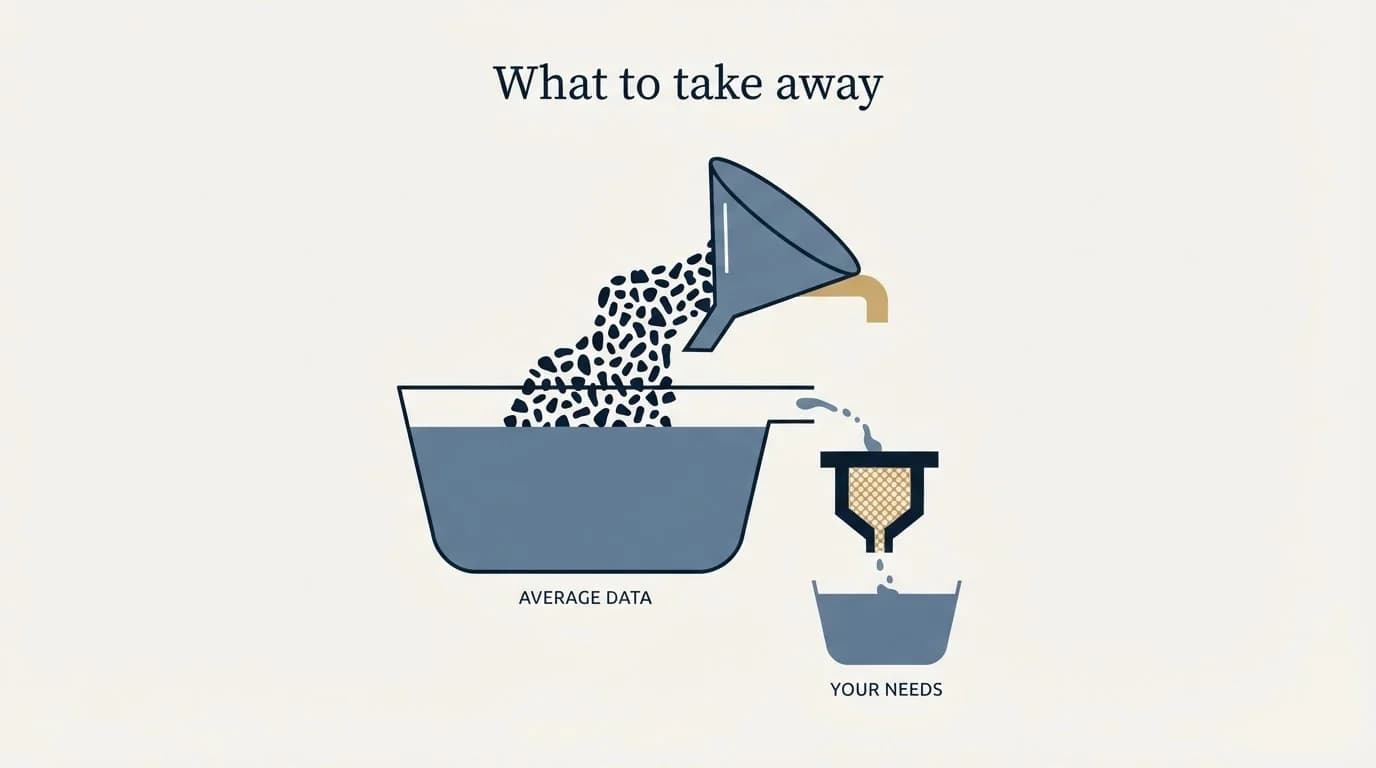
Evaluate it, and every provider in the category, on a sample that looks like your real list. Record found, company-domain and verified counts separately, verify with something other than the finder, treat catch-all domains as their own category, and segment before concluding. The output of that afternoon is worth more than every published accuracy figure in the market, because it is the only one measured on your buyers.
If the constraint is meetings rather than records, that is a different purchase. RevenueFlow books qualified meetings on a pay-per-meeting basis, against a qualification standard agreed in writing before launch, and b2b lead generation services covers how that work is bought.
Listing details verified as of mid-2026 against the Chrome Web Store listing as served. Findymail's own marketing and pricing hosts returned HTTP 403 to our fetches, which is a limit on our access rather than a statement about the vendor, so no pricing figure is quoted here. Verify current terms with the vendor before relying on them.
Frequently asked questions.
Frequently asked questions- How do I test an email finder properly?
- Draw fifty to a hundred contacts from your real target segments rather than from well-documented large companies, seed in addresses you already know are good as a control, then record how many returned any address, how many returned one at the company domain, and how many survived verification by a separate tool. Segment the result before concluding.
- Why do email finders disagree about the same contact?
- They source differently and they hold different data. One may return a sourced record while another returns a pattern applied to a name and a domain. Both arrive as a string in a column, and on a catch-all domain no verifier can tell them apart, which is why the origin of an address matters as much as its verification status.
- What is a catch-all domain and why does it matter here?
- A domain configured to accept mail to any address rather than rejecting unknown mailboxes. Verification cannot confirm a specific mailbox exists there because the server answers yes to everything. Report those results as their own category instead of counting them as failures, or the comparison punishes providers for a choice the recipient made.
- Should you use one email finder or several?
- Several, ordered by how each performs on your own segments. No provider in this category wins everywhere, and the good ones overlap less than their marketing implies. Run the cheapest one that performs well on your list first, pass the misses to a second, and reserve expensive per-record options for contacts worth paying more for.
About the author.

B2B cold email experts helping companies generate qualified leads through done-for-you outreach campaigns.
RevenueFlow Team
Explore more.
Ready to scale your outreach?
We build GTM engines that book real meetings. See the receipts.
Related articles.
Seamless.AI Email Finder: How It Works, What a Credit Buys
How Seamless.AI's email finder resolves a contact in real time, what one Universal Credit buys, the Total AI score on every address, and what the Chrome extension reads.
GetProspect Pricing: Three Plans and Two Annual Figures
GetProspect prices Free, Starter and a three-position Growth plan, plus verification credits that never expire. Every figure, and the annual price the page gives twice.
Firmographic Data Providers: What Six of Them Publish
Six firmographic data providers read from their own pages: the fields each sells, the coverage each states, how the data is delivered, and who prints a price.
Bookyourdata Pricing: 25 Packs, Priced Per Contact
Bookyourdata sells credits in twenty-five packs with no subscription. The dated ladder, the per-contact rates rendered in the browser, the guarantee rule and BeSpoke.
Clearout Pricing: Never-Expiring Credits, Three Ways to Buy
Clearout renders its prices in the browser only. The three purchase routes, the three priced cards, the add-on rate card, and what a credit buys on each product.
LeadGibbon Pricing: Three Monthly Plans, No Annual Tab
LeadGibbon publishes three monthly plans and no annual rate. The dated ladder, the verified-emails-only meter, the rollover rule, and what the page does not publish.