How Many InMail Credits You Get Per Month, by LinkedIn Plan
The published monthly InMail allocation for every LinkedIn plan, the accumulation ceilings that go with them, and what the numbers mean for a buying decision.
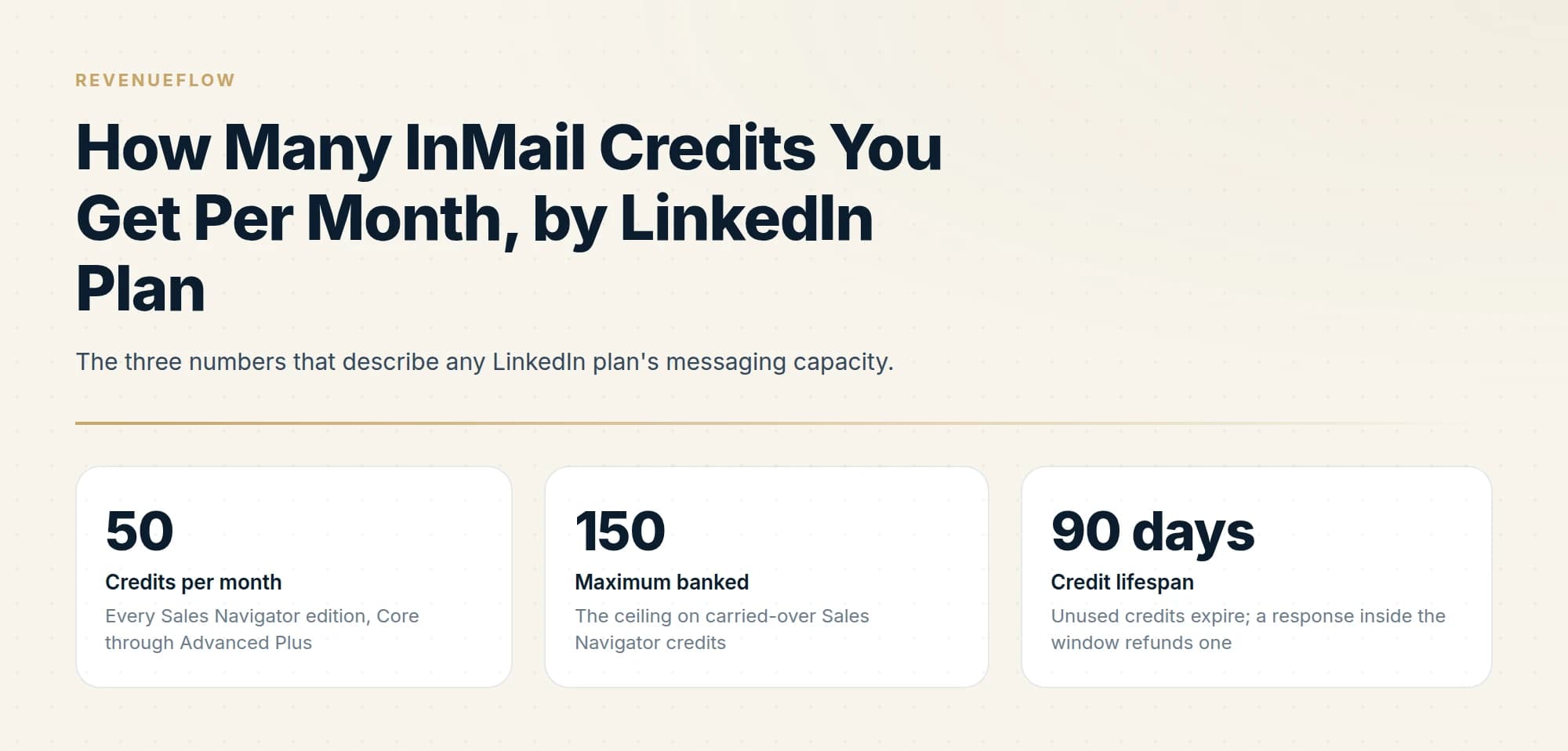
LinkedIn allocates 5 InMail credits a month on Premium Career, 15 on Premium Business, 50 on every Sales Navigator edition, and 30 on Recruiter Lite. Accumulation ceilings are 15, 45, 150 and 120 respectively. Credits expire after 90 days, and responses within that window refund them.
Key takeaways
- Sales Navigator Core, Advanced and Advanced Plus all receive the same 50 credits a month, so a tier upgrade never buys additional messaging capacity.
- Premium InMail credits cannot be used on Sales Navigator or Recruiter, meaning two subscriptions give you two separate balances rather than one pooled total.
- Accumulation ceilings cap what you can bank at 15, 45, 120 or 150 credits depending on plan, and every credit expires 90 days after it is granted.
- Because responses refund credits, two seats on identical plans can have very different effective monthly capacity based on targeting alone.
Reviewed and updated September 2, 2026
The number depends entirely on which LinkedIn subscription you are paying for, and the spread is wide: 5 a month at the bottom, 50 at the top of the sales products. LinkedIn publishes the figures in its own Help Center, so this is one of the few LinkedIn questions with a definitive answer rather than a blog consensus.
Here is the full table, then the parts of it that change buying decisions. If the term itself is new, InMail is a paid message to someone you are not connected to and a credit is what one send costs.
Monthly InMail credits by plan
| Plan | Credits per month | Maximum accumulation |
|---|---|---|
| Premium Career | 5 | 15 |
| Premium Business | 15 | 45 |
| Sales Navigator Core | 50 | 150 |
| Sales Navigator Advanced | 50 | 150 |
| Sales Navigator Advanced Plus | 50 | 150 |
| Recruiter Lite | 30 | 120 |
| Hiring Pro | 5 per job | 5 per job |
Recruiter and Recruiter Professional Services run on a different model again, with monthly credits attached to each licence and the ability to purchase additional packs, which the sales products do not have.
Every Sales Navigator edition, Core through Advanced Plus
The ceiling on carried-over Sales Navigator credits
Unused credits expire; a response inside the window refunds one
Every Sales Navigator tier gets the same 50
This is the single most useful line in LinkedIn's documentation for anyone budgeting, and it is easy to miss. LinkedIn states that all Sales Navigator subscription types provide the same number of credits. Core, Advanced and Advanced Plus each get 50 a month and each bank up to 150.
Upgrading from Core at US$119.99 a month to Advanced at US$159.99, both verified on LinkedIn's compare-plans page, buys search filters, research features and team tooling. It buys zero additional messaging capacity. If more InMail is the reason you are considering the upgrade, the upgrade does not do that. Our Sales Navigator pricing guide breaks down what each tier does change.
Premium credits cannot be spent on Sales Navigator
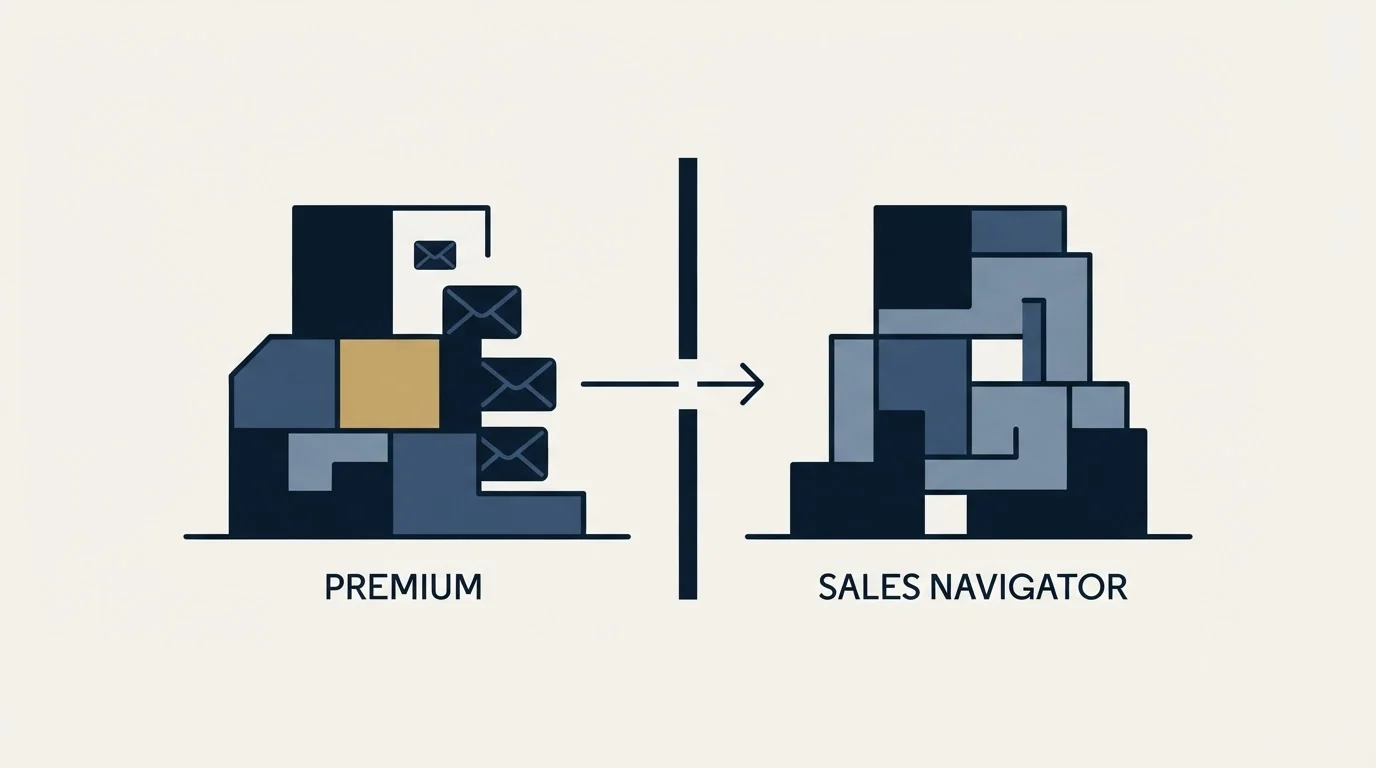
The second thing worth knowing before you buy anything: the balances are separate currencies.
LinkedIn is explicit that Premium InMail message credits cannot be used to send InMail on Sales Navigator or on LinkedIn Recruiter. Someone holding Premium Business and a Sales Navigator seat has 15 credits in one place and 50 in the other, not 65 in a pool. Credits are also not transferable when you change subscription type, and any balance becomes zero when a Premium subscription is cancelled.
Why the monthly number is not your real capacity
The allocation is a floor rather than a ceiling, because LinkedIn refunds credits on response.
Every InMail that is accepted, declined, or answered directly within 90 days of being sent gets credited back, immediately when the recipient responds. Auto replies count. A "Not interested" quick reply is recorded as declined and still refunds the credit.
Identical starting position on Sales Navigator
Effective capacity that month is 70 sends
Effective capacity that month is 53 sends
Compounding, on identical spend
Bar widths are equal here because these stage values are not a single comparable measure.
The arithmetic in that diagram is illustrative rather than measured, and the mechanism behind it is not: response rate directly determines how many sends a fixed allocation buys. A team that targets carefully gets meaningfully more reach out of the same subscription than a team that does not, which is a strange property for a messaging quota to have and the most important thing about this one.
The hiring products work differently
Recruiter and Recruiter Lite sit outside the pattern above, and they are the only LinkedIn products where the messaging capacity question has a different answer.
Recruiter Lite comes with 30 InMail credits a month, banking up to 120. Recruiter comes with 150 per licence. Both allow purchasing additional credit packs, which is the capability the sales products lack entirely.
They also publish their sending ceilings, which the sales products do not. On Recruiter the limit is 1,000 InMails per day per seat, dropping to 200 for the first week on a newly created seat, with weeks starting Sunday at 00:00 UTC. Open Profile messaging carries its own separate cap of 350 messages per calendar month per seat, after which further Open Profile sends draw down standard credits.
Those numbers are a useful reference point even if you never buy a hiring seat, because they show what LinkedIn regards as a sustainable pace on a product explicitly designed for volume, including a deliberate ramp for a new account.
- Banks up to 15 on Career and 45 on Business
- Credits cannot be spent on Sales Navigator or Recruiter
- No additional credits can be purchased
- The balance becomes zero when the subscription is cancelled
- Renews on the first day of your billing cycle
- Core, Advanced and Advanced Plus all get the same 50
- Banks up to 150
- No additional credits can be purchased, and no plan offers unlimited
- Renews on the first day of every calendar month in UTC
- Recruiter Lite banks up to 120
- Both allow purchasing additional credit packs
- Sending ceilings are published: 1,000 InMails a day per seat
- 200 a day for the first week on a newly created seat
- Open Profile capped at 350 messages a calendar month per seat
Can you buy more?
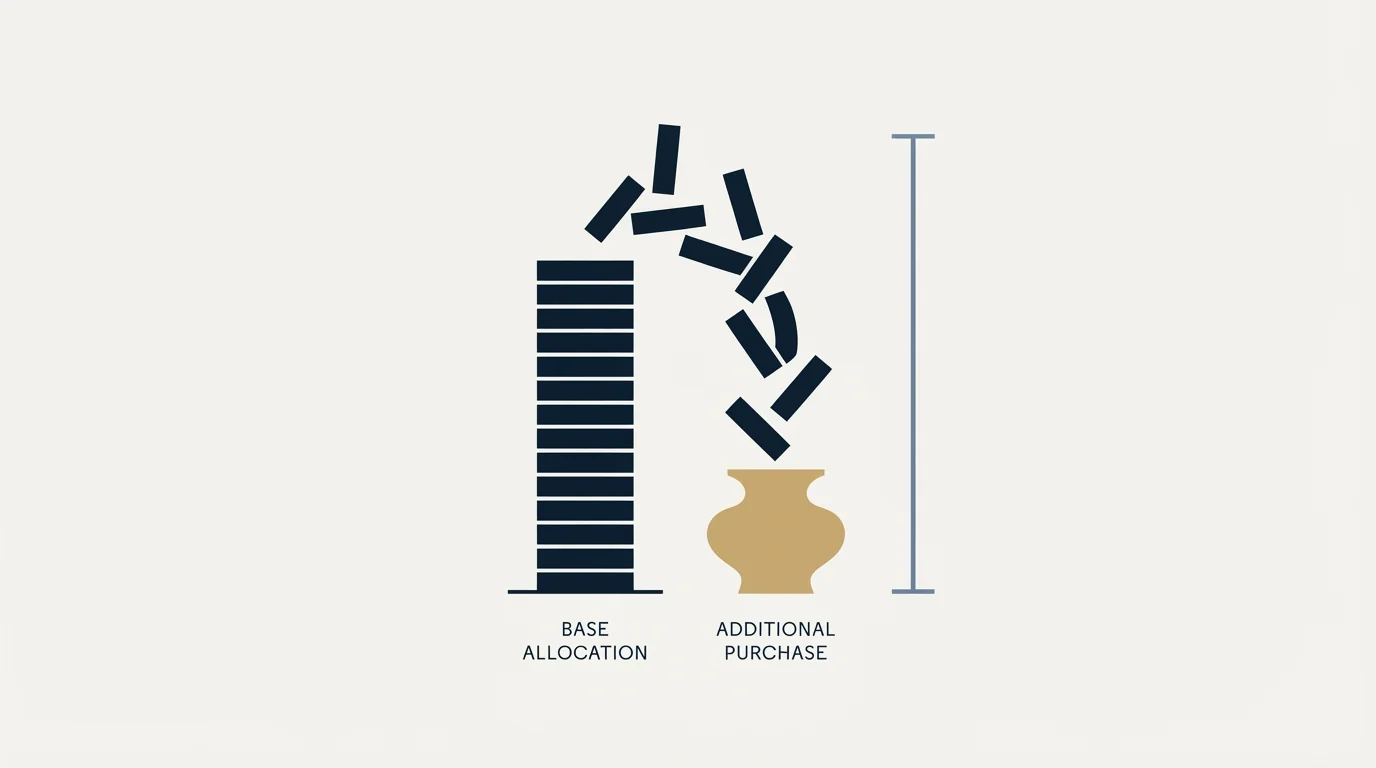
On Premium and Sales Navigator, no. LinkedIn states that it is not possible to purchase additional InMail message credits outside the monthly allotment, and that there is no subscription plan offering unlimited credits.
The exceptions sit in the hiring products. Recruiter Lite comes with 30 monthly credits and Recruiter with 150 per licence, and both allow purchasing additional packs. Those are hiring tools with hiring pricing, so they are rarely the right answer to a sales-volume problem.
The two legitimate ways to increase throughput are earning credits back through responses, and messaging members who have Open Profile enabled, which costs no credit at all. Whether that adds up to unlimited InMail has a short answer and a longer one worth reading before planning volume around it.
What the numbers mean for a team
Seats are the only lever on volume, so team capacity is a straightforward multiplication with one important caveat.
Five Sales Navigator seats provide 250 credits a month before refunds, and a team getting responses on a fifth of its sends works with something closer to 300 effective messages. That is a real number, and it is still small: a single email sender doing 40 messages a day covers the same ground in a fortnight.
The caveat is that seats are not interchangeable capacity. Credits are attached to a subscription and a person, they do not pool across a team, and they are not transferable between subscriptions. One rep with time to research cannot spend a colleague's unused allocation, so a team's practical capacity is bounded by its least busy seats rather than by the total.
Seat counts decide the real cost in other tools too, where a seat floor beneath the published rate matters more to a budget than the per-user number.
The account-level activity limits are also per account rather than per team, which cuts the other way and is the reason adding seats is the sanctioned way to scale LinkedIn rather than pushing one account harder.
Where to check your own balance

Three places show it, and they show slightly different things.
The compose window displays your remaining credits as you write, which is the fastest check before a send. On Premium, the My Premium page shows your current balance, your renewal date and the number of credits you receive each month, all in one panel. On Sales Navigator, the settings page carries the remaining credit count.
Renewal timing is the detail worth confirming once, because the two products differ. Sales Navigator credits renew on the first day of every calendar month in UTC, regardless of when you were billed. Premium credits renew on the first day of your billing cycle, which is keyed to your original sign-up date rather than to the calendar. If you run both, they refill on different days, and a team planning a send window around "the start of the month" needs to know which one it is working from.
Which plan should you actually buy
For cold outbound at any real scale, the honest framing is that none of these numbers are a volume channel.
Fifty messages a month is roughly two working days of a cold email programme. LinkedIn is a precision channel with per-seat economics, and the plan question is less about credits than about whether the search and research capability justifies the seat. Premium Career at 5 a month is not an outbound tool by any reading. Premium Business at 15 is a networking budget. Sales Navigator at 50 is the entry point for a genuine sales motion, and the constraint you will hit first is usually the account-level activity limits rather than the credits, particularly when software is sending on your behalf. The LinkedIn automation tools guide covers those thresholds.
One last thing worth checking before any purchase decision: LinkedIn revises these allowances, and it does so without announcing them to existing subscribers. The numbers above were verified against LinkedIn's Help Center in mid-2026, and the compose window on your own account is always the definitive answer for what you actually hold today.
The rest of the mechanics, including character limits, the 60-minute edit window and what happens when you delete a message, are in the complete InMail guide. If you are weighing the seat cost against results, what an InMail costs per reply does that arithmetic properly.
We run LinkedIn alongside email for clients on a pay-per-qualified-meeting basis, so the seats and the targeting work sit on our side. You can see what a campaign would look like for your market before committing to a subscription.
Monthly InMail allocations, accumulation ceilings and refund rules are per the LinkedIn Help Center as of mid-2026. Sales Navigator pricing is per LinkedIn's compare-plans page and excludes tax. LinkedIn revises these; verify current terms with LinkedIn before budgeting.
Sources: InMail message credits and renewal process, Understand InMail credits in Sales Navigator, InMail Messages FAQ, Sales Navigator compare plans
Frequently asked questions.
Frequently asked questions- How many InMail credits do you get per month on LinkedIn?
- It depends on the subscription. LinkedIn publishes 5 a month for Premium Career, 15 for Premium Business, 50 for Sales Navigator, and 30 for Recruiter Lite. Hiring Pro works differently, with 5 credits per job. Basic free accounts get none, because InMail is a Premium feature and requires an upgrade to use at all.
- Does Sales Navigator Advanced give more InMail credits than Core?
- No. LinkedIn states that all Sales Navigator subscription types provide the same number of credits, so Core, Advanced and Advanced Plus each get 50 a month and bank up to 150. The roughly US$40 monthly difference between Core and Advanced buys search filters, research features and team tooling instead.
- What is the maximum number of InMail credits I can accumulate?
- Your plan sets the ceiling: 15 on Premium Career, 45 on Premium Business, 150 on Sales Navigator, and 120 on Recruiter Lite. Unused credits roll into the following month until you hit that number. Individual credits still expire 90 days after being granted, so a full balance drains if it goes unused.
- Can I increase my monthly InMail allocation?
- Not by buying credits, which LinkedIn does not permit outside the monthly allotment on Premium or Sales Navigator, and not by upgrading Sales Navigator tiers. The practical routes are earning credits back through responses within 90 days, messaging Open Profile members at no credit cost, or adding seats, each with its own allocation.
About the author.

B2B cold email experts helping companies generate qualified leads through done-for-you outreach campaigns.
RevenueFlow Team
Explore more.
Ready to scale your outreach?
We build GTM engines that book real meetings. See the receipts.
Related articles.
Social Selling Tools by Job, and the Account-Risk Line
Fourteen social selling tools sorted into six jobs, split by whether each acts through your LinkedIn account or beside it, from the vendors' own pages.
Evaboot Pricing: One Slider, Nine Stops, Two Credits a Lead
Evaboot prices one plan on a nine-stop slider from 100 to 200,000 credits a month. Every stop at both billing states, the credit rules, and the yearly plan's terms.
Best Time to Cold Call: What the Studies Counted
The best time to cold call figures traced to their originals: one inbound study from six companies, three vendor call datasets, and what survives the read.
Best Time to Send a Sales Email: What Was Measured
The send time studies behind the midweek morning answer, what each one actually counted, and why a broadcast finding does not transfer to a sales email.
Is Clay Free? The Free Plan, the Trial and Where Each Stops
Clay's free plan, its 14-day trial and the no-charge-on-a-miss rule are three different things. What each holds and where it stops, from clay.com on 19 September 2026.
Video Prospecting Tools by Job: What Each One Is For
Ten video prospecting tools sorted by the job each vendor's own page describes: record and share, personalise at volume, avatars, hosting and interactive demos.