Mouseflow Pricing: The Session Meter and the Missing Symbol
Mouseflow prints bare numerals with no currency symbol, shows the annual basis by default, and meters sessions rather than visitors.

Mouseflow's pricing page lists Free at 0, Essential at 25, Advanced at 109 and Premium at 319 a month on annual billing, or 39, 149 and 399 month to month, labelled in euros only in its structured data. Plans meter monthly sessions, from 500 to 100,000, which also sets the sample behind every heatmap.
Key takeaways
- Mouseflow's rendered prices, 0, 25, 109 and 319, are the annual rate; the monthly figures of 39, 149 and 399 sit in the same page markup unshown.
- The pricing page prints no currency symbol; its structured data labels every figure in euros, so confirm the billing currency at checkout.
- Plans meter monthly sessions, 500, 5,000, 25,000 and 100,000, and because heatmaps are built from recorded sessions the allowance is also the sample size.
- Session replay, heatmaps and friction detection are on the free tier, while form analytics, data export and the REST API start at Premium.
Reviewed and updated September 21, 2026
Mouseflow pricing is published on a page headed "Scalable plans for every stage, from targeted insights to full optimization", with four figures against its named plans: 0, 25, 109 and 319. The cards print those numerals and nothing else. No currency symbol appears beside any of them anywhere in the visible copy, so the page gives a price without giving what the price is in.
That is the first of three things a buyer has to resolve before the number means anything. The second is which billing basis those figures are on, because both are in the document and only one is on screen. The third is the meter, which is monthly sessions rather than monthly visitors, and which on a behaviour analytics product turns out to decide something more interesting than cost.
Here is the published ladder, what each of those three comes to, and the question about traffic that governs whether any tier is worth buying.
Mouseflow pricing: the published ladder
Mouseflow's pricing page lists Free at 0, Essential at 25, Advanced at 109 and Premium at 319 a month on annual billing, or 39, 149 and 399 month to month, with Enterprise on request, and its structured data labels the figures in euros. Every plan is metered on monthly sessions: 500, 5,000, 25,000 and 100,000.
| Plan | Annual / monthly | Sessions, projects, retention |
|---|---|---|
| Free | 0 / 0 | 500 sessions, 1 project, 1 month |
| Essential | 25 / 39 | 5,000 sessions, 1 project, 3 months |
| Advanced | 109 / 149 | 25,000 sessions, 2 projects, 6 months |
| Premium | 319 / 399 | 100,000 sessions, 5 projects, 12 months |
| Enterprise | Let's talk | Custom |
The page also lists conversion funnel allowances of one, one, five and ten across those tiers, unlimited users on every plan, a "14-day money-back guarantee", a free account on the Free tier and a 14 day free trial on the paid ones. Its FAQ sets the trial's own allowance at 2,000 sessions, 5 website projects, 10 funnels and 1 month of data retention.
What Mouseflow is, before what it costs
Mouseflow is a behaviour analytics platform: it records visitor sessions on a website and turns them into replays, heatmaps and friction signals rather than into the page-count metrics an analytics suite produces. Its pricing page lists the product as spanning "Session replays", "Click, scroll, & geo heatmaps", "Friction detection", conversion funnel analytics, journey analytics, form analytics and feedback surveys, with an open REST API and data export appearing higher up the ladder.
It belongs to the observe job rather than the build or test ones. Nothing on that page offers to build a page or run an experiment; the product watches what happens on pages that already exist. That is worth fixing before reading the ladder, because the meter follows directly from it: a product built on recorded sessions bills for recorded sessions.
The currency is not printed beside the price
The rendered plan cards show bare numerals. The only currency statement anywhere on the page is in its structured data, which labels every one of those offers in euros, and none of that reaches the screen.
This is a genuine trap rather than a pedantic one, because a reader who assumes dollars and a reader who assumes euros will both find the page consistent with their assumption, and neither is corrected by anything on screen. It also defeats the ordinary way of scanning for figures, since a search for a symbol followed by digits returns nothing at all on a page carrying four prices.
The practical instruction is short. Take the currency from the checkout or the invoice rather than from the plan card, and treat any third party article quoting these figures with a dollar sign in front of them as having added the symbol itself.
The figure on screen is the annual one
The plan cards carry both billing states, and the page opens with a Monthly and Annually switch and the line "Save up to 35%". The values that render without any interaction are the annual ones, and the monthly equivalents sit in the same markup unshown.
So the 109 against Advanced is the rate for a year's commitment, and a team leaving after a quarter is on 149. The gap between the two is the discount the switch is advertising, and it is wide enough on this ladder that quoting the wrong one materially misstates the cost of a short pilot.
Annual-by-default is the category norm, and Instapage plans shown at the annual rate carry the same gap between the figure on screen and the month-to-month one.
Both of these reading errors point the same way. The number that reaches a budget should be the one on the basis you will actually be billed, in the currency you will actually be charged, and neither of those is settled by the figure the page shows first.
A printed rate can still leave the deciding number off the page, as Descript's pooled per-seat allowances show where the denominator rather than the rate sets the bill.
The meter is sessions, and that is the interesting part

Unbounce meters deduplicated monthly visitors. Instapage meters unique monthly visitors. Mouseflow meters monthly sessions, and on this class of product the unit is not just a billing detail.
A session is a visit rather than a person, so the same visitor returning three times consumes three of them. That already makes the ceiling harder to estimate from a visitor count than it looks. The more consequential half is what a session is used for here. Session replay records sessions, and heatmaps on this class of tool are assembled from recorded sessions rather than from all traffic, a mechanic worked through in detail in Hotjar heatmaps.
Which means the plan you buy sets the sample size behind every heatmap you then read.
At the Free tier's 500 sessions a month, spread across the pages of a site, an individual page's map may rest on a few dozen recordings. A map built on that renders in exactly the same confident colours as one built on thousands, and the difference between two warm areas on it is well inside what chance produces. The general form of that error, and the habit of reporting counts beside percentages so a thin base stays visible, is in conversion rate.
Retention interacts with the same problem from the other side. A shorter retention window is not only an archival limit, it caps how long you can accumulate before reading. On a low traffic page the honest way to reach a usable sample is to leave the recording running, and a one month window on the entry tier decides how much of that is available to you.
What the tiers actually gate
Reading down the comparison table, the gates fall into three groups rather than one.
Volume gates are the session allowance, the website project count, the funnel count and the retention window, and these step at every tier.
Capability gates arrive later. The Mina AI row starts at Essential. Form analytics, data export, the open REST API, a connection for LLM clients over MCP and removal of the Mouseflow logo appear at Premium. Journey analytics, single sign on and priority support appear at Enterprise.
Everything the product is known for sits at the bottom. Session replay, click and scroll heatmaps, friction detection and filtering are on the free tier. That is unusual in this category and it is the strongest argument for starting at the bottom of this particular ladder: the free tier is not a demo of the interface, it is the actual instrument at a small sample.
Before picking a tier, settle four things: the currency, confirmed somewhere other than the plan card; whether the figure you wrote down was the annual or the monthly basis; a session estimate rather than a visitor count, with return visits included; and whether the retention window is long enough to accumulate a usable sample. Two purchases are worth avoiding: a tier bought for a feature already on the free plan, and a decision taken on a map built from a few dozen recordings.
Where this fits a page fed by outbound
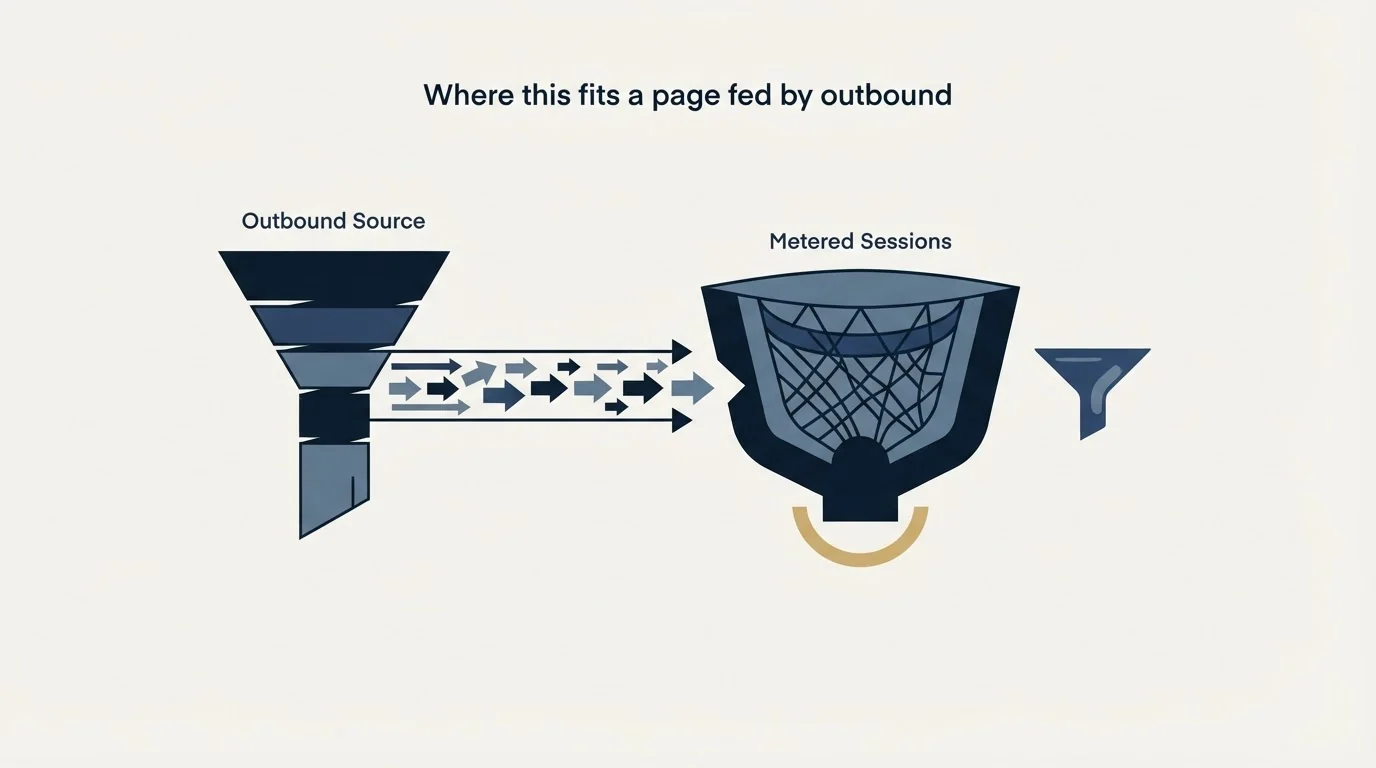
Mouseflow sells into conversion optimisation and digital experience work, and its own solutions list names ecommerce, retail, finance and travel alongside SaaS. That is a description of where the product's centre of gravity sits, and it should govern how much of the feature list a B2B team expects to use.
The parts that transfer cleanly to a campaign landing page are the plain ones: scroll depth, click maps on a page with enough traffic to support them, and form analytics if the form is long enough to abandon. Revenue oriented framing has nothing to attach to when the conversion is a form fill whose value is settled months later by a sales process.
The sequencing question is the one that decides the purchase. Behaviour analytics is a diagnostic for a page that already receives traffic and converts worse than it should, and not for a page that receives very little, because at that volume the tool cannot separate signal from noise and will still render something legible. Landing page lead generation makes the wider argument that a landing page converts demand that already exists and creates none, so a thin flow of visitors is a supply problem the page cannot fix. Where this class of tool sits among the four jobs the category label covers is mapped in landing page optimization tools, and what those conversion figures actually counted is in average landing page conversion rate.
If the intention behind the purchase is to run a test rather than to watch behaviour, that is a different instrument with a harder sample requirement, set out in A/B testing a landing page.
The short version
Mouseflow's ladder, headed "Scalable plans for every stage", has five tiers, and its rendered figures are 0, 25, 109 and 319 with Enterprise at "Let's talk". Those numerals appear with no currency symbol beside them, its structured data labels them in euros, and they are the annual basis, with 39, 149 and 399 sitting unshown as the monthly equivalents.
The meter is monthly sessions at 500, 5,000, 25,000 and 100,000, and because heatmaps and replays are built from recorded sessions, that allowance is also the sample behind everything you will read in the product. Session replay, heatmaps and friction detection are all on the free tier, so the cheapest way to find out whether your traffic can support this class of tool is to run it at zero and count the recordings before choosing a tier. When the recordings are thin because the visitors are, see what a first campaign produces against your own market.
Plan names, figures, session allowances, retention windows and feature placement above were read from mouseflow.com/pricing, as served and rendered in a browser. The figures are denominated in euros in the page's own structured data, with no currency symbol rendered beside them, and both billing bases ship in the same served file with the annual one displayed by default. Verify current terms, the billing basis and the billing currency with the vendor before relying on them.
Frequently asked questions.
Frequently asked questions- How much does Mouseflow cost?
- Mouseflow's pricing page lists Free at 0, Essential at 25, Advanced at 109 and Premium at 319 a month on annual billing, and 39, 149 and 399 month to month, with Enterprise on request. The page's structured data labels the figures in euros, though no currency symbol is printed beside them. Paid plans carry a 14-day free trial.
- Is Mouseflow priced in dollars or euros?
- The page prints bare numerals with no symbol, and its structured data labels every plan in euros. A reader assuming dollars will find nothing on screen to correct them, so take the currency from the checkout or the invoice rather than the plan card, and treat any article quoting these prices with a dollar sign as having added it.
- What does a Mouseflow session count as?
- A session is a visit rather than a person, so a visitor returning three times uses three. Plans allow 500, 5,000, 25,000 and 100,000 sessions a month. Because heatmaps and replays are built from recorded sessions, the allowance is also the sample behind every heatmap you read at that tier.
- Does Mouseflow have a free plan?
- Yes. The Free plan allows 500 sessions a month on one website project with one month of data retention, and it includes session replay, click and scroll heatmaps and friction detection. The 14-day trial on paid plans allows 2,000 sessions, 5 website projects, 10 funnels and 1 month of retention, per the page's FAQ.
About the author.

B2B cold email experts helping companies generate qualified leads through done-for-you outreach campaigns.
RevenueFlow Team
Explore more.
Ready to scale your outreach?
We build GTM engines that book real meetings. See the receipts.
Related articles.
Sales Prospecting for Utilities: Read the Filings First
Prospecting utilities from the proceedings that announce their spend: rate cases, resource plans and procurement decisions, who owns each, and the supplier gate.
SDR Outsourcing for Commercial Insurance Agencies
What an outsourced sales development team may legally say for a commercial insurance agency, how it may be paid, and the expiration-date calendar it has to work.
Cold Calling for Telecom Companies: A Carrier's Own Rules
What only a telecom company meets on the phone: the FTC exemption that stops at its contractor, the verified carrier change, and the CPNI limit on lists.
B2B Lead Lists for Associations: The Census Is Public
The anatomy of an association list: the IRS master file that enumerates every business league, the Form 990 lines that name officers and dues, and what vendors sell.
Lead Generation for EHR Vendors: A Replacement Market
Adoption is close to complete, so every deal is a switch. Where the incumbent field is published, which rules shape the pitch and who actually signs.
SDR Outsourcing for Agriculture Companies
Whether an outside sales development team can work for a company selling into agriculture: who already covers the account, which weeks exist, and the show rule.