Zoho Campaigns: The Sync That Upgrades Your Plan
Zoho Campaigns prices by contact band, and its own pricing page states a sync that exceeds your band upgrades the account automatically and charges the difference.
The Zoho Campaigns price is set by a contact band and a tier. Served in pounds here, Standard starts at £2.40 a month billed annually for up to 500 contacts and Professional at £3.75, with yearly billing 25% below monthly. The Forever Free plan covers up to 2,000 contacts and 6,000 emails a month.
Key takeaways
- Zoho Campaigns' pricing page, served in pounds here, lists Standard at £2.40 and Professional at £3.75 a month billed annually for up to 500 contacts, or £3.20 and £5 monthly.
- At 4,001 to 5,000 contacts the same plans cost £18.60 and £30.75 a month billed annually, so the band moves the price far more than the tier does.
- The Forever Free plan covers up to 2,000 contacts and 6,000 emails a month with 5 users, and a 14-day trial downgrades to it when it ends.
- The page says a sync that exceeds your contact band upgrades the account automatically and deducts the difference on the next billing date.
Reviewed and updated September 21, 2026
The Zoho Campaigns price is set by a contact band. Its pricing page, which served pounds here, starts Standard at £2.40 a month billed annually for up to 500 contacts, or £3.20 billed monthly, and Professional at £3.75, or £5; at 4,001 to 5,000 contacts the same two plans cost £18.60 and £30.75 a month billed annually. The Forever Free plan costs nothing for up to 2,000 contacts and 6,000 emails a month.
It also has a billing behaviour worth knowing before you connect it to a CRM. Its own pricing page states that when a sync between Campaigns and another application exceeds the number of contacts you have purchased, the account is automatically upgraded to a range that meets the requirement and the equivalent amount is deducted on the next billing date. Its worked example: the system needs 500 more contacts to complete a sync, your 6,000-contact limit is reached, and the account is upgraded to 6,500.
That is not a warning followed by a decision. It is an upgrade followed by a charge, triggered by a sync, and the sync is usually a CRM integration somebody set up months earlier.
Most write-ups about Zoho's email marketing tool compare template editors. This one covers the commercial mechanics and the one structural question that decides whether the tool belongs in your stack at all.
Teams integrating Mailchimp with Zoho CRM rather than using Zoho Campaigns meet the same contact-band arithmetic from the other direction, since the sync decides which system's contact count grows.
Zoho Campaigns Price Is Set by a Contact Band
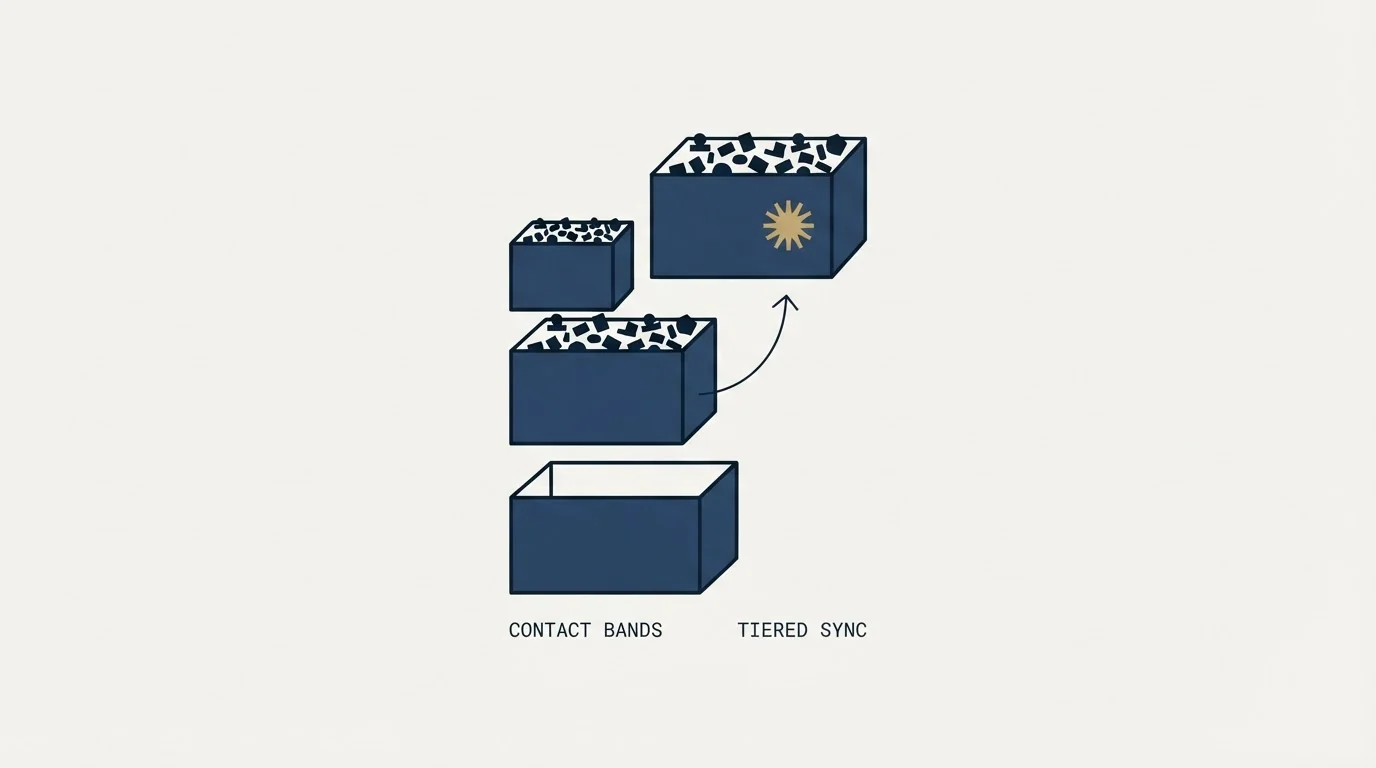
A paid plan is priced by the contact band you choose, starting at 500 contacts, and the tier sets the rate within that band. Served in pounds here, Standard starts at £2.40 a month billed annually and Professional at £3.75, yearly billing saves 25% against monthly, and the Forever Free plan covers up to 2,000 contacts and 6,000 emails a month.
| Contacts | Standard | Professional |
|---|---|---|
| 0-500 | £2.40 yearly, £3.20 monthly | £3.75 yearly, £5 monthly |
| 4,001-5,000 | £18.60 yearly, £24.80 monthly | £30.75 yearly, £41 monthly |
| Up to 2,000 | Forever Free: £0, 6,000 emails a month | |
Yearly prices are a month, billed annually. Local taxes are charged on top.
Zoho Campaigns prices by how many contacts you manage, selected from bands that run from 500 up to 500,000. The page says the Standard plan supports up to 100,000 contacts, so a larger list is a Professional list. The plan tier and the contact band together produce the figure, which is why two people quoting "the Zoho Campaigns price" can both be right and disagree.
Three tiers sit on top of that band. Forever Free covers up to 2,000 contacts and 6,000 emails a month with 5 users, signup forms, a limited set of ready-made templates and a compliance check. Standard adds unlimited emails, 10 users, basic segmentation, access to all ready-made templates, basic drag-and-drop workflows and email attachments. Professional adds unlimited emails, 20 users, advanced segmentation, contact scoring and tags, advanced workflows, ecommerce features including cart abandonment, pop-up forms, dynamic content, email polls, batch sending, recipient time zone sends and optimal open time sends.
The page served pounds here, with a tab for euros, and a monthly or yearly toggle labelled Save 25%, which the FAQ restates as a 25% discount on an annual subscription; the driven prices above bear it out exactly. It also states that local taxes such as VAT or GST are charged in addition to the prices shown, which is the kind of sentence that repays a second read before you budget.
One contradiction sits on that same page and it is worth naming rather than resolving. The plan comparison lists 5, 10 and 20 users for the three tiers. The FAQ, further down, answers a question about how many users can be added by stating that an admin can have up to four users under them. Both sentences are on the vendor's own pricing page. If user count matters to your decision, get the answer that applies to your plan in writing rather than averaging the two.
What the tier decides
- Segmentation depth, basic or advanced
- Workflow components, basic or the full set
- Ecommerce workflows, pop-up forms, dynamic content
- Send-time features, time zone and batch scheduling
- Users: 5, 10 or 20 in the table, four in the FAQ
What the band decides
- The figure you pay, from £2.40 at 500 contacts
- Free plan capped at 2,000 contacts and 6,000 emails
- An automatic upgrade if a sync exceeds the band
- Standard stops at 100,000 contacts
- Local taxes charged on top of the price
Sending limits, and where the ceiling actually is

Zoho Campaigns' FAQ states there is no daily email limit and suggests sending according to your plan's email volume. So the constraint on the free plan is the monthly allowance rather than a daily cap, and on the paid tiers the page describes emails as unlimited.
Unlimited is a commercial statement rather than a deliverability one, and the page is honest about where the real ceiling sits. Its dedicated IP answer names the thresholds: wanting to send more than 100,000 emails per month or 50,000 per week, and requiring total control of the email-sending IP, are given as reasons to consider a dedicated IP, purchased separately and listed in the plan comparison as available on a yearly basis.
That is the vendor telling you where shared sending infrastructure stops being appropriate, and it is a more useful number than any send limit. Below it you are on shared IPs, which means your delivery outcomes are partly determined by other senders on the same infrastructure. Above it you are buying isolation, and the isolation has a price and a warm-up requirement of its own.
The general mechanics of what per-provider sending ceilings do to a programme are covered in email sending limits by provider, and the reputation side is in email domain reputation.
The structural question: this is marketing email
Zoho Campaigns is built to send one design to many people who gave you their address. That is a real job, it does it, and it is not the same job as reaching accounts that have never heard of you.
The two operations share exactly one thing, and it is the thing that can be destroyed: domain reputation. Mailbox providers do not evaluate teams or tools. They evaluate the sending domain and the infrastructure behind it, so a complaint generated by a promotional send affects whether a salesperson's message reaches an inbox that afternoon. The full argument, including the published thresholds that make it concrete, is in enterprise email marketing and outbound share one reputation.
Everything that makes a marketing platform good at its job works against the second one. Templated design and images against plain bodies written for one reader. Success measured across the whole send against success measured one reply at a time. Volume as the point against volume as a constraint to respect. Shared sending infrastructure against segregated infrastructure per programme.
So the answer to whether Zoho Campaigns can send your outbound is that it can and it should not, and the reason is architectural rather than a criticism of the product. Routing outbound through a broadcast platform produces mail that looks like marketing to the filters and reads like marketing to the recipient, which is the worst of both. If you are choosing tooling for the outbound half specifically, cold email platforms is a separate category from the broadcast tools these search results are full of.
The sync is the part to design deliberately
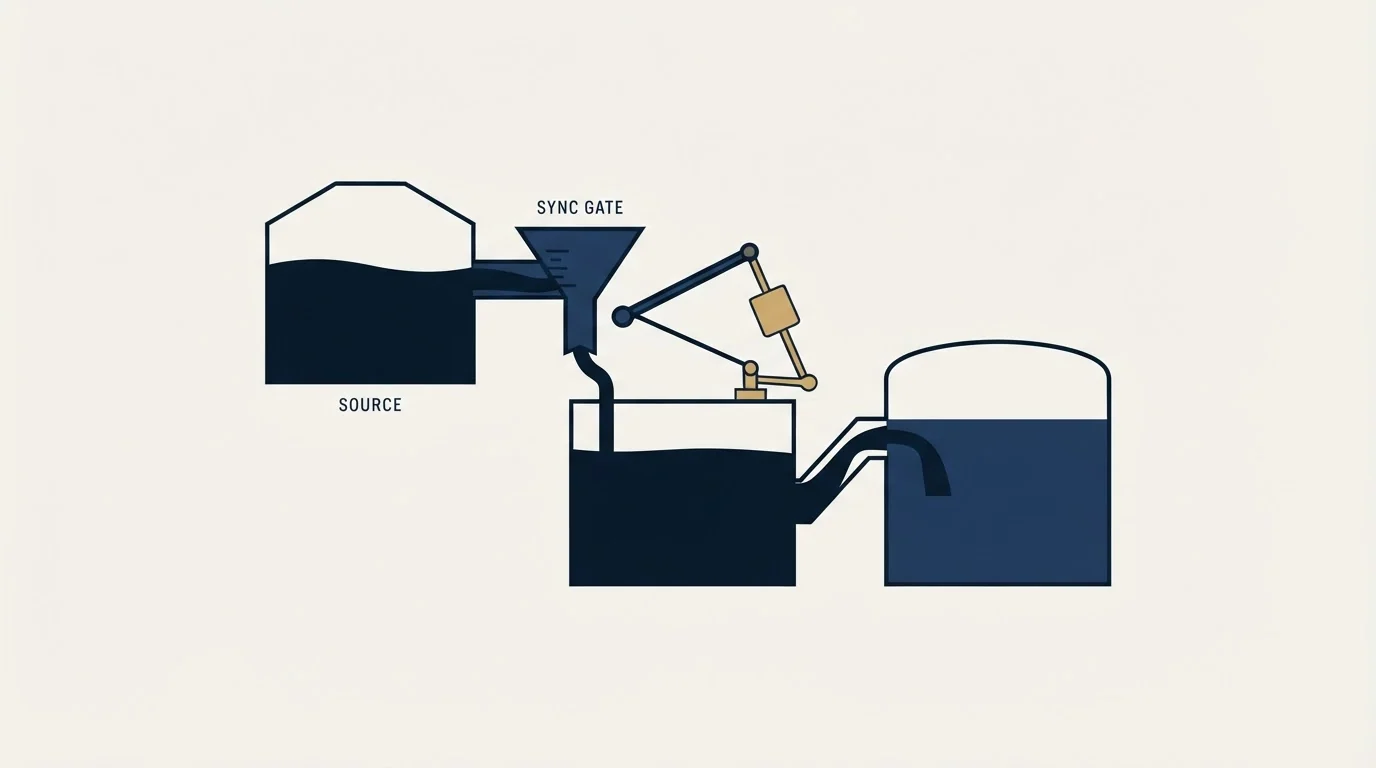
Two of the surprises above arrive through the same door, which is the integration between the CRM and the campaign tool.
Fathom AI Note Taker examines a parallel integration question, namely where call recordings and summaries should land once captured.
The automatic upgrade is triggered by a sync exceeding the purchased band.
So the design question is whether everything in your CRM should flow into Campaigns at all. Usually it should not. A marketing database is people who opted in to hear from you; a CRM contains those people plus prospects, plus lapsed contacts, plus everyone a sourcing tool ever created. Syncing the whole thing pushes contacts you cannot legitimately market to into a tool that bills you by contact count, and the bill arrives before the question does.
Sync a defined segment rather than a database, and define it by the permission basis rather than by convenience. That is one filter, it costs nothing to build, and it answers both the compliance question and the billing question at once.
The related discipline is suppression. A suppression list maintained as a spreadsheet and applied when a list is built will drift, because the list was built in March and the send is in June. Suppression has to be a check performed against live state at the moment of sending, and that is an engineering requirement rather than a policy one.
What the free tier is actually for
Zoho's free plan is unusually generous for the category and it is worth being clear about what that generosity buys, because it shapes how teams end up using the product.
Two thousand contacts and six thousand emails a month is enough to run a real newsletter for a small list, which means the free tier is a working product rather than a demo. It is also, per the same page, where a 14-day trial lands when it expires: the trial gives access to all features on the same contact and campaign allowance, then the account downgrades rather than stopping.
That combination produces a specific pattern. A team trials the full product, builds workflows on features the free tier does not carry, and then discovers on day fifteen which of them survived. The fix is trivial and almost never done: list the features you actually used during the trial, check them against the free tier's composition before the trial ends, and decide whether you are buying or rebuilding. Two of the tier boundaries are the ones most likely to bite, since advanced segmentation and the full workflow component set both sit above the free plan.
Where we sit
RevenueFlow does not use Zoho Campaigns, resell it, or earn anything from a signup. We run cold email and LinkedIn outbound on Email Bison and in-house tooling, with HeyReach for LinkedIn, and the account above is a documentation-grounded read of the vendor's own commercial pages rather than a report from a tool we operate.
We also do not run marketing email for clients, which is why this page does not end with a recommendation to switch. If Zoho Campaigns fits the marketing half, that is a reasonable place for it to sit. What we would not recommend is letting it carry the outbound half, and the reason is the shared reputation argument above rather than a feature comparison.
Our own outbound sends one message per prospect with nothing scheduled behind it, on infrastructure that carries no marketing mail at all. If the outbound half is the piece you are actually trying to solve, we will build the first campaign against your market and you can compare the output to whatever the marketing platform is producing.
If the CRM rather than the campaign tool is the open question, Zoho CRM alternatives covers the field.
Pricing and features are taken from the vendors' own pages. Verify current terms with the vendor before relying on them.
Frequently asked questions.
Frequently asked questions- What is the Zoho Campaigns price?
- It depends on your contact band. Served in pounds here, Standard costs £2.40 a month billed annually for up to 500 contacts, or £3.20 monthly, and Professional £3.75, or £5. At 4,001 to 5,000 contacts they rise to £18.60 and £30.75 billed annually. The page adds that local taxes such as VAT or GST are charged on top.
- How many contacts and emails does the Zoho Campaigns free plan include?
- Zoho Campaigns' pricing page says the forever-free plan lets you add and manage up to 2,000 contacts and send up to 6,000 emails a month, worked out as 2,000 contacts times 3 campaigns, with 5 users. A 14-day free trial of all features, with no credit card, downgrades to that plan automatically when it expires.
- Does Zoho Campaigns have a daily sending limit?
- Its FAQ says there is no daily email limit and suggests sending according to your plan's email volume. Standard and Professional come with unlimited emails. The page's dedicated IP answer names the real ceiling: sending more than 100,000 emails a month or 50,000 a week is a reason to consider a dedicated IP, bought separately.
- What happens if a CRM sync exceeds my Zoho Campaigns contact limit?
- The pricing page says the account is upgraded automatically to a range that meets the sync's requirement and the equivalent amount is deducted on the next billing date. Its example is a sync needing 500 more contacts against a 6,000-contact limit, which upgrades the account to 6,500. Sync a defined segment to avoid it.
About the author.

B2B cold email experts helping companies generate qualified leads through done-for-you outreach campaigns.
RevenueFlow Team
Explore more.
Ready to scale your outreach?
We build GTM engines that book real meetings. See the receipts.
Related articles.
Cold Outreach Automation: Where the Line Sits
Cold outreach automation is seven decisions, not one purchase. Four stages automate cleanly, two produce confident nonsense, and one is the feature we decline.
Sales Automation Software for Small Business: Four Buys
One search returns four unrelated products, and on at least one vendor's published plan list the automation is gated above the tier a small team buys.
Dialpad Pricing: Four Products, Four Ladders
Dialpad publishes four separate price ladders on one page, from $15 to $150 per user per month. Which product you are buying decides the number.
Calendly API: What You Can Automate and What You Cannot
Read access runs on any plan, webhooks need a paid one, and programmatic deletion is Enterprise-only. The scope decision that quietly breaks integrations, first.
Salesfinity: A Seat That Cannot Become a Team
Salesfinity publishes $299 per user per month, which is rare in this category. The catch is that the self-serve seat is a single workspace with no team layer.
Sybill: The Credit Meter Is the Number to Model
Sybill meters by credits per week rather than by seat, and its pricing page carries three different figures for the same two plans. Both facts change the model.