The ZoomInfo MCP Server: What Your Assistant Can Do
ZoomInfo's MCP connector puts the database inside Claude, ChatGPT and Perplexity. Which tools are free, which burn credits, and the clause above the install steps.
ZoomInfo MCP is the vendor's Model Context Protocol server at mcp.zoominfo.com, connecting MCP-compatible assistants to its B2B database over OAuth. A ZoomInfo licence is required and the account's plan, API limits and credits apply. Search and lookup tools are free; enrich tools are metered as Bulk Data and the two research agents as AI Actions.
Key takeaways
- ZoomInfo's setup documentation prohibits data accessed through MCP from being used for AI model training and asks you to disable model training in your own AI client, a control that sits on your side rather than the vendor's.
- Connecting requires an existing ZoomInfo licence, and the documentation states your plan, API limits, credits and feature availability all apply to MCP usage, so an agent inherits your ceiling rather than getting its own.
- The published tool table splits by cost: search, lookup, similar and recommendation tools are free, while the enrich tools are marked Bulk Data and the Account Research and Contact Research agents are marked AI Action.
- There is no sandbox. ZoomInfo's test-access documentation states tokens generated for testing consume credits and are subject to the account's rate limits, so exploratory agent calls are production calls.
Reviewed and updated September 1, 2026
One line in ZoomInfo's MCP setup documentation is worth more attention than the rest of the page combined: "ZoomInfo prohibits data accessed through MCP to be used for AI model training. Please ensure AI model training is disabled in your AI account or client settings before connecting ZoomInfo MCP."
That is a contractual obligation the vendor cannot enforce and cannot even see. The setting it refers to lives in your Claude or ChatGPT account, not in ZoomInfo's platform, which means compliance with it is a checkbox somebody on your side has to have ticked before the connector is switched on. It is the single most consequential sentence in the whole setup flow and it appears above the installation instructions, where most readers scroll past it.
ZoomInfo MCP is the vendor's Model Context Protocol server. Its solutions page describes it as enabling "MCP-compatible AI models to query structured B2B company, contact, and technographic data directly within their workflows", and the practical effect is that an assistant can search and enrich records in conversation rather than through the web app or a script you wrote.
What it is, in one paragraph of mechanics
The server sits at a single HTTPS endpoint, https://mcp.zoominfo.com/mcp. ZoomInfo's documentation states it is compatible with MCP clients supporting Streamable HTTP and OAuth, and that connecting requires a browser for a one-time OAuth sign-in. The solutions page describes the sequence in three steps: open the connectors store in your assistant's settings, enable ZoomInfo, then sign in with your ZoomInfo credentials, after which "your AI uses standard OAuth to make ZoomInfo API calls on your behalf".
The prerequisites are the part to read before anything else. ZoomInfo's documentation states that a ZoomInfo licence is required, either GTM.ai self-serve or Enterprise, and that "your ZoomInfo plan, API limits, credits, and feature availability apply to MCP usage". It adds that AI agents "can only perform actions allowed by your ZoomInfo account".
Nothing about the protocol grants new access. The connector is a different door into the entitlements you already bought, which is reassuring on the security question and expensive on the consumption question, for reasons that become clear once you look at what the tools charge.
The tool list, and where the meter is

ZoomInfo publishes the toolset the connector exposes, split into two kinds. Data tools give the assistant direct access to the database. Context agents run what the documentation calls a sub-agent layer that synthesises large payloads and returns a targeted output in a single tool call.
The database those enrich calls reach draws on several distinct sourcing methods, explained in how ZoomInfo sources its data, each with its own coverage blind spots.
The useful column in that table is the credit class, because it is not uniform.
Search is free. ZoomInfo's tool table marks Search Companies, Search Contacts, Lookup, Find Similar Companies, Find Similar Contacts, Find Recommended Contacts, Search Intent, Search Scoops, Browse Audiences, Get Audience and GTM Context as free. Retrieval is metered. Enrich Companies, Enrich Contacts, Enrich Intent, Enrich Scoops and Enrich News are all marked Bulk Data. The two research agents, Account Research and Contact Research, plus Update GTM Context, are marked as AI Action.
- Search Companies, Search Contacts, Lookup
- Find Similar Companies, Find Similar Contacts
- Find Recommended Contacts
- Search Intent, Search Scoops
- Browse Audiences, Get Audience, GTM Context
- Enrich Companies, Enrich Contacts
- Enrich Intent, Enrich Scoops
- Enrich News
- Documented at up to 25 records per call
- This is where a list build spends
- Account Research
- Contact Research
- Update GTM Context
- Each call runs a sub-agent layer over several sources
- Priced as its own class, separate from data credits
That split matters more through an assistant than through a script, because a script consumes what you told it to consume and an agent consumes what it decides it needs. Ask for a target account list and the model may search freely, then enrich fifty companies to answer a follow-up you asked casually. The human throttle that used to exist, somebody clicking export, is exactly the step the connector removes.
The guardrails that already exist, and the one that does not
Three limits carry over from the API, and they are worth knowing because they bound the damage.
ZoomInfo publishes rate limits by package: its documentation lists Builder at 5 requests per second and 10,800 per hour, Standard at 25 per second and 54,000 per hour, and Scaling at 35 per second and 75,600 per hour. Those apply to MCP traffic like any other traffic, so an agent inherits your ceiling rather than getting its own.
Entitlements carry over too. The documentation is explicit that agents can only do what the account allows, so a scope your contract does not include is not reachable by asking the model nicely.
The third one is the gap. ZoomInfo's own test-access documentation states that tokens generated from the developer portal for testing "will consume credits and are subject to rate limits based on your account". There is no sandbox. Every exploratory call an agent makes while somebody learns what the connector can do is a production call against production credits, and the exploration phase with a conversational interface is considerably longer and less deliberate than it is with an API. For teams weighing a direct build instead, intent signal APIs for outbound covers what that integration work usually involves.
- Step 1OAuth once
A browser sign-in binds the connector to your ZoomInfo account. Your plan, limits and credits become the agent's plan, limits and credits.
- Step 2The model chooses tools
Search and lookup calls are free, so the orienting phase costs nothing and produces no audit trail anyone reviews.
- Step 3Retrieval charges
Enrich calls are marked Bulk Data and are documented at up to 25 records per call. This is the step that spends.
- Step 4Agents synthesise
Account Research and Contact Research run a sub-agent layer over signals, CRM and conversation context and are charged as AI Actions.
- Step 5Output lands in chat
The result is a table or a briefing in a conversation rather than a row in a system, so whatever governs your CRM does not govern it.
Which clients it supports, and what setup actually involves
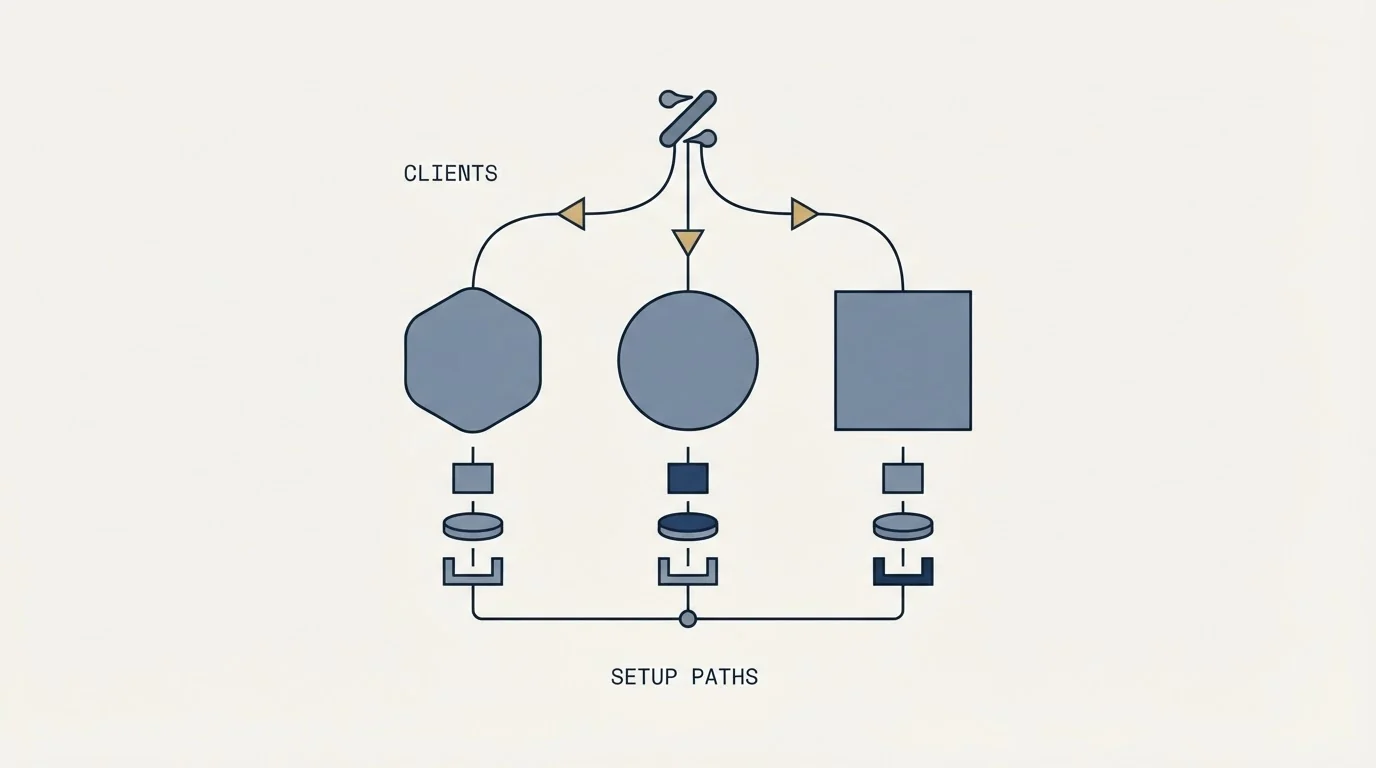
ZoomInfo documents two families of client.
For coding agents, the documentation gives explicit instructions for Claude Code, OpenAI Codex, Cursor, VS Code with Microsoft Copilot and Antigravity. Claude Code and Codex both have an official plugin route as well as a custom MCP route pointing at the same endpoint. Cursor, VS Code and Antigravity are configured by adding the endpoint to the client's own MCP configuration file. Every route ends in the same browser OAuth sign-in.
For chat applications, ZoomInfo states it is available through the Claude Connector Marketplace, the ChatGPT App Marketplace and Perplexity Connectors, each installed from the client's own connector or apps panel. So the ZoomInfo Claude connector that generated most of the coverage is not a separate product: the solutions page names Claude, ChatGPT, Perplexity and Replit together as peers of one server, and enabling any of them is the same three steps. If you came here searching for the Claude integration specifically, the setup is the connector marketplace entry, and everything below about credits and limits applies to it unchanged.
On security, ZoomInfo's own FAQ describes the protocol as using "a capability-based security model" where you control which data tools the assistant can access, with queries handled through your existing ZoomInfo API credentials. Two practical readings follow. The tool-level control is real and worth using, because a connector limited to search tools cannot spend credits. And the credentials are yours, so an agent's activity is indistinguishable from your activity in whatever logging exists.
ZoomInfo's reverse IP visitor lookup explains how WebSights matches website visitors to companies rather than named individuals.
MCP or the API, for teams that could build either
The comparison that decides this is not about capability, because both routes reach the same data through the same credentials. It is about who holds the loop.
An API integration puts the decision logic in code you wrote. It runs the same way every time, it is reviewable, it fails in ways you can log, and it consumes exactly what its parameters allow. The cost is that somebody has to build and maintain it, and every new question needs a change.
The connector puts the decision logic in a model. Any question can be asked immediately, which is the entire appeal, and the trade is that call volume and call selection are no longer deterministic. For an analyst answering ad-hoc questions that trade is clearly worth it. For a production process that runs nightly and writes into a system of record, it usually is not, because the property you want there is repeatability rather than flexibility.
The sensible split is to use the connector for exploration and the API for anything scheduled, and to keep the credit budget for the two separated so the exploratory spend is visible on its own.
What it changes about the work, and what it does not
The genuine gain is the removal of a translation step. Defining a segment used to mean learning a filter interface or writing a query; now it means describing the segment. For occasional users of an expensive platform, that lowers the cost of asking a question enough to change how often anyone asks.
Three things it does not change are worth stating plainly, because the demos do not mention them.
Coverage is unchanged. The same database answers the assistant that answers the web app, with the same strength in some markets and thinness in others. Where those gaps sit and why is covered in the ZoomInfo alternatives roundup, and it is worth reading before trusting a confident-sounding agent summary of a niche vertical.
Accuracy is unchanged, and the interface makes it harder to see. A record returned into a chat window arrives without a verification date attached, wrapped in fluent prose. A model that summarises fifty enriched contacts is summarising fifty claims, not fifty facts, and the failure mode of contact data, a valid mailbox at somebody's previous employer, survives summarisation perfectly.
Cost is unchanged in structure and can move sharply in practice. The credit model is the platform's and applies unchanged, which is easier to see against a vendor that publishes tiers, such as the ladder in Apollo pricing. What moves is how many enrich calls get made when the interface is a conversation.
- Yes: Model training confirmed off in the AI account, because ZoomInfo's documentation prohibits it and cannot enforce it
- Yes: A named credit budget for the experiment, agreed before anyone starts exploring
- Yes: Tool access limited to what the workflow needs, using the capability controls ZoomInfo names
- Yes: A rule for what happens to records pulled into a chat: which system they land in, and who verifies them
- Yes: Contract terms on automated access checked, since ZoomInfo's terms bound how its platform may be accessed
- No: Assuming the credit meter behaves differently through a conversation than through the API
- No: Letting an agent draft and send outreach in one motion, without a person reading it
That last item is where our own practice sits, and it is policy rather than a claimed result. Agent-drafted outreach is fine as a first draft and never as a send. We run one message per campaign with no follow-up sequences and no thread replies, a fresh angle on a new campaign when a segment deserves another approach, and meetings qualified against criteria agreed in writing before launch. A connector that can compose messages does not change any of that; it changes how fast a bad message can reach a thousand people.
If what you want from this is more qualified conversations rather than a faster way to build lists, that is a different purchase. RevenueFlow runs the campaigns end to end and charges per qualified meeting, which you can test on your own market with a free campaign. And if you are weighing where a connector like this sits against everything else being bought under the same heading, our 7-layer GTM AI stack piece maps the layers, while AI sales agents covers what an agent should and should not be trusted to do unattended.
Endpoint, prerequisites, tool classes and rate limits here were verified against raw bytes from zoominfo.com and docs.zoominfo.com in mid-2026. ZoomInfo publishes no price for MCP access; it is gated by an existing licence. Verify current terms with the vendor before relying on them.
Frequently asked questions.
Frequently asked questions- What is the ZoomInfo MCP server?
- It is ZoomInfo's Model Context Protocol endpoint, at mcp.zoominfo.com, that lets MCP-compatible assistants query its B2B data in conversation. ZoomInfo's solutions page describes it as enabling AI models to query structured company, contact and technographic data inside their workflows, and its FAQ describes MCP as an open standard developed by Anthropic.
- Do I need a developer to set it up?
- For chat applications, no. ZoomInfo states it is available through the Claude Connector Marketplace, the ChatGPT App Marketplace and Perplexity Connectors, each enabled from the client's own connector panel followed by a browser sign-in. Coding agents such as Claude Code, Codex, Cursor and VS Code need the endpoint added to a config file or installed as an official plugin.
- Does using the MCP server cost credits?
- Some tools do. ZoomInfo's published tool table marks search, lookup, similar-company, similar-contact, recommended-contact, intent-search, scoop-search and audience tools as free. The enrich tools for companies, contacts, intent, scoops and news are marked Bulk Data, and the Account Research and Contact Research agents are marked AI Action, which is a separate class again.
- Should an agent send the outreach it drafts?
- No. Agent-drafted messaging is a first draft, never a send. Our documented practice is one message per campaign with no follow-up sequences and no thread replies, a fresh angle on a new campaign when a segment deserves another approach, and meetings qualified against criteria agreed in writing before launch. A connector changes how fast a message reaches people, not whether it should.
About the author.

B2B cold email experts helping companies generate qualified leads through done-for-you outreach campaigns.
RevenueFlow Team
Explore more.
Ready to scale your outreach?
We build GTM engines that book real meetings. See the receipts.
Related articles.
Firmographic Data Providers: What Six of Them Publish
Six firmographic data providers read from their own pages: the fields each sells, the coverage each states, how the data is delivered, and who prints a price.
Salesgear Pricing: Two Ladders Under One Plan Title
Salesgear's page is titled as one plan and carries a Data ladder and an Outreach ladder. Both at both billing states, what each meters, and the two vendor-side conflicts.
Bookyourdata Pricing: 25 Packs, Priced Per Contact
Bookyourdata sells credits in twenty-five packs with no subscription. The dated ladder, the per-contact rates rendered in the browser, the guarantee rule and BeSpoke.
Zeliq Pricing: One Seat Rate and a Credit Meter
Zeliq prices one self-serve seat in dollars with a credit meter that never expires. Both billing states, the three credit rates, the top-up ladder and the Custom floor.
Social Selling Tools by Job, and the Account-Risk Line
Fourteen social selling tools sorted into six jobs, split by whether each acts through your LinkedIn account or beside it, from the vendors' own pages.
Seamless.AI Email Finder: How It Works, What a Credit Buys
How Seamless.AI's email finder resolves a contact in real time, what one Universal Credit buys, the Total AI score on every address, and what the Chrome extension reads.