Landingi Pricing: Two Meters, Four Plans
Landingi meters monthly visits and AI credits separately, so two teams on one plan can disagree about whether it is enough. The published ladder.
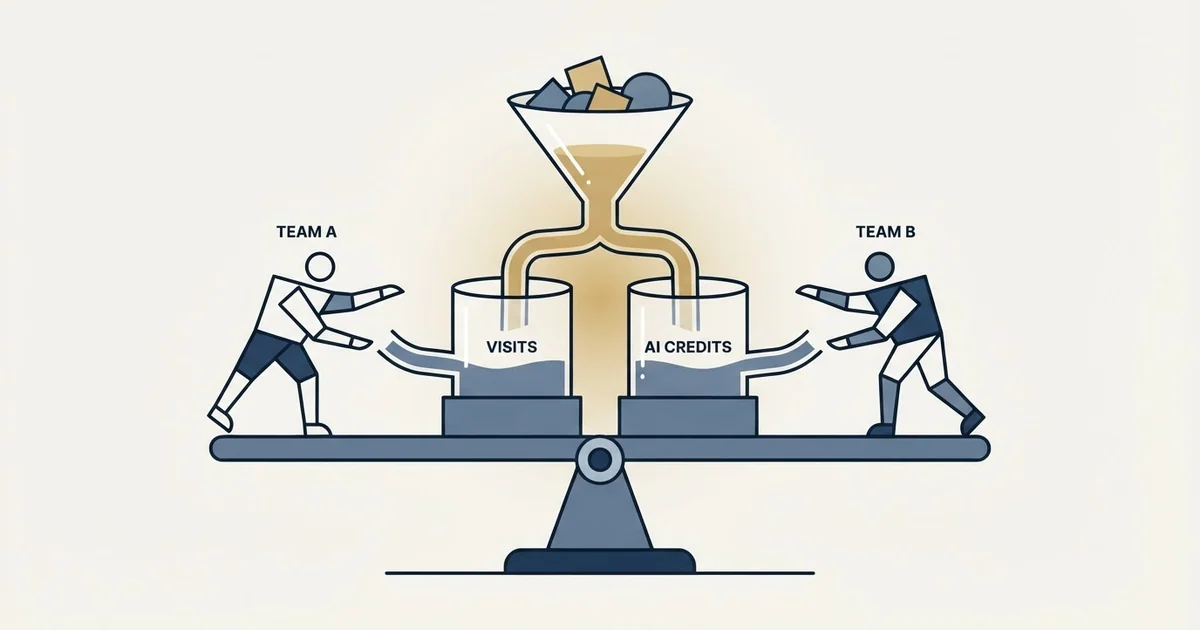
Landingi pricing starts at $24 a month for Build on annual billing, then $119 for Optimize, from $229 for Scale and from $1,199 for Enterprise. Each plan meters monthly visits and AI credits separately, from 2,000 visits and 2,500 credits on Build, and server-side A/B testing starts on Optimize.
Key takeaways
- Landingi's FAQ lists Build at $24, Optimize at $119, Scale from $229 and Enterprise from $1,199 a month on annual billing, which includes two months free.
- Every plan meters monthly visits and AI credits separately; credit packs cost $15, $25 and $40 for 5,000, 10,000 and 20,000.
- Server-side A/B testing starts on Optimize, so the $24 Build plan publishes pages but does not test them.
- Served to us, the plan cards rendered in pounds, and trials on every plan are capped at 200 visits.
Reviewed and updated September 21, 2026
Most landing page builders bill on one thing. Unbounce counts deduplicated monthly visitors. Instapage counts unique monthly visitors. Landingi counts monthly visits and, separately, AI credits, and a plan can run short on either one.
That second meter is the part a feature comparison never shows, because credits are not a feature and they are not traffic. They are a consumption budget attached to the generative parts of the product, and they have their own top up prices.
Here is the ladder on that page, both of its meters, where the capability boundary falls, and what the arithmetic looks like for a B2B page fed by outbound rather than by paid search.
Landingi pricing: the published ladder
Landingi's pricing page opens with a switch reading "Pay monthly" and "Pay yearly (save 2+ months)", and its own frequently asked questions state the annual figures plainly.
Another vendor's page opens on the annual side of that switch without saying so, and a headline rate already billed annually is the figure every roundup repeats.
| Plan | Annual rate | Pages, visits | Credits, users |
|---|---|---|---|
| Build | $24 | 10 pages, 2,000 visits | 2,500, 5 users |
| Optimize | $119 | 100 pages, 30,000 visits | 10,000, 10 users |
| Scale | from $229 | Unlimited, 100,000 to 500,000 | 20,000, unlimited |
| Enterprise | from $1,199 | Unlimited, 1M and above | 60,000, unlimited |
The page states that "Landingi pricing starts at $24 per month when billed annually" and that "Annual billing in Landingi includes two months free compared with monthly billing", so the monthly basis carries a higher effective rate than every figure in that table. Custom domains run 1, 3, 10 and 100. Served to us, the plan cards themselves rendered in pounds, £25 for Build, £119 for Optimize with a £25 first month, £239 for Scale and from £1,200 for Enterprise, and the billing switch did not change them in our browser session, so the dollar ladder above is the page's own FAQ statement rather than a card we could toggle. The FAQ lists five billing currencies, US dollars, euros, pounds, zloty and reais. Every plan carries a 14-day trial, capped at 200 visits. All of this is from Landingi's pricing page.
Two figures in that table are worth a second look before anything else, and neither is the price.
Build stops at 2,000 visits a month
The entry tier's allowance is 2,000 monthly visits. That is a small number by the standards of this category, and comparison articles tend to move straight past it to the feature list.
For a business running paid search it is met in days. For a B2B team whose landing page is fed by outbound it is closer to plausible than it first looks, which is the more interesting reading. A campaign page reached from a few thousand sent messages, at the response rates outbound actually produces, may genuinely sit inside it.
So the entry tier is not automatically the wrong tier here in the way it usually is. What decides it is the second meter and the capability boundary, not the traffic ceiling.
The credit meter is the one that surprises people
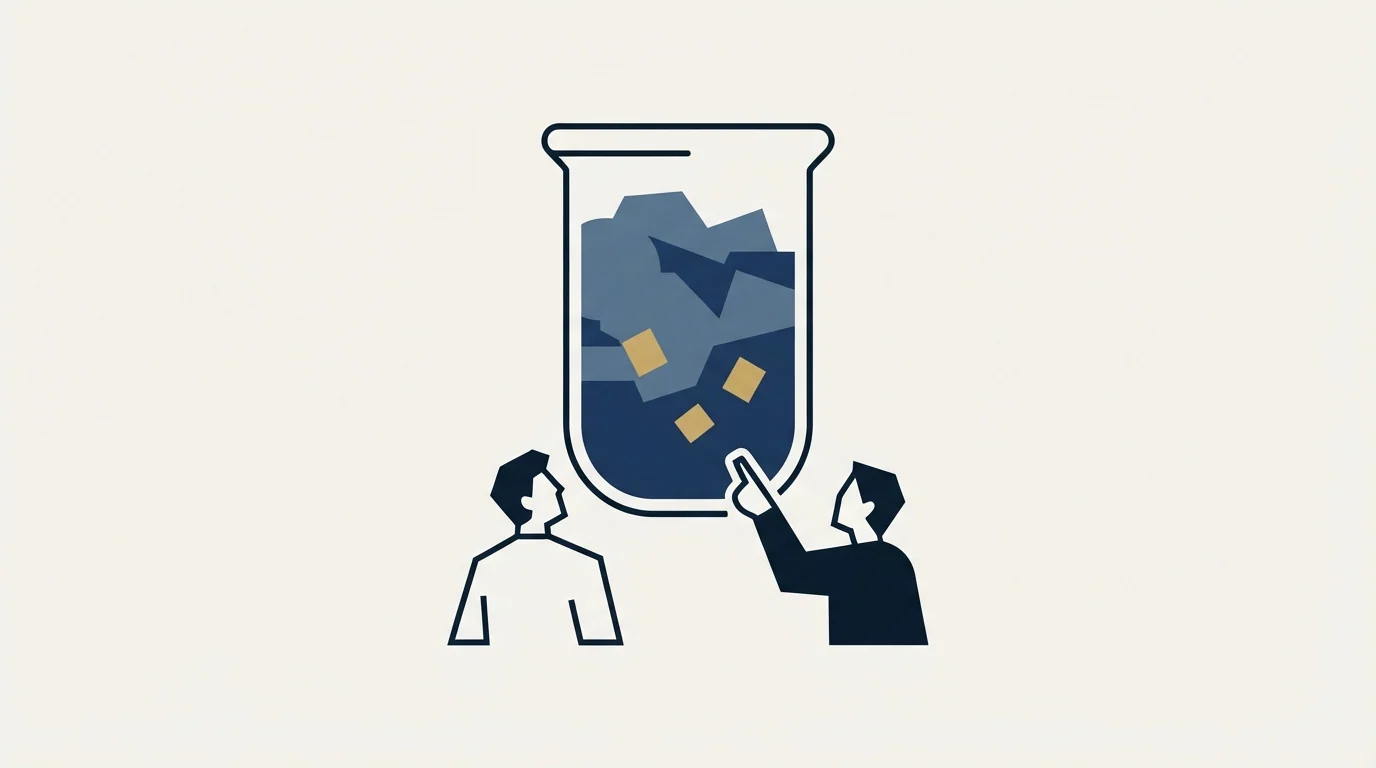
Alongside visits, every plan carries a monthly AI credit allowance: 2,500 on Build, 10,000 on Optimize, 20,000 on Scale and 60,000 on Enterprise, written on the Build card as "2,500 credits / mo.". Credits feed the generative parts of the platform, including the AI page generator the page calls Lunar and the AI assistants bundled into the entry tier.
Credits are also separately purchasable. The page lists three pay as you go packs, at $15 for 5,000 credits, $25 for 10,000 and $40 for 20,000, alongside an extra custom domain at $5 a month, capped at six extra domains on Optimize and 89 on Scale.
That changes how the ladder should be read. A team that leans on generation to produce page variants is consuming a budget that resets monthly and is not interchangeable with its traffic allowance, and running out of it does not stop the pages serving. A team that builds pages by hand and uses the editor may never touch it. Two teams on the same tier paying the same rate can therefore have entirely different experiences of whether that tier is sufficient, and the axis that separates them is invisible on a feature table.
Traffic: monthly visits
- Steps with the tier
- Not consumed by page count
- Decides whether the plan carries the campaign
Credits: monthly AI
- Resets each month
- Consumed by generation, not traffic
- Packs of 5,000 to 20,000 sold on top
Domains: per unit
- One on Build, ten on Scale
- Extras at $5 a month
- Capped per tier before an upgrade
Server side A/B testing starts on Optimize
Build holds the page builder and the generative tooling. Its card lists the AI page generator, described there as a way to "Generate a landing page by chatting with Lunar", plus the classic drag and drop builder, forms and integrations, AI assistants, pre-designed sections and basic analytics.
What that plan's own list on the page does not carry is testing. The pricing page places "Server Side A/B Testing" one tier up on Optimize, along with EventTracker for micro conversion tracking, Solis AI Insights, Smart Sections, multi language personalization and an e-commerce hub. Scale then adds programmatic landing pages, an MCP server for connecting the platform to a language model, client sub-accounts and unlimited active pages.
This is the third vendor in the category to place that boundary at the same rung. The live read of Unbounce puts A/B testing on Experiment rather than on the cheaper Build tier, and Instapage puts its own server side testing on the middle plan rather than the entry one. A team pricing any builder on its entry tier while intending to test later is making the same mistake three times over, and it is a mistake about product packaging rather than about any one vendor's price list.
Publishing pages is Build. Running tests starts on Optimize, so Build leaves that comparison.
At full campaign volume, not at launch, against 2,000, 30,000 or more a month.
From how the team will produce pages: generation spends them, hand building does not.
Extra domains are $5 a month each, and users run 5, 10, then unlimited.
What the credit and visit split means at low volume

The two meters fail in opposite directions, which is what makes the pairing worth thinking about rather than just recording.
Traffic ceilings are forgiving of a thin campaign and punishing of a successful one. Credit allowances are the reverse: they are consumed by how much you produce rather than by how many people arrive, so a team building twenty variants for a page nobody has visited yet burns credits while its visit meter stays near zero.
An outbound programme frequently sits in exactly that quadrant early on. The pages are being produced faster than the traffic is arriving, because the campaign has not launched or has only just launched. The tier that suits that period is not the one a traffic based comparison would pick.
Later the shape inverts, and the question becomes whether the visit allowance covers the campaign at full send volume. Neither state is well described by the headline rate.
Where a builder sits in the wider decision
The category label covers four different jobs, and a shortlist that spans two of them is really two shortlists. Which job you are shopping for, and which meter each vendor bills on, is mapped in landing page optimization tools.
If the intended job is testing rather than publishing, the constraint moves from the price list to the sample. A test needs conversions rather than visits, and enough of them to separate a real effect from noise, which is the arithmetic in cold email A/B testing benchmarks applied to a page instead of an inbox. The case of a page that cannot supply that sample is worked through in A/B testing a landing page, and the trap of reading a rate computed over a few dozen records is in conversion rate. Before benchmarking your own figure against a published one, average landing page conversion rate sets out what those published figures actually counted.
Underneath all of it is the question no tier answers. A landing page converts demand that already exists and creates none, so a thin flow of visitors is a supply problem rather than a page problem, and landing page lead generation makes that argument in full.
How to price it
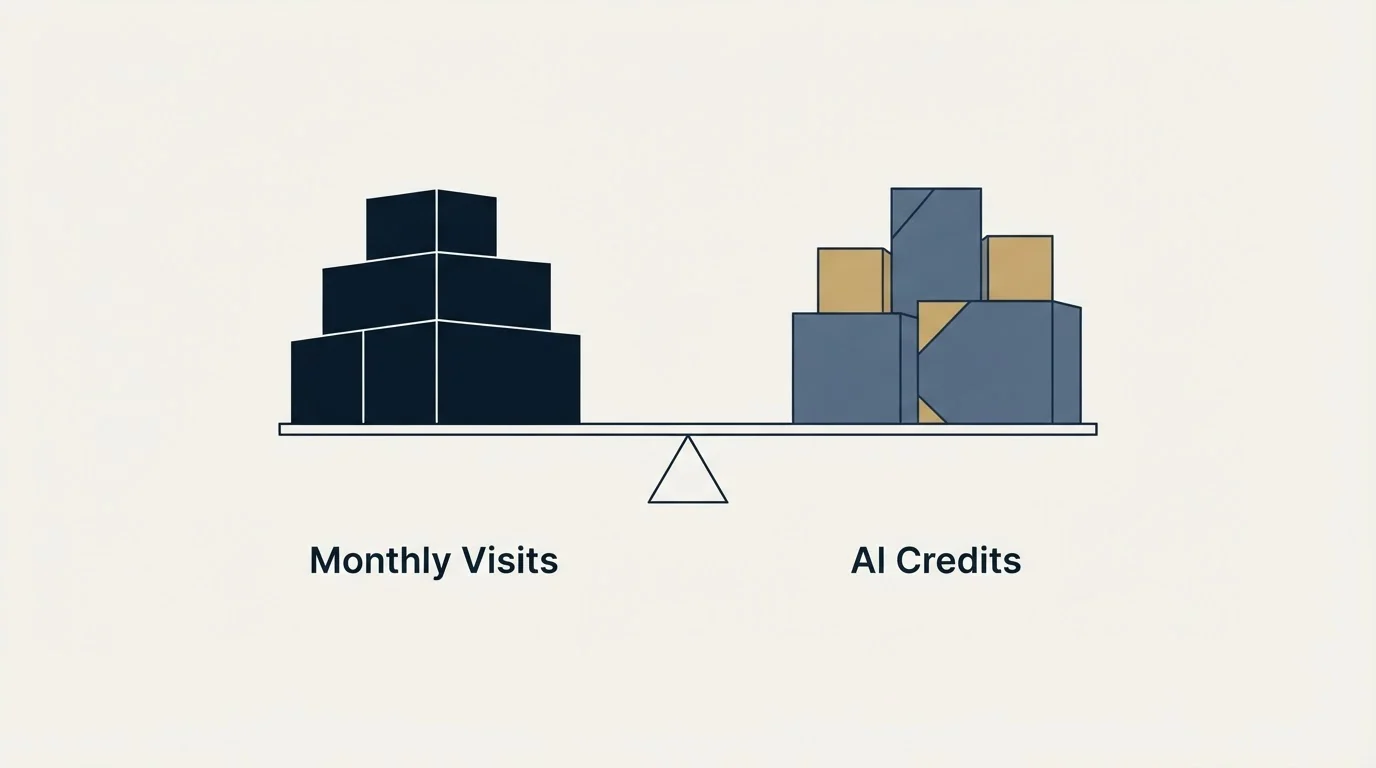
Name the job first. Publishing pages without waiting on a developer is Build. Running experiments is Optimize, and Build should not appear in that comparison.
Estimate both meters, not one. Visits for the campaign at full volume, and credits for how the team will actually produce pages.
Read the rate on the basis you will be billed on. Every figure in the table above is the annual basis, and the page's own wording is that "Annual billing in Landingi includes two months free compared with monthly billing.", so a short pilot costs more per month than the headline.
Then ask whether the page or the traffic reaching it is the constraint. If it is the traffic, the tier is not the decision that matters.
The short version
Landingi publishes four plans at $24, $119, from $229 and from $1,199 a month on the annual basis, with a 14 day trial and a page that states "Landingi pricing starts at $24 per month when billed annually". Active pages run 10, 100, unlimited and unlimited; visits run 2,000, 30,000, up to 500,000 and 1M and above; custom domains run 1, 3, 10 and 100.
The thing worth taking away is the second meter. The AI credit allowances the pricing page lists at 2,500, 10,000, 20,000 and 60,000 a month are a consumption budget separate from traffic, and the same page prices top up packs at $15, $25 and $40 for 5,000, 10,000 and 20,000 credits. That is what makes two teams on the same tier disagree about whether it is enough. Server side A/B testing starts on Optimize, so the entry tier builds pages and does not test them. When the shortage is the flow of qualified visitors rather than the page receiving them, see what a first campaign produces against your own market.
Plan names, rates, allowances, credit packs and feature placement above are from landingi.com/pricing, with dated snapshots retained, and every dollar rate above is the annual billing basis its FAQ gives. Verify current terms with the vendor before relying on them.
Frequently asked questions.
Frequently asked questions- How much does Landingi cost?
- Landingi's pricing FAQ lists Build at $24 a month, Optimize at $119, Scale from $229 and Enterprise from $1,199, all billed annually, with annual billing worth two months free against monthly. Served to us, the plan cards rendered in pounds, from £25 for Build, so check the currency your page shows.
- What do Landingi's credits pay for?
- Credits feed the generative tools, such as the Lunar AI page generator and the AI assistants. Build includes 2,500 a month, Optimize 10,000, Scale 20,000 and Enterprise 60,000, and packs cost $15 for 5,000, $25 for 10,000 and $40 for 20,000. Teams that build pages by hand may never use them.
- Which Landingi plan includes A/B testing?
- Server-side A/B testing starts on Optimize, the second plan, alongside EventTracker, Solis AI Insights and multi-language personalization. Build includes the page builder, forms and the AI generator but not testing, so a team that plans to test should price Optimize from the start.
- Does Landingi have a free trial?
- Yes. Every Landingi plan has a 14-day free trial with the plan's full features, capped at 200 visits. The card is charged when the trial ends unless you cancel from the Subscriptions section of Account Management, and you can switch plans during it.
About the author.

B2B cold email experts helping companies generate qualified leads through done-for-you outreach campaigns.
RevenueFlow Team
Explore more.
Ready to scale your outreach?
We build GTM engines that book real meetings. See the receipts.
Related articles.
Sales Prospecting for Utilities: Read the Filings First
Prospecting utilities from the proceedings that announce their spend: rate cases, resource plans and procurement decisions, who owns each, and the supplier gate.
SDR Outsourcing for Commercial Insurance Agencies
What an outsourced sales development team may legally say for a commercial insurance agency, how it may be paid, and the expiration-date calendar it has to work.
Lead Generation for EHR Vendors: A Replacement Market
Adoption is close to complete, so every deal is a switch. Where the incumbent field is published, which rules shape the pitch and who actually signs.
Sales Prospecting for Broadcasters: The Public File
Every station publishes a record of who asked to buy time on it. Read from the other side, the political file is the most specific prospect list in this trade.
SDR Outsourcing for Business Brokers: The Fee Timing
Whether a success-fee brokerage should rent sales development at all: the fee timing, the texts that limit what an outside person may say about value, and who signs.
SDR Outsourcing for Agriculture Companies
Whether an outside sales development team can work for a company selling into agriculture: who already covers the account, which weeks exist, and the show rule.