Taplio Alternatives: Which Half Are You Replacing
Taplio bundles a content tool with an outreach module. The alternative you want depends entirely on which half you were actually using.
Taplio bundles LinkedIn content scheduling and analytics with automated commenting and, on its top tier, auto-connect and direct messaging. The right alternative depends on which half you used, because publishing tools and outreach sequencers are different product categories with different exposure.
Key takeaways
- Published rates on 16 August 2026 were $39, $69 and $199 monthly, with the outreach module on the $199 tier.
- Replacing the content half means shopping for a publishing tool, where the editor and idea capture matter more than the underlying model.
- Replacing the outreach half means shopping for a sequencer, with per-seat rates from $9.99 on browser tools to $100 on cloud platforms.
- LinkedIn's prohibited software page names fake engagement and tools that try to manipulate its content algorithms, which rules out moving toward engagement pods.
Reviewed and updated September 2, 2026
Taplio bundles two products under one subscription. One writes, schedules and analyses LinkedIn posts. The other automates commenting and, on the top tier, auto-connects and sends DMs. Those halves sit in very different places under LinkedIn's rules, and the alternative you want depends entirely on which half you were using.
Its published rates are $39, $69 and $199 a month on monthly billing, and $32, $49 and $149 on yearly. Fetched 16 August 2026. The automated outreach lives on the $199 tier, which means the price step and the risk step happen at the same point.
Separate the halves before shortlisting
- Yes: Scheduling and analytics only: you want a publishing tool, and there are many
- Yes: AI drafting quality: the complaint is editorial, and no tool fixes a missing point of view
- Yes: Price at the Pro tier: you are paying for outreach you may not want
- No: Automated commenting: this is named in LinkedIn's User Agreement
- No: Auto-connect and auto-DM: this belongs to a different product category
- No: You want engagement pods instead: that is further from the rules, not closer
The two negatives are the important ones. LinkedIn's User Agreement, effective 3 November 2025, prohibits members from using bots "or other unauthorized automated methods to access the Services, add or download contacts, send or redirect messages, create, comment on, like, share, or re-share posts, or otherwise drive inauthentic engagement". Automated commenting is named there explicitly. Its help page on prohibited software adds that LinkedIn does not permit "fake engagement" or "any tools or services that try to manipulate LinkedIn's content algorithms", and that members using such tools risk having accounts "restricted or shut down".
Platform terms have closed a product before, and the LinkedIn settlement that ended Proxycurl moved that risk onto whoever supplies the data next rather than removing it.
So an alternative that advertises more aggressive automated engagement is a move away from the rules rather than toward a better product, and the engagement-pod category is the far end of that. The published position on pods is set out in Lempod.
If you were using the content half
This is the common case and the easy one. Drafting, scheduling and analytics for your own posts is ordinary software use, and the category is crowded, which is good for buyers.
The variables that matter are not the ones the comparison pages rank on. What actually decides whether a publishing tool works is whether it fits how you generate ideas, whether the editor makes you write better or faster, and whether the analytics tell you anything you would act on. Those are workflow judgements and they resist feature tables.
Two things are worth checking that comparison pages rarely mention. First, how the tool authenticates: a browser extension using your session is the standard arrangement, and LinkedIn's help page names browser extensions that automate activity as prohibited, so a tool that only schedules through your own session and a tool that automates engagement carry different exposure even though both are extensions. Second, whether your drafts are portable, because a year of content locked in a scheduler is a real switching cost, and an export that produces plain text you can read is worth checking during a trial rather than at the moment you want to leave.
If you were using the AI drafting

The recurring criticism of this category, Taplio included, is that generated posts read generically. That is a fair description and it is worth understanding before shopping for a better generator.
Generated drafts are competent and unspecific by construction, because a model given a topic produces the consensus view of that topic. What makes a post travel is a specific claim, a number you actually have, or a position someone might disagree with, and none of those are in the prompt.
Which means the tool that fixes this is not a better model. It is a workflow where the generation step happens after the thinking rather than instead of it: you supply the observation, the tool handles structure and consistency. Every tool in this category can work that way, and most people do not use them that way because the blank-page button is right there.
Judge alternatives on the editor and the idea capture rather than on the model, since the model is doing the part that was never the bottleneck.
There is a practical test for this during a trial. Take a post you already know worked, and try to recreate the thinking behind it in the tool. If the workflow has somewhere to put the observation, the number or the disagreement that made it work, the tool fits how you write. If the only input is a topic field, it will produce the consensus view of that topic every time, and no amount of regeneration changes that.
If you were using the outreach half
You were using a content product's newest module for a job that dedicated products do properly, and the alternatives are a different shelf entirely.
- Dripify: $59, $79 or $99 per user monthly; $39, $59 or $79 annual
- Expandi: $99 monthly, $79 annual, dedicated country-based IP
- Meet Alfred: $59, $99 or $79 per user monthly across three channels
- Skylead: $100 per seat per month
- Priced per seat, so cost scales with account count
- Octopus CRM: $9.99 to $39.99 monthly, $6.99 to $24.99 annual
- Linked Helper: $15 or $45 local storage, $29.90 or $59.90 cloud storage
- Waalaxy: from EUR 19 per user monthly
- IP consistency is native to the architecture
- Poor fit for many accounts at once
- Skylead agency: $999 for 50 seats, $1,999 unlimited seats
- Sender rotation within one campaign
- Per-client separation and a unified inbox
- This is the shape we run client LinkedIn outreach on, through HeyReach
- Overkill below roughly ten accounts
Note what all of these have in common with Taplio's Pro tier: none is permitted by LinkedIn, and the difference between them is architecture and operating rate rather than approval. The comparison across them is in LinkedIn automation tools.
The bundle problem, and why it recurs
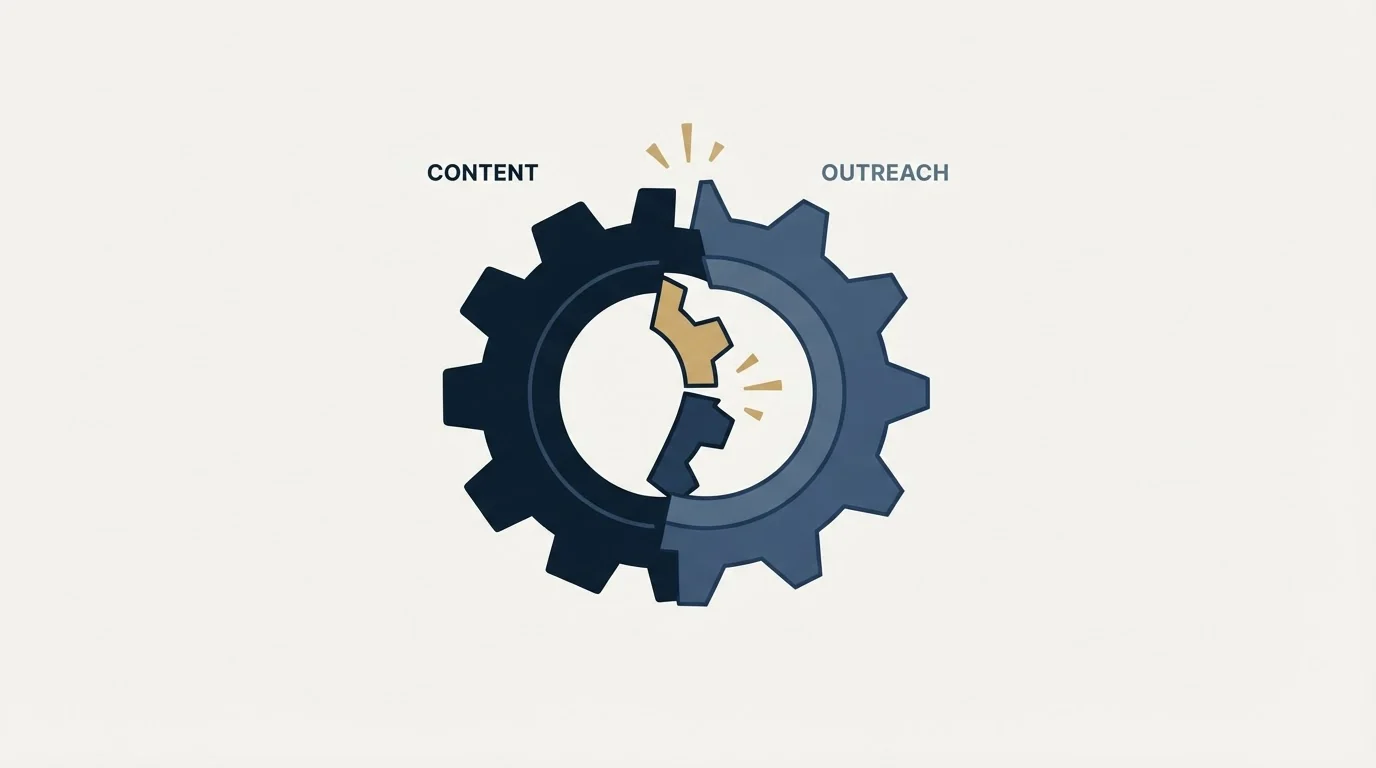
Taplio is not unusual in bundling a content tool with an outreach module. It is a pattern across this category, and understanding why it happens makes the alternatives easier to judge.
Content tools have a retention problem. Someone who stops posting stops needing the scheduler, and the honest version of the product has a natural ceiling on what it can charge. Outreach modules raise the price a subscription can carry, because outreach is measured in pipeline rather than in posts, and a buyer will pay more for something attached to revenue.
The consequence for you is that the newest and least developed part of these products is usually the one on the most expensive tier. You are paying the largest step for the feature the vendor has spent the least time on, and comparing it against dedicated products that have done nothing else for years.
That is the argument for unbundling rather than for finding a better bundle. Two products, each doing one thing properly, usually costs less than one top tier and works better at both jobs. The exception is a genuinely small operation where one login and one invoice is worth real money, and it is worth being honest about whether that is you.
Chili Piper Alternatives unpacks a comparable bundling problem, weighing scheduling-first tools against routing-first tools that replace every job at once.
Reading the comparison pages for this term
A large share of the pages ranking for Taplio alternatives are published by competing tools, several of which position themselves specifically on being safer than an extension-based product.
That positioning is worth interrogating rather than accepting. LinkedIn's help page names browser extensions that automate activity as prohibited, and the relevant distinction is not extension against no extension. It is whether the tool automates engagement and outreach at all, or only schedules content you wrote. A tool that schedules through a different mechanism but still automates commenting has not moved to a different position under the rules.
Prices in those comparisons also drift, because they get copied between tables until no original remains, and monthly and annual states get mixed without labels. Verify anything you plan to act on against the vendor's own page, and note the date.
The thing worth doing instead of automating engagement
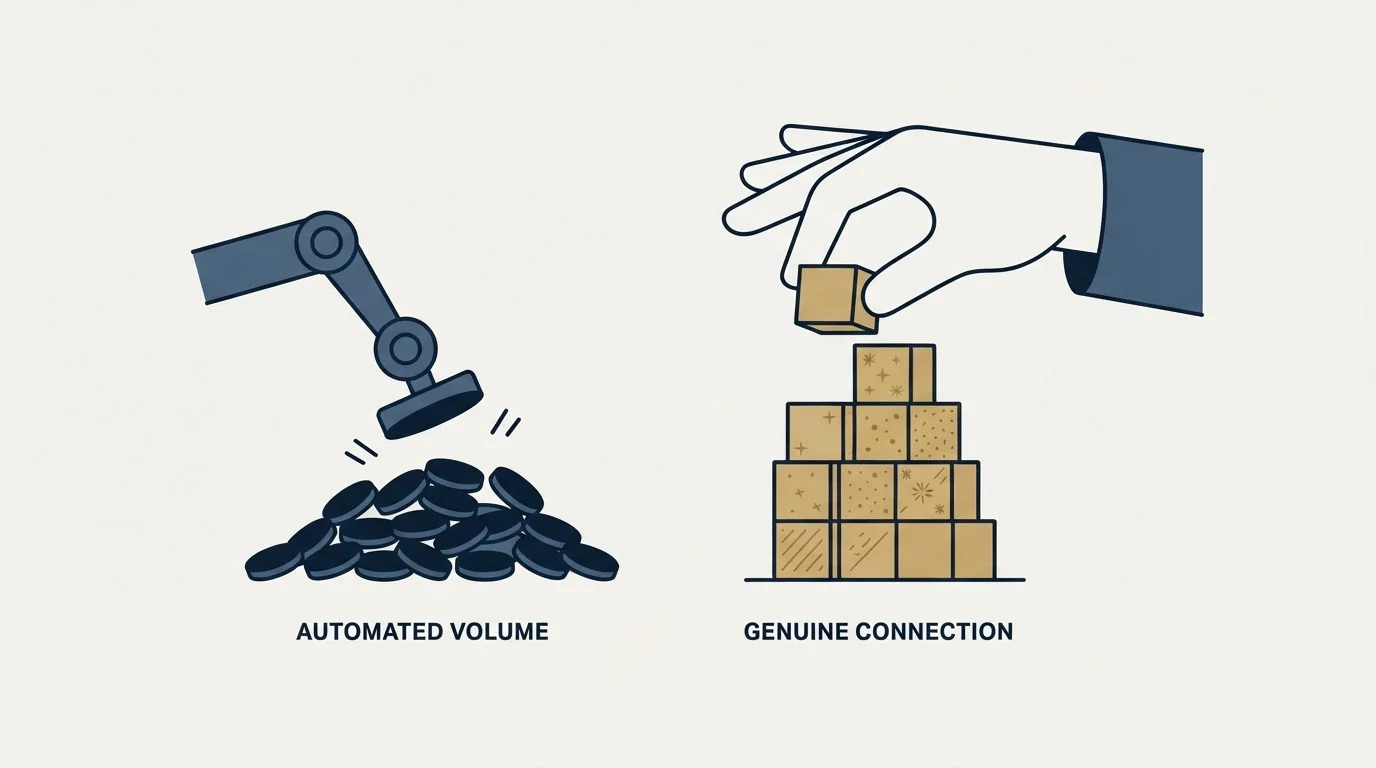
If the reason for looking at alternatives is that reach is flat, the automated-engagement route is the expensive answer and the least durable one.
Commenting genuinely does build reach, and it does so when the comment is worth reading. That is a time cost rather than a software one, and the tools that help are the ones that surface the right posts to comment on rather than the ones that write the comment. Ten minutes a day spent on five comments that add something beats a hundred automated ones, and it does not put the account at risk to do it.
The durable version pairs published content with direct outreach, so a post that lands has somewhere to go, and the outreach is one message to a defined person rather than a ladder. We send one message per campaign, with no bumps and no thread replies, and we do not run LinkedIn no-reply retargets, because a second message under an ignored one reads as a nudge whatever the tool calls it. The outreach half of that model is described in LinkedIn prospecting and in our HeyReach review.
What to settle before switching
Decide which half you are replacing, because the two answers are in different categories and shopping for both at once produces another bundle you will half use.
Check the billing state on any figure you compare, since monthly and yearly render into the same page across this category and the gap here is 25 percent.
Check what happens to your existing drafts and scheduled queue, because that is the real switching cost on the content side.
And decide whether automated engagement is something you want at all, given what LinkedIn's own documentation says about it. That decision is worth making deliberately rather than inheriting from whichever tier you happened to buy. The product being replaced is covered in Taplio.
If the underlying goal is booked meetings rather than impressions, get a free campaign plan and we will map the channel to your ICP before anything sends.
Pricing and features verified as of mid-2026. Verify current terms with the vendor before relying on them.
Frequently asked questions.
Frequently asked questions- What is the best Taplio alternative?
- There is no single answer because it is two products. If you used the scheduler and analytics, you want a publishing tool and the field is crowded. If you used the outreach module, you want a dedicated sequencer, which does that job properly and is priced separately. Shopping for both at once produces another bundle.
- Are engagement pods a good alternative?
- No, and they move further from the rules rather than closer. LinkedIn's help page states it does not permit fake engagement or tools that try to manipulate its content algorithms, and its User Agreement names automated liking and commenting directly. That is a larger exposure than the thing being replaced.
- How do I judge AI writing tools?
- On the editor and the idea capture rather than on the model. Take a post you know worked and try to recreate the thinking behind it in the tool. If there is somewhere to put the observation or number that made it work, the workflow fits. If the only input is a topic field, expect the consensus view every time.
- What should I check before switching?
- Which half you are replacing, the billing state on any figure you compare since monthly and yearly differ by 25 percent here, and whether your existing drafts and scheduled queue export in a form you can read. A year of content locked in a scheduler is the real switching cost on the content side.
About the author.

B2B cold email experts helping companies generate qualified leads through done-for-you outreach campaigns.
RevenueFlow Team
Explore more.
Ready to scale your outreach?
We build GTM engines that book real meetings. See the receipts.
Related articles.
Best Time to Cold Call: What the Studies Counted
The best time to cold call figures traced to their originals: one inbound study from six companies, three vendor call datasets, and what survives the read.
Best Time to Send a Sales Email: What Was Measured
The send time studies behind the midweek morning answer, what each one actually counted, and why a broadcast finding does not transfer to a sales email.
Social Selling Tools by Job, and the Account-Risk Line
Fourteen social selling tools sorted into six jobs, split by whether each acts through your LinkedIn account or beside it, from the vendors' own pages.
Is Clay Free? The Free Plan, the Trial and Where Each Stops
Clay's free plan, its 14-day trial and the no-charge-on-a-miss rule are three different things. What each holds and where it stops, from clay.com on 19 September 2026.
Seamless.AI Email Finder: How It Works, What a Credit Buys
How Seamless.AI's email finder resolves a contact in real time, what one Universal Credit buys, the Total AI score on every address, and what the Chrome extension reads.
Video Prospecting Tools by Job: What Each One Is For
Ten video prospecting tools sorted by the job each vendor's own page describes: record and share, personalise at volume, avatars, hosting and interactive demos.