ZoomInfo FormComplete: Shorter Forms and the Trade-Off
Cut the form to one field and append the rest. The conversion case is real, and the trouble starts when appended values become indistinguishable from typed ones.
FormComplete is ZoomInfo's form enrichment product. A visitor supplies a business email, the platform matches it against the database, and the remaining fields are appended. The conversion gain is real, and the cost is that appended values become indistinguishable from values the visitor actually typed unless you deliberately keep them apart.
Key takeaways
- Fewer fields raise conversion, and the vendor's own lead capture page frames the pitch in exactly those terms. That part of the argument holds.
- An appended value is a third-party claim about a person, while a typed value is the person's claim about themselves. Merging them into one field destroys the distinction permanently.
- Routing and scoring usually run on the exact attributes that get appended, so inferred data produces misrouting that never appears as an error.
- Match rate on inbound beats match rate on cold lists because the population self-selects, and it is thinnest for the small companies many businesses value most.
Reviewed and updated September 1, 2026
Two separate posts in the Marketo practitioner community carry near-identical titles about de-creepifying ZoomInfo FormComplete on Marketo forms. When independent implementers reach for the same unusual word, they have found the same problem, and it is not a technical one. The product works. The discomfort is about what the visitor experiences.
FormComplete is ZoomInfo's form enrichment product. A visitor types a business email address into your form, the platform matches that address against its database, and the remaining fields arrive without the visitor supplying them. ZoomInfo's own lead capture page frames the pitch directly: fewer form fields lead to higher conversion rates, so ask for less and fill in the rest.
ZoomInfo Lite's contributory free tier examines how the same vendor collects business contact data from mailboxes in exchange for access, a parallel trade worth knowing before adopting FormComplete.
The mechanics are straightforward. The trade underneath them is worth understanding before you install it.
The conversion argument is real
Start with what is true, because the case for this category is genuinely strong and dismissing it would be silly.
Every field you add to a form costs you submissions. That relationship is not controversial among people who run forms for a living, and the vendor's own page states the tradeoff in the same terms, describing the balance between gathering sufficient data and the likelihood that a prospect abandons a form that is too long. Marketing teams have been cutting fields for this reason since long before enrichment products existed. The usual constraint is that sales needs the company size, the industry and the job title in order to route and prioritise, so the form stays long and the conversion rate stays where it is.
Form enrichment breaks that constraint. Ask for the business email, append the rest, and both teams get what they wanted. There is also a second feature that a lot of buyers actually come for: the vendor describes abandoned form tracking, capturing what a visitor entered before they gave up and surfacing those partial entries separately. A visitor who typed an email address and then left is a real signal, and most stacks throw it away.
Where it goes wrong is not in any of that. It goes wrong in what happens to data quality and to the visitor's expectations once the appended fields start being treated as though the visitor supplied them.
- Step 1Visitor submits one field
A business email address is the whole of what they chose to give you.
- Step 2The platform matches
That address is looked up against the vendor database. A match is a probabilistic join, not a lookup of a fact the visitor stated.
- Step 3Fields are appended
Title, company, seniority, industry and firmographics arrive from the database, including into hidden fields the visitor never sees.
- Step 4Scoring and routing fire
Downstream automation treats the appended values exactly like typed ones, because by this point they are indistinguishable.
- Step 5Sales makes contact
A rep opens a record whose fields carry no marker of where each value came from.
Appended is not the same as asked, and your systems cannot tell
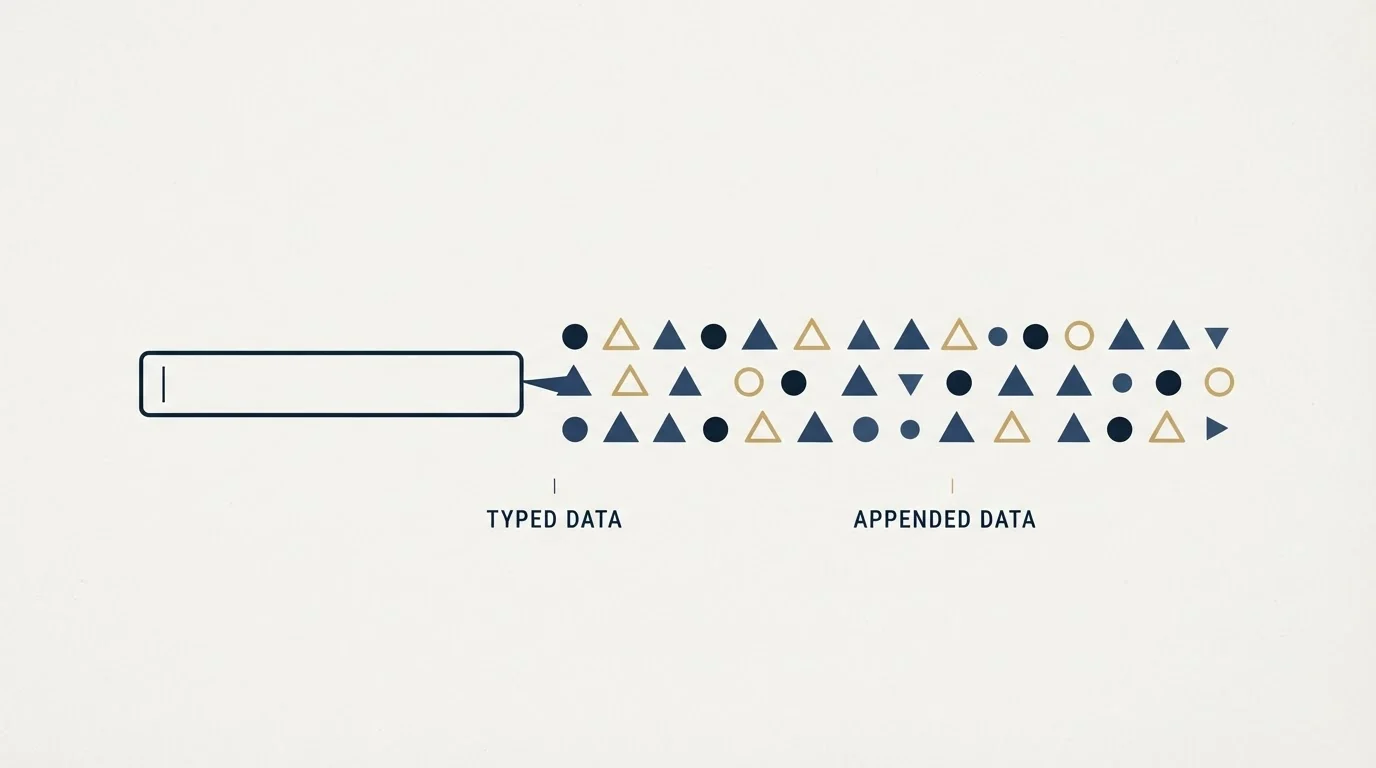
This is the whole issue in one line. Once an appended value lands in the same field as a typed value, nothing downstream knows which is which.
That matters in three concrete ways.
Accuracy. A field a visitor typed is a claim by the person about themselves. A field the database appended is a claim about a person by a third party, and it is only as fresh as the record. Somebody who was promoted last quarter, moved companies, or works at a subsidiary whose parent holds the domain will be appended with something plausible and wrong. There is no error state for this, because a confident wrong answer looks exactly like a right one.
The retrieval versus judgement divide explored in AI data enrichment clarifies why a model can normalise a stale field but cannot verify it outright.
Routing. Territory assignment, lead scoring and qualification thresholds are usually built on exactly the fields that get appended: employee count, industry, seniority. Building routing on inferred values means routing errors that are invisible in the funnel and only surface as a rep saying the leads are bad.
The conversation. A rep who opens a record cannot tell that the prospect never mentioned their job title, so they proceed as though the prospect volunteered it. That is where the practitioner discomfort comes from. Referring to something a person did not tell you reads as surveillance, and it is a bad first impression to make on somebody who had just decided to trust you with an email address.
The fix that community is reaching for is not to remove the enrichment. It is to keep the provenance. Write appended values into separate fields from typed ones, or carry a flag saying which is which, so that scoring can use them, reps can see them, and nothing downstream has to guess. That costs one field per attribute and it removes the entire class of problem.
- Typed and appended values share a field
- No downstream system can tell them apart
- A stale append silently overwrites nothing and misroutes everything
- Reps cannot see what the prospect actually said
- Appended values land beside the typed ones
- Scoring can weight a stated title above an inferred one
- A wrong append is visible and correctable
- Reps know what the prospect volunteered before they open with it
What match rate means when it is your own inbound
Enrichment vendors publish match rates, and buyers tend to read them as a coverage promise. On inbound forms the number behaves differently from the way it behaves on an outbound list, and the difference cuts both ways.
It is better than you would expect on paper, because the population is self-selected. These are people who chose to come to your site and type a work address, which skews toward exactly the company sizes and roles that commercial databases cover densely. A match rate measured on your inbound will usually beat the same vendor's match rate on a cold list.
It is also concentrated in the wrong place for a lot of businesses. Coverage is thinnest for small companies, for regions with lower tooling adoption, and for people using an address at a domain that is not their employer's. If your best customers look like that, enrichment fills in your least valuable inbound and leaves your most valuable inbound as a bare email address. Measure the match rate on your own last few hundred submissions before you design a process around it, and split that measurement by segment rather than reading the average, because the average is the number that hides the problem.
The other measurement worth taking is accuracy rather than coverage. Take fifty enriched records where you now know the truth, from a call, a signed deal or a LinkedIn check, and count how many appended titles and company names were right. Match rate tells you how often a row was filled. It says nothing at all about whether the fill was correct, and those two numbers can be a long way apart.
- Yes: Decide where appended values will live, and keep them distinguishable from typed ones.
- Yes: Measure match rate on your own recent submissions, split by segment rather than averaged.
- Yes: Measure accuracy separately, against fifty records whose truth you now know.
- Yes: Check your privacy notice describes enrichment, since the visitor is not typing this data.
- Yes: Brief reps that appended fields are inferences, so nobody opens a call by quoting one back.
- Depends: Treat abandoned form capture as a separate decision with its own consent question.
Design for the miss, not for the match

Most implementations are designed around what happens when the lookup succeeds, and then behave badly on the submissions that matter most.
Decide in advance what a one-field form does when nothing comes back. The failure is silent by construction: the visitor submitted successfully, your form reported success, and a record arrived carrying an email address and nothing else. If routing rules require a company size that is absent, that lead can sit unassigned in a queue nobody watches, which is a worse outcome than the long form you replaced.
Two things fix it cheaply. Route unmatched submissions to a human by default rather than letting them fall through a rules engine that has nothing to evaluate, and consider a progressive follow-up that asks the visitor directly for the one or two fields the match did not supply. Asking a person who has already converted is much cheaper than asking a stranger, and the answer comes with provenance attached.
The disclosure question
One item on that checklist deserves more than a line, because it is the one most likely to be skipped.
Your privacy notice probably describes the data you collect from people. Enrichment means you are also obtaining data about them from a third party, on the basis of an identifier they gave you for a different purpose. Whether your notice already covers that is a question for whoever owns it, and the answer is often no, because the notice was written when the form was the only source.
Abandoned form capture raises a sharper version of the same question. A visitor who typed an email address and then decided not to submit has arguably communicated something by not clicking, and a system that keeps the entry anyway is doing something the visitor would not predict. It may well be lawful in your jurisdiction. It is worth deciding deliberately rather than inheriting it as a default setting.
Where this sits against the alternative
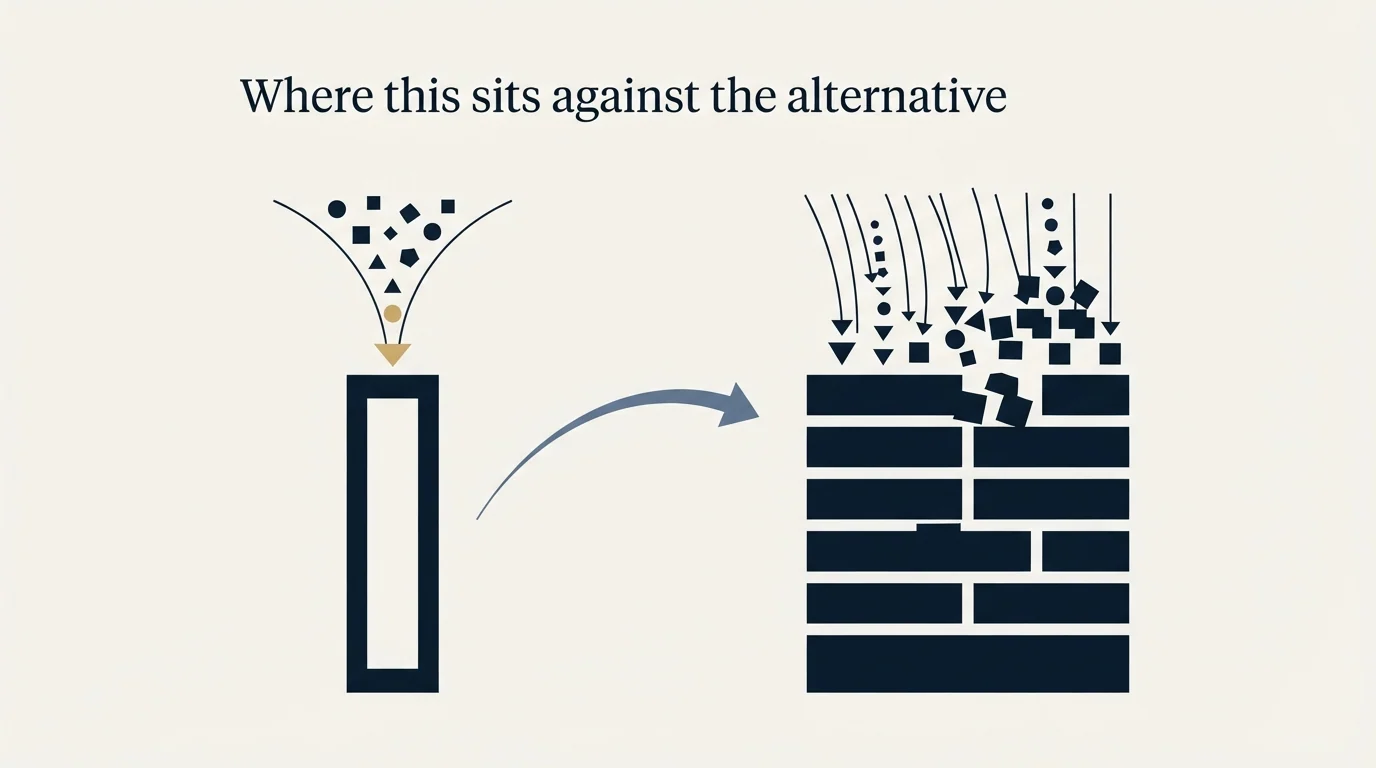
Form enrichment is a good answer to a real problem, and it is one of the more defensible things in this category because the person genuinely did come to you.
A related limitation surfaces once enrichment feeds automated workflows, which is the focus of the piece on ZoomInfo's go to market orchestration tool.
Two boundaries are worth keeping in view. It only works on people who already arrived, so it is a conversion-rate instrument rather than a demand source, and a team hoping it will fill the top of the funnel has bought the wrong thing. And it is usually sold inside a larger platform agreement rather than as a standalone line item, which means the buying decision tends to arrive attached to a data contract. That is worth pricing honestly against the alternatives, and against what the same money does elsewhere: if the constraint is that not enough of the right people arrive at the form in the first place, a shorter form does not solve it.
Since ZoomInfo is usually paired with a CRM rather than replacing one, the comparison of Close and ZoomInfo as complementary tools clarifies where enrichment ends and pipeline management begins.
It is also worth verifying the addresses you capture, since a form with one field makes that field load-bearing and typos are common. Email verification tools are a separate and much cheaper purchase, and the ownership question that comes with buying verification from a data platform applies here in exactly the same way it applies to enrichment.
If the real problem is volume rather than form length, RevenueFlow books qualified meetings on a pay-per-meeting basis, with qualification criteria agreed in writing before launch.
Vendor pages verified as of mid-2026. Verify current terms with the vendor before relying on them.
Frequently asked questions.
Frequently asked questions- What does ZoomInfo FormComplete actually do?
- It shortens a web form by asking for a business email address and appending the remaining fields from ZoomInfo's database, including into hidden fields the visitor never sees. The vendor also describes abandoned form tracking, which captures what somebody entered before leaving and surfaces those partial entries separately from completed submissions.
- Should appended form fields be stored separately from typed ones?
- Yes, and it is the single change that removes most of the risk. Write appended values into their own fields or carry a source flag, so scoring can weight a stated job title above an inferred one, a stale append is visible rather than silent, and a rep can see what the prospect actually volunteered before opening a conversation with it.
- Is form enrichment a privacy problem?
- It is at minimum a disclosure question. You are obtaining data about someone from a third party using an identifier they supplied for another purpose, and privacy notices written when the form was the only source often do not describe that. Abandoned form capture raises a sharper version, since the visitor chose not to submit.
- How much does ZoomInfo FormComplete cost?
- The vendor does not publish a rate card for it, and it is generally sold as part of a wider platform agreement rather than as a standalone purchase. Expect a quote shaped by whatever else you buy at the same time, and price it against what the same budget would do if the real constraint is traffic rather than form length.
About the author.

B2B cold email experts helping companies generate qualified leads through done-for-you outreach campaigns.
RevenueFlow Team
Explore more.
Ready to scale your outreach?
We build GTM engines that book real meetings. See the receipts.
Related articles.
The Real Cost per 1,000 Emails, Verifications and Data Credits in 2026
Unit prices computed from verified vendor plans: $1.00 per 1,000 emails sent, $2.00 per 1,000 verifications and $19.60 per 1,000 enrichment credits.
Free Tiers and Trials in Sales Tools: What $0 Gets You Across 386 Vendors
37.0% of 386 verified sales tools have a permanent free plan. The median free data tier gives 50 credits and the median free sending plan 2,500 emails a month.
SignalHire Pricing: Two Meters and a Usage Ceiling
SignalHire sells emails and phone numbers as separate plans with separate credit pools, and the word unlimited on both carries a monthly ceiling in a tooltip.
Is Clay Free? The Free Plan, the Trial and Where Each Stops
Clay's free plan, its 14-day trial and the no-charge-on-a-miss rule are three different things. What each holds and where it stops, from clay.com on 19 September 2026.
Social Selling Tools by Job, and the Account-Risk Line
Fourteen social selling tools sorted into six jobs, split by whether each acts through your LinkedIn account or beside it, from the vendors' own pages.
Video Prospecting Tools by Job: What Each One Is For
Ten video prospecting tools sorted by the job each vendor's own page describes: record and share, personalise at volume, avatars, hosting and interactive demos.