Mimecast Spam Filter for B2B Teams: Diagnosing Placement
You can find out whether a company runs a security gateway before you send anything. The MX record is public, and it answers a question that otherwise costs weeks.

Mimecast is a security gateway that holds the recipient domain MX record, so it evaluates mail before Microsoft or Google ever sees it. It judges connection behaviour and organisation-specific policy, holds mail in an organisational quarantine rather than a junk folder, and leaves no mailbox-provider headers to read.
Key takeaways
- A recipient domain whose MX record points at a security vendor tells you which system will judge your message, and the lookup is free and available before you send.
- A gateway stop leaves no mailbox-provider diagnostics, so the absence of a Microsoft verdict is not evidence that Microsoft was satisfied.
- A published false-positive rate is calculated over all inbound mail, not over legitimate cold business mail, which is the population nearest the boundary.
- A greylisting deferral is a 4xx response that resolves itself, and reporting that buckets it with permanent failures manufactures a problem that was never there.
Reviewed and updated September 1, 2026
You can find out whether a prospect's company runs Mimecast before you send them anything. The MX record for their domain is public, it takes one lookup, and it answers a question that otherwise costs weeks: whether your message will be judged by a security gateway with its own policy before the mailbox provider ever sees it.
That single fact reorganises the whole diagnosis. Most placement advice is written about mailbox providers, and a gateway is a different kind of system making a different kind of decision at an earlier moment.
Where Mimecast sits
Mimecast describes its own position plainly: a cloud-based spam filtering solution stops spam before it reaches your email system (Mimecast, cloud based spam filtering). In deployment terms that means the customer points the MX record for their domain at Mimecast. Mail arrives there, is evaluated, and only what survives is handed on to the mailbox, which at most B2B companies is Microsoft 365 or Google Workspace.
Two consequences follow immediately, and both are things senders get wrong.
The first is that the mailbox provider's diagnostics may explain nothing. If you are used to reading Microsoft's anti-spam headers, a message stopped at the gateway never produced any, because it never reached Microsoft. Absence of a Microsoft verdict is not evidence that Microsoft was happy.
The second is that the decision is being made against evidence a mailbox provider does not have. The gateway sees the connection first. It knows what the sending address has done across its whole customer estate. It applies policy rules a specific administrator wrote, on behalf of a specific organisation, sometimes years ago and usually never reviewed.
- Step 1MX lookup
The sending server resolves the recipient domain MX. It points at the gateway, not at the mailbox provider. This is public and checkable in advance.
- Step 2Connection
The gateway evaluates the connecting address and the envelope before any content is transferred.
- Step 3Policy
Organisation-specific rules apply: permitted and blocked senders, greylisting, attachment and URL handling.
- Step 4Content scanning
Surviving mail is scanned. Held mail goes to a quarantine the organisation controls, not to a user junk folder.
- Step 5Handoff
What passes is delivered on to Microsoft 365 or Google Workspace, which then applies its own filtering.
Reading the published numbers correctly
Mimecast publishes a performance claim on its own product page: its email spam filter service level agreement stops 99% of spam with 0.0001% false positives (Mimecast, email spam filter).
Take the number at face value, because there is no reason not to, and then be careful about what it describes. It is a rate calculated across all inbound mail, and inbound mail at a typical organisation is dominated by traffic that is unambiguously one thing or the other. The rate says nothing specific about the sub-population your message belongs to, which is legitimate business mail from an unknown sender at commercial volume. That population sits closest to the boundary the filter is drawing, so its error rate is the one you care about and it is not the one published.
Mimecast's own material names the boundary category directly: graymail, the class of bulk mail that is neither clearly wanted nor clearly abusive. B2B cold outreach lives in that neighbourhood by construction, which is worth accepting rather than arguing with. The work is to look as unlike abusive bulk as the mechanics allow.
What a gateway evaluates that a mailbox does not
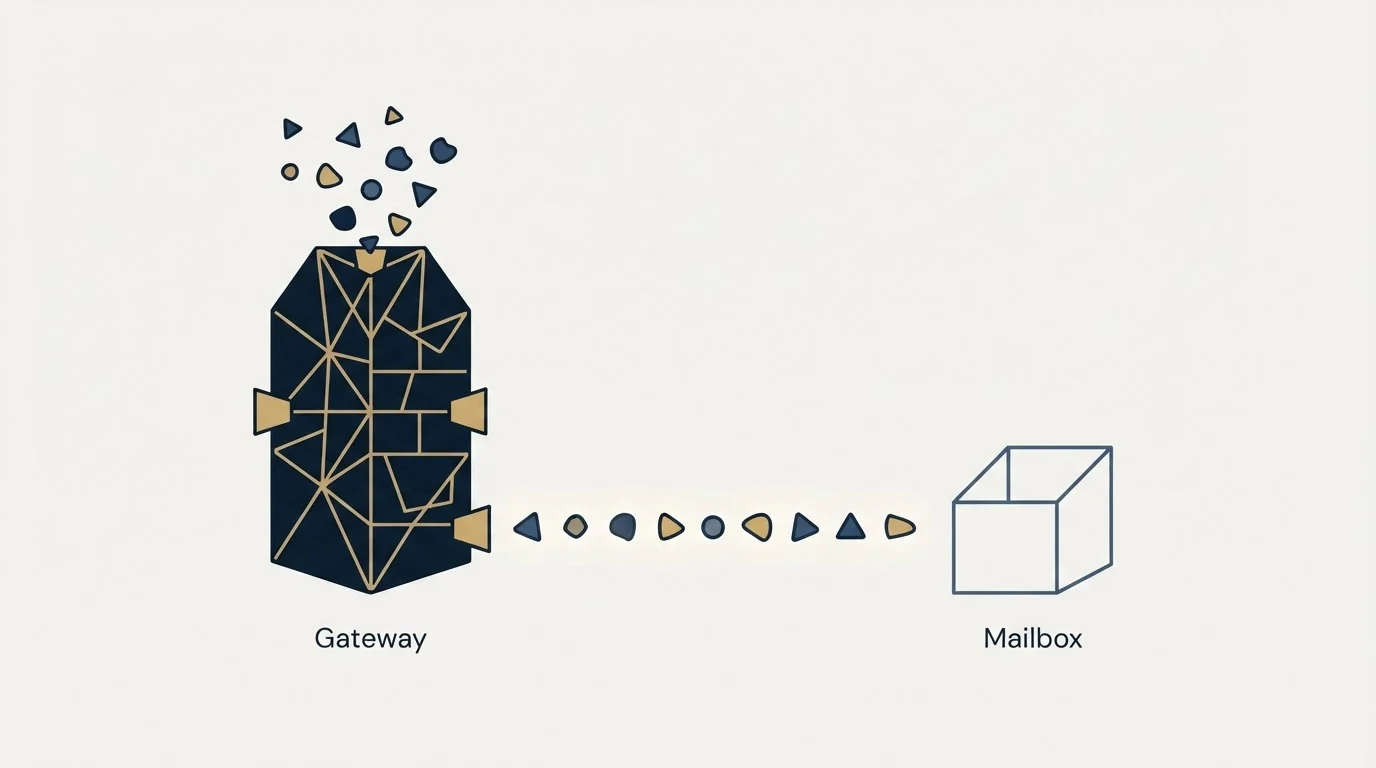
- Sending address behaviour across the vendor's whole customer estate
- Administrator-written policy rules for this one organisation
- Permitted and blocked sender lists maintained by the organisation
- Greylisting and connection-level controls
- URL rewriting and inspection, and attachment sandboxing
- Holds mail in an organisational quarantine rather than a junk folder
- Content and bulk scoring on the message itself
- The individual user's own junk and safe sender settings
- Engagement signals from that mailbox and that tenant
- Authentication results for the visible sending domain
- Its own reputation view of the domain and address
- Delivers to inbox or to the user junk folder
The practical upshot is that the same message can pass one layer and fail the other, and that the two failures look completely different from the sending side. A gateway rejection usually produces an SMTP response naming a policy, at the moment of sending. A mailbox junking produces a clean delivery record and silence.
Greylisting, and the deferral that is not a failure
One gateway behaviour produces more false alarms than any other, and it is documented at the standards level rather than by any single vendor. RFC 6647 defines email greylisting as the practice of providing temporarily degraded service to unknown email clients as an anti-abuse mechanism, and describes it as an established mechanism deemed essential to the repertoire of current anti-abuse email filtering systems (RFC 6647).
In practice a greylisting receiver answers an unfamiliar sender with a temporary failure. A properly configured sending server treats a temporary failure as temporary, waits, and presents the message again, at which point it is usually accepted. The mechanism works because abusive senders historically did not bother.
What matters for a sender is how this looks in a report. A deferral is a 4xx response, not a 5xx, and a sending platform that buckets both into one failure column will show a spike of failures that resolve themselves without anyone doing anything. Reacting to that spike by changing infrastructure, pausing, or rewriting copy attributes a fix to whichever change happened to coincide with the automatic recovery. Separating temporary from permanent responses in your own reporting is a one-time piece of work that prevents an entire category of wrong conclusion.
Diagnosing it from the evidence you have
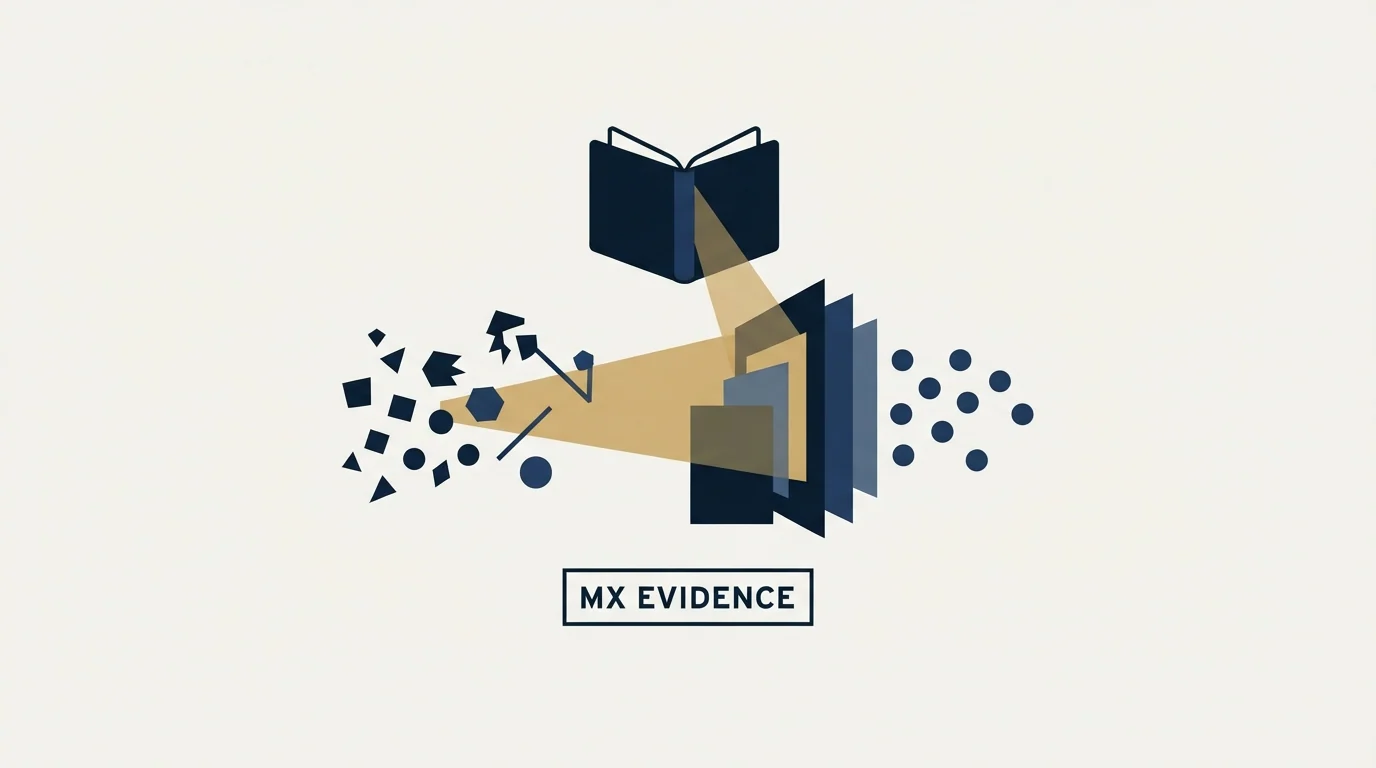
Start with the MX record, because it is free and it is decisive. A recipient domain whose MX points at a security vendor tells you which system you are dealing with before anything else. Reading MXToolbox like a deliverability engineer covers the lookup and how to interpret what comes back.
Then read the bounce text first-hand rather than a summarised bounce category. A rejection generated by a recipient-side security product typically names the product, or carries a URL to the vendor's explanation of the code. That text is the highest-quality evidence available in the whole discipline and most sending tools bucket it into a one-word category that discards it. A hard bounce caused by a policy block is a completely different problem from one caused by an address that does not exist, and only the text distinguishes them.
Then look at the shape of the failure. A gateway policy block at one company affects that company. If the same signature appears across many unrelated recipient domains at once, the problem is upstream of any one gateway and belongs to your sending domain or address reputation instead.
- Yes: MX record for the recipient domain checked, so the filtering layer is known rather than assumed
- Yes: Raw bounce text read, not the sending tool's bounce category
- Yes: Failure shape established: one organisation, or many at once
- Yes: SPF, DKIM and DMARC passing and aligned on the visible From domain
- Yes: Link shorteners and open redirectors removed, since gateways rewrite and inspect URLs
- Yes: Attachments avoided entirely in first contact with an unknown recipient
- No: Concluding a gateway block from silence alone, with no bounce and no MX check
What actually clears it
Sender-side work comes first because it is the part you own, and because a gateway that already trusts your authentication has fewer reasons to look further. Authentication passing and aligned, a reverse DNS record that resolves both ways, a sending domain with its own history separate from your company's main domain, and a message body with few links, no redirectors and no attachments. Our SPF, DKIM and DMARC setup guide covers the authentication layer, and the deliverability audit covers the rest in the order it matters.
Diagnosing spam word myths explains how vocabulary mainly matters when a sending domain still lacks history behind it.
The reliable route through any organisational gateway, though, is the organisation's own permitted sender entry. Mimecast documents the administrator side of this in its own product documentation, and the shape is common across the category: a policy that names a sender or a domain and exempts it from some or all of the checks, maintained by the customer rather than by the vendor.
That has an obvious implication and a less obvious one. The obvious one is that a person who wants to hear from you can arrange it, and after a first reply this is a reasonable and quick thing to ask for. The less obvious one is that it is not a scalable sending strategy, and treating it as one produces the awkward pattern of asking strangers to add you to a list before they know who you are.
There is a third case worth naming because it is the one that pays. Where an organisation has been sold to before, or has an existing commercial relationship with you, the gateway is frequently the reason a genuine conversation stalls, and nobody involved knows it. An account manager whose messages stopped landing, a renewal thread that went quiet, a supplier who says they never received the quote: those are all consistent with an administrator having tightened a policy. A single question to the person on the other side, asking them to check the held-mail digest, resolves more of these than any amount of infrastructure work, because in those cases the relationship already exists and only the transport failed.
Where this fits

Mimecast is one of several products doing the same job, and the reasoning here transfers to the others with the vendor name swapped. What matters is the architectural fact: a spam filter at a B2B recipient frequently means two systems, the gateway and the mailbox provider behind it, and each publishes a different amount about what it did.
The companion piece on INKY's colour coded banner system explains why annotated mail reaches the inbox without ever generating a bounce back to the sender.
The upstream position is what carries you through both. Sender reputation and domain reputation are evaluated by every layer independently, a spam trap in the list damages you at all of them at once, and a rising spam complaint rate is visible to systems you will never get a report from. Checking your domain and addresses against the public blocklists is the cheapest way to rule out the shared cause before investigating a specific vendor.
RevenueFlow sends one message per campaign and does not bump, which means every message has to survive the gateway on its own merits rather than on repetition. If you want that standard applied to your outbound, prepay a single qualified meeting, or read what a cold email agency should be accountable for first.
Mimecast product claims verified against Mimecast's own published pages as of mid-2026. Verify current terms with the vendor before relying on them.
Frequently asked questions.
Frequently asked questions- How do I know if a company uses Mimecast?
- Look up the MX record for their domain. Where a security gateway is in use, the MX points at the vendor rather than at Microsoft or Google, because that is how the product is deployed. The record is public, the lookup takes seconds, and it can be checked before a campaign rather than after.
- Why does Mimecast block my cold email?
- A gateway evaluates the connection and organisation-specific policy before content. Failed or unaligned authentication, a sending address with no history, link shorteners and redirectors that hide a destination, and attachments in first contact are the usual mechanical causes, and all of them are yours to fix.
- Where does a message held by a gateway actually go?
- Into a quarantine the recipient organisation controls, rather than into the user's junk folder. Depending on configuration the recipient may see a digest of held mail and be able to release it, or an administrator may hold that ability on the organisation's behalf.
- Does a security gateway replace the mailbox provider's filtering?
- No. It sits in front of it. Mail that survives the gateway is handed on to Microsoft 365 or Google Workspace, which applies its own filtering afterwards. The two layers use different evidence, so a message can pass one and fail the other, and the two failures look nothing alike.
About the author.

Tim Carden is CMO / CTO at RevenueFlow, which builds and operates outbound revenue engines for B2B companies. Studied at McGill University.
Tim Carden · CMO / CTO
Connect on LinkedIn →Explore more.
Ready to scale your outreach?
We build GTM engines that book real meetings. See the receipts.
Related articles.
GMass Inbox Tester: The Public Seed List Cuts Both Ways
GMass publishes the fifteen seed addresses behind its free placement tester. That makes the test repeatable, and it also makes the absolute result pessimistic.
Proofpoint Spam Filter: Diagnosing Placement
Two different Proofpoint systems can stop a cold email, and the remedies have nothing in common. Telling them apart takes a minute and saves a month.
Office 365 Spam Filter: What Actually Triggers It
The same message lands in the inbox at one Microsoft tenant and in quarantine at the next. A setting the recipient chose decides which, and the headers say so.
Sending Cold Email From the CRM You Already Pay For
A CRM sequence tool sends from your primary domain and your own mailbox, and vendor terms usually require documented consent. What a separate cold stack buys.
Mass Email From Outlook: The Limits Microsoft Publishes
Microsoft publishes the ceiling on one mailbox and, a few paragraphs later, recommends that bulk commercial mail go to a specialist provider instead.
IMAP or SMTP: One Sends, One Reads, and the Ports
A mail setup pane asks for two servers because the two protocols run in opposite directions. The RFCs define both jobs, and the ports are where providers disagree.